
We Tested 15 Craft Alternatives. Here are the best 7
The best Craft Alternatives are Saner.AI, Bear, Capacities, MyMind, Coda, Notion, and Obsidian


The 7 Best Craft Notes Alternatives
If you’re searching for the Best Craft Alternatives, you’re not alone.
Craft (Craft Docs) has earned a loyal following for its beautiful design, clean writing experience, and Apple-friendly workflow. But many users eventually feel the friction: limited integrations, pricing concerns, block-based constraints, team collaboration gaps, or simply wanting features Craft doesn’t prioritize.
Whether you’re a writer, student, knowledge worker, or someone building a second brain, this guide breaks down the best Craft docs alternatives, how they compare, and which option fits your workflow.
Let’s dive in!
What Is Craft?
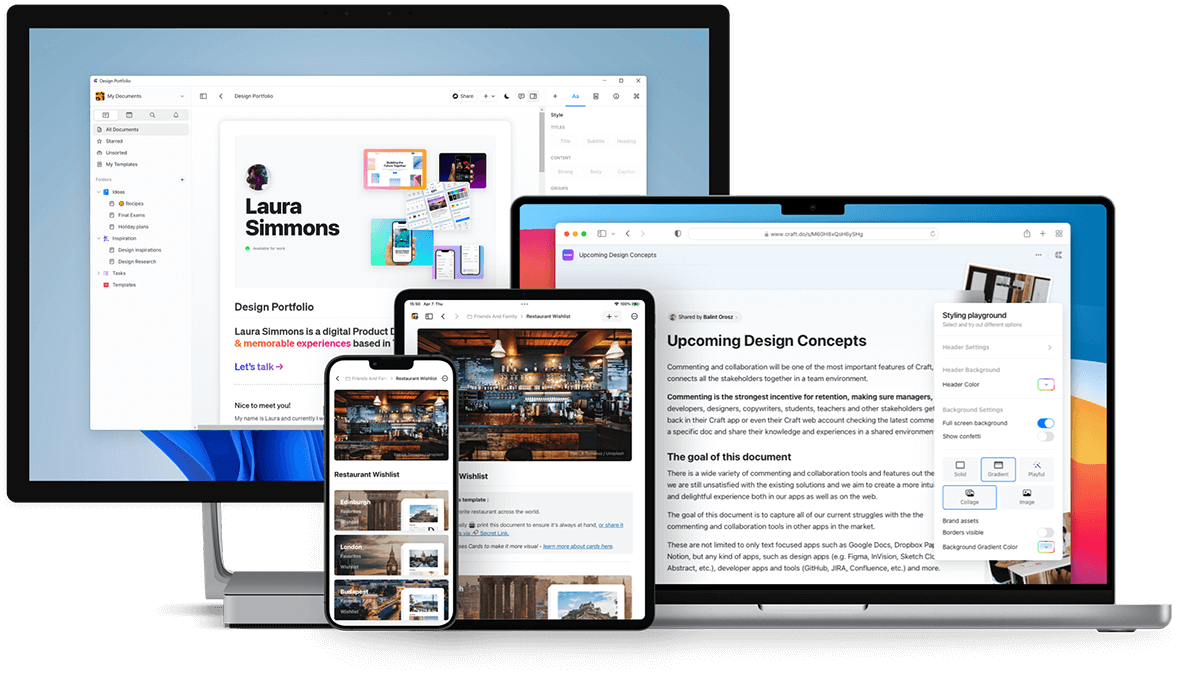
Craft is a note-taking and document app. Craft is loved for its aesthetics and simplicity. But it’s not perfect for everyone.
Common reasons people look for Craft alternatives
- Limited cross-platform support (Apple users get the best experience)
- Collaboration isn’t as strong compared to team-focused tools
- More advanced knowledge management features are missing
- Writers wanting Markdown-first workflows sometimes outgrow it
- Lack of deep database functionality for complex projects
- AI features are improving but not leading the industry
Different users have different needs - teams need real-time collaboration, writers want simplicity, researchers want backlinks, and knowledge workers want AI synthesis.
That’s why tools like Saner.AI, Capacities, Notion, Bear, Obsidian, and others are rising as Craft competitors.
How I Tested These Craft Alternatives
I tested each Craft alternative by running them through my real daily workflows. That included writing notes, organizing research, and recreating my Craft setup with linked pages, tags, and documents. I used every tool for several days across Mac, iPhone, and web (when available) to check speed, sync reliability, and ease of use.
For AI tools, I compared search quality, summarization, and how well the AI understood context. I also checked export options, data ownership, and whether the tool felt sustainable for long-term use.
This way, each recommendation reflects how the tool actually performs—not just what the feature list promises.
What are the best Craft Alternatives?
The best Craft Alternatives are Saner.AI, Bear, Capacities, MyMind, Coda, Notion, and Obsidian
Comparison Table: Best Craft Alternatives
| 🧰 Tool | 💻 Platforms / OS | 🎯 Best For / Use Case | 📈 Ease of Use / Learning Curve | ⭐ Key Strengths / Features | ⚠️ Key Limitations |
|---|---|---|---|---|---|
| Saner.AI | Web, iOS, Android | Researchers, knowledge workers, users with lots of notes who want AI to organize & summarize | Easy — minimal setup, clean UI | AI-powered search & synthesis, automatic insight generation, great for scattered notes | Need internet for full features |
| Bear | macOS, iOS | Writers, journaling, simple note-taking | Very easy — minimal UI, Markdown-based | Fast, beautiful, clean writing UX, tagging, privacy-friendly, offline-first | Apple-only, no advanced PKM or backlinks |
| Capacities | Web, Desktop | Second-brain users, structured PKM, students | Medium — requires some setup & conceptual understanding | Object-based knowledge model, backlinks, flexible structure, AI tools | Less ideal for pure writing, not built for teams |
| MyMind | Web, iOS | Visual thinkers, link/image collectors, inspiration vault | Very easy — “save first, organize automatically” | Auto-tagging, visual organization, minimal effort, great for bookmarking | Not for long-form writing, no deep structure, limited editing tools |
| Coda | Web, Desktop | Teams, PMs, structured docs & workflows | Medium — powerful but can be complex | Doc + database hybrid, interactive components, strong organizational capabilities | Overkill for personal notes, heavier learning curve |
| Notion | macOS, Windows, iOS, Android, Web | Teams, students, creators, all-in-one workspace | Medium — intuitive but requires discipline to stay organized | Blocks + databases, templates, collaboration, AI writing/summarizing | Can become messy, sometimes slow, requires setup |
| Obsidian | macOS, Windows, Linux, iOS, Android | Researchers, PKM builders, Markdown users | Medium–Hard — depends on plugins & custom setup | Local-first Markdown vault, backlinks, graph view, huge plugin ecosystem | UI less polished, setup required, not ideal for teams |
1. Saner.AI
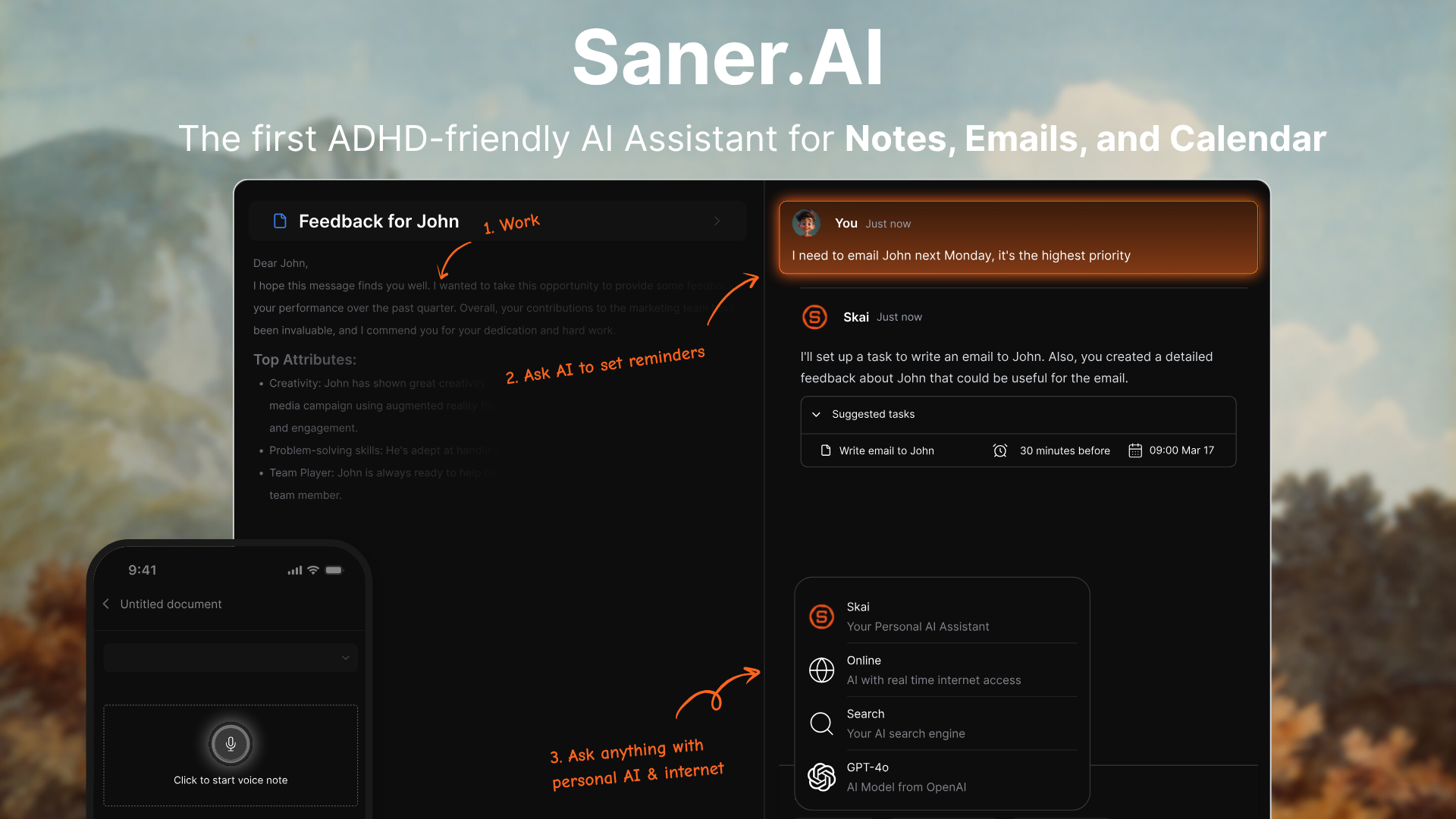
Saner.AI is an AI second brain that helps you capture, organize, and retrieve notes, tasks, emails, and ideas without manual sorting. It’s designed for people who deal with information overload or ADHD and want an automated alternative to Craft.
Key features
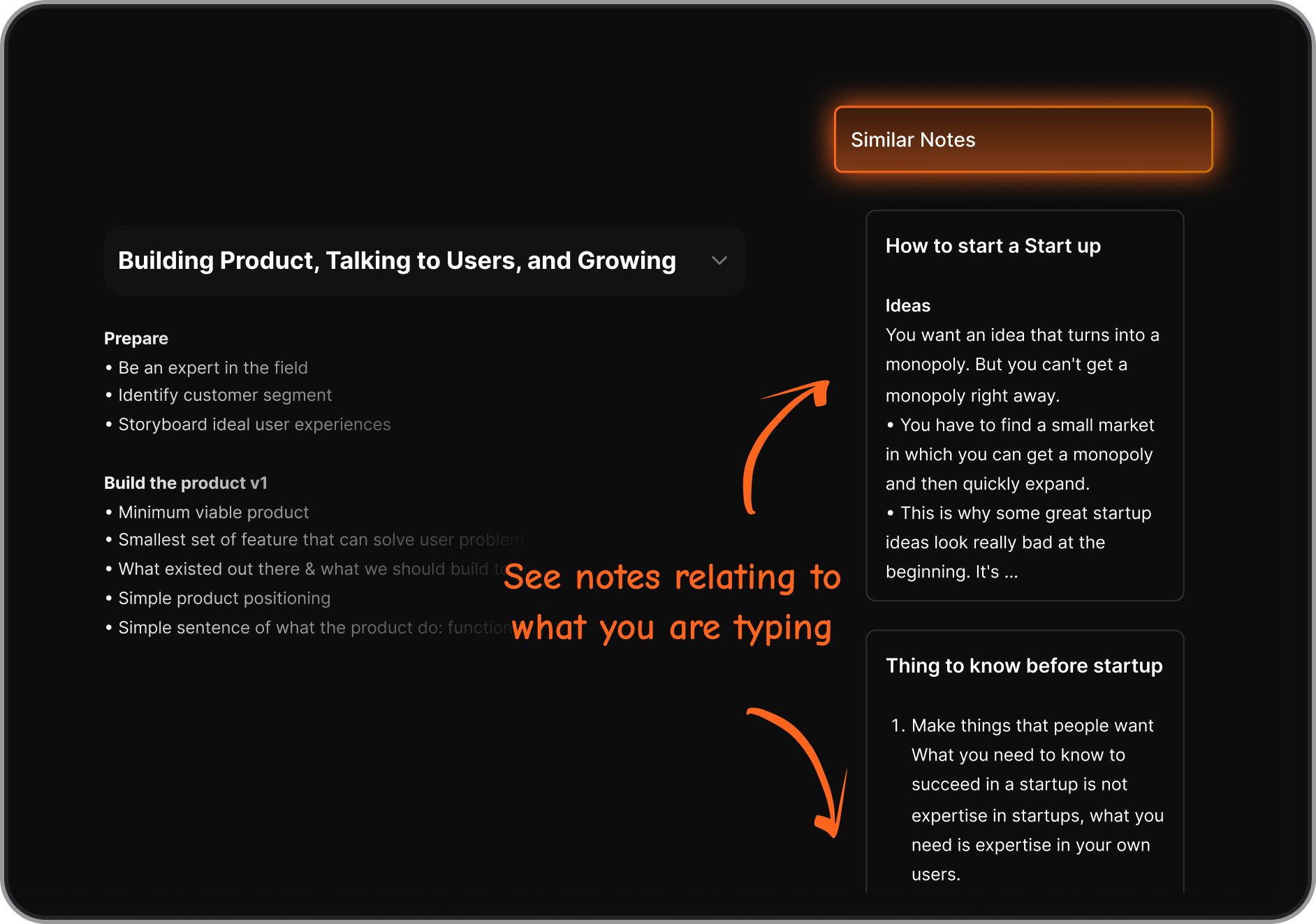
- Semantic search so you can ask natural-language questions across all your information
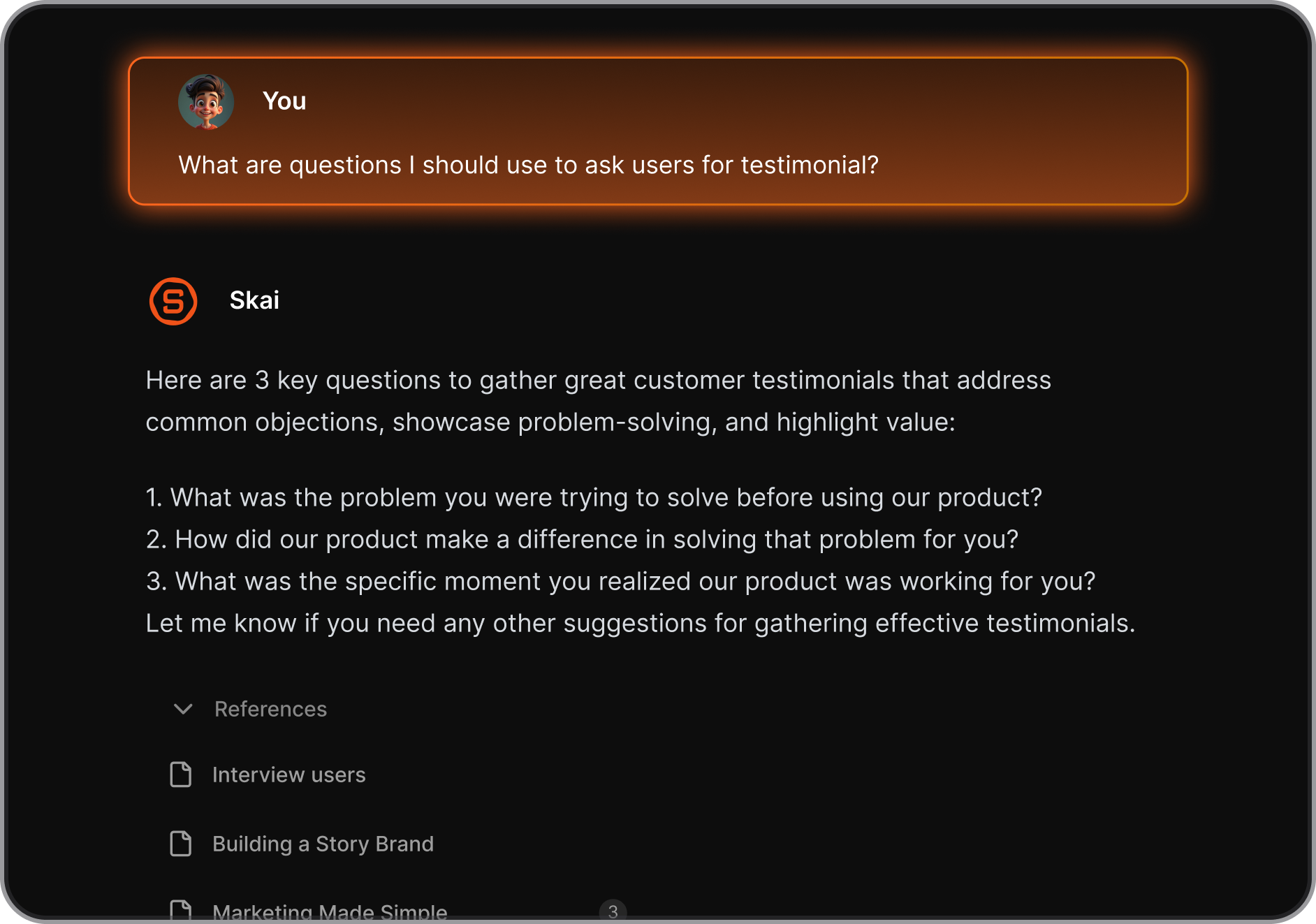
- AI assistant (Skai) that automatically tags and organizes notes and tasks
- Talk-to-Task: Just braindump and it’ll create structured to-dos with reminders
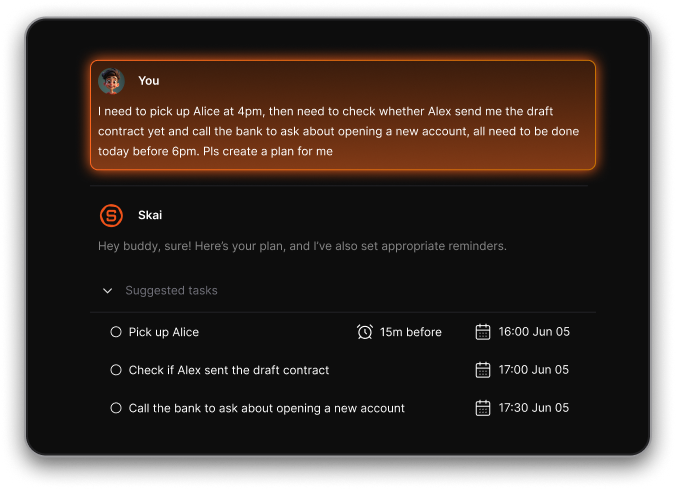
- Automatic task extraction from notes and messages
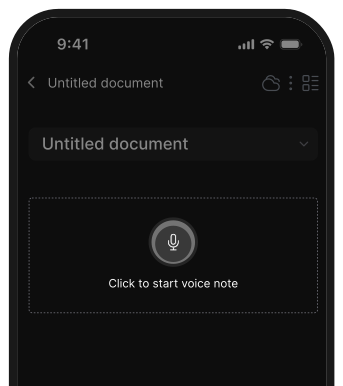
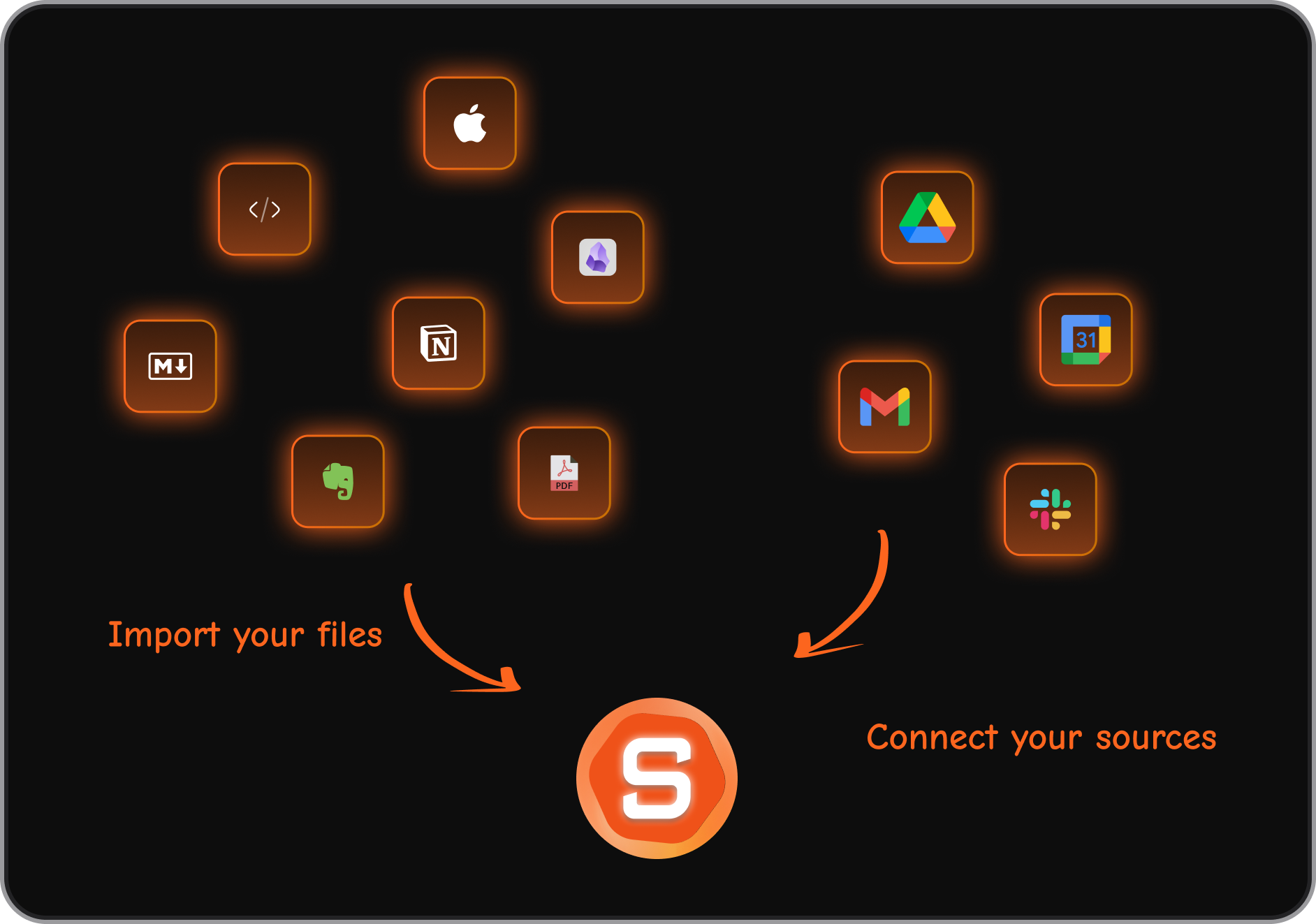
- Multi-source capture: notes, voice notes, emails, calendar events, files
- Cross-platform support on web, iOS, Android, and a Chrome extension
What I liked
- Removes the need for manual organization - everything is auto-sorted
- Works as an all-in-one workspace for notes, tasks, and daily planning
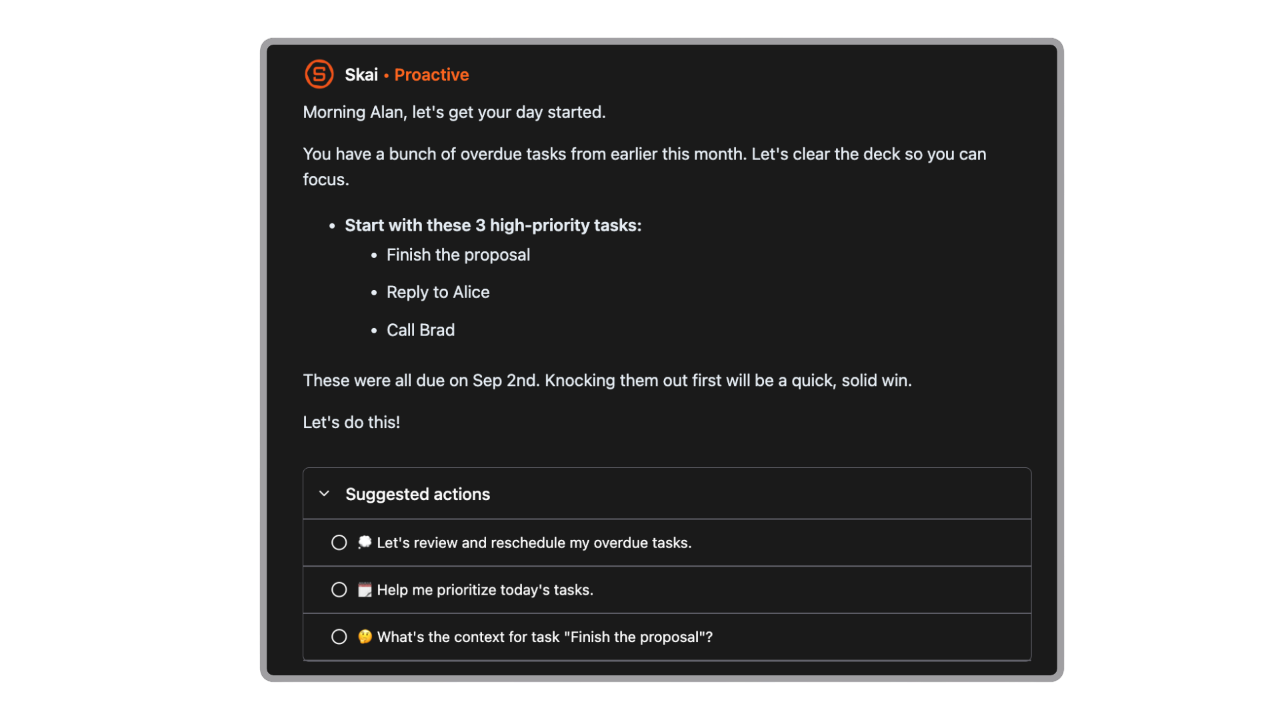
- It proactively gives me a day brief every morning
Cons
- Requires internet access for full functionality.
Pricing
- Free plan with basic features
- Starter plan around $8–12/month
- Standard plan around $16–20/month
Suitable for
- People with lots of notes, tasks, or information spread across tools
- ADHD users or anyone who feels overwhelmed by organization
- Entrepreneurs, researchers, creatives, and knowledge workers
- Anyone wanting an automated “second brain” instead of manual folders and spaces
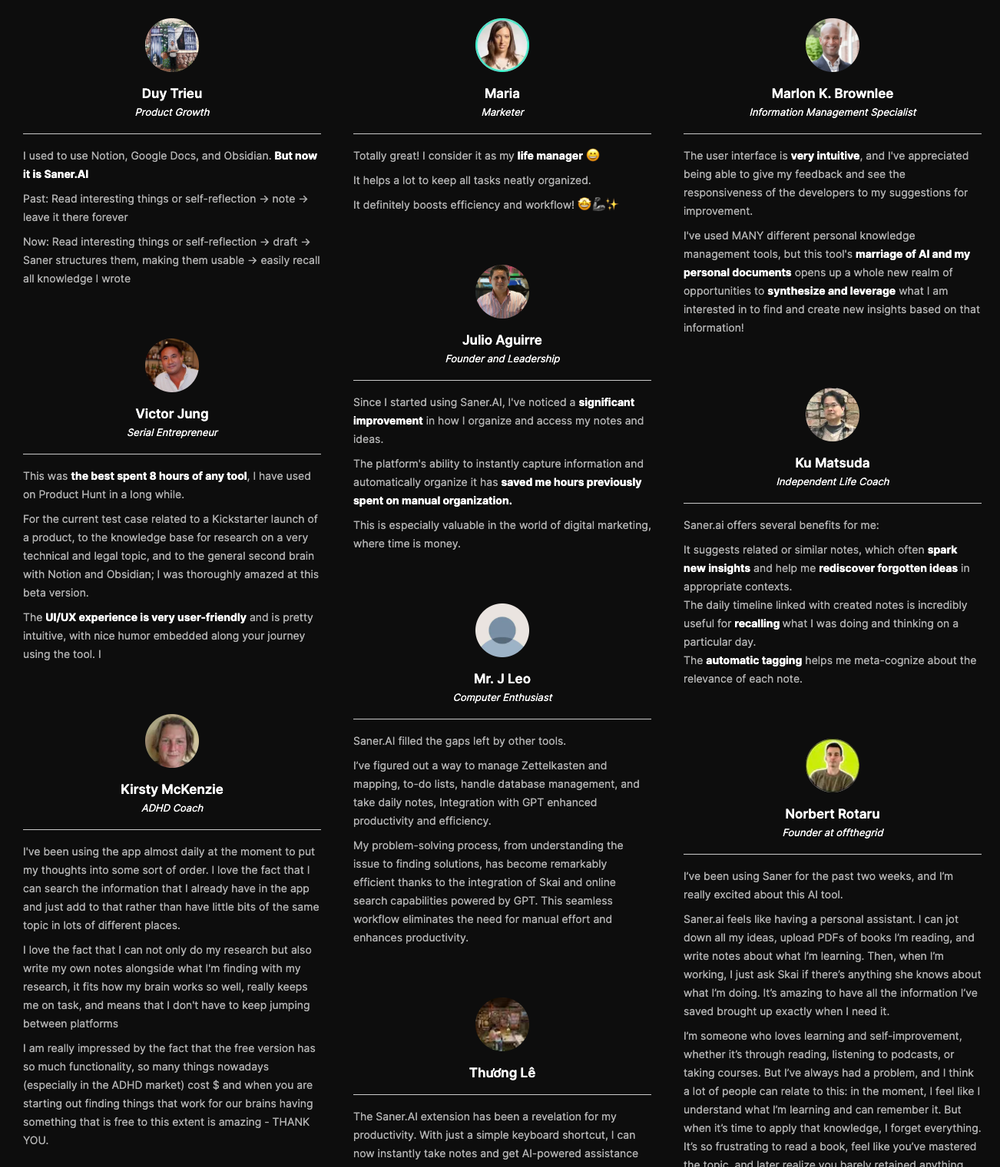
Saner.AI Reviews
How to start
- Go to Saner.AI
- Create a free account
- Start capturing notes or voice memos so the AI can organize for you

The top Craft Note Alternative
2. Bear
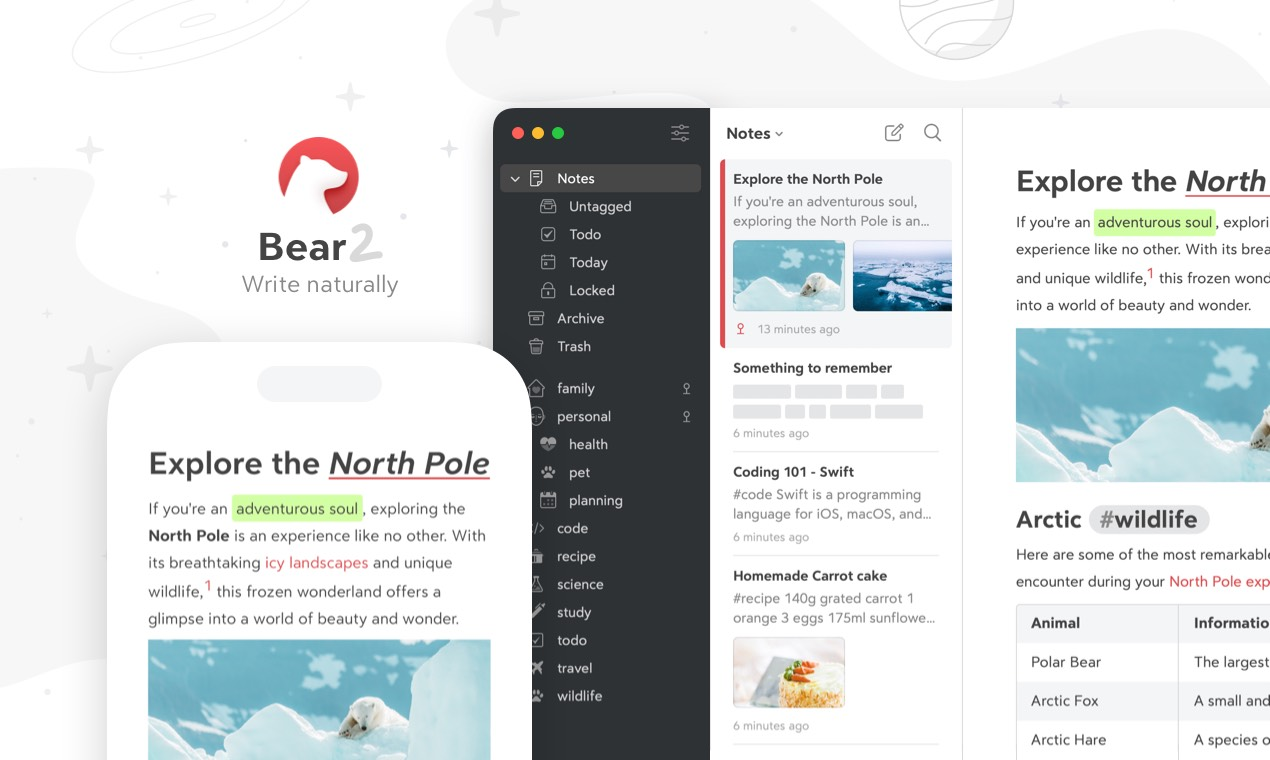
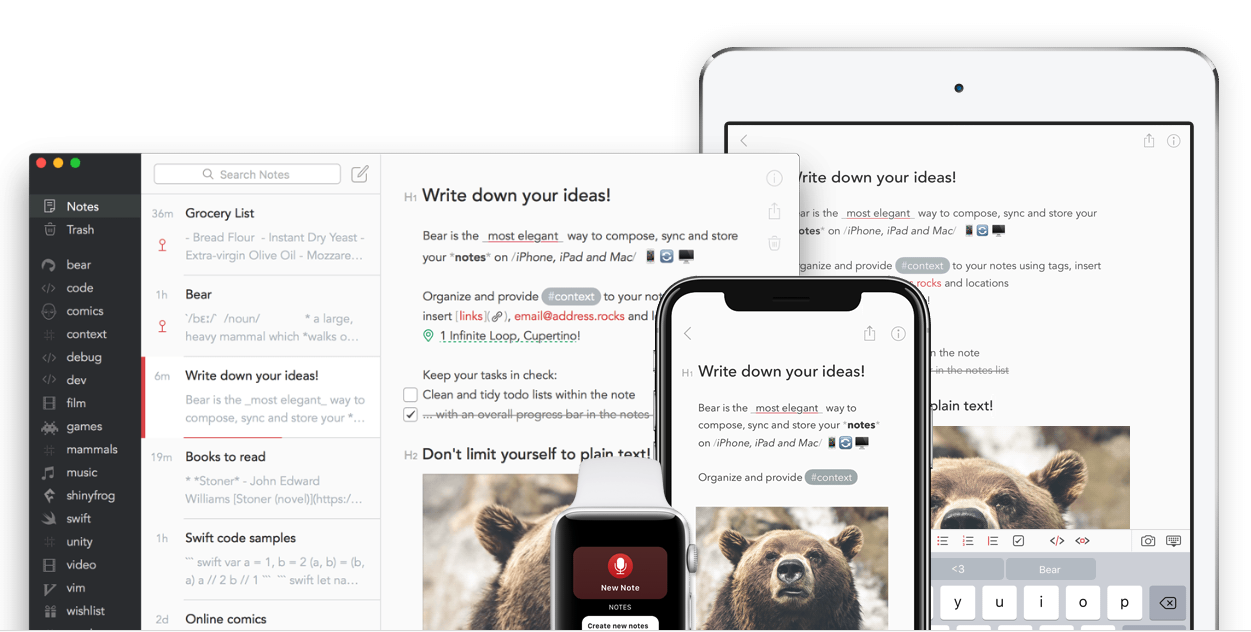
Bear is a minimalist note-taking app for Apple users that focuses on fast writing, Markdown, and flexible tag-based organization. It works as a Craft alternative if you prefer simplicity over structured, multi-page documents.
Key features
- Markdown-based editor for fast, clean writing
- Tag system (with nested tags) instead of traditional folders
- Note linking and backlinks for creating connected ideas
- iCloud sync across Mac, iPhone, and iPad
What I liked
- Clean, distraction-free writing environment
- Tags make an organization flexible - one note can belong to multiple categories
- Markdown + rich export options make portable knowledge base
What I disliked
- No folder or page-based hierarchy like Craft, which some people prefer for structure
- Lacks Craft’s more advanced document features and block-style layouts
- Large or complex note systems can feel messy with tags alone
- No AI assistant to talk to your notes
Pricing
- Free version for basic notes
- Bear Pro: about $2.99/month or $29.99/year
Suitable for
- Writers, students, and note-takers who want a simple, elegant app
- People who prefer tagging over folders
How to start
- Download Bear from the App Store
- Create a note and start writing in Markdown or rich text
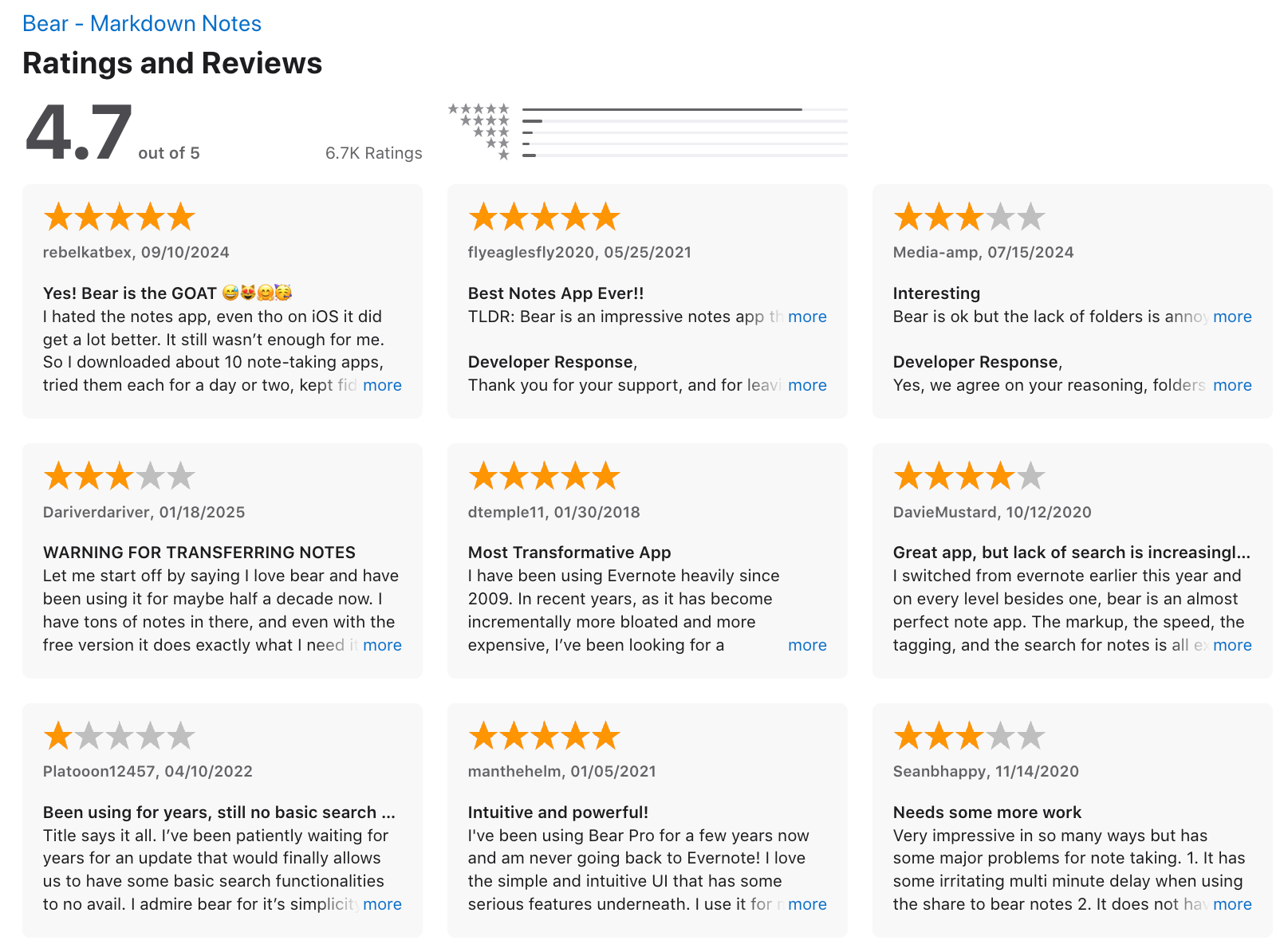
Bear reviews (source)
3. Capacities
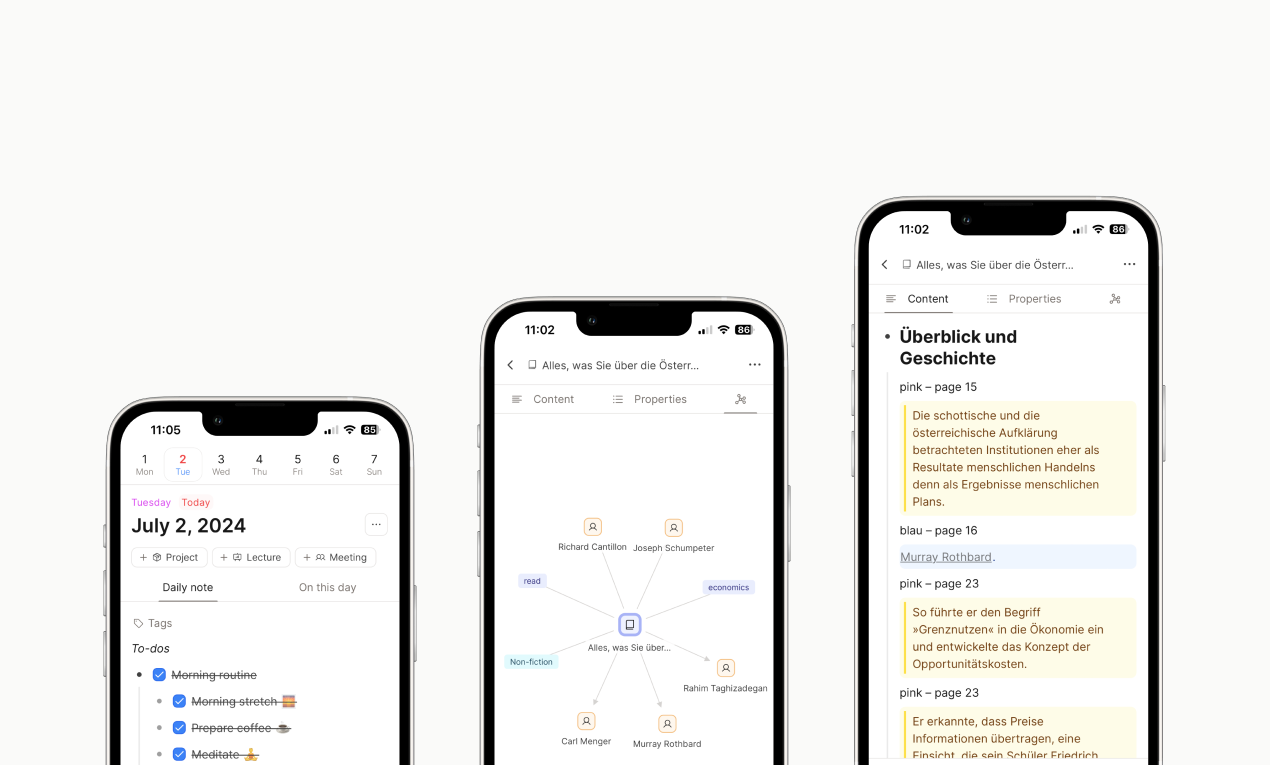
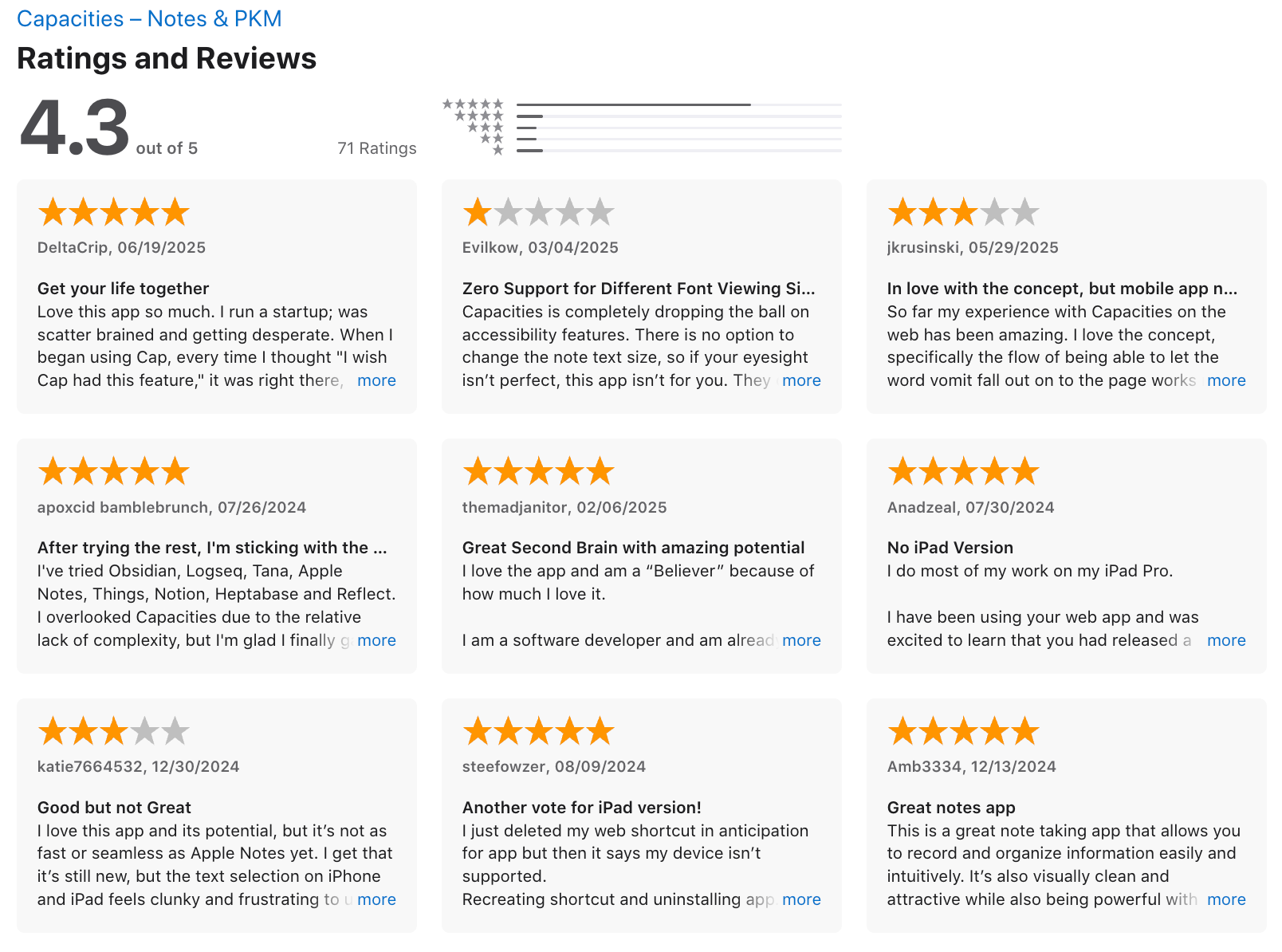
Capacities is a personal knowledge-management tool that uses an object-based system to organize notes, media, tasks, and ideas into a connected “second brain.” It’s designed for users who want more structure and interlinking than traditional document-based apps like Craft.
Key features
- Object-based organization (notes, books, people, projects, etc.) instead of folders
- Custom object types you can design for your own workflows
- Strong linking system to connect ideas across notes
- Daily notes, journaling, tasks, and long-form writing support
What I liked
- The object-first structure makes organizing complex information much easier than standard documents
- Cross-device access works smoothly
What I disliked
- Has a learning curve - you need time to set up your objects and structure
- Not as visually polished or “beautiful” as Craft’s document layouts
- Benefits depend on consistent linking; without it, the system feels underpowered
Pricing
- Free plan available
- Pro plan: 11.99$/month
Suitable for:
- Individuals building a second brain or long-term knowledge base
- Researchers, writers, and thinkers who rely on richly linked notes
- Users who want more structure than simple documents can offer
How to start:
- Go to Capacities
- Create a free account
Capacities Review (source)
4. Obsidian
Obsidian is a Markdown-based note app that lets you build a personal knowledge base using local files. It’s a strong Craft alternative if you want more control, customization, and deep linking between ideas.
Key features
- Stores all notes locally as plain Markdown files
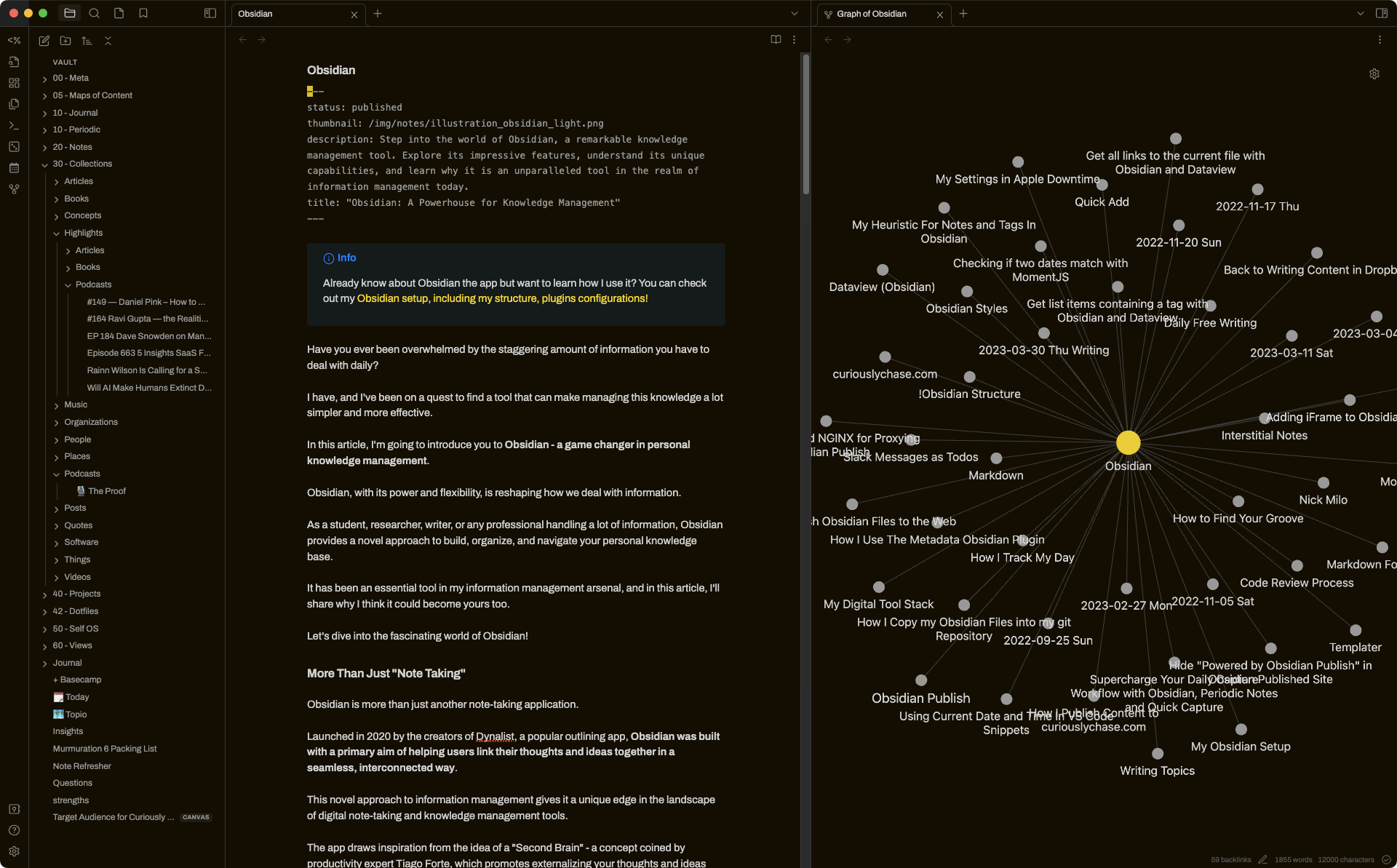
- Bi-directional linking and a graph view for mapping ideas
- Works on macOS, Windows, Linux, iOS, and Android
- Large plugin ecosystem for customizing workflows
What I liked:
- You fully own your data since everything is stored locally in plain text
- Linking and graph view make knowledge-building intuitive
- Cross-platform support is great if you’re not only using Apple devices
What I disliked
- Higher learning curve compared to Craft’s polished, out-of-the-box UI
- Interface feels more technical and less visually polished
- There are no native task reminders
- Don't have an AI assistant built in
Pricing
- Free plan with all core features
- Sync plan: $5/month
- Sync + Publish plan: $10/month
Suitable for:
- Researchers, writers, and anyone building a long-term knowledge base
- People who value customization over simplicity
How to start:
- Download Obsidian
- Create a new vault
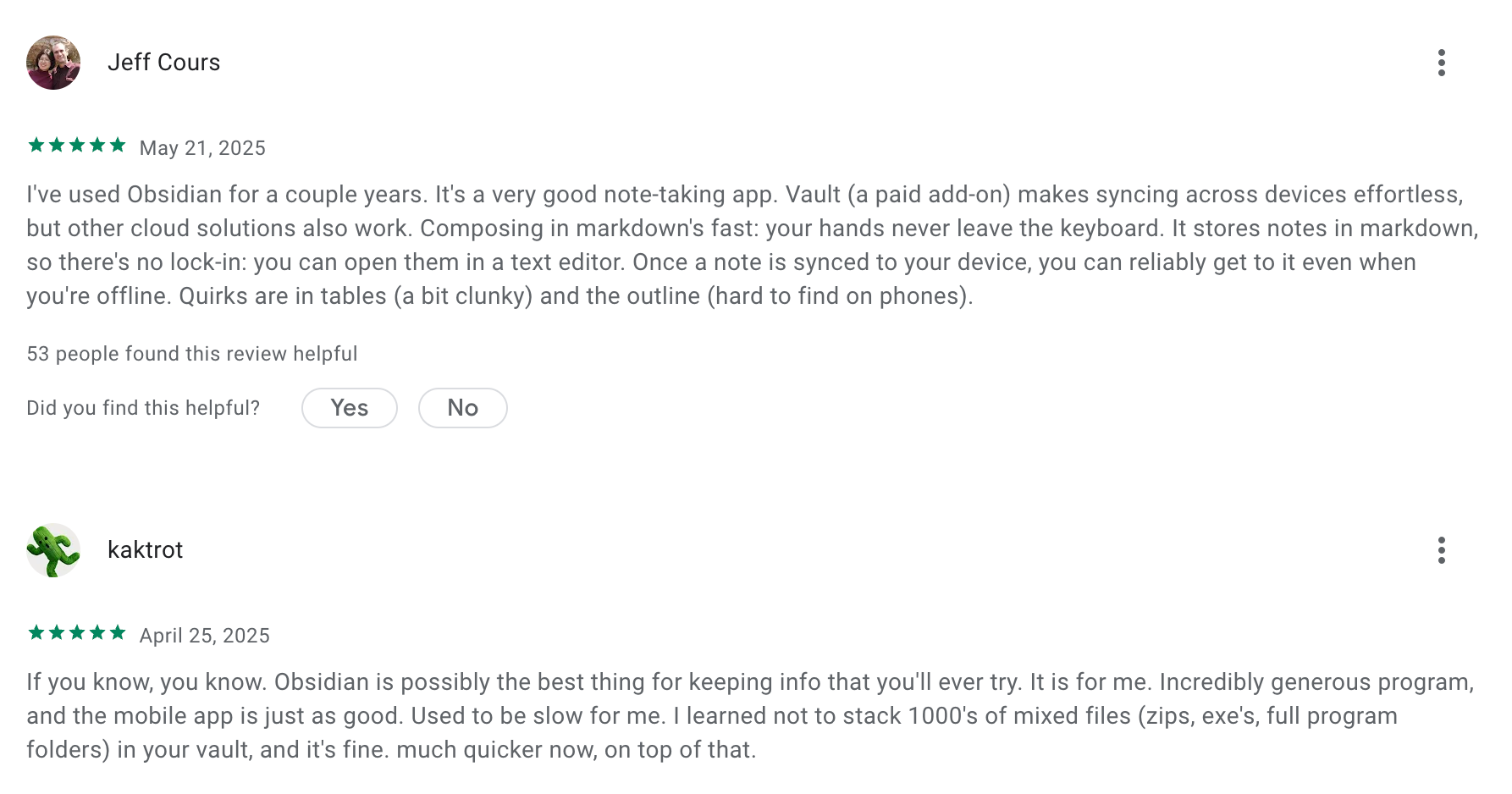
Obsidian review (source)
5. MyMind
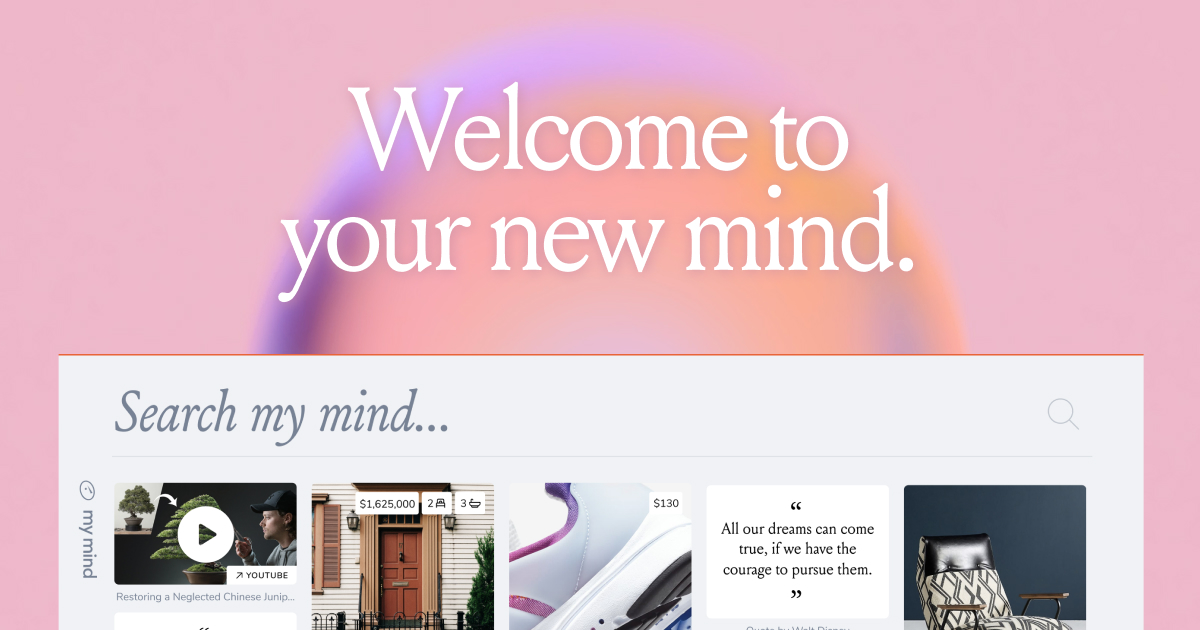
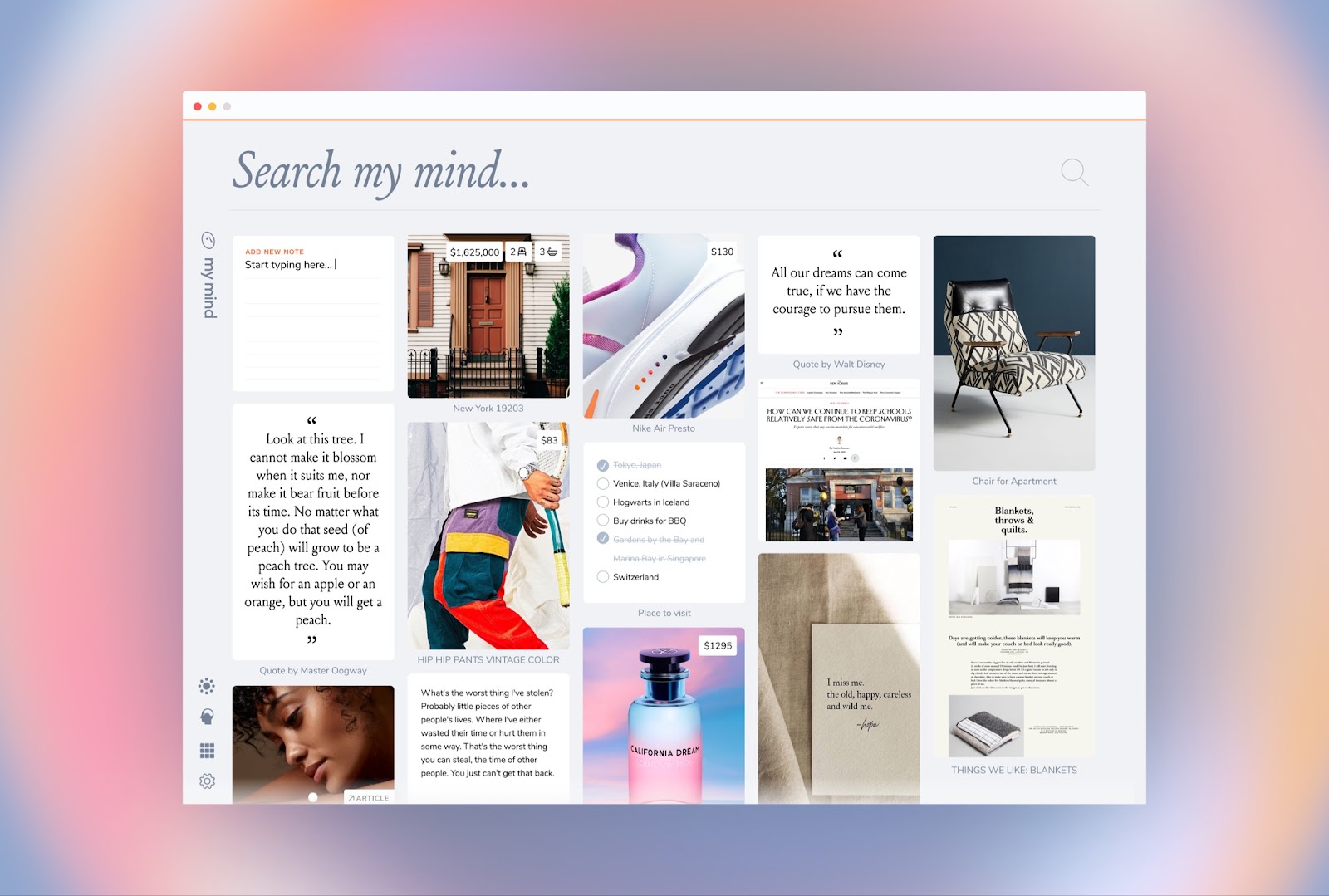
MyMind is a personal “second-brain” tool that stores bookmarks, notes, images, PDFs, and ideas.
Key features
- AI-generated tags and categories for every item you save
- Supports multiple content types: links, articles, screenshots, notes, images, quotes, files
- Strong search that works with keywords or natural language
- Smart Spaces that group related items automatically
What I liked
- Very low friction — you can save anything without thinking about organization
- AI tagging + search make finding things easy, even without manual input
- The visual layout is clean, minimal, and great for inspiration-heavy workflows
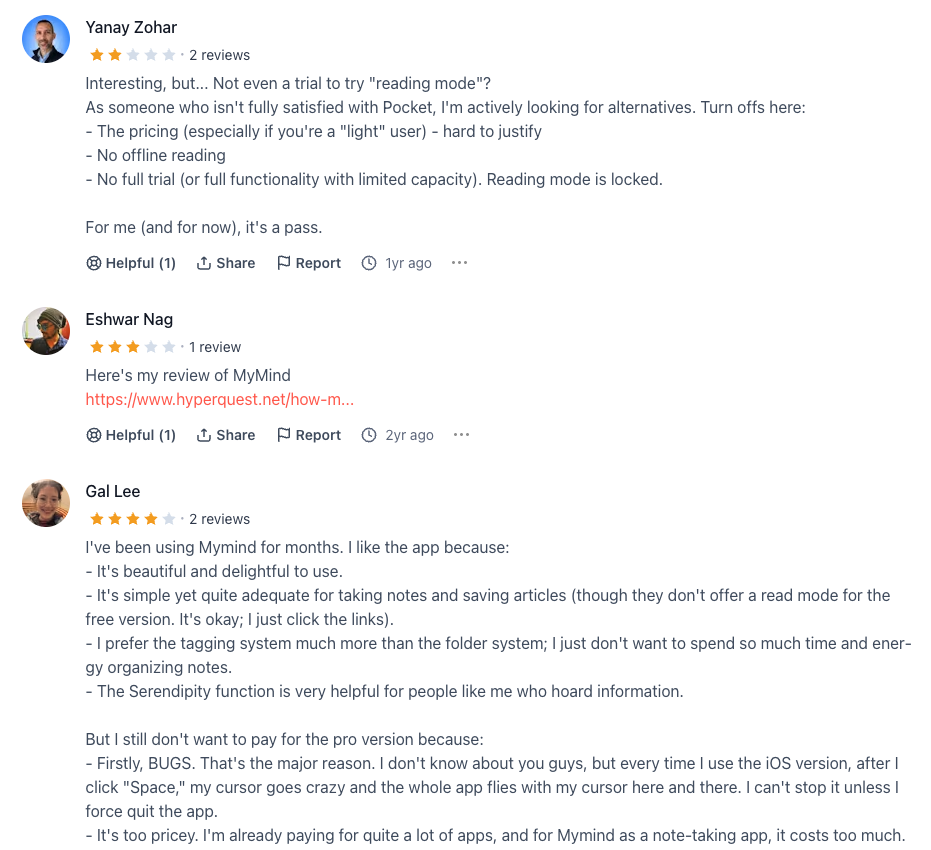
What I disliked
- Not built for rich formatting or structured documents (unlike Craft)
- Limited collaboration - it’s intentionally a personal tool
- Auto-tagging isn’t perfect and can miss context
- No advanced workflows like project management, tasking, or relational notes
Pricing
- Free plan available (limited to ~100 saves)
- Starts at $6.99/month.
Suitable for
- People who want a simple “save now, organize later” personal brain
- Creatives who work with visual content and inspirations
- Users who prefer minimalism over complex document structures
How to start
- Go to MyMind
- Create an account
MyMind Review (Source)
6. Coda
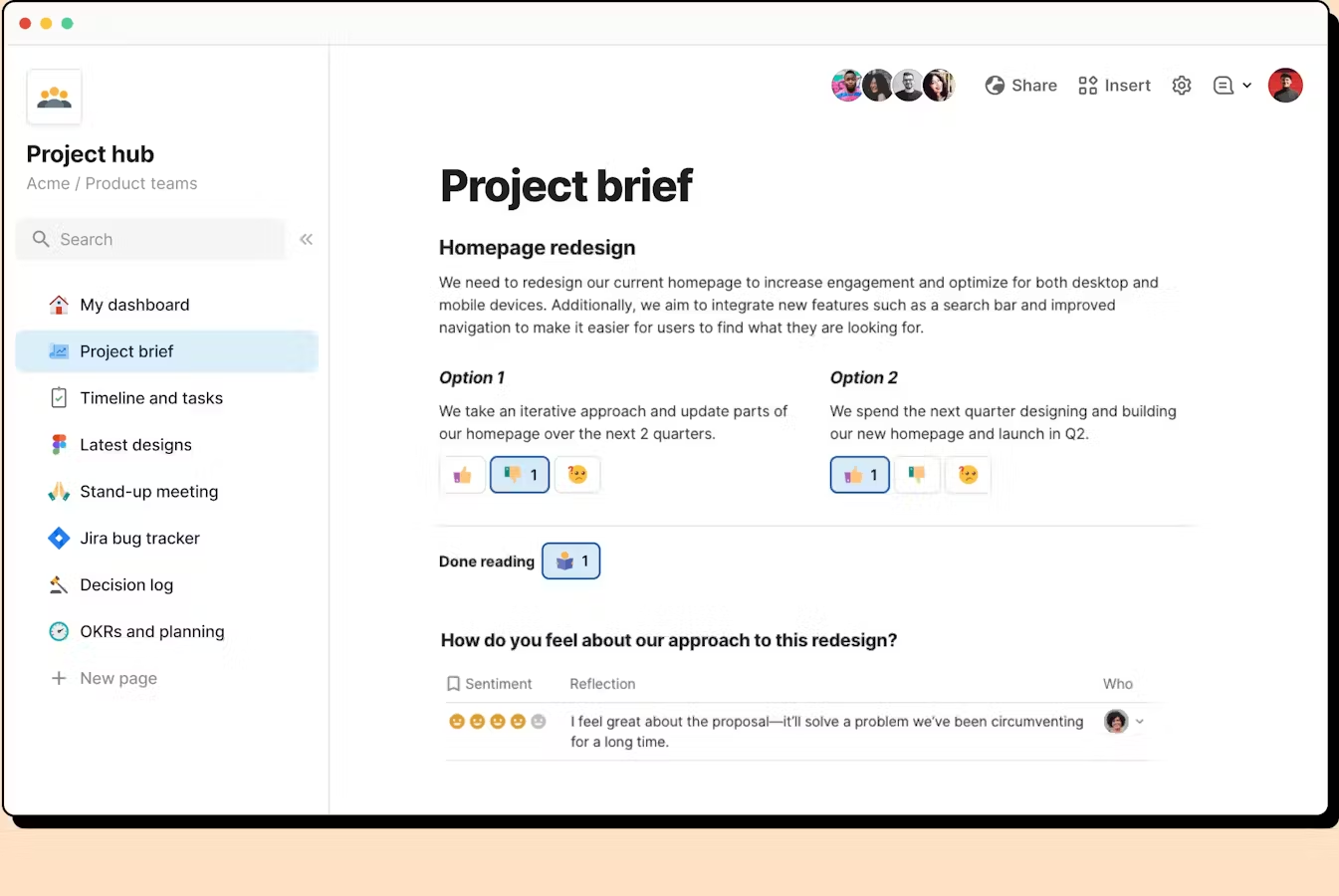
Coda is an all-in-one workspace that combines documents, tables, databases, and lightweight apps. It’s often used as a Craft alternative when teams need more than just writing
Key features
- Docs that blend with tables, spreadsheets, and relational databases
- “Docs-as-apps” functionality with buttons, formulas, and interactive components
- Packs integrations for calendar, CRM, Slack, email, and other business tools
- Built-in automations for reminders, updates, syncing, and repetitive tasks
What I liked
- More powerful than a traditional doc - great for mixing writing + data
- Highly customizable workflows compared to fixed note-taking structures
What I disliked
- Steeper learning curve if you only need simple notes or writing
- Interface is more functional other apps
- Can feel heavy or over-engineered for solo note-taking
Pricing
- Free plan
- Paid plans from 12$/month
Suitable for
- Teams that need docs + data + workflows in one place
- Businesses running project trackers, CRMs, content calendars, or databases
- Users who want customization and automation beyond traditional note apps
How to start
- Go to Coda and create a free account
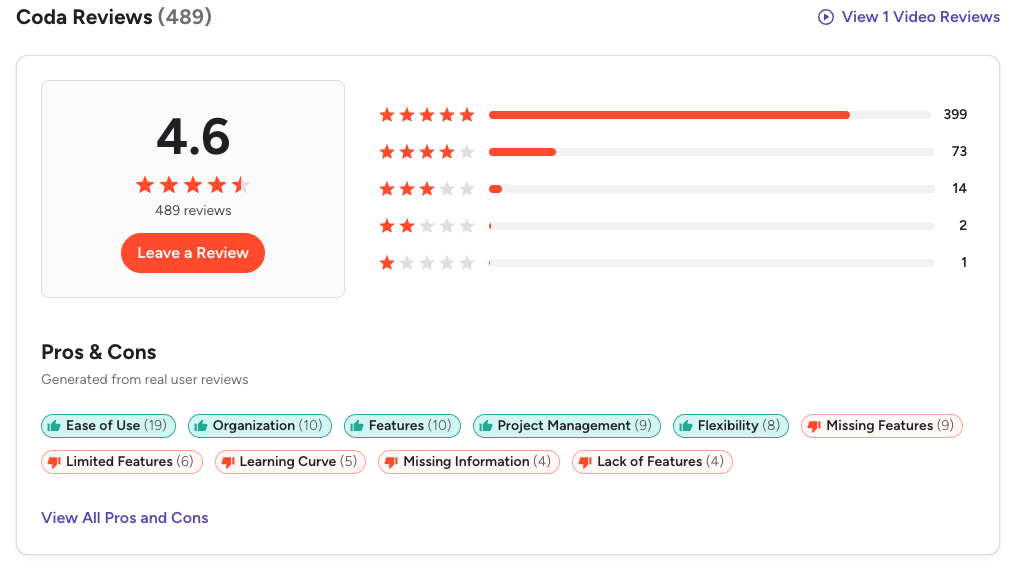
Coda Reviews (source)
7. Notion
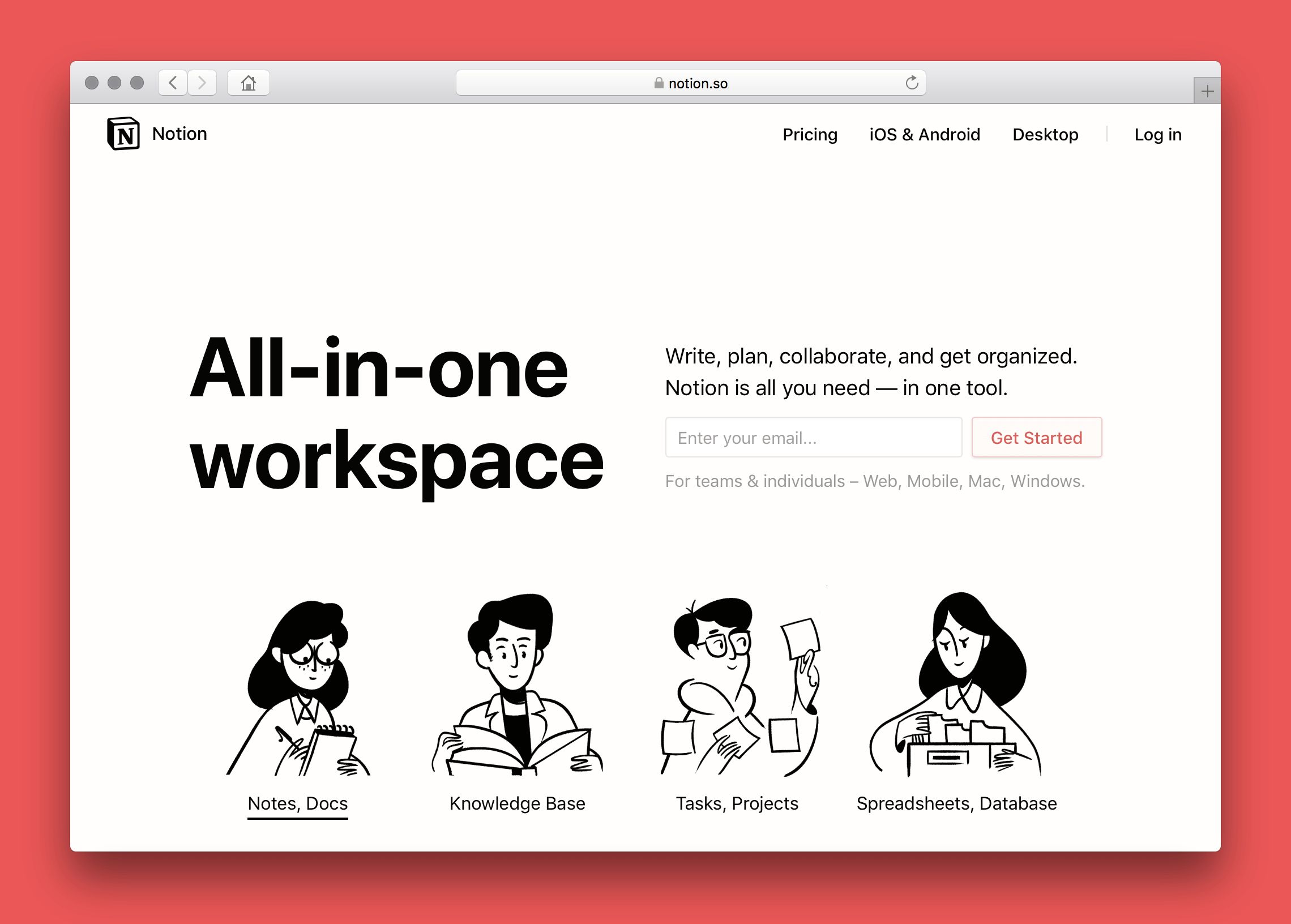
Notion is an all-in-one workspace that combines notes, documents, databases, and project management. It works well as a Craft alternative if you need more structure, task management, or team collaboration on top of writing.
Key features
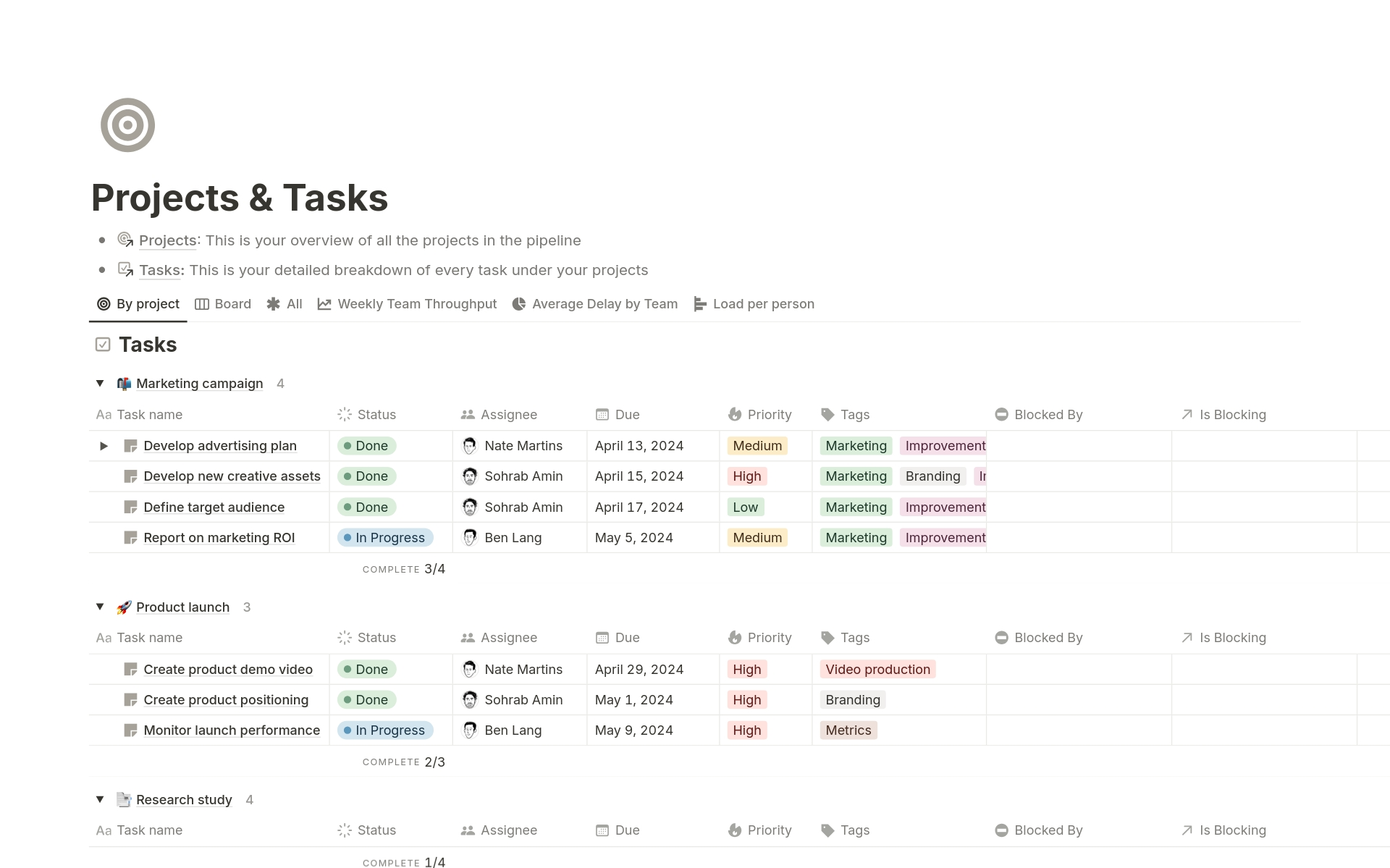
- Block-based editor where you can mix text, media, embeds, and databases
- Powerful databases with filters, views, and relations
- Built-in task and project management (kanban, calendar, list views)
- Real-time collaboration with granular sharing and permissions
What I liked
- Great for team collaboration and long-term knowledge bases
- Databases make it easy to organize complex information or workflows
- Strong ecosystem and template community, so you rarely start from scratch
What I disliked
- Steeper learning curve, especially for databases and workspace setup
- Heavier interface that feels less distraction-free for pure writing
- Document aesthetics aren’t as polished as Craft’s
Pricing
- Free plan
- Plus plan: $10/user/month (billed annually)
- Business plan: $20/user/month (billed annually)
Suitable for:
- Users who need more than note-taking — tasks, projects, wikis, dashboards
- Teams managing shared documentation or collaborative workflows
How to start:
- Go to Notion and create a free account
Notion reviews (source)

Conclusion: Choosing the Best Craft Alternative for Your Workflow
Finding the best Craft alternative isn’t about picking the tool with the longest feature list - it’s about choosing the one that matches the way you think, write, organize, and create.
- If you want AI-powered clarity and help making sense of messy notes, Saner.AI is the most forward-thinking option.
- If you prefer simple, distraction-free writing, Bear is hard to beat.
- For deep knowledge organization, Capacities or Obsidian will help you think in structures and connections.
- If you need team collaboration or databases, Notion and Coda offer unmatched flexibility.
- And for collectors, curators, and visual thinkers, MyMind provides a uniquely effortless way to store and rediscover ideas.
No single tool is perfect, and that’s the point - your workflow is personal.
The best choice depends on whether you write more, organize more, research more, collaborate more, or simply want an easier way to keep track of your thoughts.
Stay on top of your work and life
FAQ: Best Craft Alternatives (2025 Guide)
1. What are the best Craft alternatives?
Craft is known for its clean writing experience, structured documents, and polished design. But depending on your workflow, you may want more flexibility, better knowledge organization, or stronger AI features.
The best Craft alternatives today include:
- Saner.AI – AI-native workspace for notes, tasks, and meaning-based search
- Bear – Minimal, beautiful markdown writing app
- Capacities – Networked thinking with objects and a visual graph
- MyMind – Private, AI-organized personal library
- Coda – Powerful docs that behave like apps
- Notion – All-in-one workspace for docs, pages, and databases
- Obsidian – Local-first knowledge base with backlinks and plugins
Each fits a different style - writers, researchers, founders, and everyday note-takers all use different tools for different reasons.
2. Why do people look for Craft alternatives?
Common reasons include:
- Wanting an AI search that understands meaning (not just keywords)
- Needing a more dynamic knowledge system (e.g., backlinks, objects, graph view)
- Wanting better task management built into notes
- Wanting a tool that works better for messy, non-linear thinking
- Needing deeper customization or automation
- Wanting cross-platform parity and long-term flexibility
Craft is fantastic for structured docs—but not everyone works in a structured way.
3. Which Craft alternative is best for AI-powered note-taking?
If AI is your top priority, Saner.AI is the strongest alternative.
Saner.AI offers:
- Meaning-based note search that finds ideas even if you forgot the keywords
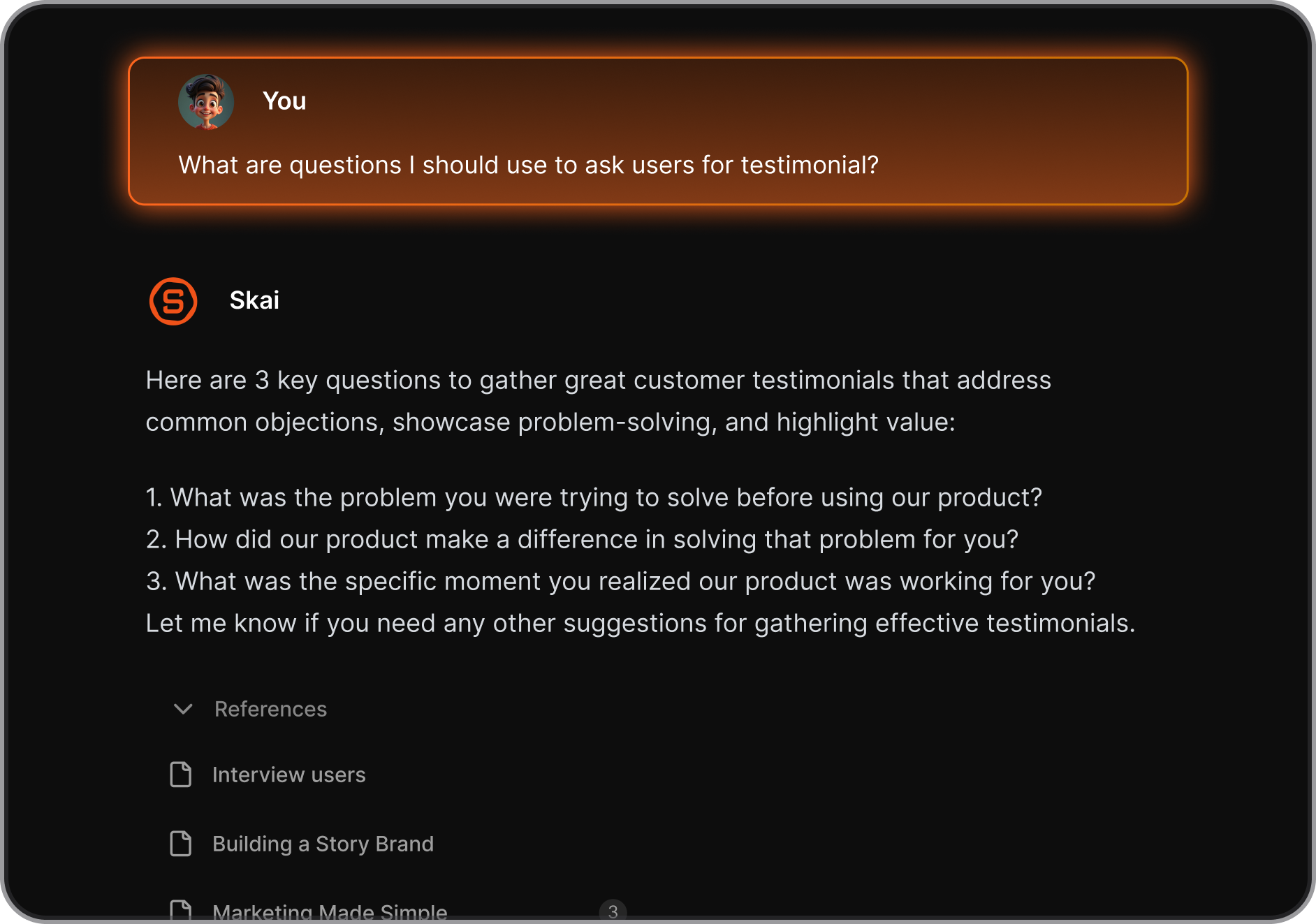
- Automatic task extraction from your notes
- Daily planning and reminders based on your actual content
- AI summaries, context surfacing, and cross-note insights
It works especially well for entrepreneurs, researchers, and ADHD-prone users who need help connecting scattered thoughts.
4. Which Craft alternative is best for markdown writers?
If you love markdown and want a clean writing flow:
- Bear → Fast, beautiful, minimal
- Obsidian → Markdown + powerful plugins + full control of your files
Craft is markdown-friendly, but these two tools go deeper in customization and long-term ownership.
5. Which Craft alternative offers the best AI search?
Craft has limited AI understanding. The strongest AI search experiences come from:
- Saner.AI → Understands meaning, not keywords
- MyMind → AI auto-organizes everything you save
- Notion AI → Good for rewriting and summarizing, but weaker at deep recall
If you often forget where you wrote something, AI search becomes the main deciding factor.
6. What Craft alternative is best for entrepreneurs and founders?
Entrepreneurs need speed, context recall, and less mental overhead.
Saner.AI is the standout for founders because it:
- Turns messy notes into tasks
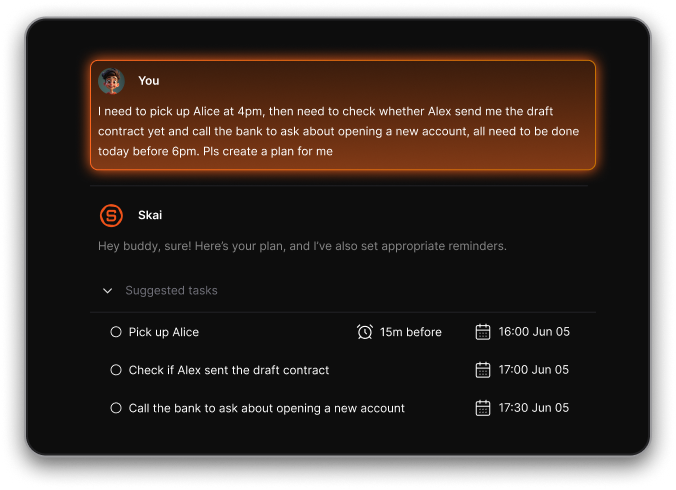
- Reminds you when something matters
- Pulls up old investor or meeting notes instantly
- Reduces context switching
It’s built for busy, fast-moving workflows—not just pretty documents.
7. What’s the best Craft alternative for long-term knowledge bases?
If you’re building a personal database or second brain:
- Obsidian → Full control + plugins + markdown files
- Saner.Ai → Great AI assistance, combining notes, tasks, and calendar in 1 place
- Notion → Database-driven, scalable for large amounts of information
Craft is great for documents, but these tools scale more naturally into deep research or lifelong knowledge systems.
8. Are any Craft alternatives better for ADHD users?
Yes - Saner.AI is particularly strong for ADHD workflows because it:
- Reduces context switching
- Finds notes based on meaning (no tags needed)
- Turns brain dumps into actionable tasks
- Surfaces forgotten items automatically
ADHD users often struggle with rigid systems. Saner.AI works more like a thinking partner than a filing tool.
9. Are there free Craft alternatives?
Yes - several strong free options:
- Saner.AI – Free plan with AI search + tasks
- Notion – Free personal plan
- Obsidian – Free for personal use
- Bear – Free with optional upgrades
You can start exploring alternatives without spending anything.
10. Can Craft alternatives import my existing Craft documents?
Most can, though with varying smoothness:
- Notion, Coda, Obsidian → Good import support via markdown
- Saner.AI → Works well with pasted content + AI reorganizing
- Capacities → Imports markdown into objects
- MyMind → Best for saving information, not structured documents
If your Craft docs are heavily styled, some formatting may need cleanup.
11. What Craft alternative is best if I want an “all-in-one” workspace?
If you want notes + tasks + planning + AI in one place:
- Saner.AI → Notes, tasks, calendar, reminders, AI insights
- Notion → Docs + databases
- Coda → Docs + automations
Craft stays mostly document-focused, so these tools offer more breadth.
12. Which Craft alternative is best for deep writing?
For distraction-free writing:
- Bear → Clean, fast, simple
- Obsidian → Focus mode, markdown, custom themes
- Saner.AI → Clean, fast, simple + AI
If writing is your primary workflow, simplicity often wins.
13. Which Craft alternative has the strongest mobile apps?
Top mobile experiences come from:
- Bear → Polished iOS app
- Saner.AI → Mobile-friendly for quick capture + reminders
- Notion → Feature-rich mobile app
Craft is known for good mobile UX, but these tools match or exceed it depending on your needs.
14. What’s the best Craft alternative for students?
Students often need fast recall, easy organization, and lightweight tools.
Best picks:
- Obsidian → Research-heavy workflows
- Capacities → Concept mapping and knowledge linking
- Saner.AI → AI summaries, fast retrieval, reminders
15. Which Craft alternative should I pick if my notes are messy?
If your notes are chaotic and unstructured, look for an AI-driven organization:
- Saner.AI → Meaning-based search and automatic task extraction
- MyMind → Auto-tagging and categorization
- Notion AI → Cleaning up text and generating summaries
Craft requires more manual hierarchy and structure, which doesn’t work for everyone.
Stay on top of your work and life



