
We Tested 15 Fabric.so Alternatives. Here are the best 7 Apps
The best Fabric.so Alternatives are Saner.AI, Capacities, MyMind, NotebookLM, Notion, Tana, and Craft


The 7 Best Fabric.so Alternatives
If you’re searching for Fabric.so alternatives, you’re probably not just curious -you’re actively looking for a better way to organize notes, connect ideas, or use AI to make sense of your information.
Some users want simpler note-taking. Others want stronger AI search, more control over their data, or tools that work better for research, writing, or ADHD-friendly workflows.
In this guide, we break down the best Fabric.so alternatives in 2026, who each tool is best for, key features, pricing, real pros and cons, and how to choose the right one for your workflow.
What Is Fabric.so?
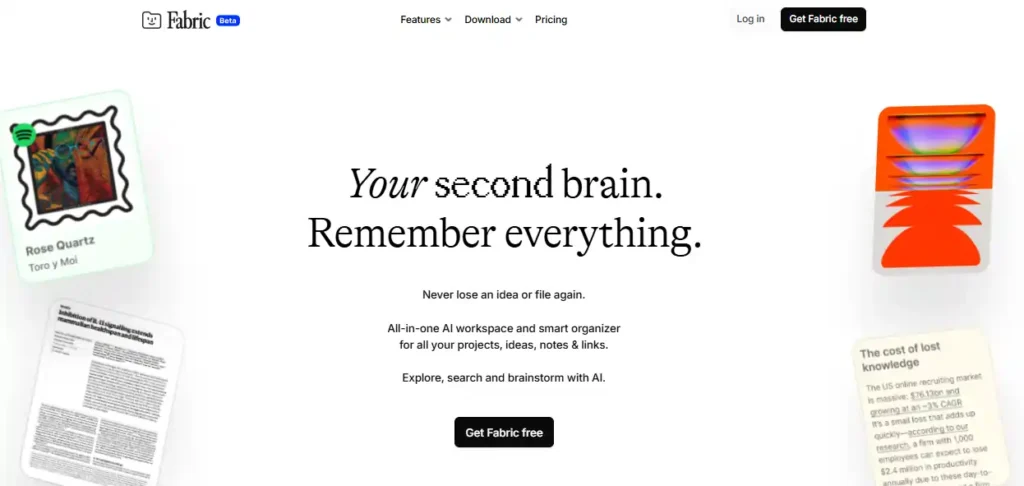
Fabric.so is an AI workspace designed to help users collect, connect, and reason over notes, documents, and sources. It focuses on sensemaking - helping you synthesize information
Why People Look for Fabric.so Alternatives
Common reasons people explore alternatives include:
- Steep learning curve
Some users want faster capture and simpler mental models. - AI limitations or mismatch
Others want more proactive AI help, not just querying notes. - Workflow rigidity
Fabric is great for research, but less flexible for daily planning or execution. - Pricing concerns
Power-user tools can feel expensive if you don’t use all features. - Different thinking styles
ADHD-prone users, founders, or writers often prefer lighter, more forgiving systems.
Now, let's dive in!
What are the best Fabric.so Alternatives?
The best Fabric.so Alternatives are Saner.AI, Capacities, MyMind, NotebookLM, Notion, Tana, and Craft
Comparison Table: Best Fabric.so Alternatives
| 🛠️ Tool | 🎯 Core Focus | 🤖 AI Features | 👤 Best For | 💰 Pricing (2025) |
|---|---|---|---|---|
| Saner.AI | AI assistant for notes, tasks & daily planning | Semantic search, auto-structuring notes, proactive planning | Founders, professionals, ADHD-prone users who want execution | Freemium |
| MyMind | Private AI memory for saving ideas, links & inspiration | Automatic tagging, AI-powered search | Creatives, visual thinkers, inspiration collectors | Paid-only subscription |
| Capacities | Structured note-taking for deep thinking | Limited AI (optional, evolving) | Knowledge workers who like structure without chaos | Free tier available |
| Tana | Advanced outliner + knowledge graph | AI commands, summaries, live transcription | Power users, researchers, Second Brain enthusiasts | Free + paid plans |
| NotebookLM | AI research assistant grounded in your sources | Source-based Q&A, summaries, citations | Researchers, students, writers working with documents | Free (paid via Google plans) |
| Notion | All-in-one workspace for notes, docs & projects | Notion AI for writing, search, databases | Teams and individuals who want flexibility | Free tier; paid plans scale |
| Craft | Clean, document-first notes & writing app | Built-in AI writing assistant | Writers, thinkers, Apple ecosystem users | Free tier; paid plans available |
1. Saner.AI
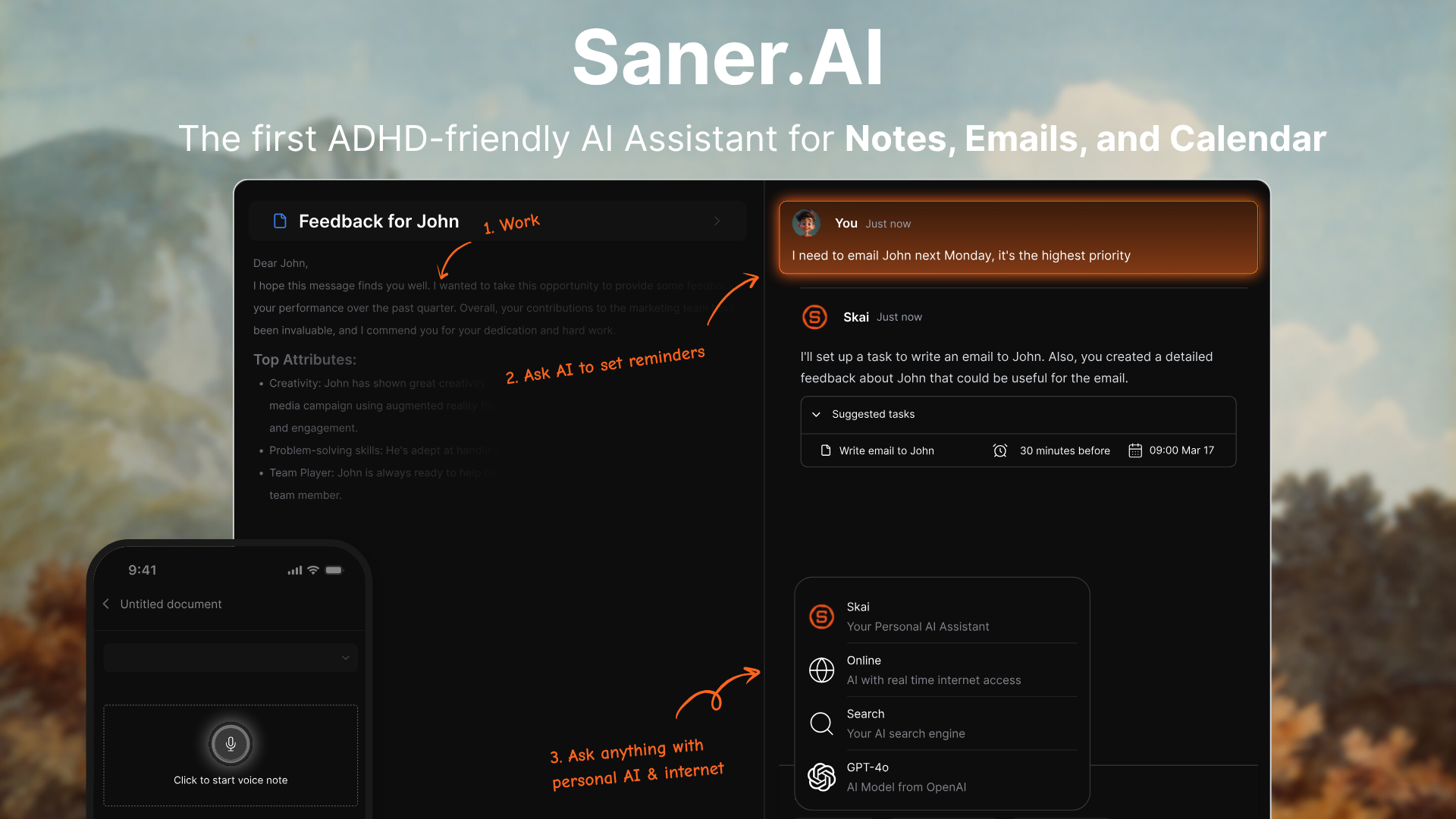
Saner.ai is an AI personal assistant and knowledge organization tool. It helps you capture ideas, notes, tasks, and context from across your digital life and makes everything searchable and connected. Many users use it as an alternative to tools like Fabric.so when they want less manual setup and more automatic organization.
Key features
- Natural language search across notes, tasks, and captured content
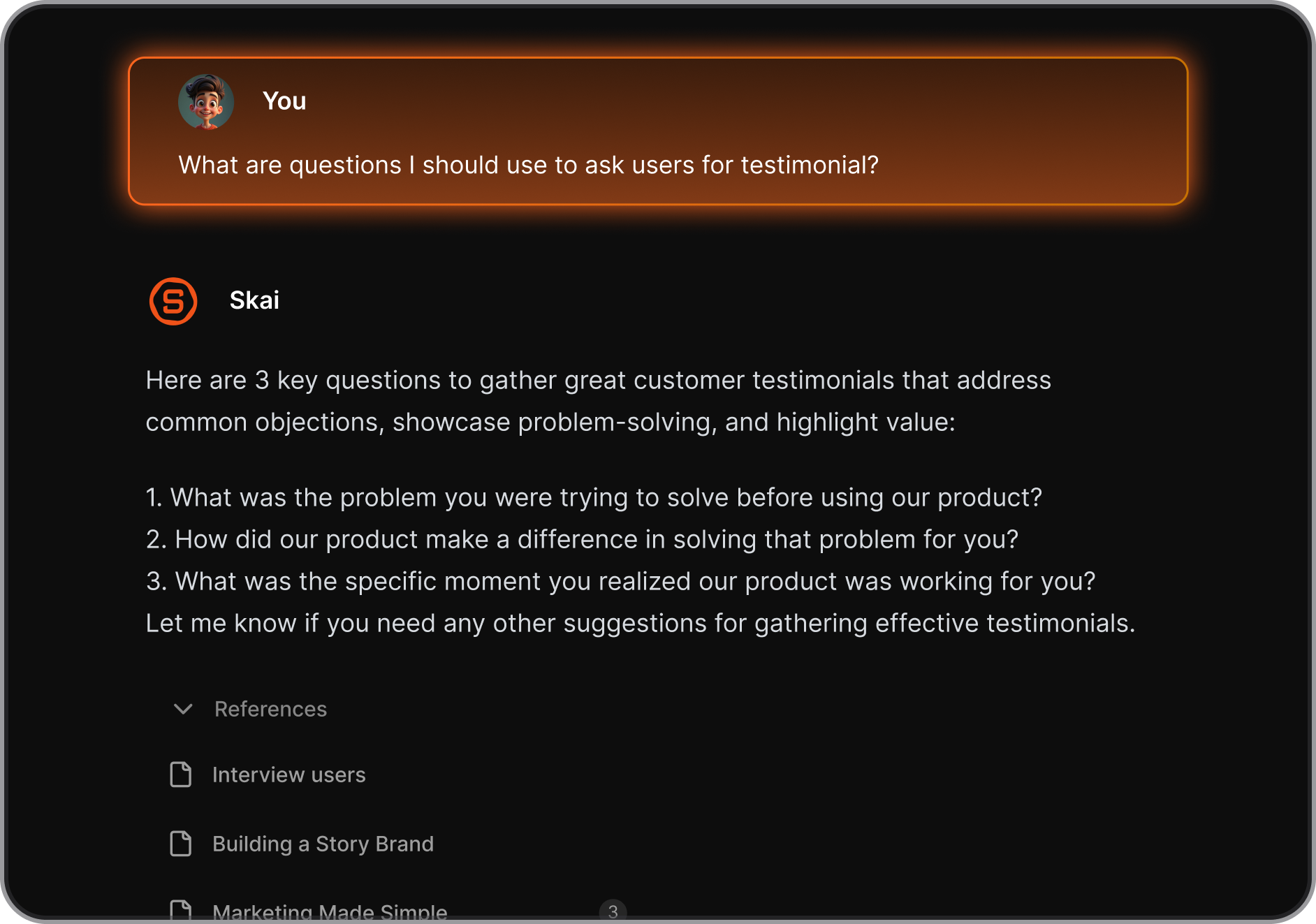
- AI-powered knowledge workspace with automatic organization
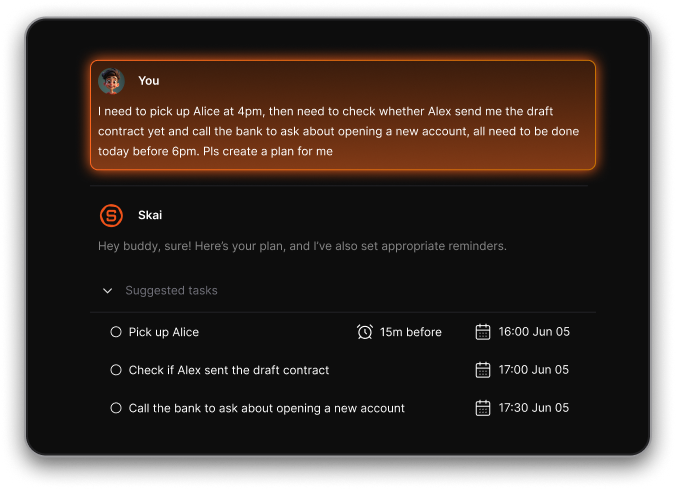
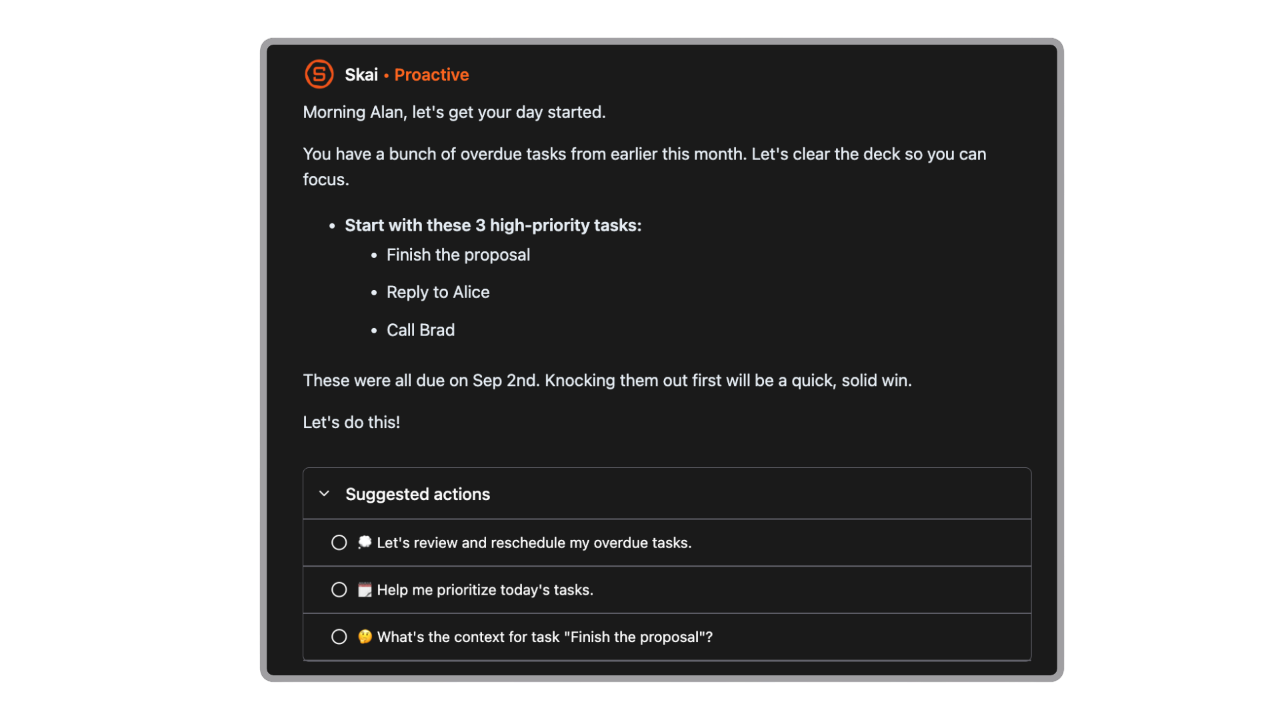
- Personal AI assistant that understands your braindump and make your schedule from them
- Integrations with email, calendar, Slack, Google Drive, and other tools
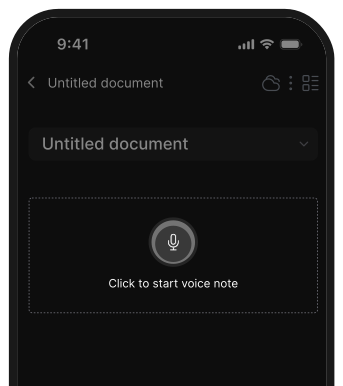
- Voice note capture with contextual linking between ideas
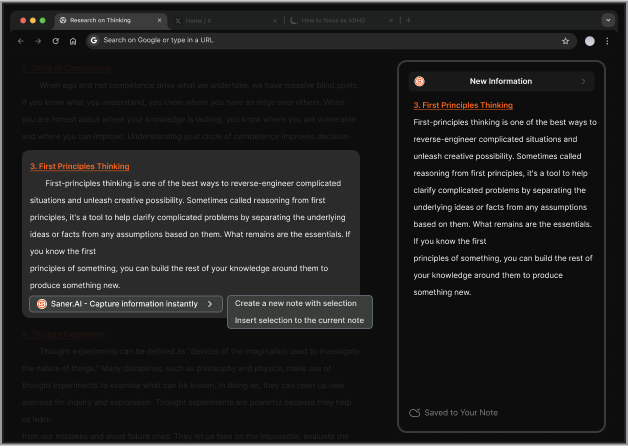
- Chrome extension, mobile app, and web app for fast capture
What I liked
- Very low setup effort. You can start capturing and finding information immediately.
- It proactively gives me a day brief every morning
- No need to manually manage folders or tags.
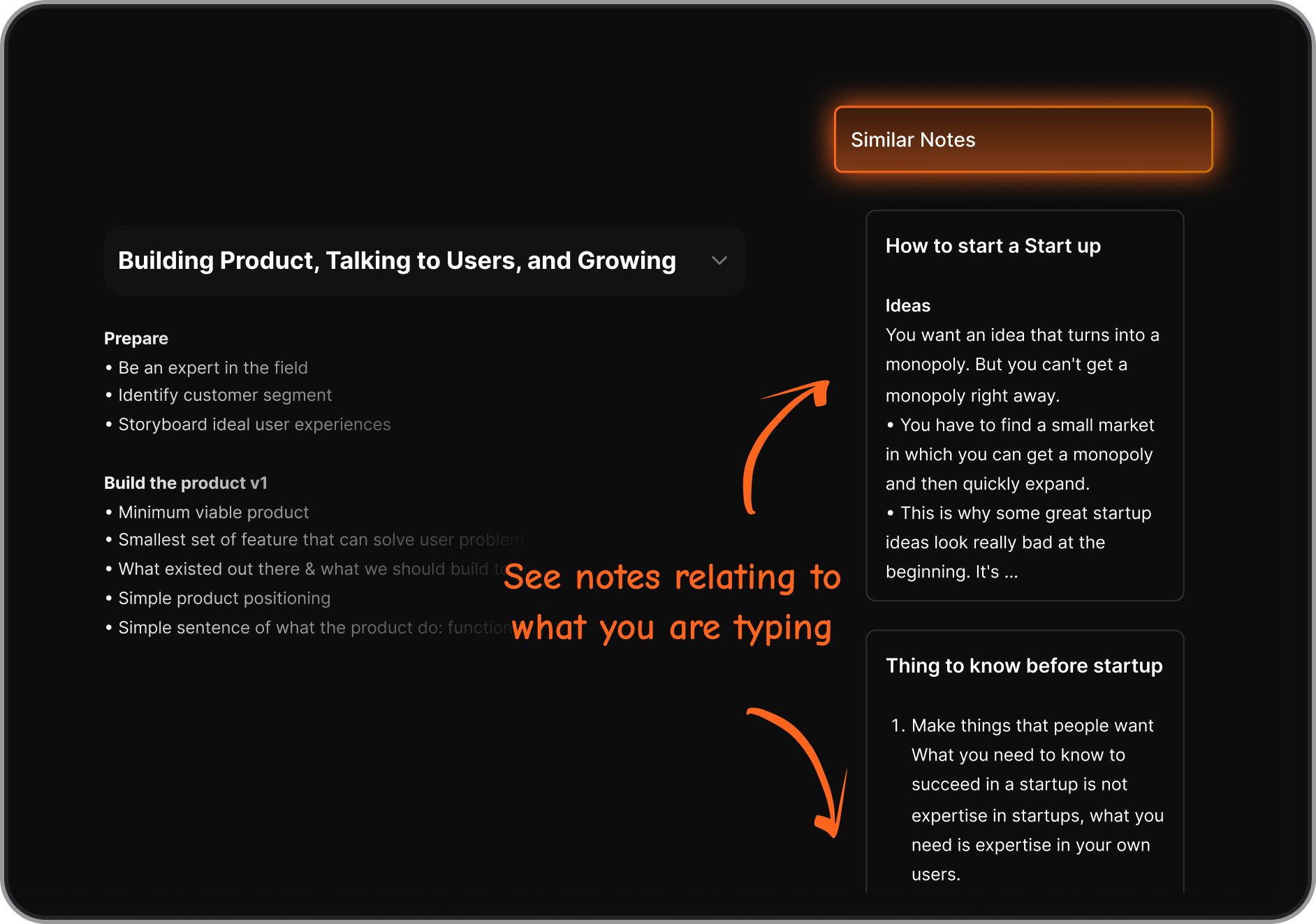
- Search feels conversational, closer to asking an assistant than searching a database.
Cons
- Requires internet access for full functionality.
Pricing
- Free plan with basic features
- Starter plan around $8–12/month
- Standard plan around $16–20/month
Suitable for
- Knowledge workers dealing with lots of notes, ideas, and context
- People who feel overwhelmed by manual organization systems
- Users looking for a Fabric.so-style AI workspace with more proactive assistance
- Anyone who wants AI to connect ideas, not just store them
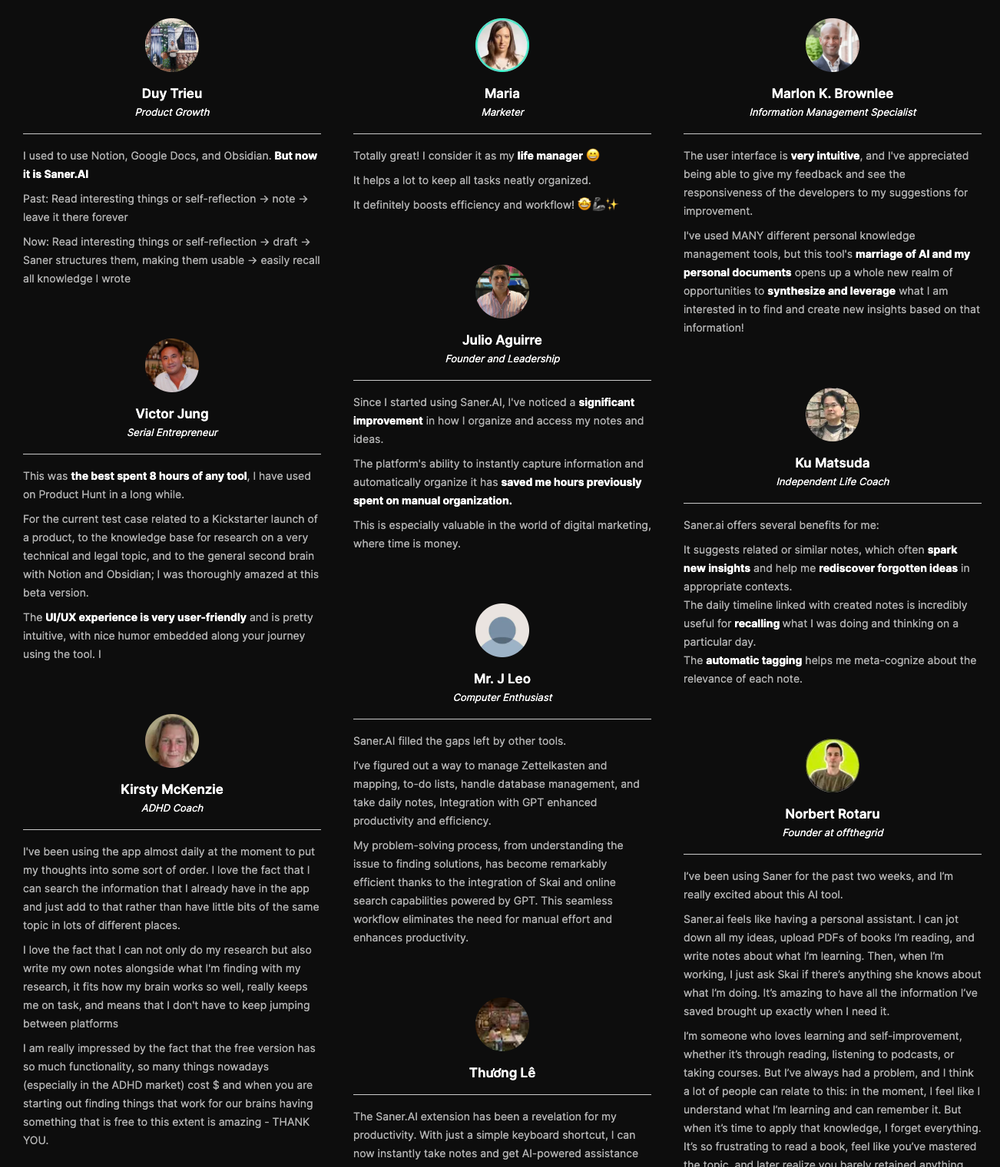
Saner.AI Reviews
How to start
- Go to Saner.ai
- Create a free account
- Connect your tools and start capturing notes and ideas

The top Fabric.so Note Alternative
2. MyMind

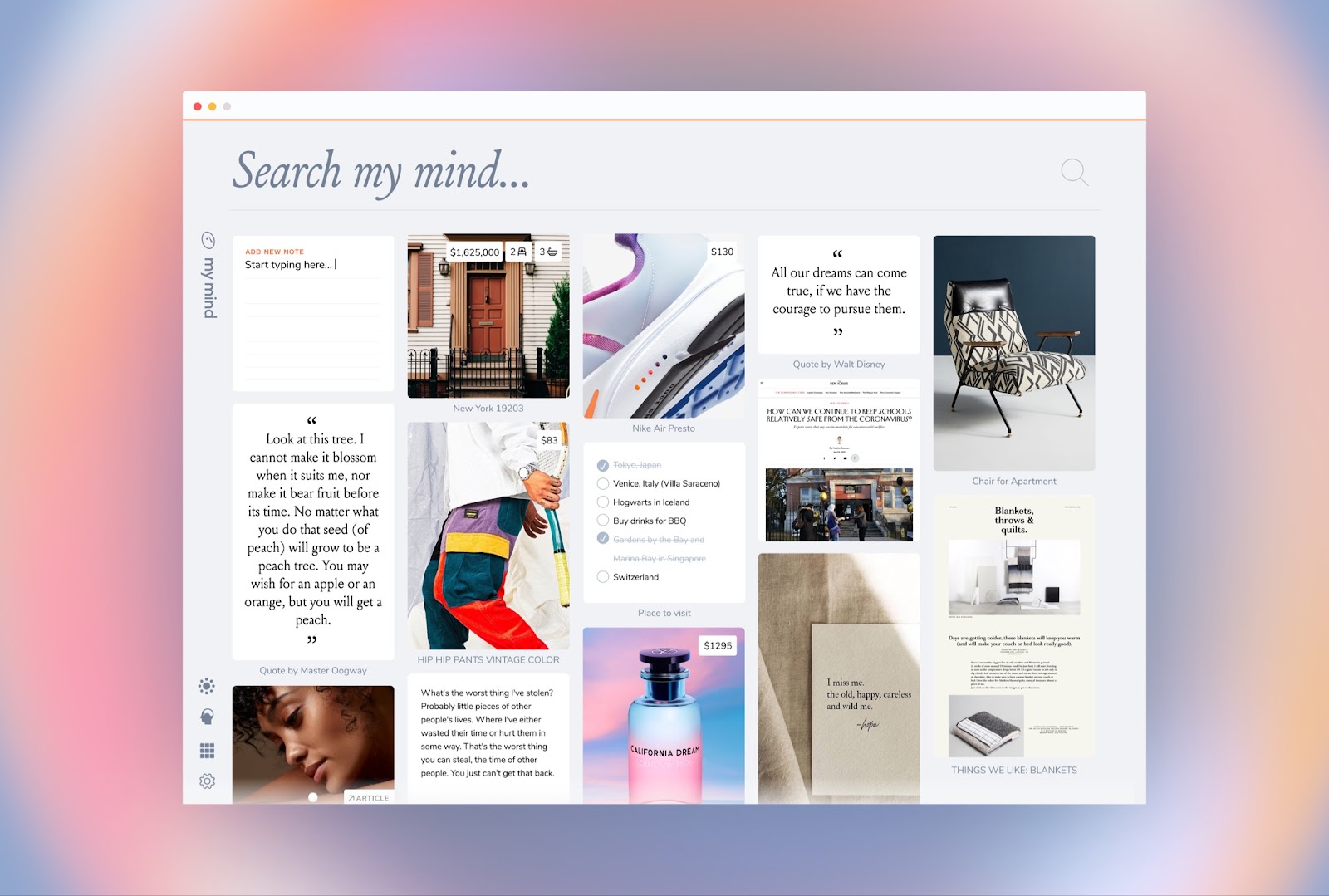
MyMind is an AI second brain that helps you save and recall notes, links, images, articles, videos, and screenshots without manual folders or tags. Instead of organizing things yourself, you drop content in and let AI handle the structure.
Features
- AI automatically analyzes and tags everything you save
- Save almost anything: notes, bookmarks, PDFs, images, videos, screenshots
- Search by keywords, concepts, colors, brands, dates, or visual cues
- OCR lets you search text inside images and screenshots
Pros
- Extremely low effort to use, just save and move on
- No folders or tagging systems to maintain
- Clean, visual interface that feels calm and personal
Cons
- Designed for individuals, not teams or collaboration
- Pricing can feel high compared to free or open-ended tools
- Limited integrations with task managers, calendars, or workflows
Price
- Mastermind: around $13/month with advanced AI features
Suitable for
- People looking for a Fabric.so alternative focused on memory, not structure
- Creatives saving inspiration, references, and ideas
How to start
- Go to MyMind
- Create an account
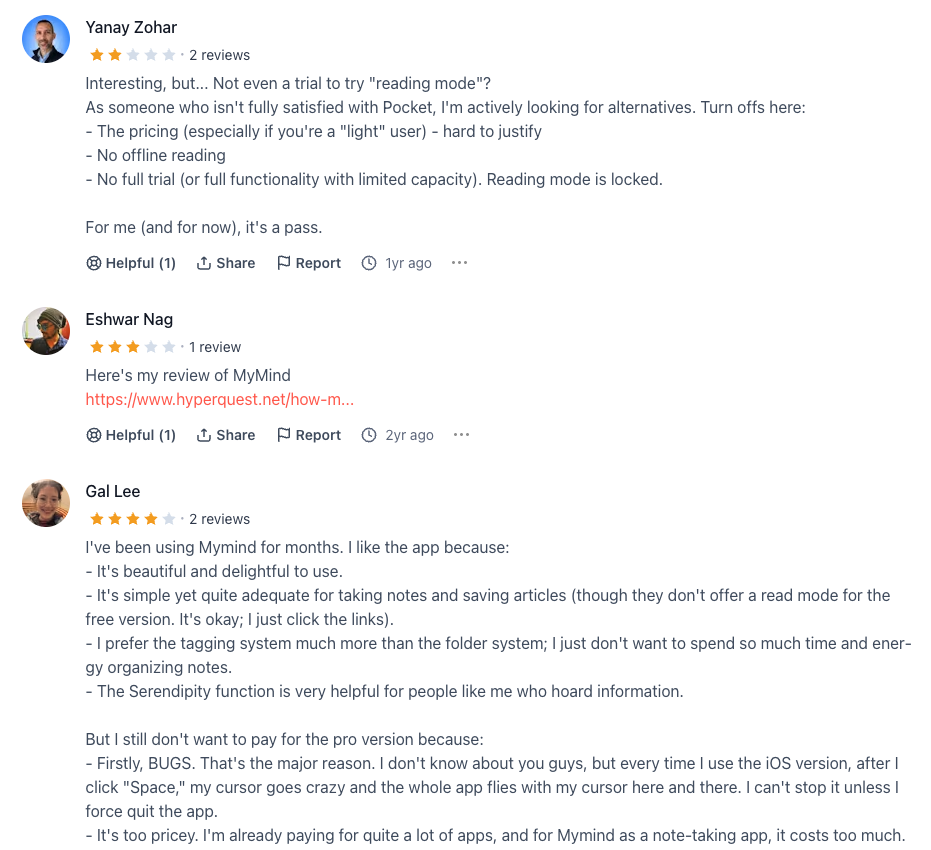
MyMind Review (Source)
3. Capacities
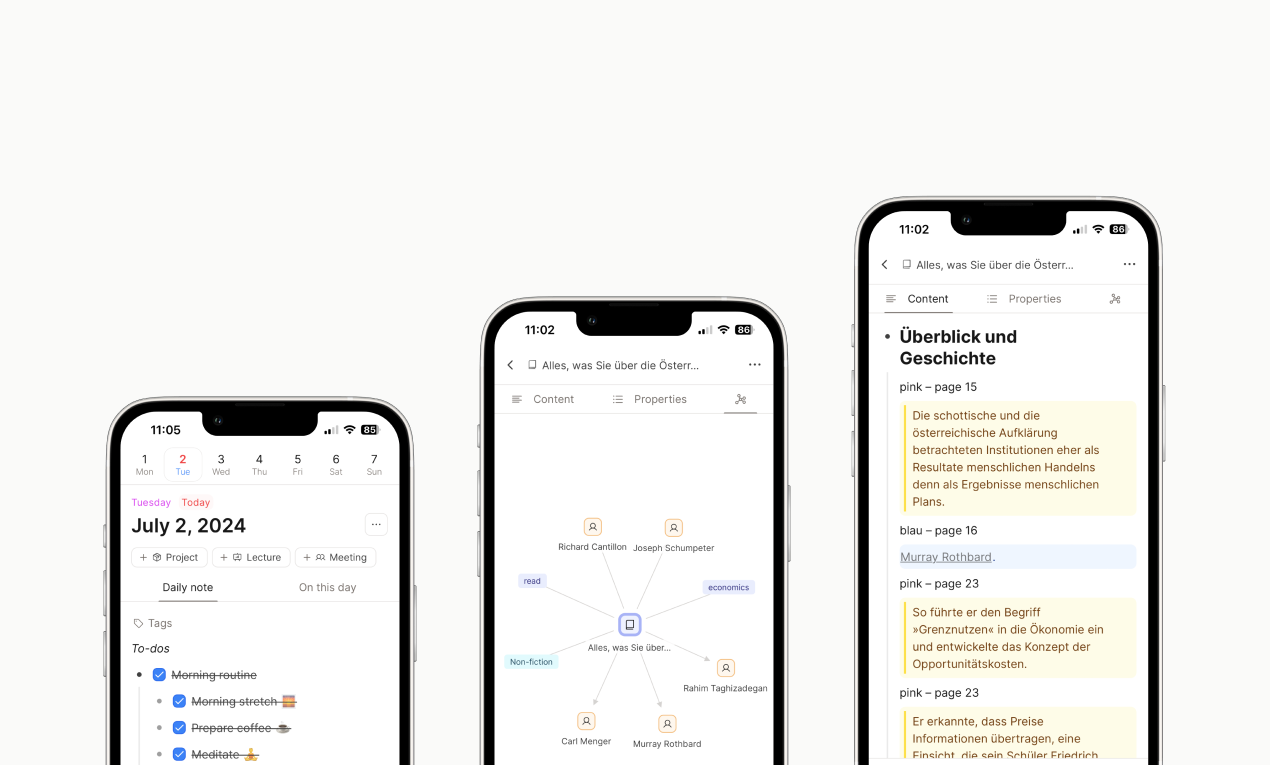
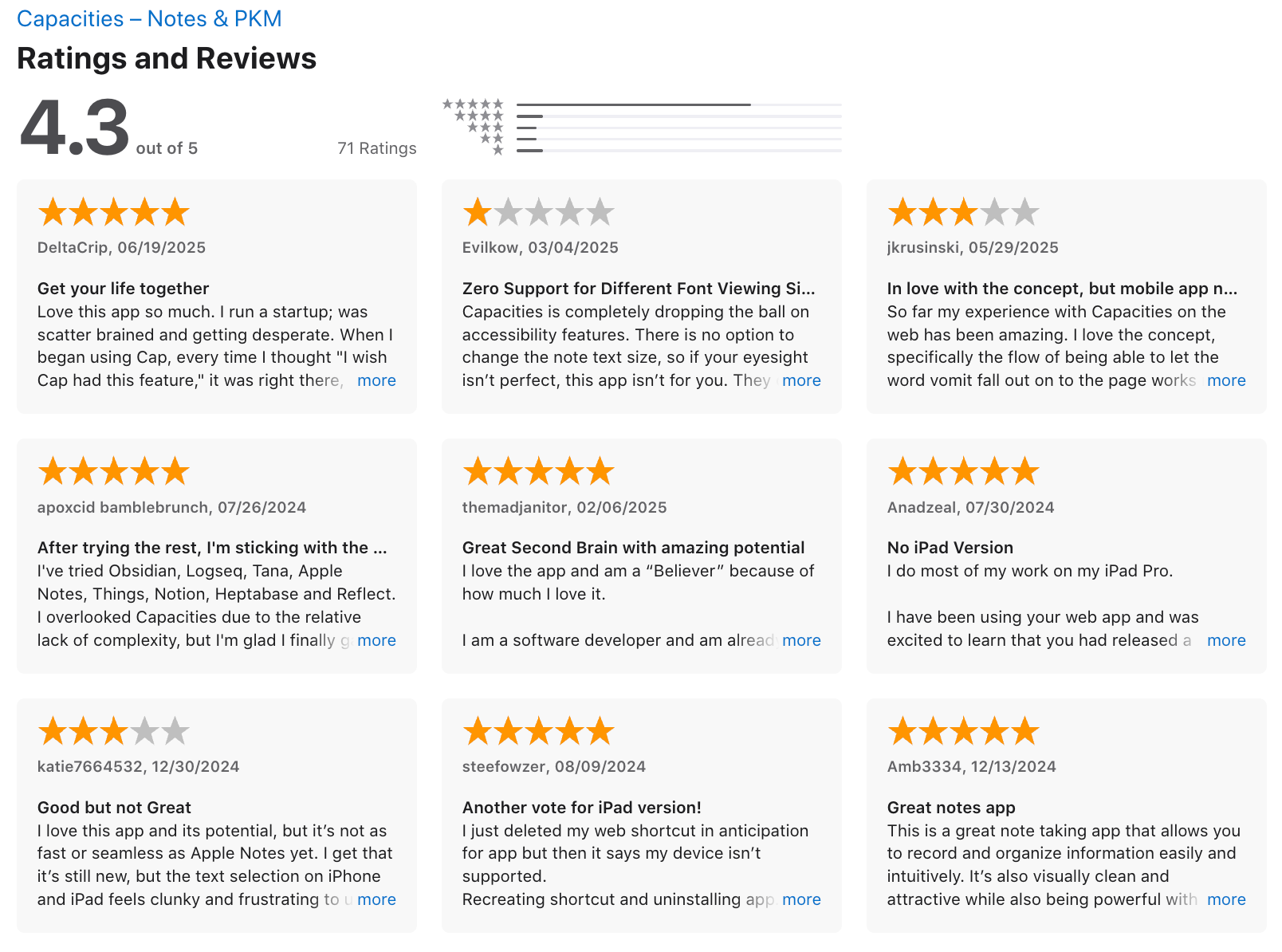
Capacities is a personal knowledge management (PKM) and workspace tool designed to help you capture, connect, and think with your information.
Key features
- Object-based notes where ideas, people, projects, and concepts are first-class items
- Built-in AI assistant that can answer questions and expand ideas based on your content
- Rich tagging, collections, and custom properties for flexible organization
- Full-text search across notes and AI conversations
What I liked
- The object model encourages deeper thinking instead of dumping everything into flat documents
- Linking ideas feels natural and helps surface related thoughts over time
What I disliked
- The object-based approach has a learning curve if you’re used to folders or simple docs
- It’s more personal-knowledge focused, so team collaboration is limited
- Some advanced workflows feel less polished compared to more mature tools
- Not ideal if you want a very lightweight or purely chat-based experience
Pricing
- Free plan available
- Pro plan: 11.99$/month
Suitable for:
- Writers, researchers, and creators who want to connect ideas over time
- Users building a “second brain” rather than a shared workspace
How to start:
- Go to Capacities and Create a free account
Capacities Review (source)
4. NotebookLM
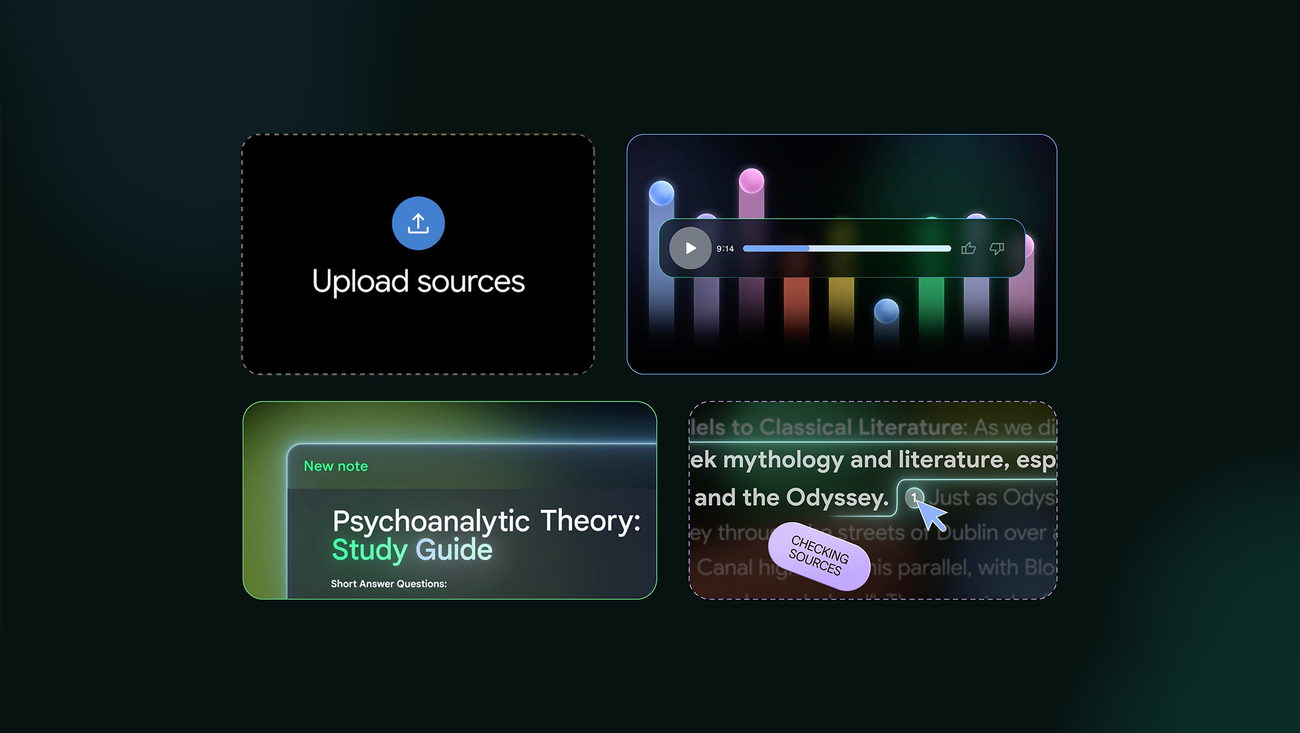
NotebookLM is Google’s AI research and knowledge tool that turns your documents, links, and media into a searchable, source-grounded AI workspace.
Key features
- Upload PDFs, Google Docs, Slides, websites, and transcripts
- Ask natural-language questions across all your sources
- Answers are grounded in your uploaded content, with citations
- Auto-generated summaries, outlines, and key takeaways
What I liked
- Very accurate and reliable since answers come only from your sources
- Excellent for synthesizing long documents or multiple files
- Strong alternative to Fabric.so if your use case is research-heavy, not visual
What I disliked
- Not visually oriented like Fabric.so (no boards, canvases, or visual clustering)
- You don’t really “write notes” inside it, you mostly upload and interact
- Less flexible for creative exploration or inspiration workflows
Pricing
- Free version available with usage limits
- NotebookLM Plus is available via Google One AI Premium at $19.99/month
Suitable for:
- Researchers, analysts, students, and knowledge workers
- Teams working with lots of documents, reports, or reference material
- Anyone who wants source-grounded AI instead of generic chat responses
How to start:
- Sign in with a Google account
- Create a notebook
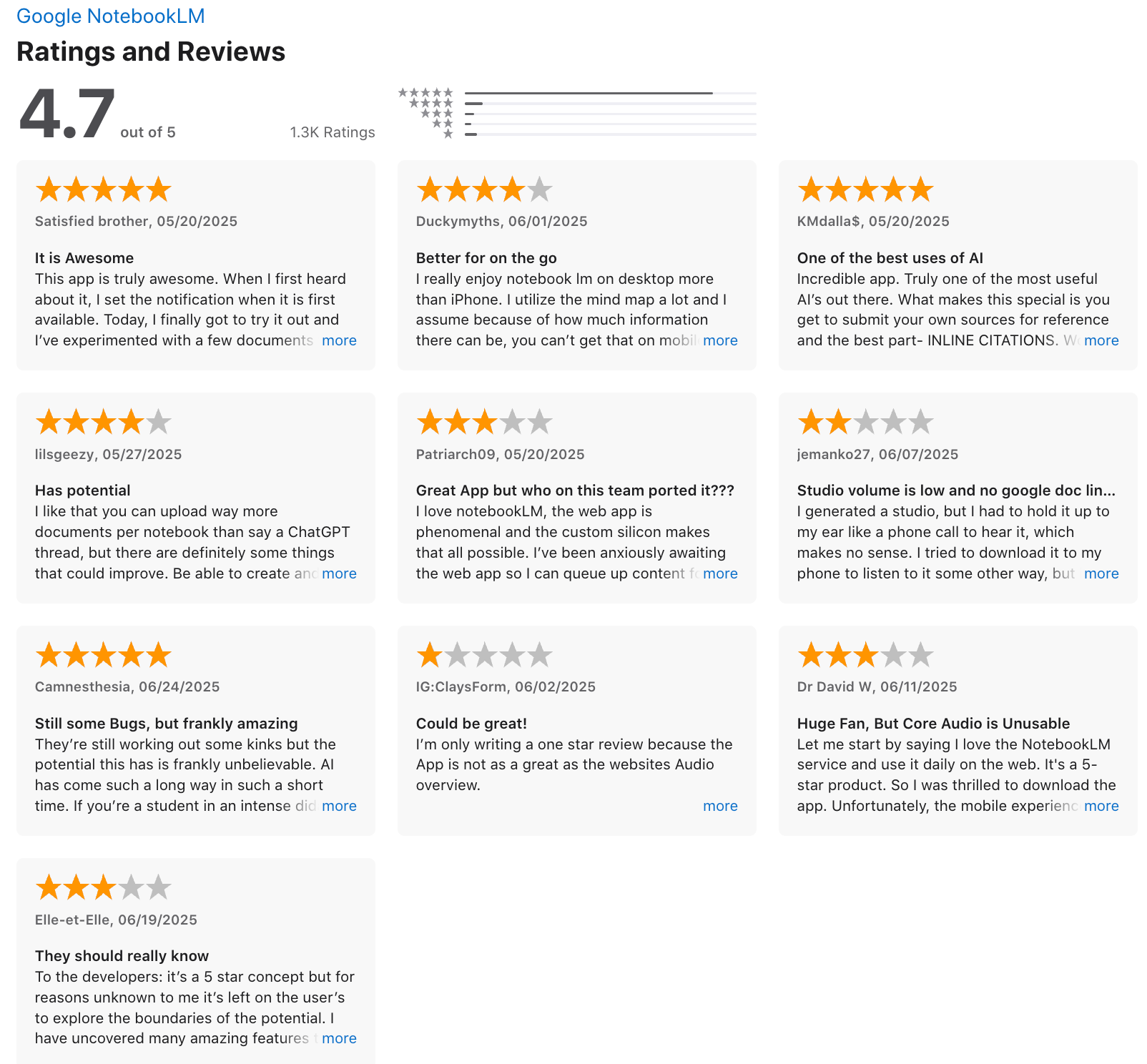
NotebookLM review (source)
5. Tana
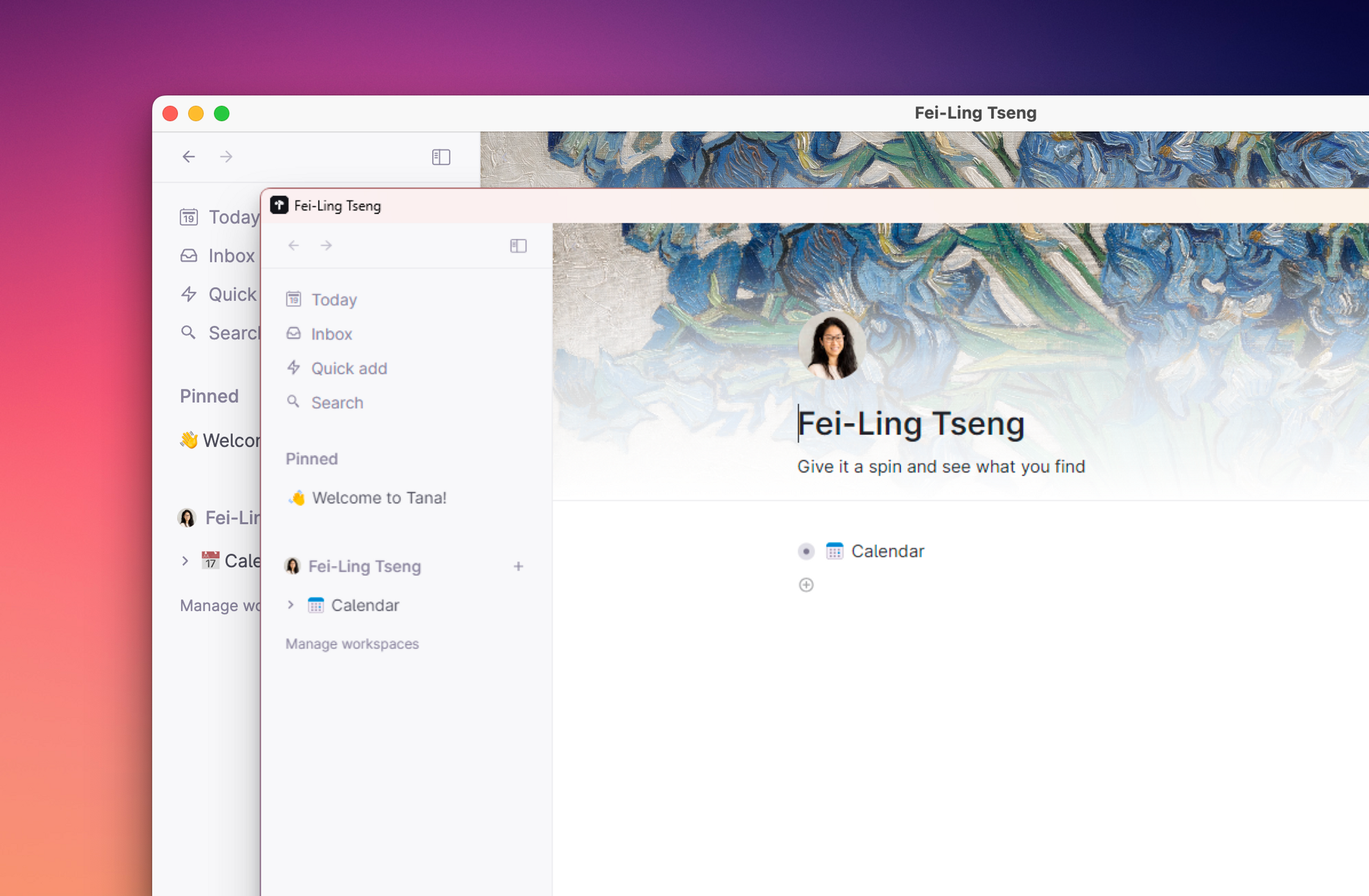
Tana is an AI workspace and personal knowledge management tool designed to help you build a structured “second brain.” It’s often considered a Fabric.so alternative for users who want deeper structure, linking, and system-level thinking rather than lightweight visual capture.
Features
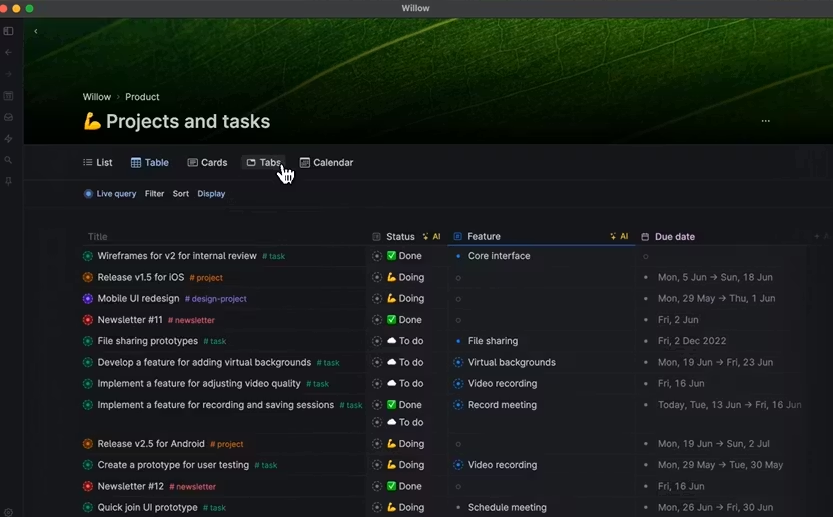
- Node-based system where every piece of information is linkable and reusable
- Supertags that act like templates with custom fields (dates, text, links, references)
- Built-in AI for summarizing, structuring, and generating insights from your notes
Pros
- Supertags make it possible to create structured systems without external databases
- Scales well for complex projects, research, and long-term thinking
Cons
- Steep learning curve
- Can feel overwhelming if you just want quick capture and simple retrieval
- Requires upfront time to design your system before it feels useful
- Performance can slow down in very large or heavily customized workspaces
Price
- Monthly at $18/month, Annually at $14/month
Suitable for:
- Knowledge workers who want a highly structured second brain
- Users who enjoy designing systems, schemas, and custom workflows
How to start:
- Go to Tana and create a free account
- Start with basic nodes for notes and tasks
Tana Reviews (Source)
6. Craft
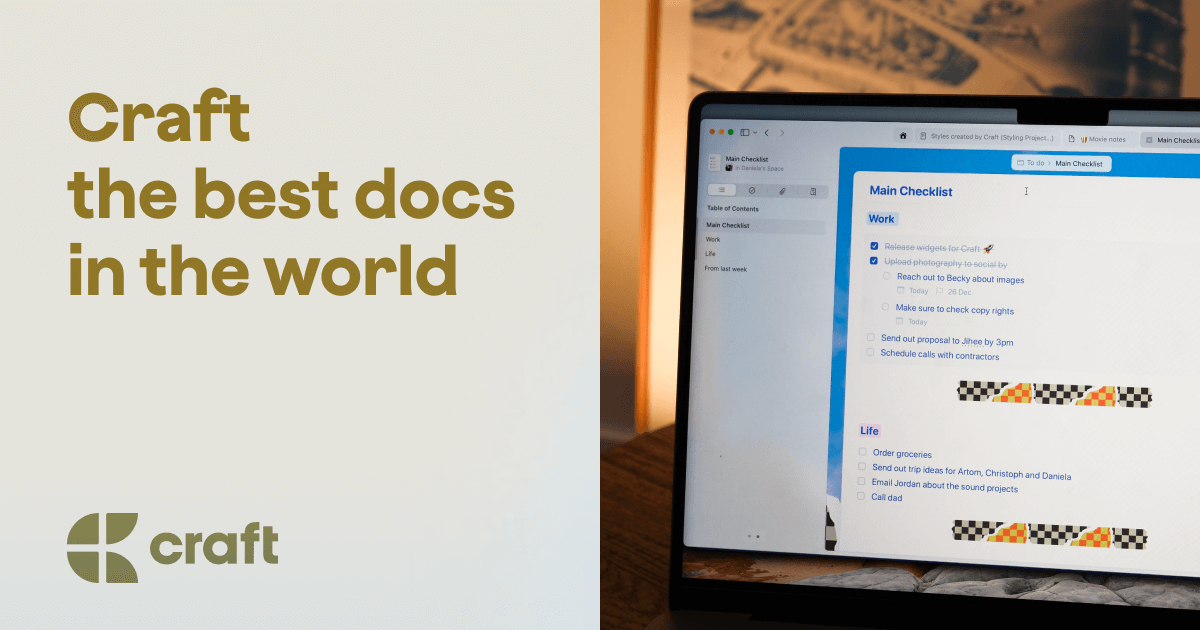
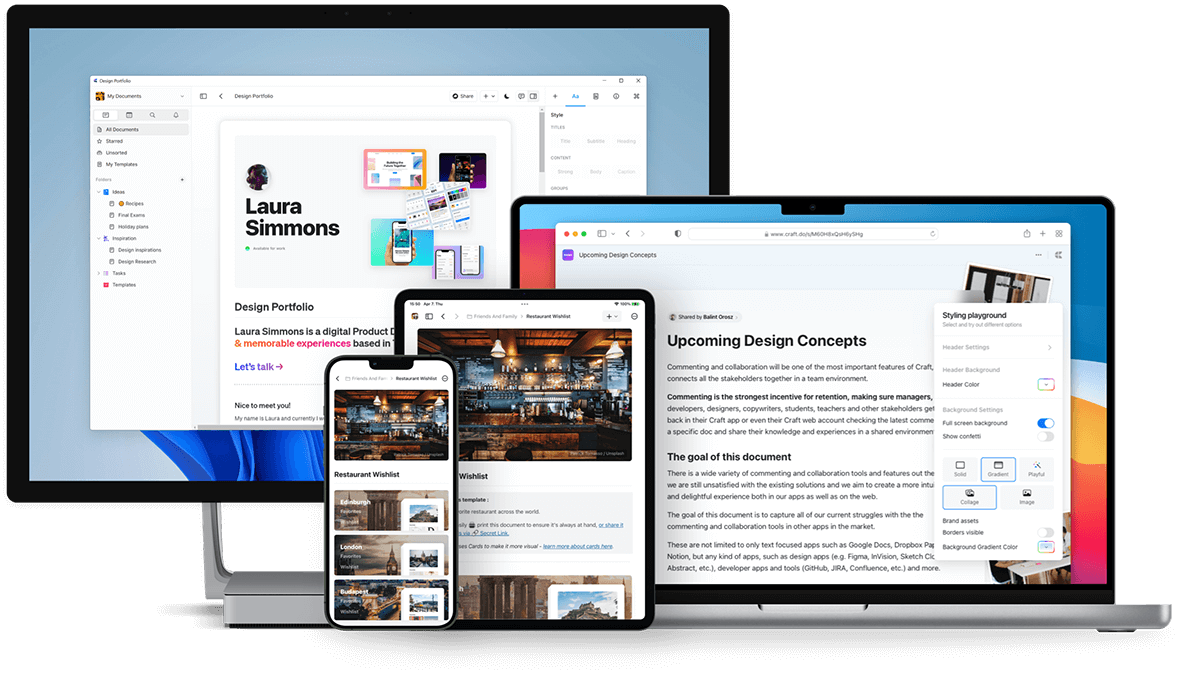
Craft is a note-taking app designed for organizing ideas, writing structured content, and building a personal or team knowledge base. Compared to Fabric.so, Craft focuses more on beautiful documents and structured thinking
Key features
- Rich document editor with blocks, nested pages, tables, images, and embeds
- Pages and collections to organize notes into projects or knowledge hubs
- Built-in tasks and reminders inside documents
- AI assistant for summarizing, rewriting, and searching content
What I liked
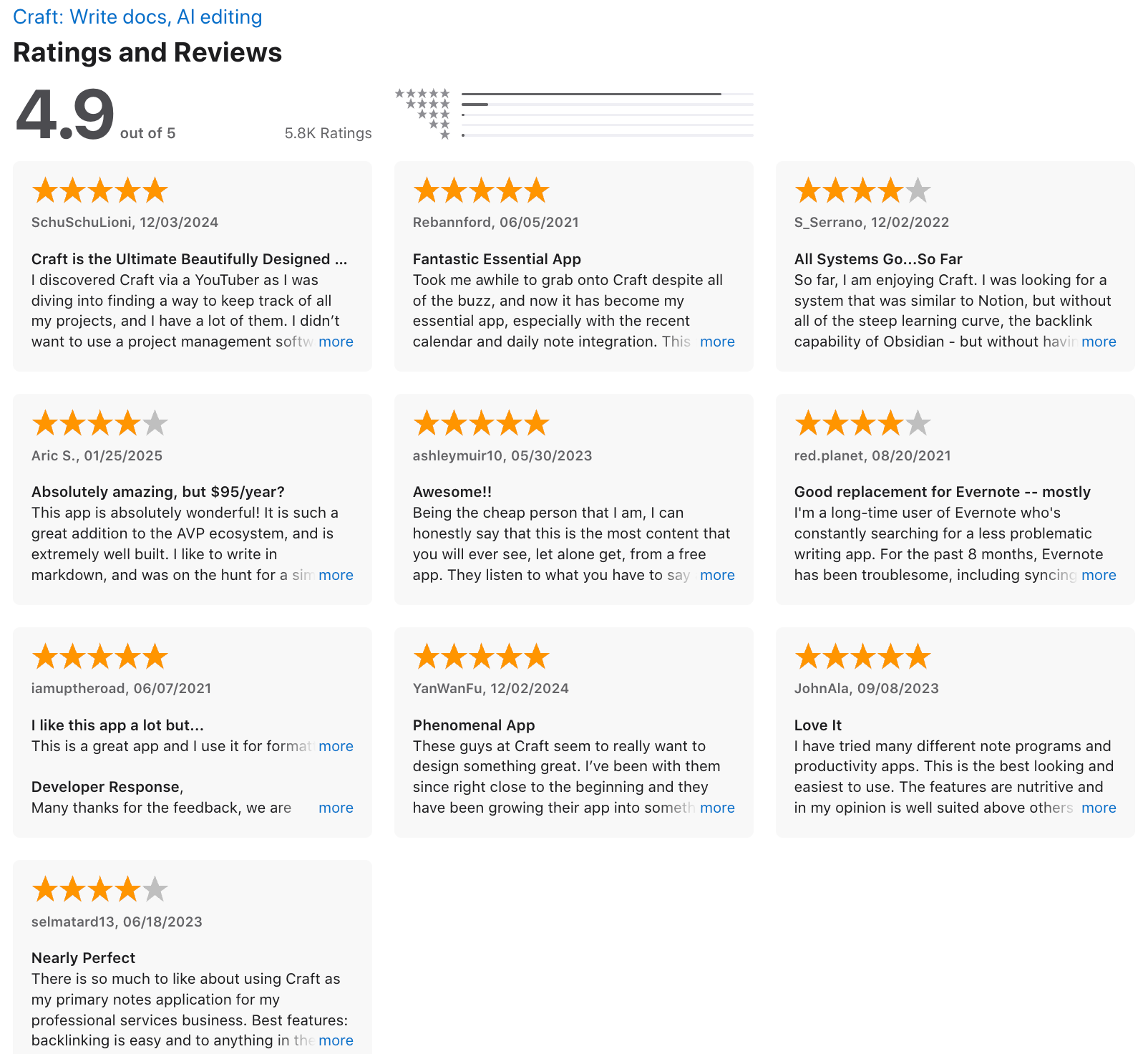
- Simple structure that’s easy to understand without setup or configuration
- Sync and offline support are reliable across devices
What I disliked
- Not as strong when it comes to AI-driven knowledge connections
- Limited tagging and advanced graph-style relationships between notes
- Android experience is still weaker compared to iOS/macOS
Pricing
- Free plan with core features
- Pro plan at $10/month or $96/year
Suitable for:
- Writers, founders, and professionals who think best in structured documents
- Teams that care about presentation, sharing, and clarity over heavy automation
How to start:
- Go to Craft and create a free account
Craft review (source)
7. Notion
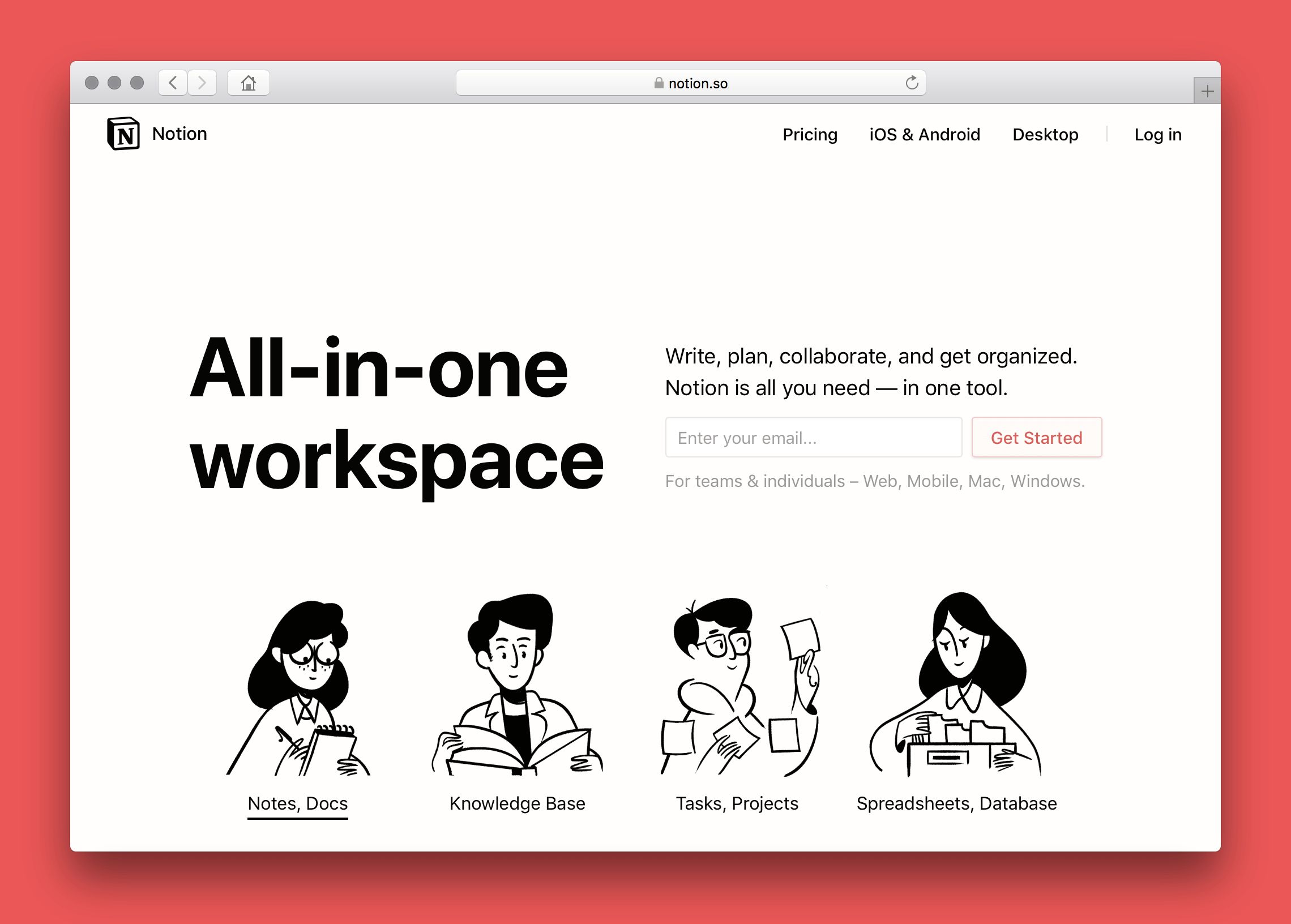
Notion is a customizable all-in-one workspace for notes, docs, tasks, databases, and team collaboration. It’s widely used by individuals and teams who want full control over how their knowledge and workflows are set up
Key features
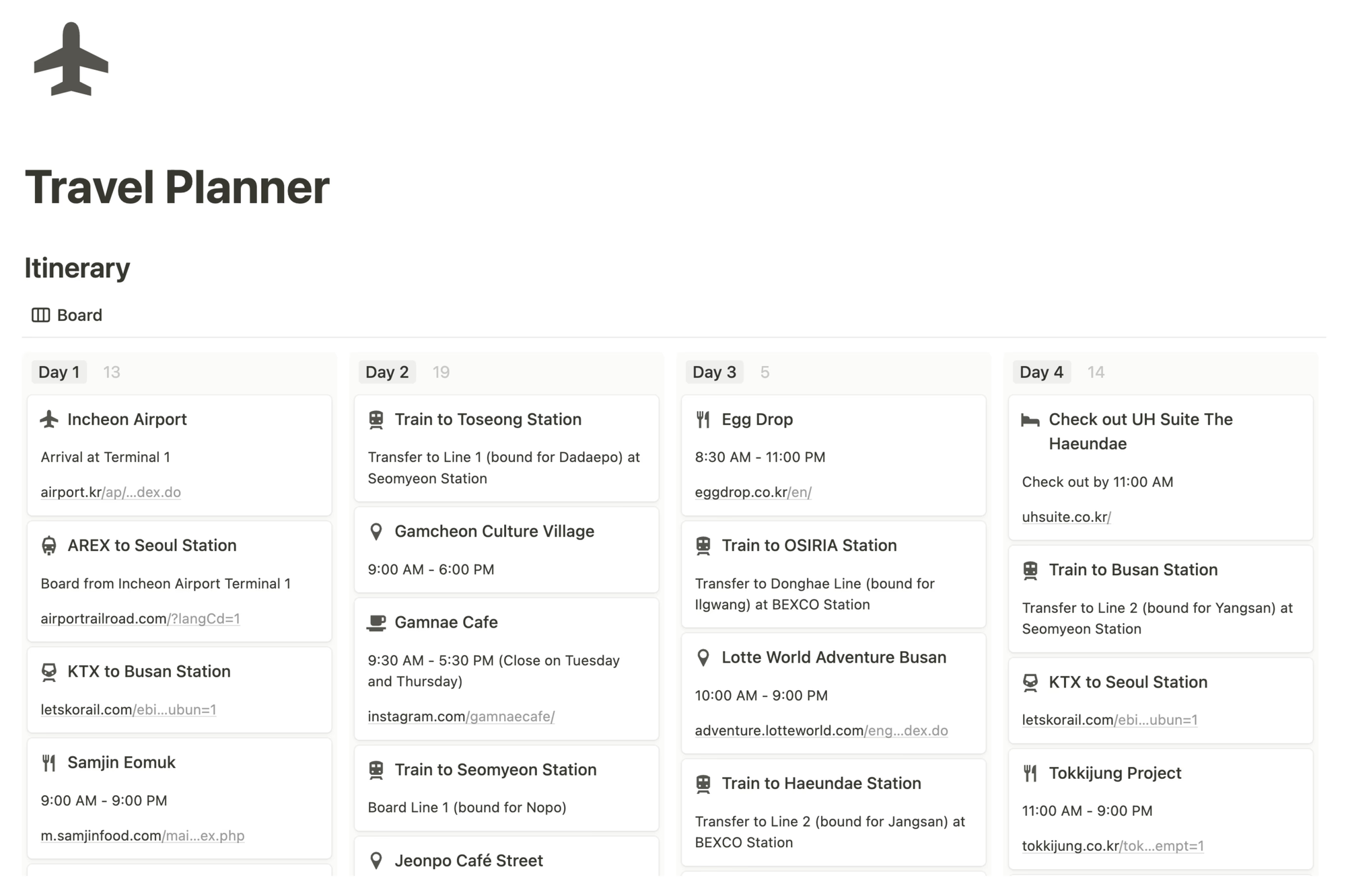
- Block-based editor for notes, docs, tasks, and databases
- Relational databases to connect notes, projects, people, and tasks
- Large template library for knowledge bases, project management, and documentation
- Real-time collaboration with comments, mentions, and permissions
What I liked
- Very flexible. You can shape it into almost any system you want
- Strong for collaboration and shared knowledge bases
- Templates help you get started faster instead of building everything from scratch
What I disliked
- Everything is manual. You need to design and maintain your own structure
- Steeper learning curve compared to AI-first tools like Fabric
- Easy to overbuild systems and spend more time organizing than using
Pricing
- Free plan
- Plus plan: $10/user/month (billed annually)
- Business plan: $20/user/month (billed annually)
Suitable for:
- Users who want full control over how their notes and knowledge are structured
- Teams building internal wikis, documentation, or project hubs
How to start:
- Create a Notion account
- Pick a starter template like a knowledge base or project tracker
Notion reviews (source)

Conclusion: Choosing the Right Fabric.so Alternative in 2026
Fabric.so is a strong tool for deep sensemaking, but it’s not a one-size-fits-all solution. As more people rely on AI to manage notes, research, and daily work, the “best” tool increasingly depends on how you think, not just what features exist.
- If you want AI to actively help you plan, remember, and follow through, tools like Saner.AI may feel more practical than a research-heavy workspace.
- If you value calm, zero-effort capture, MyMind is hard to beat.
- For structured thinkers who like clarity without complexity, Capacities offers a clean middle ground.
- Researchers working with defined sources may prefer NotebookLM, while teams and power users often stick with Notion.
Before switching, think about what you actually need day to day:
- Are you researching, writing, planning, or executing?
- Do you want AI to assist proactively or just answer questions?
- Do you prefer structure, flexibility, or automation?
Answering those questions will make the right choice obvious - and help you build a knowledge system that actually supports how you work in 2026.
Stay on top of your work and life
FAQ: Best Fabric.so Alternatives (2026 Guide)
1. What is Fabric.so, and why are people looking for alternatives?
Fabric.so is a visual-first personal knowledge tool designed to help users save links, notes, and ideas into a structured “thinking space.”
Many people like its design, but start searching for Fabric.so alternatives when they run into limits such as:
- Steep learning curve for daily use
- Limited task, reminder, or follow-through support
- Less automation around turning notes into actions
- Not ideal for fast, messy, real-world thinking
Most users searching for alternatives want something that does more than store ideas - they want help remembering, connecting, and acting on them.
2. What makes a good Fabric.so alternative?
The best Fabric.so alternatives usually focus on at least one of these areas:
- Better AI search – finding notes by meaning, not keywords
- Actionability – turning thoughts into tasks or reminders
- Flexible structure – less rigid than visual boards
- Lower cognitive load – works even when notes are messy
- Long-term thinking – helps surface old ideas when they’re relevant
Different tools optimize for different thinking styles, which is why there’s no single “best” option for everyone.
3. What is the best Fabric.so alternative overall?
For users who want ideas to turn into action, Saner.AI is often the strongest Fabric.so alternative.
It’s built for people who think in fragments, brain dumps, and half-finished thoughts - and want the system to organize things automatically.
Saner.AI focuses on:
- Turning notes into tasks and reminders
- AI search that understands context, not structure
- Connecting notes, calendar, and follow-ups
- Reducing context switching instead of adding more tools
It’s especially useful if Fabric felt good for collecting ideas, but not great for follow-through.
4. Is NotebookLM a good Fabric.so alternative?
NotebookLM works well as a Fabric.so alternative for research-heavy users.
It’s best for:
- Uploading documents and PDFs
- Asking questions grounded in your sources
- Summarizing and extracting insights
NotebookLM is less useful for daily notes or planning, but very strong for academic or document-based workflows.
5. Which Fabric.so alternative is best for ADHD or overwhelmed users?
For ADHD-prone users, the biggest issue with Fabric is often cognitive overhead.
Saner.AI stands out here because:
- Notes don’t need perfect structure
- Tasks and reminders are extracted automatically
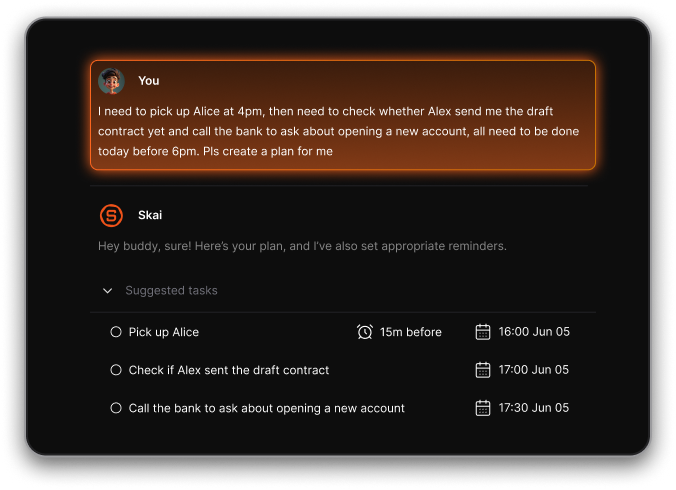
- You don’t have to remember where things live
The system adapts to how you think, instead of asking you to adapt to it.
6. Which Fabric.so alternative is best for turning notes into tasks?
If your main frustration with Fabric is that ideas don’t turn into action, Saner.AI is the most direct replacement.
It helps you:
- Capture thoughts naturally
- Convert them into follow-ups or tasks
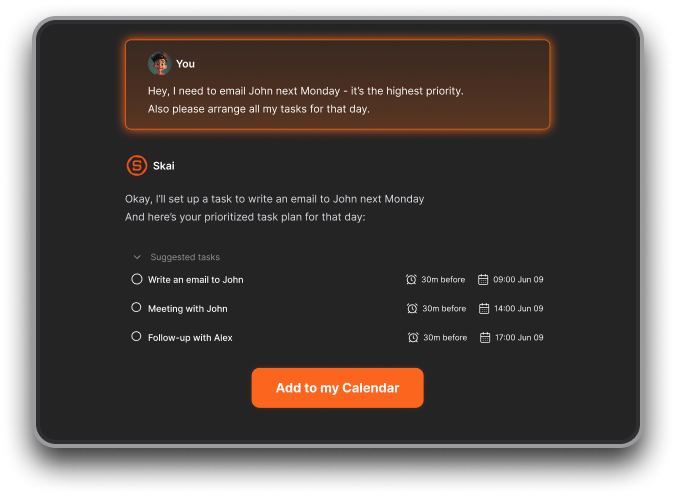
- Get reminders at the right time
- Surface relevant context when working
Most other Fabric.so alternatives stop at organization.
7. Are there free Fabric.so alternatives?
Yes. Several Fabric.so alternatives offer free plans or generous trials:
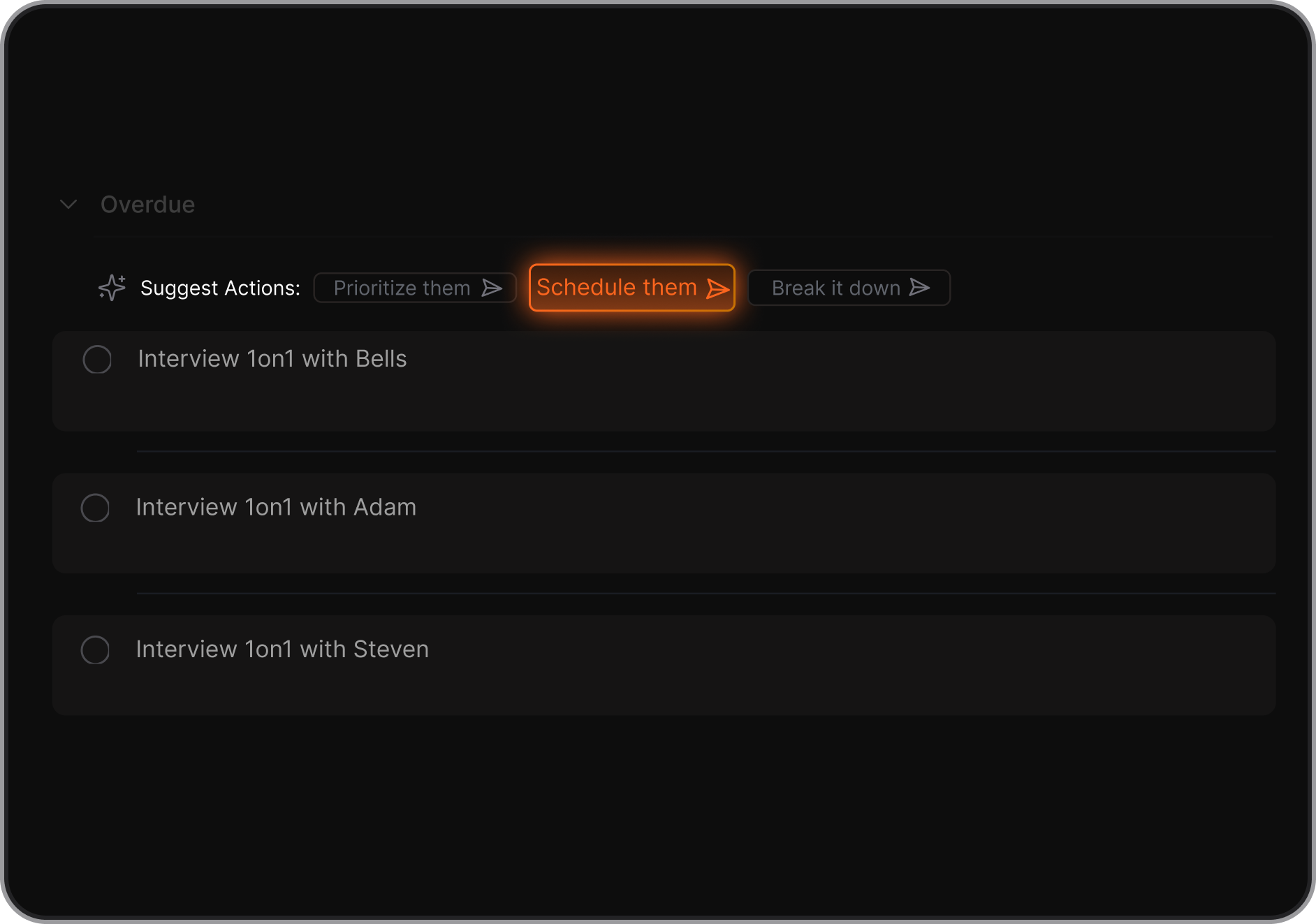
- Saner.AI – Free plan with AI note search and task reminders
- Notion – Free personal workspace
- Capacities – Free tier for individual users
- NotebookLM – Free with Google account
Free plans are usually enough to test fit before committing.
8. Which Fabric.so alternative is best for entrepreneurs and founders?
Saner.AI is commonly chosen because it connects thinking, planning, and execution in one place - without heavy setup.
Founders often need:
- Fast capture of ideas
- Follow-ups from meetings
- Context from past notes
- Fewer tools, not more
9. How are Fabric.so alternatives different from traditional note apps?
Traditional note apps focus on storage.
Most Fabric.so alternatives focus on understanding and retrieval.
The newer tools:
- Let you search by intent
- Connect ideas across time
- Surface what matters automatically
The difference isn’t just features - it’s mental load.
10. How do I choose the right Fabric.so alternative?
Ask yourself three questions:
- Do I want ideas, or ideas that turn into action?
- Do I enjoy building systems, or do I want one that adapts to me?
- Am I organizing for reference, or for daily work?
Your answers will usually point clearly to the right Fabric.so alternative.
Stay on top of your work and life



