
Reclaim.ai vs Saner.ai for ADHD: Which AI Calendar Fits Your Brain?

The key answer
Reclaim.ai and Saner.ai both use AI to help adults with ADHD, but they fix different problems
- Reclaim guards your calendar: it auto-schedules focus time, habits, and tasks around your meetings.
- Saner handles the mess before the calendar: it turns brain dumps, emails, and notes into tasks, then tells you what to work on each morning.
Pick the one that matches where your day actually breaks.
- Pick Reclaim.ai if your calendar is stuffed with meetings and the work you meant to do keeps getting eaten.
- Pick Saner.ai if your trouble starts earlier: ideas scattered across five apps, tasks buried in email, and that frozen feeling of not knowing where to begin.
- Use both if you've got both problems. Saner decides what matters. Reclaim protects the time to do it. The setup is further down.
Why do ADHD brains fight normal planners?
Every planner depends on three skills: holding a plan in your head, sensing how time passes, and remembering to act later. ADHD makes all three harder, and the research backs that up.
- A meta-analysis of 83 studies found people with ADHD scored lower on executive function tasks, with the most consistent gaps in response inhibition, vigilance, working memory, and planning (Willcutt et al., Biological Psychiatry, 2005).
- If that sounds familiar, here's our take on executive dysfunction.
- Your sense of time runs differently. A 2022 meta-analysis pooling 55 studies found timing deficits in people with ADHD across every type of task tested, including estimating and producing time intervals (Marx et al., Journal of the American Academy of Child and Adolescent Psychiatry, 2022). A review focused on adults reached the same broad conclusion while noting how few adult studies exist (Mette, International Journal of Environmental Research and Public Health, 2023).
- People call this time blindness.
- Clock-based remembering is the weak spot. In a study of 25 adults with ADHD, the group showed a large impairment when they had to remember an action at a set time, but no difference from controls when an outside cue prompted them (Altgassen et al., Journal of Attention Disorders, 2014).
- It shows up in real life, too. In a study that tracked everyday intentions, 52% of adults with ADHD never called the researcher at the agreed time, compared with 21% of controls. They also carried out fewer of their own planned tasks, and those memory slips partly explained the link between ADHD symptoms and procrastination (ADHD Attention Deficit and Hyperactivity Disorders, Springer).
- External systems help. In a randomized trial of 86 adults still struggling on medication, cognitive behavioral therapy that trained people to use a calendar and task-list system beat a relaxation-based comparison, and the gains held at 12 months (Safren et al., JAMA, 2010).
Reclaim.ai for ADHD: what it actually does
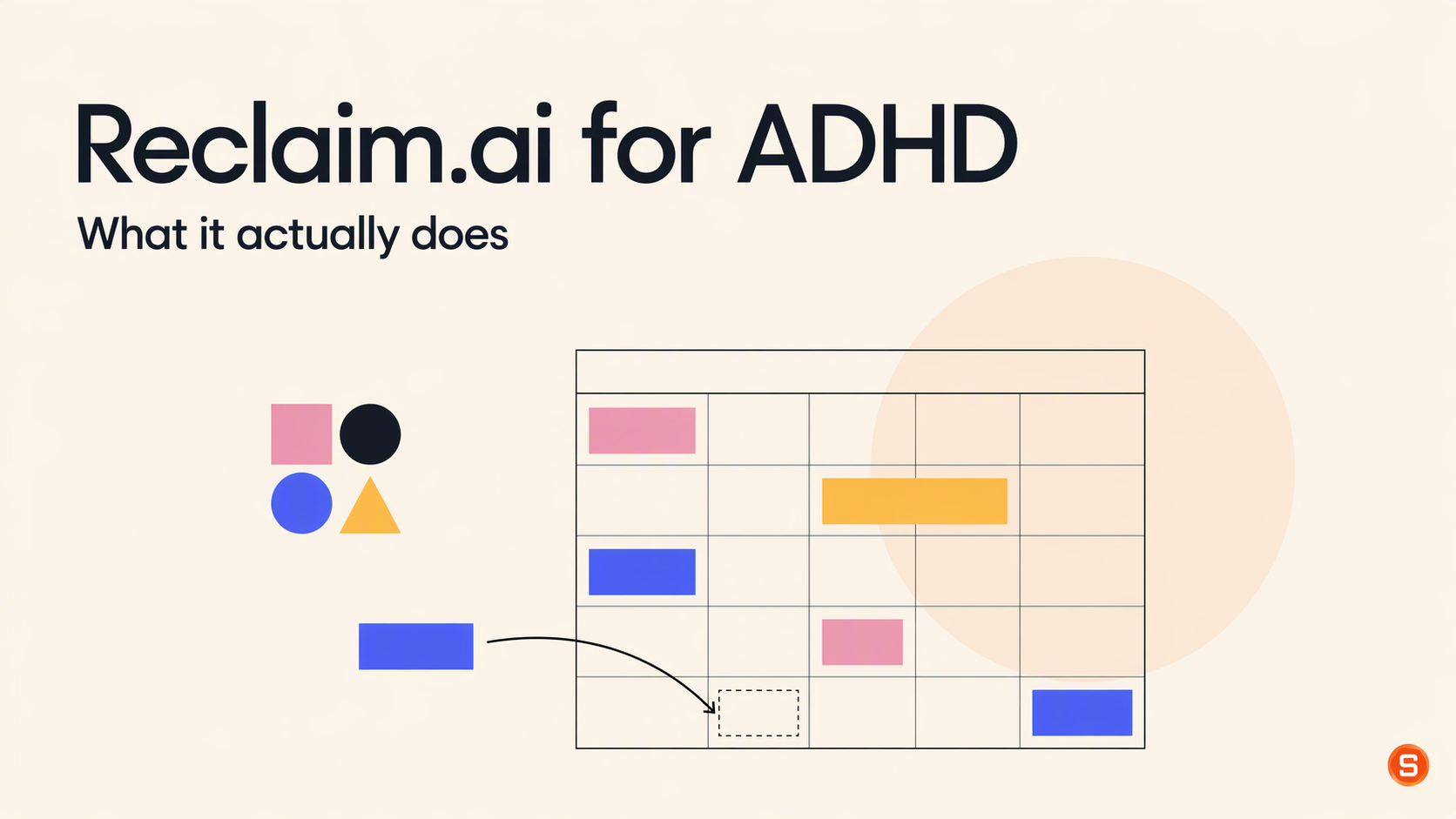
Reclaim is an AI calendar that writes events straight into your Google Calendar or Outlook, then keeps moving them around as your week changes. Think of it as a bouncer for your calendar.
The features that matter for ADHD
- Focus Time. You set a weekly goal, say 10 hours, and Reclaim defends blocks for it around your meetings.
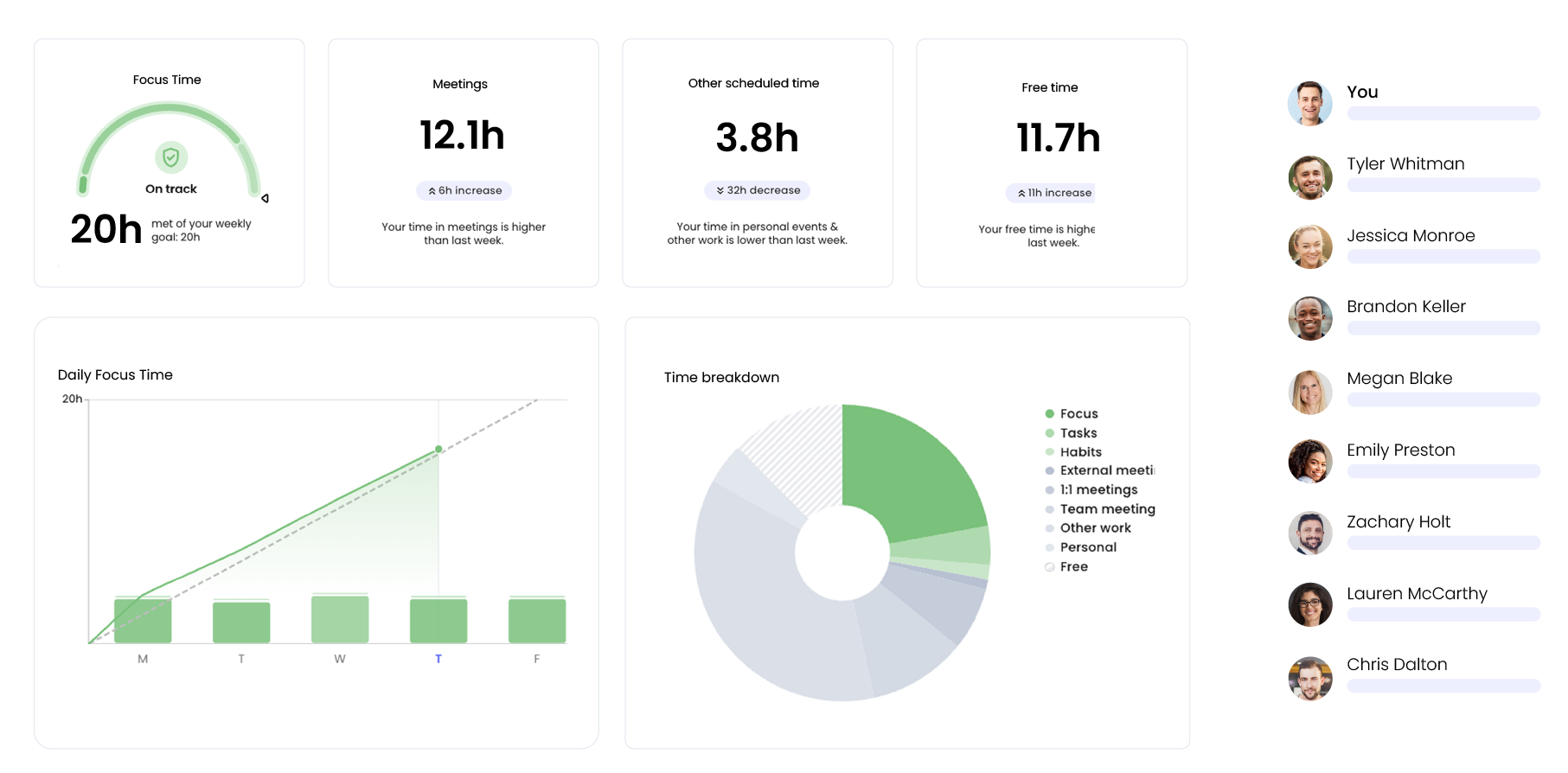
- Habits. Flexible recurring blocks for routines like lunch, a walk, or weekly admin.
- Tasks. Give a task a duration and a due date, and Reclaim finds time for it before the deadline. The free plan pulls tasks from Google Tasks; paid plans add Todoist, Asana, ClickUp, Jira, and Linear.
- Buffer Time. Automatic breaks after video calls so you're not sprinting from one meeting straight into the next.
- AI Planner and AI Assistant. A chat where you can ask it to fix conflicts, find time, or set up new scheduling rules.
- Slack status sync. Your Slack status flips to busy during focus blocks, so fewer "quick question" pings.
Reclaim.ai pricing
- Lite: free forever, one user, one-week scheduling range, one calendar sync, one scheduling link, limited integrations.
- Starter: $10 per seat per month billed yearly, or $12 monthly. Eight-week scheduling range and all task integrations.
- Business: $15 per seat per month billed yearly, or $18 monthly. Twelve-week range plus team features.
All of that is from Reclaim's pricing page.
Pros
- The free plan is usable for one person.
- It works inside the calendar you already open every day, so there's no new app to remember.
- Rescheduling is automatic. Miss a block, and it slides somewhere else instead of sitting there making you feel bad.
Cons
- You still do the thinking up front. Reclaim needs a task with a duration and a due date. It won't turn "sort out taxes???" into steps, and it won't dig tasks out of your email.
- No native mobile app. Reclaim's own help center says it has no iOS or Android app today and suggests saving the web app to your home screen
- The free plan only plans one week ahead, so long deadlines sneak up on you.
- A calendar full of auto-moving colored blocks can turn into visual noise. If you ignore the blocks, Reclaim will keep rescheduling them forever. It's very patient. Possibly more patient than you.
If you want a deeper look at the tool on its own, our earlier Reclaim AI review for ADHD goes further into setup
Saner.ai for ADHD: what it actually does
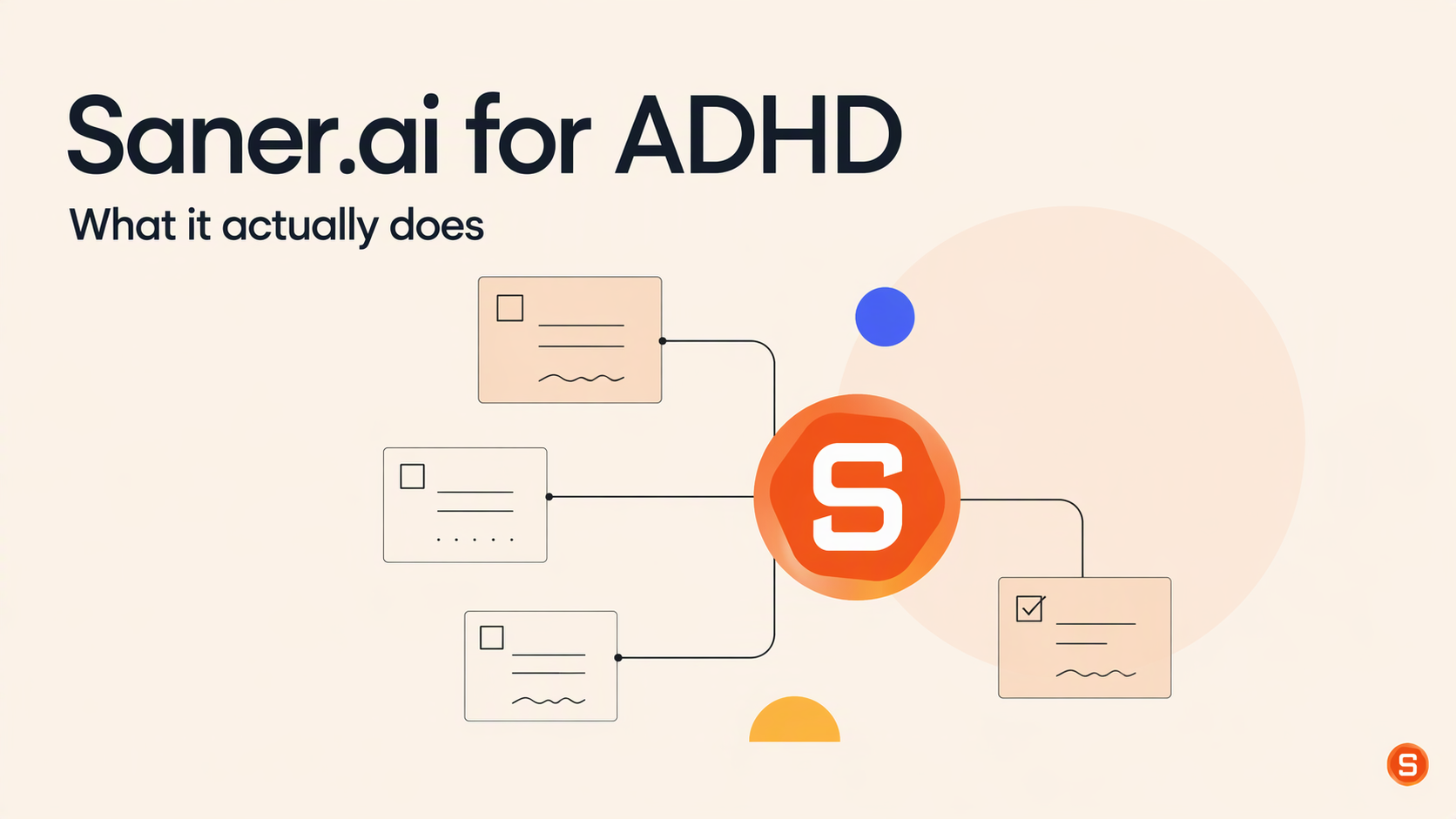
Saner.ai is an AI personal assistant that pulls your notes, email, calendar, and tasks into one place, with a chat assistant called Skai on top. Reclaim is a bouncer.
The features that matter for ADHD
- Brain dump to tasks. Type or say whatever's rattling around, and Skai can save it as a note, turn it into a task linked to the right context, and file it in a folder.
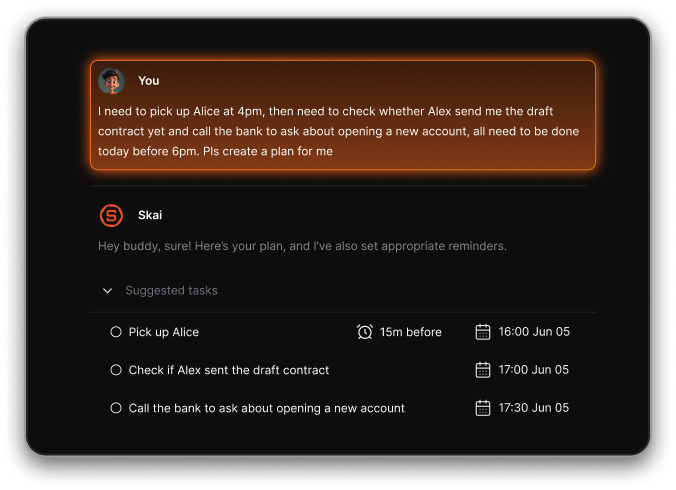
- Email and notes to tasks. Saner syncs Gmail, Google Calendar, Google Drive, Slack, and Outlook mail and calendar, then suggests tasks from what comes in.
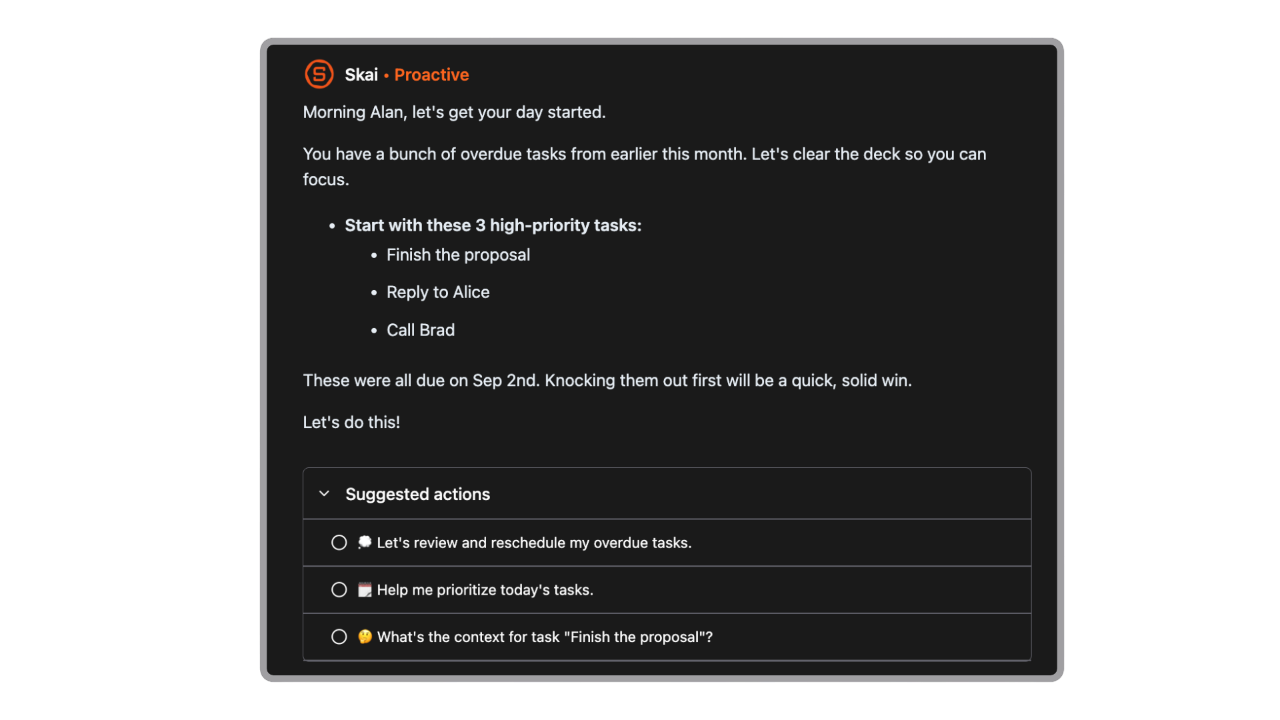
- A morning plan you didn't have to make. Every morning, or at a time you choose, Skai scans your calendar, overdue tasks, and recent notes and tells you what needs attention
- "Break this down for me." Ask Skai, and it splits a task into sub-tasks. This is the bit that helps with ADHD task paralysis, where the first step is the part your brain refuses to find.
- Task durations and a calendar view. Tasks with a duration show up as blocks next to your events, which makes time a bit more visible.
- A Focus Box for your top three tasks, plus Live Activities on mobile, so your current focus task sits on your lock screen.
- Search by meaning. Ask "what did the landlord say about the deposit?" and it finds the note even if you titled it "stuff."
- iOS and Android apps, a Chrome extension, and voice notes for capture on the go.
Why this helps an ADHD brain: it takes over the remembering and the planning.
Saner.ai pricing
- Free: $0.
- Starter: $8 per month billed yearly.
- Standard: $16 per month billed yearly.
Pros
- It handles the step before scheduling, which is where many ADHD days fall apart.
- Capture is fast and messy-friendly. You don't need to know what a thing is before you save it.
- The morning check-in means you start the day with a short list instead of a blank page.
- Native mobile apps, so your plan comes with you away from the desk.
Cons
- It doesn't guard your calendar the way Reclaim does. No auto-declining meetings, no defended focus hours.
- No team plan. It's built for one person's brain.
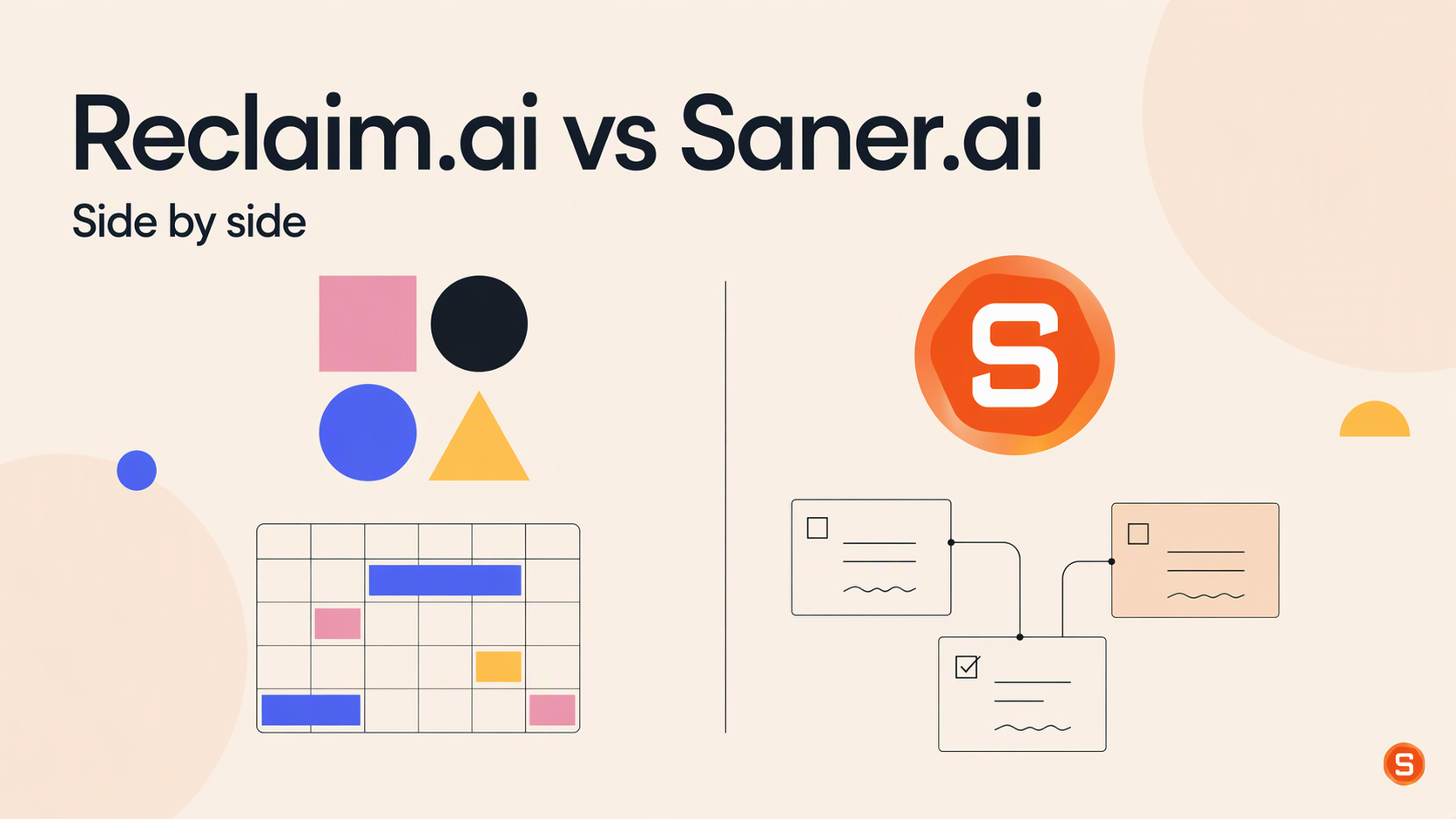
Reclaim.ai vs Saner.ai: side by side
Reclaim.ai | Saner.ai | |
|---|---|---|
Main job | Defends your calendar and auto-schedules work | Turns scattered notes, email, and ideas into a daily plan |
ADHD problem it targets most | Time blindness, meetings eating focus time | Working memory, forgotten tasks, not knowing where to start |
Where you use it | Inside Google Calendar or Outlook, plus a web app | Its own app on web, iOS, Android, and Chrome |
Task capture | You add tasks with a duration and due date | Brain dumps, voice notes, emails, and notes become tasks |
Breaks big tasks into steps | No | Yes, on request |
Morning plan | Daily digest of calendar conflicts | Proactive plan from calendar, overdue tasks, and notes |
Protects focus time from meetings | Yes, with optional auto-decline | No |
Native mobile app | No | Yes |
Free plan | Usable: habits, focus time, tasks from Google Tasks, one-week range | Small: 30 AI messages and 30 AI requests per month |
Paid price, billed yearly | From $10/seat/month | From $8/month |
Best for | Meeting-heavy workers who lose their deep-work time | Scattered thinkers drowning in inputs |
Which one should you pick?
Start with the moment your day usually falls apart, then match the tool to that moment.
- "My calendar is wall-to-wall meetings and real work happens at 9pm." Reclaim. Focus Time with auto-decline is built for exactly this.
- "I forget to eat, move, or take breaks until my body files a complaint." Reclaim's habits. Free, flexible, and they move when meetings land.
- "I have ideas in Notes, Slack, three notebooks, and the back of a receipt." Saner. Capture everything in one spot and let Skai sort it.
- "I stare at my to-do list, and nothing happens." Saner. Task breakdown plus a three-item Focus Box is the antidote to the giant list.
- "Important stuff gets buried in email." Saner, since it reads your inbox and suggests tasks from it.
- "I manage my life from my phone." Saner, because Reclaim has no native mobile app.
- "I want something free that actually works." Reclaim Lite. Saner's free plan is better as a quick test drive.
- "All of the above, sadly." Run the combo setup from the section above.
Still unsure? Try Reclaim Lite for a week, because it costs nothing. If you notice the blocks are protected, but you still don't know what to put in them, that's your sign the gap is upstream, and Saner is the piece you're missing.
For a wider field, the roundup of ADHD organization tools for adults
FAQ
Is Reclaim.ai good for ADHD?
Yes, if your main problem is protecting time. Reclaim auto-schedules focus blocks, habits, and tasks around meetings and reschedules them when plans change. It won't help you figure out what your tasks are or break them into steps.
Is Saner.ai good for ADHD?
Yes, if your main problem is scattered information and getting started. Saner turns notes, emails, and brain dumps into tasks, breaks big tasks down on request, and sends a morning plan. It doesn't defend your calendar from meetings.
Which is better for time blindness?
Reclaim, slightly. It puts every task on your real calendar with a set time, so time becomes something you can see. Saner helps too, through task durations on its calendar view and the morning check-in, but Reclaim was built around the calendar.
Is Saner.ai free?
There's a free plan
Is Reclaim.ai free?
Yes. The Lite plan is free forever for one user, with a one-week scheduling range. Paid plans start at $10 per seat per month billed yearly
Does Reclaim.ai have a mobile app?
No native one. Reclaim says you can add its web app to your phone's home screen, or edit its events in your regular calendar app
Can an app replace ADHD treatment?
No. Apps are support tools. The strongest evidence in this post is for structured treatment, like the trial where cognitive behavioral therapy that taught calendar and task-list skills improved symptoms in adults already on medication (Safren et al., JAMA, 2010). Talk to your clinician about what fits you. If you want more day-to-day strategies, here's a guide on how to focus with ADHD.
Sources
Medical and research sources:
- Staley BS et al. Attention-Deficit/Hyperactivity Disorder Diagnosis, Treatment, and Telehealth Use in Adults. CDC, Morbidity and Mortality Weekly Report, 2024.
- Willcutt EG et al. Validity of the executive function theory of ADHD: a meta-analytic review. Biological Psychiatry, 2005.
- Marx I et al. Meta-analysis: altered perceptual timing abilities in ADHD. Journal of the American Academy of Child and Adolescent Psychiatry, 2022.
- Mette C. Time perception in adult ADHD: findings from a decade, a review. International Journal of Environmental Research and Public Health, 2023.
- Altgassen M, Kretschmer A, Kliegel M. Task dissociation in prospective memory performance in individuals with ADHD. Journal of Attention Disorders, 2014.
- Prospective memory and procrastination in adults with ADHD (everyday intentions study). ADHD Attention Deficit and Hyperactivity Disorders, Springer.
- Safren SA et al. Cognitive behavioral therapy vs relaxation with educational support for medication-treated adults with ADHD and persistent symptoms. JAMA, 2010.