40+ Best AI Software for 2026 (Tested and Ranked)


1. What “Best AI Software” Really Means
When people search for the best AI software, they’re rarely looking for “the smartest AI.” What they actually want is AI-powered software that solves a real problem better, faster, or cheaper than traditional tools.
In 2026, AI software matters because it directly affects how individuals and businesses:
- Work faster with fewer tools
- Automate repetitive decisions
- Create, analyze, and communicate at scale
- Compete without hiring large teams
This guide helps you choose the best AI software tools based on use case, not hype. Instead of one-size-fits-all rankings, you’ll see AI software examples by category, with clear pros, cons, pricing, and who each tool is actually for.
2. What Is AI Software?

AI software is any application that uses artificial intelligence models - such as machine learning, natural language processing, or generative models - to perform tasks that normally require human judgment.
AI Software vs Traditional Software
- Traditional software follows fixed rules (if X, then Y).
- AI-powered software adapts, learns from data, and generates outputs dynamically.
What Makes Software “AI-Powered”
AI software typically does one or more of the following:
- Learns from usage or data patterns
- Automates decisions or workflows
- Generates content (text, images, video, code)
- Reasons across multiple inputs
This distinction matters because AI tools for business and individuals scale differently. The value isn’t features - it’s reduced friction, time saved, and better decisions.
3. How We Evaluated the Best AI Software
To meet real user needs, each tool was evaluated using the same criteria:
- Core use case - What problem does it solve best?
- AI capabilities - Automation, reasoning, generation, learning
- Ease of use - Can non-technical users adopt it?
- Integrations - Fits into existing workflows or not
- Pricing transparency - Clear plans vs hidden limits
- Best-fit audience - Individuals, teams, or enterprises
No tool is “best” for everyone. Context always wins.
4. The Best AI Software Category
We divided the AI software into 15 different categories:
- AI Assistant: ChatGPT, Claude, CoPilot
- Task management: Saner.AI, Motion, Reclaim
- Writing: Jasper, Grammarly, Notion AI.
- Marketing: HubSpot AI, Surfer SEO, Blaze.AI
- Sales: Gong, Clay, Apollo.
- Developers: GitHub Copilot, Cursor, Replit Ghostwriter
- Video generations: Runway, Pika, Veo 3
- Images: Nano Banana, Midjourney, DALL·E
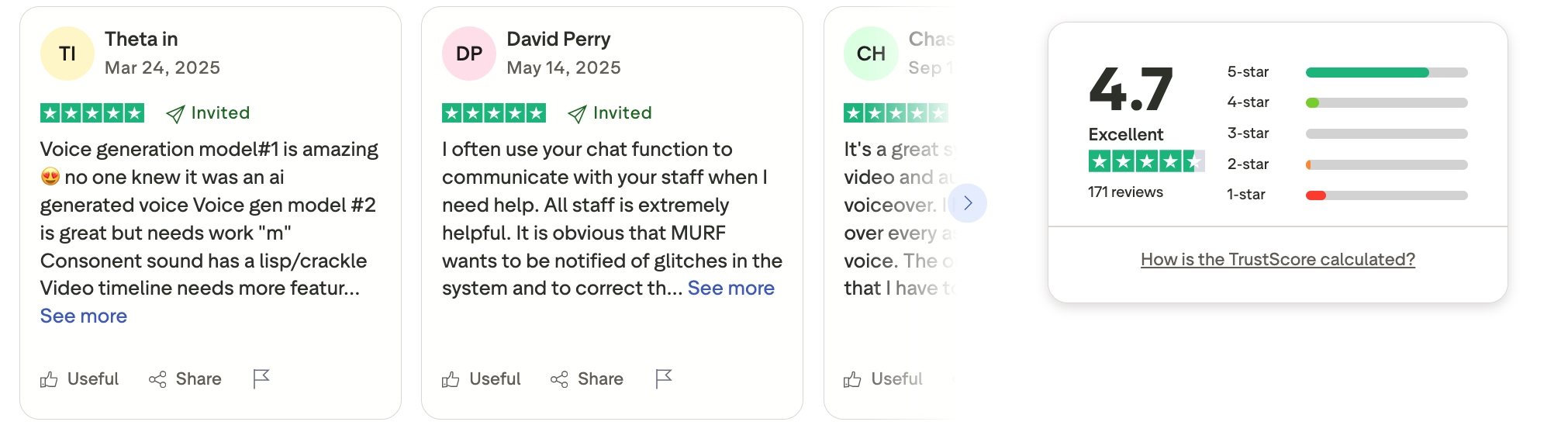
- Voice generations: ElevenLabs, PlayHT, Murf.
- Presentations: SlidesAI.io, Gamma, Beautiful.ai.
- Research: Perplexity, Elicit, Consensus
- Graphic design: Canva, Adobe Firefly, Uizard
- Meeting assistant: Otter.ai, Fireflies.ai, Fathom
- Resume: Worded, Teal, Kickresume.
Best AI Software Comparison Table (2026)
| Category | AI Software | Best Use Case | Core Strength | Ideal For |
|---|---|---|---|---|
| AI Assistant | ChatGPT | General-purpose AI | Reasoning, writing, coding | Individuals & teams |
| Claude | Long-form thinking | Large context, safe outputs | Writers, researchers | |
| Microsoft Copilot | Office productivity | Microsoft 365 integration | Corporate users | |
| Writing | Jasper | Marketing copy | Brand voice control | Marketing teams |
| Grammarly | Editing & rewriting | Grammar, tone, clarity | Professionals | |
| Notion AI | Notes & docs | Embedded AI workspace | Knowledge workers | |
| Marketing | HubSpot AI | Inbound marketing | CRM-powered automation | SMBs & enterprises |
| Surfer SEO | SEO content | Data-driven optimization | Content teams | |
| Blaze.AI | Content repurposing | Multi-channel automation | Solo marketers | |
| Sales | Gong | Sales coaching | Call insights & analytics | Revenue teams |
| Clay | Lead enrichment | Data + workflow automation | Growth teams | |
| Apollo | Prospecting | Lead data & outreach | SDRs | |
| Developers | GitHub Copilot | Coding assistance | Context-aware suggestions | Developers |
| Cursor | AI-first coding | Repo-level understanding | Power users | |
| Replit Ghostwriter | Rapid prototyping | Browser-based dev | Beginners | |
| Video Generation | Runway | Creative video | Editing + generation | Creators |
| Pika | Short-form video | Fast text-to-video | Social teams | |
| Veo 3 | Cinematic video | High realism | Media studios | |
| Image Generation | Nano Banana | Quick visuals | Lightweight generation | Casual users |
| Midjourney | Artistic images | High aesthetic quality | Designers | |
| DALL·E | Concept visuals | Prompt accuracy | Product teams | |
| Voice Generation | ElevenLabs | Realistic speech | Natural prosody | Creators |
| PlayHT | Narration | Multi-language voices | Media teams | |
| Murf | Business voiceover | Studio-quality output | Enterprises | |
| Presentations | SlidesAI.io | Text-to-slides | Speed & simplicity | Educators |
| Gamma | Fast decks | Clean auto-layout | Consultants | |
| Beautiful.ai | Consistent design | Smart formatting | Teams | |
| Research | Perplexity | AI-powered search | Source-backed answers | Analysts |
| Elicit | Academic research | Paper summaries | Researchers | |
| Consensus | Evidence synthesis | Study-based answers | Students | |
| Graphic Design | Canva | Non-designers | Templates + AI | Small teams |
| Adobe Firefly | Pro design | Commercial-safe assets | Enterprises | |
| Uizard | UI mockups | Sketch-to-design | Product teams | |
| Meeting Assistant | Otter.ai | Transcriptions | Real-time notes | Remote teams |
| Fireflies.ai | Meeting insights | Searchable conversations | Sales & CS | |
| Fathom | Sales calls | CRM summaries | Revenue teams | |
| Task Management | Saner.AI | Thought capture | AI-managed organization | Knowledge workers |
| Motion | Time blocking | Auto-prioritization | Busy professionals | |
| Reclaim | Work-life balance | Smart calendar control | Teams | |
| Resume | Worded | Resume feedback | ATS optimization | Job seekers |
| Teal | Job tracking | Resume + applications | Professionals | |
| Kickresume | Resume design | Templates + AI writing | Graduates |
What are Best AI Software for Task Management?
Best AI Software for Task Management are Saner.AI, Motion and Reclaim.AI
1. Saner.AI
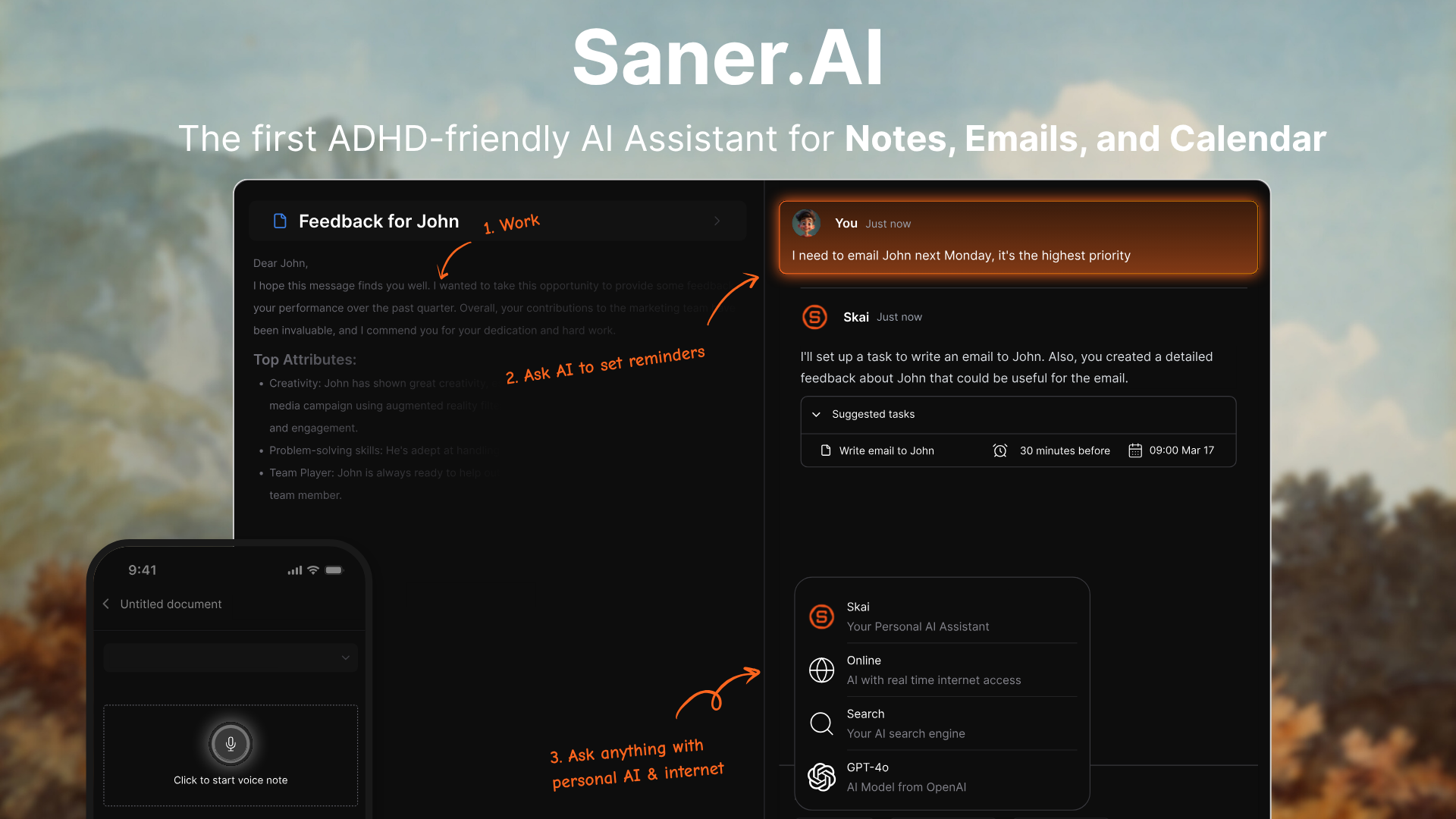
Saner.AI is an AI task management tool built for people who want less planning friction and more execution. It lets you capture tasks in natural language (“just write it down”) and uses artificial intelligence to automatically organize, prioritize, and surface what matters next.
Instead of folders, tags, or complex setups, the system handles structure in the background, making it one of the best AI software for modern productivity.
Key features
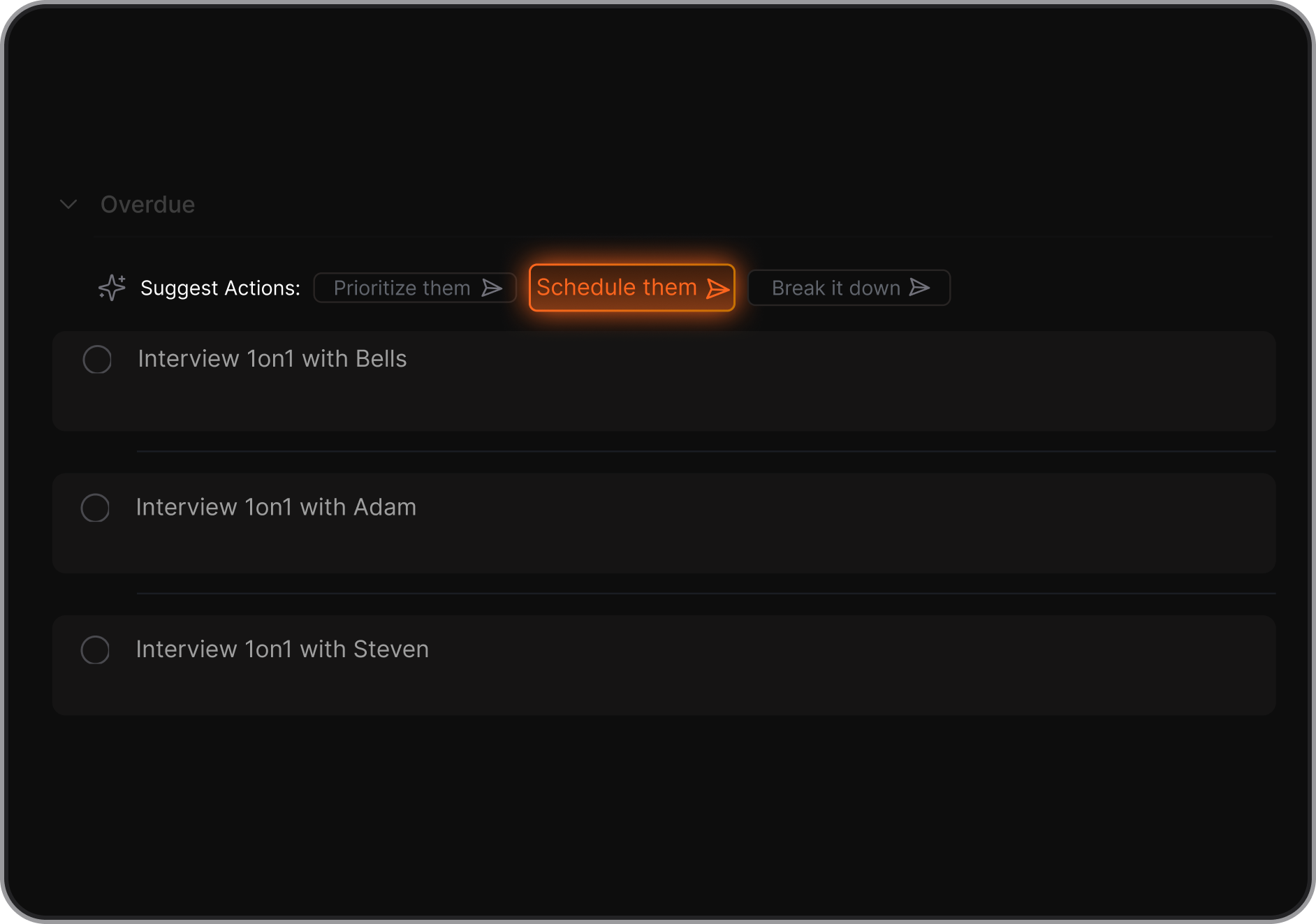
- Saner.AI approaches daily planning differently from traditional task managers or calendar-driven AI tools. Instead of asking you to manually plan your day, it uses AI to surface what matters today based on your notes, tasks, and priorities that were captured earlier. Your daily view becomes a focused, context-aware list of actions derived from your thinking - not a rigid schedule.
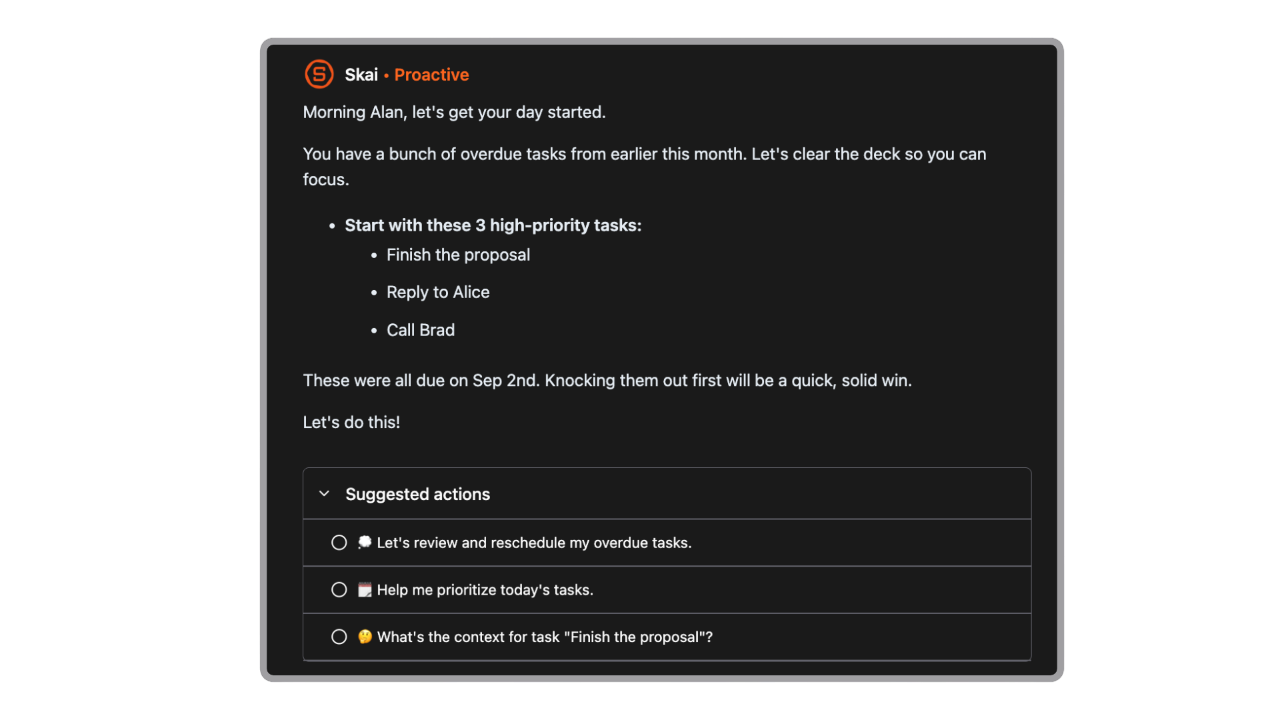
- Frictionless capture for ideas, thoughts, and to-dos
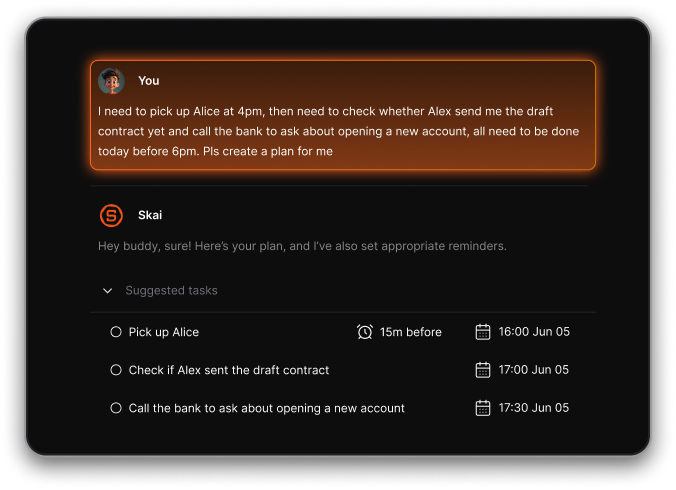
- AI automatically organizes and prioritizes your tasks
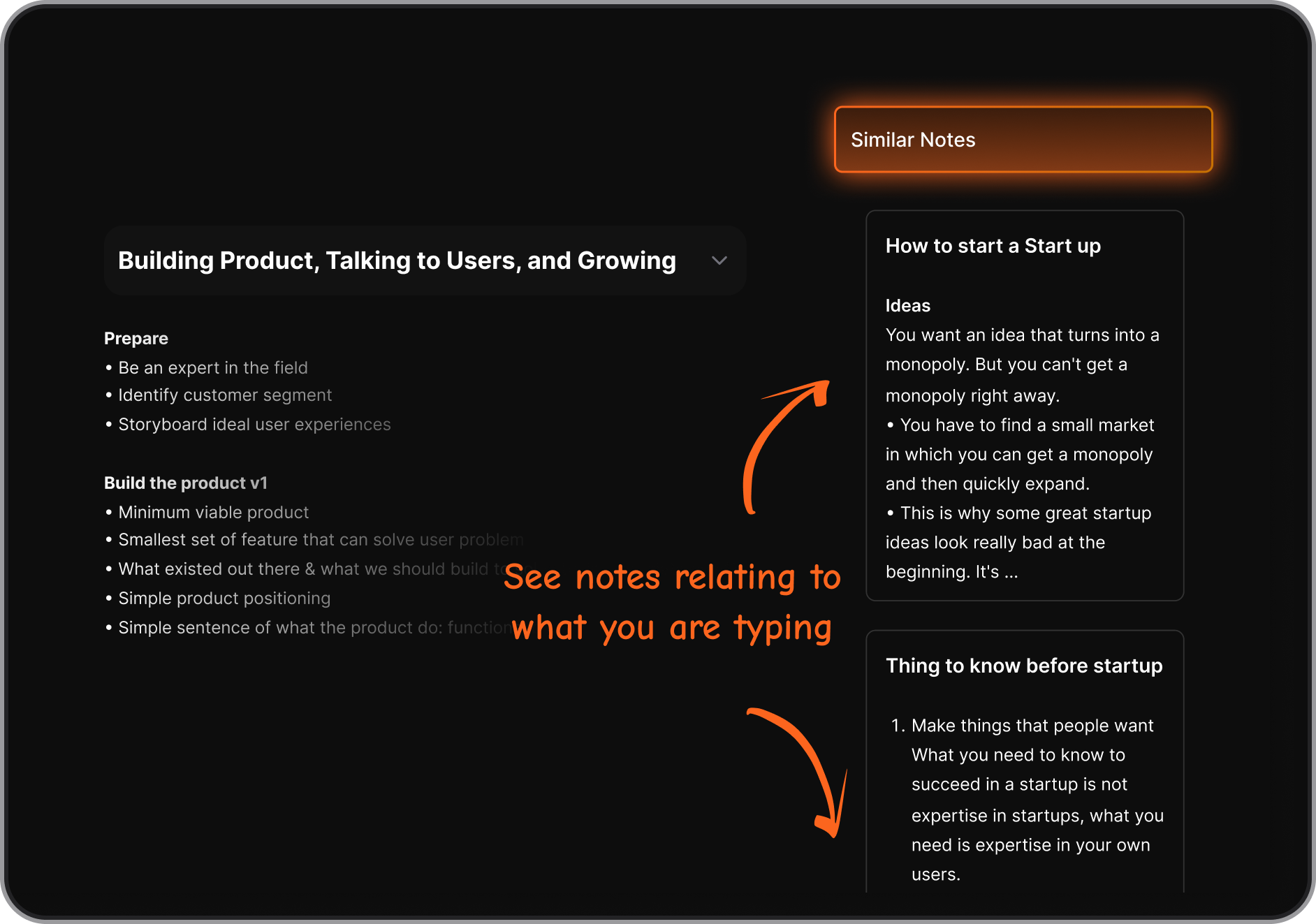
- Smart linking between related notes and actions.
Pricing
- Saner.AI offers a free plan with core task capture and AI organization features. Paid plans start at around $8–16 per month, unlocking more advanced AI prioritization, higher usage limits
Saner.AI review
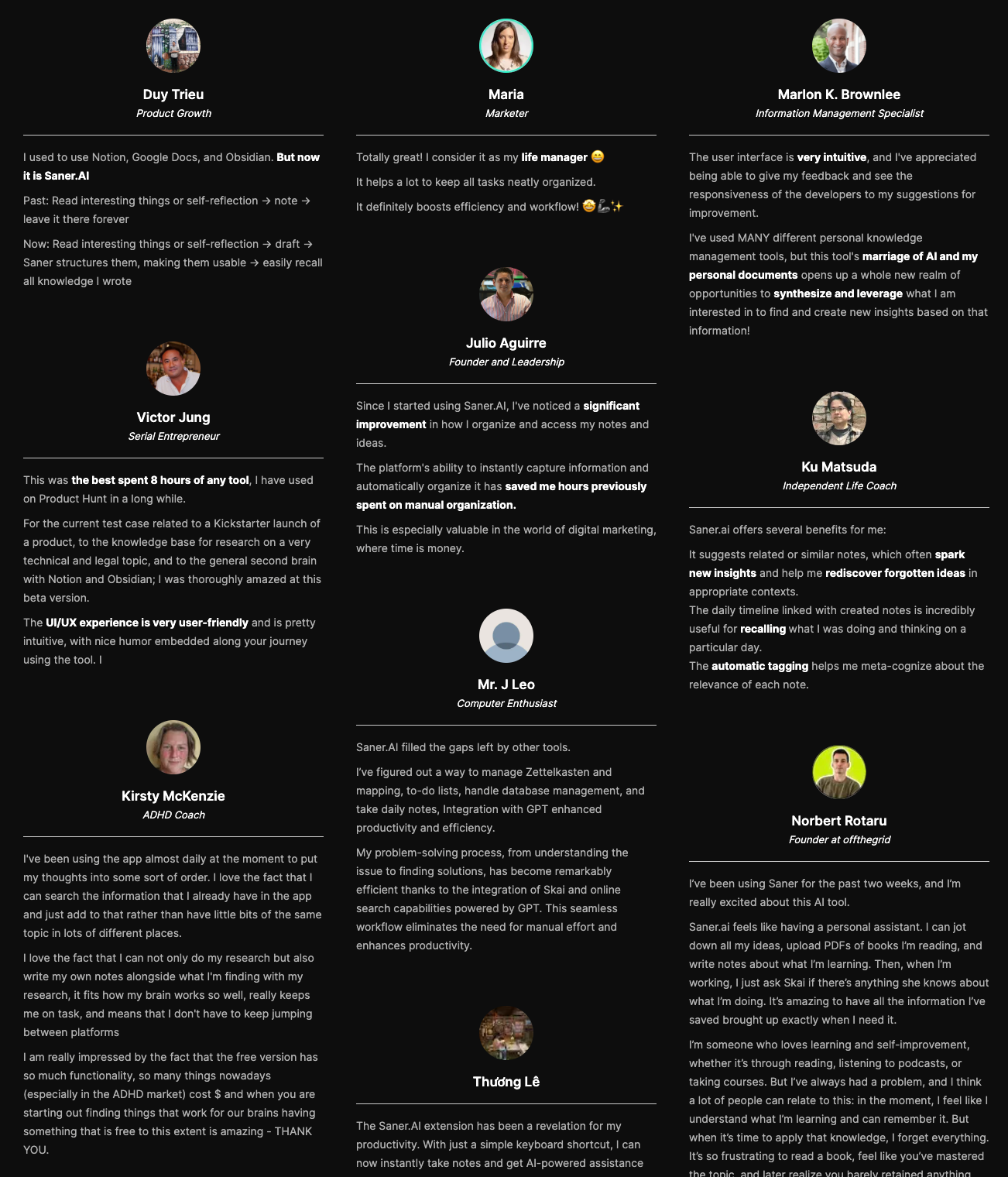
Saner.AI stands out in this category as a strong option for individuals and teams who want AI software to manage tasks automatically, without turning productivity into another full-time job.

Enjoy the best AI productivity tool
2. Motion
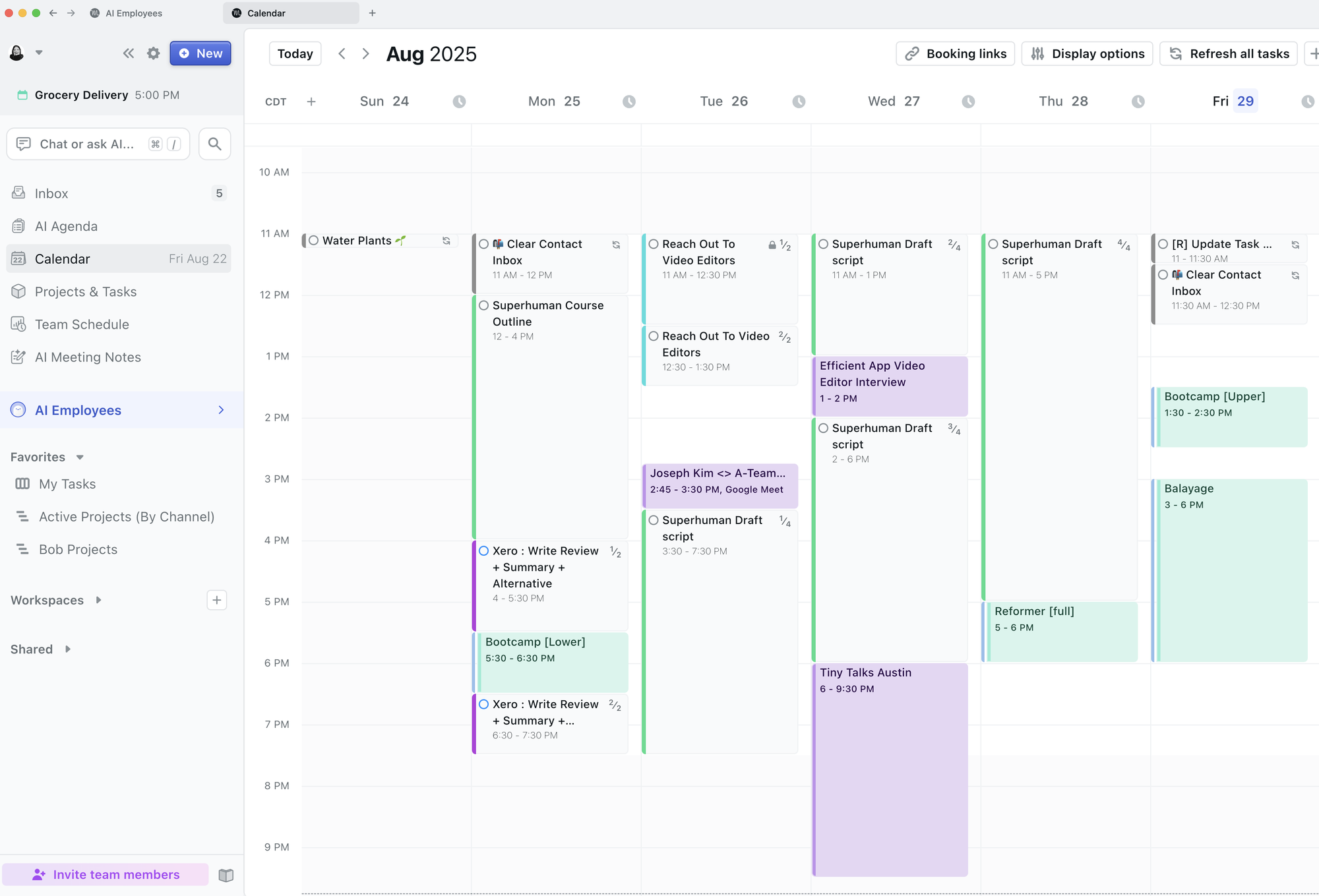
Motion combines tasks, projects, meetings, and deadlines into a single system, then uses artificial intelligence software to build a realistic schedule based on priority, urgency, and available time.
Key features include automatic task scheduling, real-time calendar optimization, deadline-aware prioritization, and team planning with shared timelines. The downside is reduced flexibility - some users feel constrained by the system’s strict scheduling logic, and it works best if you fully commit to its workflow
From an AI software comparison perspective, Motion leans more toward execution discipline than idea capture. It’s powerful for AI tools for business teams, operations roles, managers, and anyone whose productivity depends on deadlines rather than brainstorming. However, individuals with highly fluid or spontaneous work styles may find the constant rescheduling overwhelming at first.
Motion does not offer a free plan. The Individual plan starts at around $49 per month
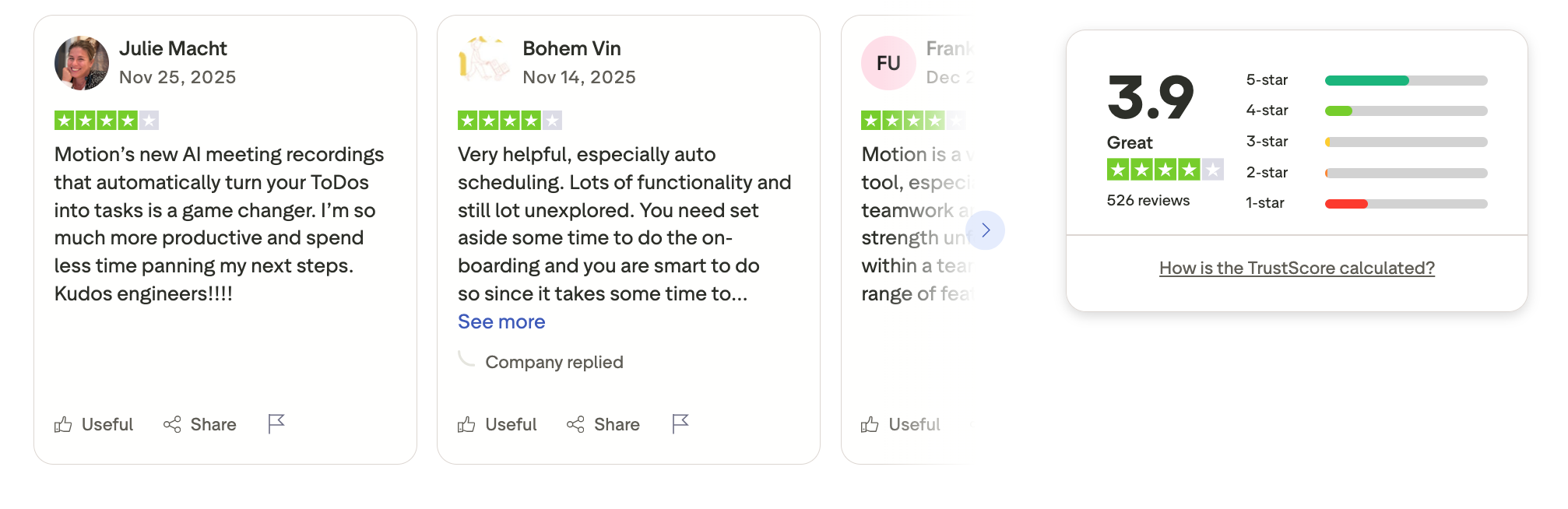
Motion review (source)
3. Reclaim AI
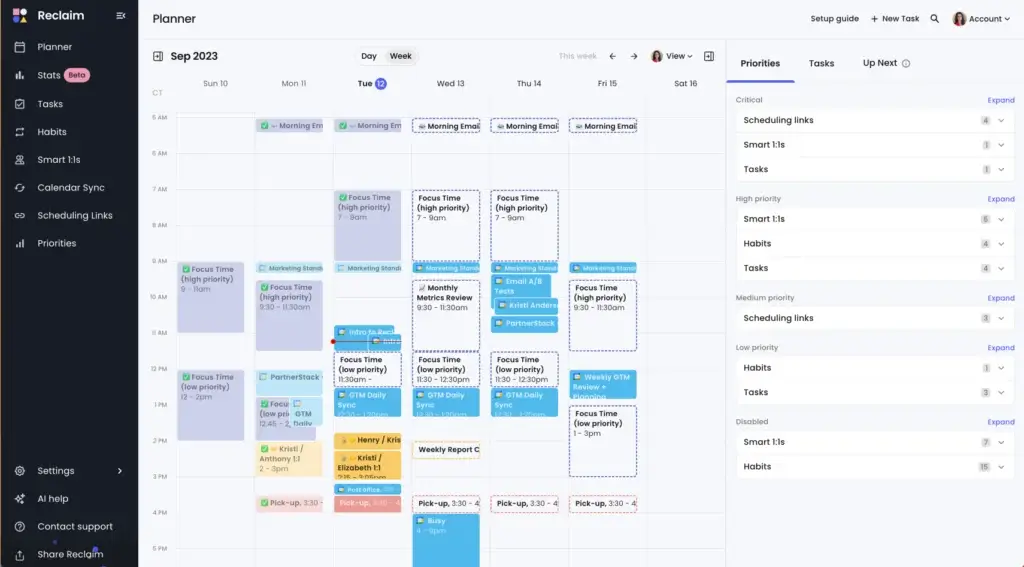
Reclaim.ai is an AI scheduling and task management tool that automatically plans your work on the calendar. Instead of managing to-do lists separately, Reclaim syncs tasks, habits, meetings, and priorities directly into your calendar.
Key features include AI task scheduling, smart time blocking, habit tracking, meeting buffers, and deep integrations with Google Calendar, Slack, and project tools.
The biggest advantage is automation - once set up, the system quietly keeps your schedule realistic. The downside is that it’s calendar-first, so users who prefer list-based task management may find it less flexible for idea capture or long-term planning.
Reclaim.ai offers a free Lite plan for individuals. Paid plans start at $10/month (Starter), $15 per user/month (Business), with an Enterprise plan available for larger teams.
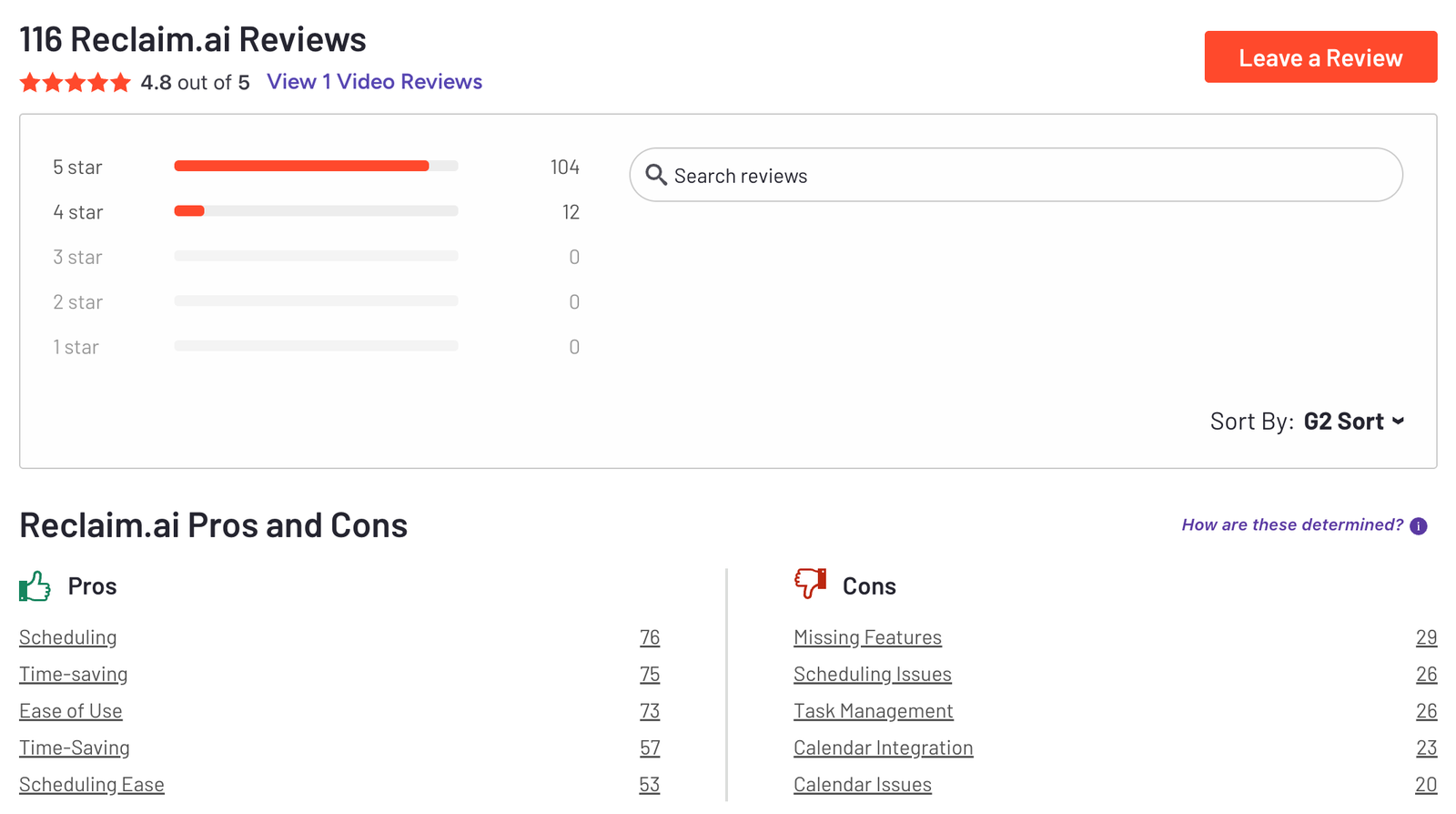
Reclaim.AI review (source)
What are Best AI Software for AI Assistant?
Best AI Software for AI Assistant are ChatGPT, Claude, Copilot.
1. ChatGPT
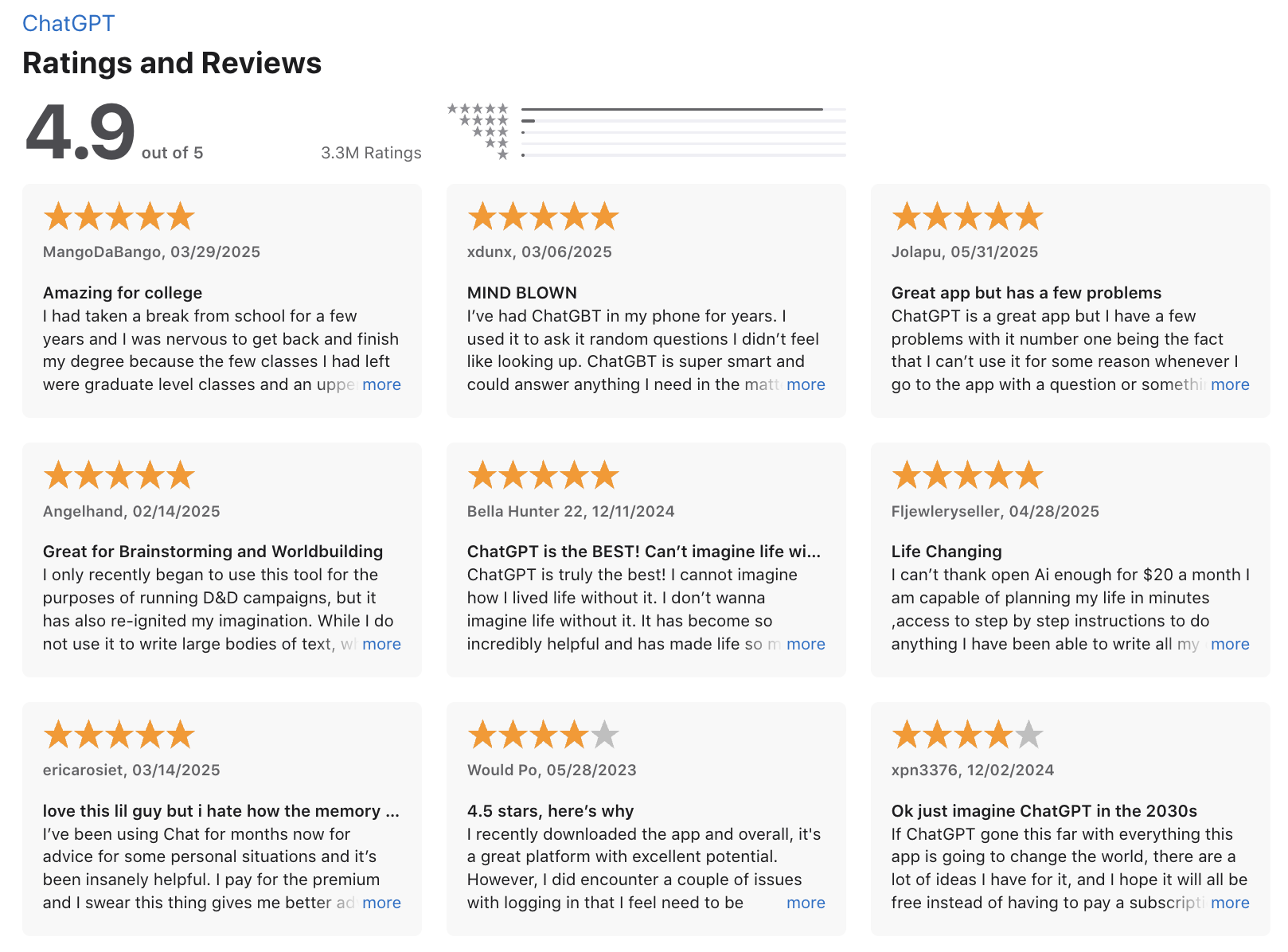
ChatGPT is one of the most widely used artificial intelligence software platforms for conversational AI, content creation, and knowledge assistance. It is designed to understand natural language and generate human-like responses across a wide range of tasks.
As one of the best AI software tools on the market, ChatGPT supports writing, brainstorming, research, coding, summarization, and automation use cases. Businesses often use it as an AI productivity tool to speed up internal workflows and reduce repetitive work.
ChatGPT integrates well into enterprise AI software stacks via API, enabling automation at scale. Smaller teams appreciate its low learning curve and fast onboarding. Power users may find limitations in long-term memory and project-level organization. Despite this, it remains one of the most practical AI software examples for daily knowledge work. It is particularly effective when paired with clear prompts and workflows.
The biggest advantage is versatility - you can use it for marketing copy, internal documentation, research, or daily work support without switching tools. However, outputs still require human review, especially for factual accuracy and nuanced business decisions. It’s best suited for individuals, marketers, founders, and teams looking for a flexible AI software that adapts to many use cases rather than a single workflow.
ChatGPT is free to use, with a Plus plan at $20/month and higher-tier plans for teams and enterprise AI software needs.
ChatGPT review (source)
2. Claude
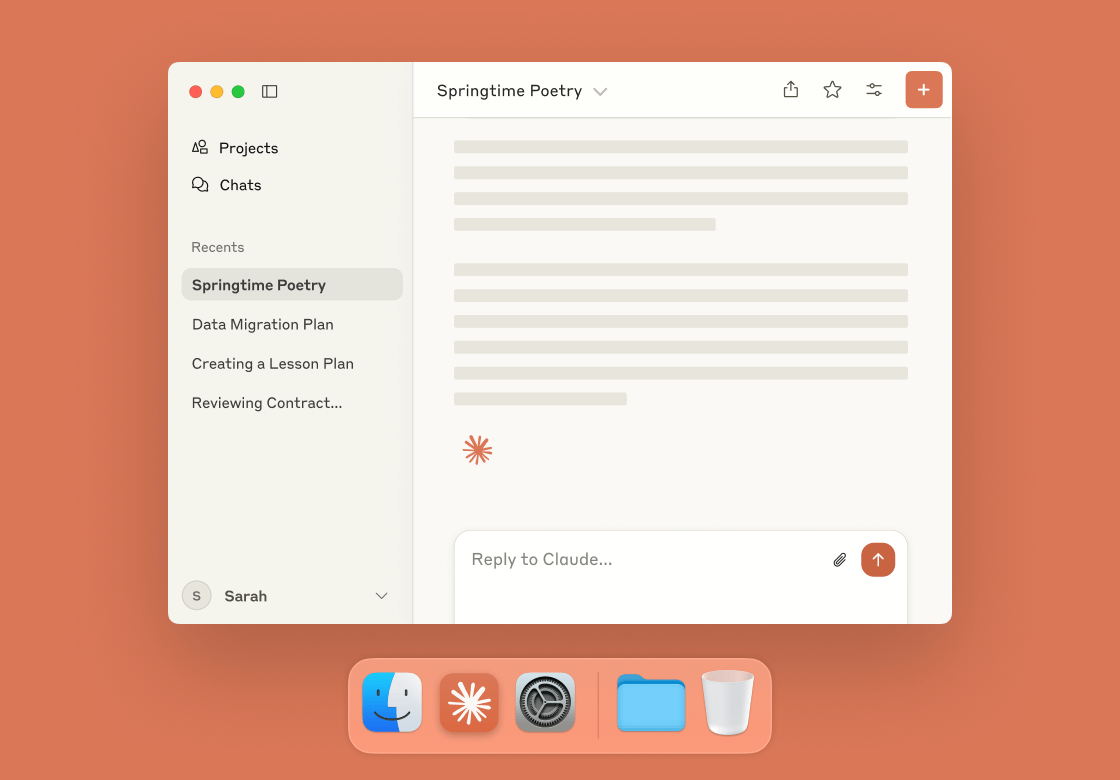
Claude is an AI assistant positioned as a more safety-focused and context-aware alternative among the best AI software tools available today. It excels at long-form reasoning, document analysis, and maintaining a consistent tone across extended conversations.
One of its standout features is the ability to handle very large text inputs, making it useful for reviewing reports, contracts, research papers, or internal knowledge bases. Claude is often preferred for thoughtful writing, ethical reasoning, and structured explanations rather than rapid-fire outputs. The advantage is clarity and depth - responses tend to feel more measured and less chaotic.
On the downside, it can feel more conservative, with fewer creative risks and limited integrations compared to some enterprise AI software platforms. Claude is ideal for writers, researchers, policy teams, and professionals who value accuracy, coherence, and calm reasoning over speed or automation-heavy workflows.
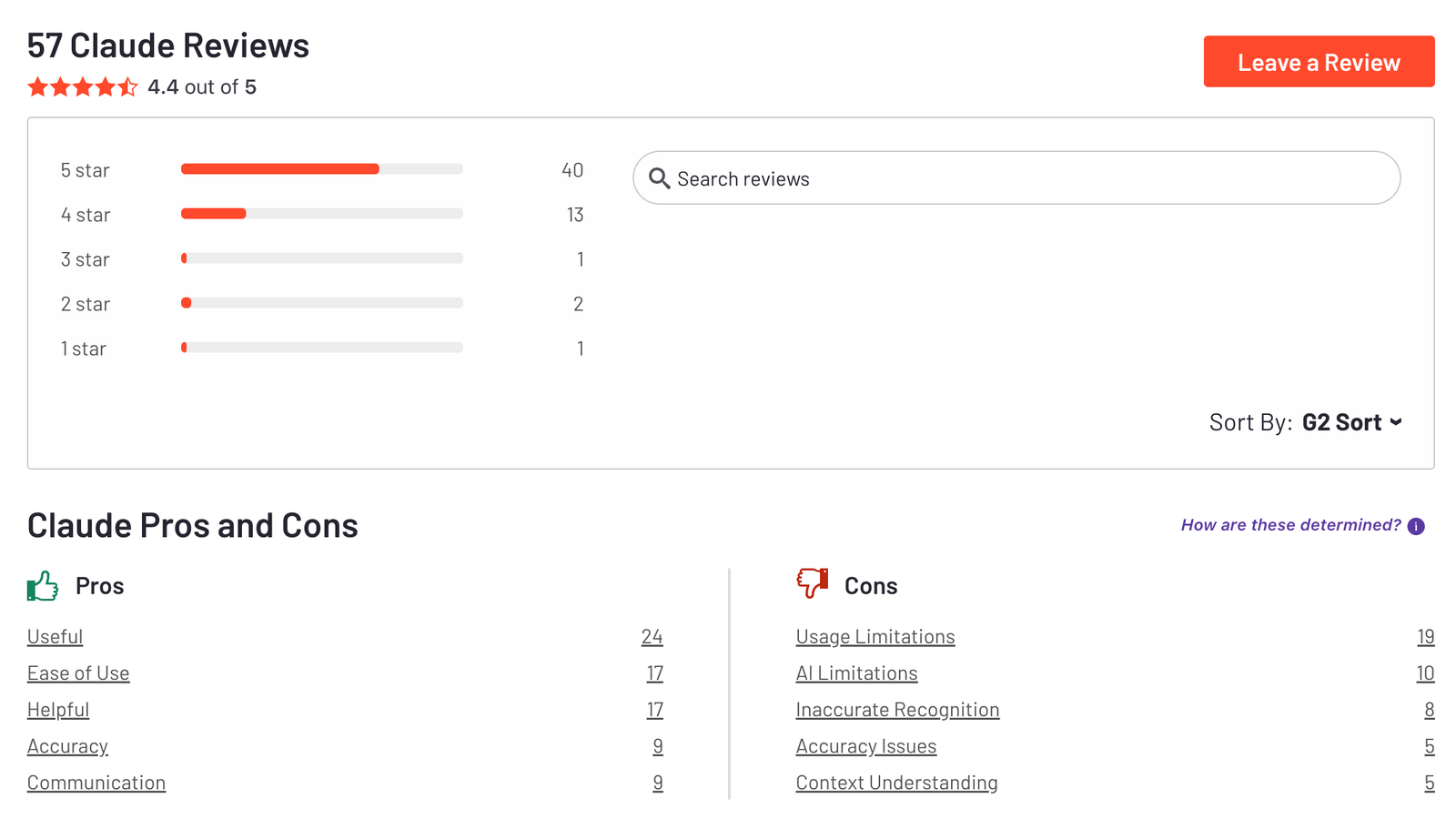
Claude is free to use, with a Pro plan at $20/month and a Max plan starting around $100/month for higher limits and early access.
Claude review (source)
3. Copilot
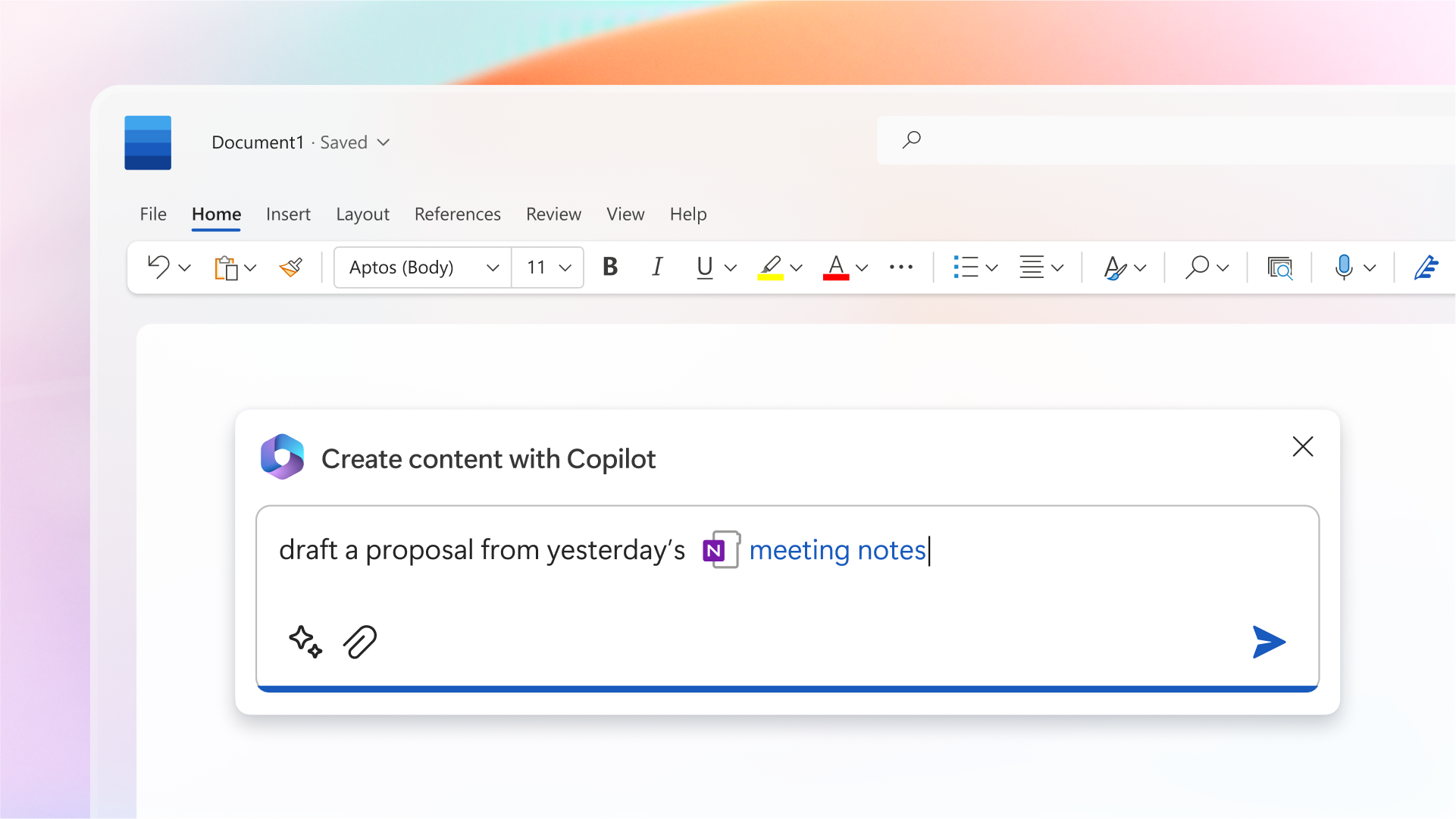
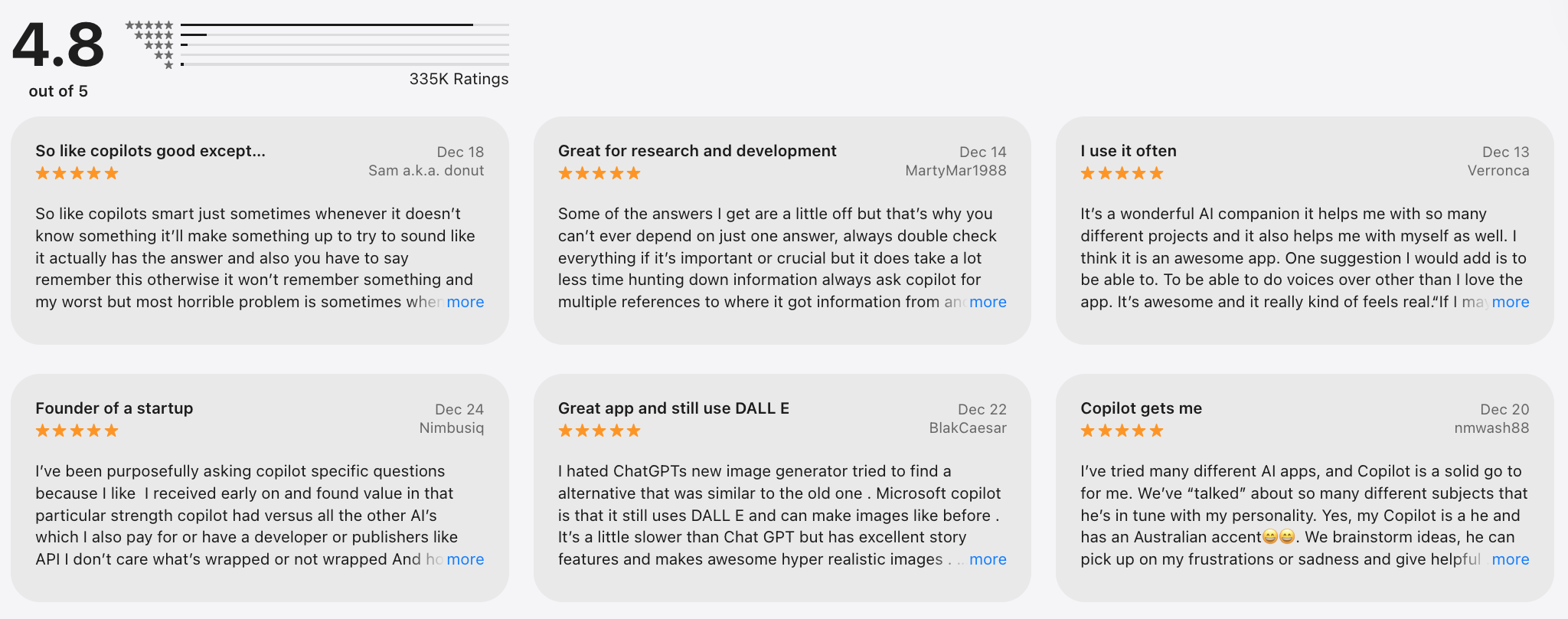
Microsoft Copilot is an AI assistant built directly into the Microsoft ecosystem, designed to enhance everyday work across Word, Excel, PowerPoint, Outlook, Teams, and Windows. It functions as an AI-powered software that helps users write documents, analyze spreadsheets, summarize emails, generate presentations, and automate repetitive office tasks using natural language.
One of its key strengths is deep context awareness, as it can reference your files, calendars, meetings, and internal data stored in Microsoft 365. This makes it especially powerful as an AI tool for business productivity rather than a general-purpose chatbot. Copilot shines in structured tasks like reporting, data analysis, meeting summaries, and workflow automation.
The main advantage is efficiency - users don’t need to learn a new tool because Copilot works inside apps they already use daily. However, its value drops significantly outside the Microsoft ecosystem, making it less flexible than standalone AI productivity tools.
Customization and creative output are also more limited compared to tools built primarily for writing or ideation. Pricing is typically bundled with Microsoft enterprise plans, which can be a barrier for individuals or small teams.
Copilot pricing varies by product, with consumer versions bundled into Microsoft plans and business plans typically starting around $30/month.
Copilot review (source)
What are Best AI Software for Writing?
Best AI Software for Writing are Jasper, Grammarly, Notion AI
1. Jasper
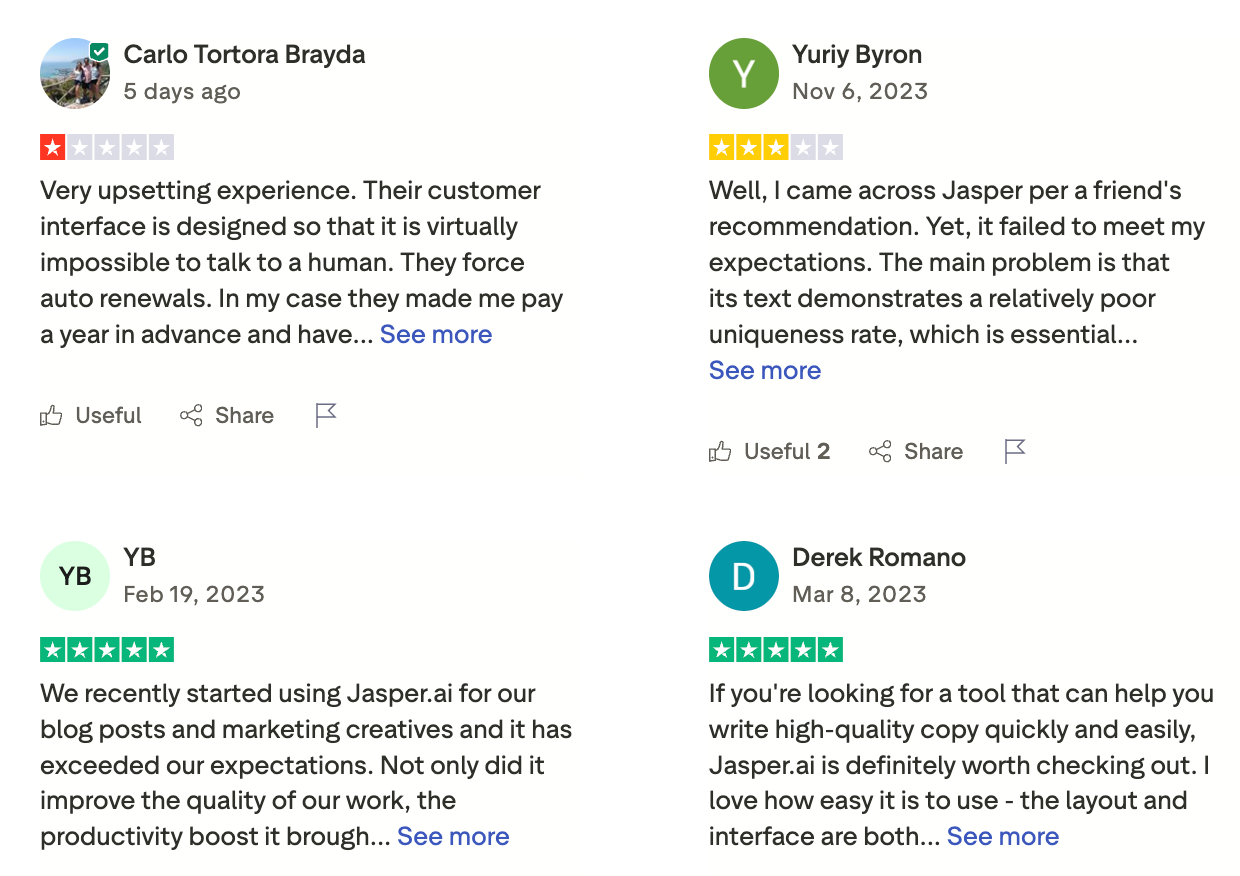
Jasper is an AI-powered software built specifically for marketing teams, focused on creating on-brand content at scale. It’s widely used for blog posts, ad copy, landing pages, email campaigns, and other AI tools for writing and marketing workflows.
Key features include brand voice training, reusable content templates, collaboration for teams, and integrations with marketing tools, making it a strong AI software example for businesses rather than casual users. Jasper shines in speed and consistency for marketing output, but it’s less flexible for general-purpose tasks like coding, deep research, or automation outside content creation.
Pricing starts with a Creator plan at around $49/month, and a Pro plan at around $69/month.
Jasper review at (source)
2. Grammarly
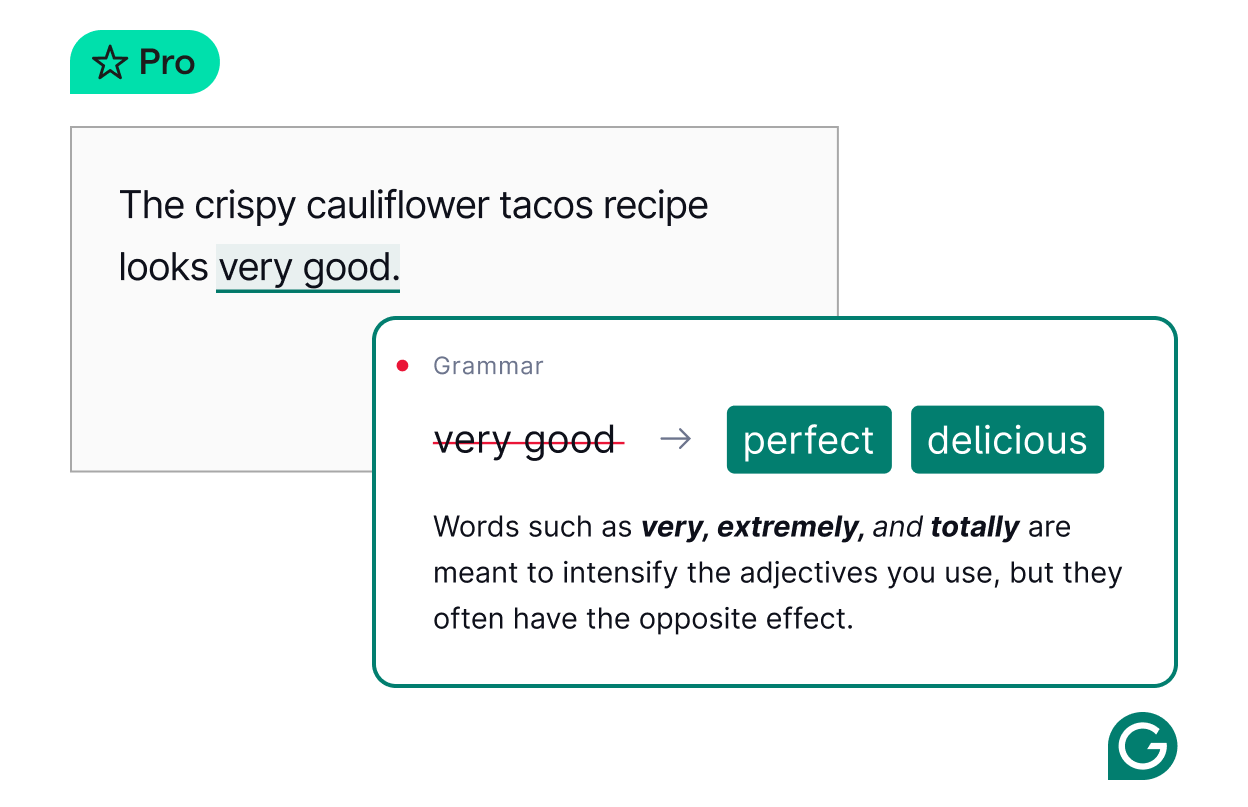
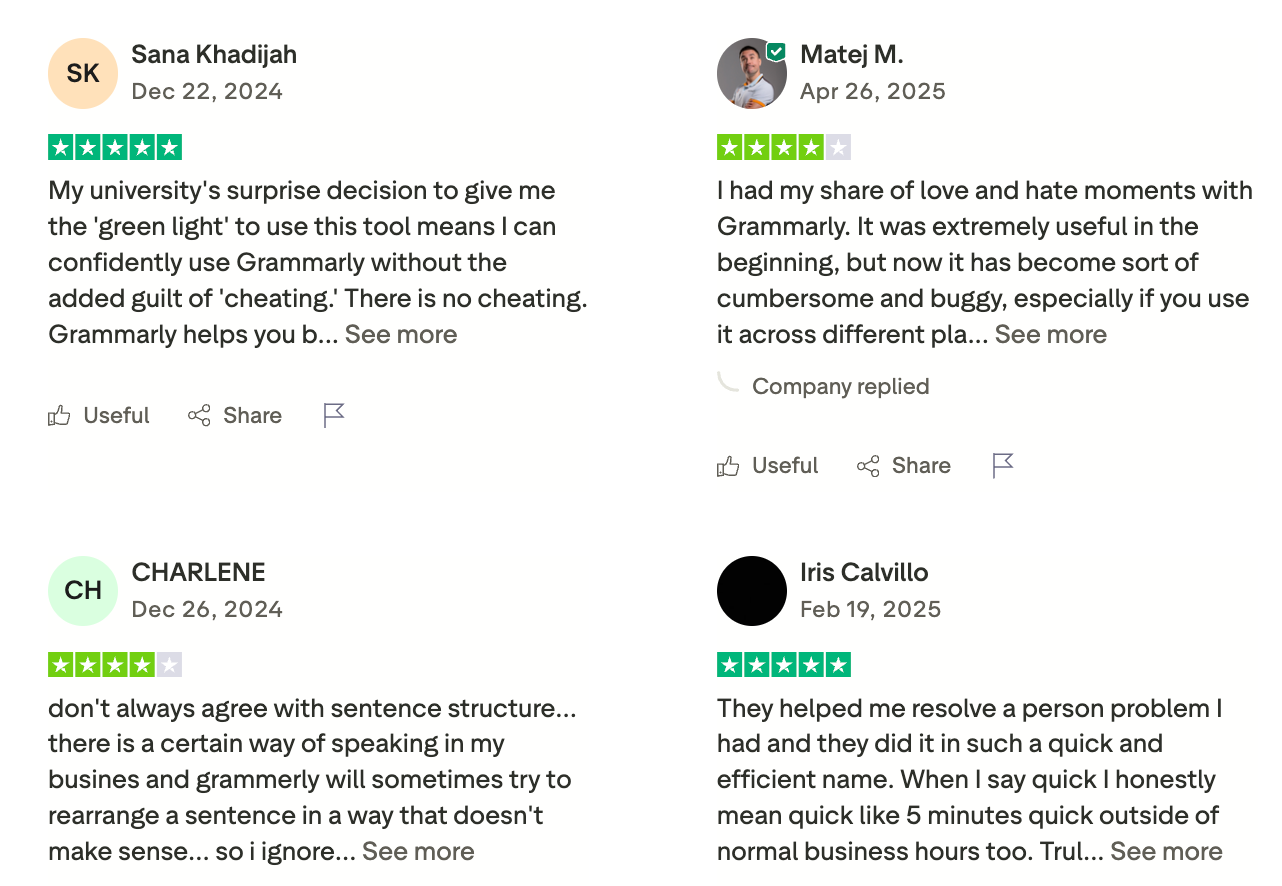
Grammarly is an AI writing assistant focused on improving clarity, grammar, tone, and correctness across emails, documents, and marketing content. It’s widely used as one of the best AI software for writing, especially for professionals who write daily but don’t want to overthink language rules.
Grammarly offers real-time grammar correction, tone detection, rewrite suggestions, plagiarism checking, and AI-assisted content generation inside browsers, Google Docs, and desktop apps. It shines as an AI productivity tool for individuals and teams who care about polished communication, though it’s not built for deep automation or complex reasoning tasks. Its suggestions are fast and practical, but advanced edits can sometimes feel formulaic or overly “safe” for creative writing.
Grammarly offers a free plan with basic corrections, a Pro plan starting around $12–$15/month (billed annually), and Business plans for teams that need centralized controls and brand tone support.
Grammarly review (source)
3. Notion AI
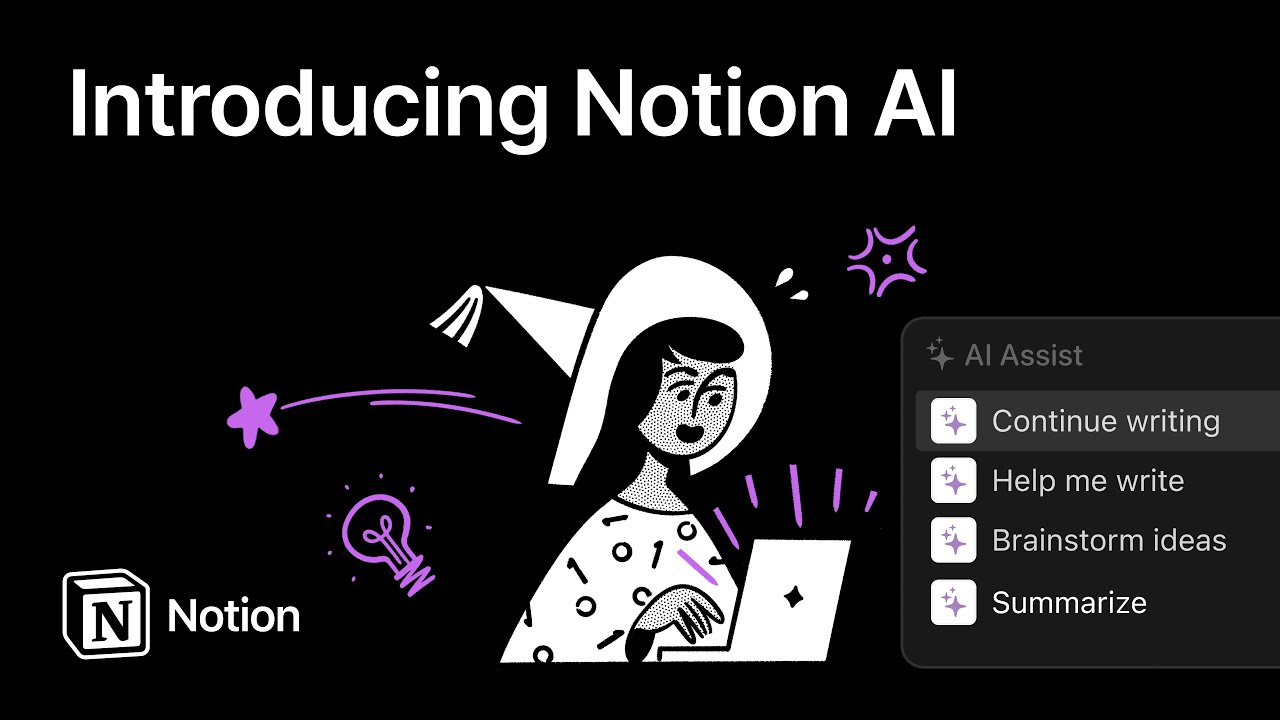
Notion AI is an AI assistant built directly into Notion, designed to help users write, summarize, organize, and retrieve information inside their workspace. It works best as an AI productivity tool for turning messy notes into structured documents, generating drafts, summarizing meetings, and answering questions based on your internal pages - making it a strong example of AI-powered software for teams.
The tight integration is a major advantage: you don’t need to switch tools, but it also means Notion AI is far less useful outside the Notion ecosystem. For writing and knowledge management, it’s efficient and context-aware, though it’s weaker for advanced automation, external research, or complex workflows compared to standalone AI assistants.
Notion AI is an add-on, typically priced around $10 per user/month on top of a paid Notion plan.
Notion reviews (source)

What are Best AI Software for Marketing?
Best AI Software for Marketing are HubSpot AI, Surfer SEO, Hootsuite OnlyWriter
1. HubSpot AI
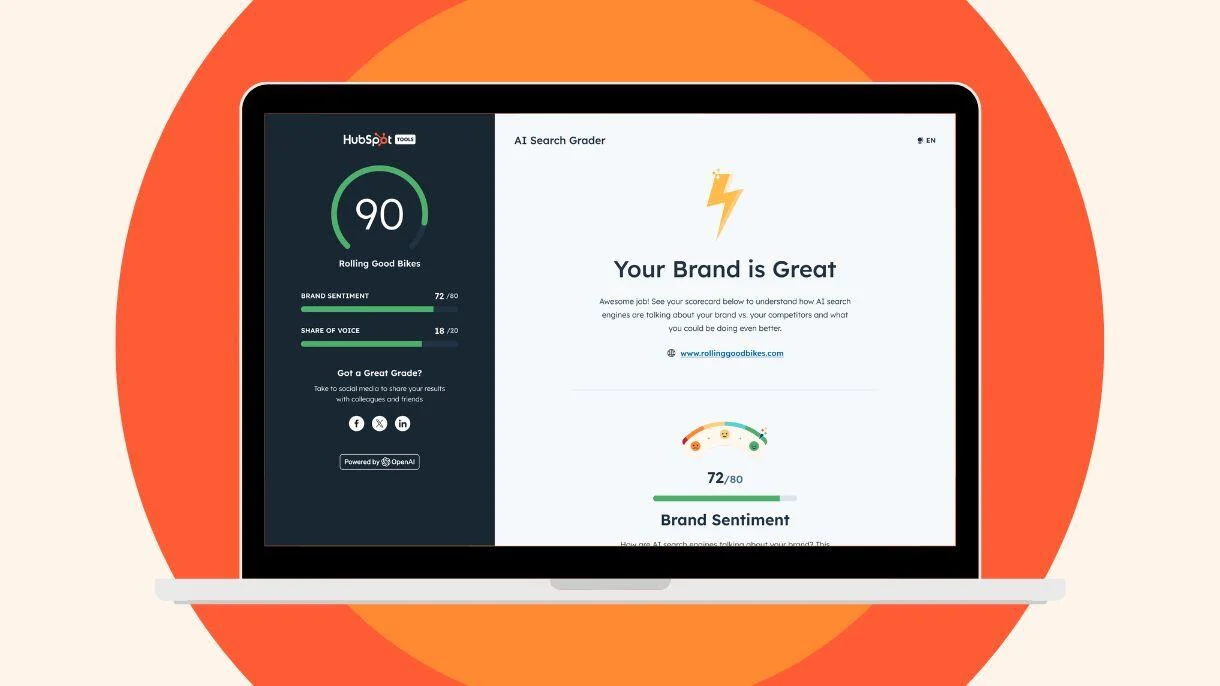
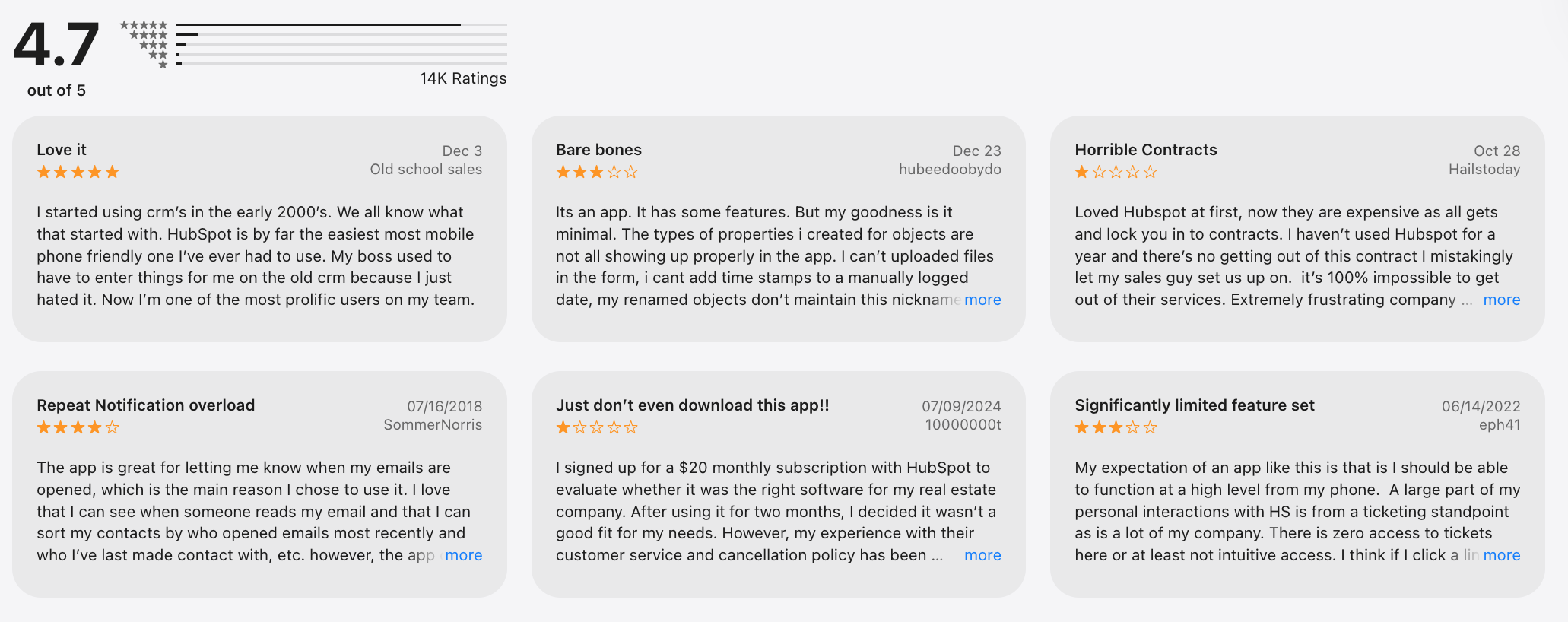
HubSpot AI is a suite of AI-powered features embedded across HubSpot’s CRM, marketing, sales, and customer service tools, designed to help businesses automate growth workflows.
HubSpot AI supports content generation, email drafting, lead scoring, forecasting, chatbots, and campaign optimization, making it a strong example of enterprise AI software for go-to-market teams. The biggest advantage is native access to CRM data, so outputs are more context-aware than generic AI assistants. That said, its power depends heavily on how well your HubSpot data is structured, and it’s less flexible for non-CRM use cases.
For AI software for marketing, it reduces manual work and speeds execution, but it’s not ideal as a standalone AI tool for writing or research. Many AI features are included in paid HubSpot plans, while advanced capabilities are gated behind higher-tier subscriptions.
Pricing varies widely, typically starting from HubSpot’s free CRM and scaling into hundreds or thousands per month for professional and enterprise plans.
HubSpot review (source)
2. Surfer SEO
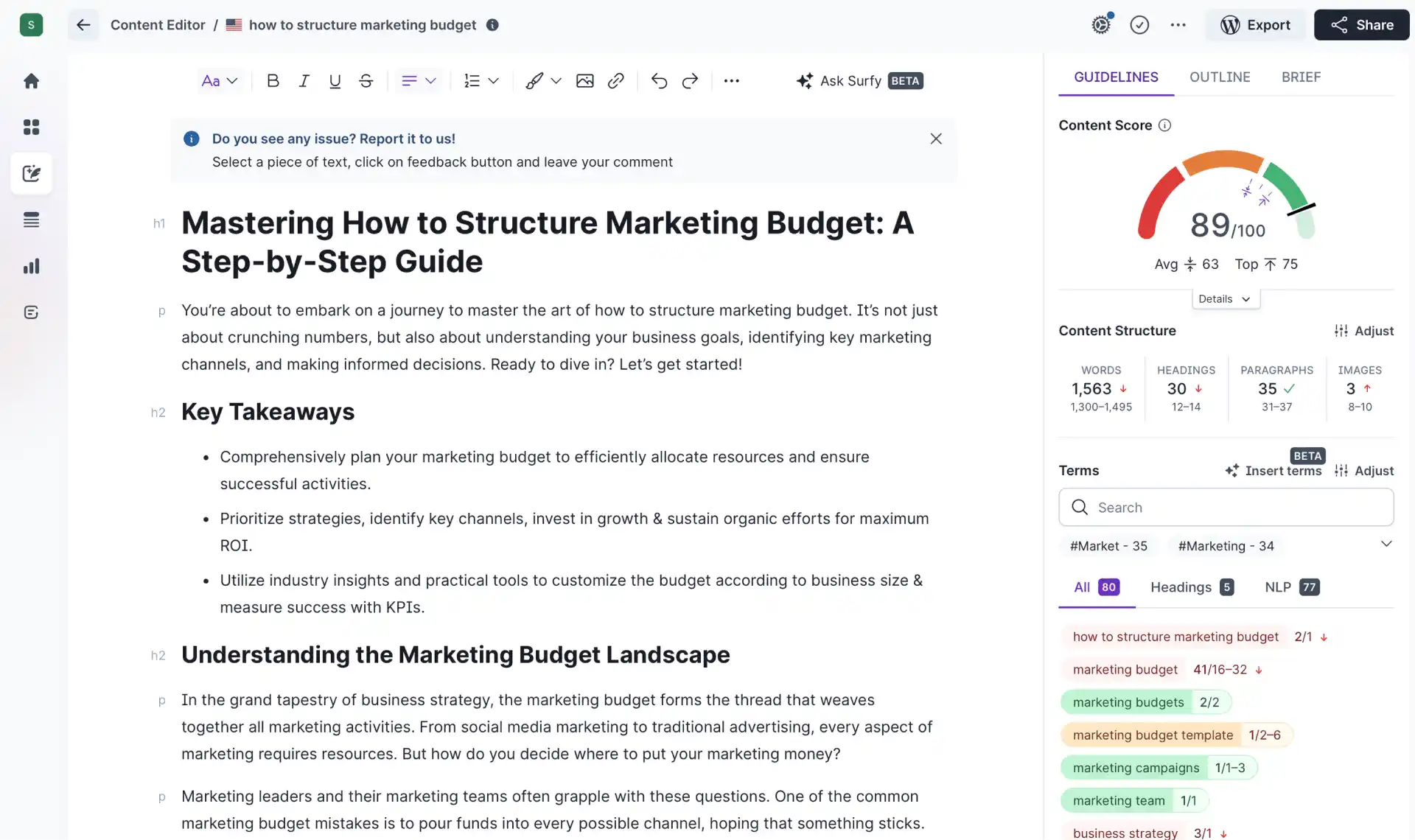
Surfer SEO is an AI-powered SEO and content optimization platform built to help marketers create pages that rank higher on Google. It analyzes top-ranking pages and turns SERP data into clear, actionable recommendations for content structure, keywords, headings, and internal links, making it a popular AI software for marketing teams.
Key features include Content Editor, SERP Analyzer, keyword clustering, and AI-assisted outlines, which work well for scalable content production. The biggest strength is data-driven guidance that removes guesswork, but it can also feel restrictive if you rely too heavily on optimization scores instead of user intent. Surfer SEO is best used as a decision-support tool, not a replacement for editorial judgment.
Pricing starts around $89/month for individuals, with higher-tier plans for teams and businesses that need more content editors and AI usage.
Surfer SEO review (source)
3. Blaze.AI
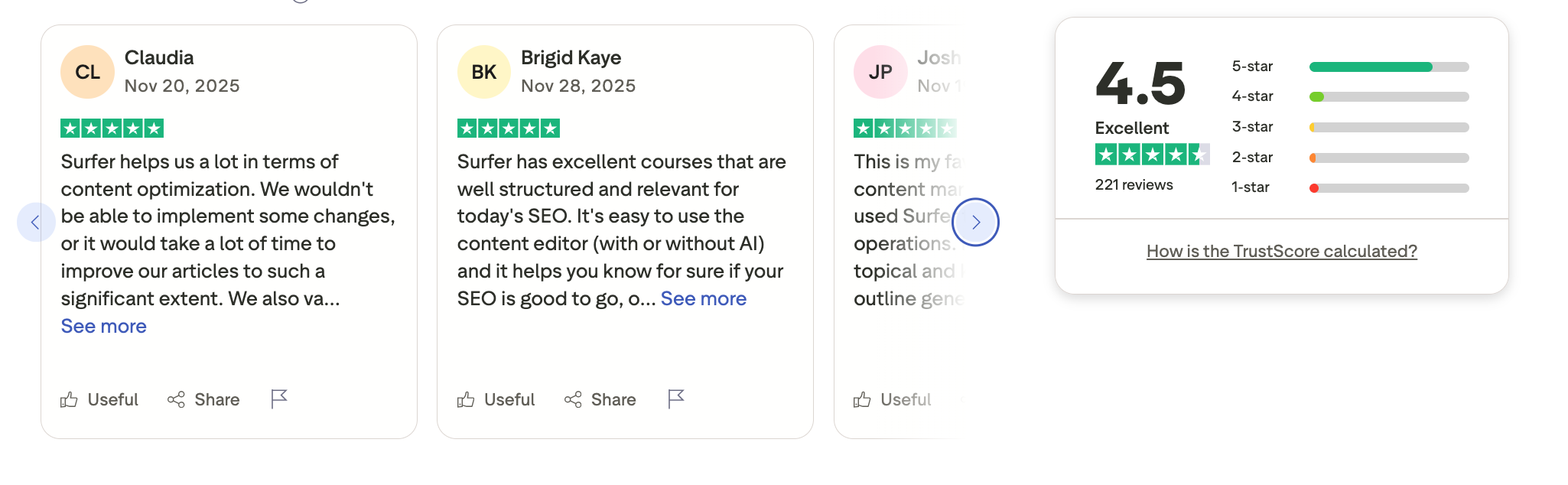
Blaze AI is an AI-powered software built specifically to help businesses create consistent, on-brand marketing content at scale. It uses your brand voice, product context, and audience inputs to generate blog posts, social media content, emails, landing pages, and other marketing assets - positioning it as a focused alternative within the best AI software category for marketing teams.
The main strength is brand consistency: once set up, Blaze produces content that aligns closely with your tone and positioning, which saves time compared to generic AI writing tools. The trade-off is that setup requires upfront effort, and it’s less flexible for non-marketing tasks like research or automation workflows.
Pricing is straightforward: Blaze AI offers a free trial, with paid plans starting at around $29/month, scaling to higher tiers for more usage, brands, and advanced features.
Blaze.AI review (source)
What are Best AI Software for Sales?
Best AI Software for Sales are Gong, Clari, Apollo
1. Gong

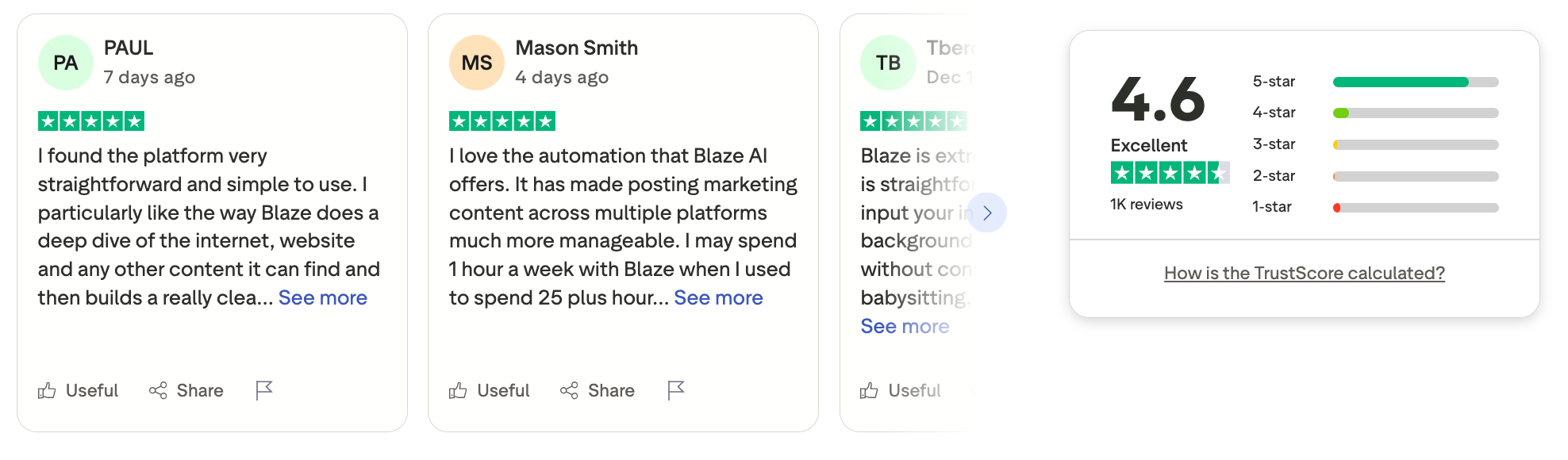
Gong is an AI-powered revenue intelligence platform built for sales teams that want deep visibility into customer conversations and deal execution. It analyzes calls, meetings, emails, and CRM data to surface insights around buyer intent, deal risks, competitor mentions, and rep coaching opportunities.
The biggest advantage is accuracy and depth: Gong shows what actually happens in sales conversations, not just what reps log, though it requires disciplined adoption and works best at scale. It’s less suitable for small teams or individuals due to setup complexity and cost, but extremely powerful for organizations focused on predictable revenue.
Gong does not offer a free plan; pricing is custom and contract-based, typically estimated to start around $1,200–$1,600 per user per year, with higher tiers for advanced analytics, forecasting, and enterprise support.
Gong review (source)
2. Clay
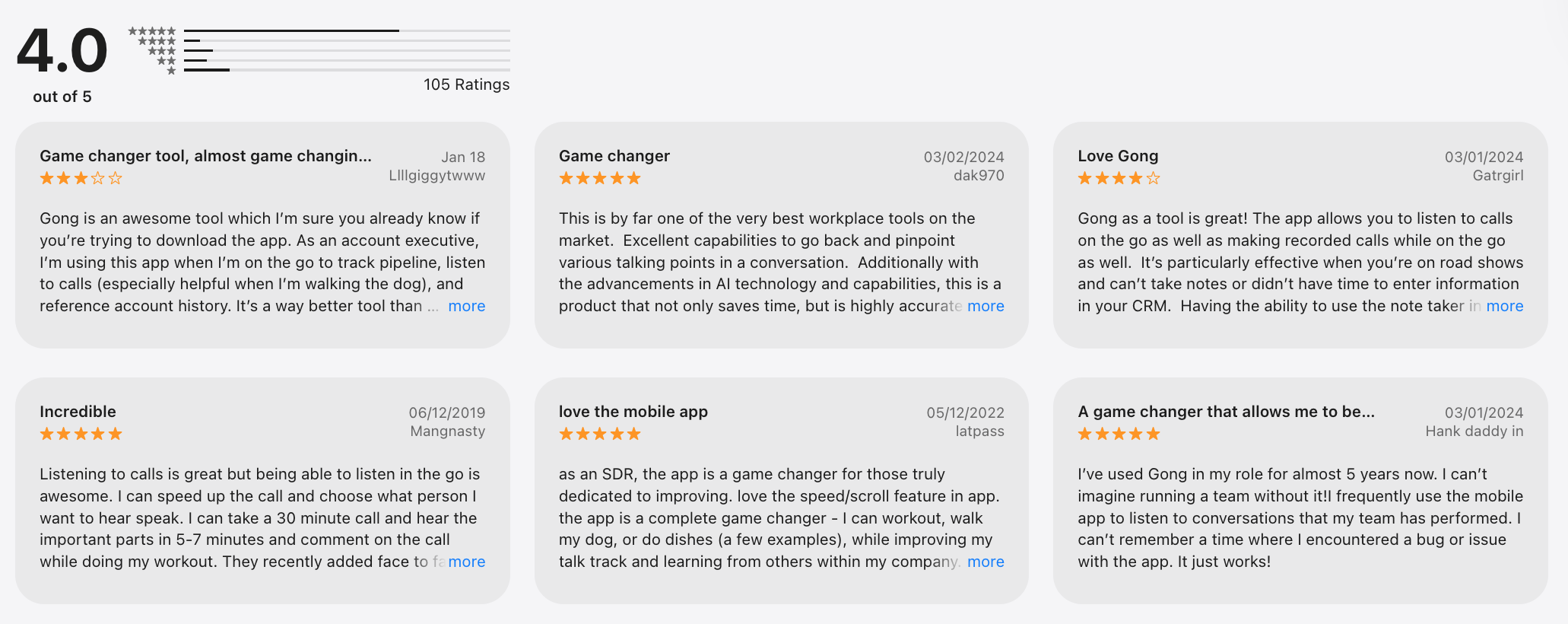
Clay is an AI software that helps teams research people and companies at scale, then turn that data into highly personalized outreach. It pulls information from hundreds of data sources, enriches profiles automatically, and uses AI to generate tailored messaging. Clay is especially popular with growth teams, recruiters, and operators who want automation without giving up control over logic and data quality.
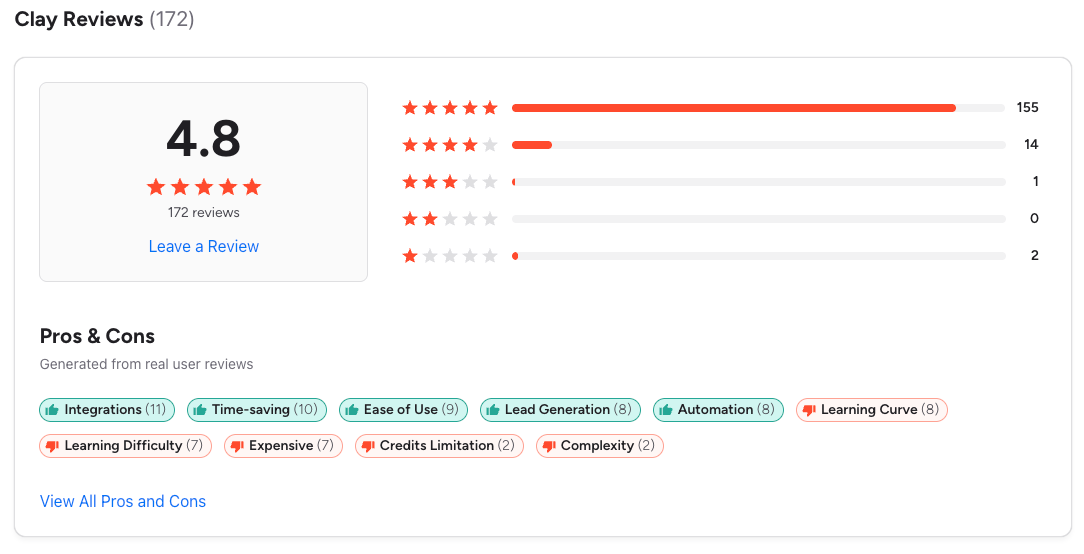
What stands out is how flexible and powerful it is: you can chain workflows, enrich leads, score prospects, and generate personalized copy in one place, which makes it a strong AI productivity tool for teams. The trade-off is complexity - here’s a learning curve, and it’s not ideal for casual or one-off use by individuals.
Pricing follows a usage-based model: Clay offers a free plan with limited credits, a Starter plan around $149/month, and higher-tier plans that scale based on enrichment volume and team needs.
Clay review (source)
3. Apollo
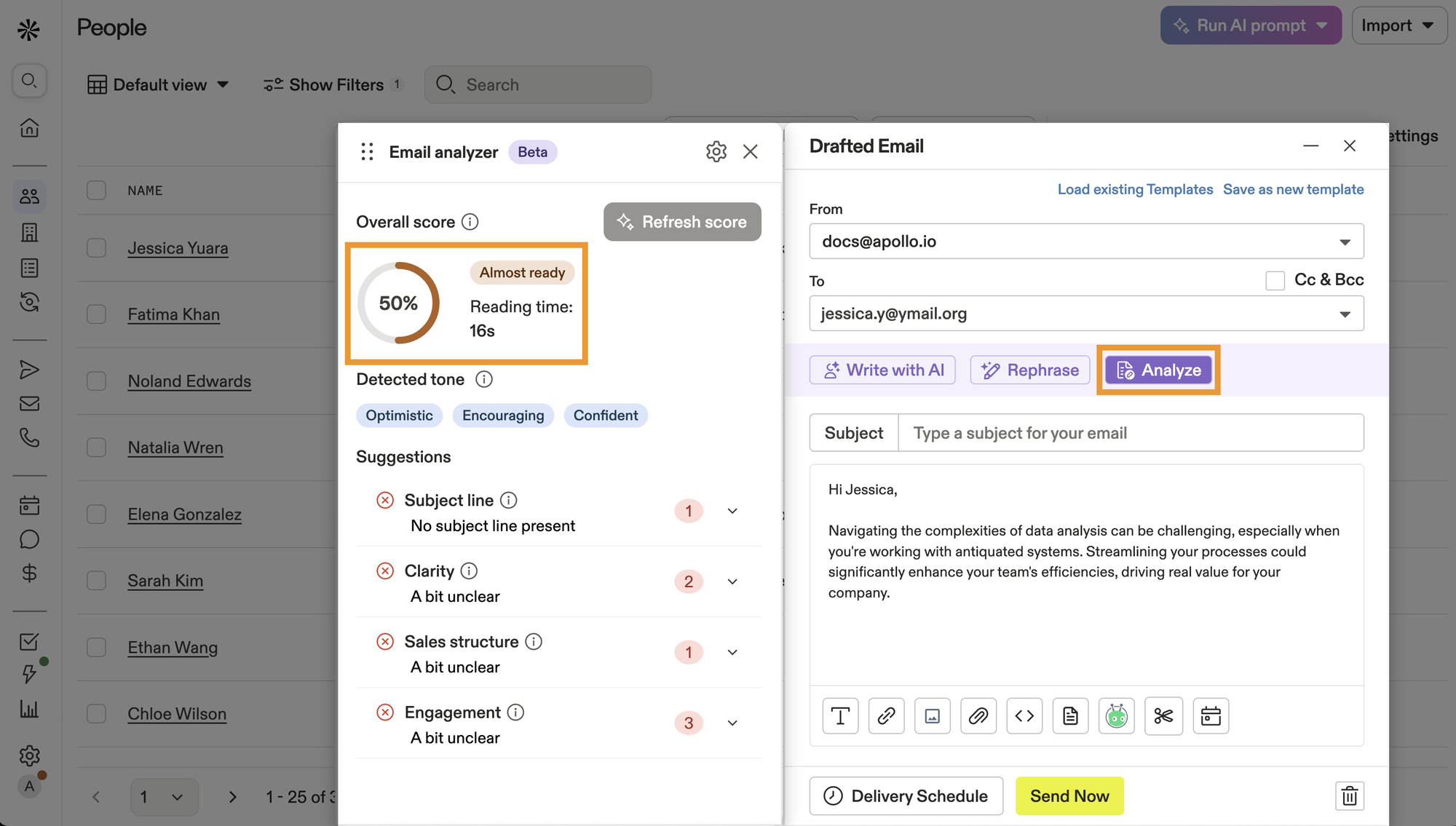
Apollo is an AI-powered sales intelligence and engagement platform built to help teams find leads, enrich data, and automate outbound workflows. It combines a large B2B contact database with AI tools for prospecting, email sequencing, call automation, and basic deal insights - making it a practical AI software example for sales and growth teams.
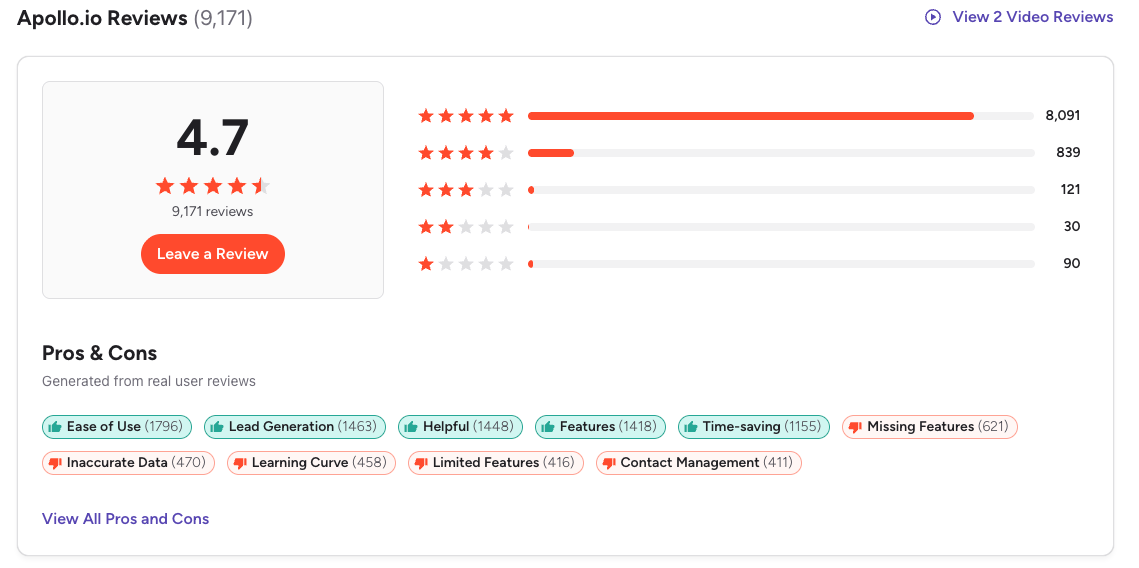
Apollo shines as an all-in-one tool: you can search leads, verify emails, write outreach copy, and track engagement without stitching together multiple AI tools for business. The trade-off is depth: while efficient for volume and speed, it’s less advanced in conversation intelligence and coaching compared to enterprise AI software like Gong.
Apollo offers a free plan with limited credits, paid plans starting around $49/month, and higher tiers (Professional and Organization) that scale usage, automation, and team controls.
Apollo review (source)
What are Best AI Software for Developers?
Best AI Software for Developer are Copilot, Cursor, Ghostwriter
1. GitHub Copilot
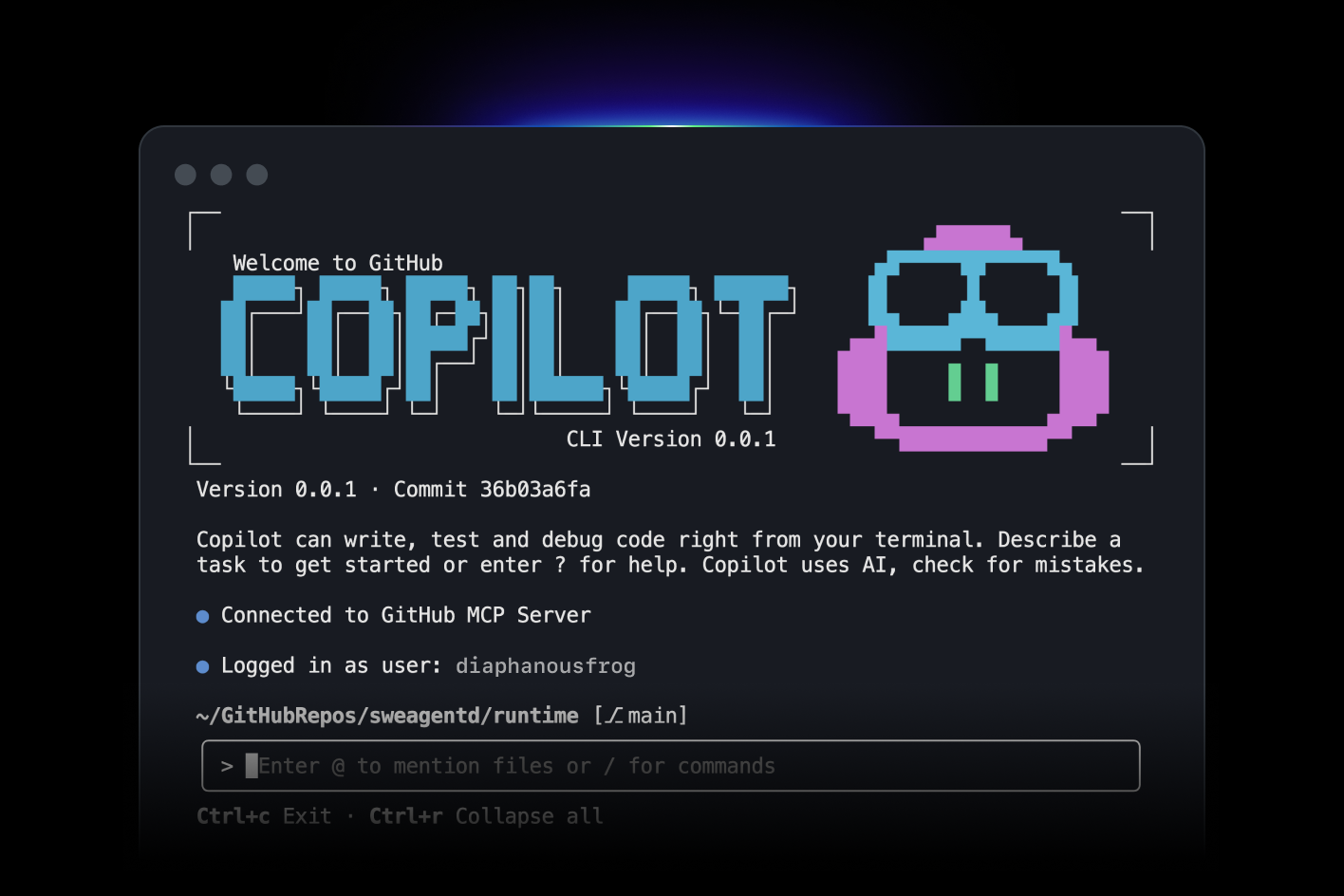
GitHub Copilot is an AI-powered coding assistant designed to help developers write, review, and understand code faster directly inside their IDE. It suggests code in real time, generates functions from comments, helps debug errors, and explains unfamiliar code.
The biggest advantage is workflow integration: Copilot works where developers already code, reducing context switching and speeding up delivery, though it can occasionally suggest inefficient or insecure code that still needs human review. It’s especially useful for repetitive coding tasks and onboarding, but less suitable for non-technical users or broader AI tools for business.
GitHub Copilot is priced at $10/month for individuals, $19/month for Copilot Business, and $39/user/month for Copilot Enterprise.
GitHub Copilot review (source)
2. Cursor
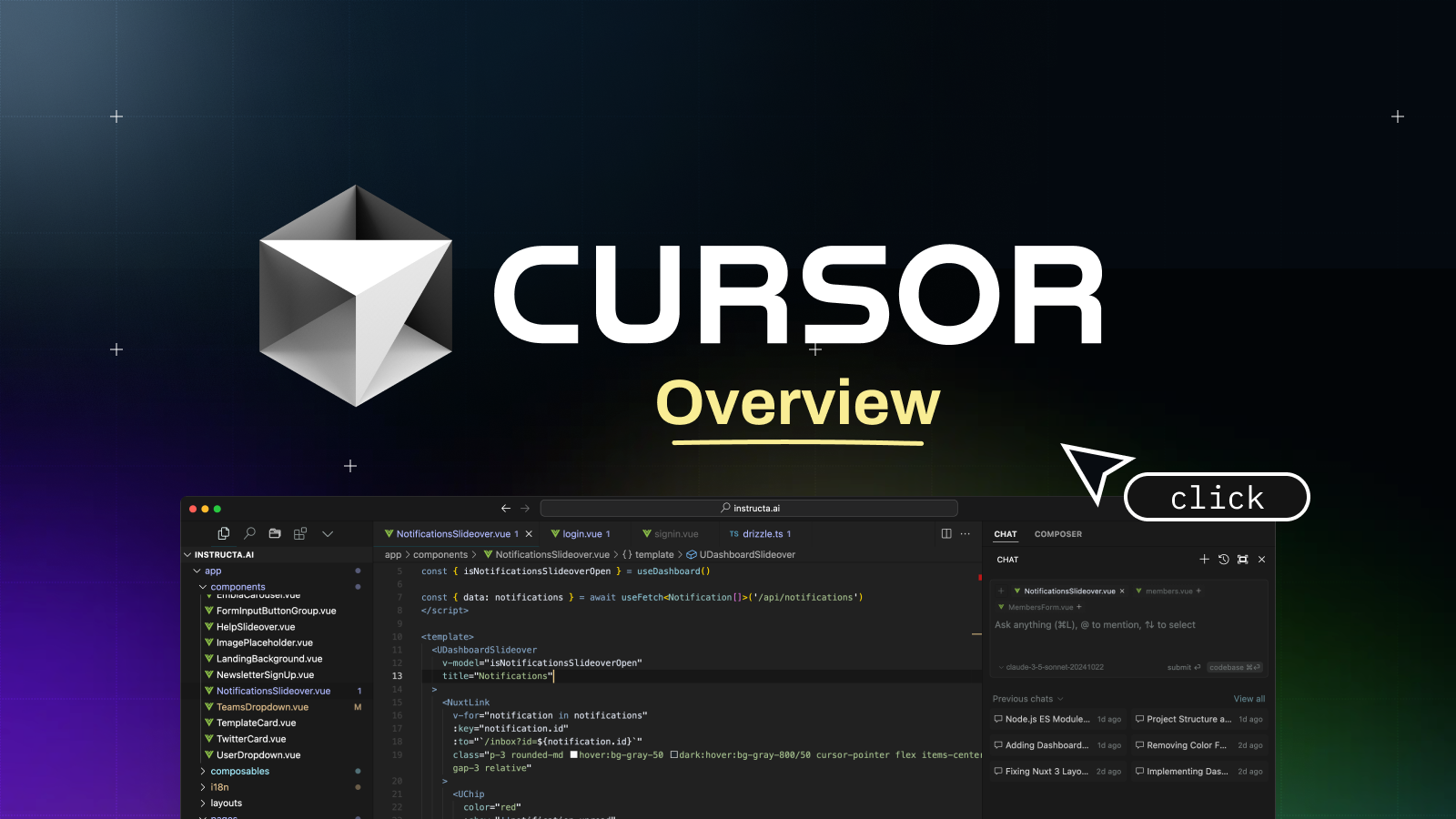
Cursor is an AI-powered code editor built for developers who want AI deeply embedded into their daily coding workflow, positioning it as one of the most practical AI productivity tools for software teams.
Cursor looks and feels like a modern IDE but adds AI assistants that can write code, refactor functions, explain unfamiliar codebases, and answer questions directly inside the editor - making it a strong AI software example for automation and development.
The biggest advantage is context awareness: Cursor understands your entire codebase, not just a single prompt, though it’s less useful for non-technical users or non-coding tasks. It significantly speeds up development and debugging, but developers still need to review outputs carefully, especially in complex systems.
Cursor offers a free plan with limited usage, a Pro plan for around $20/month, and higher-tier plans for teams with increased limits and collaboration features.
3. Replit Ghostwriter
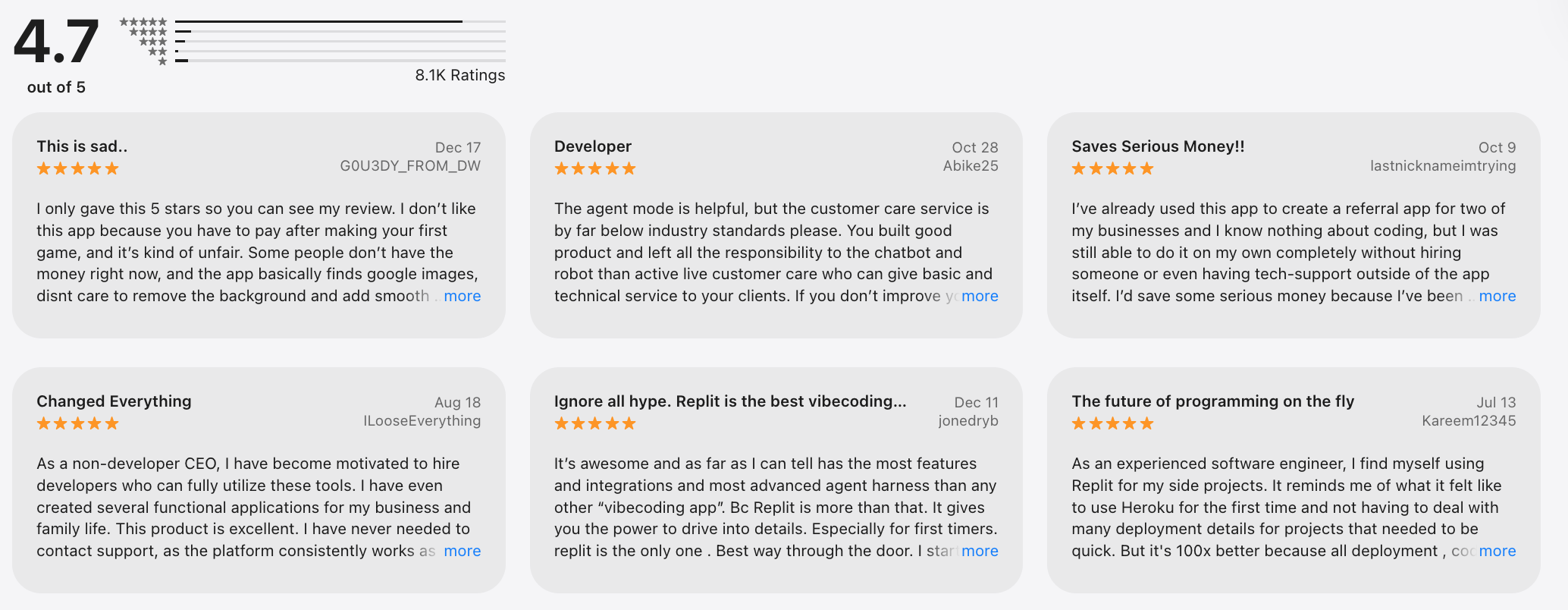
Replit Ghostwriter is an AI coding assistant built directly into the Replit development environment, designed to help developers write, debug, and understand code faster. It supports real-time code completion, bug fixing, explanations, and project scaffolding across multiple programming languages, making it a practical AI-powered software for both learning and building.
Ghostwriter stands out as an AI productivity tool because it works inside a live coding workspace, reducing context switching compared to external AI assistants. It’s especially useful for rapid prototyping, solo developers, and teams collaborating in-browser, though it’s less flexible if you code primarily in local IDEs like VS Code. Code quality is generally strong for common patterns, but complex architecture decisions still require human judgment.
Replit Ghostwriter is included in Replit’s paid plans, with pricing typically starting around $20/month for individuals, while team and business plans cost more depending on usage and collaboration needs.
Replit Ghostwriter review (source)
What are Best AI Software for Video Generation?
Best AI Software for Video Generations are Runway, Pika, Veo 3
1. Veo 3 from Gemini
Veo 3 is an advanced AI-powered video generation model developed by Google DeepMind, designed to turn text prompts into high-quality, cinematic videos. It focuses on realistic motion, strong visual coherence, and long-form scene consistency, making it one of the most capable artificial intelligence software options for video creation today. Key features include text-to-video generation, improved understanding of camera movement and physics, and support for more complex, narrative-style prompts.
On the plus side, Veo 3 produces more natural motion and fewer visual artifacts than many current AI video tools, which makes it attractive for AI software for marketing, creative teams, and media experiments. The downside is limited public access and slower iteration compared to consumer-ready tools, so it’s not yet ideal for fast, daily content production.
Veo 3 does not have public standalone pricing yet; it’s currently available through limited access programs and Google’s enterprise AI ecosystem.
2. Runway
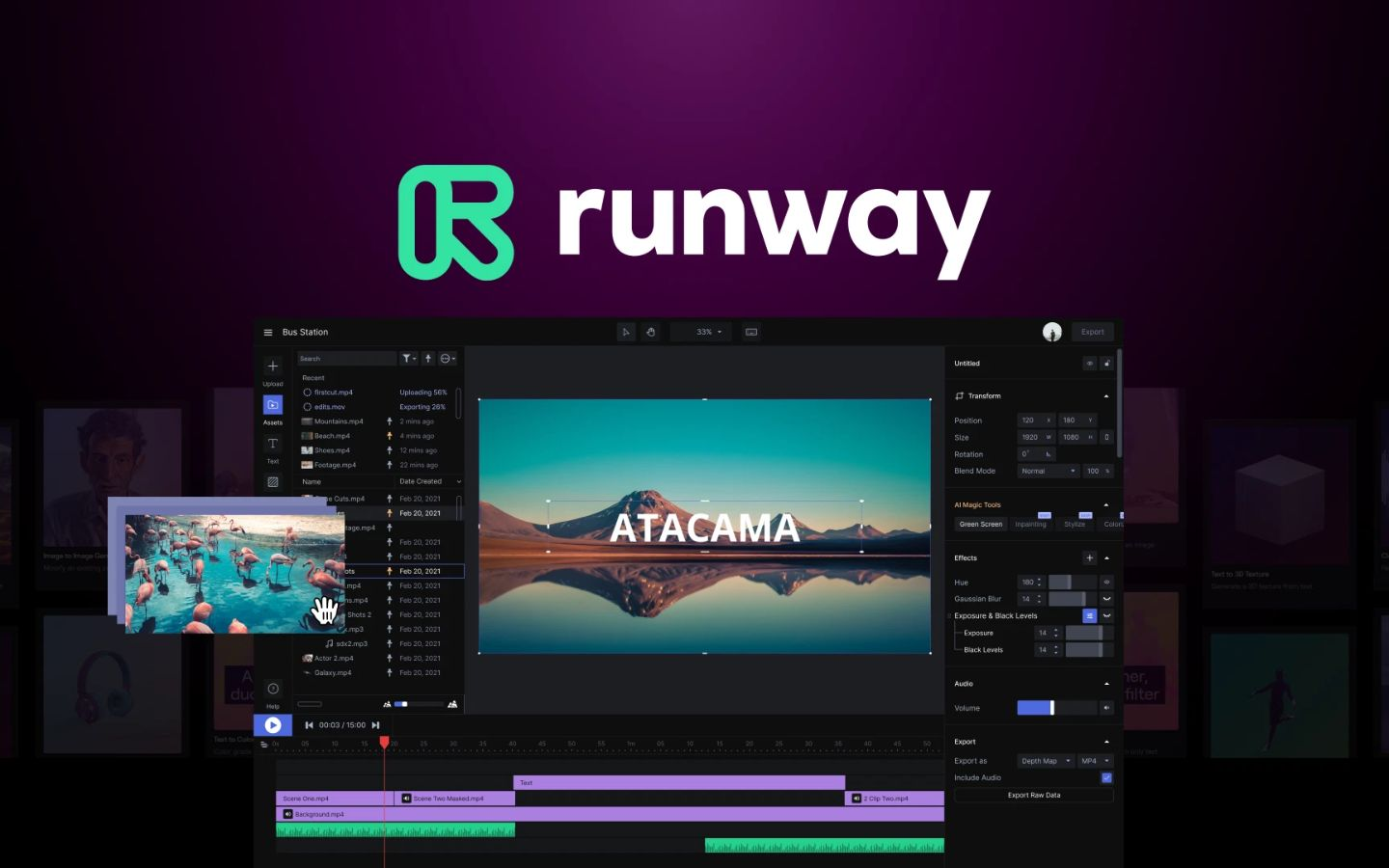
Runway focuses on text-to-video and image-to-video generation, widely used in creative production. It lets users generate, edit, and transform videos using prompts, making it one of the most popular AI software examples for video creation today. Key features include text-to-video, image-to-video, video inpainting, background removal, and cinematic-style motion controls, all accessible through a browser-based interface.
The biggest advantage is speed - Runway makes advanced video generation usable for non-technical users, which is why it’s widely adopted in AI tools for marketing and social content teams. It’s also flexible for both individuals and teams, supporting fast experimentation. The main downside is that output quality can vary depending on prompts, and higher-quality generations consume credits quickly, which can limit heavy usage.
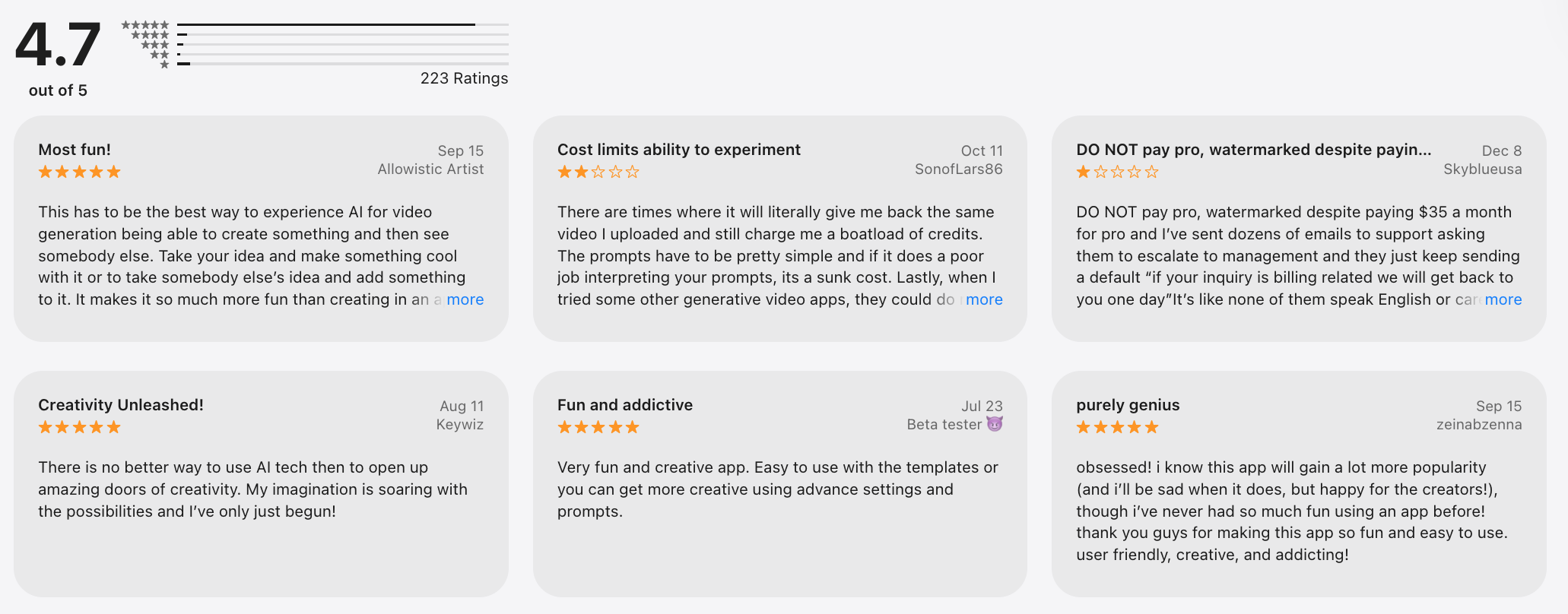
Runway offers a free plan with limited credits, as well as paid plans starting at around $15–$35/month for individuals, and higher-tier plans for teams and enterprise usage.
3. Pika

Pika is an AI-powered video generation tool built by Pika Labs that lets you create short videos from text prompts or images in minutes. It’s designed for speed and creativity, focusing on social-friendly formats rather than cinematic perfection. Key features include text-to-video, image-to-video, style presets, simple motion controls, and fast rendering for short clips.
Anyone can start creating on Pika without technical knowledge, making it a strong AI tool for individuals and creators. It’s especially useful for AI software for marketing, memes, and short-form content. The tradeoff is limited control over complex scenes and less consistency for long or highly detailed videos, which may not meet enterprise-level needs.
Pika is free to try with limited credits, with paid plans starting around $10–$30/month for higher usage and faster generation.
Pika AI review (source)
What are Best AI Software for Images?
Best AI Software for Images are Nano Banana, Midjourney, DALL·E
1. Nano Banana
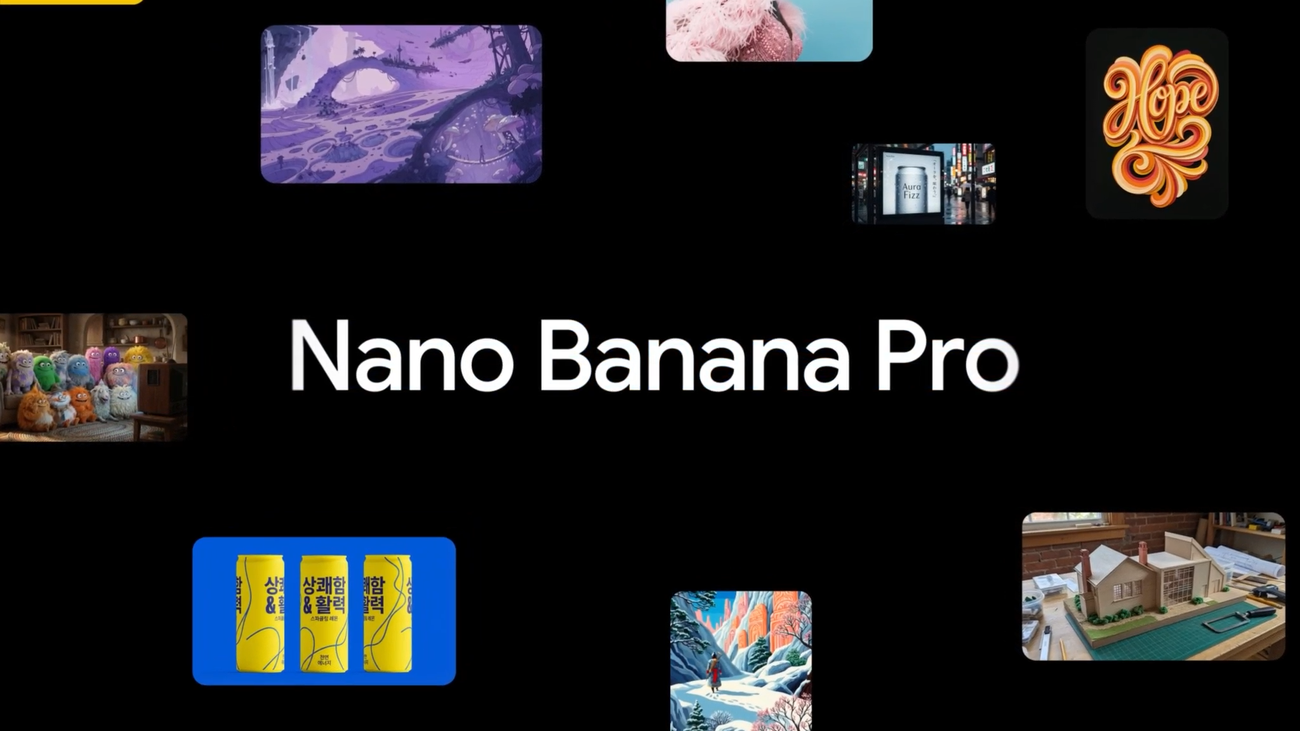
Nano Banana is an AI-powered image software designed for fast, high-quality visual creation without the complexity of traditional design tools. It focuses on text-to-image generation, image enhancement, background removal, and quick visual edits. The tool is built for speed and simplicity, allowing users to generate marketing visuals, social media graphics, thumbnails, and basic product images in minutes.
Nano Banana works especially well as an AI productivity tool for marketing teams, solo creators, and small businesses that need visuals at scale. One clear advantage is its clean interface and prompt-based workflow, which lowers the learning curve compared to more complex AI software tools. However, advanced users may feel limited by fewer fine-grained controls for highly customized or artistic outputs. The image quality is consistent for everyday business use, though it may not always match top-tier enterprise AI software for highly detailed or cinematic visuals.
From a pricing perspective, Nano Banana offers a free plan with limited image generations per month, suitable for testing and light use. A Pro plan typically starts around $15–$20/month. Higher-tier plans are available for teams.
2. MidJourney

Midjourney is one of the most well-known AI-powered software tools for high-quality image generation, especially recognized for its artistic and cinematic output. It generates images from text prompts and is widely used for concept art, branding visuals, illustrations, and creative exploration. Unlike traditional design tools, Midjourney runs primarily through Discord, where users interact with the AI using simple prompt commands.
Midjourney excels in visual style, mood, and composition, which is why it’s popular with designers, marketers, and creators who value aesthetics over technical control. The quality is consistently high, but the lack of precise editing tools and layer-based control can be limiting for business workflows that require exact outputs. It’s powerful for inspiration and final visuals, but less ideal for automation-heavy pipelines or structured design systems.
Pricing-wise, Midjourney does not offer a free plan. Paid plans typically start around $10/month for limited usage, with Standard plans at about $30/month and Pro plans around $60/month.
3. ChatGPT DALL - E
DALL·E creates images from natural language prompts. It allows users to generate illustrations, concept art, marketing visuals, and creative imagery directly from text, with strong prompt understanding and consistent output quality. Beyond basic text-to-image, DALL·E supports image editing, variations, and inpainting.
One major advantage is its ease of use - no design background is required, and prompts can be written in plain English, which lowers the barrier for individuals and non-creative teams. Image quality is reliable for commercial and editorial use, especially for illustrations and stylized visuals, though it may feel less flexible for hyper-realistic or highly artistic styles compared to some newer AI software tools. Another limitation is reduced creative control at the pixel level, which can frustrate advanced designers who want fine-tuned outputs.
In terms of pricing, DALL·E is free to try with limited usage, making it accessible for experimentation. Paid usage is typically credit-based or bundled within broader AI subscriptions, with plans starting around $20/month for higher limits and faster generation.
What are Best AI Software for Voice Generation?
Best AI Software for Voice Generation are ElevenLabs, PlayHT, Murf.
1. ElevenLabs
ElevenLabs is one of the best AI software for voice generation, focused on creating ultra-realistic AI voices for narration, content, and product experiences. It uses advanced speech synthesis and voice cloning to turn text into natural-sounding speech across multiple languages and tones.
Core features include high-fidelity text-to-speech, instant voice cloning from short audio samples, emotional voice control, and multilingual support, which makes it useful for everything from YouTube videos to in-app voice assistants. For businesses, ElevenLabs fits well using cases like audiobooks, customer support, product demos, and localization at scale.
What makes it strong as an AI productivity tool is speed and quality: voices sound human enough to reduce editing time, and the interface is simple enough for non-technical users. On the downside, advanced voice control and higher usage limits are locked behind paid tiers, and teams working at a large scale may need to manage costs carefully as usage grows.
Compared to other AI software examples in voice generation, ElevenLabs prioritizes realism over heavy customization workflows, which is a plus for creators but can feel limiting for highly experimental projects.
Pricing includes a free plan with limited characters, a Creator plan around $5/month, a Pro plan around $22/month.
2. PlayHT
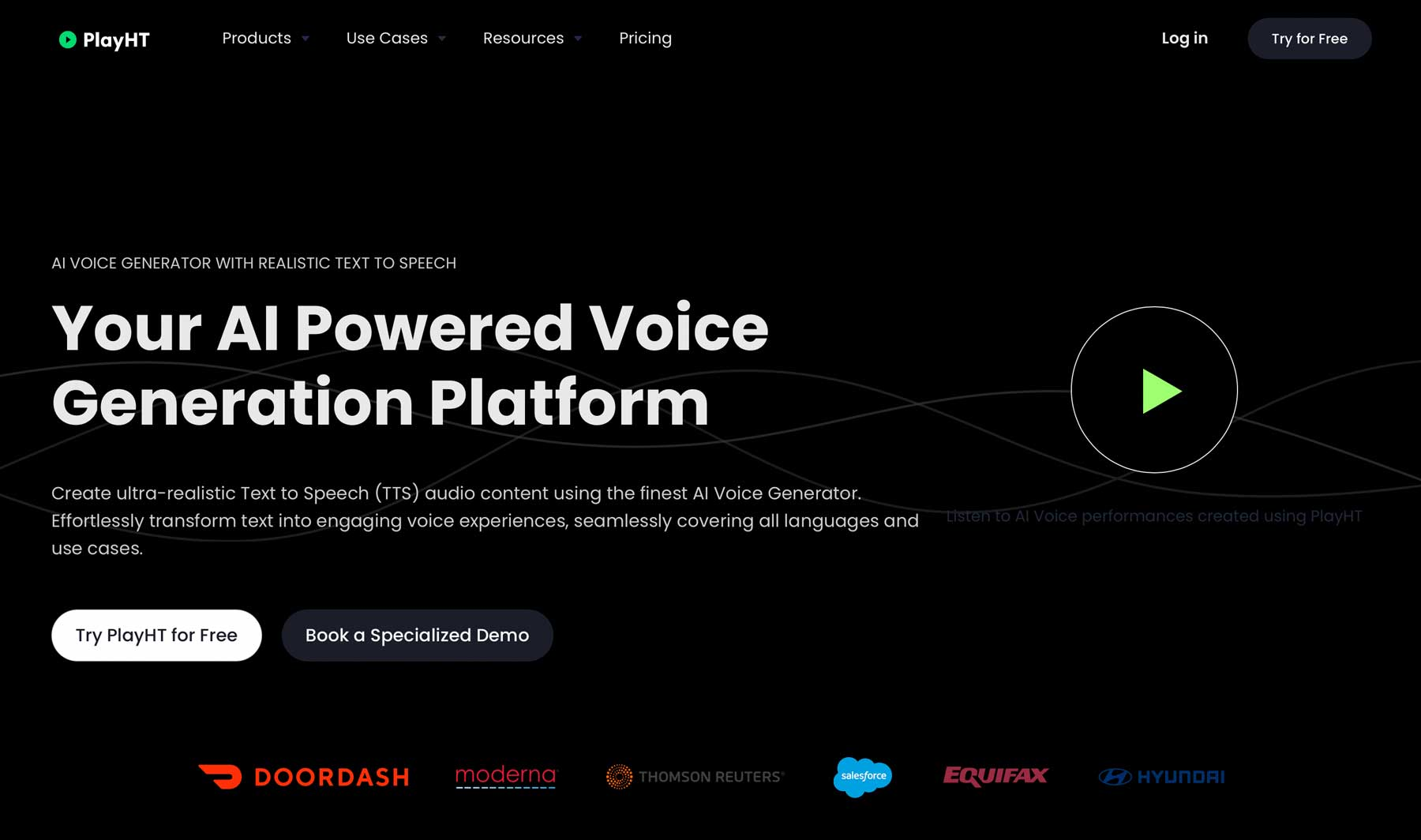
PlayHT focuses on turning text into natural, human-like speech for content, products, and business workflows. It offers AI-powered text-to-speech with a large library of voices, accents, and languages, making it a practical AI software example for narration, podcasts, and product demos.
Key features include ultra-realistic neural voices, voice cloning, pronunciation control, and API access for developers who want to embed voice into apps or platforms. For businesses, PlayHT works well as an AI tool for business use cases like e-learning, marketing videos, audiobooks, and automated voice content at scale.
The biggest advantage is flexibility: it supports many voice styles and export formats, which is useful for teams producing audio regularly. However, voice quality can vary between models, and the most natural voices are limited to higher plans.
Pricing includes a free plan with limited usage, a Creator plan starting around $5–$10/month, a Pro plan around $29/month for higher limits and commercial rights, and custom enterprise plans for teams.
PlayHT review (source)
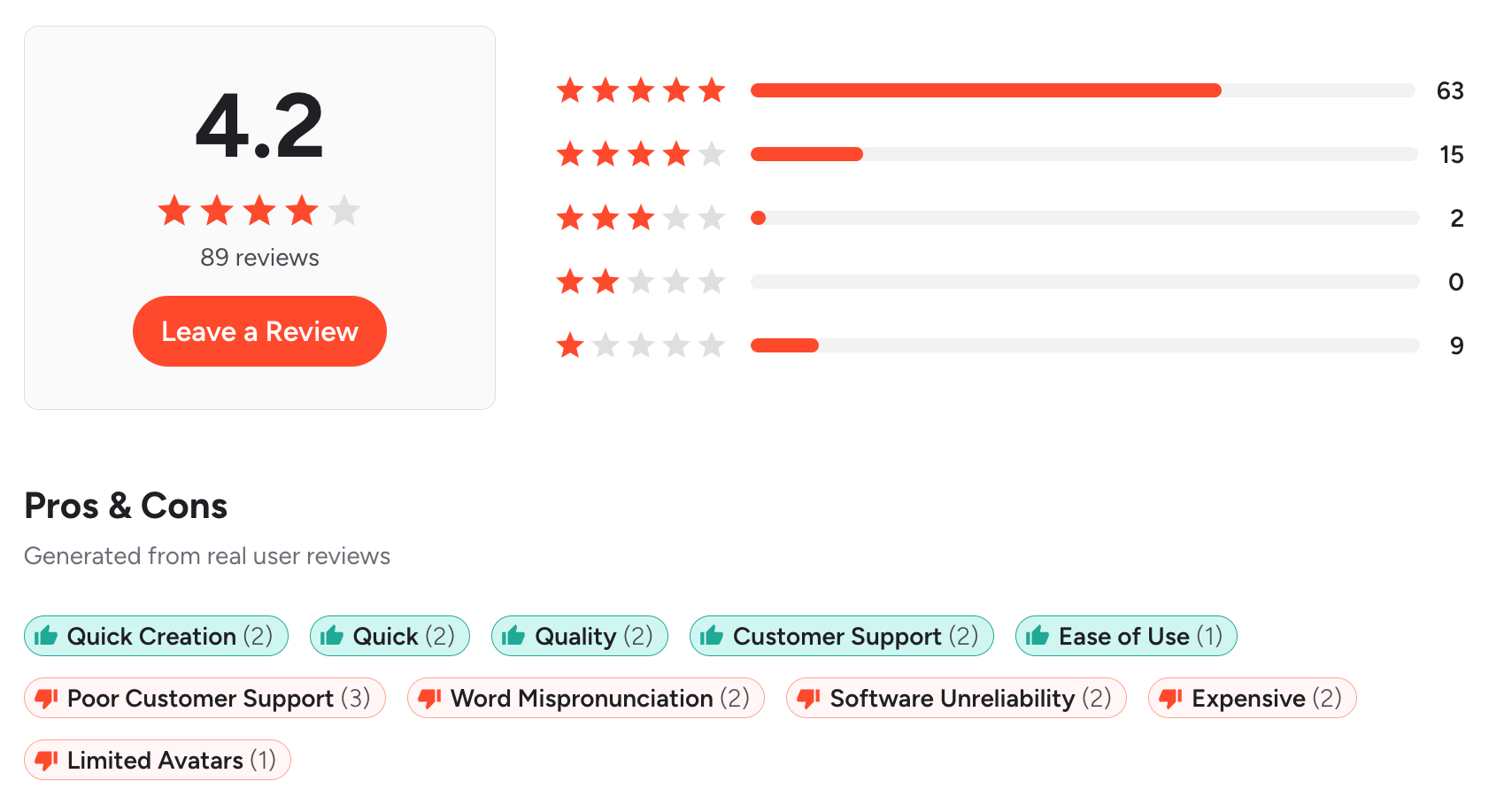
3. Murf
Murf is a popular AI-powered software for creating professional voiceovers without hiring voice actors or setting up recording equipment. It’s designed to turn scripts into natural-sounding speech, making it one of the best AI software for voice generation used in marketing, training, and business communication.
Key features include a large library of realistic AI voices, tone and emphasis control, voice editing directly on the script, and support for multiple languages and accents. Murf also includes basic audio syncing and background music, which makes it useful as an all-in-one AI productivity tool for content creation.
What works well is how accessible it is: marketers, educators, and founders can produce clean voiceovers quickly, making it a strong example of AI tools for business and AI software for marketing.
The interface is intuitive, and voices sound polished enough for ads, explainer videos, and presentations. On the downside, voice realism is slightly less expressive compared to top-tier voice cloning tools, and advanced customization is limited.
Pricing is straightforward: Murf offers a free plan with restricted usage, a Creator plan starting around $19/month, a Business plan around $39/month for commercial rights, and enterprise AI software plans for teams.
Murf AI review (source)
What are Best AI Software for Presentaion?
Best AI Software for Presentatiom are Tome, Gamma, Beautiful.ai.
1. Gamma
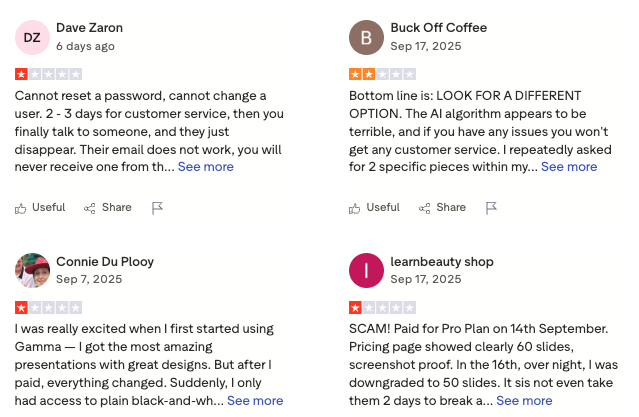
Gamma is an AI-powered presentation tool designed to help you create polished decks, docs, and simple web pages without starting from slides or blank canvases. Instead of manually designing layouts, you describe your topic, and Gamma generates a structured, visually consistent presentation.
On the plus side, Gamma dramatically reduces design time and removes the need for PowerPoint-level skills, making it a strong example of artificial intelligence software for non-designers. It’s also flexible enough to act as lightweight docs or landing-style presentations, which many traditional tools don’t handle well.
On the downside, advanced customization is limited compared to enterprise presentation software, and highly branded decks may still require manual tweaks. Some users may also feel constrained by the AI’s layout logic when building very complex narratives.
Paid plans start at around $10–15/month, unlocking higher AI usage, advanced customization, and team collaboration features.
Gamma review (source)
2. SlidesAI.io
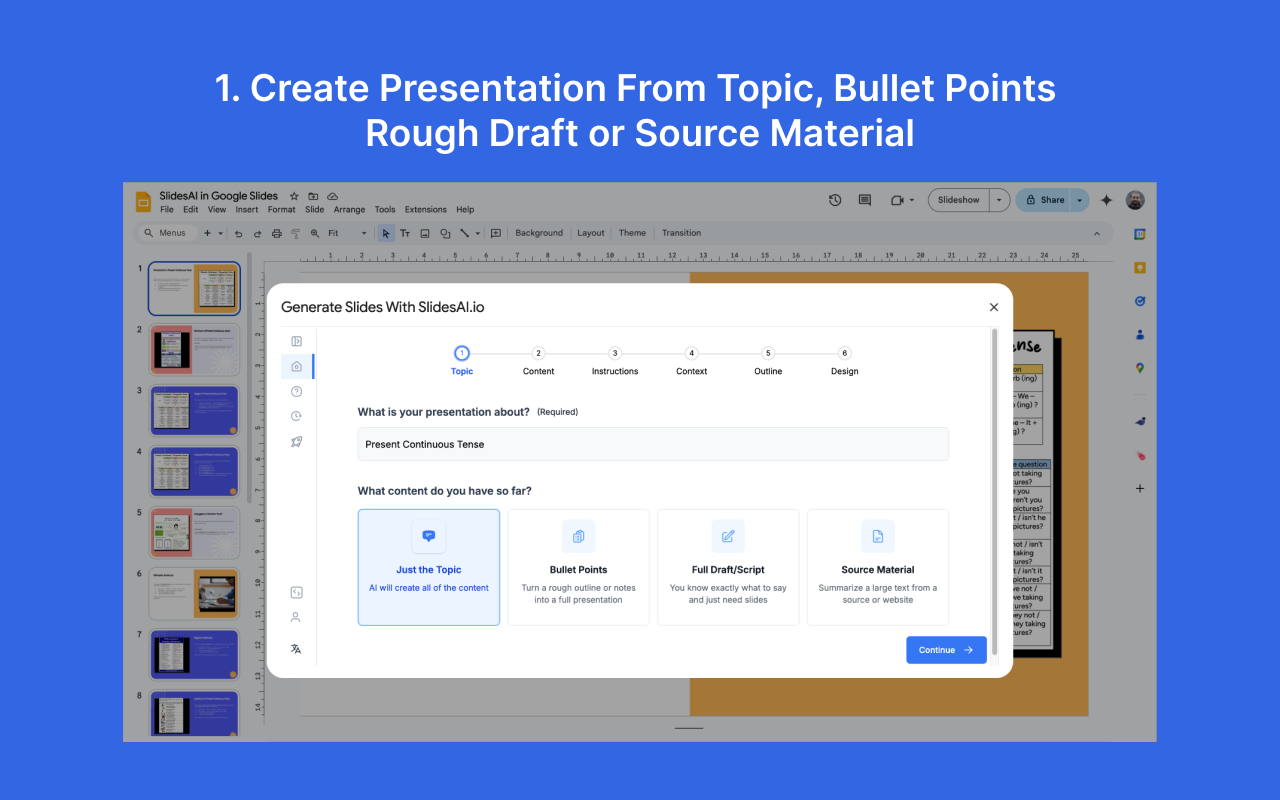
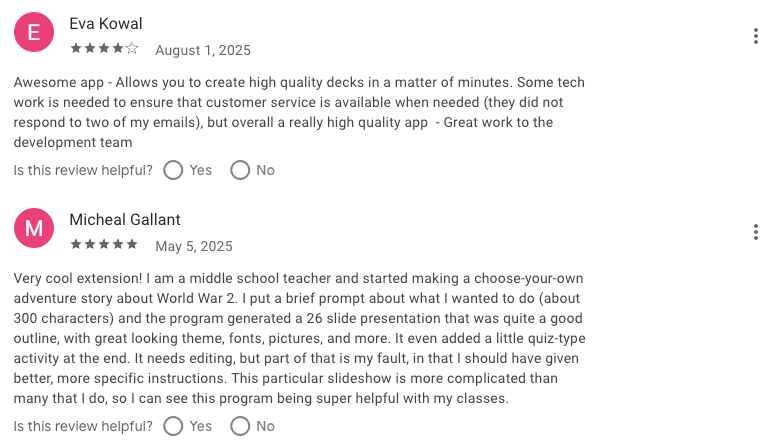
SlidesAI is an AI-powered software that helps you generate complete Google Slides presentations directly from text prompts, notes, or outlines. It turns raw ideas into structured slides with titles, bullet points, and layouts inside Google Slides, making it a practical AI productivity tool for fast presentation creation. SlidesAI is built for professionals, marketers, educators, and teams who regularly create decks but don’t want to spend hours on formatting.
Its biggest strength is speed: you paste content, choose tone and length, and SlidesAI creates slides that are immediately editable in Google Slides - ideal for AI tools for business and internal presentations. However, design flexibility is somewhat limited compared to full design tools, and highly visual or brand-heavy decks may still need manual polish.
Pricing is simple: SlidesAI offers a free plan with limited monthly credits, a Pro plan starting around $10/month, and higher-tier plans for teams needing more usage and collaboration features.
SlidesAI.io review (source)
3. Beautiful.ai
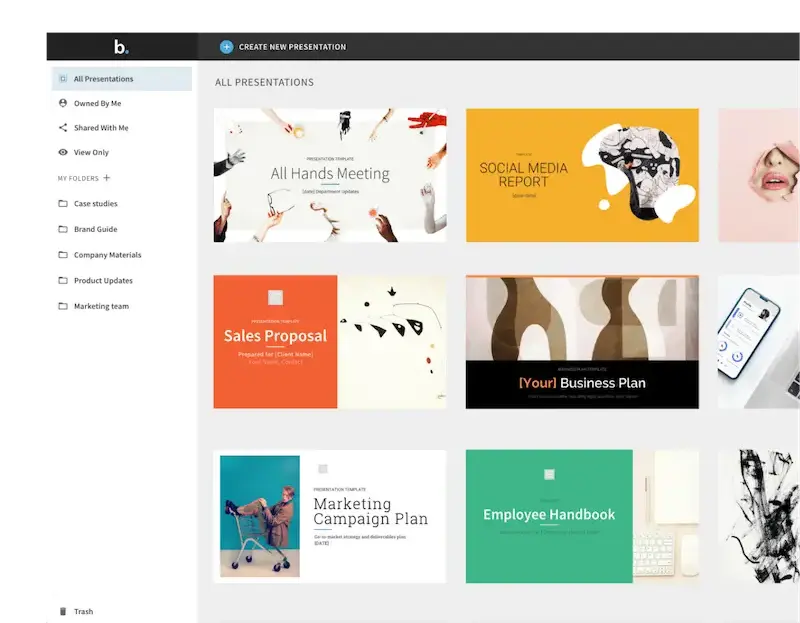
Beautiful.ai focuses on automatic design and layout consistency, helping users create professional-looking slides without manual formatting. Instead of starting from blank slides, you choose smart templates that automatically adjust spacing, alignment, and visual hierarchy as you add content.
Key features include smart slide templates, brand controls, team collaboration, and asset management, which are especially useful for maintaining visual consistency at scale. Beautiful.ai is designed for teams, marketers, consultants, and business professionals who need clean, on-brand decks without relying on designers.
On the upside, it removes most design friction and ensures presentations always look polished, even when multiple people collaborate on the same deck. On the downside, creative flexibility is limited compared to freeform tools, and the AI focuses more on layout than content generation. Users looking for deep storytelling or heavy AI writing assistance may find it less powerful than newer AI tools for writing-centric platforms.
Beautiful.ai does not offer a fully free plan, but provides a trial for new users. Paid plans start at around $12–15/month for individuals.
What are Best AI Software for Graphic Design?
Best AI Software for graphic design: Canva, Adobe Firefly, Uizard
1. Canva
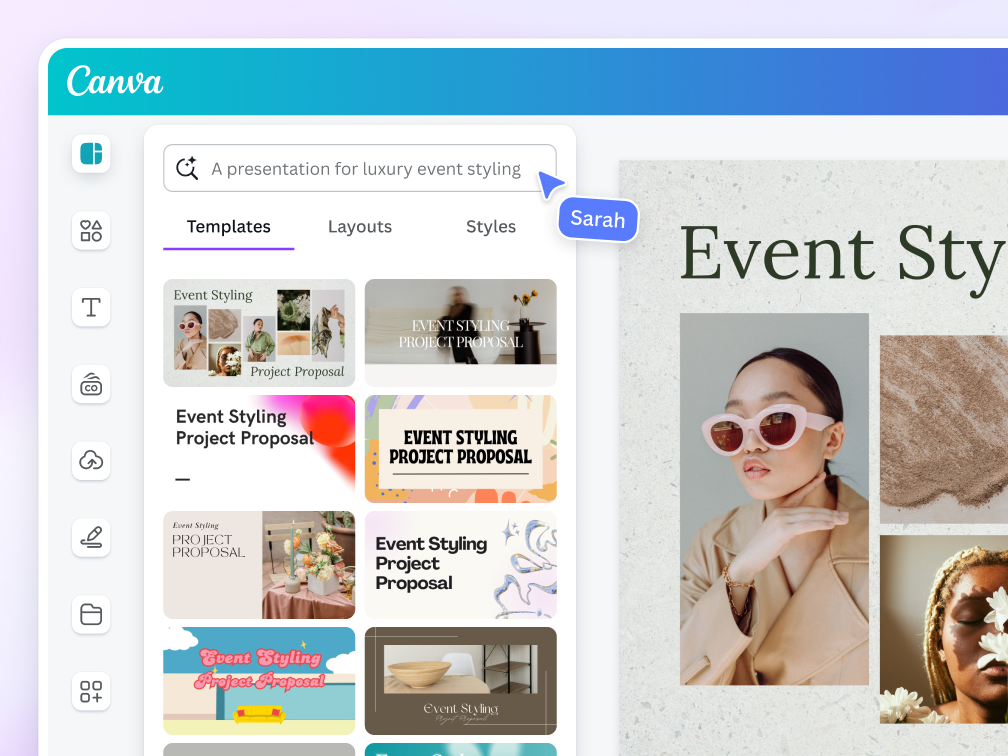
Canva is one of the best AI software for graphic design. Canva works as both an AI productivity tool and a visual content engine, covering social media graphics, presentations, marketing assets, videos, and basic web designs.
Key features include AI-generated layouts, brand kits, real-time collaboration, and thousands of templates that speed up workflows for non-designers. Canva shines in producing on-brand assets quickly without relying on designers. The biggest pro is accessibility: anyone can design fast, making it one of the most practical AI tools for individuals and teams.
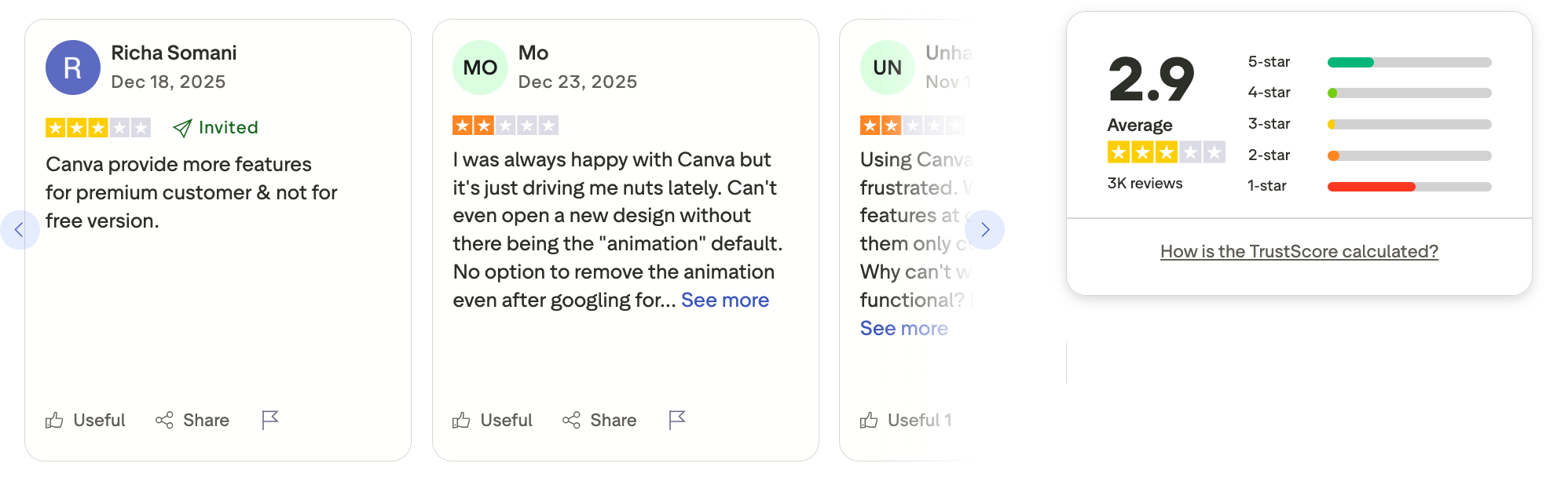
The trade-off is that creative depth, advanced designers may feel limited compared to enterprise AI software like Adobe tools. AI automation features are helpful, but outputs can feel generic without manual refinement.
Canva is free to use with core features and templates. Canva Pro costs around $14.99/month, unlocking AI tools, premium assets, and brand kits.
Canva Teams starts at roughly $29.99/month for the first five users, ideal for collaborative workflows and brand consistency.
Canva review (source)
2. Adoble Firefly
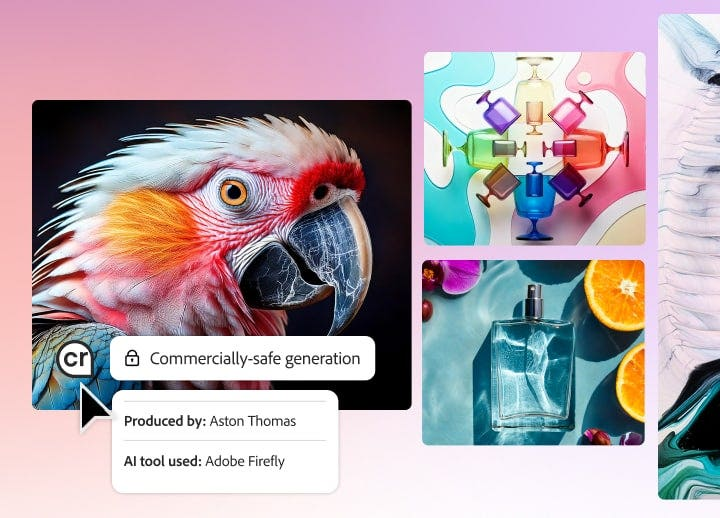
Adobe Firefly is built specifically for creators who need production-ready visuals with commercial safety. It’s an AI-powered software focused on generating images, vectors, text effects, and design assets trained on licensed and public-domain data.
Firefly integrates deeply with Photoshop, Illustrator, and other Creative Cloud apps, making it ideal for AI tools for business and enterprise workflows.
Key features include text-to-image, generative fill, vector recoloring, and style transfer, even complementary capabilities like text-to-speech when paired with other Adobe AI tools - designed for marketing and brand use. For teams already using Adobe, Firefly is an AI productivity tool that accelerates ideation without disrupting existing workflows.
The biggest advantage is trust - outputs are safe for commercial use, a major plus for AI software for marketing. The downside is flexibility: it’s less beginner-friendly than tools like Canva and depends heavily on the Adobe ecosystem.
Standalone use is limited compared to all-in-one AI tools for automation or writing.
Adobe Firefly offers a free tier with limited monthly generative credits.
Firefly Standard starts at around $4.99/month.
3. Uizard
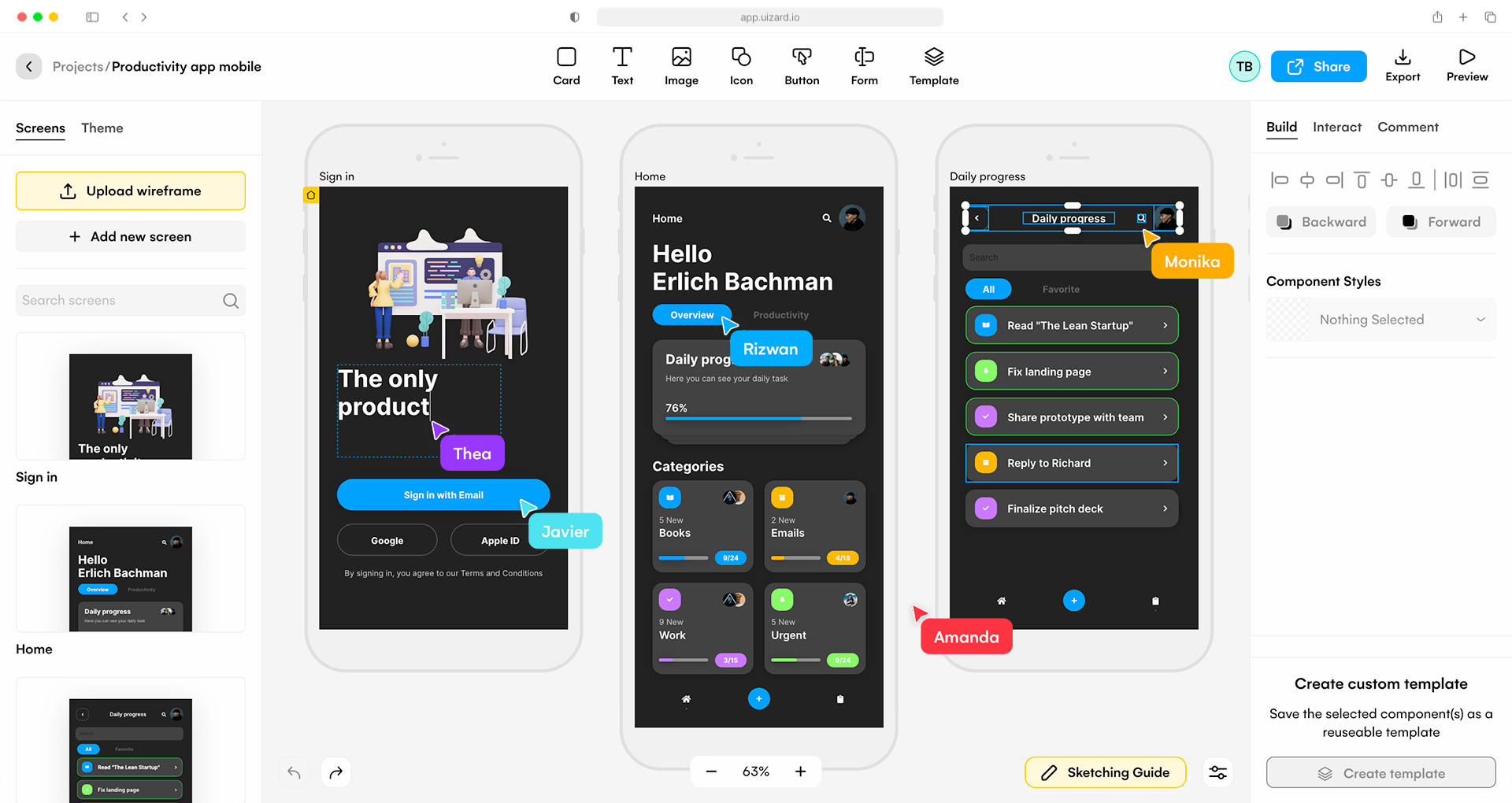
Uizard is one of the best AI software for graphic and UI design, built to help teams turn ideas into interface designs fast. It’s an AI-powered software that converts text prompts, hand-drawn sketches, and screenshots into editable wireframes and UI mockups.
Key features include text-to-UI generation, screenshot-to-design, auto-themed components, and real-time collaboration. For teams that need speed over pixel-perfection, Uizard works as a strong AI productivity tool for product ideation.
The biggest pro is efficiency - non-designers can create usable UI concepts in minutes without Figma-level skills. The limitation is depth: designs often need refinement before handoff to professional designers. It’s not meant for complex visual branding or advanced graphic design workflows.
Uizard offers a free plan with limited projects and AI generations. Paid plans start at around $12/month, unlocking more AI usage and collaboration features.
What are Best AI Software for Meeting Asisstant?
Best AI softwares for Meeting Asisstant are Otter.AI, FireFlies.AI, and Fathom
1. Otter.AI
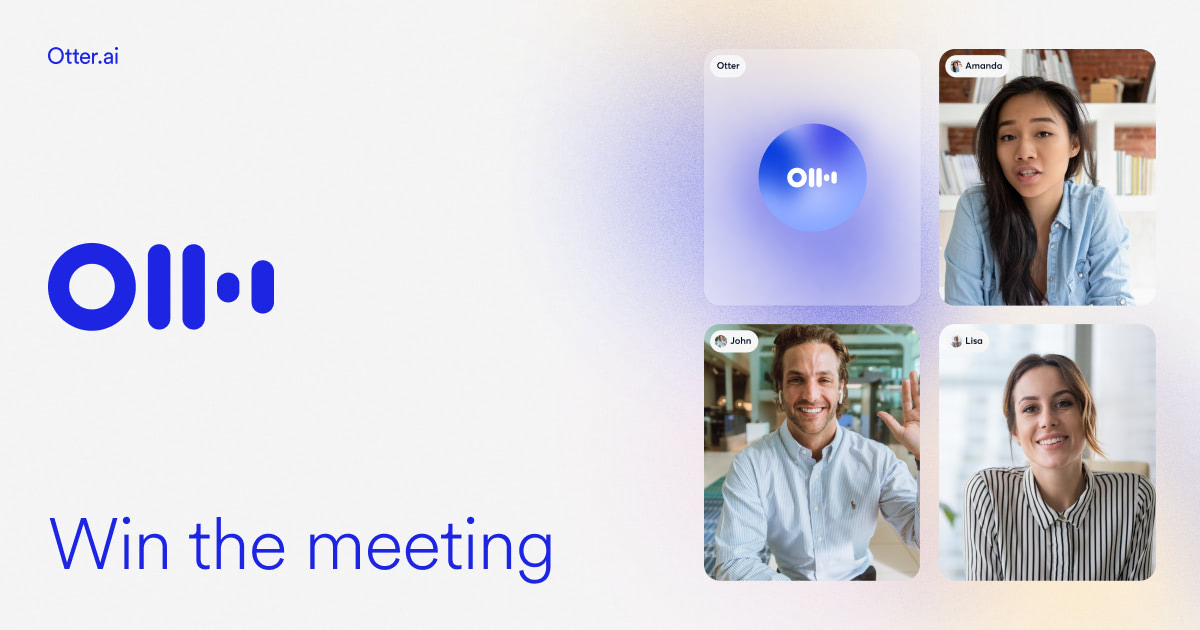
Otter.ai is designed to automatically capture, transcribe, and summarize conversations in real time.
Otter works as a core AI productivity tool for professionals who spend a lot of time in meetings and need accurate documentation without manual note-taking.
Key features include live transcription, AI-generated summaries, action items, keyword highlights, and integrations with Zoom, Google Meet, and Microsoft Teams.
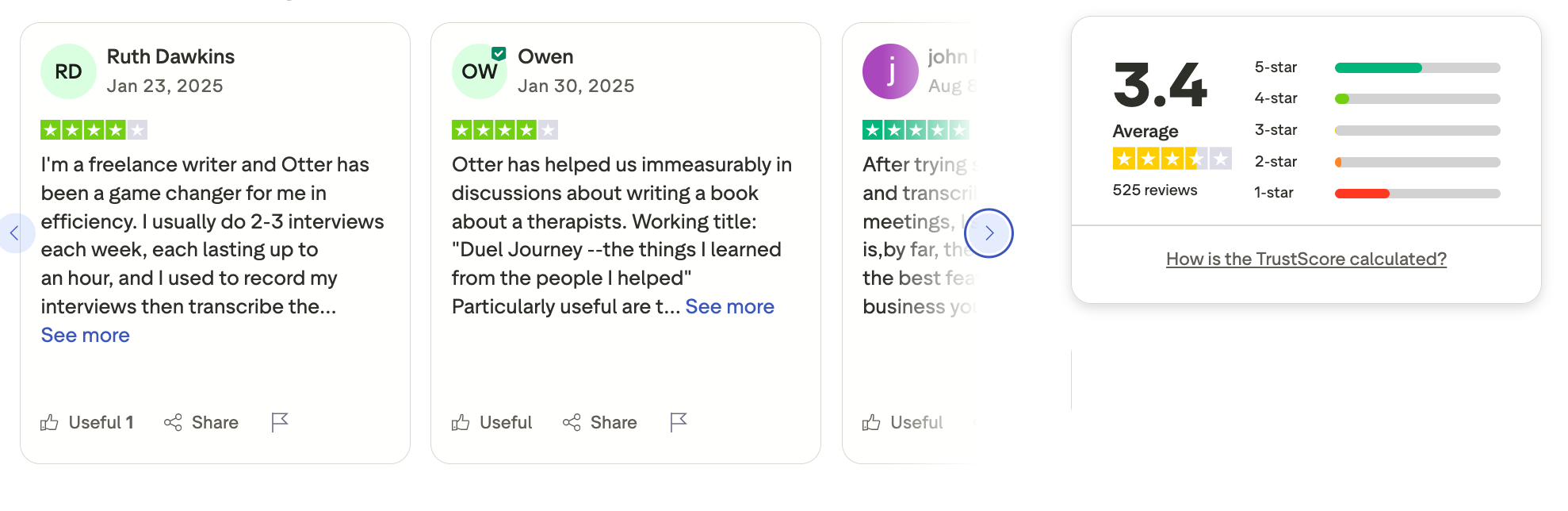
The biggest advantage is time savings - notes are created automatically, making it ideal for AI tools for teams and remote collaboration. However, accuracy can drop with heavy accents, overlapping speakers, or noisy environments. Advanced editing and export options feel limited compared to more enterprise-focused AI software.
Otter offers a free plan with limited monthly transcription minutes. The Pro plan starts around $16.99/month per user, adding more minutes, summaries, and collaboration features.
Otter.AI review (source)
2. Fireflies.AI
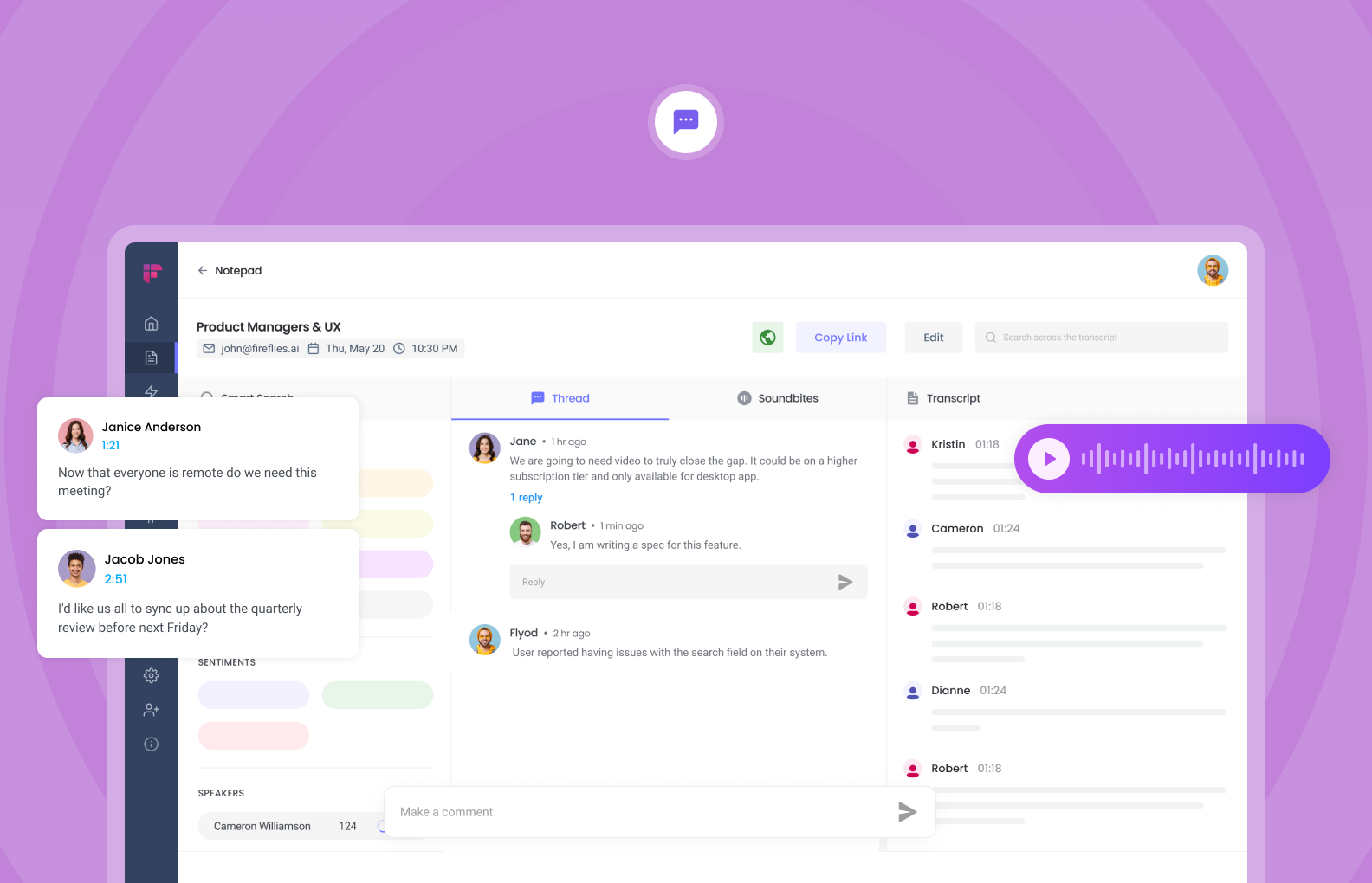
Fireflies.ai is one of the best AI software for teams that want to automate meetings, notes, and follow-ups without extra manual work. Fireflies acts as an AI productivity tool by turning raw meetings into searchable knowledge, action items, and insights that teams can actually reuse.
Key features include AI-generated meeting summaries, speaker tracking, keyword search, CRM sync, and workflow automation for sales, marketing, and operations.
The biggest advantage is automation - meetings document themselves, making it a strong AI software example for time-saving workflows. The downside is less control over summary structure, which can feel limiting for highly customized reporting needs. Some users may also find that transcription accuracy varies depending on accents and audio quality.
Fireflies offers a free plan with limited storage and basic transcription. Paid plans start around $18/month.
Fireflies review (source)
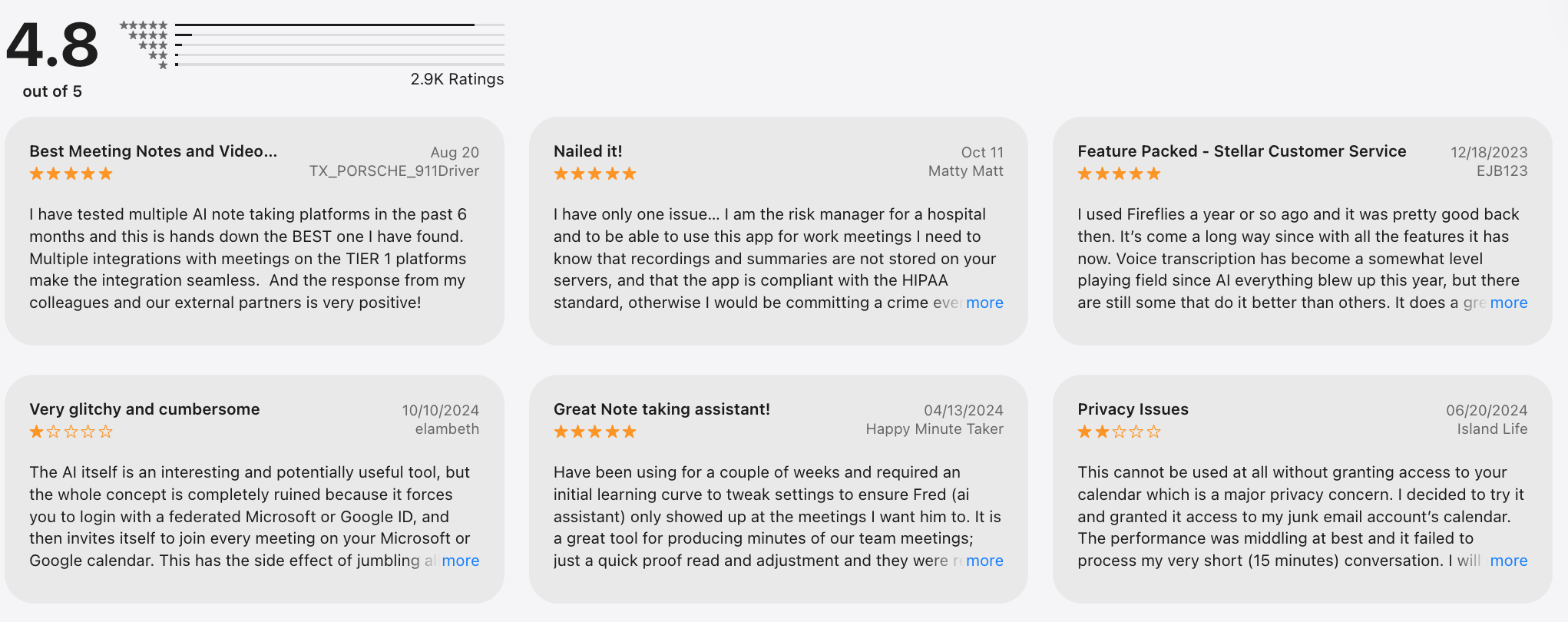
3. Fathom
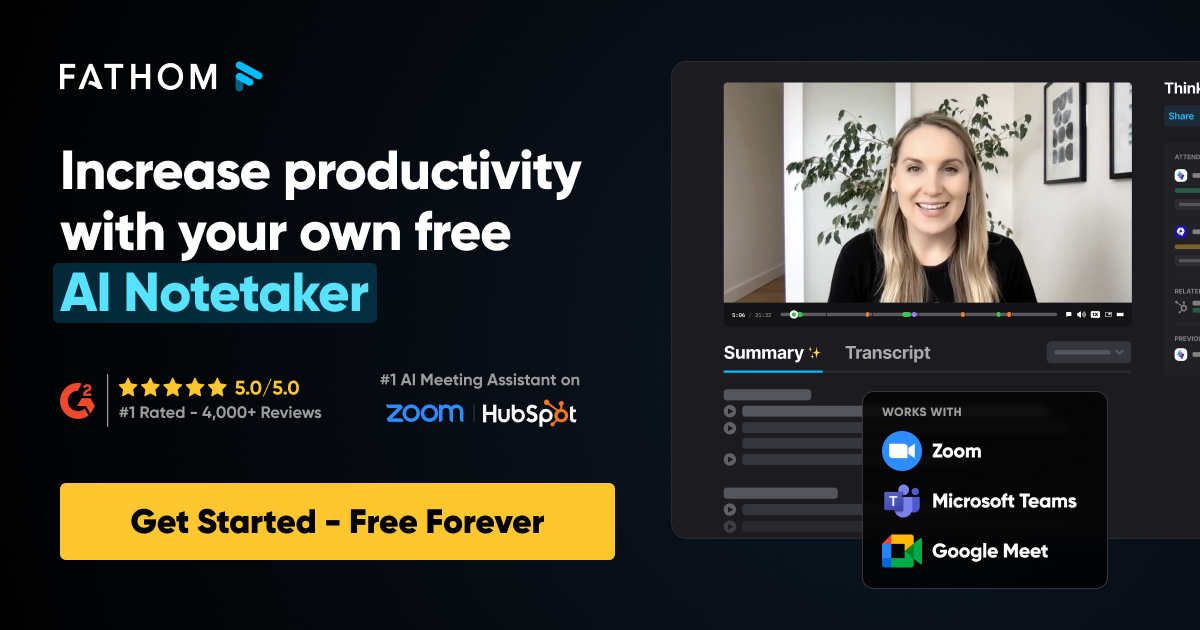
Fathom is an AI software that automatically records, transcribes, summarizes, and highlights Zoom, Google Meet, and Microsoft Teams calls.
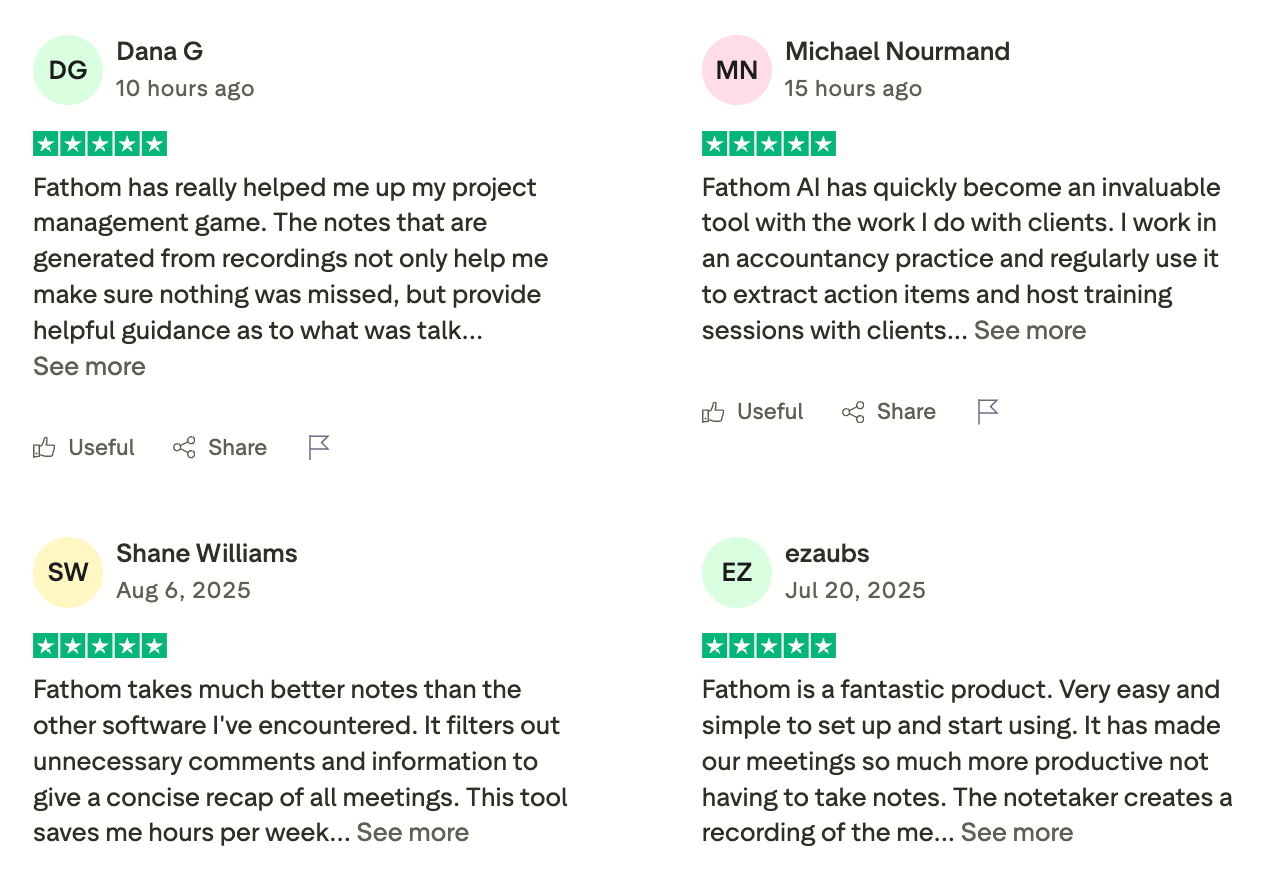
Key features include real-time transcription, instant meeting summaries, AI-generated follow-ups, and one-click sharing of key moments. The biggest pro is simplicity - it runs quietly in the background and delivers clean summaries with almost no setup. A limitation is customization: summaries follow a set structure and may not fit every workflow perfectly. It’s also not built for design or writing, so it complements rather than replaces broader AI tools for automation.
Fathom is free for individual users with unlimited recordings and basic summaries. Team plans start at around $24/month.
Fathom review (source)
What are Best AI Software for Research?
Best AI Software for Research are Perplexity, Elicit, Consensus
1. Perplexity
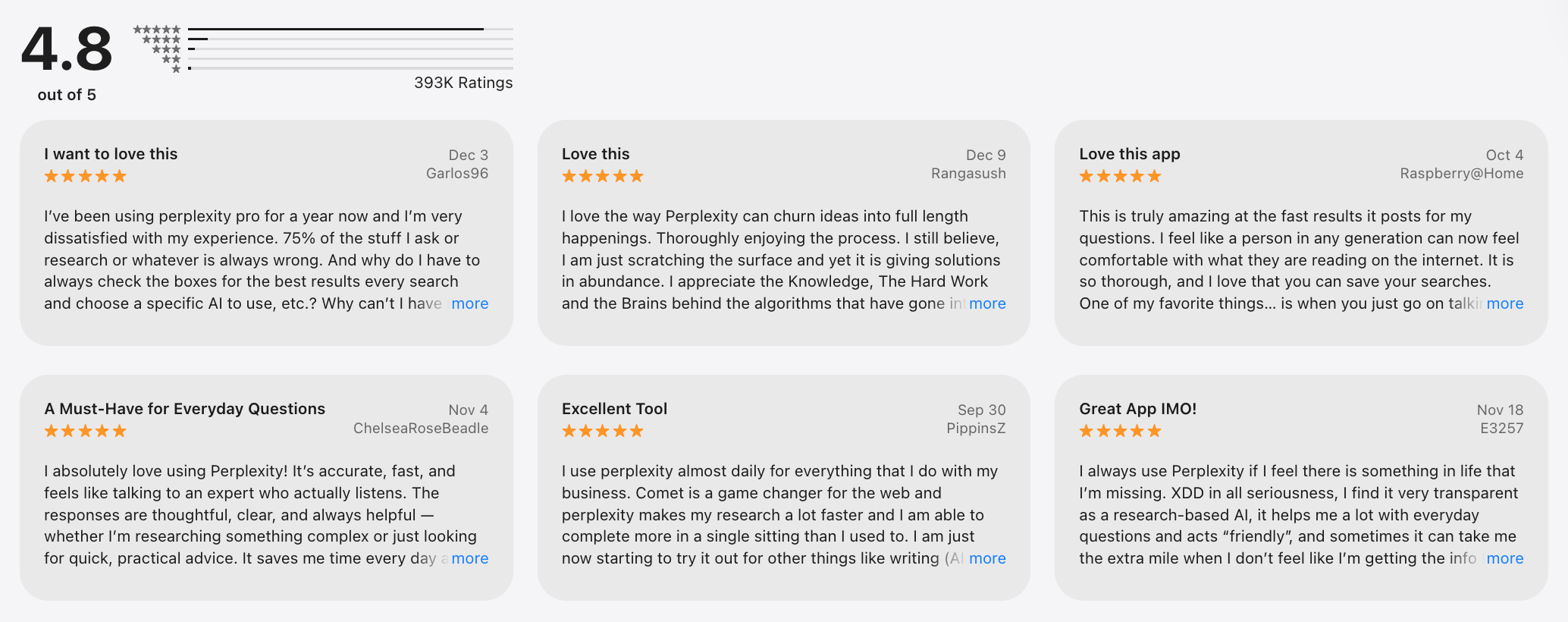
Perplexity is an AI software for research, discovery, and answer-driven search, designed to replace traditional Googling with direct, structured responses. It combines large language models with live web data to deliver concise answers, summaries, and source-backed insights.
Key features include conversational search, follow-up questions, citations, file uploads, and Pro search using advanced models like GPT-4 and Claude. The main strength is speed and clarity - it’s one of the strongest AI software examples for decision-making and learning. A limitation is that it’s not built for content creation or automation workflows compared to broader AI software. Results still require human judgment, especially for nuanced or strategic conclusions.
Perplexity is free to use with core search and basic AI responses. Perplexity Pro costs $20/month, offering higher limits, faster responses, and access to advanced models.
Perplexity review (source)
2. Elicit
Elicit is good research, built to help individuals and teams find, analyze, and summarize academic papers faster. It assists in searching scholarly databases and answers questions using evidence from real papers, not just generic web content. Elicit works as an AI productivity tool by automating literature reviews, paper screening, and data extraction - tasks that normally take hours.
Key features include paper summaries, evidence tables, citation-backed answers, and structured comparisons across multiple studies. The biggest strength is accuracy grounded in sources, making it a strong artificial intelligence software example for serious research workflows.
A limitation is scope: it’s optimized for academic and scientific content, not general internet research or creative writing. Some queries also require refinement to get the most relevant papers, especially for niche topics.
For the pricing tier, Elicit is free to use with limited searches and summaries. Paid plans start at around $10–$12/month.
3. Consensus
Consensus is one of the best AI software for research-driven decisions, built to help users find answers directly from peer-reviewed scientific papers. Concensus searches academic studies, extracts key findings, and summarizes evidence-backed answers instead of opinions.
Key features include AI-generated summaries, citation-backed answers, paper-level evidence breakdowns, and filters by study type or strength of evidence. The biggest pro is trust: answers are grounded in real research, making it a strong artificial intelligence software example for evidence-based work. The trade-off is scope - Consensus focuses on academic literature, not general web knowledge or creative ideation. It’s also less suitable for casual searches or non-research-heavy workflows.
Consensus offers a free plan with limited searches and summaries. Consensus Pro starts at around $12–15/month, unlocking deeper analysis, unlimited searches, and advanced filters.
What are Best AI Software for Resume?
Best AI Software for Resume are Resume Worded, Teal, Kickresume
1. Kickresume
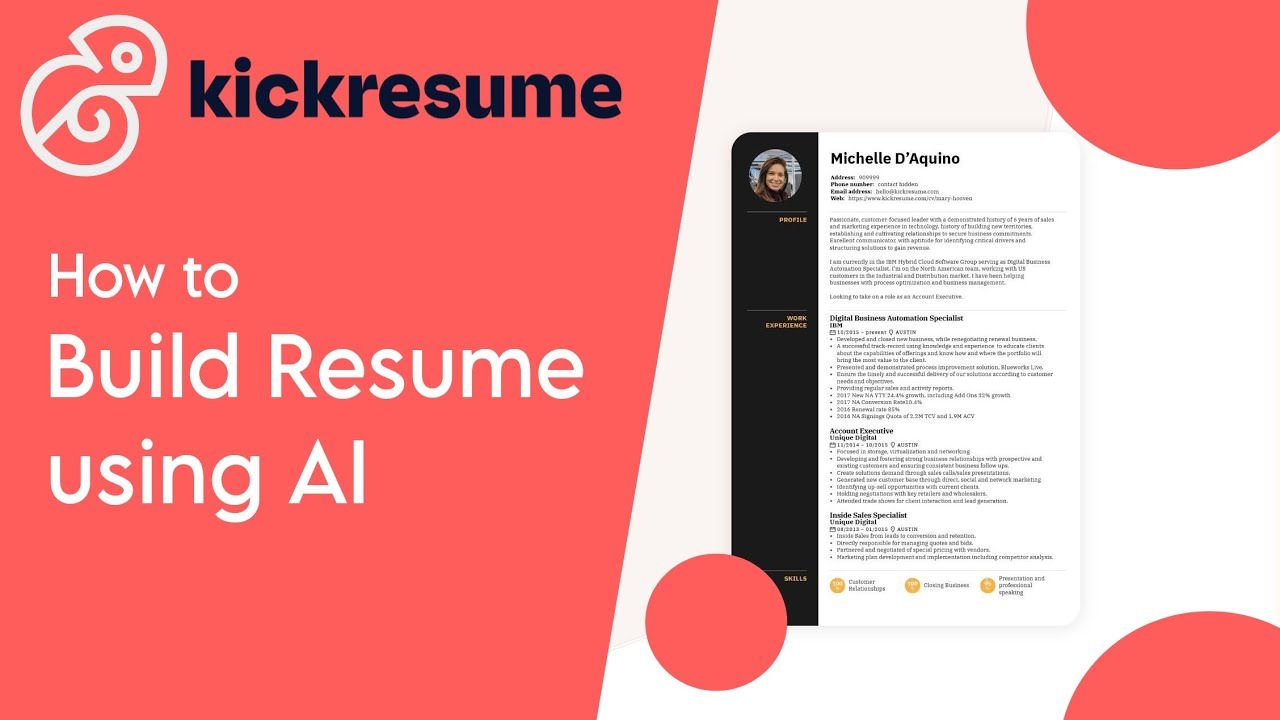
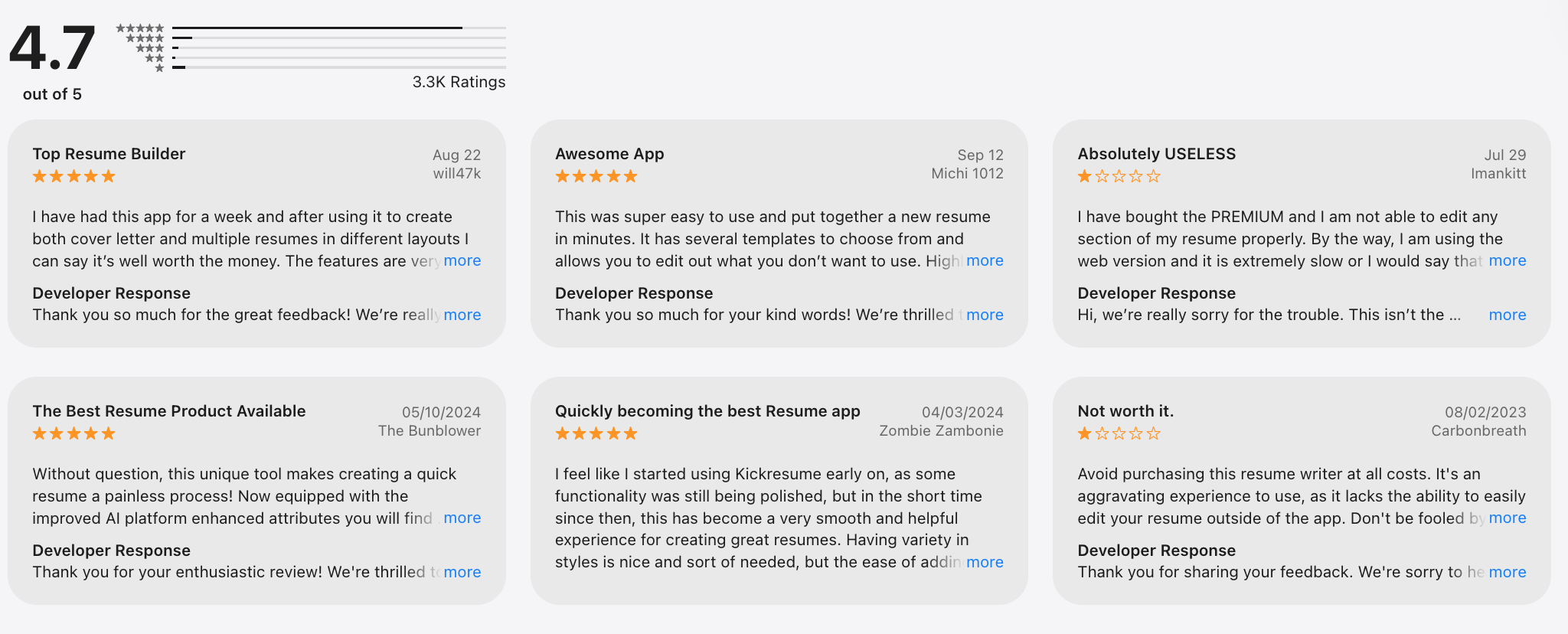
Kickresume is an AI-powered resume and cover letter builder that focuses on helping users create polished, visually appealing resumes quickly. It combines AI writing assistance with professionally designed templates, letting you generate resume content, rewrite bullet points, and tailor sections based on role and industry.
Its biggest strength is speed: the AI writer helps overcome blank-page anxiety, while templates ensure resumes look modern and ATS-friendly. However, the AI suggestions can feel generic without manual editing, and advanced customization is limited compared to tools focused purely on resume analysis.
Kickresume offers a free plan with basic templates and exports, and a Premium plan at around $19/month (with cheaper annual options) that unlocks AI writing, full template access, and unlimited downloads.
Kickresume review (source)
2. Resume Worded
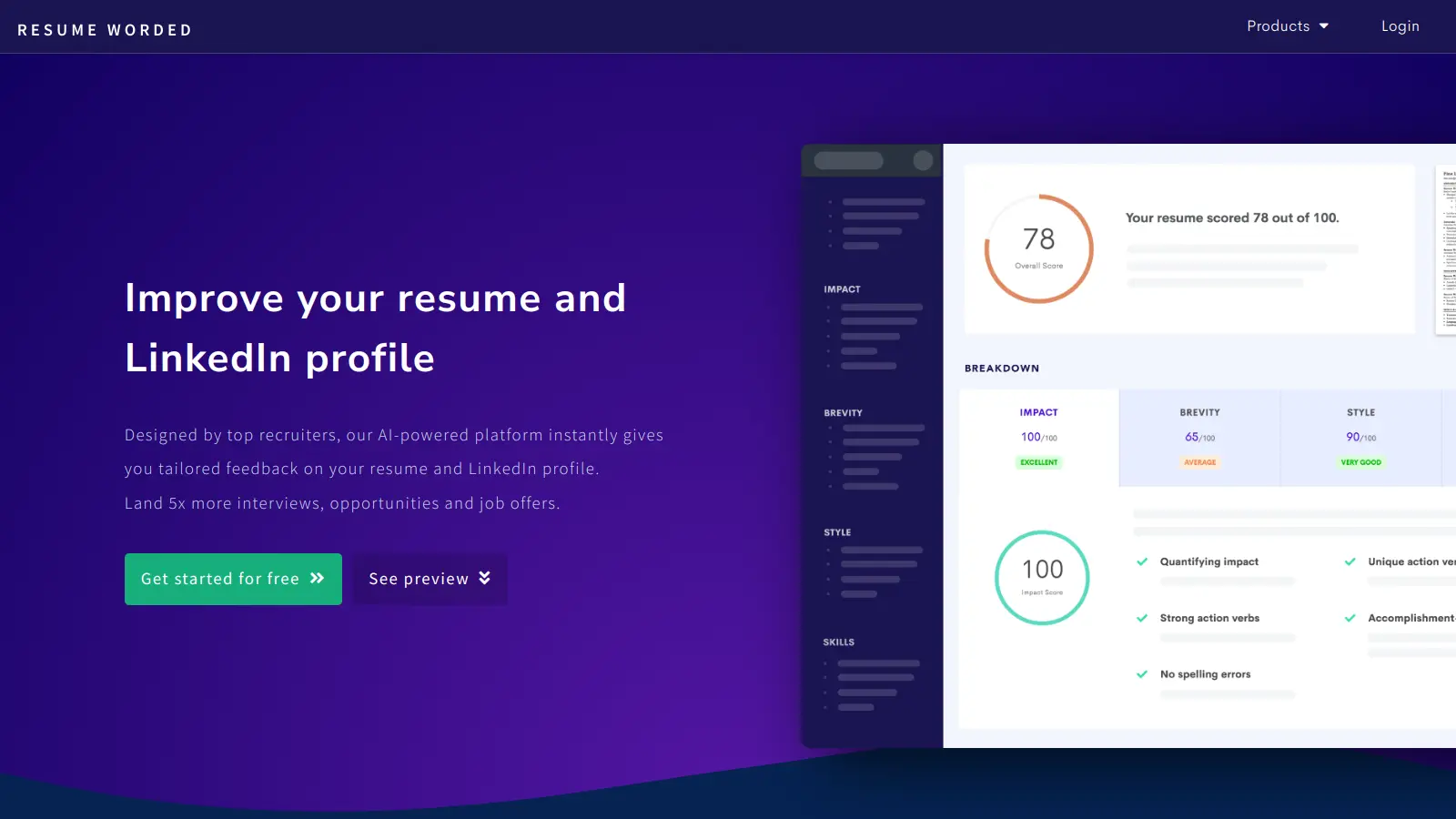
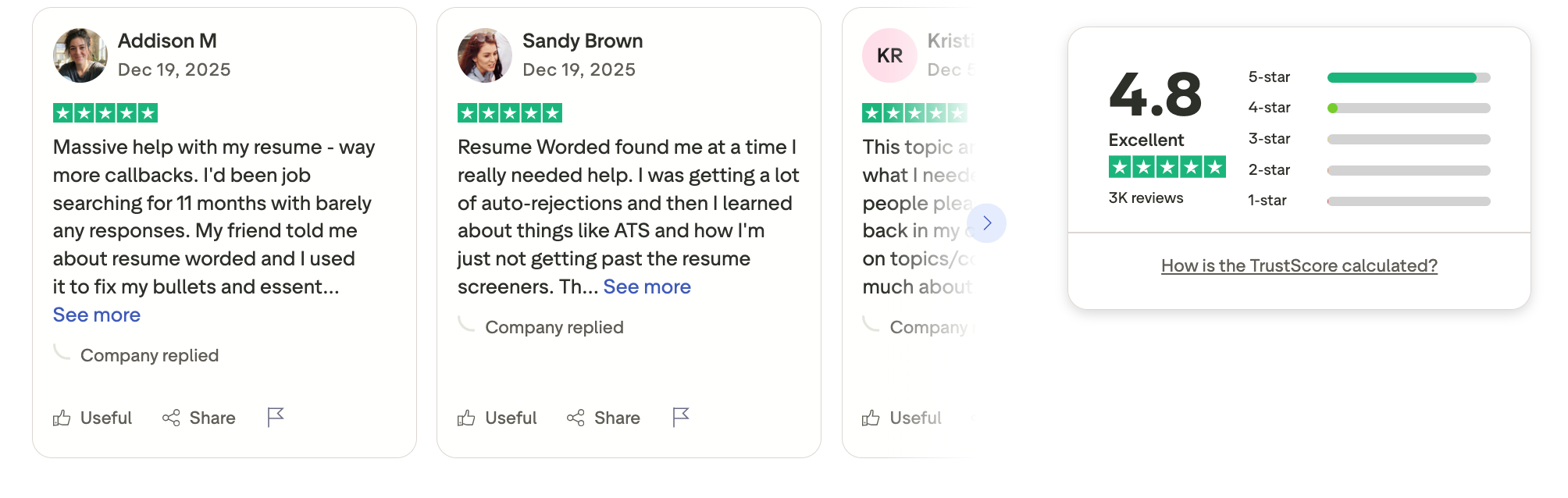
Resume Worded is an AI-powered software designed to help job seekers improve resumes and LinkedIn profiles using data-backed feedback from real hiring patterns. It scans your resume against recruiter benchmarks, ATS systems, and job descriptions, then gives clear, actionable suggestions on wording, structure, keywords, and impact. This tool is especially useful for individuals applying to competitive roles, career switchers, and professionals targeting enterprise jobs where ATS filtering is strict.
What works well is how concrete the feedback is: instead of generic writing tips, Resume Worded highlights missing skills, weak bullet points, and keyword gaps based on real AI software examples used in hiring. The downside is that it focuses narrowly on resumes and LinkedIn - so it’s not a general-purpose AI tool for writing or automation, and advanced customization can feel limited for highly creative roles.
Pricing is straightforward: Resume Worded offers a free plan with basic resume scoring, a Pro plan at around $49/month (or discounted annual pricing) that unlocks full feedback, resume targeting, and LinkedIn optimization.
Resume Worded review (source)
3. Teal
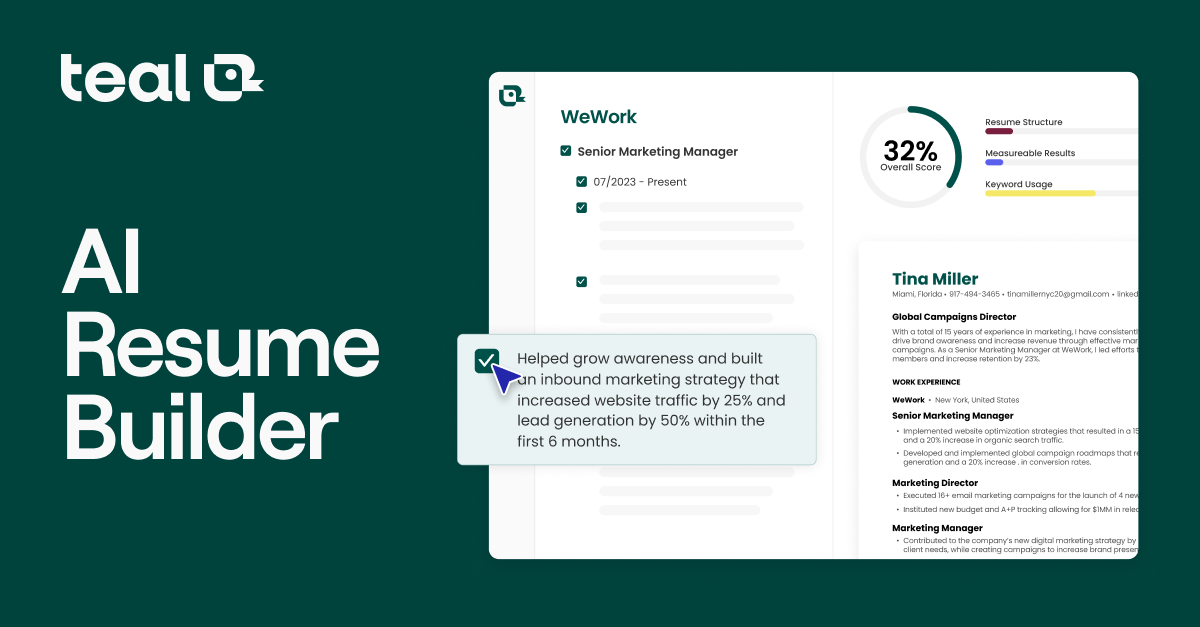
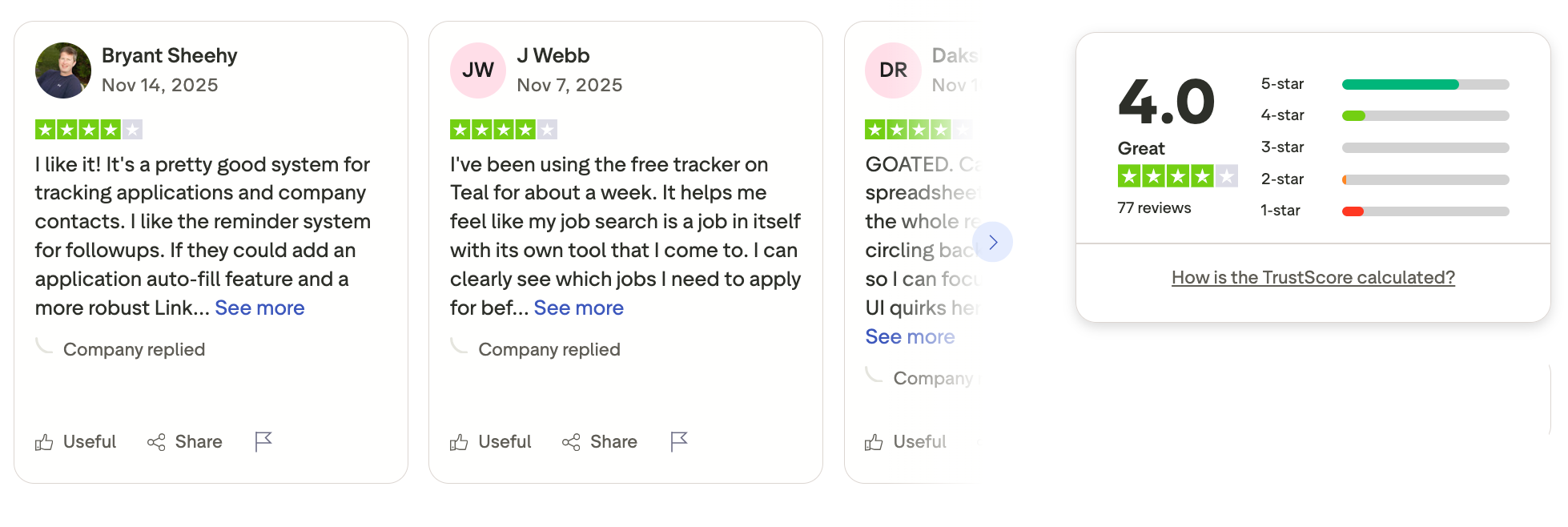
Teal is an AI-powered career platform that helps job seekers build stronger resumes while also managing the entire job search in one place. Teal analyzes your resume against specific job descriptions, highlights missing keywords and skills, and suggests improvements so your resume performs better with ATS systems. Teal stands out by combining resume optimization with a job tracker, notes, and follow-up reminders.
The biggest advantage is context-aware feedback: Teal doesn’t just score your resume in isolation - it tailors suggestions based on each role you apply for, which is especially useful for professionals applying at scale. The trade-off is that writing suggestions are more structural than stylistic, so it’s less helpful if you want creative rewriting or narrative-heavy resumes.
Pricing is simple and transparent: Teal offers a free plan with resume analysis and job tracking, and a Teal+ plan at around $29/month (or lower with annual billing) that unlocks unlimited job matching, advanced insights, and deeper optimization.
Teal review (source)
Final Thoughts: Choosing the Best AI Software in 2026
There’s no single best AI platform for everyone in 2026 - because not everyone works the same. The best AI software is the one that fits how you think, plan, and execute. Some people want a smart AI assistant for writing and research like ChatGPT or Claude. Others rely on AI software that quietly automates workflows in the background, such as tools built around agents and integrations.
But across all categories - AI tools for writing, marketing, sales, research, design, meetings, and automation - the real differentiator is cognitive relief. The best AI software tools don’t just do more tasks; they reduce mental load, decision fatigue, and context switching.
That’s where Saner.AI clearly stands out. Instead of forcing you to manage systems, Saner.AI acts as a calm, context-aware personal assistant that captures everything, organizes automatically, and helps you focus on what actually matters. For individuals and teams drowning in scattered tasks, it’s one of the most practical AI productivity tools available today.
Our recommendation:
- ✨ Try 2 -3 AI software examples from different categories (assistant, task management, marketing...).
- 🧪 Test them in real work - emails, meetings, content planning, task management.
- 🧠 Measure energy saved, not just time saved.
If an AI software helps you feel more focused, less scattered, and more in control, that’s your best AI software.
👇 Ready to start? Begin with Saner.AI if you want an AI tool that simplifies work instead of complicating it.
Stay on top of your work and life
Best AI Software (2026 Buyer’s Guide) FAQ
1. What is the best AI software today?
There’s no single “best AI software” for everyone. The best option depends on what you want AI to help you do - think, write, design, research, manage tasks, or execute work.
Most people end up using:
- One general AI assistant for thinking and answering
- One execution-focused AI tool for tasks, notes, or scheduling
- One or two domain-specific tools (writing, design, research, etc.)
This combination reflects how modern AI software is actually used in real workflows.
2. How should I choose the best AI software for my workflow?
Instead of comparing features, start with friction points:
Ask:
- Where do I lose time or mental energy?
- Do I struggle more with thinking or follow-through?
- Do I want AI to answer questions - or help me act on them?
For example:
- If you mainly need reasoning → ChatGPT
- If ideas pile up but execution breaks → Saner.AI
The best AI software removes friction at the point you feel it most.
3. What is the Best AI Assistant Software?
AI assistants are designed for conversation, reasoning, and general knowledge work.
Common choices:
- ChatGPT – Strong all-around assistant for writing and problem-solving
- Claude – Handles long documents and nuanced analysis well
- Microsoft Copilot – Deeply integrated with Microsoft tools
- Saner.AI - strong daily planning, task management, and notes retrieval
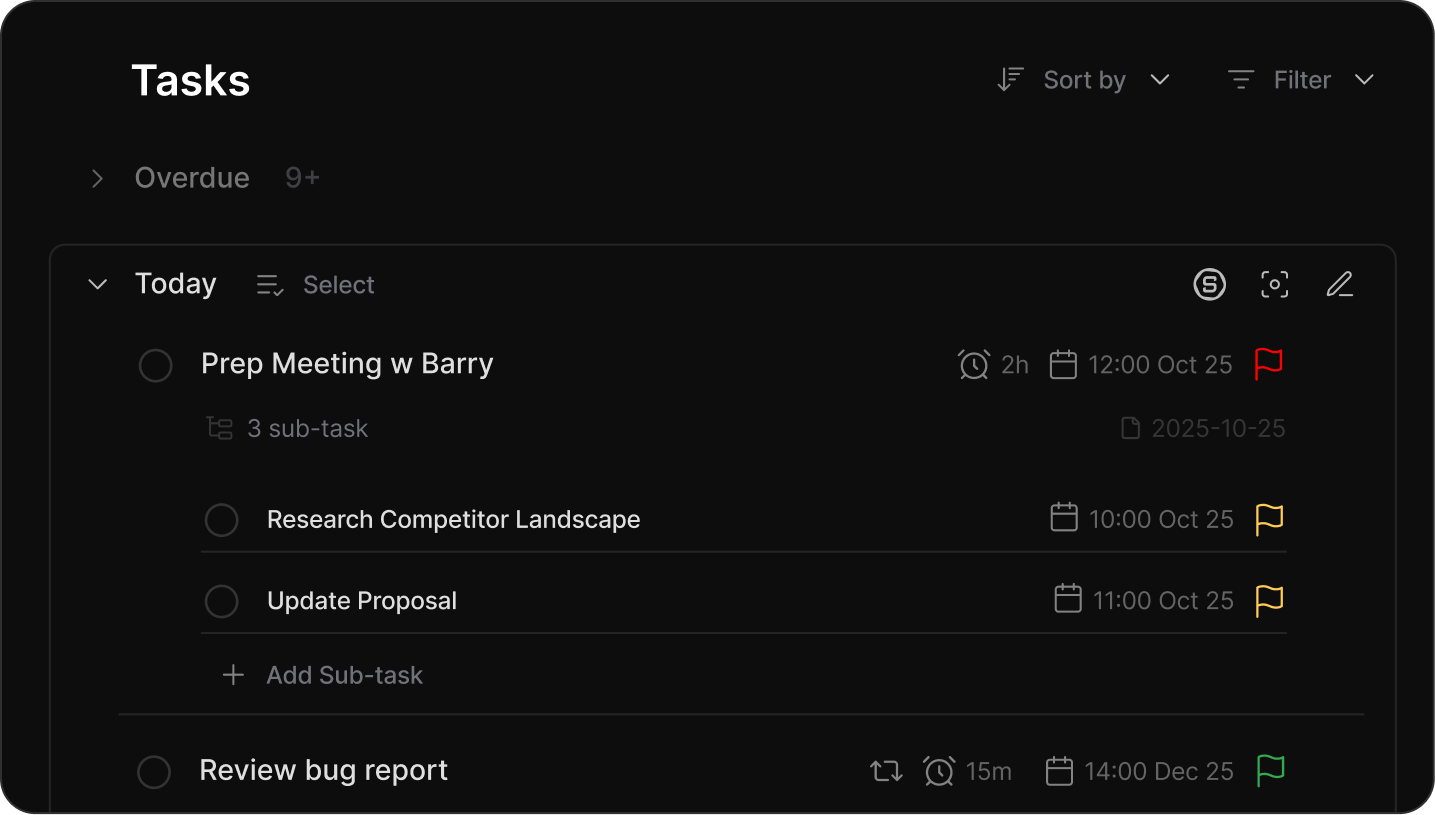
Best for: asking questions, drafting content, exploring ideas.
4. What is the Best AI Software for Task Management & Personal Productivity?
This category focuses less on answers and more on execution.
Notable tools:
- Saner.AI - Turns natural notes into tasks and reminders
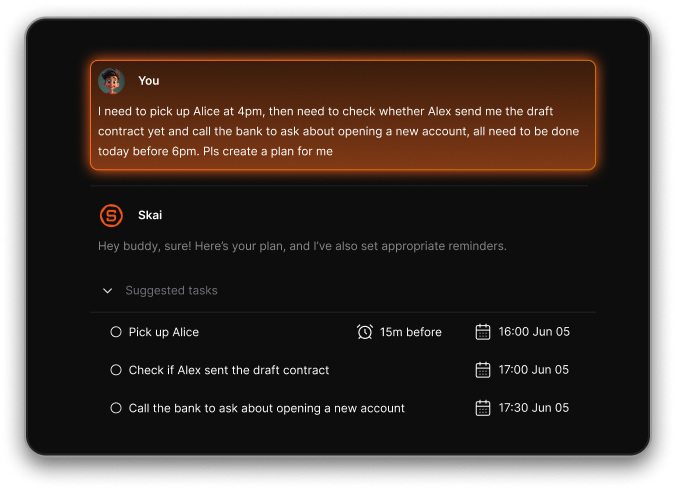
- Motion - Auto time-blocks tasks on your calendar
- Reclaim - Optimizes calendar availability
Unlike general AI assistants, these tools help close the gap between thinking and doing. Saner.AI fits particularly well when ideas come fast, but structure comes later.
5. What is a “Personal GPT” in AI software?
A Personal GPT is a context-aware AI assistant that understands your notes, tasks, and daily work - not just your prompts.
Instead of asking isolated questions, you can say:
- “What did I decide last week?”
- “Remind me to follow up on this.”
- “What should I focus on today?”
Some tools lean conversational, others lean operational. Saner.AI sits on the operational side - using AI to organize and surface what matters, rather than just respond.
6. What can a Personal GPT actually do?
A well-designed Personal GPT can:
- Turn messy thoughts into structured tasks
- Find notes even when they’re unorganized
- Suggest priorities based on the current workload
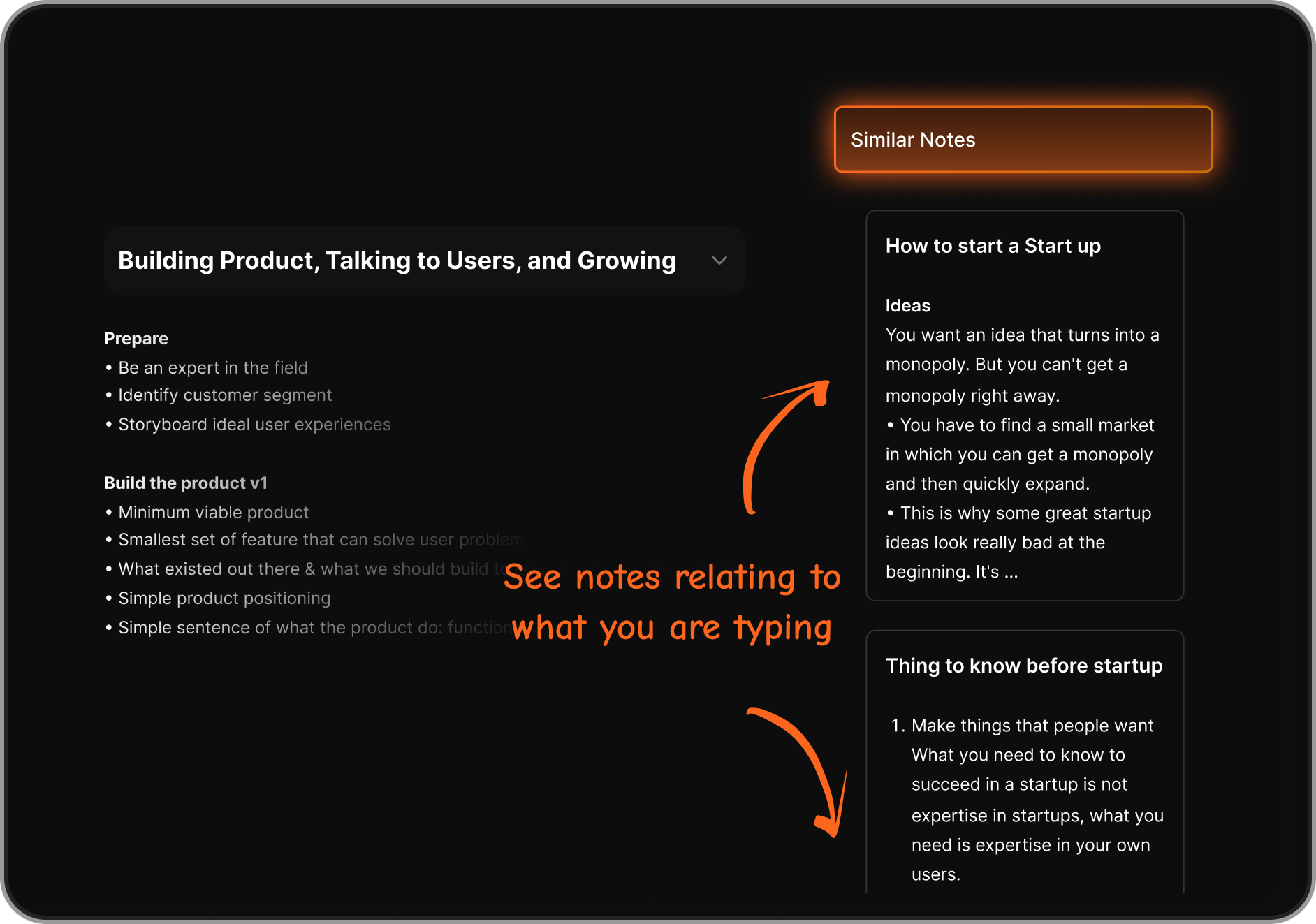
- Surface relevant context before meetings
This is where AI software becomes less about novelty and more about cognitive relief. Here is how Saner.AI does it
7. Is there free AI software that’s actually useful?
Yes. Many of the best AI software tools offer free tiers.
Examples:
- Saner.AI – Free plan includes AI task capture and note search
- ChatGPT – Free access with limited models
- Gemini – Free through Google Workspace
Free plans are often enough to evaluate whether a tool fits your workflow before committing.
8. Which AI software is best for people who feel overwhelmed?
If overwhelm comes from too many ideas and loose ends, execution-focused AI tends to help more than chat-based tools.
Task-oriented AI software:
- Reduces context switching
- Reminds you at the right moment
- Keeps work visible without micromanagement
Saner.AI is often mentioned in this context because it works with unstructured input instead of requiring rigid systems upfront.
9. Can AI software really improve productivity?
Yes. AI software like Saner.AI improves productivity by:
- Reducing decision fatigue
- Surfacing the right thing at the right time
- Eliminating unnecessary organizing, work
AI tools that connect notes, tasks, and timing tend to create more lasting impact than tools that only generate content.
10. Which AI software works best for work (not just experimenting)?
For day-to-day professional work, AI software works best when it:
- Integrates with your calendar or notes
- Supports follow-ups and reminders
- Helps you maintain continuity across projects
That’s why many professionals pair:
- A general assistant (like ChatGPT or Claude)
- With an execution layer (like Saner.AI, Motion, or Reclaim)
Each plays a different role.
11. How is modern AI software different from traditional productivity tools?
Traditional tools expect you to organize everything manually.
Modern AI software adapts to how you already think.
The shift looks like this:
- From folders → context
- From tags → meaning
- From systems → assistance
Saner.AI is a good example of this shift: you write naturally, and the system handles structure in the background.
12. Can I rely on one AI tool for everything?
Usually, no. The best setups usually include:
- One AI assistant for a personal assistant
- One or two niche tools for specific business needs
Trying to force one tool to do everything often adds friction instead of removing it.
13. What’s the biggest trend shaping the future of AI software?
The move from chat-only AI to context-aware, proactive systems.
The next generation of the best AI software won’t just answer questions - it will:
- Remember decisions
- Track commitments
- Help you follow through
That’s where tools like Saner.AI are positioned - not as a replacement for assistants, but as the layer that makes AI actually useful in daily work.
14. Can AI software replace traditional to-do lists and note apps?
In many cases, yes - but only context-aware AI software.
Traditional to-do lists and note apps rely on:
- Manual organizing
- Rigid folders or tags
- Constant upkeep
Modern AI software reduces that overhead by understanding intent and context. Instead of deciding where things go, you simply write, speak, or paste—and the system handles structure.
For example, tools like Saner.AI are designed to sit between notes and tasks, turning unstructured input into reminders and next steps. This makes them especially useful for people whose ideas don’t arrive in neat bullet points.
15. What’s the difference between AI software that generates content and AI software that manages work?
This is a key distinction when evaluating the best AI software.
- Content-generation AI (writing, images, video) focuses on output
- Work-management AI focuses on continuity, follow-through, and timing
Content AI helps you create faster. Work-management AI helps you not forget what you created.
Many professionals use both:
- A writing or assistant tool to generate ideas
- A system like Saner.AI to capture decisions, tasks, and reminders so nothing gets lost after the conversation ends
Understanding this difference helps avoid choosing AI software that feels impressive - but doesn’t actually improve daily execution.
Stay on top of your work and life