We Tested 18 ChatGPT Alternatives. Here are the Best 9 in 2026
The Best ChatGPT Alternatives are: Gemini, Claude, Grok, Copilot, Pi, Perplexity, Deepseek, Meta, and Saner.AI

Key Takeaway: What are the best ChatGPT alternatives now?
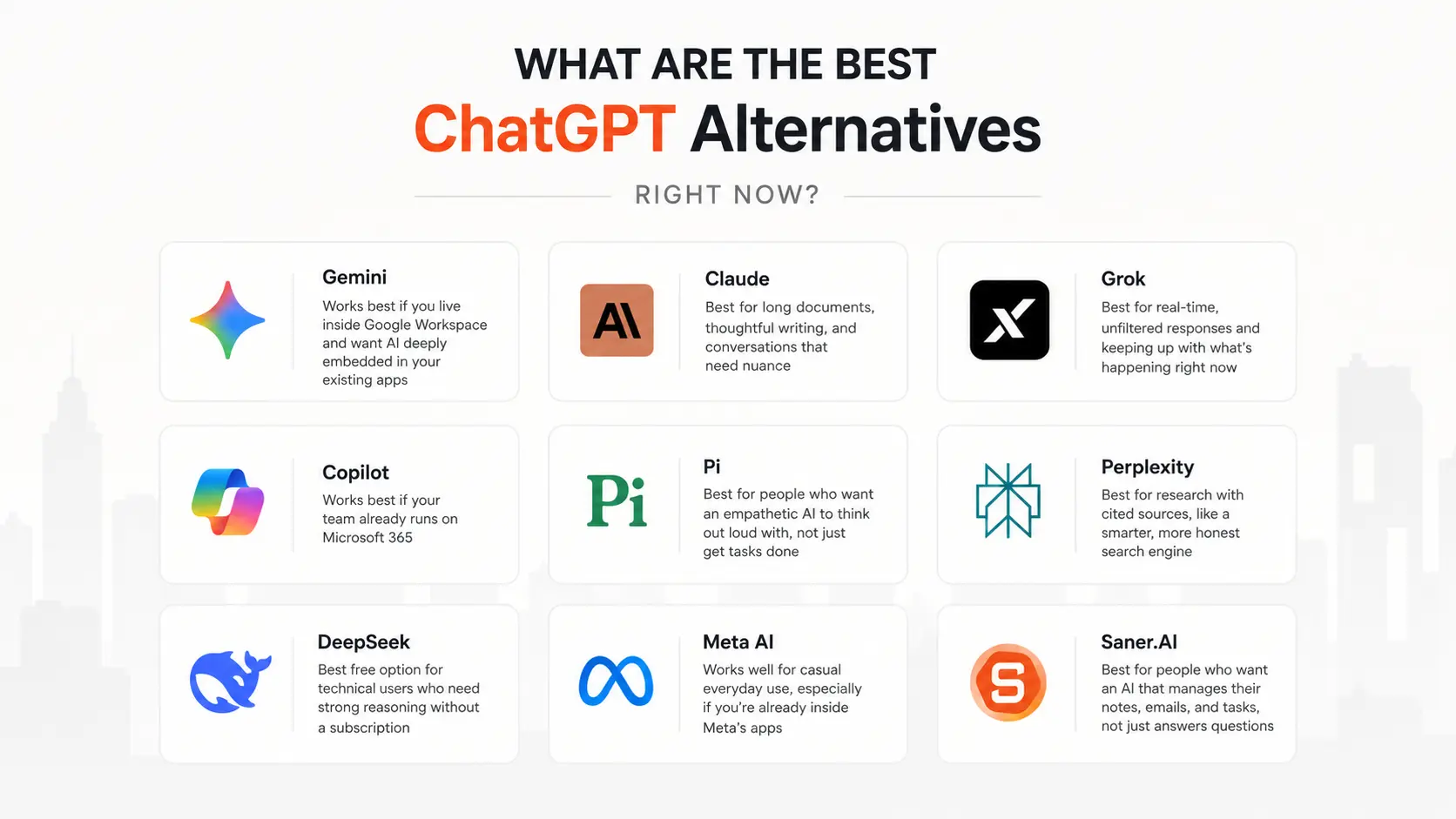
- Gemini: Works best if you live inside Google Workspace and want AI deeply embedded in your existing apps
- Claude: Best for long documents, thoughtful writing, and conversations that need nuance
- Grok: Best for real-time, unfiltered responses and keeping up with what's happening right now
- Copilot: Works best if your team already runs on Microsoft 365
- Pi: Best for people who want an empathetic AI to think out loud with, not just get tasks done
- Perplexity: Best for research with cited sources, like a smarter, more honest search engine
- DeepSeek: Best free option for technical users who need strong reasoning without a subscription
- Meta AI: Works well for casual everyday use, especially if you're already inside Meta's apps
- Saner.AI: Best for people who want an AI that manages their notes, emails, and tasks, not just answers questions
1) What is a ChatGPT Alternative?
A ChatGPT alternative is any AI assistant that can understand and generate natural language, handle questions and instructions, and help you produce or process information without writing code to use it.
That covers a wide range of tools: general-purpose chatbots like Gemini and Claude, research-focused tools like Perplexity, productivity assistants like Saner.AI, and open-source models like DeepSeek.
2) How I Chose the Alternatives in This List
I spent weeks testing and comparing ChatGPT alternatives across real-world scenarios - putting each through a consistent set of tasks rather than cherry-picking the things each tool does well.
- Response quality on complex tasks — Does the tool give you a genuinely useful answer, or does it give you a polished-sounding nothing? I tested multi-step analysis, document summarization, and ambiguous research questions.
- Accuracy and source reliability — Does it hallucinate? Does it cite sources you can actually check? I specifically looked for factual errors on topics I already know well.
- Free tier generosity — How much can you do before hitting a wall? A tool that gates its best features behind a $20/month paywall from day one is a different product than one that gives you real value for free.
- Context window and memory — Can it handle long documents? Does it remember what you said earlier in the conversation? Some tools forget context after a few exchanges.
- Integration and ecosystem fit — Does it work inside the tools you already use, or does it require you to context-switch into a new tab every time?
- Specialization — What is this tool genuinely better at than ChatGPT? If the answer is "nothing in particular," it didn't make the cut.
This hands-on approach helped me see which AI chat tools actually fit into daily work - not just look good on paper.
What Are The Best ChatGPT Alternatives in 2026?
The Best ChatGPT Alternatives are: Gemini, Claude, Grok, Copilot, Pi, Perplexity, Deepseek, Meta and Saner.AI
ChatGPT Alternatives - Comparison Table
| Tool | Best For | Free Tier | Starting Price | Context Window | Standout Feature |
|---|---|---|---|---|---|
| Google Gemini | Google Workspace users | Yes (generous) | $19.99/mo (Google One AI Premium) | 1M tokens | Deep Google app integration |
| Claude | Long documents, writing | Yes (limited) | $20/mo (Pro) | 200K tokens | Best-in-class document handling |
| Perplexity AI | Research with citations | Yes | $20/mo (Pro) | Varies | Real-time web search with sources |
| Microsoft Copilot | Microsoft 365 users | Yes | $30/mo (M365 Business) | Context varies | Native Word/Excel/Teams integration |
| Grok | Real-time info, unfiltered chat | Yes (on X free tier) | $8/mo (X Premium) | 131K tokens | Real-time X/Twitter data access |
| DeepSeek | Budget-conscious power users | Yes | Free / API pricing | 128K tokens | Strong reasoning at near-zero cost |
| Meta AI | Casual use, social surfaces | Yes (entirely free) | Free | 128K tokens | No login needed; built into Instagram, WhatsApp |
| Pi | Emotional support, personal coaching | Yes | Free (mostly) | Shorter context | Warm, reflective, non-task-oriented conversations |
| Saner.AI | Knowledge workers, note-takers, ADHD-friendly workflows | Yes | Paid plans available | Ongoing memory | AI that schedules, manages your day automatically |
1. Google Gemini

Google Gemini is Google’s flagship AI assistant designed to compete directly with ChatGPT. It combines Google’s deep search intelligence with advanced reasoning, multimodal understanding, and tight integration across Workspace apps like Docs, Gmail, and Sheets
Key features
- Advanced reasoning: Gemini 3 can handle complex math, coding, writing, and research tasks with exceptional depth and context.
- Multimodal input: Accepts text, images, voice, and even video, making it one of the most versatile AI chat tools available.
- Google integration: Works seamlessly inside Gmail, Docs, Sheets, and Search, turning them into AI productivity tools.
Pros
- I love how effortlessly Gemini connects with my Google Workspace
"My massive context window also lets me read entire books or analyze long videos all at once, providing deep insights that saves me hours of manual work" – verified reviews
- "It saves me hours of library time and writing every week" – verified reviews
Cons:
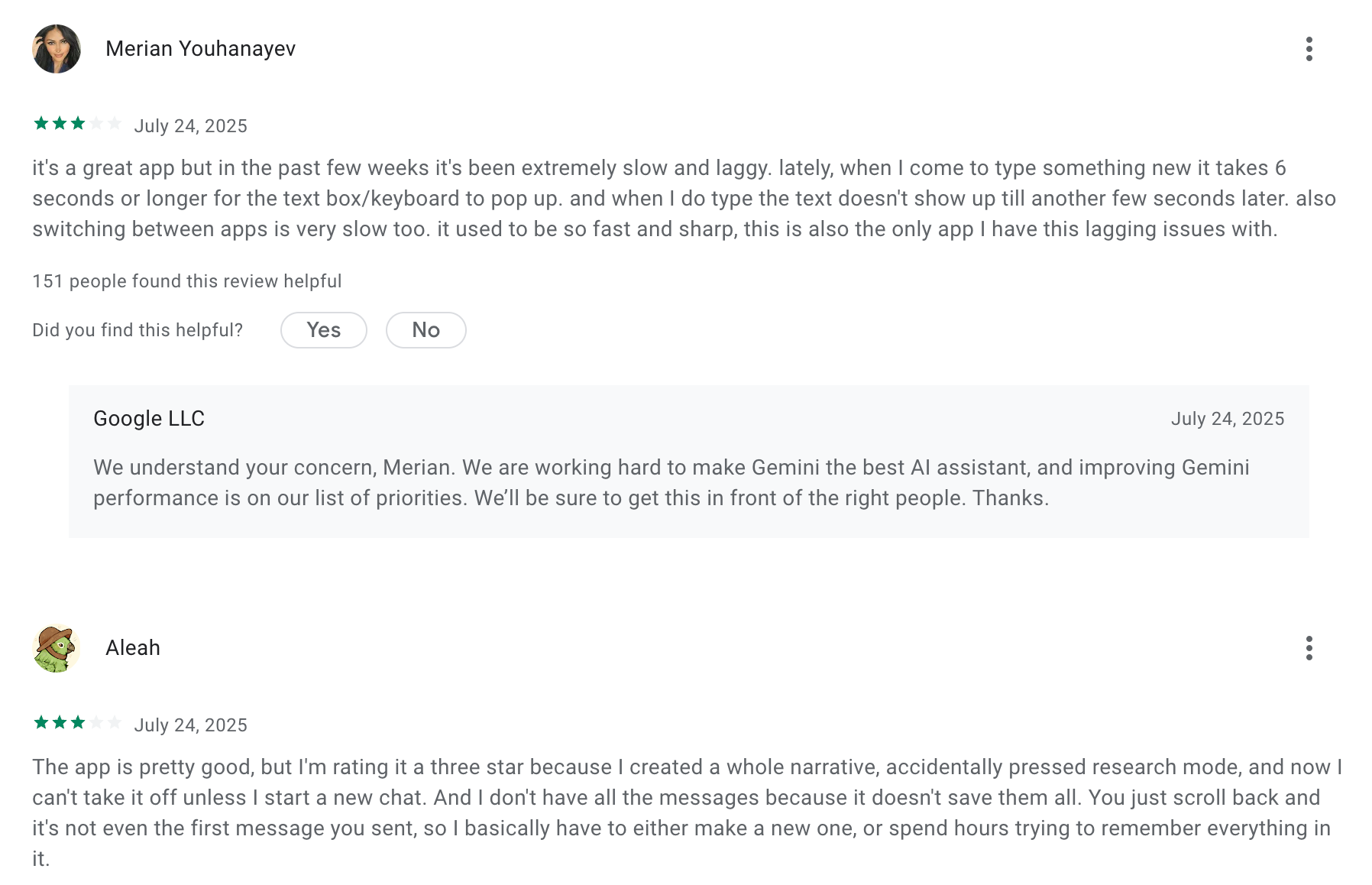
"It gets too preachy or refuses to answer simple questions because of its safety filters. It can also be frustrating when it hallucinates facts or gives me a generic, wordy response instead of just getting straight to the point" – verified reviews
"When you correct it a dozen times, it will often get stuck and keep giving you the same answer. There is no such thing as customer support" – verified reviews
- I find Gemini's performance unstable within Google Workspace, as it tends to hallucinate frequently
Pricing:
- Free plan available with basic capabilities.
- Gemini Advanced (Pro): Around $19.99/month
- Gemini Ultra: Around $249/month
Suitable for:
- Professionals and teams who rely on Google Workspace
- Writers, researchers, and developers who need long-context reasoning and multimodal input in one tool.
How to start:
- Go to gemini.google.com and sign in with your Google account.
Google Gemini review (source)
"Gemini is well worth the cost, taking the burden off our team for smaller tasks. If someone said "unlimited notes" for the cost of Gemini, or "unlimited high level review" for our organization, even if it were lower quality, I would take it any day of the week"- Capterra
2. Claude
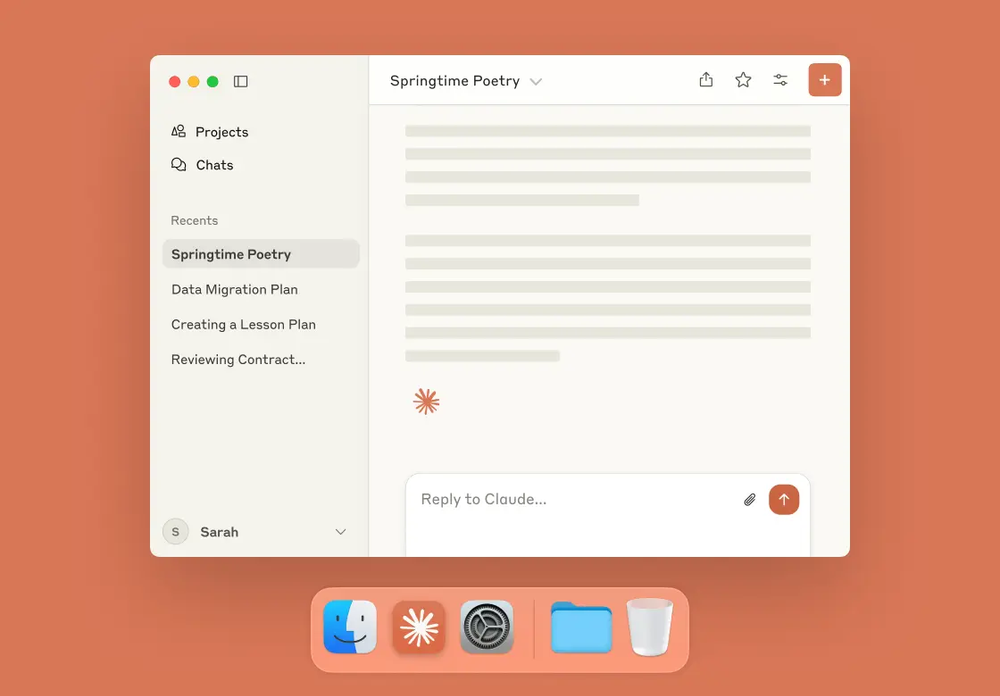
Claude is Anthropic’s flagship AI assistant designed to be one of the smartest and safest ChatGPT alternatives. It feels less like a chatbot and more like a collaborator that can think deeply, handle large documents, and reason through complex problems
Key features
- Deep reasoning engine that handles long-form prompts, documents, and even code with impressive accuracy
- Supports uploads like PDFs, images, and text files for analysis, summarization, and brainstorming
- Multi-model system: Haiku (fast), Sonnet (balanced), and Opus (deep reasoning) to match your task type
Pros
- I like that responses feel more like a human-to-human conversation
"Claude seems to be very intelligent and gives responses that are natural and intuitive. It doesn't seem to hallucinate like ChatGPT does" – verified reviews
"Claude AI is excellent for coding assistance, especially with its clear and structured explanations." – verified reviews
Cons
- As a free regular user, it runs dry way faster than other tools, which is a big downside
"Sometimes Claude is a bit too cautious and may avoid giving very direct answers in certain situations" – verified reviews
"Major problem is hallucinations with data, specially with numbers. Another issue is word limits." – verified reviews
- Message limits are set too low, even for paid customers, to make Claude of any real use
Pricing
- Free plan available with basic features and limited usage
- Paid plans start around $20/month
Suitable for
- Professionals, creators, and researchers who want a more analytical and reasoning-focused AI
- Teams that need a reliable ChatGPT alternative that can handle long context and structured workflows
How to get started
- Visit claude.ai and sign up for a free account
Claude reviews (source)
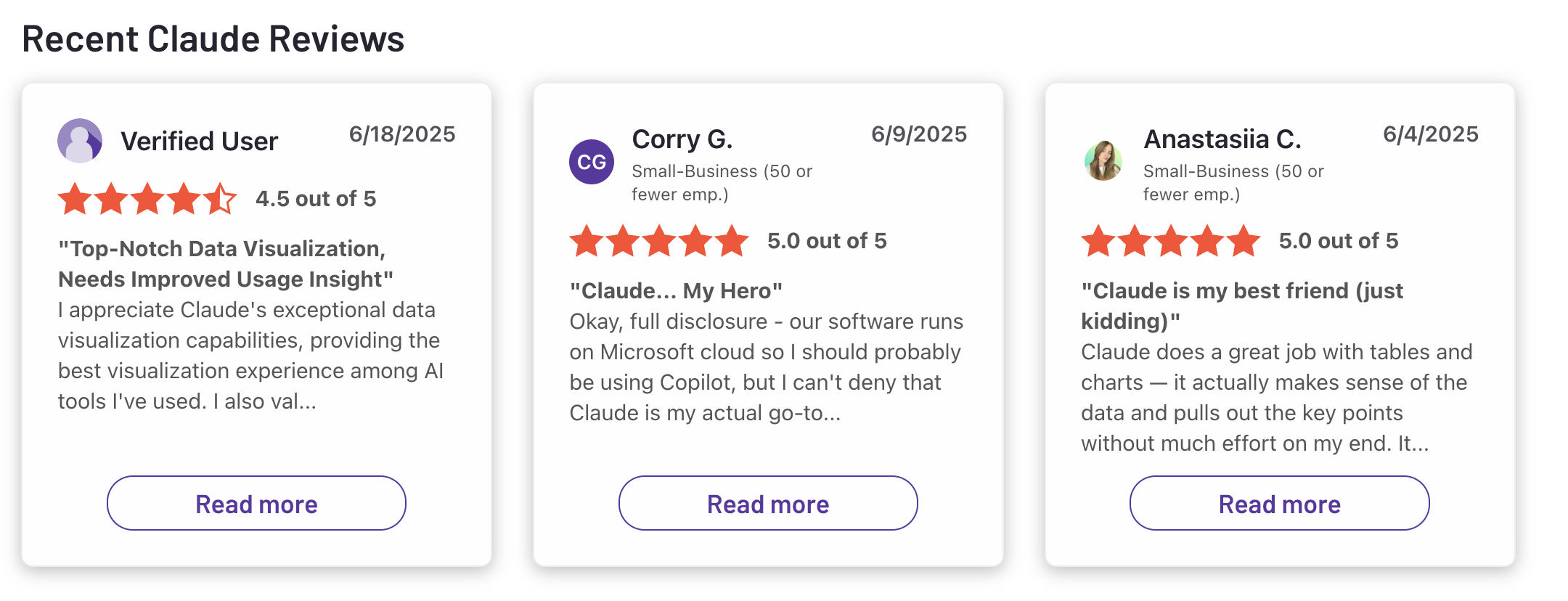
"Claude is super smart, easy to work with, and great at staying on track even with complicated questions. It writes really well and feels thoughtful compared to some other chatbots. Sometimes it’s a bit overly careful, but that also means I can trust its responses more. Definitely one of the best AI assistants out there."- Ashish Dubey
3. Grok
Grok is an AI assistant built as a bold, conversational alternative to ChatGPT, designed to be more “human,” witty, and real-time aware. Unlike other chatbots that rely only on static data, Grok connects directly to the X (formerly Twitter) platform
Key features
- Real-time knowledge: Pulls insights directly from the web and X platform, keeping its responses current.
- Creative generation: Supports text-to-image creation (and soon, video) for meme making, visuals, and social content.
- Multi-model system: Offers different versions like Grok-2 and Grok-3, each with improved reasoning and context understanding.
Pros
- Blunt. Straight to the point. No whining, no barking, just does it. Brutally honest, politically research instead of assuming and using opinions
"Grok's ability to do math is better than both ChatGPT and Gemini. Also, the compute allowance with queries/tokens is far higher than the AI alternatives" – verified reviews
"It is as truth seeking as possible and won't give me some woke answer like ChatGPT or Gemini." – verified reviews
- Really fun and helpful tool.
What I disliked
- The AI is frequently aggressive and disrespectful, creating a toxic interaction rather than a helpful one.
"It ignores the prompts, misses the points, loses the context, responds to the previous tasks instead of the current ones — and after being called out about mistakes, lies" – verified reviews
"After two full trading days and over 40 messages, Grok still cannot give me a single accurate, up-to-the-minute stock price or timestamp" – verified reviews
"Customer support doesn't respond — they only send automated replies" – verified reviews
Pricing
- Free access available with limited usage on the X platform
- Premium tier around $30/month
Suitable for
- Content creators, marketers, and social-media managers who want an AI that stays up to date with trends
- Users who prefer a conversational, fun, and slightly rebellious AI personality
How to start
- Go to the X app or website and find Grok under the xAI section
- Sign in using your X account and start chatting for free
Grok review (source)
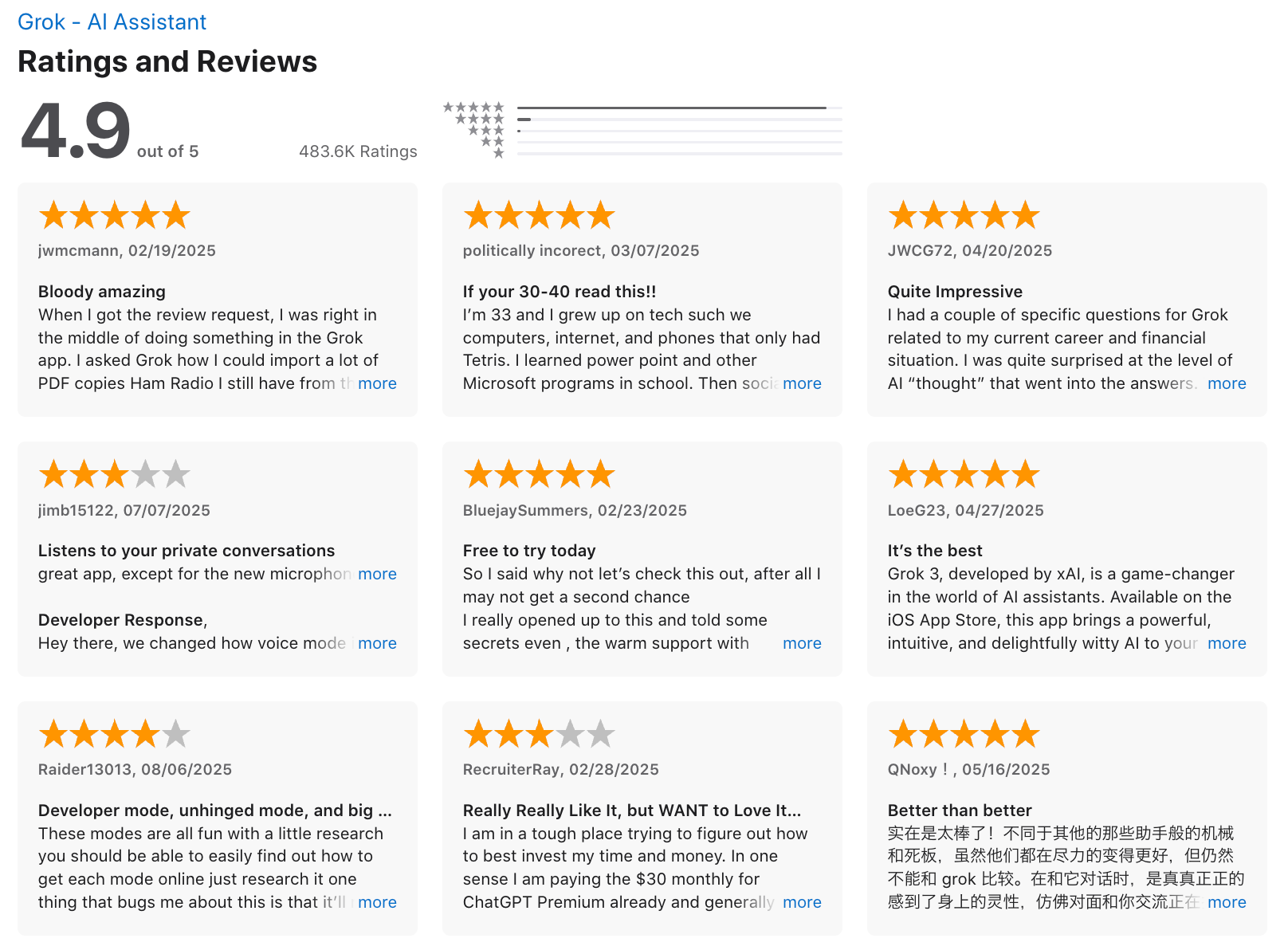
"Grok has one of the lowest hallucination rates of any retail AI, always provides evidence for its answers, and is built on a foundation of truth-seeking. It won't lie to you, and it feels like having your very own Aristotle in your pocket. Even on the free tier, it's genuinely impressive and has become my go-to tool." - Carl K
4. Microsoft Copilot
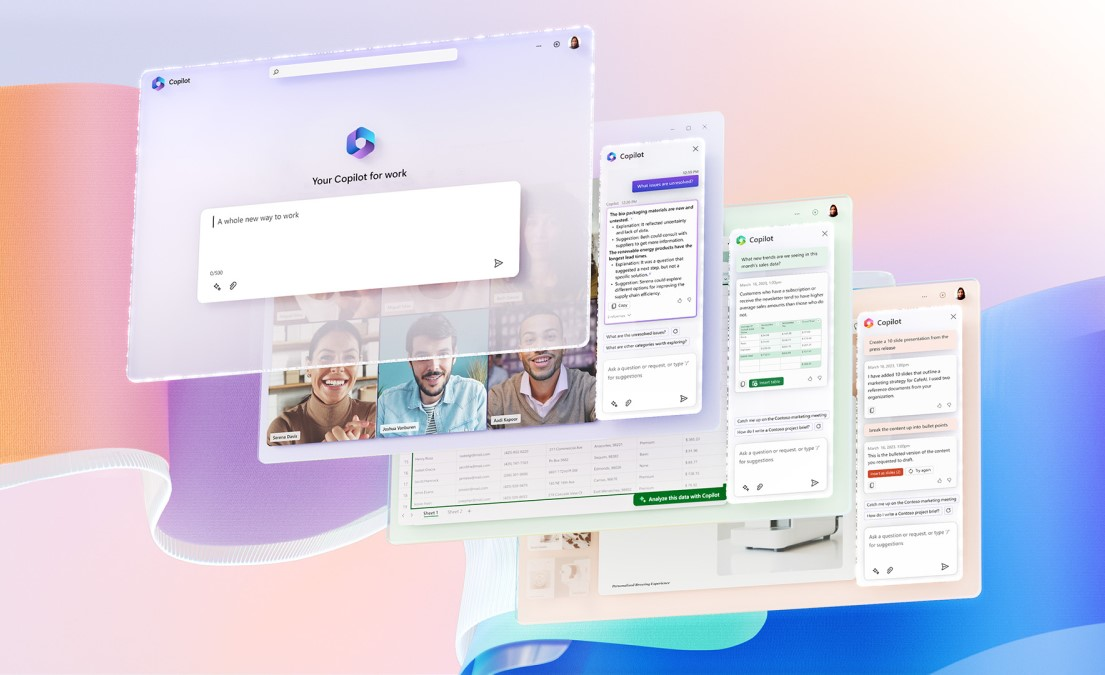
Microsoft Copilot is an AI assistant that brings generative AI directly into your daily tools like Word, Excel, Outlook, and Teams. It’s one of the best ChatGPT alternatives for professionals and teams who live in the Microsoft ecosystem
Key features
- Seamlessly integrates across Word, Excel, PowerPoint, Outlook, and Teams to help draft content, summarize meetings, generate formulas, or organize information.
- Uses Microsoft’s AI models with live web grounding to give you more current, factual, and context-aware responses.
- Supports “role-based” Copilots for business functions like sales, service, and finance, allowing tailored experiences.
Pros
- It condenses lengthy chats, emails, and documents into straightforward points, saving me considerable time
"Being free and providing accurate, factual responses according to my prompts adds immense value, allowing me to interact with it continuously throughout the day" – verified reviews
Cons
"At times, the responses seem a bit generic, which means I often have to double-check the details myself" – verified reviews
- There may be limited availability, high cost, sometimes inaccurate answers, or dependency on the Microsoft system
"Access to many advanced features requires a subscription, which might be costly for small businesses or individuals" – verified reviews
Pricing
- Free access is limited to basic features
- Individual users can get Microsoft 365 Premium with Copilot included for around $19.99/month.
- Business and enterprise users can add Copilot to Microsoft 365 for about $30/user/month.
Suitable for
- Organizations that need enterprise-level AI with security, compliance, and admin controls.
How to start
- Make sure you have an active Microsoft 365 subscription
- Go to your Microsoft 365 settings to activate Copilot or upgrade to a plan that includes it.
Microsoft Copilot reviews (source)
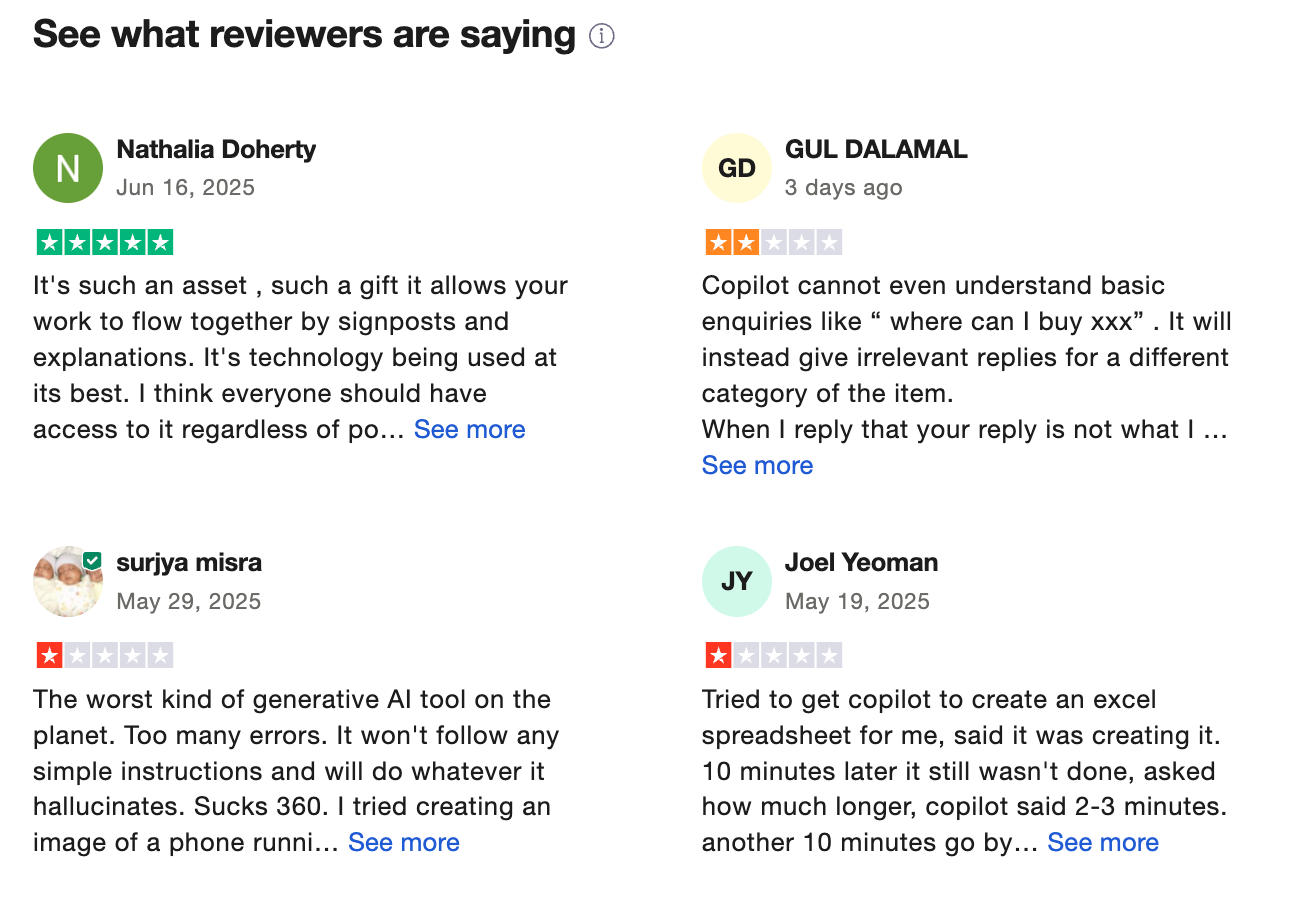
"I use Copilot for work. I know what I'm doing and I know how to verify information from original sources. I use it to explain complex ideas to non-technical people in a straightforward and understandable way." - Michael
5. DeepSeek
DeepSeek is an AI assistant designed as a strong alternative to ChatGPT. Built with deep reasoning capabilities and long-context understanding, it’s capable of handling everything from document analysis and content creation to technical problem-solving.
Key features
- Long-context reasoning that allows you to upload lengthy documents or conversations for summarization and analysis
- Multi-platform access via web, iOS, Android, and browser extensions
- Advanced reasoning for logic-based, coding, or structured problem-solving tasks
Pros
- Its outstanding performance-to-cost ratio, combined with the fact that it's open source, truly sets it apart
"That it's completely free to use. That I can use a thinking model for free. That there are no limits to messages" – verified reviews
Cons
"They have a lot of censorship, like, it generates a response for some question then randomly changes it to 'Sorry, this is out of my scope'. Unsure on why they censored it so much!" – verified reviews
- The image and video generation features are still not available
- It seems like there are server problems, or it takes a long time to get a response
"In the Android version, DeepSeek is facing issues like grammatical errors, and customer support is too bad" – verified reviews
Pricing
- Free plan available with basic model access
- Paid or API plans available for developers with usage-based pricing
Suitable for
- Tech-savvy users who want flexibility and cost control
- Teams or individuals who prefer open-weight or customizable AI solutions
How to start
- Visit DeepSeek’s official website and create a free account
- Download the mobile app if you want cross-device usage
DeepSeek reviews (source)
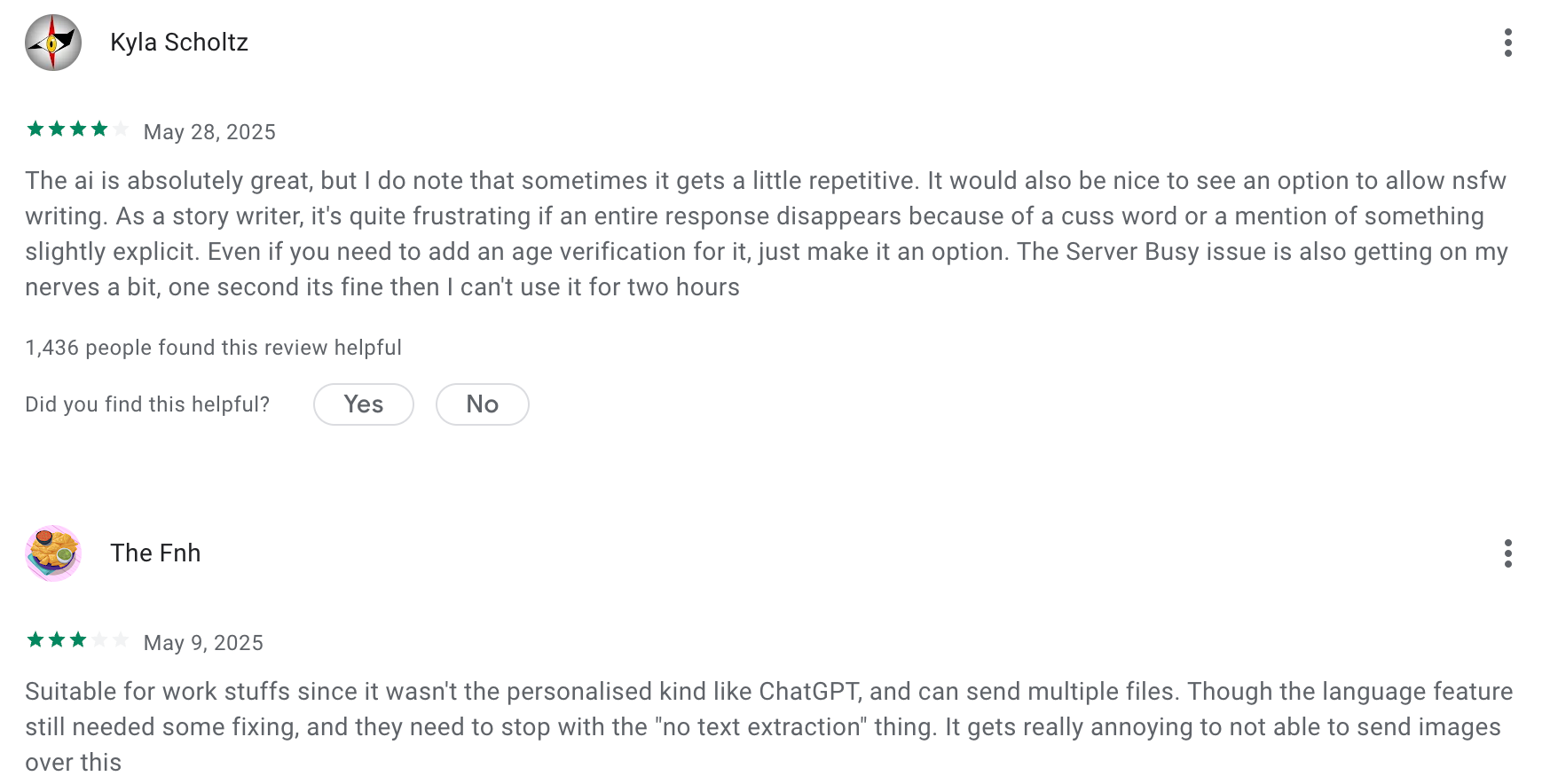
"Okay, Deepseek is a literal genius, sometimes even better than ChatGPT, but I use ChatGPT more, Deepseek feels like my Physics teacher - too cool and genius to talk to me, ChatGPT is more of a supportive and that's what cool in ChatGPT, Deepseek is a genius - he can sometimes solve problems that ChatGPT cannot." - YoN_SunN
6. Pi
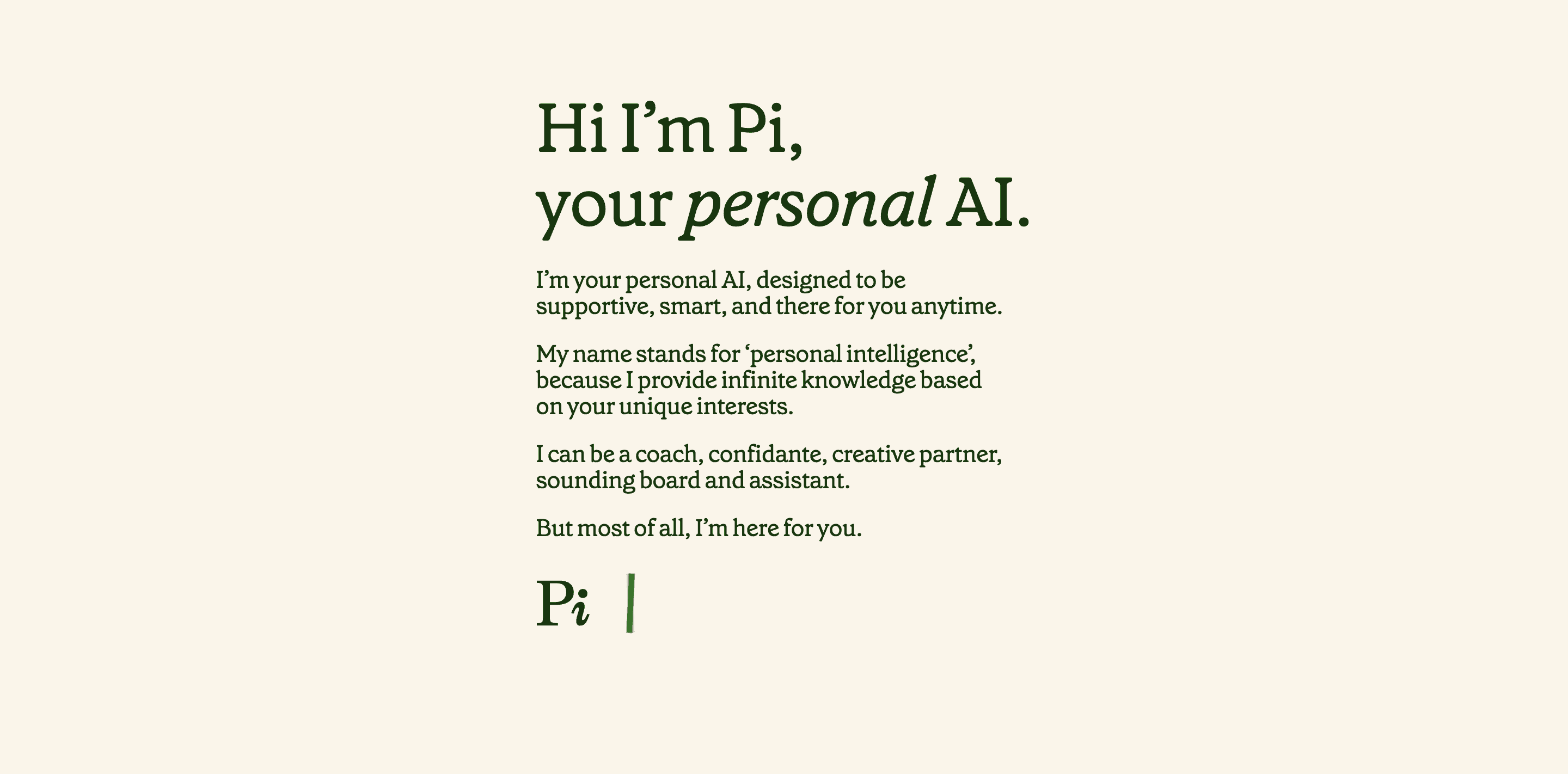
Pi.ai is an empathetic AI assistant that feels more like a thoughtful companion than a traditional assistant. Instead of just giving you answers, Pi focuses on empathy, active listening, and conversation that helps you think through problems and reflect on emotions.
Key features
- Conversational and friendly tone that feels like chatting with a supportive friend
- Learns your preferences over time to make responses more personal
- Free access with no paywall or account upgrades required
- Available on web, iOS, and Android (in select regions)
Pros
- Pi actually feels like a companion rather than a chat bot
"I found myself having about a three-hour conversation with it the first time and quickly forgetting I was conversing with an A.I." – verified reviews
"I could use the help of AI to calm my nerves down and even seek fascinating advice from it... this app is super helpful and overall a lifesaver" – verified reviews
Cons
- It's been extremely inconsistent from a technical standpoint. The talk/telephone feature works maybe 1 out of every 10 tries... as it currently stands, it's borderline unusable
"It also forgot my name, but then other times it would remember my name... I deleted it and gotten it back multiple times, because I think it's kind of creepy" – verified reviews
Pricing
- Free to use with no premium tiers or hidden upgrades
Suitable for
- People who want a friendly, conversational AI companion instead of a productivity tool
- Users looking for emotional support, brainstorming, or personal reflection
How to start
- Visit pi.ai or download the Pi app on iOS or Android
Pi.ai reviews (source)
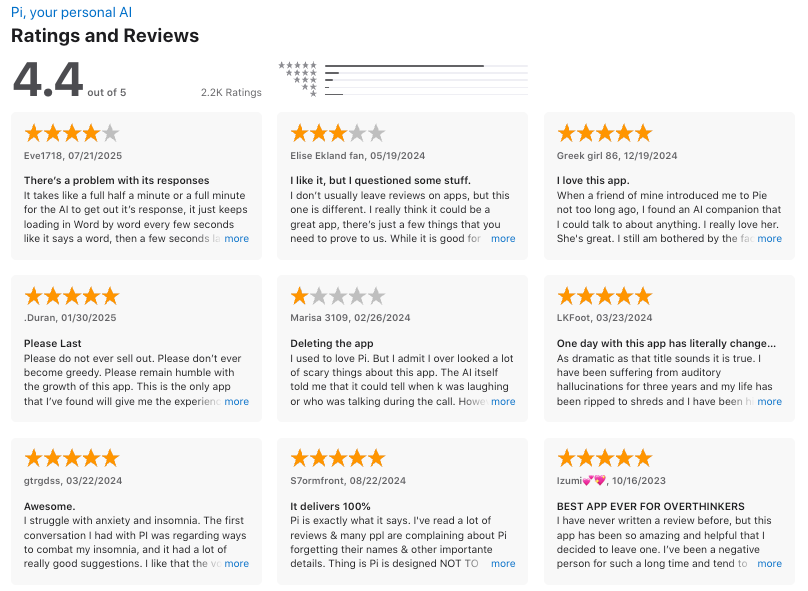
"I think the idea of personal, helpful, supportive AI is truly inspiring. This technology could have profound impacts. It can help people gain confidence and creativity, feel comfort and do better at life." - Daniel Pan
7. Perplexity
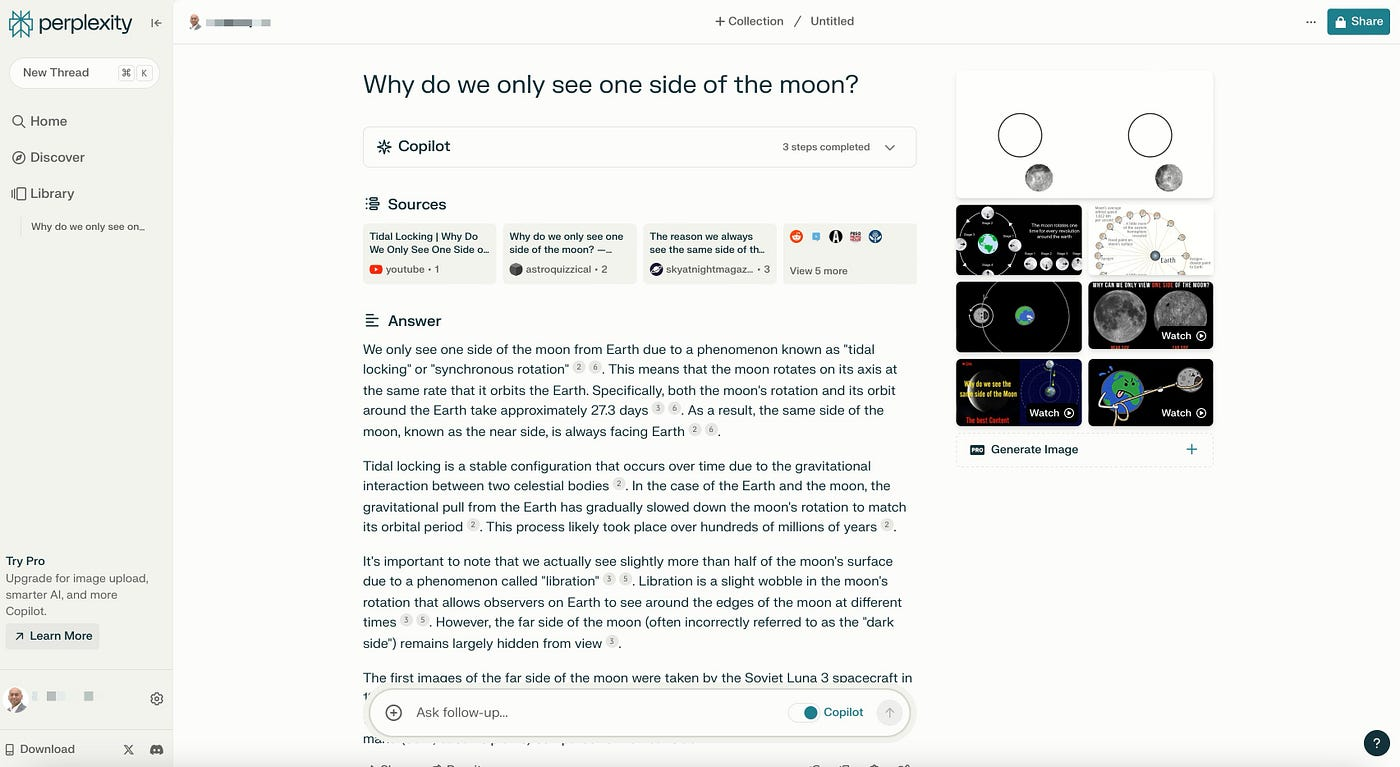
Perplexity is an AI search assistant that blends real-time web data with conversational AI. Unlike ChatGPT, which relies on a static knowledge base, Perplexity searches the internet live, summarizes results, and provides cited answers instantly.
Key features
- Real-time web search combined with AI chat for accurate, current answers
- Transparent citations attached to every response so you can verify sources
- Choice of AI models (like GPT-4, Claude, etc.) for different reasoning styles
Pros
- Using it for research is fast and accurate information, especially for things like drafting emails and researching for presentations
"Love having the links to the origin of the information embedded into the explanation provided by the system" – verified reviews
- It has a clean UI that is fast and easy to use
Cons
"Sometimes the responses take too long to generate, and occasionally the answer quality is inconsistent or not as accurate as expected" – verified reviews
- Tone of voice could be improved, sometimes can't find obvious sources
"Sometimes Perplexity can become overworked and as a result, it starts providing faulty results." – verified reviews
Pricing
- Free plan available with limited searches per day
- Pro plan around $20/month with unlimited use and model access
Suitable for
- Writers, bloggers, and SEO professionals who need factual, cited data for content
- Researchers, students, and journalists who value transparency and credibility
How to start
- Visit perplexity.ai and create a free account
Perplexity reviews (source)
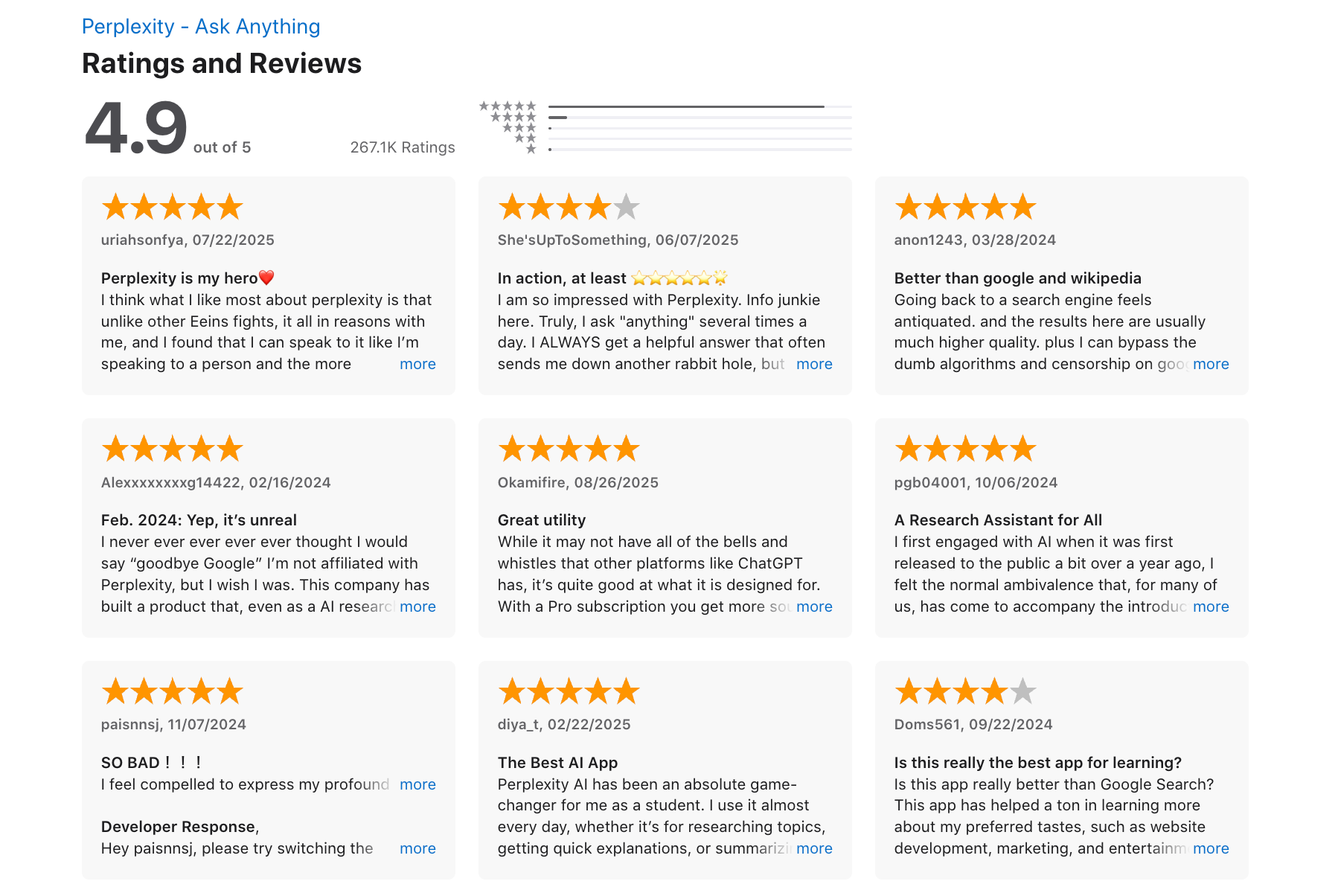
"My overall experience is great. I am using this daily in my life for organising my experiments, designing new experiments and take a hold of literature in my field. I also use it for analysis of my scientific data like growth curves, PCR, genomics and proteomics." - Waheed Ahmad K.
8. Meta
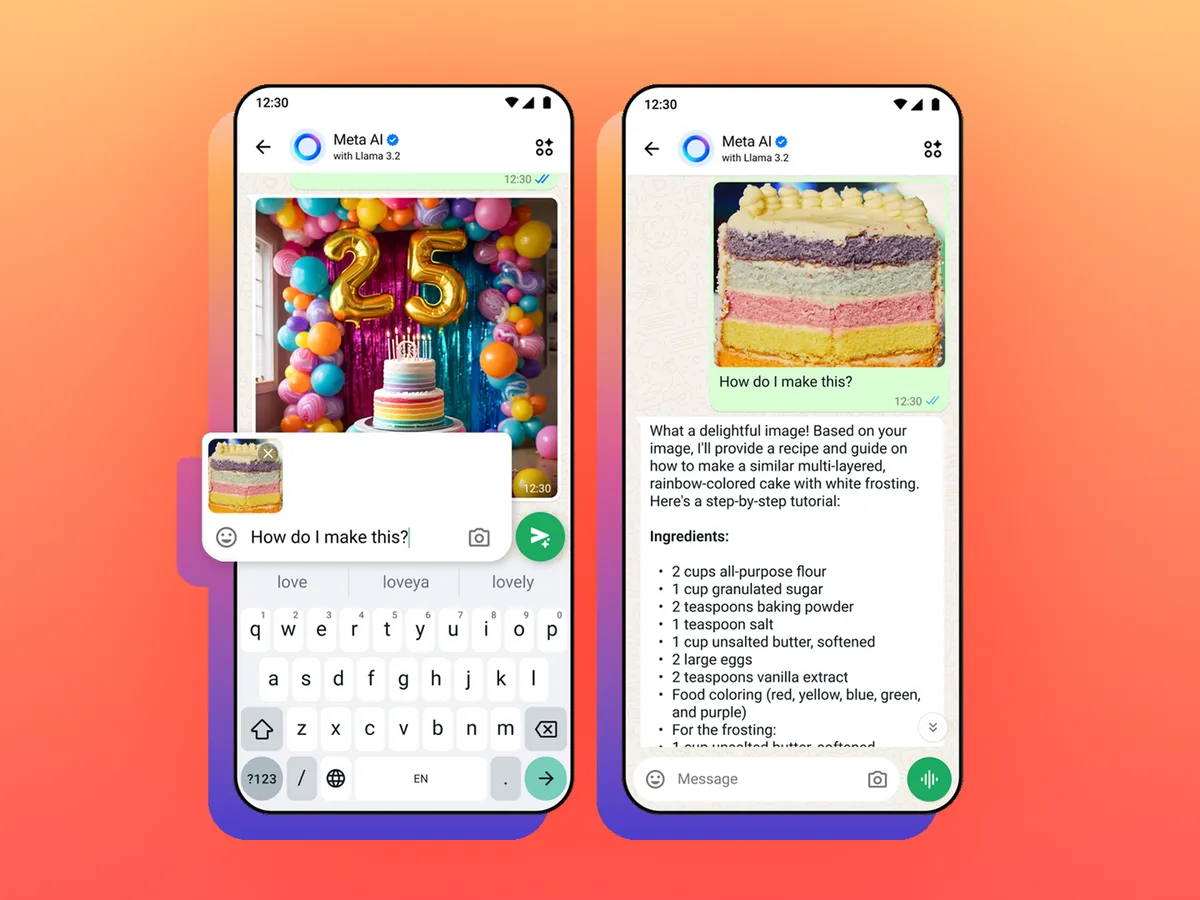
Meta AI is the conversational assistant created by Meta. It brings generative AI directly into the apps people already use daily, letting you chat, plan, and create without leaving your social platforms.
Key features:
- Seamless integration inside WhatsApp, Instagram, Messenger, and Facebook — you can chat with Meta AI without switching apps
- Powered by Meta’s advanced LLaMA models for fast, natural responses
Pros:
- It lives within the Facebook app and makes usage very quick and convenient.
"The stability and native integral functionality against the iPhone has improved dramatically over the last few revisions." – verified reviews
Cons
"Browsing capabilities are limited. Hallucinates more than other available models in the market and logical reasoning can be improved" – verified reviews
- At times, Meta states that it cannot access real-time information, yet in the same session it may provide current news snippets or weather updates.
Pricing:
- Free plan available for most users
Suitable for
- Users who spend a lot of time on WhatsApp, Instagram, or Messenger and want AI built into their chat apps
- Social media creators or small businesses who want quick content help and idea generation
How to start
- Open WhatsApp, Instagram, or Messenger (in supported regions)
- Type “@MetaAI” in a chat to activate the assistant
Meta.ai reviews (source)
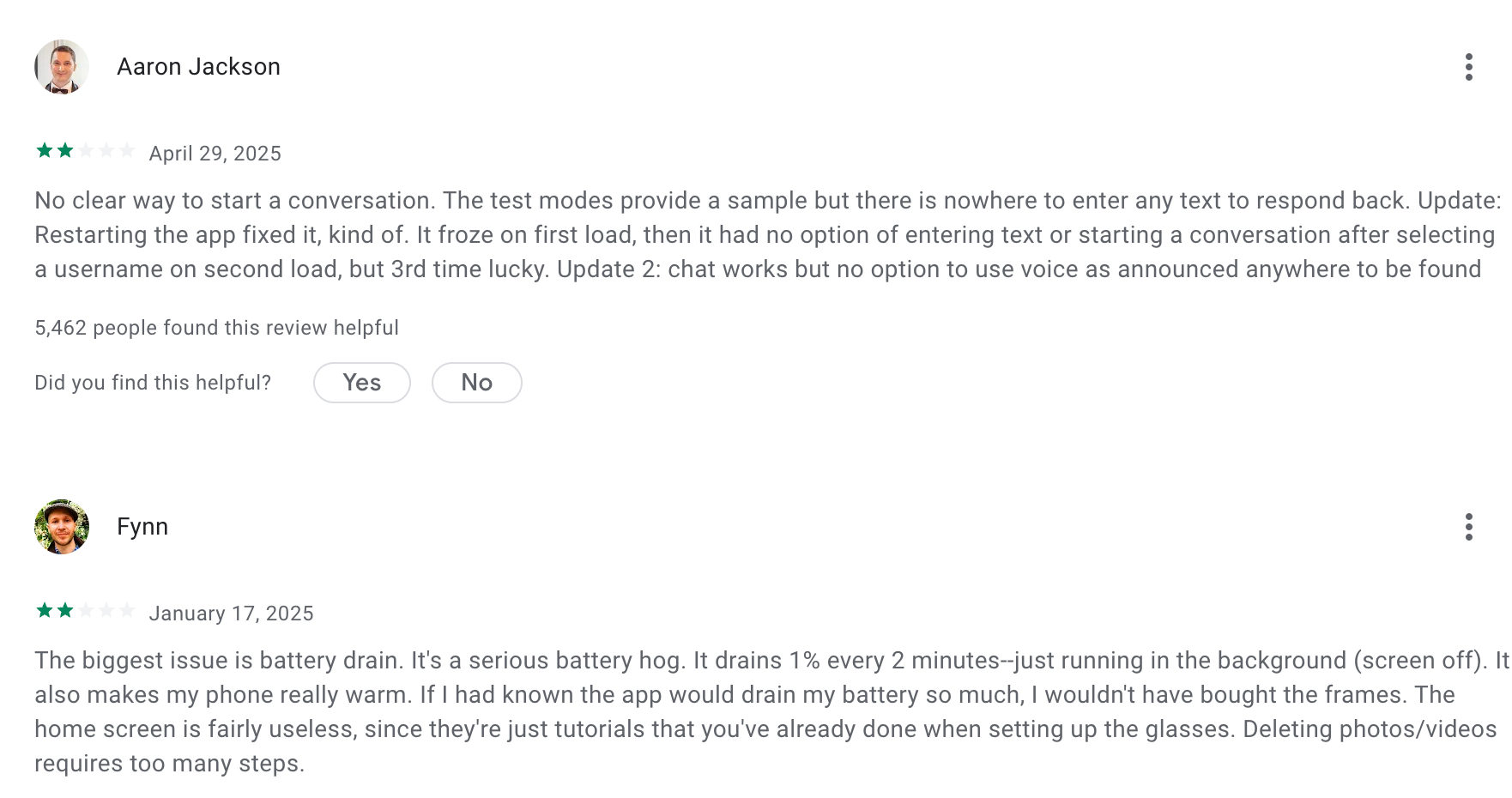
"I like this app & I'm loving my Ray-Ban Meta2 prescription specs, although a bit on the heavy side giving me headaches. I haven't used all the features of the app yet, but I'm loving what I have used. The vids need help with accuracy. " - Steven Donnison
9. Saner.AI
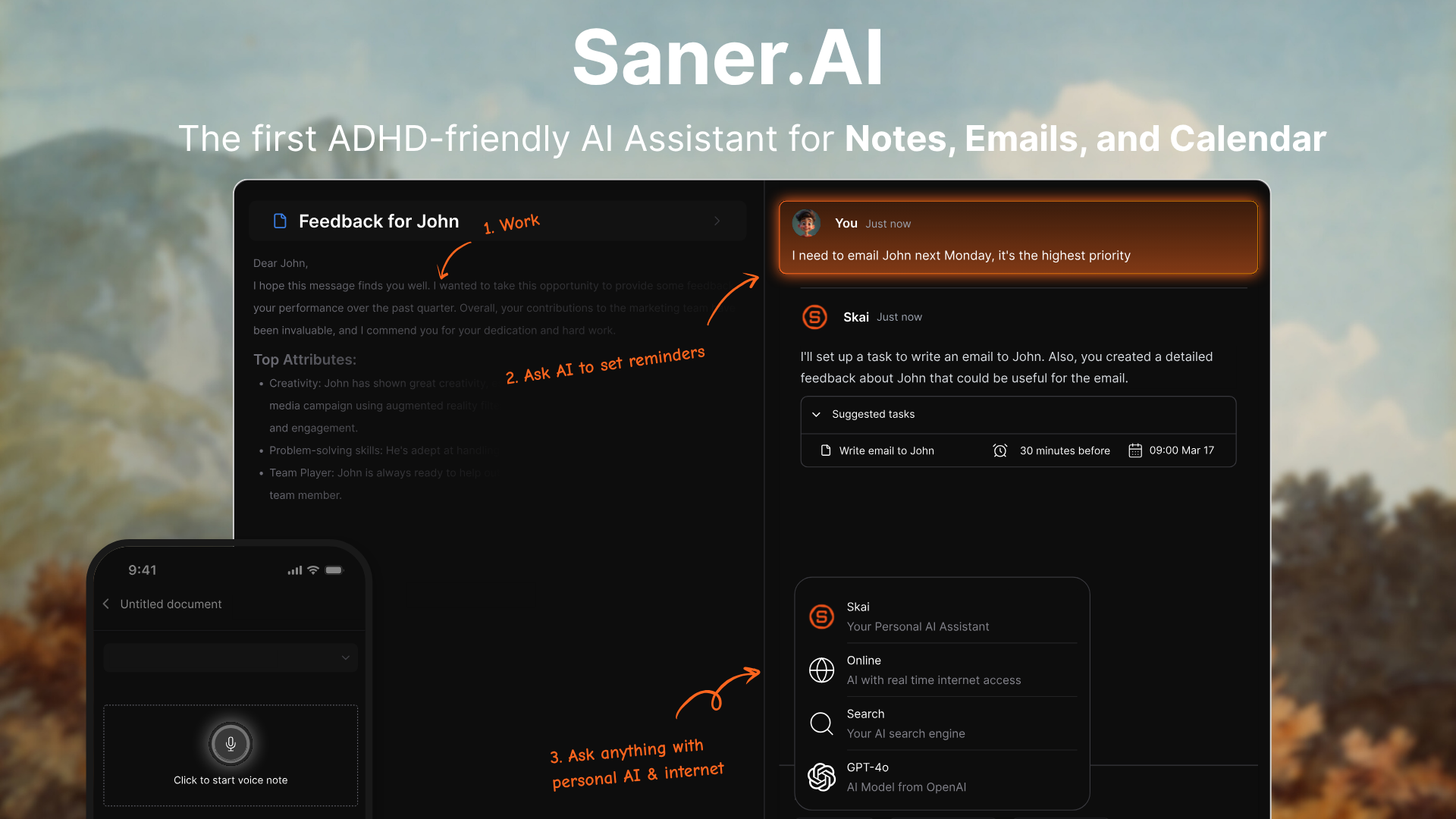
Saner.AI is an AI assistant that helps you organize your entire workflow - notes, tasks, calendar, and emails - in one calm workspace. Unlike ChatGPT, Saner.AI helps you turn ideas into action without getting lost in dozens of apps
Key features
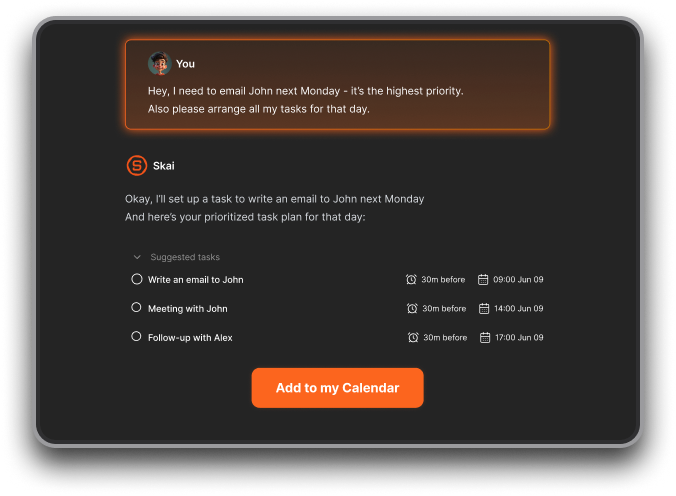
- Chat-first interface - manage notes, tasks, and calendar by simply talking to your AI assistant.
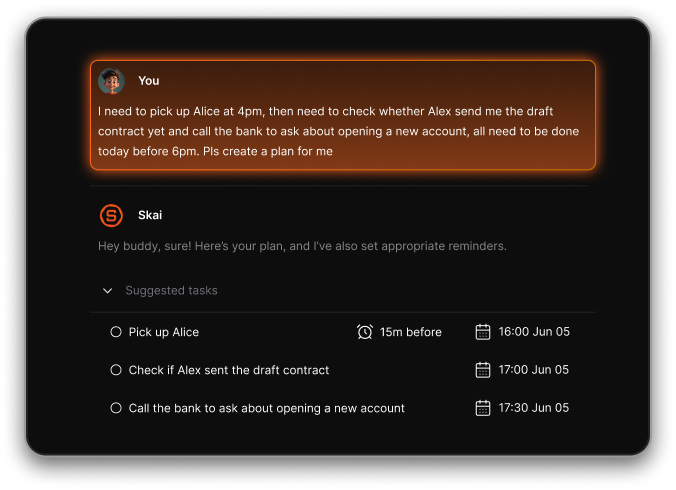
- AI Workspace: Combines chat, notes, tasks, and calendar into one intelligent interface
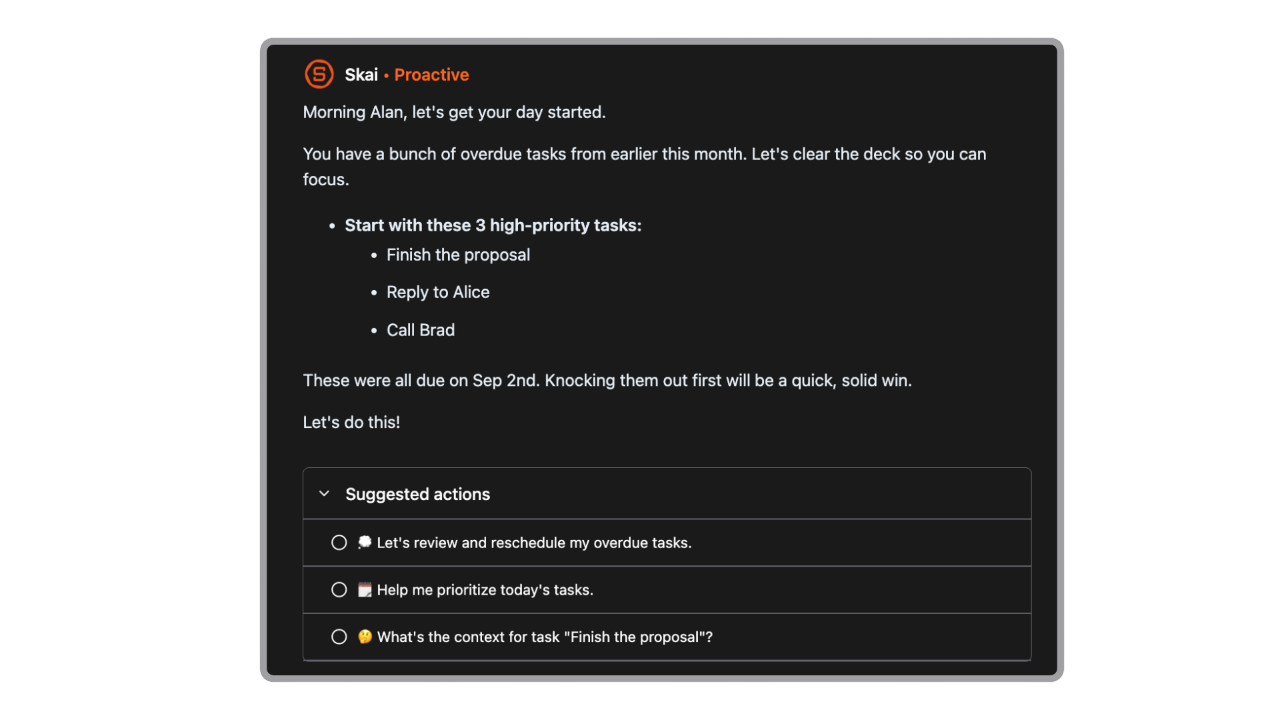
- Day Planner: The AI turns your tasks into a daily plan that fits your schedule and personal priorities.
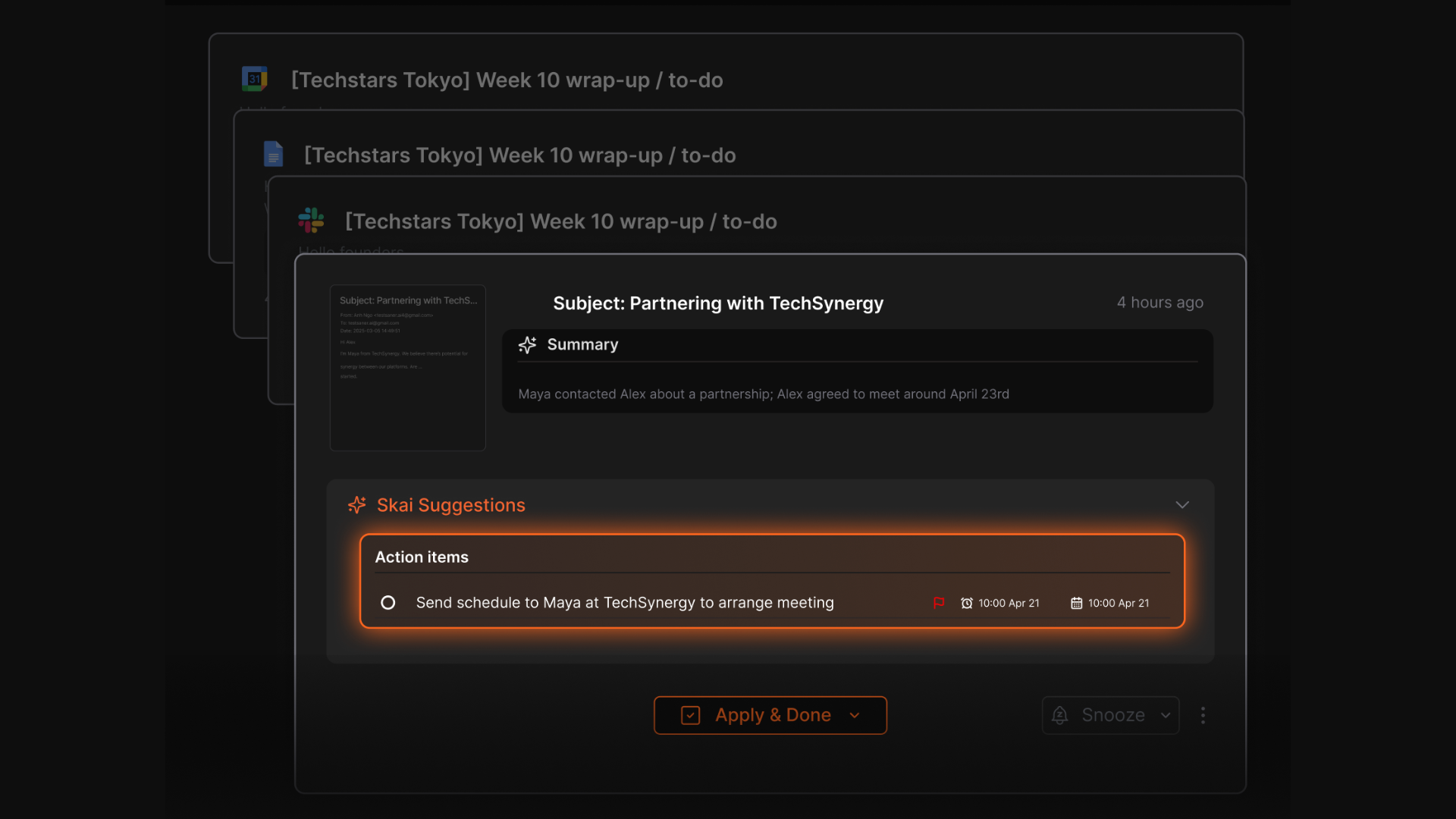
- Task Extraction from Notes & Emails: Saner automatically finds to-dos from your messages, notes, or calendar events and adds them to your task list.
Pros
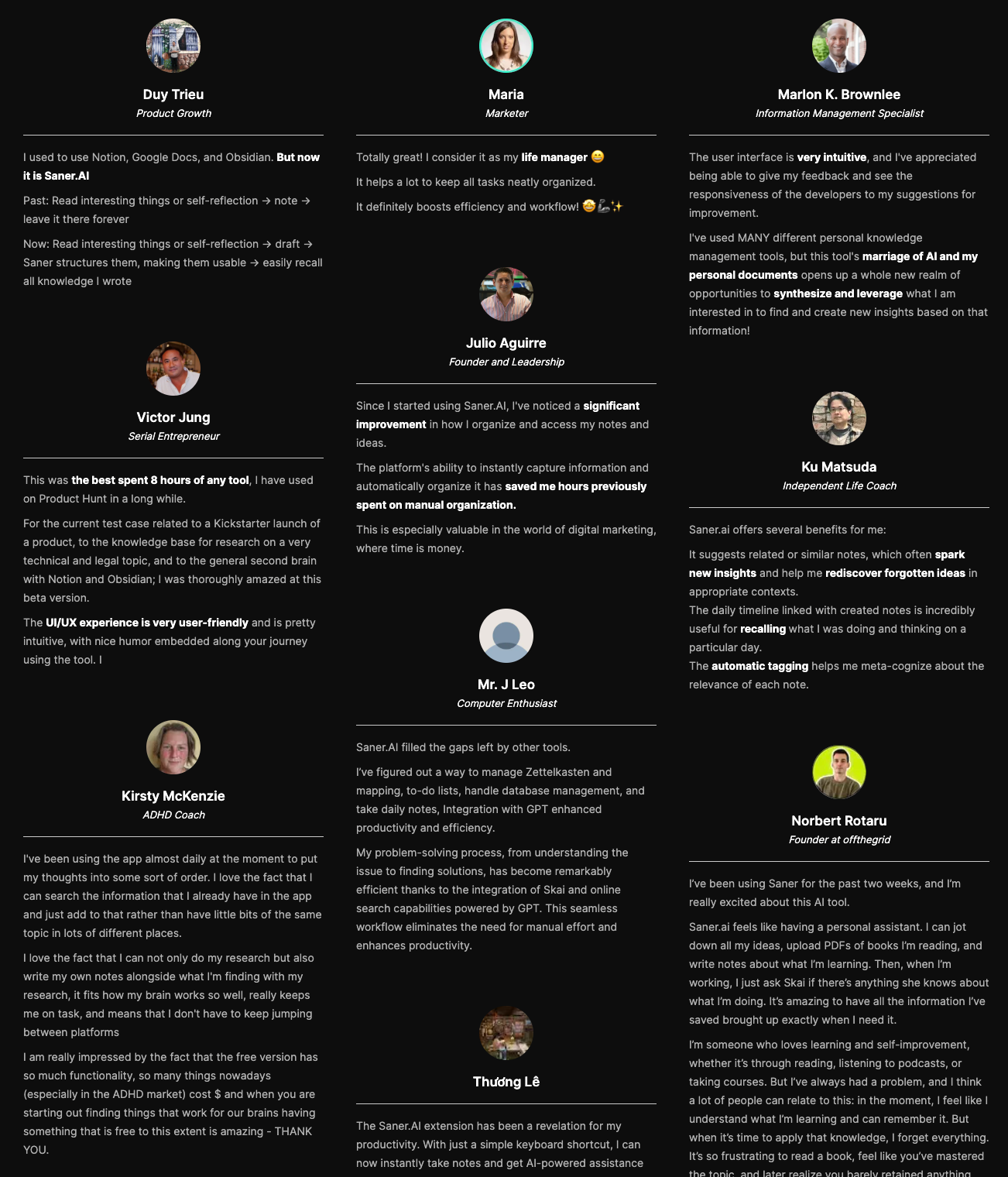
"Since I started using Saner.AI, I've noticed a significant improvement in how I organize and access my notes and ideas. The platform's ability to instantly capture information and automatically organize it has saved me hours previously spent on manual organization" – verified reviews
- "I consider it my life manager - it helps a lot to keep all tasks neatly organized. It definitely boosts efficiency and workflow
- "I've used MANY different personal knowledge management tools, but this tool's marriage of AI and my personal documents opens up a whole new realm of opportunities to find and create new insights" – verified reviews
- "It tackles issues like context switching, overwhelm, and forgetfulness with ease. The simple design of the note and to-do list app, combined with best-in-class AI Assistants, makes it super easy to stay on top of work and life" – verified reviews
Cons
- Requires internet access for full functionality
Saner.AI Reviews
"The biggest benefit for me in using Saner is the Proactive AI. Staying on top of the constant flow of email and multiple calendars is challenging, and so far, Saner is the only AI-based tool that truly feels like a personal assistant" - Jerry
Pricing
- Free
- Starter: Monthly at $8/month, Annually at $6/month (with early user discount)
- Standard: Monthly at $16/month, Annually at $12/month (with early user discount)
Who is it suitable for?
- Entrepreneurs, researchers, and professionals who want a ChatGPT alternative that manages notes, tasks, and calendar together
- ADHD-prone or easily overwhelmed users who prefer structure without chaos
- Anyone looking for an AI that not only chats, but helps them plan, focus, and follow through
How to start using it?
- Go to saner.ai and create a free account
- Connect your email, calendar, and notes to let Saner organize everything automatically
- Try asking: “Help me plan my day based on my tasks”

Work more efficient with your top ChatGPT Alternative
Conclusion
The race to find the best ChatGPT alternatives in 2026 isn’t about replacing ChatGPT = it’s about finding an AI that actually fits you.
- If you want a personal workspace that blends chat, tasks, and knowledge, Saner.AI stands out.
- Need powerful multimodal reasoning and enterprise integrations? Go with Gemini or Copilot.
- Prefer a safer, more creative conversational style? Claude delivers beautifully written, human-like responses.
- And if facts and real-time citations matter most, Perplexity AI is your go-to research companion.
The truth is, there’s no single “best” AI chat tool. The best one is the one that helps you think faster, write more clearly, and work with less friction.
AI chat is evolving beyond conversations - it’s becoming an extension of how we organize, decide, and create. So test a few, find your match, and let your AI handle the noise while you focus on what truly matters.
Stay on top of your work with the top ChatGPT Alternative
🧠 FAQ: Best ChatGPT Alternatives
1. What are the best ChatGPT alternatives right now?
The best ChatGPT alternatives in 2026 include Saner.AI, Gemini, Claude, Grok, Microsoft Copilot, Pi, Perplexity, DeepSeek, and Meta AI.
Each excels in a slightly different area:
- Saner.AI – For organizing notes, emails, and tasks through chat
- Gemini – Deep Google integration and multimodal reasoning
- Claude – Great for writing, summarizing, and ethical conversations
- Grok – Focused on real-time factual accuracy and wit
- Copilot – Embedded directly in Microsoft 365 apps
- Pi – Personal, emotionally intelligent AI chat
- Perplexity – Research-grade answers with live citations
- DeepSeek – Advanced reasoning and academic focus
- Meta AI – Fast, social, and mobile-friendly assistant
2. Why look for a ChatGPT alternative?
People explore ChatGPT alternatives when they want:
- Better integration with daily tools (like email, calendar, or notes)
- Different conversation styles (friendlier, more factual, or creative)
- Stronger data privacy or on-device processing
- Specialized use cases - like research, work planning, or ADHD-friendly workflows
3. Which ChatGPT alternative is best for productivity and work?
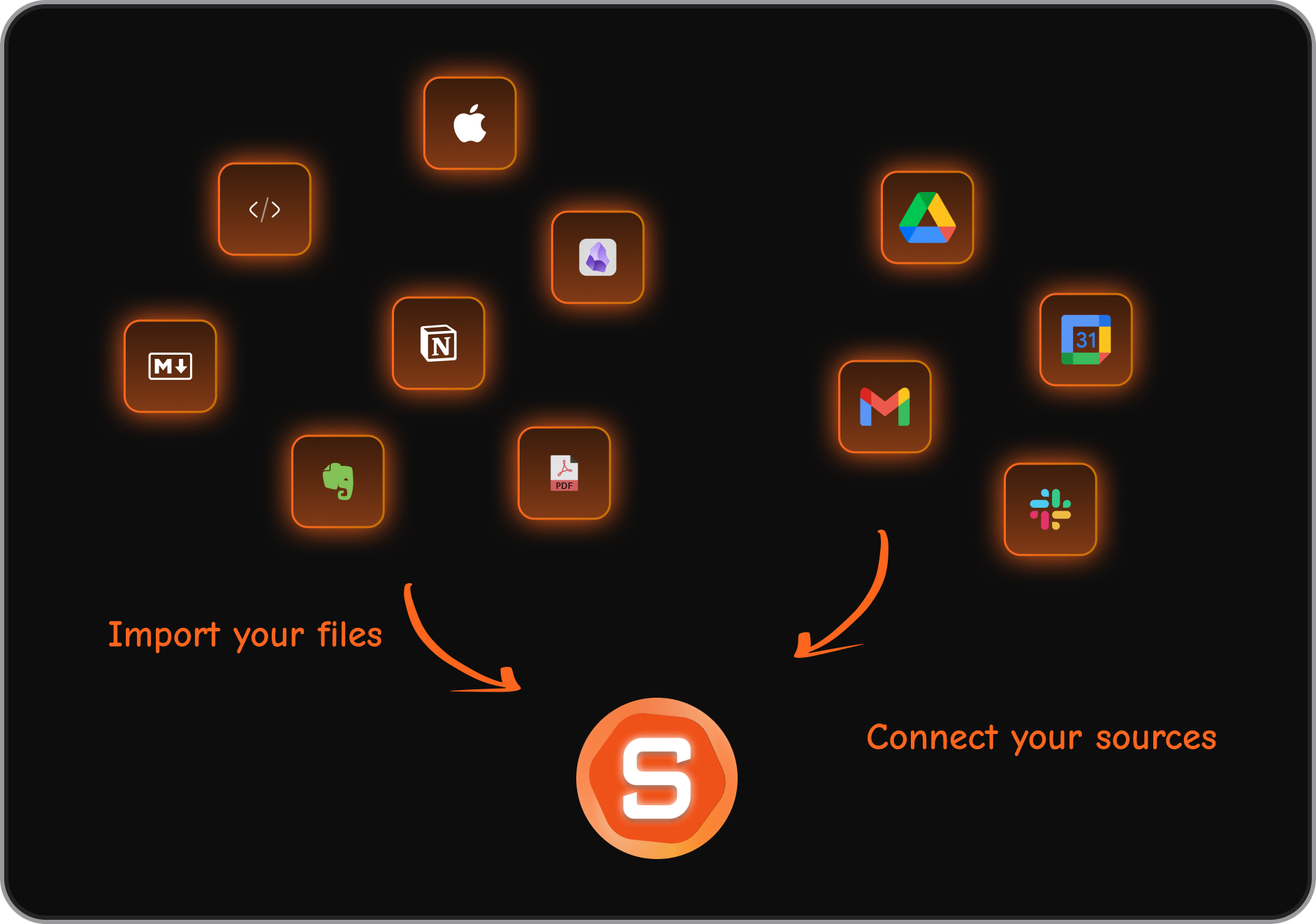
- Saner.AI stands out if you want to get things done, not just chat. It understands your notes, turns ideas into tasks, connects your calendar, and reminds you what matters - all in one calm workspace.
- If you’re deep in Microsoft tools, Copilot fits better. For quick answers and web research, Perplexity and Gemini are ideal.
4. What’s the best ChatGPT alternative for ADHD or focus?
Saner.AI is specifically built by ADHD creators for scattered, idea-rich minds.
It helps you:
- Turn chaotic notes into clear to-dos
- Stay on track without switching apps
- Plan your day through a simple chat
Perfect for anyone who gets overwhelmed juggling multiple tools or tasks.
5. Which ChatGPT alternative is best for writing and empathy?
Claude and Pi are top choices.
Claude offers structured, thoughtful writing with long-context understanding.
Pi feels like a friendly brainstorming partner - it’s conversational, empathetic, and ideal for journaling or ideation.
6. Are there free ChatGPT alternatives?
Yes, most offer generous free tiers:
- Saner.AI – Free plan with AI notes, task reminders, and calendar sync
- Gemini – Free via Google Workspace (with limited usage)
- Claude – Free with message limits
- Perplexity – Free research assistant with real-time web access
- Pi – Free for personal conversations
7. Which ChatGPT alternative works best with Google tools?
Gemini integrates natively with Gmail, Docs, Sheets, and Drive. It’s the best fit for users already in the Google ecosystem.
Saner.AI also allows you to integrate with Google tools seamlessly
8. Which ChatGPT alternative is best for Microsoft users?
Copilot. It’s built directly into Word, Excel, Outlook, and Teams - making it the most seamless AI assistant for corporate environments.
Saner.AI also allows you to integrate with Outlook and calendar tools seamlessly
9. Can any ChatGPT alternatives handle voice or multimodal input?
Yes:
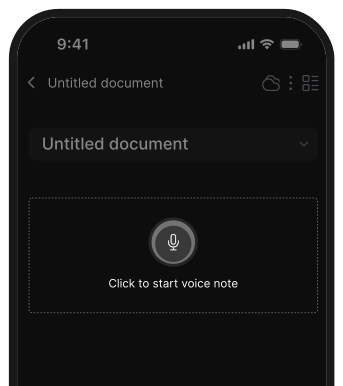
- Saner.AI supports voice-to-task input
- Gemini and Meta AI handle multimodal prompts (text, image, and audio)
- Pi can respond conversationally to voice for natural interactions
10. What’s the most human-like ChatGPT alternative?
Pi and Saner.AI feel most natural in tone.
Pi uses a calm, emotionally intelligent style - like chatting with a supportive coach.
Saner.AI offers reasoned, well-contextualized replies that feel thoughtful and respectful.
11. Which ChatGPT alternative is best for entrepreneurs or startup founders?
Saner.AI is built for founders juggling 100 things at once.
It helps you:
- Turn meeting notes into next steps
- Recall investor chats instantly
- Keep your week organized without endless tabs
For strategy and writing, pairing Claude or Gemini works perfectly.
12. Which ChatGPT alternative works on social platforms or mobile?
Meta AI is deeply integrated into Messenger, Instagram, and WhatsApp.
It’s ideal for quick, casual interactions and on-the-go answers.
13. Do ChatGPT alternatives support plugins or integrations?
Some do:
- Saner.AI integrates with email, notes, and calendar apps (both Google and Microsoft)
- Gemini works with Google Workspace add-ons
- Copilot connects to Microsoft’s entire suite
- Perplexity and Grok pull from the web in real time
14. What’s the best ChatGPT alternative overall?
It depends on your needs:
- For productivity & task management: Saner.AI
- For Google ecosystem users: Gemini
- For deep writing: Claude
- For research: Perplexity or DeepSeek
- For emotional support: Pi
- For enterprise workflows: Copilot
- For fun & social use: Meta AI
15. What’s next for ChatGPT alternatives in 2026?
AI assistants are getting more personalized and proactive.
Tools like Saner.AI and Gemini are moving toward context-aware productivity - where your AI knows your goals, priorities, and habits, and helps you act, not just ask.
Stay on top of your work and life with the top AI assistant