15 Best Lunatask Alternatives You Don't Want To Miss in 2026
The Best Lunatask Alternatives are Saner.AI, Akiflow, AmpleNote, Workflowy, Motion, Routine, Todoist, Trello, ClickUp, and Notion


We tested and compared these 16 Lunatask Alternatives so you don't have to. They are productivity tools that replace or extend Lunatask’s task, habit, and mood-tracking system, offering more flexibility, automation, collaboration, or customisation.
Usually, people start looking for Lunatask Alternatives when:
- Their workflows grow more complex
- They need better task automation or integrations
- They prefer a different productivity style (ADHD-friendly, PKM, team-based)
1. What is Lunatask?
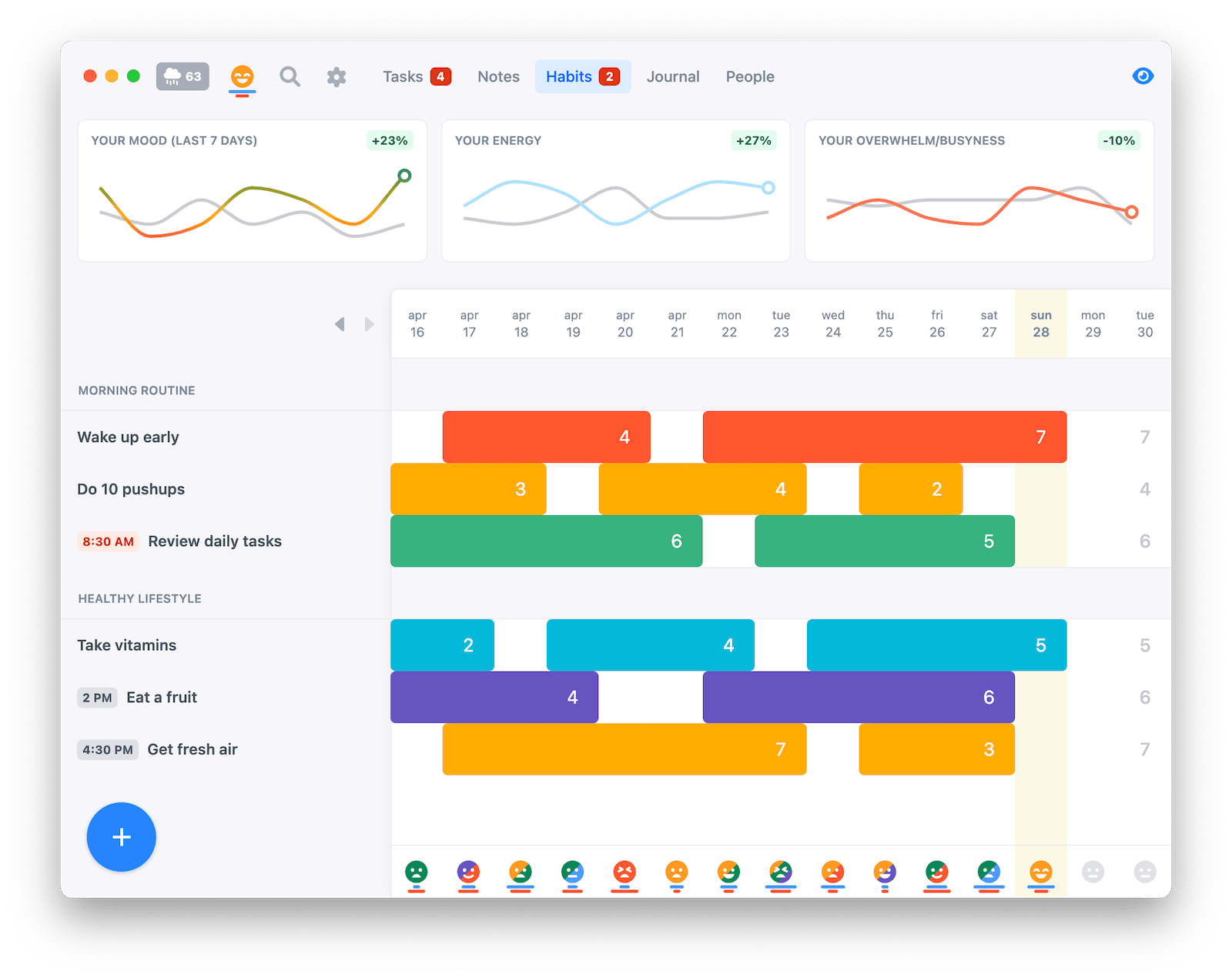
Lunatask is a personal productivity app focused on task management, habit tracking, journaling, and mood awareness. The app combines prioritized task lists, habit tracking, daily journaling, and mood and energy monitoring.
2. Why Luna Feels Limited In 2026
Users frequently find Lunatask Alternatives due to limitations in flexibility, as fixed structures often fail to accommodate various work styles. Feature constraints, such as a lack of automation or advanced task logic, can also be a significant drawback.
Many individuals prefer different workflows, such as outlines, graphs, or kanban boards, rather than standard linear lists, which can hinder their productivity.
Scalability is another concern; many tools aren't designed for team collaboration or long-term knowledge systems.
Finally, different productivity styles, whether following ADHD strategies, Getting Things Done (GTD), or deep-work methods, require specialized tools that better meet their needs, making the search for more suitable solutions crucial.
Now, let's dive in!
What are the Best Lunatask Alternatives?
The Best Lunatask Alternatives are Saner.AI, Akiflow, AmpleNote, Workflowy, Motion, Routine, Todoist, Trello, ClickUp, Notion, TickTick, Microsoft ToDo, Asana, Habitica, Reclaim.AI
| 🛠 Tool | ⭐️ Best for | 💡 Key Feature(s) | 💰 Pricing | 📱 Platform |
|---|---|---|---|---|
| Saner.AI | AI-managed productivity | AI task capture + smart organization | Free / Paid tiers | Web, iOS, Android |
| Akiflow | Time blocking + Getting Things Done | Smart scheduling + calendar integrations | Paid (subscription) | Mac, Windows, iOS |
| AmpleNote | Knowledge + tasks | Linked notes + journaling + tasks | Free / Paid | Web, iOS, Android |
| WorkFlowy | Outliner simplicity | Infinite nested lists | Free / Paid | Web, iOS, Android |
| Motion | Automated scheduling | AI calendar + task auto-planning | Paid | Web, iOS, Android |
| Routine | Habit & time tracking | Daily planning + analytics | Free / Paid | Mac, iOS, Web |
| Todoist | Classic task management | Smart due dates + filters | Free / Premium | Web, iOS, Android |
| TickTick | Balanced tasks + habits | Pomodoro, habit tracker | Free / Premium | Web, iOS, Android |
| Trello | Visual boards | Kanban boards + automation | Free / Paid | Web, iOS, Android |
| Notion | All-in-one workspace | Blocks, databases, docs + tasks | Free / Paid | Web, Desktop, Mobile |
| ClickUp | Highly customizable | Goals, docs, tasks, dashboards | Free / Paid | Web, iOS, Android |
| Asana | Team project management | Workflows + timelines | Free / Paid | Web, iOS, Android |
| Microsoft To Do | Simple Microsoft ecosystem tasks | Lists + Outlook sync | Free | Web, iOS, Android |
| Habitica | Gamified habits/tasks | RPG style habit tracking | Free / Paid | Web, iOS, Android |
| Reclaim.AI | Smart calendar optimization | Auto-block time for priorities | Paid | Web, Calendar apps |
1. Saner.AI
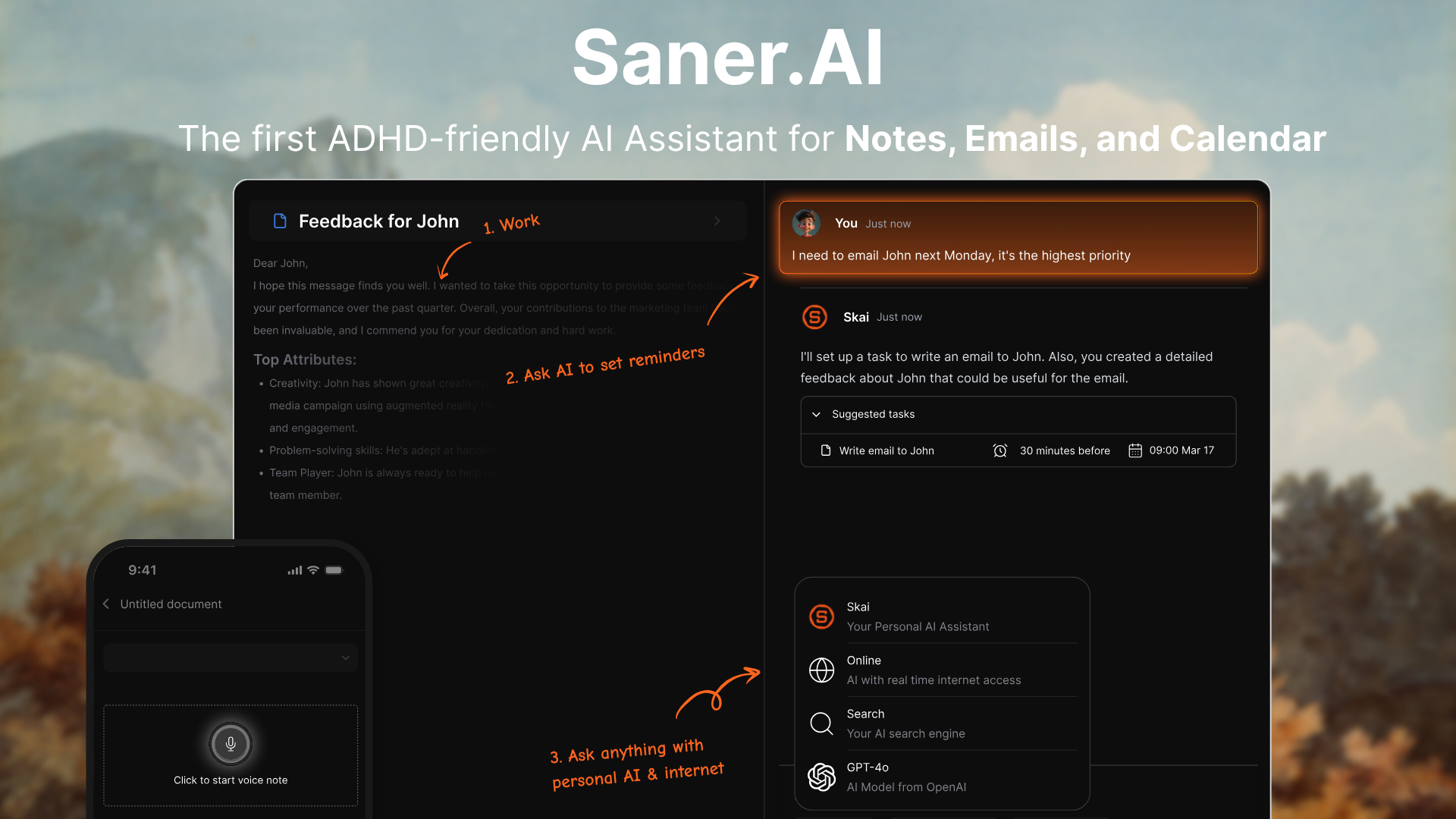
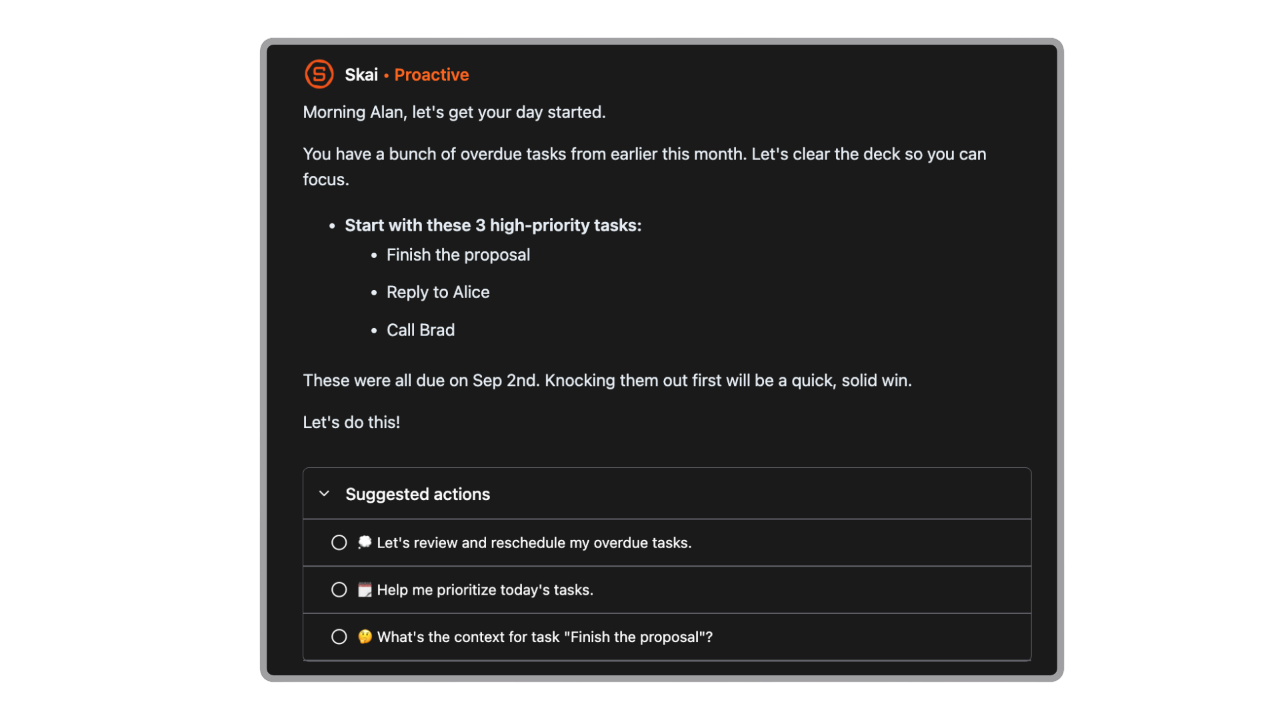
Saner.AI is an AI-first daily planning tool designed for frictionless task capture and smart prioritisation. It focuses on helping users offload thoughts quickly and let AI organise what matters.
Instead of asking users to pre-define systems like Lunatask Alternatives, folders, or priorities, Saner.AI encourages a simple habit: write or even voice everything down, then let Skai structure and prioritise tasks for you.
Key features
- Quickly write tasks, thoughts, or ideas in natural language without worrying about structure.
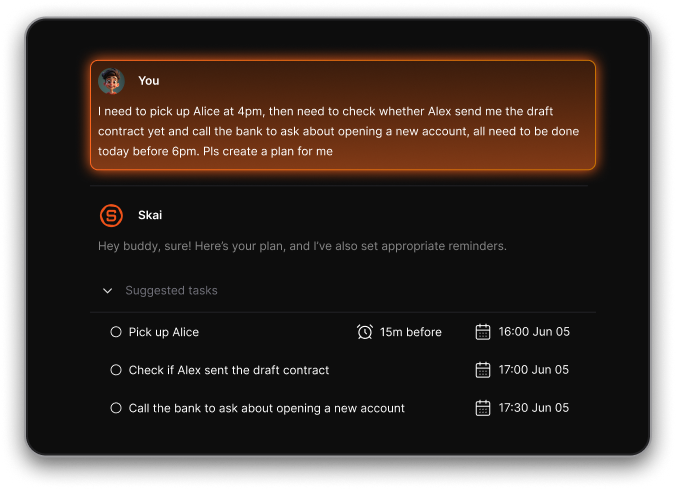
- The system interprets what you write, identifies actionable tasks, and organises them automatically.
- AI highlights what matters most today, helping reduce decision fatigue.
- No complex projects, tags, or workflows required to get started.
What I liked
- Extremely low friction to get started.
- Good for knowledge workers and ADHD-style workflows
- Cross-platform sync & inbox integration
What I disliked
- It is not suitable for team project management.
Pricing:
- Free plan.
- Paid plans start around $8–$16/month.
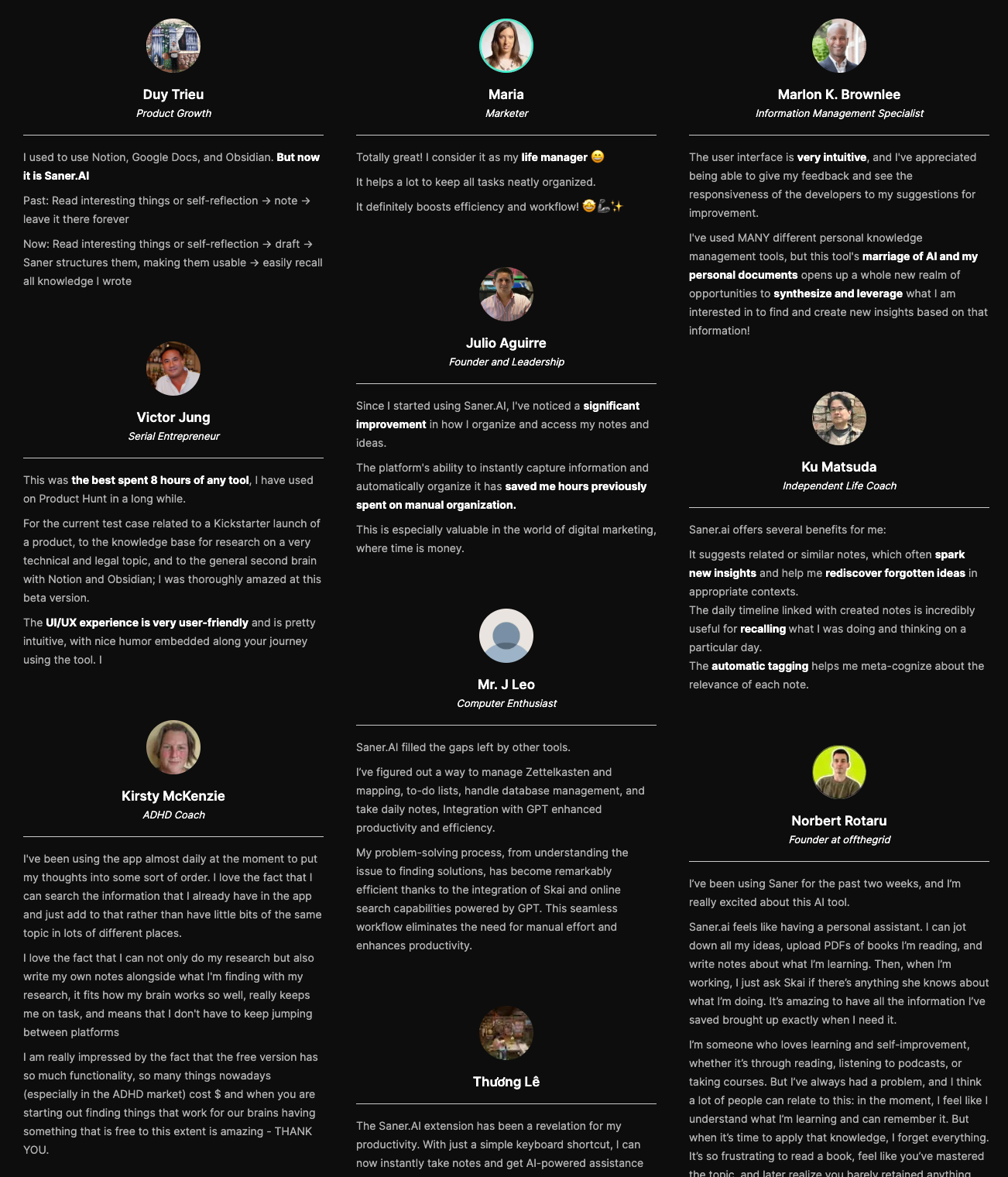
Saner.AI review
Suitable for
- ADHD blogs users, busy professionals, fast thinkers.
How to start
- Sign up on the Saner.AI website and start dumping notes/tasks into the workspace.

Stay on top of your work with the Top Lunatask Alternative
2. Akiflow
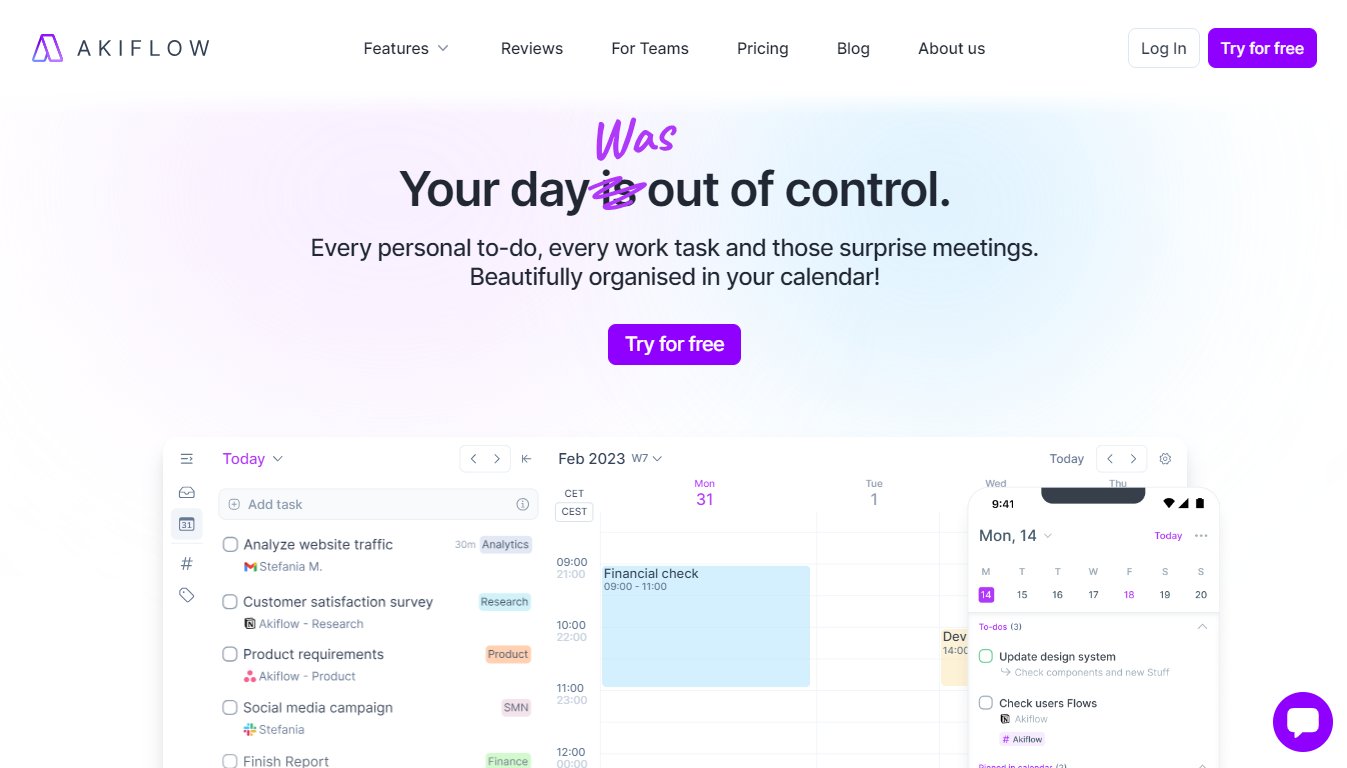
Akiflow is a calendar-first productivity tool built for people who plan their day by time blocks. It combines tasks from multiple sources into a single inbox and helps you schedule them directly on your calendar.
Key features
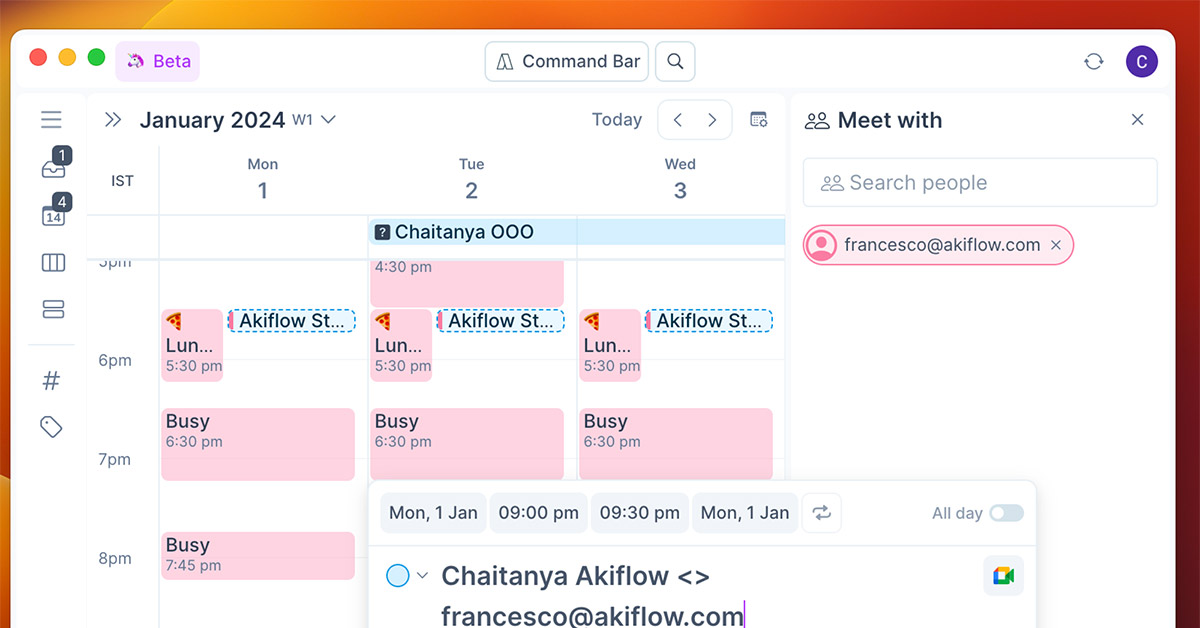
- Centralized inbox to collect tasks from multiple sources and then schedule them on your calendar.
- Drag-and-drop scheduling and automatic suggestions for when to work on tasks.
- Integrations across calendars, email, and productivity apps to centralise everything in one workflow.
What I liked
- Have many integrations
- Combines tasks and schedule in one interface
What I disliked
- No permanent free plan - only a trial
- Not a note-taking app, so information is still scattered
- It can feel pricey for solo users
Pricing
- $34/month ($19/month if billed yearly).
Suitable for
- Professionals who want a structured day with time blocking.
How to start:
- Connect calendar → import tasks → schedule your day.
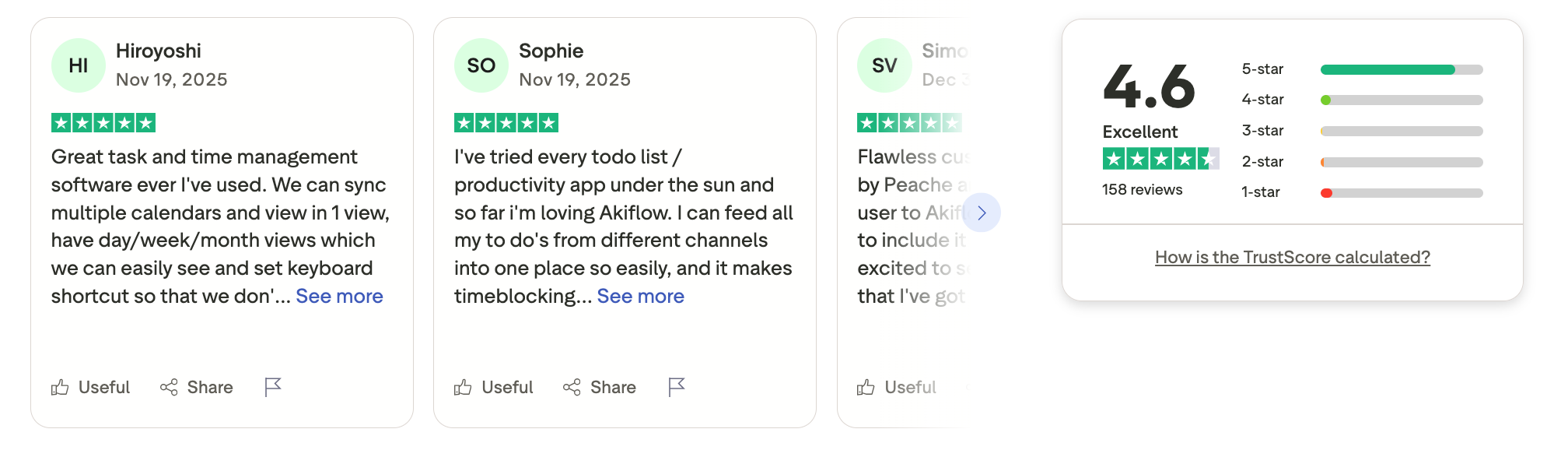
Akiflow review (sources)
3. Amplenote
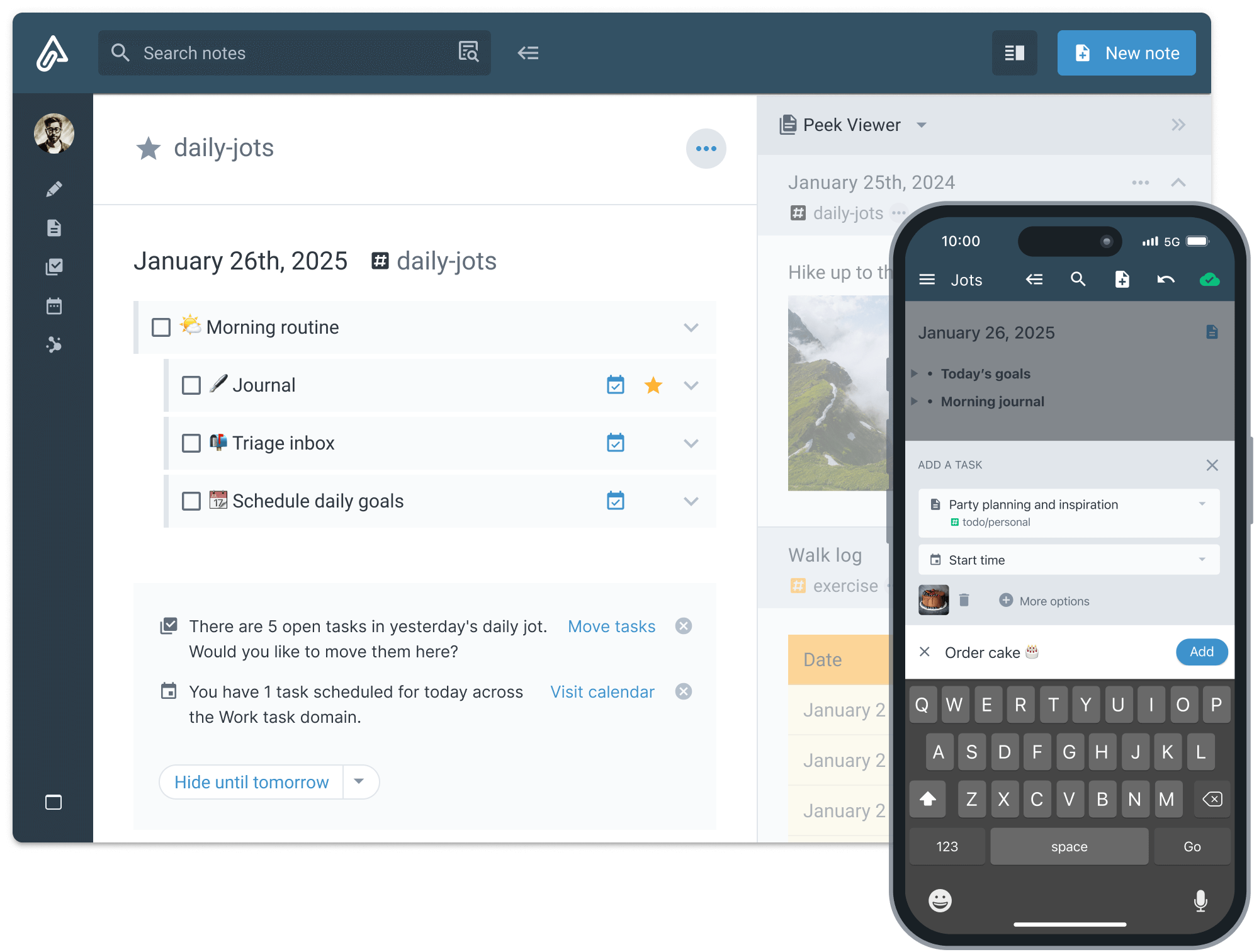
Amplenote is a notes-first productivity app that turns written thinking into actionable tasks. It’s designed for users who plan by writing, brainstorming, and refining ideas before execution.
Key features
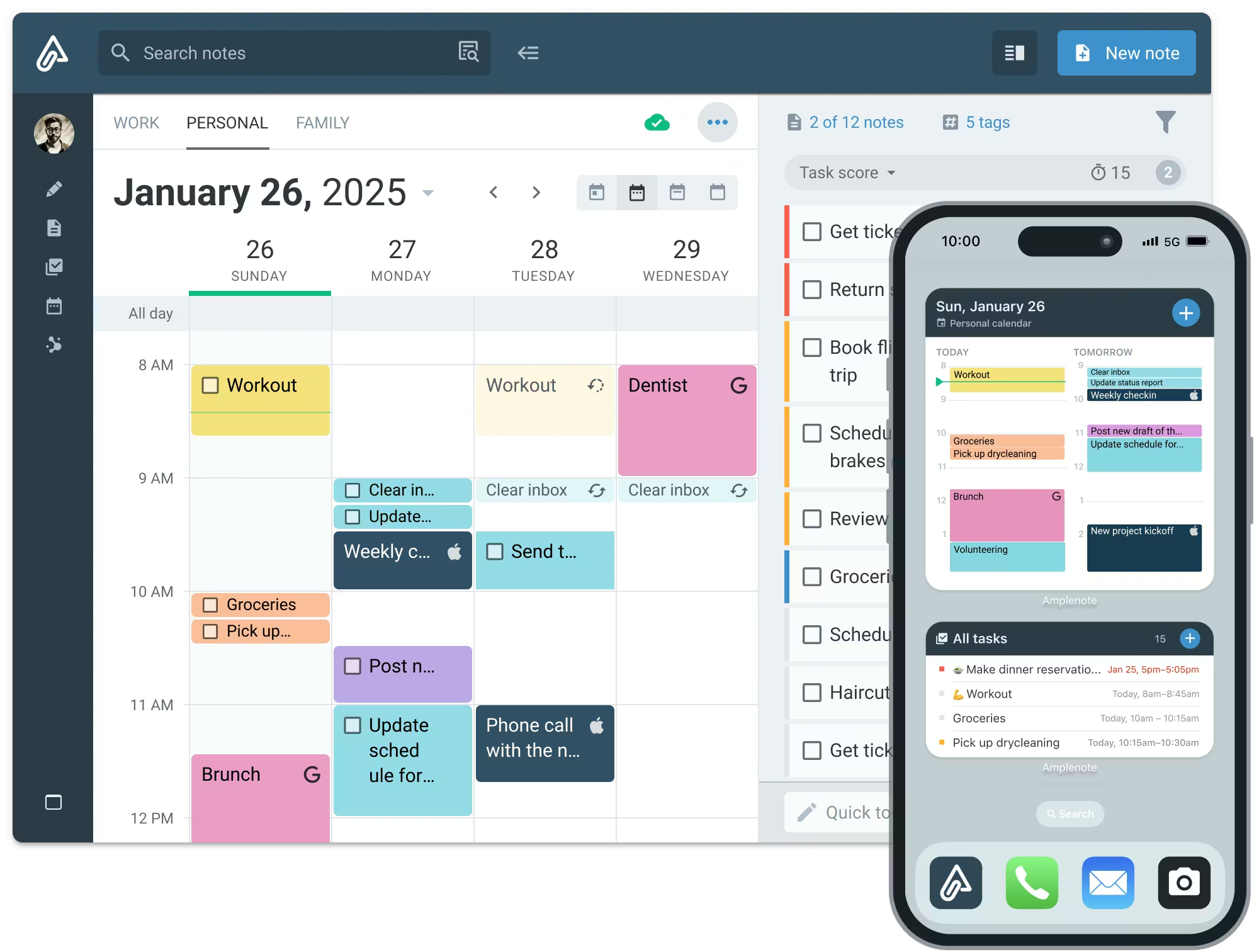
- Combines note-taking, tasks, and scheduling in a single workspace for personal productivity.
- Spaced repetition review system to help you remember important content
- Bi-directional linking between notes and tasks so context stays connected.
- Templates for journals, meeting notes, projects, and learning decks
What I liked
- Combines note-taking + task management.
- Spaced repetition is built right in.
What I disliked
- Task views are less advanced compared with dedicated to-do appsorganisation.
- Not ideal for visual planners.
Pricing:
- Free tier with core features.
- Paid plan starting around $6–$10/month.
Suitable for:
- Knowledge workers, students, and lifelong learners who want to capture ideas + remember them better.
How to start:
- Create a note → highlight text → turn into tasks.
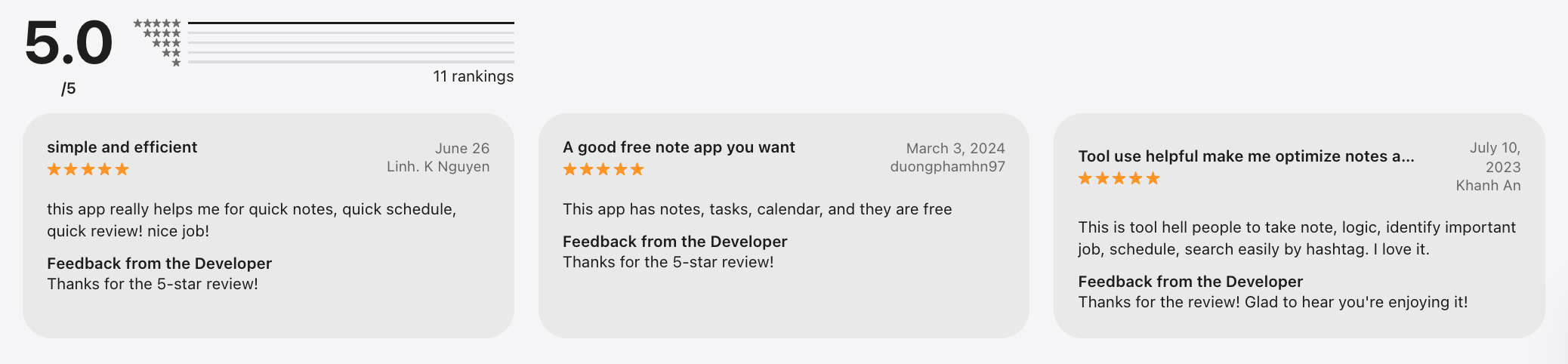
Amplenote review (source)
4. Workflowy
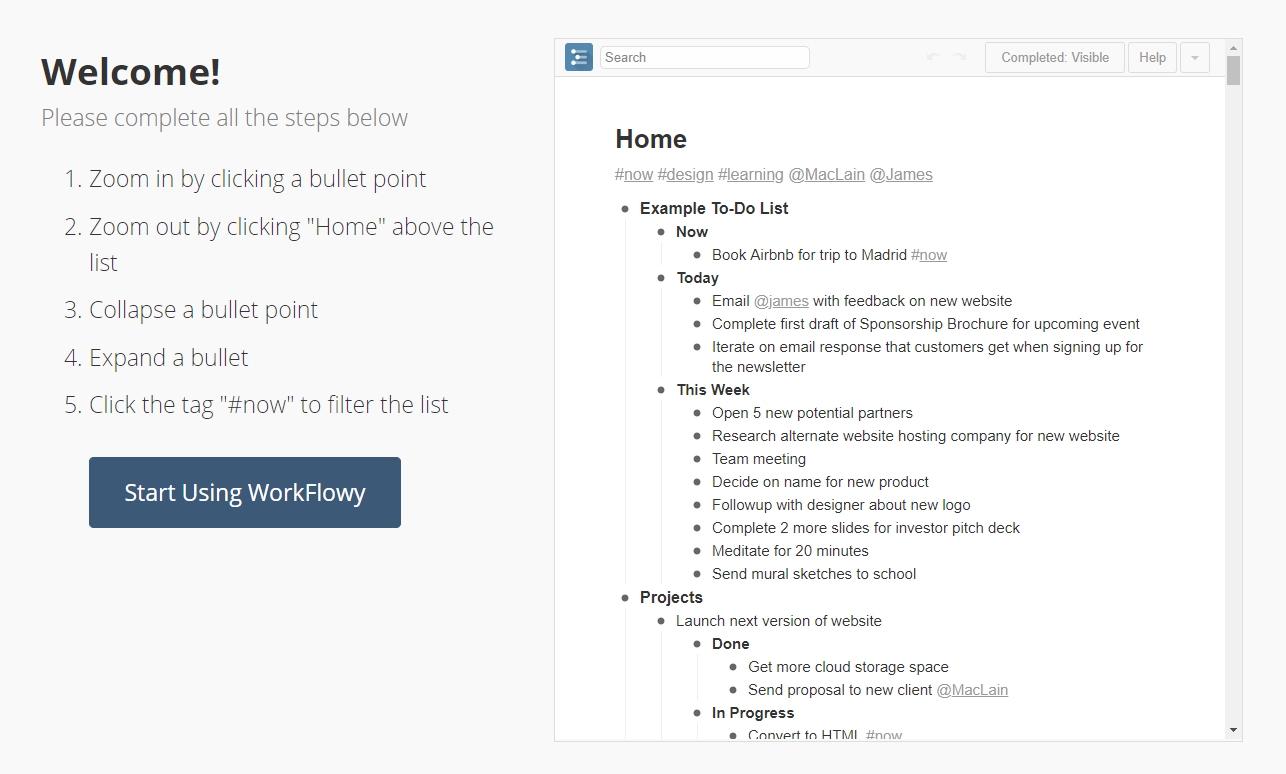
Workflowy is a minimalist outliner built around infinite nested lists. It’s commonly used for task lists, planning, and simple knowledge organisation as a Lunatask Alternatives.
Key features
- Infinite nested bullets to create lists within lists.
- Zoom-in feature to focus on any sub-list or project.
- Tags and filters to organise and find items.
What I liked
- Shape your system instead of fitting into a preset one.
- The zooming feature enhances clarity.
What I disliked
- No native calendar or time-blocking, you’ll need external tools for that.
- Large or busy lists can feel overwhelming without strong tagging habits.
- Basic user interface can feel too bare-bones for visual planners.
Pricing
- Free plan available
- Pro plan around $9–$12/month.
Suitable for
- Minimalists, outline thinkers.
How to start
- Go to Workflowy.
- Sign up → create bullets → nest freely.
Workflowy review (source)
5. Motion
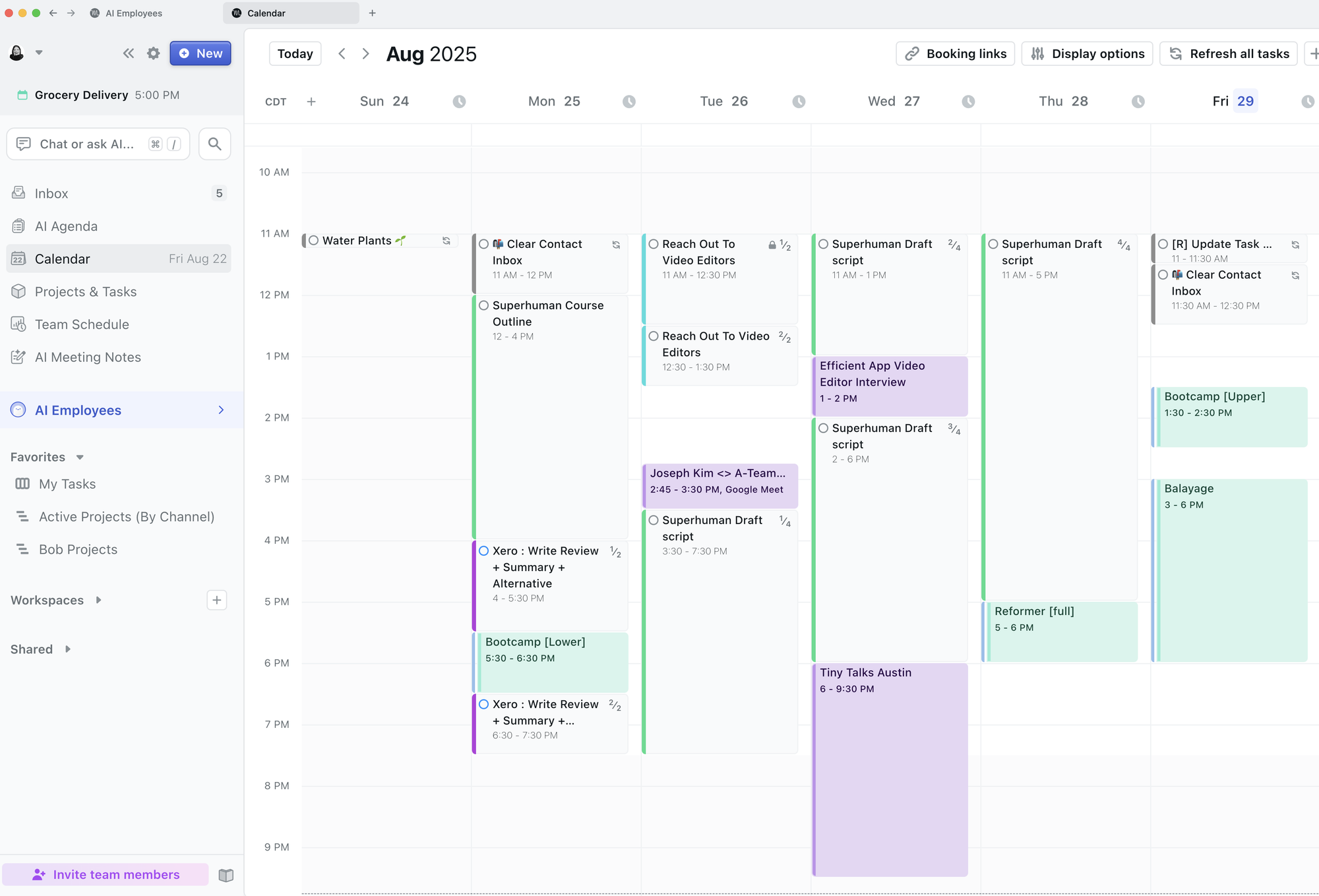
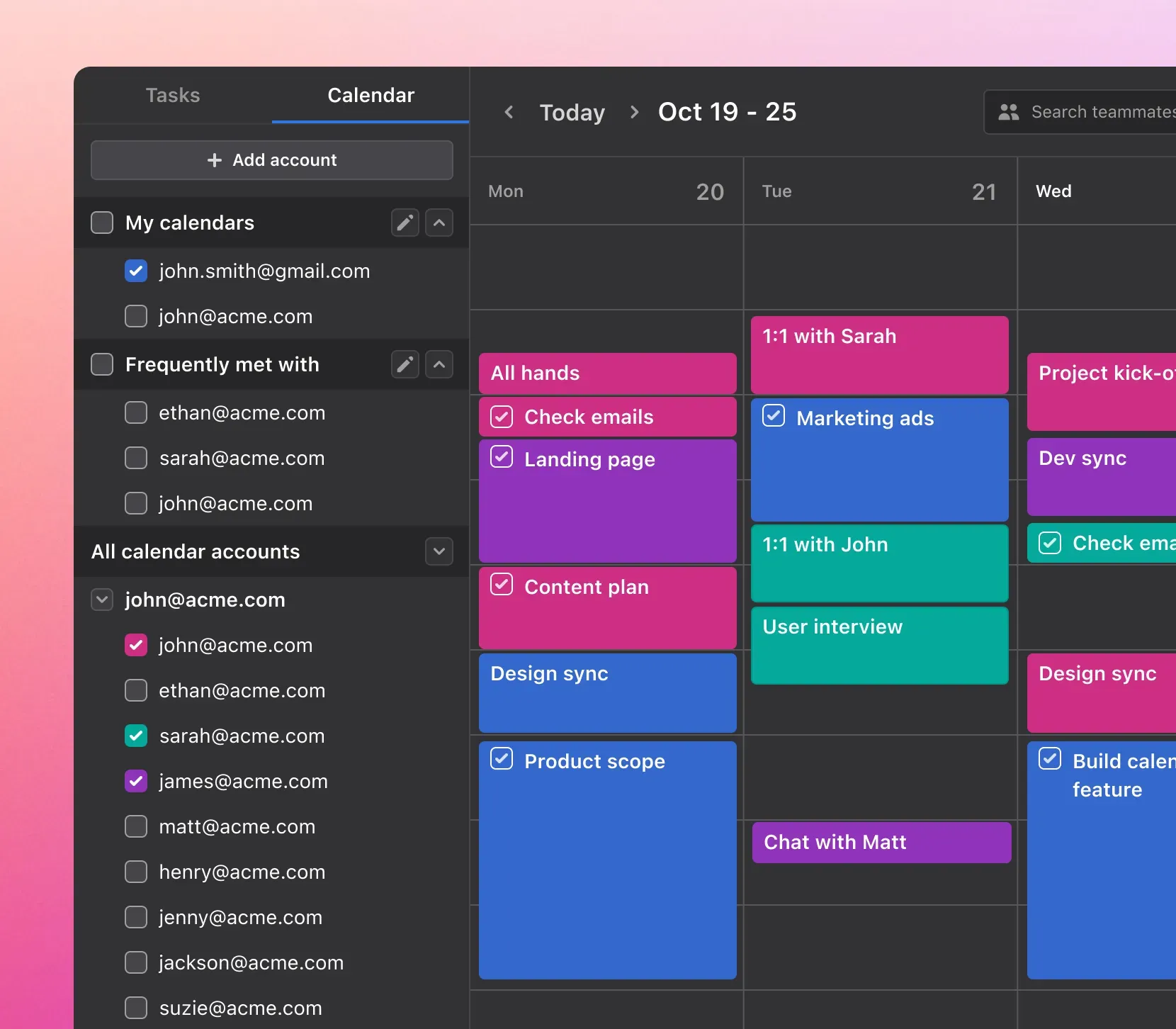
Motion is an AI scheduling and productivity tool that automatically plans your day by fitting tasks into available calendar time, balancing priorities, and deadlines.
Key features
- Real-time conflict resolution when meetings or priorities shift
- Task import from tools like Todoist, Notion, and email
What I liked
- No planning friction.
- Strong automation.
What I disliked
- Can feel overly controlling.
- AI schedules sometimes over-optimise, leaving less room for creativity or buffer time.
- Can be too pricey for individual uses
Pricing
- Free trial available
- Paid plans typically start around $49/month
Suitable for
- Busy professionals, execution-heavy roles.
- Teams that need shared planning and conflict handling
How to start
- Add tasks → connect calendar → let AI schedule.
Motion review (source)
6. Routine
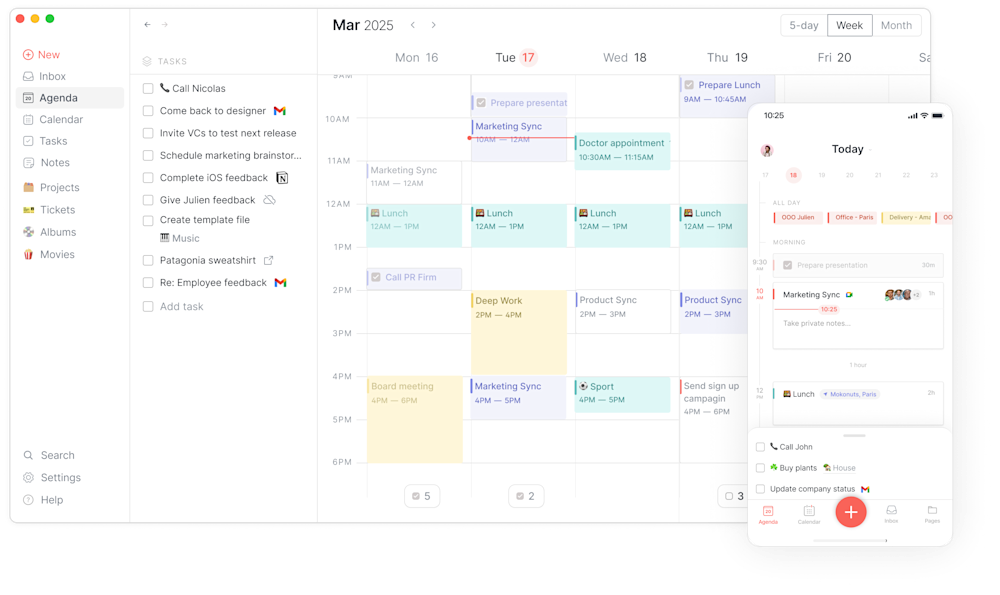
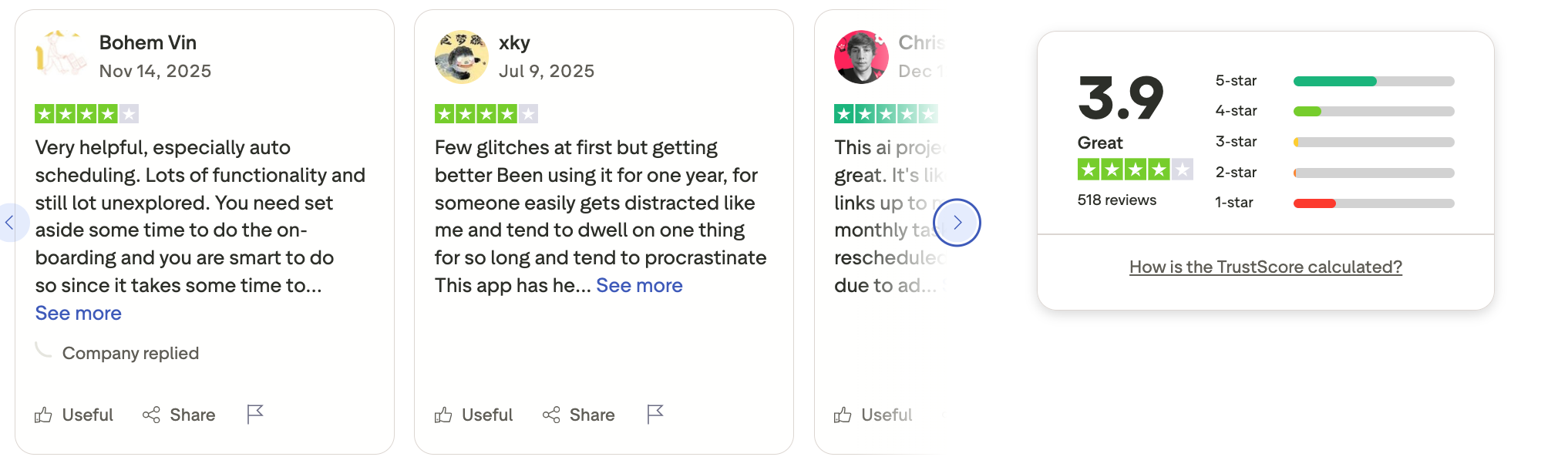
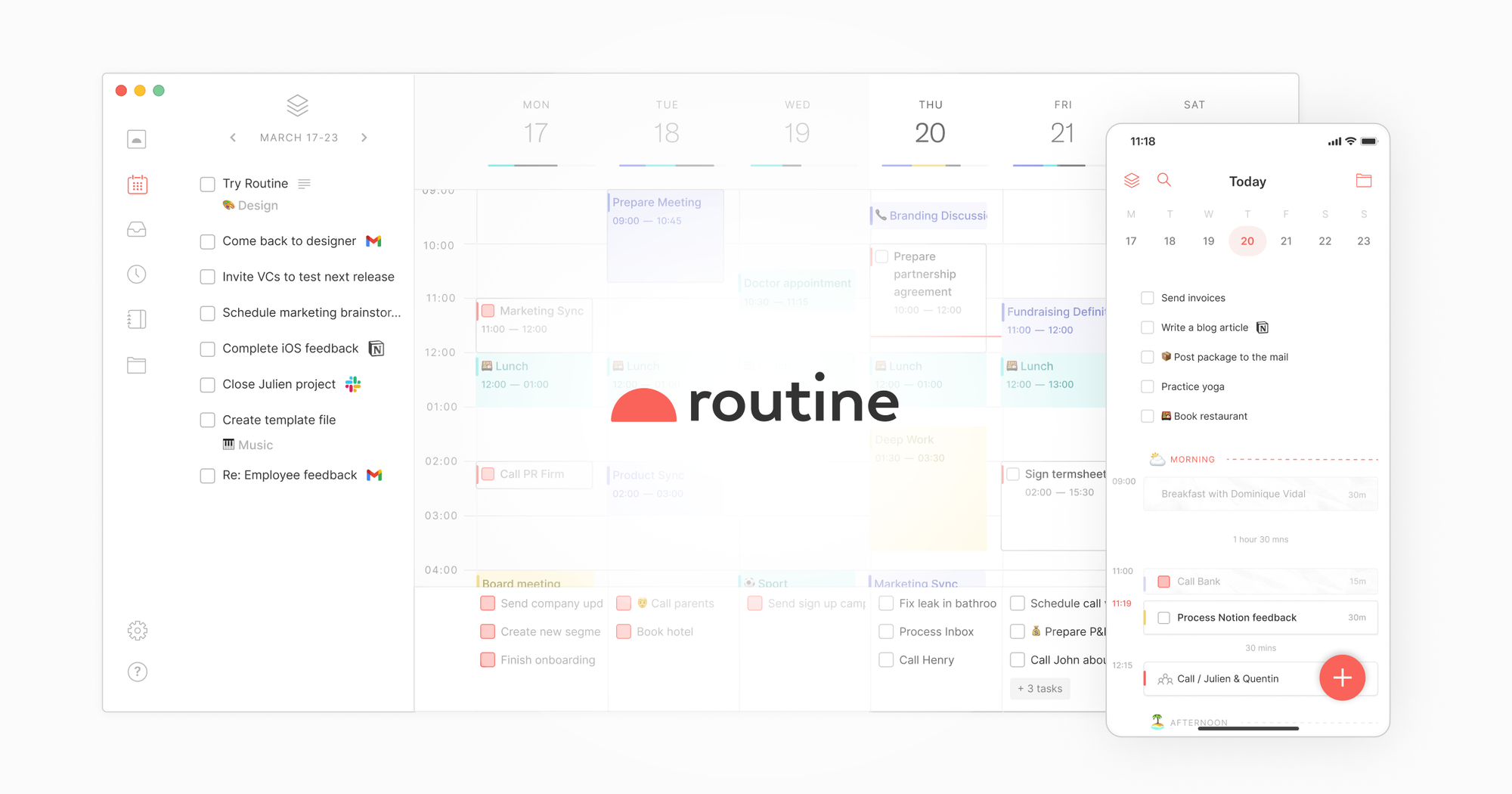
Routine combines tasks, calendar, and notes into a single daily workspace. It’s designed for people who want a unified view of their day without building complex systems. Routine sits between minimalist tools and all-in-one platforms.
Key features:
- Unified inbox for tasks, meetings, and messages
- Daily agenda view that shows your plan for the day
- Smart suggestions and reminders to keep you on track
What I liked
- Combines multiple work streams into one daily hub - great for focus.
- Agenda view feels intuitive and helps you see what really matters today.
What I disliked
- It can feel cluttered if you import too many tools at once.
- Some power users may miss advanced task views like time-blocking or analytics
Pricing:
- Free trial available
- Paid plans are around $15–$25/month.
Suitable for:
- People who want one daily dashboard for work.
- Professionals who prefer manual planning with smart reminders
How to start:
- Create tasks → link to calendar → plan day.
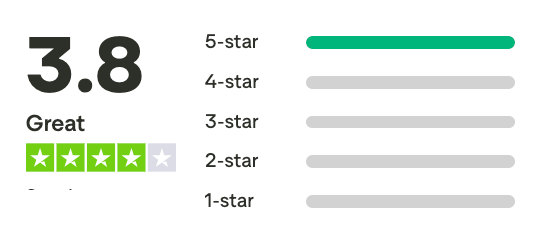
Routine review (source)
7. Todoist
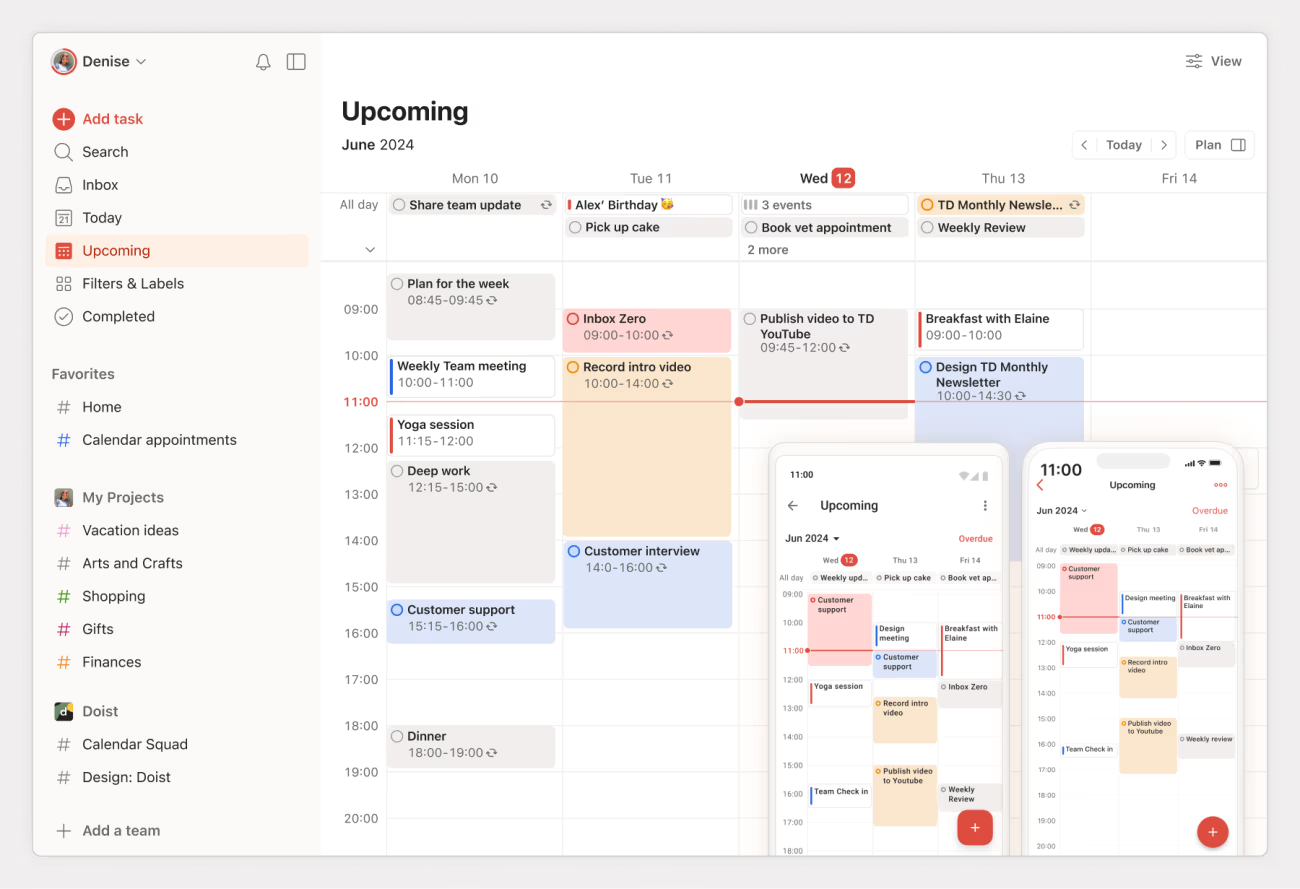
Todoist is a classic task manager focused on speed and simplicity. It’s widely used for personal and professional task tracking and works well across devices. Todoist excels at list-based productivity.
Key features:
- Flexible task lists with due dates, priorities, and sections.
- Projects and sub-tasks for organizing work hierarchically.
- Labels & filters to create custom views of your tasks.
- Recurring tasks and smart scheduling suggestions.
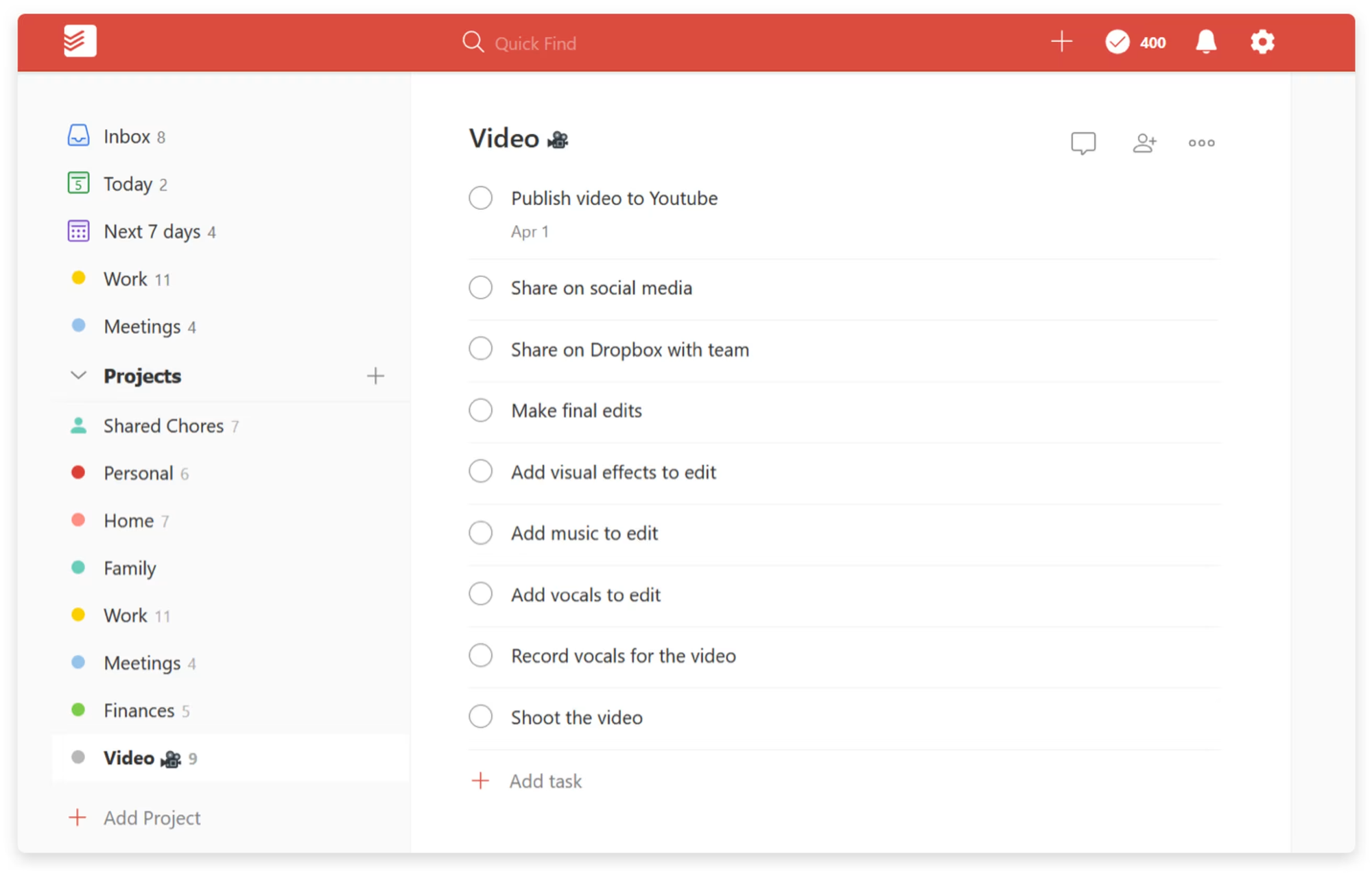
What I liked:
- Straightforward - captures tasks quickly without noise.
- Labels & filters unlock advanced workflows for power users.
What I disliked:
- Weak habit tracking.
- Limited planning depth.
- No knowledge management support
Pricing:
- Free
- Pro plan around $4–$5/month (billed yearly).
Suitable for:
- Anyone who works with lists and priorities more than calendar blocking
- Users who want wide integrations across tools
How to start:
- Go to Todoist.
- Add tasks → organize with projects and labels.
Todoist review (source)
8. TickTick
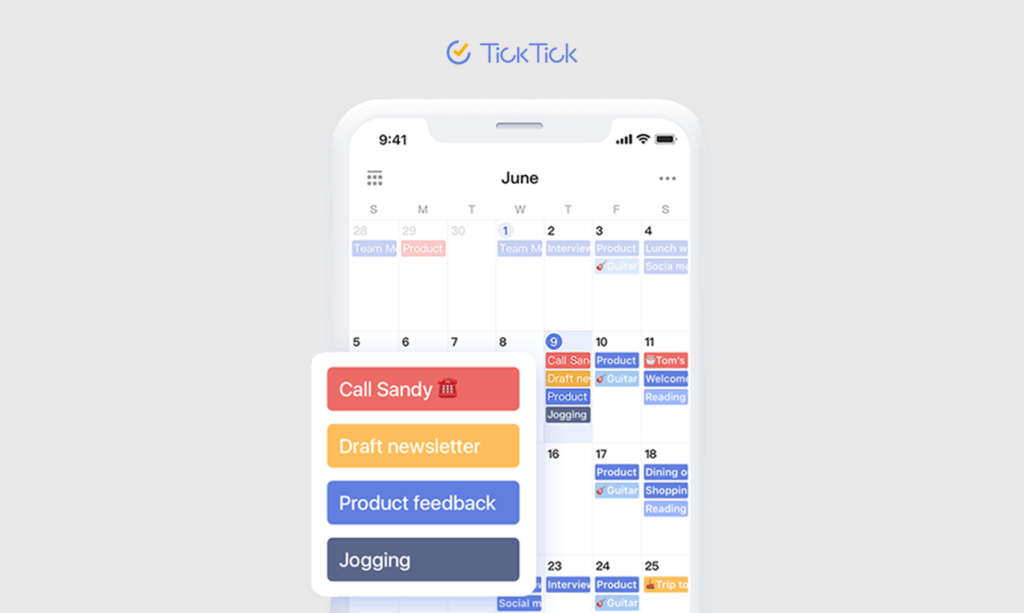
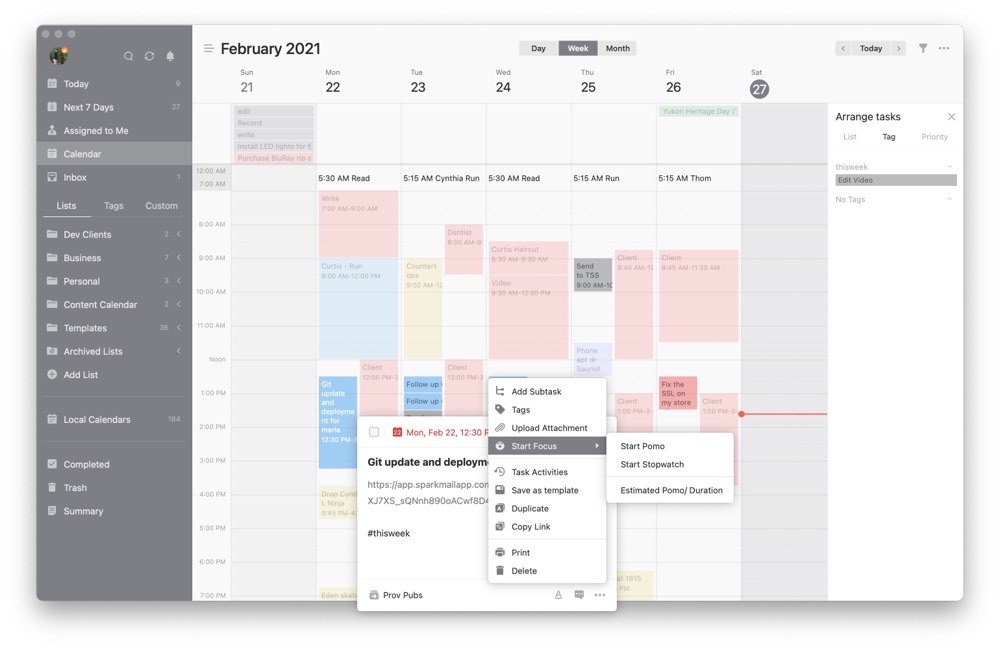
TickTick combines task management, habit tracking, and focus tools in one app. It’s often seen as a more feature-rich alternative to Todoist. TickTick works well for users who want everything in one place.
Key features
- Tasks with due dates, priorities, subtasks, and tags.
- Built-in calendar and scheduling view.
- Habit tracker to build routines and habits.
- Pomodoro timer and focus tools.
What I liked
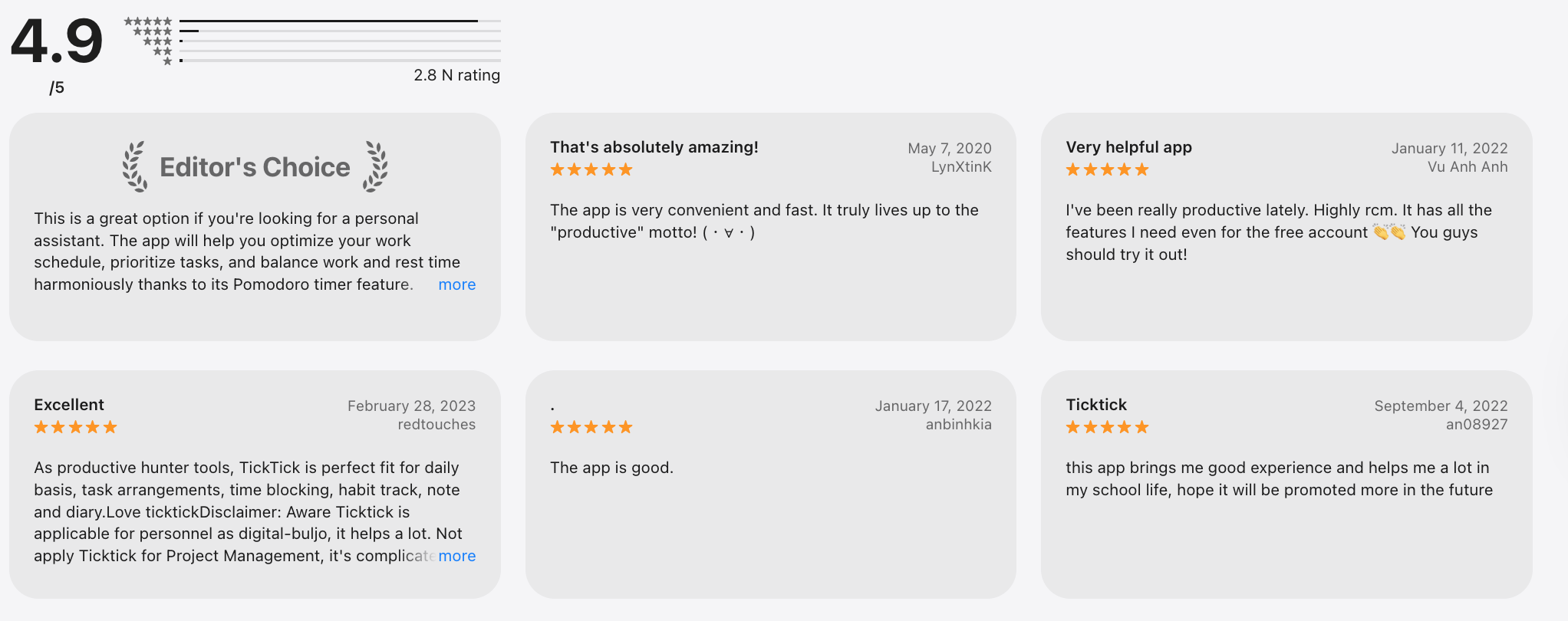
- Pomodoro & focus features help you actually get things done.
- Simple interface that’s approachable but still powerful.
What I disliked
- Some features (calendar views & automation) feel less polished than dedicated apps.
- Collaboration features are basic compared to team tools.
Pricing
- Free with essential features
- Premium plan is around $28–$36/year.
Suitable for
- Students, freelancers, and anyone building routines
- Users who like visual planning alongside lists
How to start
- Create tasks → enable habits → plan daily.
TickTick review (source)
9. Trello
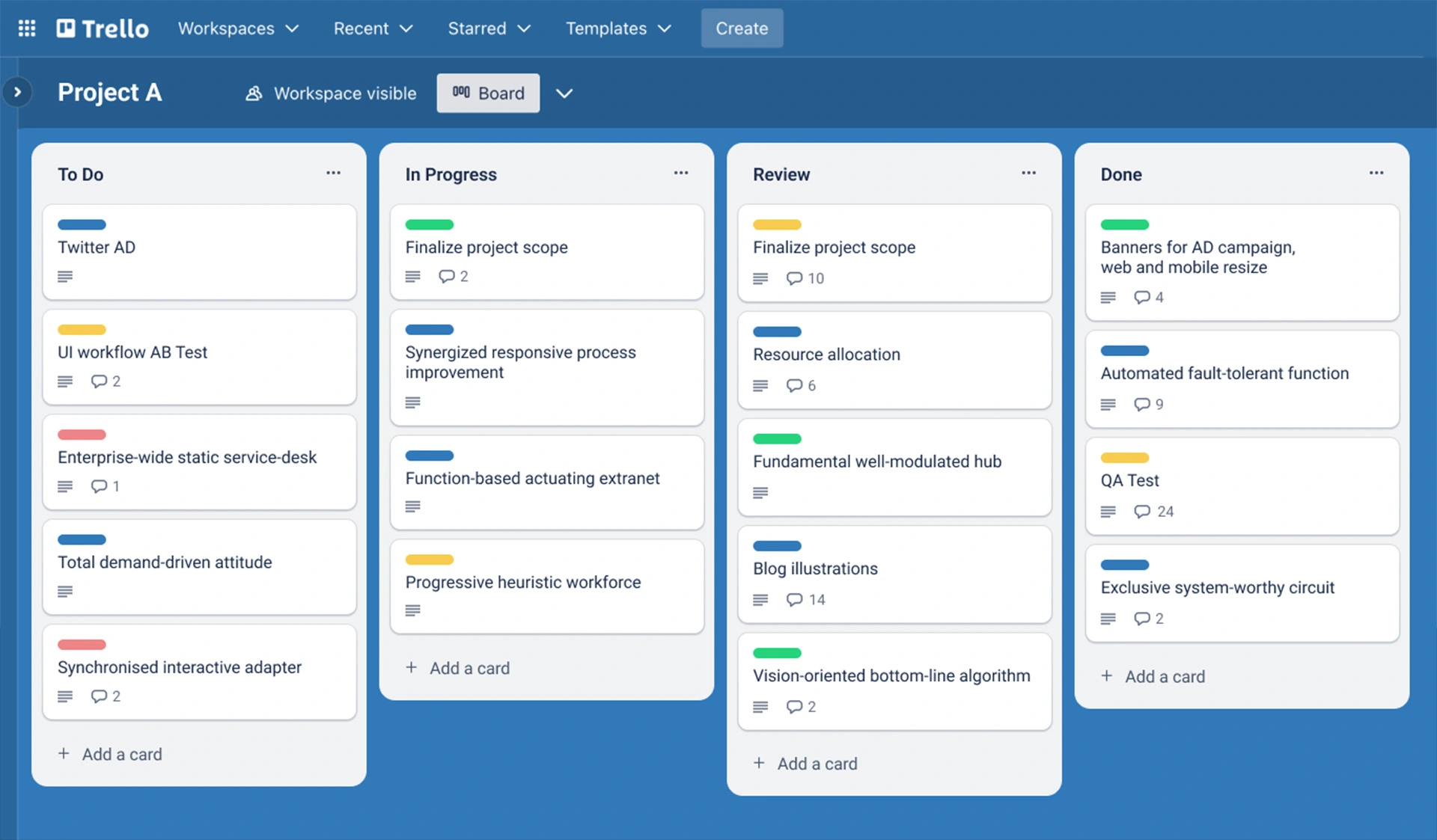
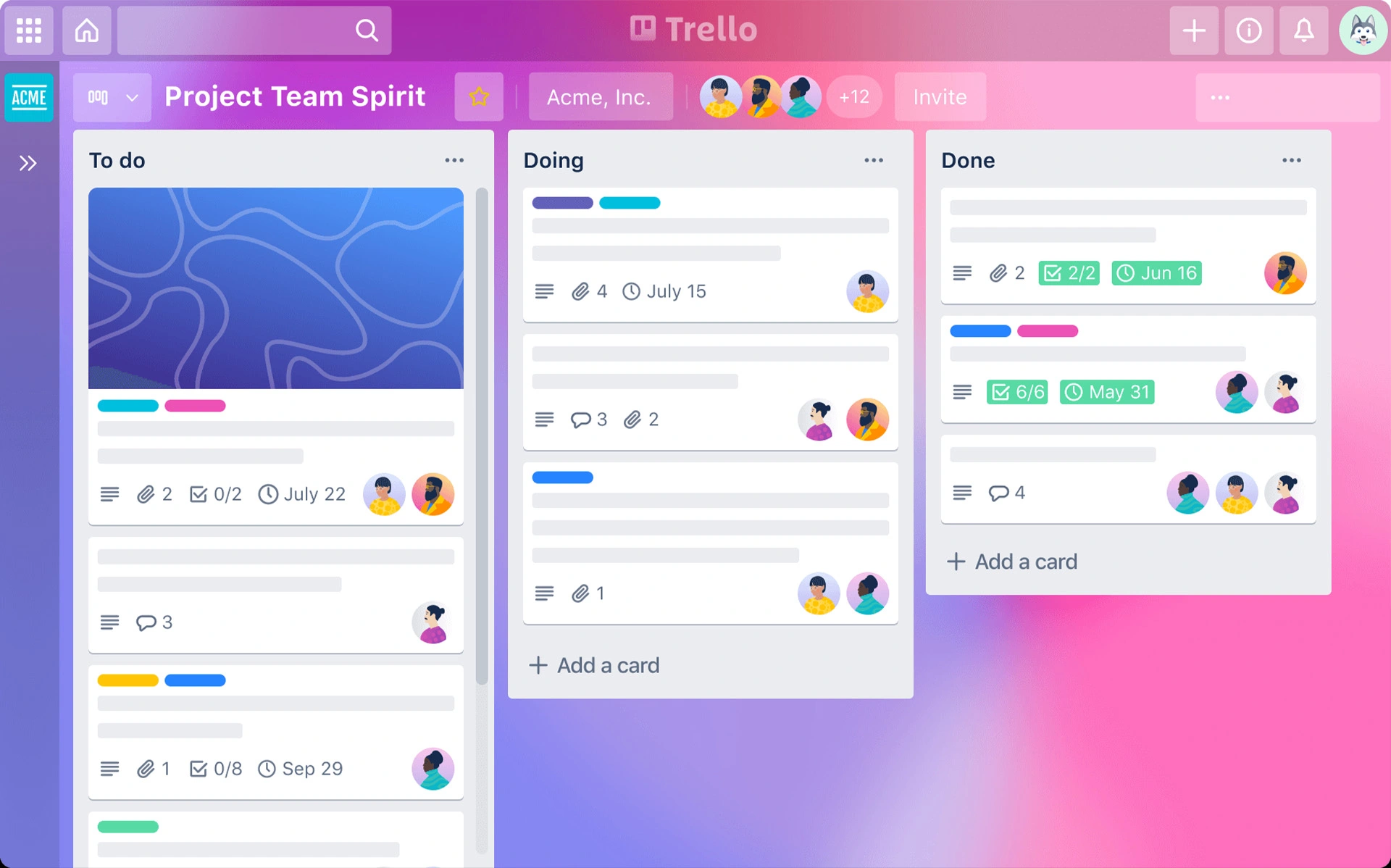
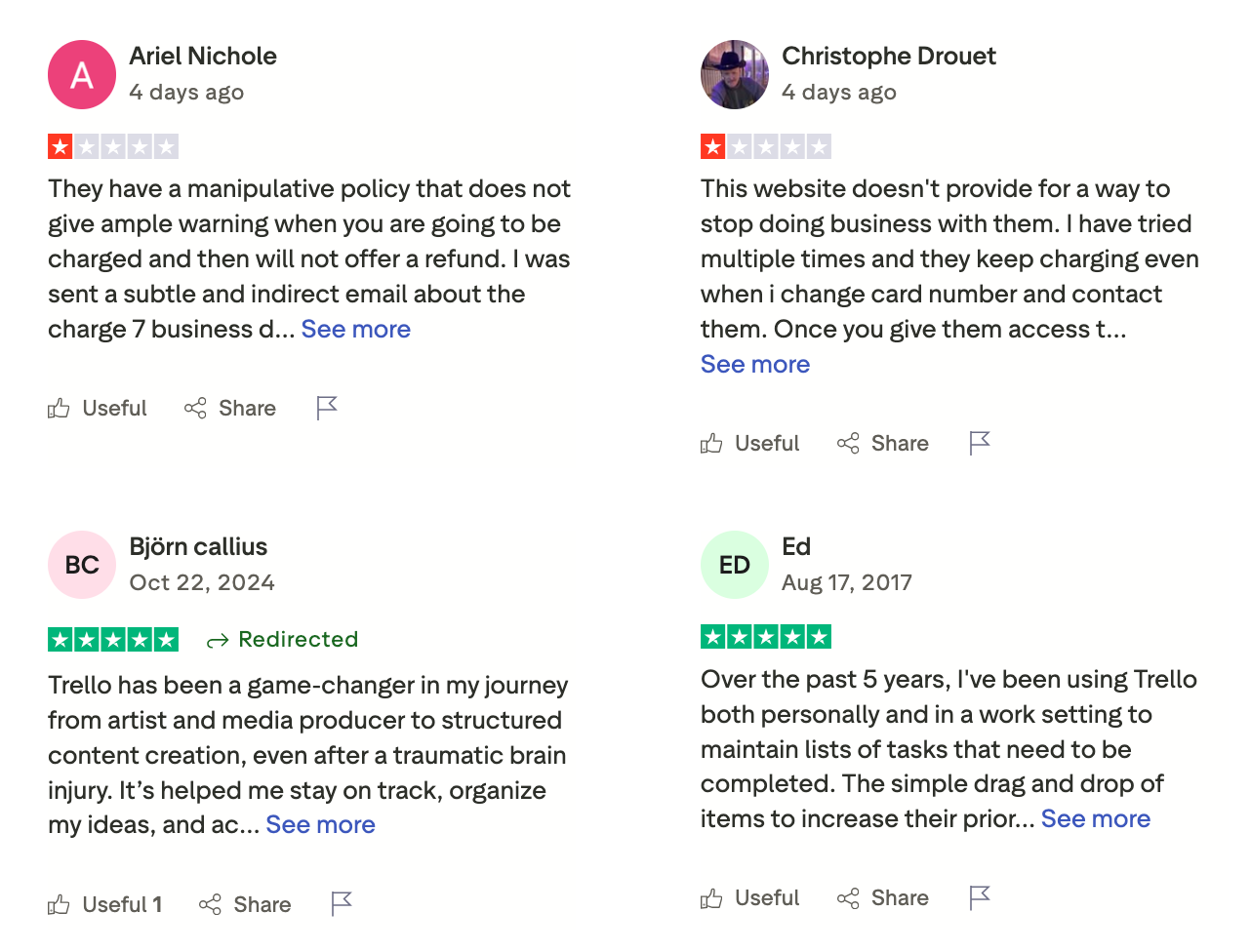
Trello is a visual task management tool built around Kanban boards. It’s popular for project tracking and collaboration due to its simplicity. Trello focuses more on visibility than deep planning.
Key features
- Kanban boards and cards that can be dragged and dropped.
- Checklists, due dates, attachments, comments.
What I liked
- Great for visual planners.
- Flexible for boards that represent anything: pipelines, kanban, ideas.
- Easy team collaboration with high transparency.
What I disliked:
- Doesn’t handle complex project details well without lots of power-ups.
- Harder to scale for larger teams with dependencies.
- Less structured than traditional task lists.
Pricing:
- Free basic plan.
- Paid plans are around $5–$10/month.
Suitable for:
- Visual thinkers and teams using Kanban with simple workflows and short projects.
How to start:
- Go to Trello.
- Create board → add lists → move cards.
Trello review (source)
10. Notion
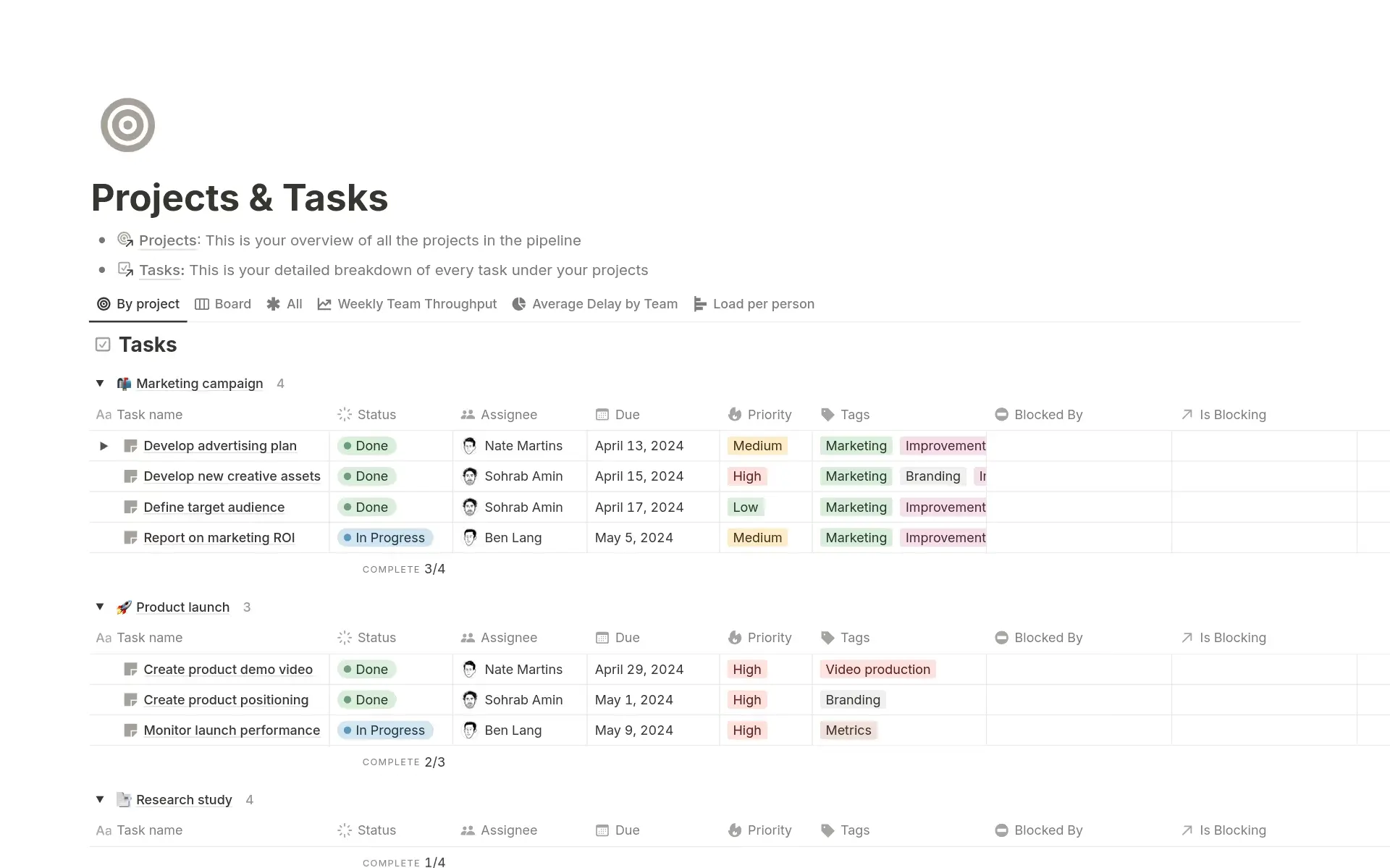
Notion is a flexible all-in-one workspace that can replace multiple tools. Users can build custom task systems, databases, and dashboards. It’s powerful but requires setup effort.
Key features
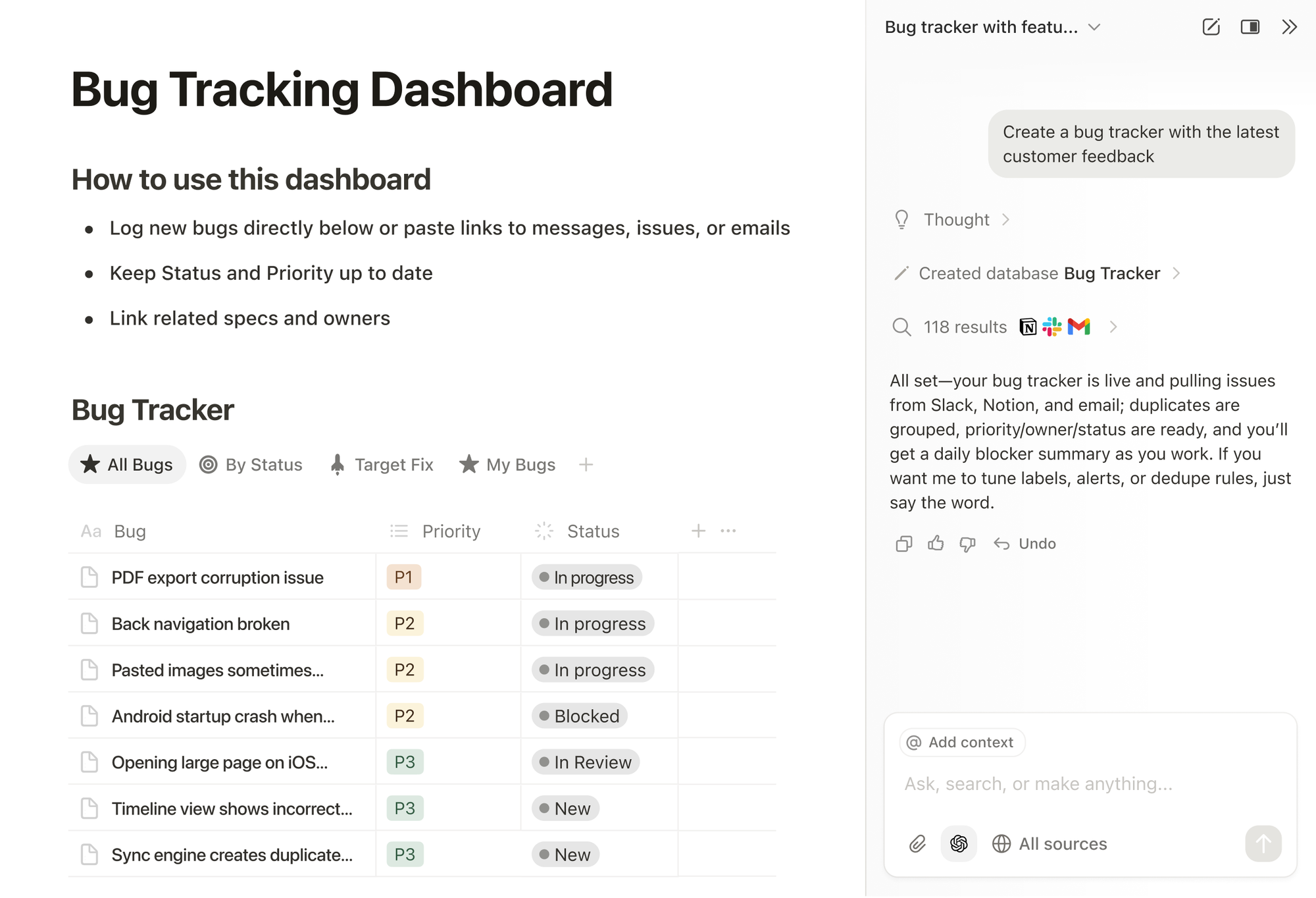
- Pages, databases, tables, calendars
- Templates for docs, projects, trackers
- Team collaboration with comments and mentions
What I liked:
- Extremely flexible.
- Scales well with complexity.
What I disliked:
- Can takes a long time to set up a system that works.
- It can feel too open-ended without structure.
- Performance can lag with big databases.
Pricing:
- Free tier available
- Paid plans are around $8–$15/month.
Suitable for:
- People who want custom workflows and a knowledge basecentralise.
- Teams with docs, tasks, and processes to centralise
How to start:
- Go to Notion.
- Choose a template → customise workflow.
Notion review (source)
11. ClickUp
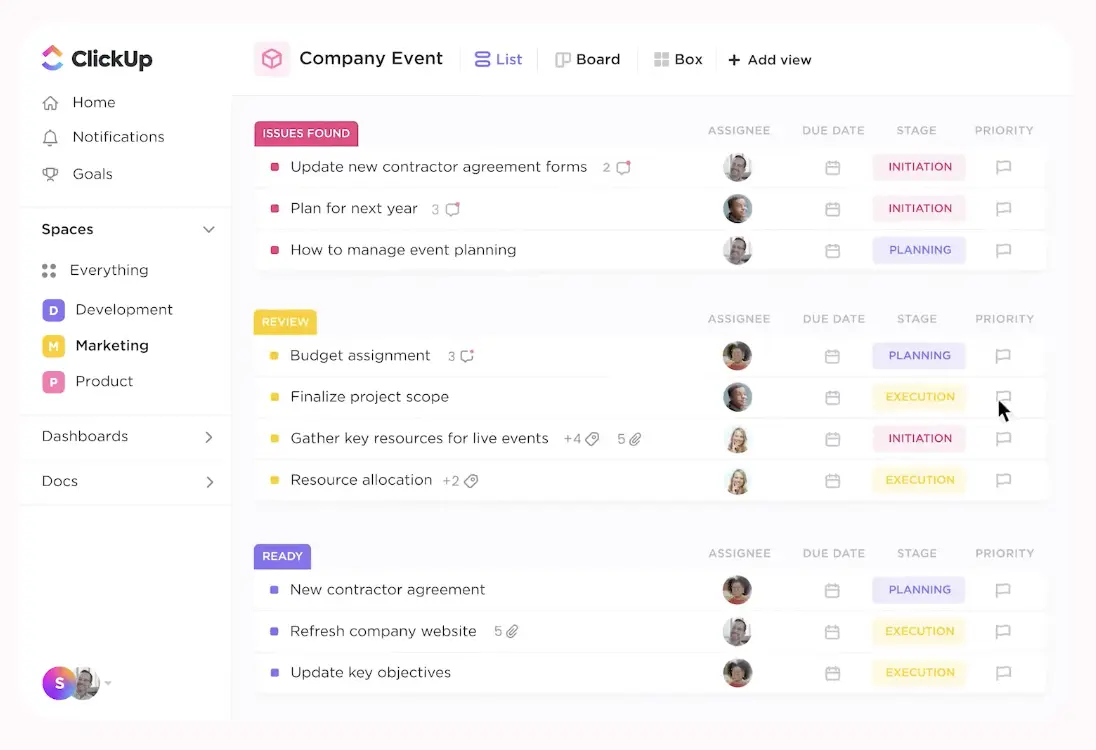
ClickUp is an all-in-one productivity platform designed primarily for teams. It combines tasks, docs, goals, and automation in one system. While powerful, it can feel overwhelming for solo users.
Key features
- Multiple task views: lists, boards, timelines, can input goals, portfolios, and milestones.
- Automations and dependencies.
What I liked
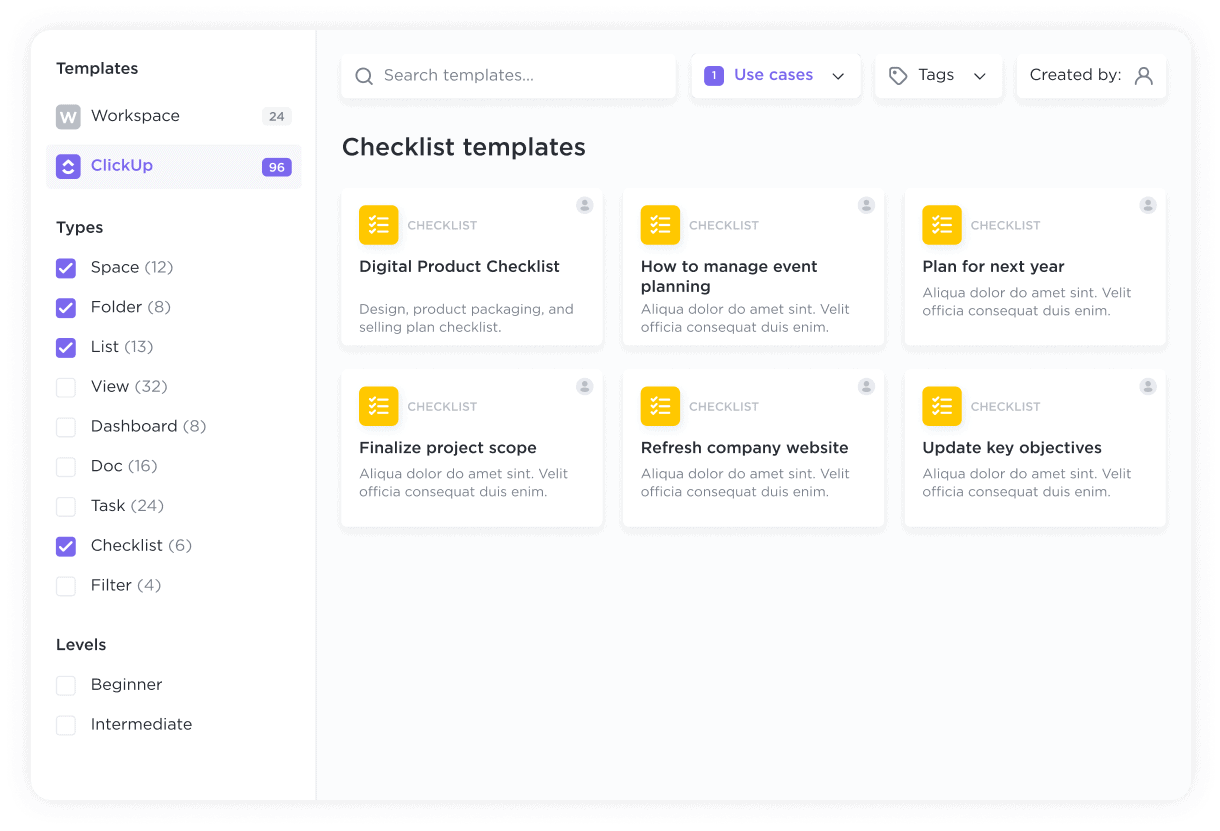
- Feature-rich.
- Custom views let teams work their way, which is good for cross-team planning and reporting.
What I disliked:
- Too many options if you want something simple.
- The user interface gets cluttered with many spaces/projects.
Pricing:
- Free tier.
- Paid around $7–$12/month.
Suitable for:
- Teams with complex projects and planning needs.
- Organisations need automation and oversight.
How to start:
- Go to ClickUp.
- Create workspace → define projects → add tasks.
ClickUp review (source)
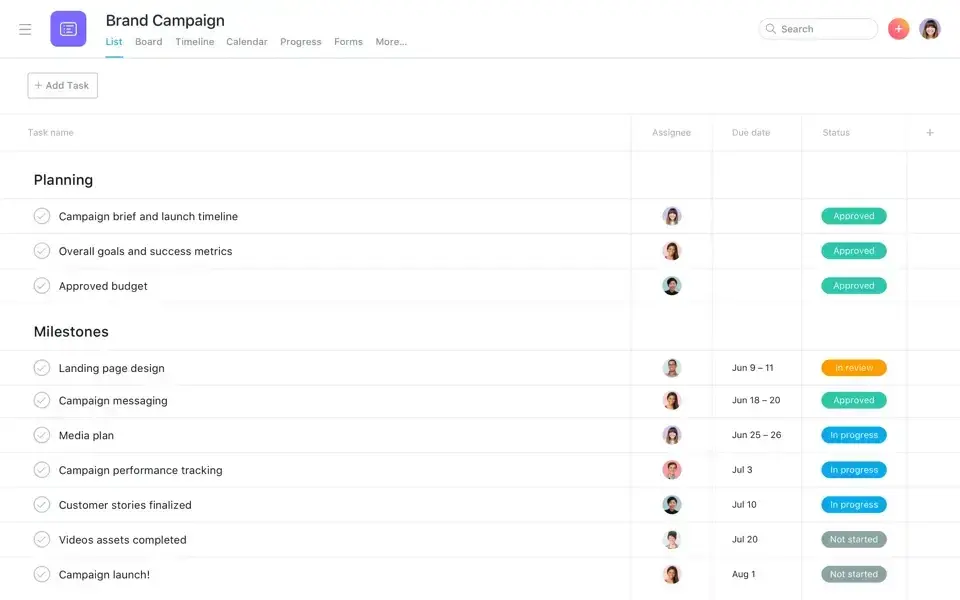
12. Asana
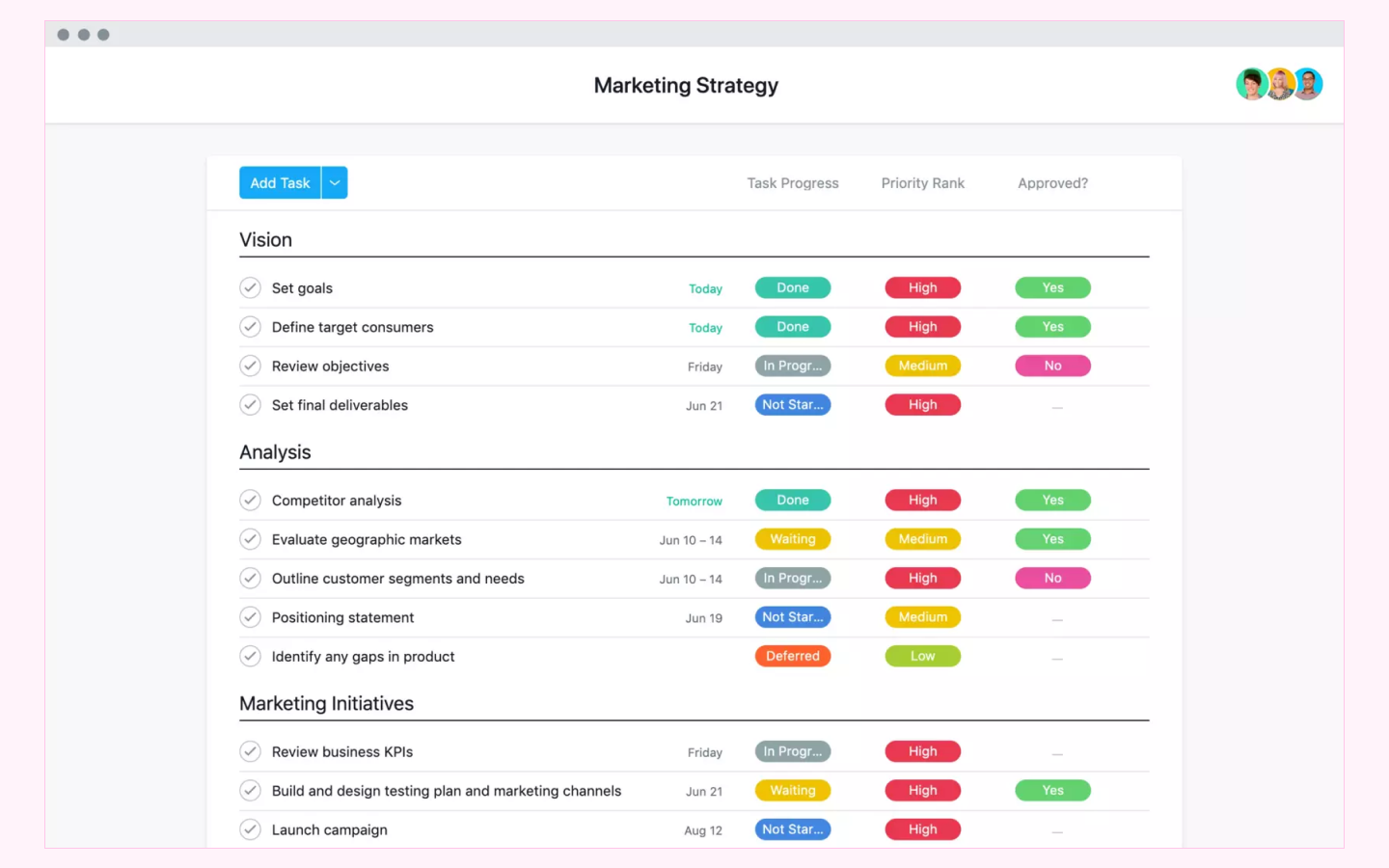
Asana is a project management tool focused on team coordination and clarity. It helps teams track work across projects and timelines. Asana is less suitable for personal habit tracking.
Key features:
- Break work into smaller, trackable subtasks, define task dependencies to control execution order.
- Switch between a structured list view, such as a kanban-style board, and a visual timeline view (Gantt-style) for planning and monitoring progress over time.
- Create and reuse customizable project templates and quickly spin up new projects with a consistent structure.
What I liked
- Great project and team visibility.
- Dependencies and timelines help with complex work.
- Easy to assign work and track progress.
What I disliked
- Not personal-productivity friendly.
- Habit tracking is missing.
Pricing
- Free basic plan
- Premium/Business around $10–$24/month.
Suitable for
- Teams running projects with deadlines and dependencies.
- Cross-functional collaboration.
- Structured work with accountability.
How to start
- Go to Asana
- Create project → assign tasks → track progress.
Asana review (soucre)
13. Microsoft To Do
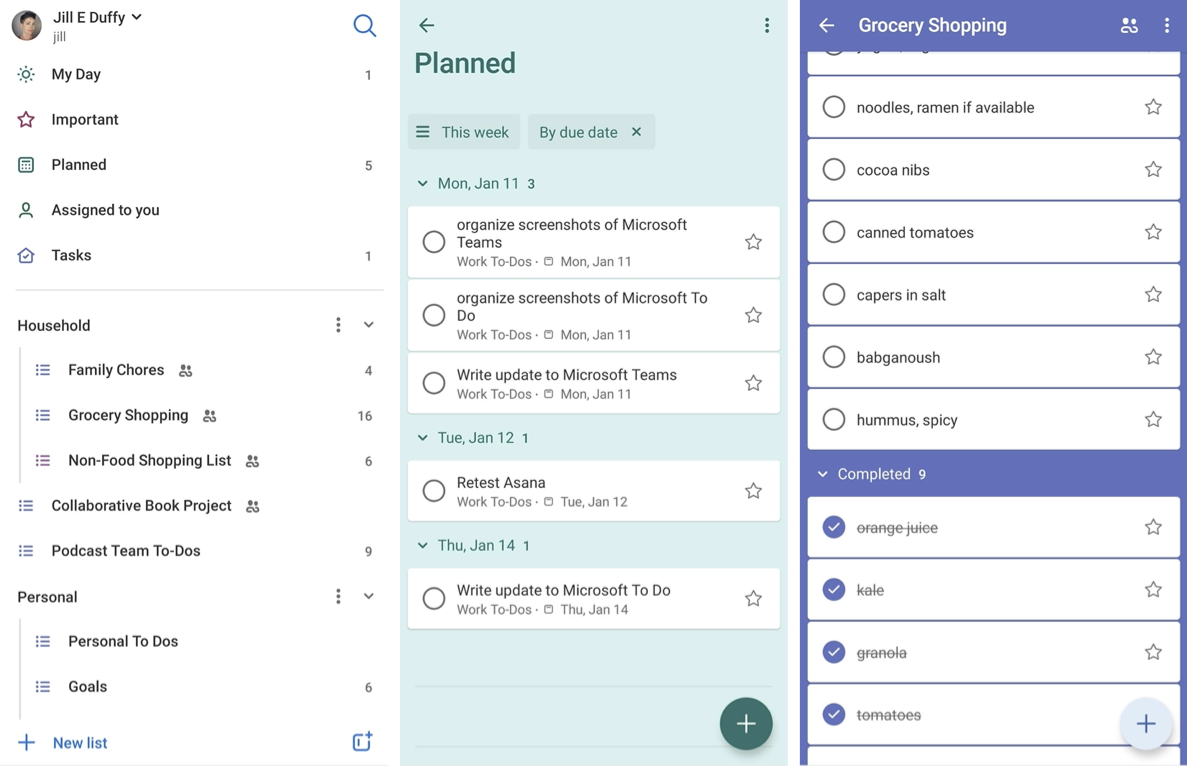
Microsoft To Do is a simple task manager integrated into the Microsoft ecosystem. It’s designed for basic personal task tracking without complexity. Best for users who want something free and familiar.
Key features:
- Break works into smaller substacks with clear steps.
- Outlook integration.
What I liked:
- Easy and intuitive with basic task needs.
- Clean interface and quick capture.
- Works well with Outlook/365 ecosystem.
What I disliked:
- Lacks advanced views (boards, timelines).
- Minimal project features.
- Not built for heavy team planning.
Pricing:
- Free (included in the Microsoft ecosystem)
Suitable for:
- Personal task lists and daily to-dos
- Outlook users
- included
How to start:
- Install Microsoft To Do.
- Create list → add daily tasks.
Microsoft To Do review (source)
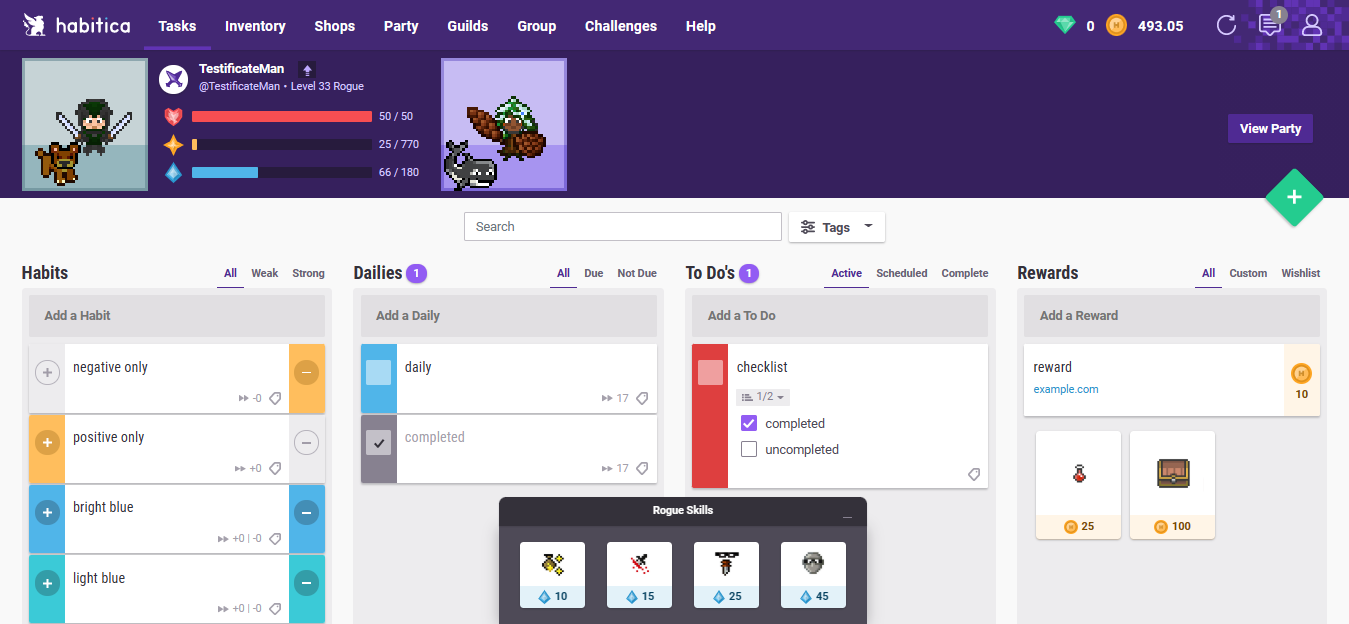
14. Habitica
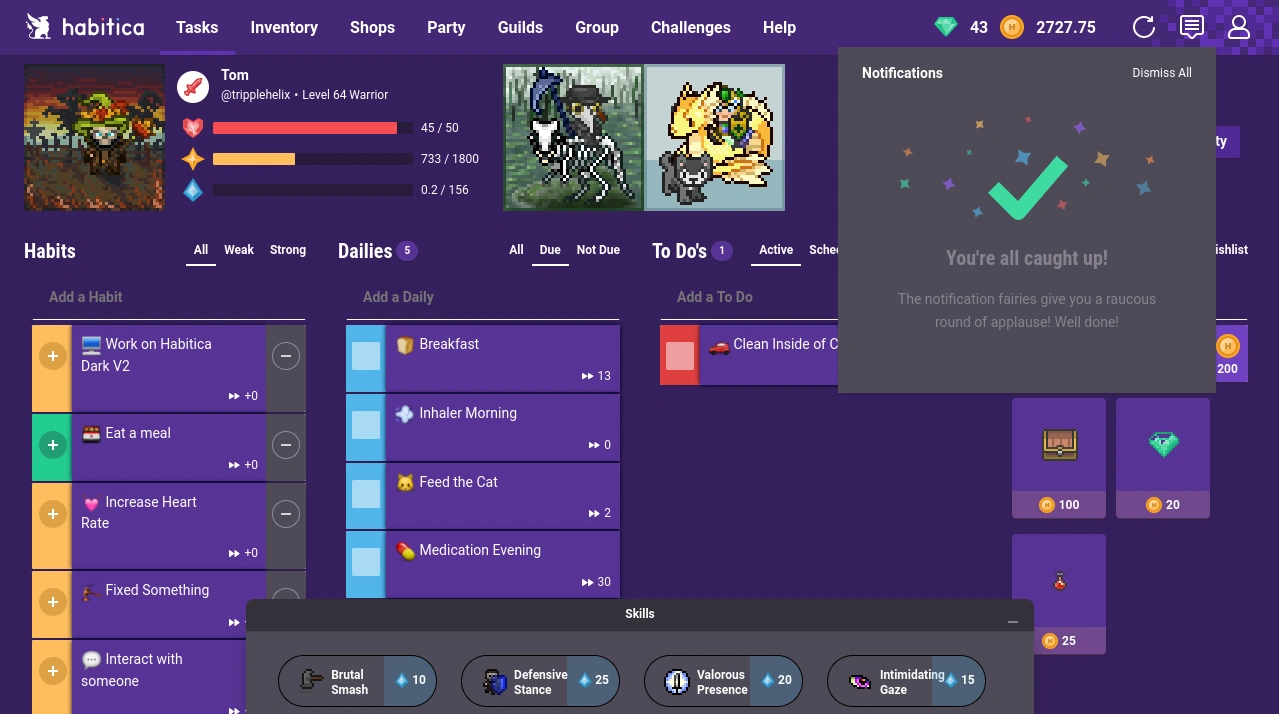
Habitica gamifies your task and habit tracking, like you are in a role-playing game. Users earn rewards for completing tasks and maintaining habits. It’s motivating for some, distracting for others.
Key features
- Tasks are divided into Habits, Dailies, To-dos with XP, leveling, and loot.
- Rewards and penalties for consistency
- Community challenges.
What I liked
- Gamification makes habits fun and engaging.
- Great for motivation and consistency.
What I disliked
- Game focus isn’t for everyone.
- Task management feels light compared with productivity apps.
- User interface is playful but dated.
Pricing
- Free with optional paid perks and subscriptions.
Suitable for
- People who love gamified motivation
- Habit builders and routines
- Anyone who gets bored with standard task lists.
How to start
- Go to Habitica.
- Create avatar → add habits → earn rewards.
Habitica review (source)
15. Reclaim.ai
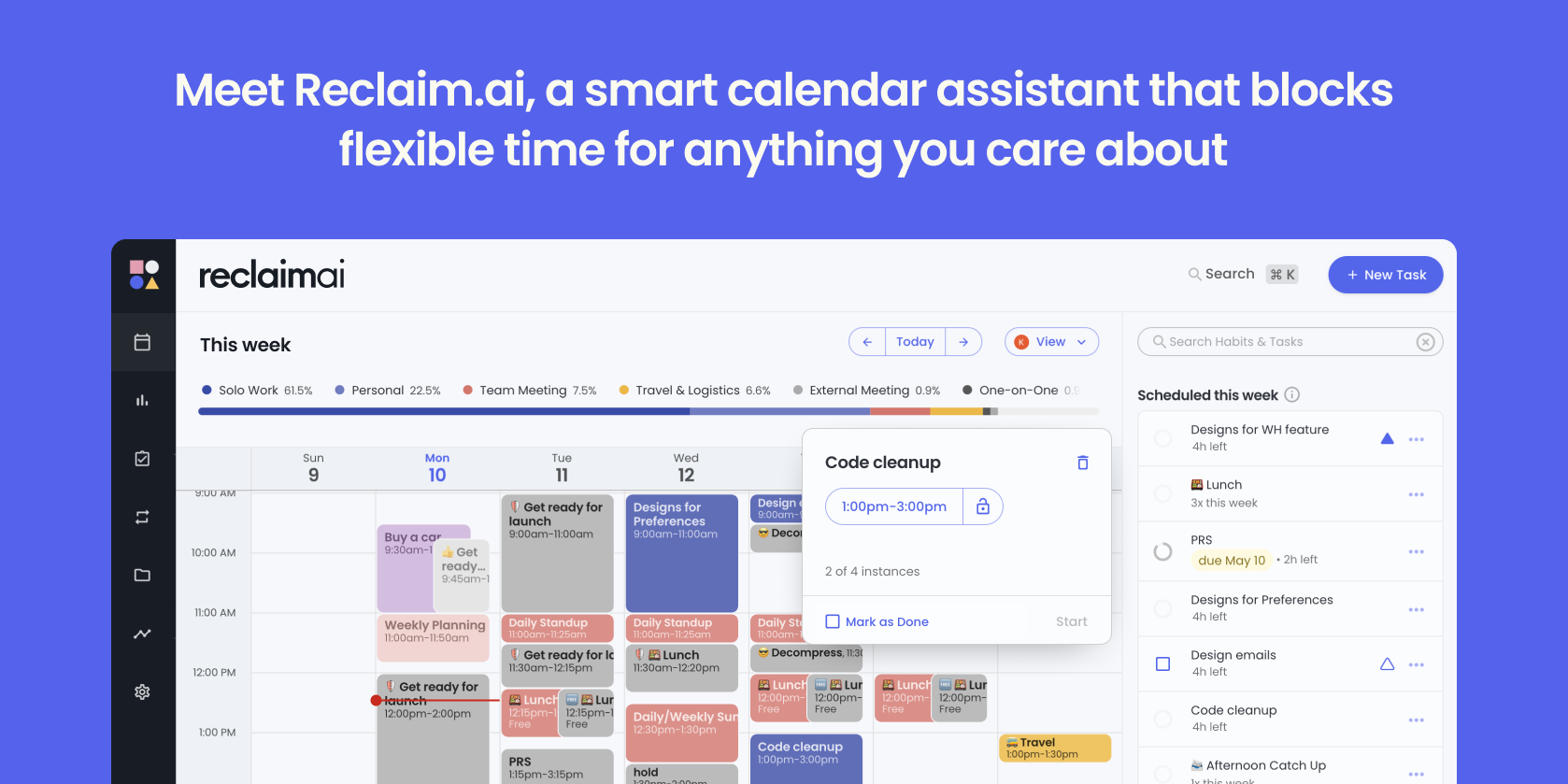
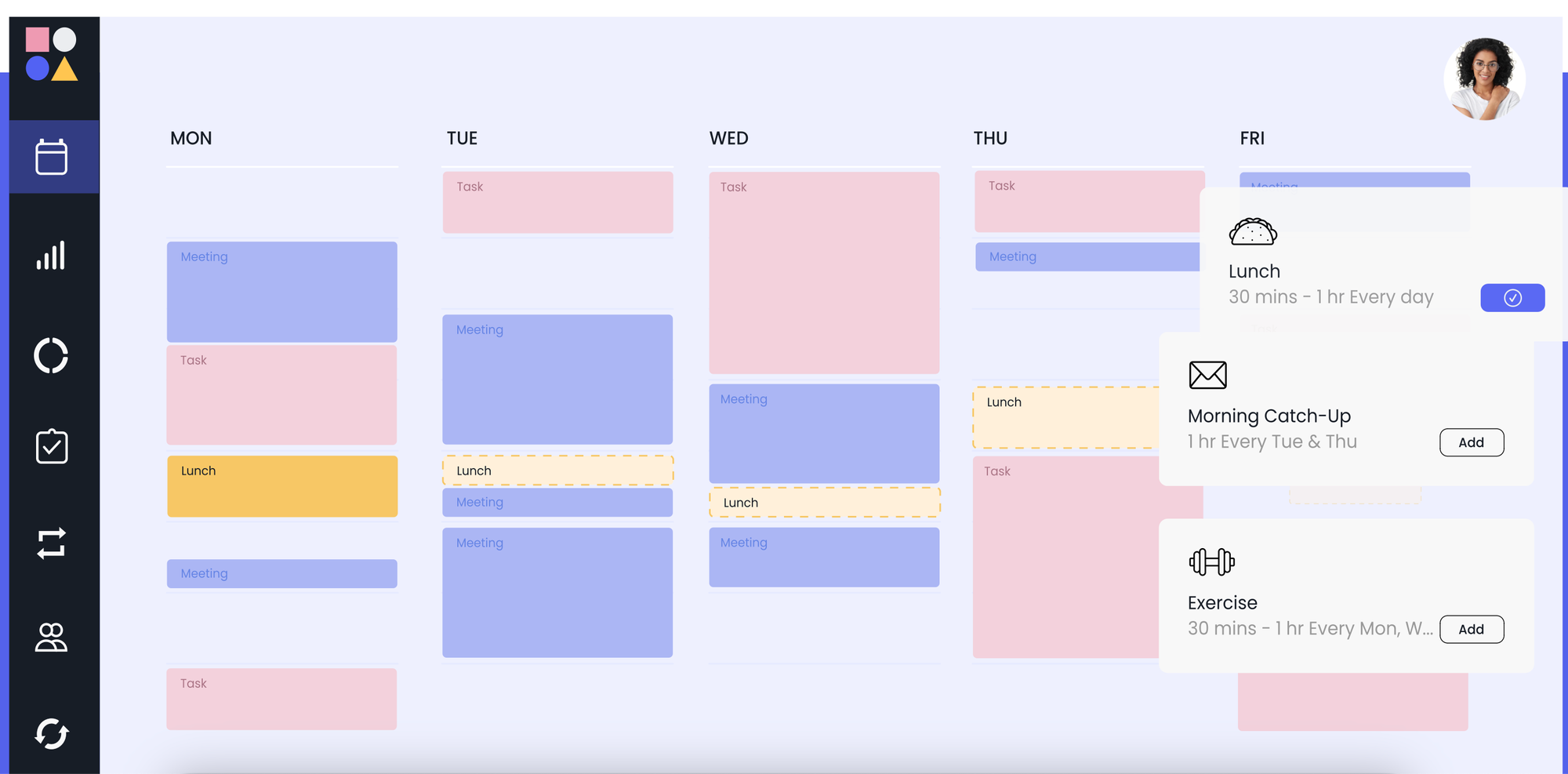
Reclaim.ai is an AI calendar assistant focused on protecting focus time. It automatically schedules habits, tasks, and breaks around meetings. Reclaim works best as a calendar companion, not a full task manager.
Key features
- Smart Meetings that find the best times for groups and auto-reschedule around conflicts
- Focus Time & Buffer blocks to defend deep work and give space between commitments
- Weekly productivity reports and time-tracking analytics to see where your time goes
What I liked
- Smart Meetings save the back-and-forth of scheduling and respect team availability.
- Habit and buffer blocks help protect breaks and routines that people often skip.
What I disliked
- Not a full project manager - it doesn’t replace task boards or docs the way tools like ClickUp or Notion would.
- Some features (like task pull-ins from PM tools) can be basic compared with dedicated apps
- Mobile experience relies on web apps rather than a polished native app in some cases.
Pricing
- Free.
- Plans starting from Personal to Enterprise: ~$10-$22/month
Suitable for
- Teams that need smarter meeting scheduling and cross-calendar planning
- Users who want focus time, habits, and buffer time protected without manual planning
How to start
- Go to Reclaim.ai.
- Connect your calendar (Google or Outlook).
- Define your priorities — tasks, habits, meetings.
Reclaim.ai review (source)
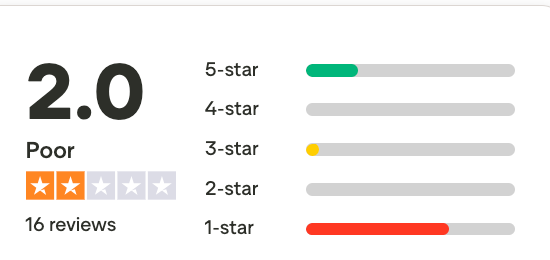
Conclusion: Which Lunatask Alternatives is for you
You’ve seen 16 fresh ways to replace or complement Lunatask. Starting from minimalist outliners to heavy-duty project hubs, so pick the one that fits how you actually get things done.
If you want a single, modern alternative that speeds up daily execution, consider Saner.AI: it’s built for smart daily planning, frictionless capture (voice → brain-dump workflows), and an AI-managed organisation powered by multiple LLM models to keep suggestions relevant and fast.
Stay on top of your work and life
Best Lunatask Alternatives: FAQ
1. Is Lunatask worth it in 2026?
Lunatask is still worth using in 2026 if you want a calm, mental-health-aware productivity tool that combines tasks, habits, and reflection. That said, many users now expect AI support for organising thoughts and planning days, which has led them to explore newer alternatives like Saner.AI.
2. What is the closest alternative to Lunatask?
The closest alternatives to Lunatask are tools that blend task management with personal thinking and self-awareness.
Apps such as AmpleNote, Routine, and Saner.AI follow this direction by connecting notes, tasks, and daily planning instead of treating them separately.
3. Are there free Lunatask alternatives?
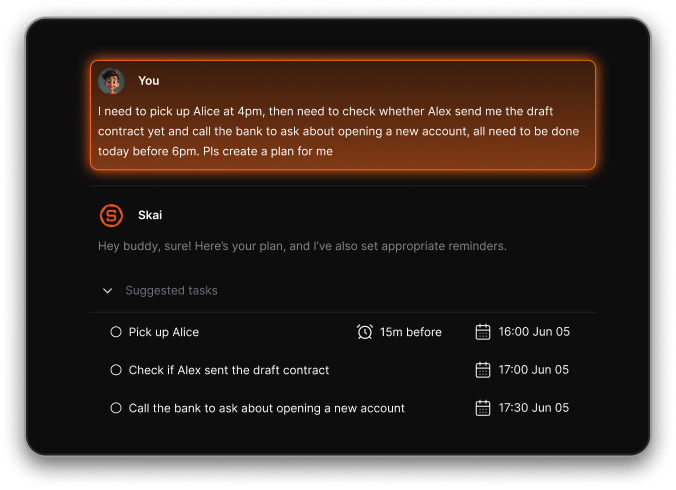
Yes. Several Lunatask alternatives offer free plans or freemium models like Saner.AI. It provides free tiers so users can test frictionless brain-dump workflows before upgrading.
Other alternatives with free plans are Todoist, TickTick, Notion, and Workflowy.
4. Which Lunatask alternative is best for ADHD?
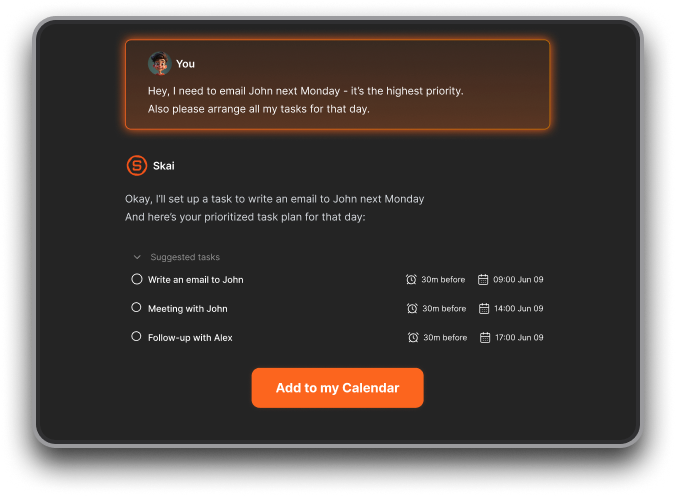
For ADHD users, the best Lunatask alternatives are tools that minimise friction and decision fatigue. Standing out is Saner.AI, which allows flexible planning with important task recognition. Here is how it does it for you:
5. Can Lunatask replace a full task manager?
Lunatask can replace a full task manager for solo users with simple workflows. However, users managing many ideas, notes, and evolving priorities often prefer tools where tasks naturally emerge from thoughts.
6. Does Lunatask work well with modern AI-driven workflows?
Lunatask is designed around intentional, manual planning, which works well for users who enjoy structuring tasks themselves. However, modern AI-driven workflows often prioritise fast capture, automatic organisation, and adaptive daily planning.
7. Are there AI alternatives to Lunatask?
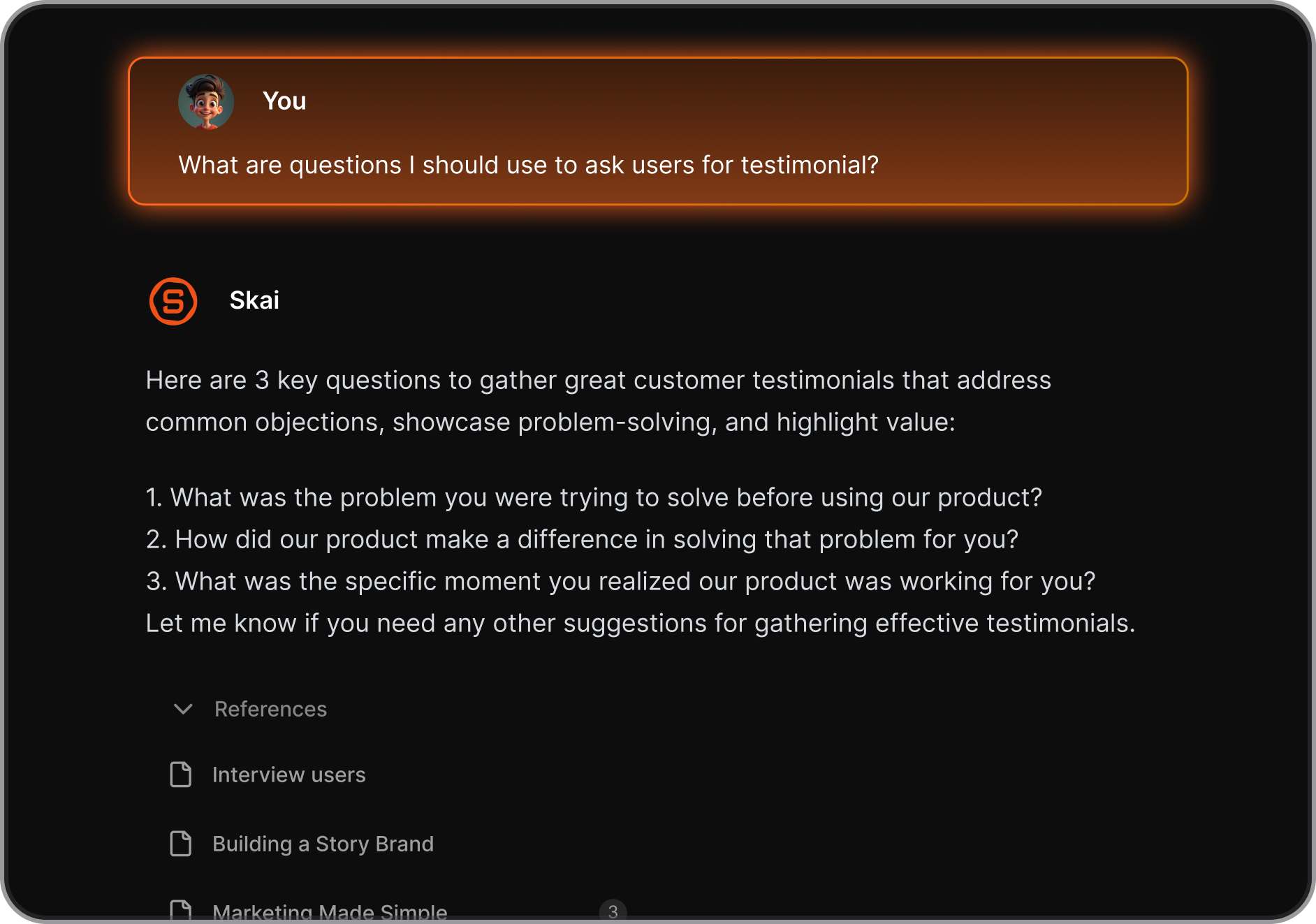
Yes. Many modern alternatives now use AI to help with task prioritisation, daily planning, and automatic organisation. Saner.AI, for example, focuses on letting users freely write or speak ideas while AI turns them into structured tasks and plans.
8. Is Lunatask good for long-term planning?
Lunatask works well for habit-based and personal long-term goals. However, for users who plan long-term through evolving notes, ideas, and projects, tools that combine knowledge capture with planning, like Saner.AI may feel more natural.
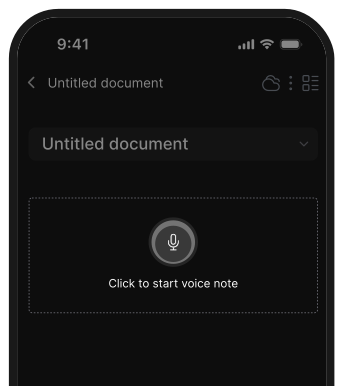
9. What Lunatask alternatives support voice or quick capture?
Some alternatives emphasise instant capture, including voice-to-text and quick brain dumps. AI-first tools like Saner.AI are built specifically for capturing thoughts the moment they appear, then organizing them later automatically.
10. Are Lunatask alternatives better for daily planning?
Most Lunatask alternatives are not direct team replacements, but tools like Notion, ClickUp, or Asana are better suited for collaboration. Saner.AI itself is primarily designed for solo users.
11. Can Lunatask alternatives replace journaling apps?
Some can. Tools that blend notes, reflection, and tasks, such as Saner.AI, allow users to journal and turn insights into actions without switching apps.
12. What’s the difference between Lunatask and AI-first tools?
Lunatask relies on manual structure, while AI-first tools focus on frictionless input first, structure later. With tools like Saner.AI, users don’t need to decide where information belongs - the AI handles that.
13. Are Lunatask alternatives good for creatives?
Yes, especially tools that support idea-heavy workflows. Creatives often prefer apps that let them dump ideas freely and connect them later, which is why AI note-and-taskorganisation tools like Saner.AI are becoming more popular.
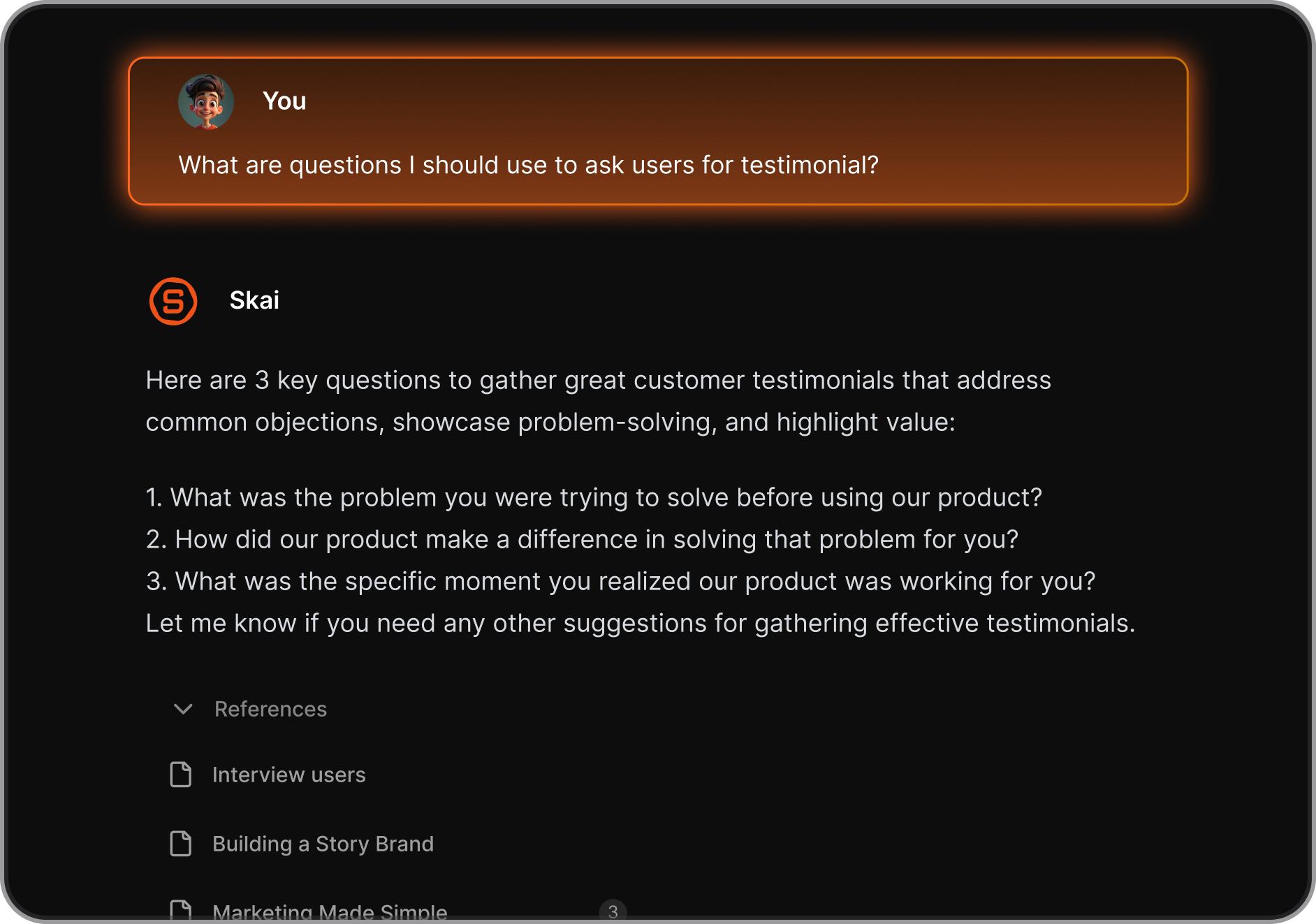
14. What should I look for when choosing a Lunatask alternative?
When choosing a Lunatask alternative, consider:
- How easily you can capture ideas (typing or voice)
- Whether AI helps with organising and planning
- Support for notes, habits, and daily tasks
- How well the tool adapts to your thinking style-
For many users in 2026, tools like Saner.AI stand out by combining smart daily planning, brain dumps, and AI organisation in one place.
Stay on top of your work and life