9 Best Sintra Alternatives We Tested in 2026
The Best Sintra Alternatives are Saner.AI, Manus, Marblism, Genspark, Motion, Notion, Zapier, and Taskade

The 9 Best Sintra Alternatives
The best Sintra alternatives depend on what you actually want AI to do in your business, not on feature lists alone.
While Sintra works well for some teams, many founders and operators look for alternatives due to pricing, rigidity, or a mismatch with how they actually work.
There is no single “best” alternative to Sintra.
There are better fits, depending on whether you want an AI assistant, an AI agent, or an automation layer.
This guide breaks down the best Sintra AI alternatives, compares them honestly, and helps you choose based on real operational use cases, not hype.
1. What is Sintra?
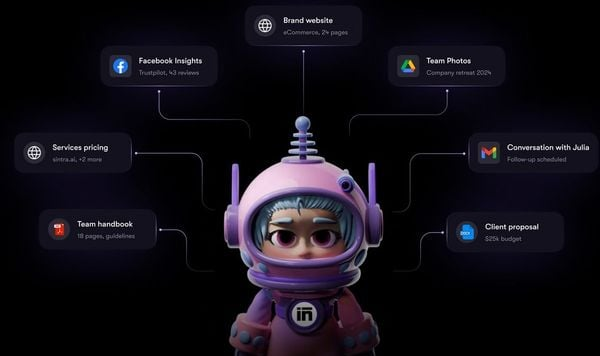
Sintra positions itself as an AI-powered workflow automation platform.
It focuses on connecting tools, orchestrating actions, and helping teams automate operational processes using AI logic. In short, Sintra aims to be an AI layer on top of business operations.
2. Why People Look for Sintra Alternatives
Many users like the idea of Sintra, but still look elsewhere. Common reasons include:
- Too complex for small teams
Sintra can feel heavy if you don’t already have defined workflows. - Not proactive enough
Some users expect AI to plan, suggest, and follow up, not just execute rules. - Pricing vs. actual usage
For early-stage teams, cost can outweigh real value. - Limited flexibility
Power users often want deeper customization or open-ended logic.
These reasons don’t make Sintra “bad.” They simply mean it’s not the right fit for everyone.
3. How to Choose the Right Sintra Alternative?
If you’re evaluating tools like Sintra, start with these decision criteria.
1. Type of AI
- AI Assistant: Helps you think, plan, and decide
- AI Agent: Executes tasks semi-autonomously
- Automation Layer: Connects tools with logic and triggers
Most frustration comes from choosing the wrong category.
2. Level of Proactivity
Ask:
- Does the tool wait for commands?
- Or does it suggest actions and surface priorities?
3. Learning Curve
- No-code ≠ no learning
- Some platforms are powerful but demand setup time
4. Team Size & Role Fit
- Solo founders ≠ Ops teams ≠ RevOps
- Many tools shine only at certain scales
5. Pricing Transparency
- Clear pricing usually signals clearer value
- Watch for “AI credits” complexity
This framework alone filters out 60–70% of bad fits.
Now, let's dive in!
What are the Best Sintra Alternatives?
The Best Sintra Alternatives are Saner.AI, Manus, Marblism, Genspark, Motion, Notion, Zapier, Taskade, and reclaim.ai
🆚 Best Sintra Alternatives Comparison Table [2026]
| 🧠 Tool | 💪 Key Strengths | 🎯 Best For | 💻 Platform | 💰 Pricing |
|---|---|---|---|---|
| Saner.AI | AI-first daily planning, brain-dump → tasks, proactive scheduling, ADHD-friendly workflows | Individuals & teams who want AI to think and plan for them | Web, iOS, Android | Free plan availablePaid from $8/month |
| Manus | Multi-agent AI workflows, autonomous task execution, research & ops automation | Founders & operators running complex AI-driven workflows | Web | Paid plans (from ~$39/month) |
| Marblism | AI-generated internal tools, dashboards, fast app prototyping | Teams needing custom internal tools quickly | Web | Paid (from ~$29/month) |
| Genspark | AI-powered search, auto-generated research pages, multi-source summaries | Knowledge workers & researchers | Web | FreePaid Pro plan |
| Motion | Automatic calendar & task scheduling, time-blocking optimization | Busy professionals with packed calendars | Web, iOS | Paid only, from $34/month |
| Notion | All-in-one docs, databases, collaboration, flexible structure | Teams & individuals needing a customizable workspace | Web, Windows, macOS, iOS, Android | Free planPaid from $10/user/month |
| Zapier | App-to-app automation, triggers & actions, no-code workflows | Automating repetitive business processes | Web | Free planPaid from $19.99/month |
| Taskade | Real-time collaboration, AI-assisted tasks, mind maps | Small teams & remote collaboration | Web, iOS, Android, Desktop | Free planPaid from $8/user/month |
| reclaim.ai | Smart calendar blocking, habit scheduling, work-life balance | Professionals optimizing time & focus | Web, Google Calendar | Free planPaid from $10/user/month |
1. Saner.AI
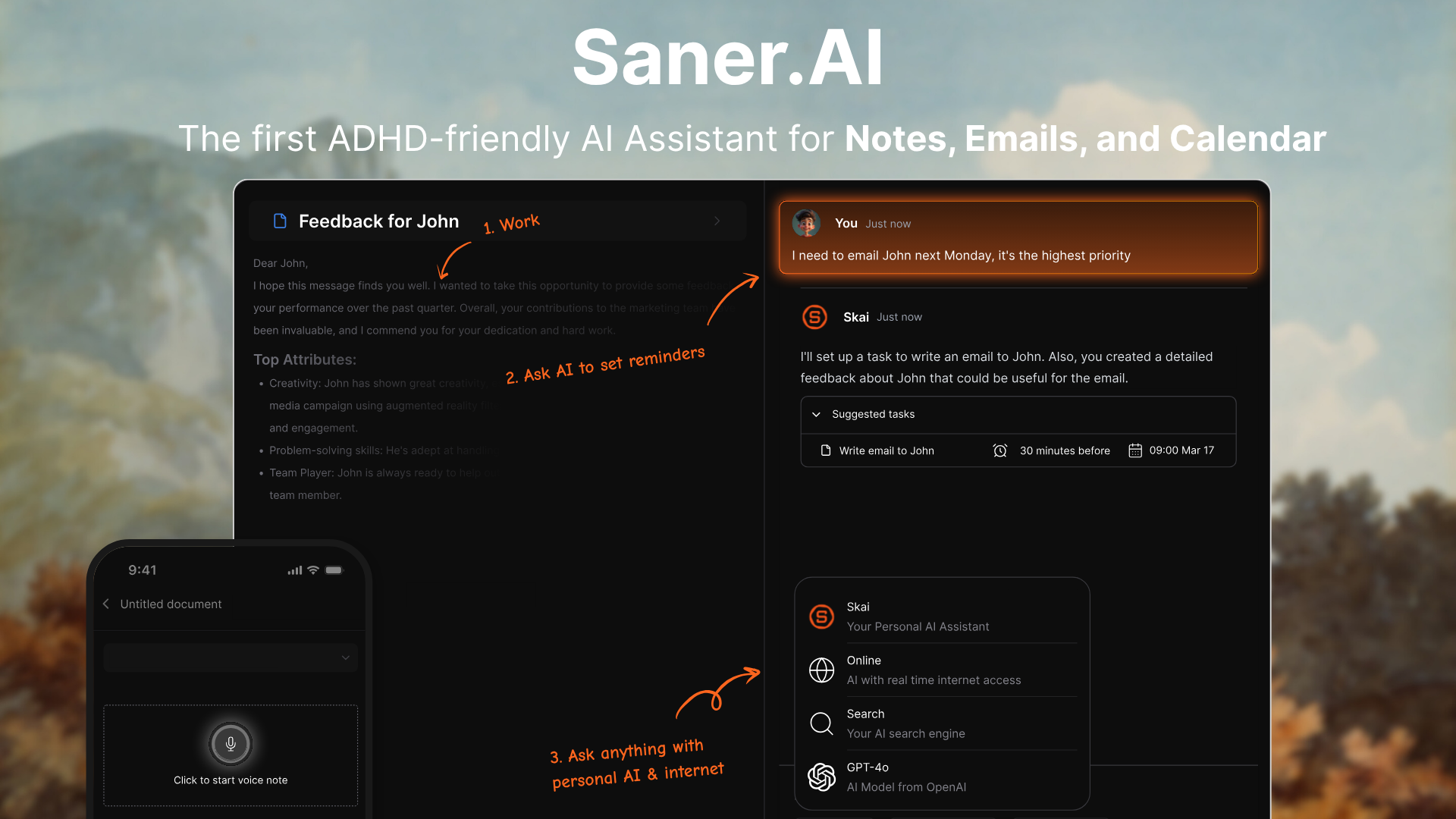
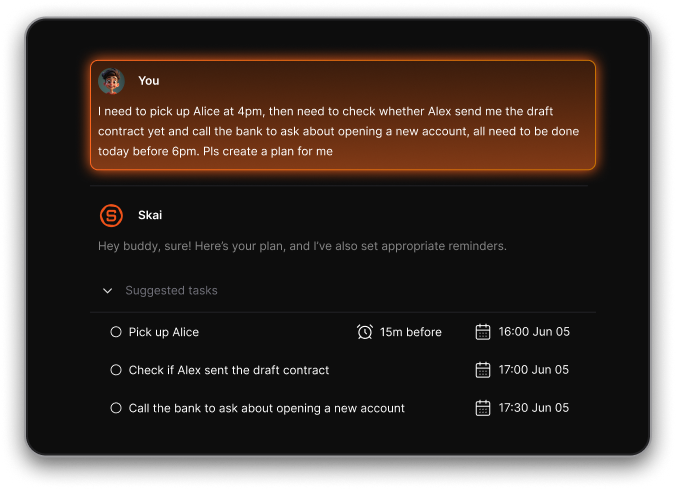
Saner.AI is an AI personal assistant designed to turn messy thoughts into clear tasks and daily plans. You can brain-dump ideas, notes, or voice inputs without organizing them upfront.
The AI automatically structures, prioritizes, and schedules work for you. Unlike agent-based tools, it focuses on helping individuals think clearly and execute consistently. For people evaluating Sintra alternatives, Saner.AI is more about personal clarity than automating teams.
Key features
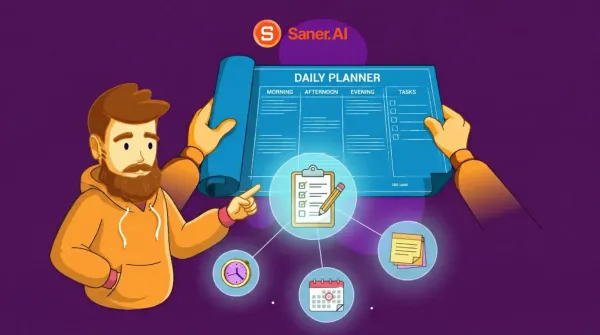
- Each day, the AI reviews your tasks, notes, and deadlines, then suggests a realistic plan. It adjusts as your day changes instead of locking you into rigid schedules.
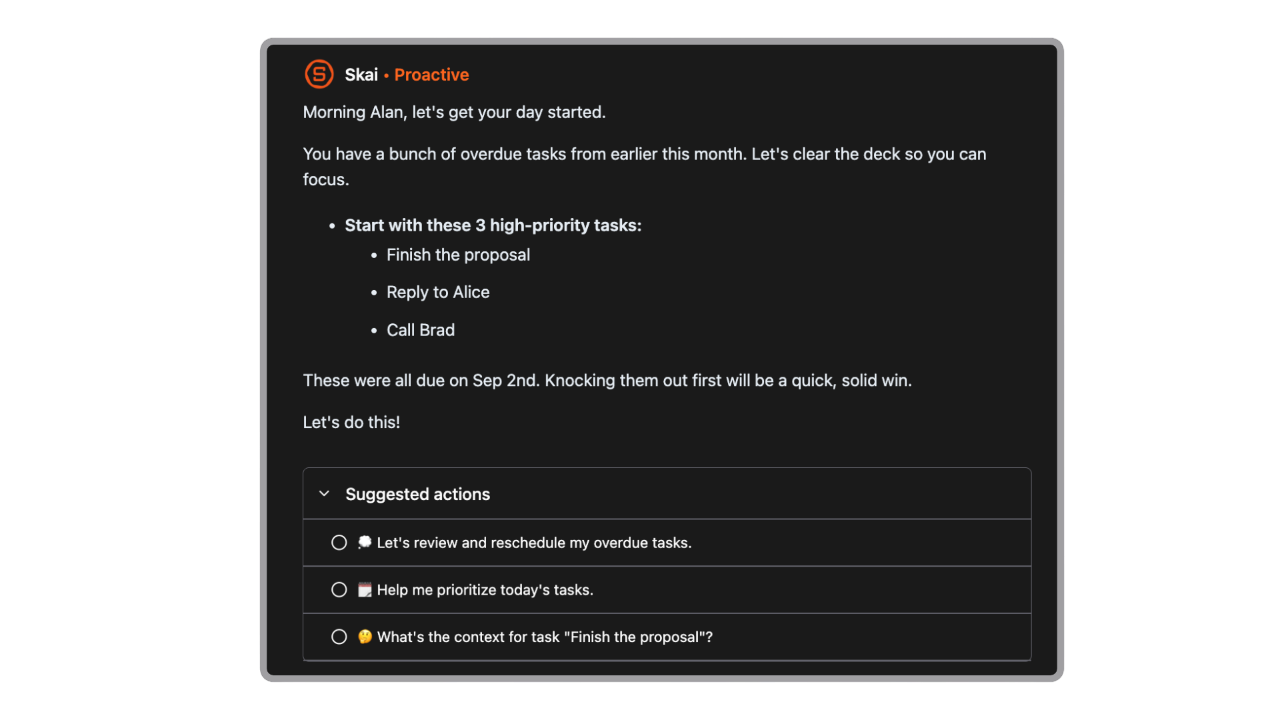
- You can write anything: half ideas, reminders, or random thoughts, and Saner.AI turns them into actionable tasks. No folders, no upfront structure required.
- If you’re stuck, the AI can break large tasks into smaller steps and suggest how to start. This reduces friction, especially for complex or overwhelming work.
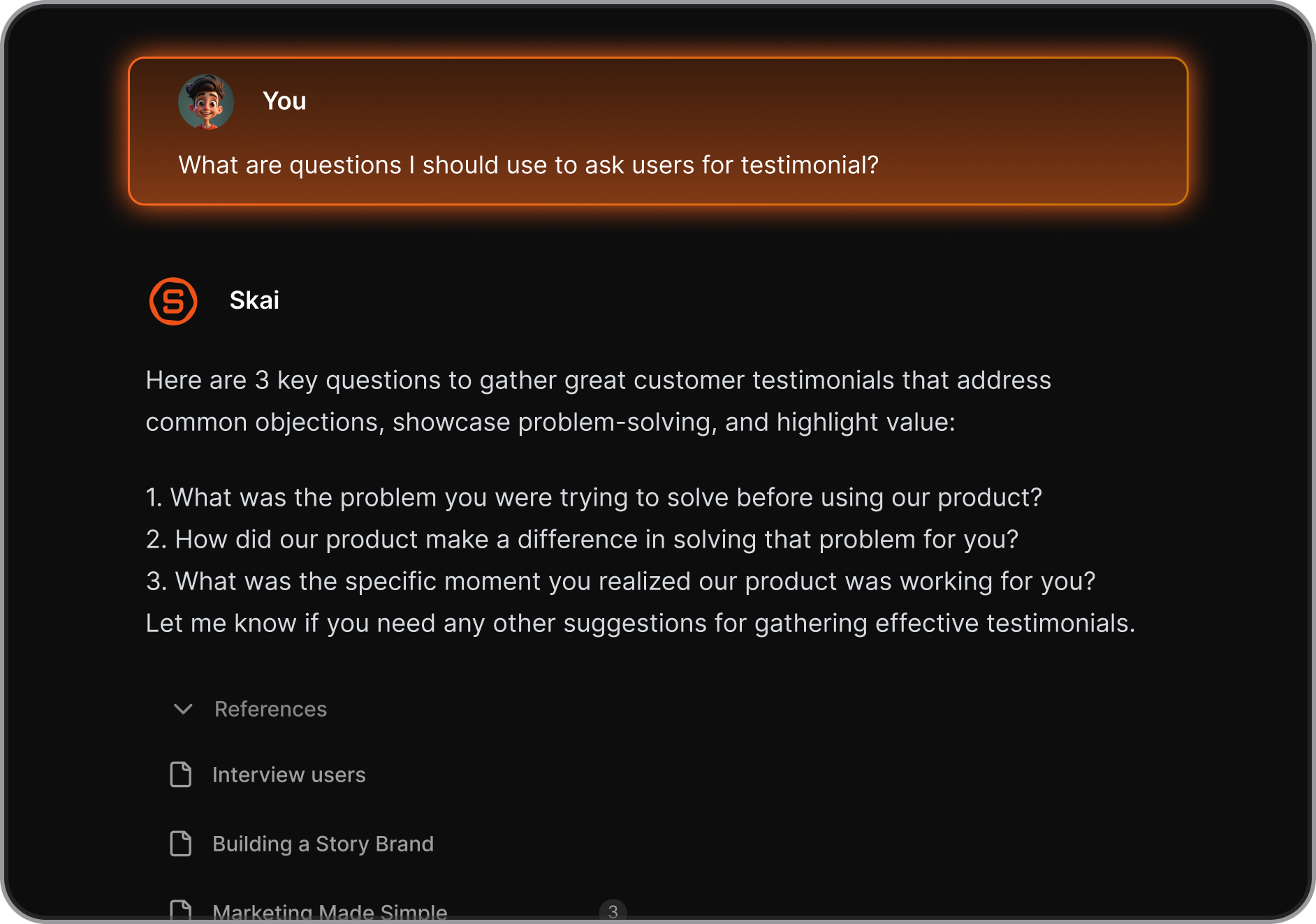
- The product prioritizes low friction, minimal decision-making, and gentle reminders. It’s built for focus and follow-through, not micromanagement.
What I liked
- You don’t need to design workflows or agents before seeing value. Just write things down and let the AI handle organization.
- Planning, prioritization, and follow-ups feel natural and lightweight. It helps you stay focused without adding cognitive load.
- Plans change dynamically based on new inputs or missed tasks. This makes it forgiving for real-world, imperfect workdays.
- It doesn’t try to automate your company, just your thinking and daily execution.
Cons
- If you need multi-agent workflows or shared task execution, this isn’t the right fit.
Pricing
- Free plan available
- Paid plans start around $8–16/month.
Who is it suitable for?
- Individuals who want an AI planning assistant to reduce mental clutter and improve daily execution.
Saner.AI review

How to start using it?
- Create a free account on Saner.AI
- Start by dumping all your tasks and notes in one place and let the AI organize them

Stay on top of your life with the Top Sintra Alternative
2. Manus
Manus is an AI agent platform built to execute multi-step tasks autonomously, not just respond to prompts. You give it a goal, and the agent plans, researches, takes actions, and delivers outcomes across tools.
It’s closer to an “AI operator” than a chatbot. For teams comparing Sintra alternatives, Manus stands out for deep, end-to-end task execution rather than workflow suggestions. It’s designed to do the work, not just assist with it.
Features
- Manus can plan and complete complex tasks such as research, analysis, reporting, and document creation. It decides the steps on its own instead of waiting for constant user input.
- The agent can browse the web, read files, write documents, and chain actions together.
- You define the outcome, not every step. Manus figures out how to get there, which reduces micromanagement.
- It maintains context across long tasks and large inputs, helping it handle projects that span hours rather than minutes.
Pros
- It can replace hours of manual work with a single task instruction. Especially effective for research-heavy or analytical workflows.
- You don’t need to design workflows in advance. The agent reasons through the process itself.
- Works well for strategy, market research, writing, and synthesis tasks.
- Unlike personal planning tools, Manus focuses on output delivery.
Cons
- Users need to think clearly about goals and constraints. It’s less forgiving than lightweight AI assistants.
- The agent may act in ways users didn’t fully anticipate, which can require review and correction.
- Some workflows require retries or refinement, especially for highly specific business rules.
Pricing
- Currently paid access, with pricing typically usage-based or plan-based depending on access tier (often in early or limited-release stages).
Best for
- Individuals or teams who want an AI agent that can autonomously execute complex, multi-step knowledge work.
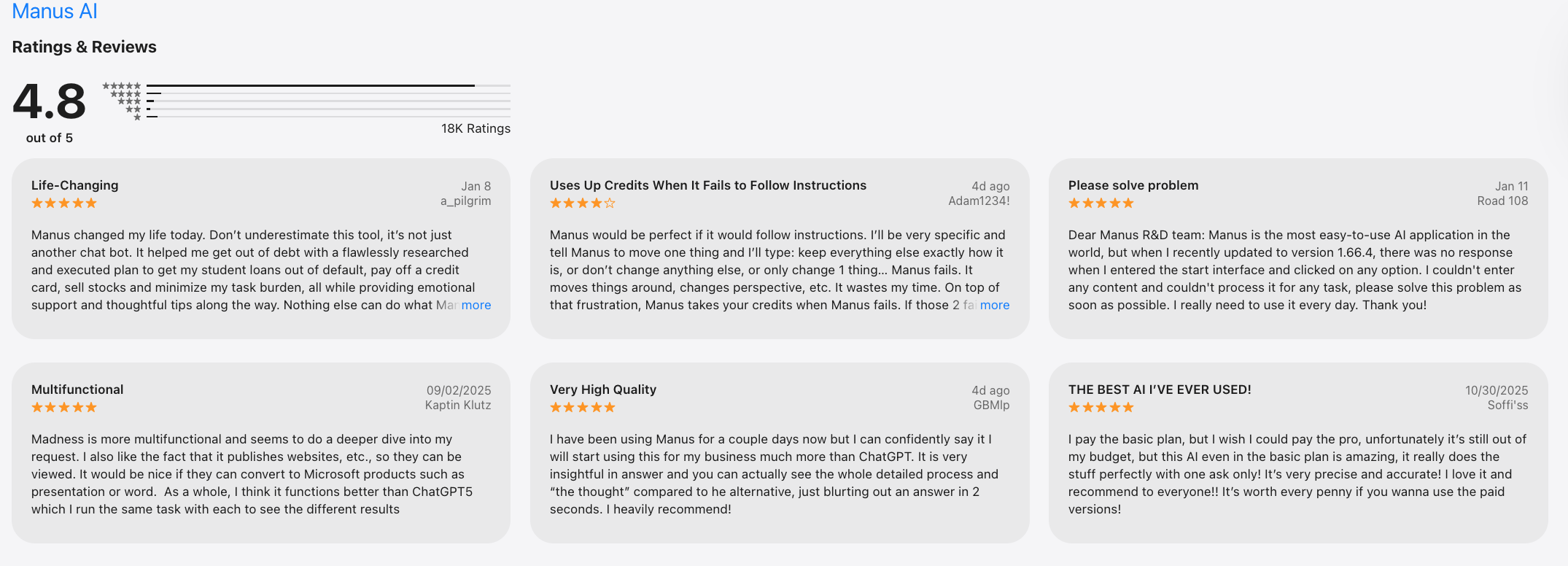
Manus Reviews (Source)
How to get started
- Request access or sign up via the Manus website
- Start with a clearly defined goal and review outputs before using it for critical work
3. Marblism
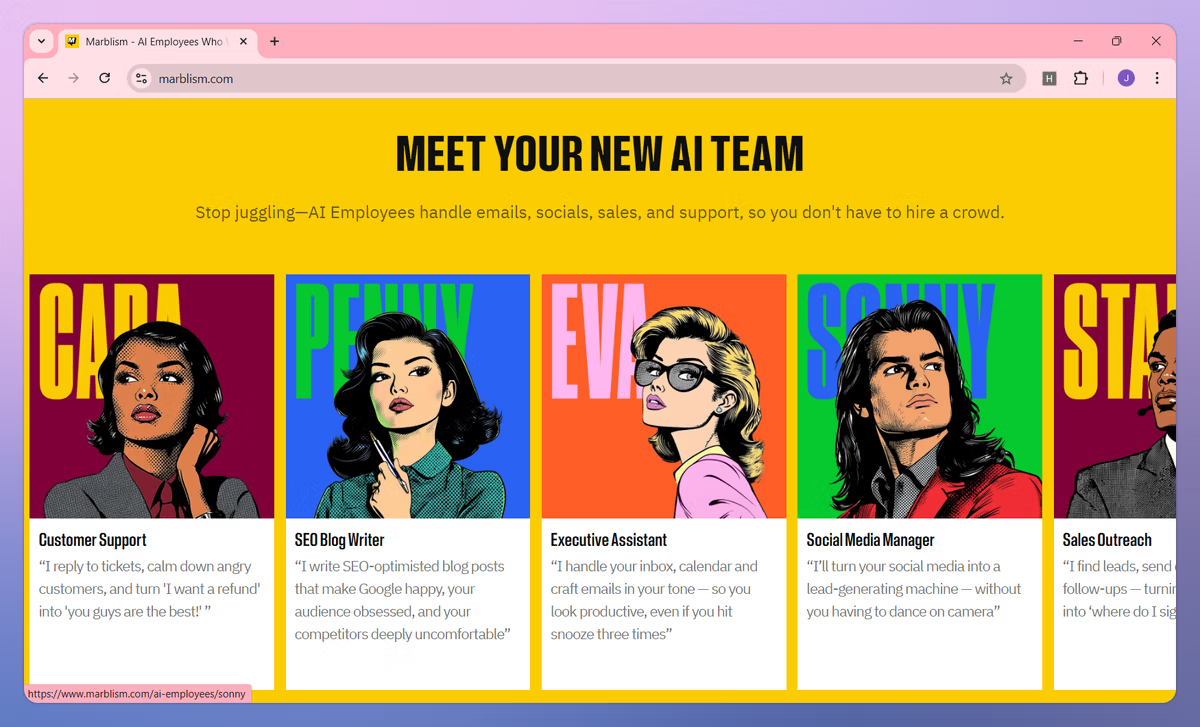
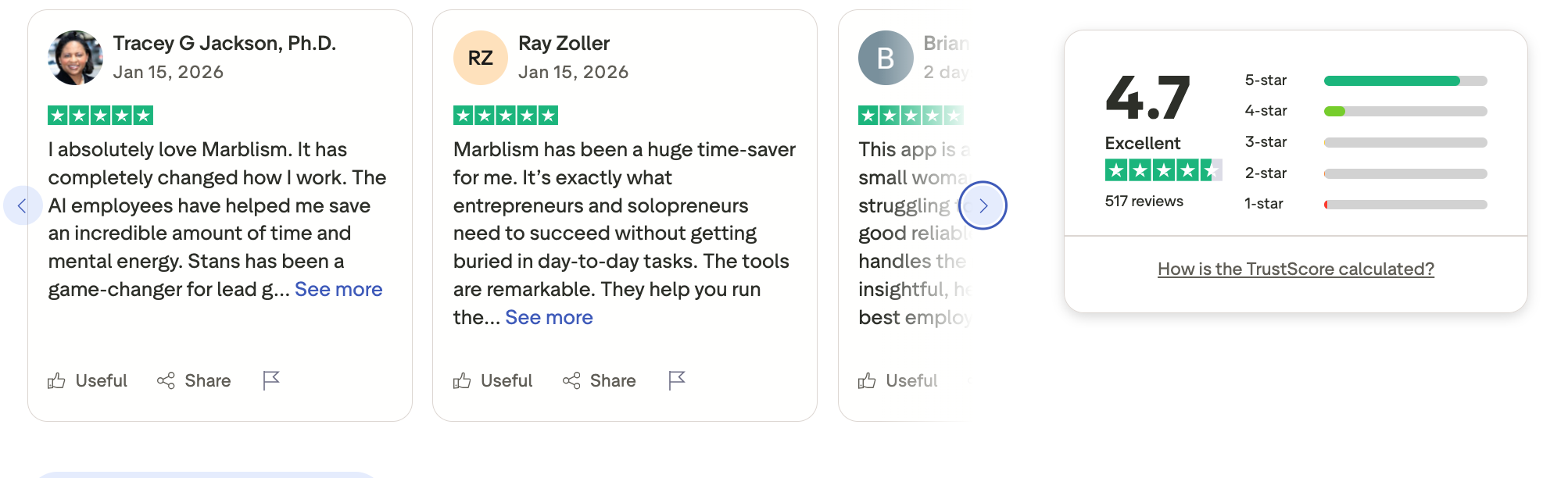
Marblism is an AI employee that gives businesses a team of AI-powered digital workers to handle everyday operational and content tasks. These AI employees can draft emails, manage social posts, write SEO content, generate leads, support customers, and handle admin duties without requiring coding skills.
It’s designed for solopreneurs, small businesses, and teams that want to offload repetitive work and scale output without hiring additional staff. Marblism focuses on executing work rather than just offering writing assistance or suggestions.
Key features
- Marblism provides specialized AI workers (executive assistant, content writer, sales rep, receptionist) each trained for distinct business functions.
- AI can sort your emails, draft replies, and organize your calendar automatically, reducing the manual overhead of daily communication.
- The platform generates blog posts, social media content, and SEO pieces tailored to your voice, helping maintain consistent content output.
- Marblism’s AI sales roles assist with lead research and outreach messaging, aiming to keep pipelines full with less manual effort.
Pros
- It handles diverse tasks across email, content, outreach, and support, acting as a multifaceted digital team.
- No technical expertise or prompt-engineering knowledge is required - AI employees start working quickly with basic setup.
- Plans include unlimited tasks and 24/7 AI support, meaning there’s no cap on output for covered functions.
- Many small business owners report meaningful time savings and quality content that aligns with their brand voice.
Cons
- The AI excels at generating drafts and suggestions, but some tasks still require human review or final adjustments.
- Compared with enterprise tools, integration depth with other systems isn’t as well-detailed publicly, which might limit workflow connectivity for some users.
- Some reviewers note that promises of completely “hands-off” AI may be overstated, and oversight is still recommended for quality control.
Best for
- Small businesses and solopreneurs who want AI to handle routine tasks like communications, content creation, and lead outreach with minimal setup.
Pricing
- Plans start at about $24/month on an annual subscription, $33/month quarterly, or $44/month month-to-month for access to all AI employees; additional seats cost extra each month.
Marblism Reviews (source)
How to get started
- Visit the Marblism website and choose a subscription plan.
- Set up your first AI employees and connect your email or social accounts to begin automating tasks.
4. Motion
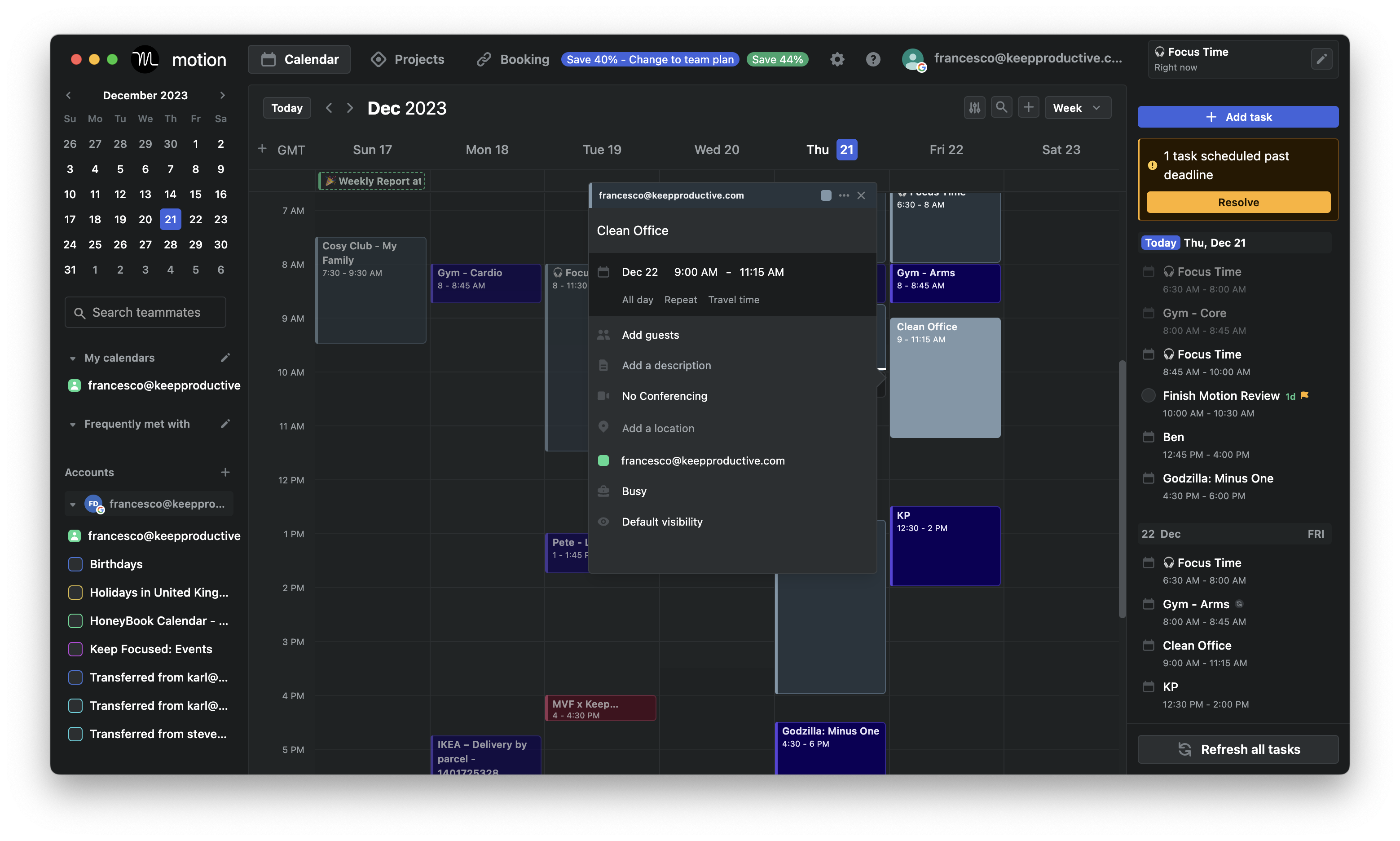
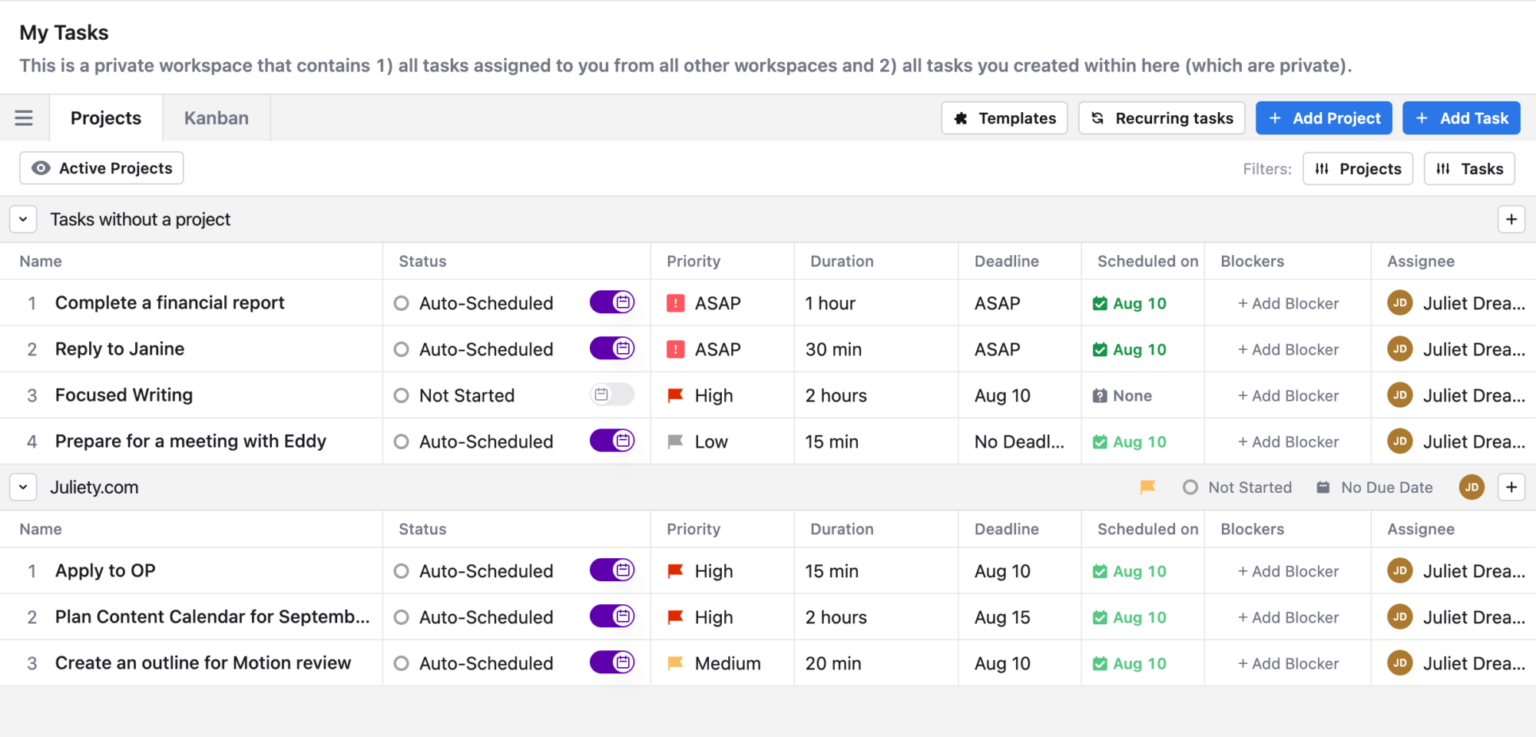
Motion is an AI-powered scheduling and task management tool that automatically plans your day. You add tasks, deadlines, meetings, and priorities, and Motion creates a time-blocked schedule for you.
When things change, it reschedules automatically. Compared to Sintra alternatives, Motion is less about AI agents executing work and more about strict, calendar-driven execution.
Key features
- Motion assigns tasks directly into your calendar based on priority and deadlines.
- When meetings move or tasks are missed, Motion recalculates your schedule in real time.
- Urgent and important work is surfaced automatically. Lower-priority tasks are pushed back without manual sorting.
- It connects deeply with Google Calendar, Outlook, and task lists.
Pros
- If you struggle with overcommitting or poor time estimation, Motion enforces realistic limits.
- You don’t need to decide when to work - only what to work on.
- Works especially well for managers, operators, and people with meeting-heavy schedules.
- The product is opinionated and purpose-built around calendars.
Cons
- Users who prefer flexible or intuitive planning may find it stressful.
- It assumes tasks are already clearly defined. Brain dumps and vague thoughts need manual cleanup.
- A fully packed calendar isn’t motivating for everyone, especially ADHD users.
Pricing:
- Paid only;
- Individual plan around $49/month
Suitable for:
- People who want strict, automatic time-blocking to stay on top of deadlines and meetings.
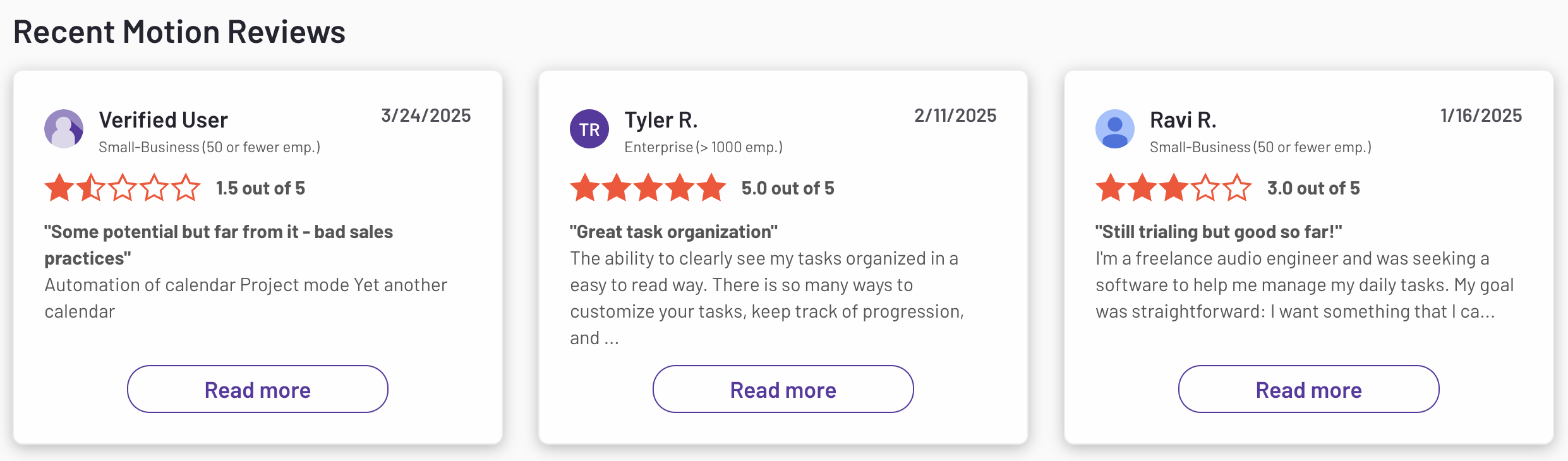
Motion reviews (source)
How to start:
- Sign up and connect your calendar
- Add tasks with priorities and deadlines, then let Motion auto-schedule your day
5. Notion
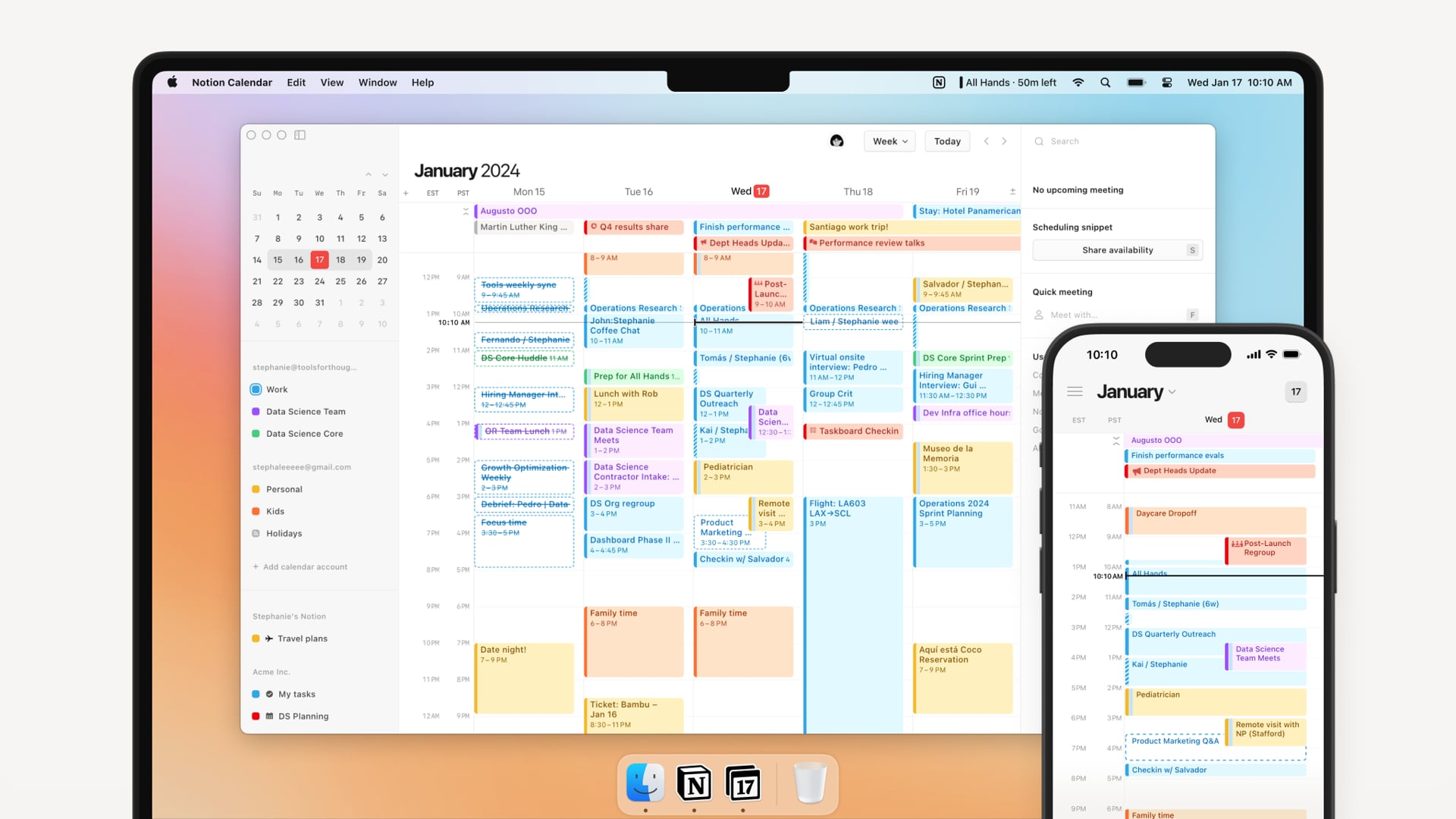
Notion is an all-in-one workspace for notes, documents, tasks, databases, and team collaboration. It lets you build custom pages and systems for almost anything, from personal knowledge bases to company wikis and project trackers.
Compared to Sintra alternatives, Notion is not an AI agent platform but a flexible foundation that teams build workflows on top of. It’s powerful, but most structure comes from the user.
Key features
- Content is built from blocks like text, tables, lists, and embeds. This makes pages flexible and easy to rearrange.
- Tasks, notes, projects, and CRM-style data can all live in databases. Views (table, board, calendar) help adapt data to different use cases.
- Teams can comment, mention, assign tasks, and share pages easily. It works well as a single source of truth.
- AI helps with writing, summarizing, and answering questions inside your workspace.
Pros
- You can model almost any workflow or system if you’re willing to design it.
- Excellent for wikis, SOPs, meeting notes, and knowledge management.
- Thousands of templates reduce setup time and inspire use cases.
- Easy to collaborate with partners or new hires already familiar with Notion.
Cons
- Blank-page flexibility can feel overwhelming, especially for new users.
- Systems break down without consistent upkeep and discipline.
- It stores and tracks work but doesn’t actively plan or push you to act.
- Large databases may lag with heavy usage.
Pricing
- Free plan available
- Paid plans start at $10/month with Notion AI included
Suitable for
- Individuals or teams who want a highly customizable workspace for notes, docs, and structured information.
Notion reviews (source)

How to start
- Create a Notion account and choose a starter template
- Build or adapt pages for notes, tasks, or team documentation
6. Genspark
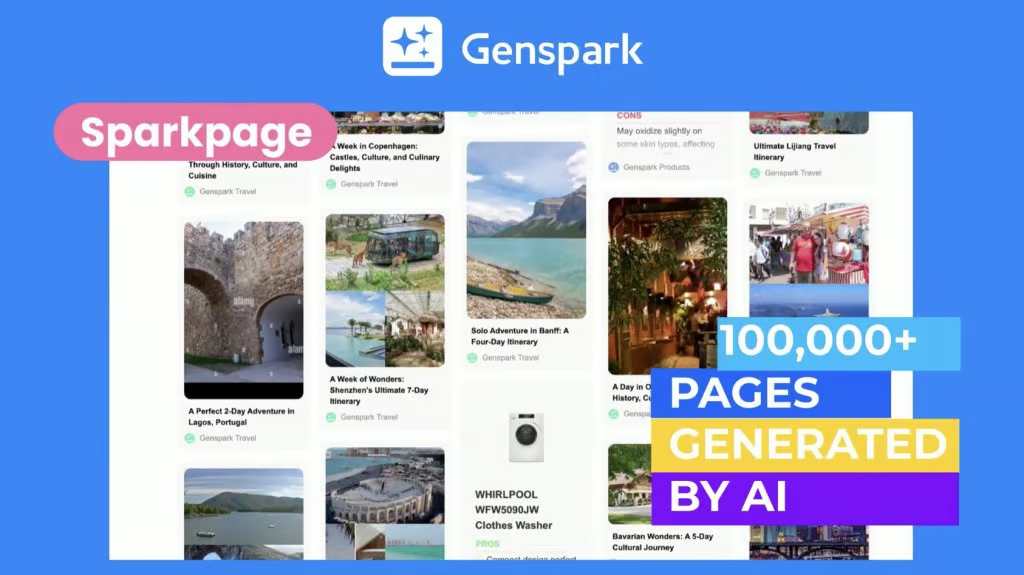
Genspark is an AI-powered research and knowledge synthesis tool designed to answer complex questions using multiple sources at once. Instead of returning a single response, it creates structured “spark pages” that combine summaries, references, and perspectives.
It’s built for exploration, learning, and decision-making rather than task execution. Among Sintra alternatives, Genspark sits firmly in the research-first category, not automation or agents. It helps you understand topics deeply, not run workflows.
Key Features
- Genspark pulls information from many sources and combines them into a single structured output. This reduces the need to open dozens of tabs.
- Results are organized into sections with summaries, subtopics, and citations. This makes complex topics easier to scan and understand.
- You can refine, branch, or deepen questions naturally.
- It shows where information comes from, helping users verify and trust the output.
Pros
- Great for market research, comparisons, and learning new domains quickly.
- Outputs feel closer to a research brief than a casual conversation.
- Less fluff, more synthesized insight compared to generic AI answers.
- Saves time when researching unfamiliar or broad topics.
Cons
- It doesn’t take actions, automate tasks, or manage workflows.
- Results are informative but not tailored to your personal tasks or goals.
- Less useful for daily work management or follow-ups.
- Niche or very new topics may have thinner coverage.
Best for
- People who need fast, structured research and topic understanding without manual searching.
Pricing
- Free access
- Paid plans start at 25$/month
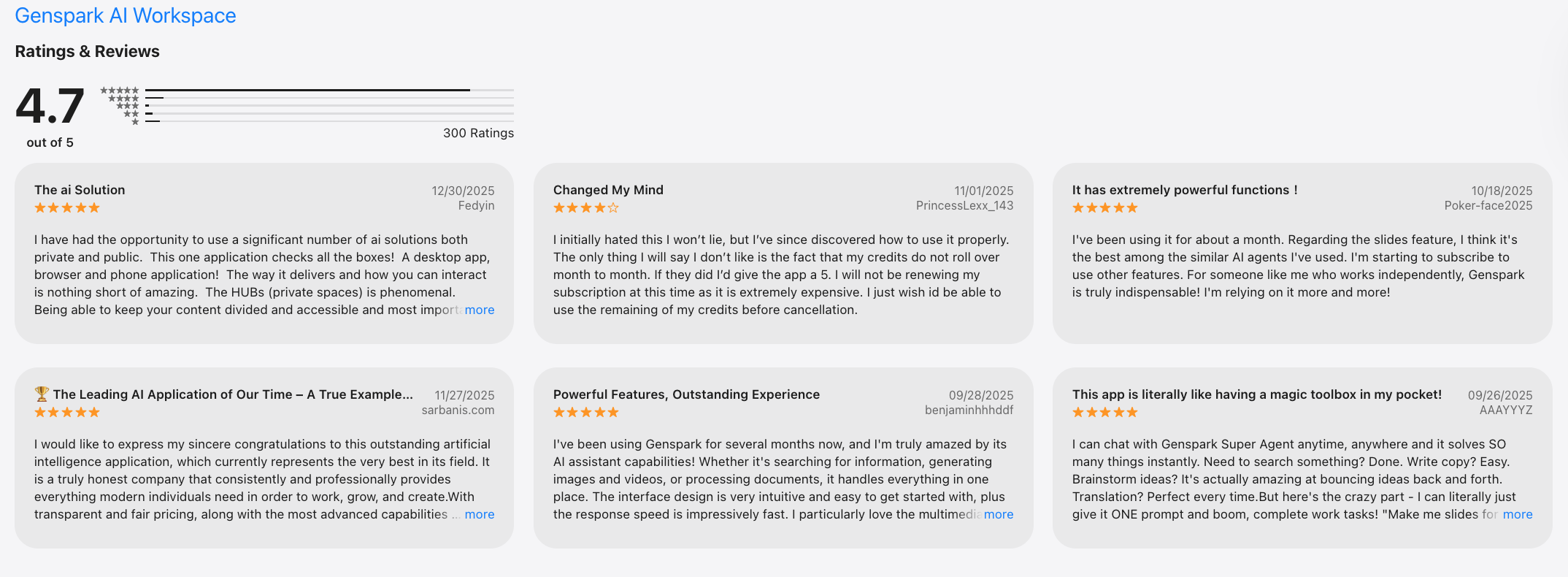
Genspark reviews (source)
How to get started
- Visit Genspark and sign up
- Start with a broad question, then refine it using follow-up prompts
7. Zapier
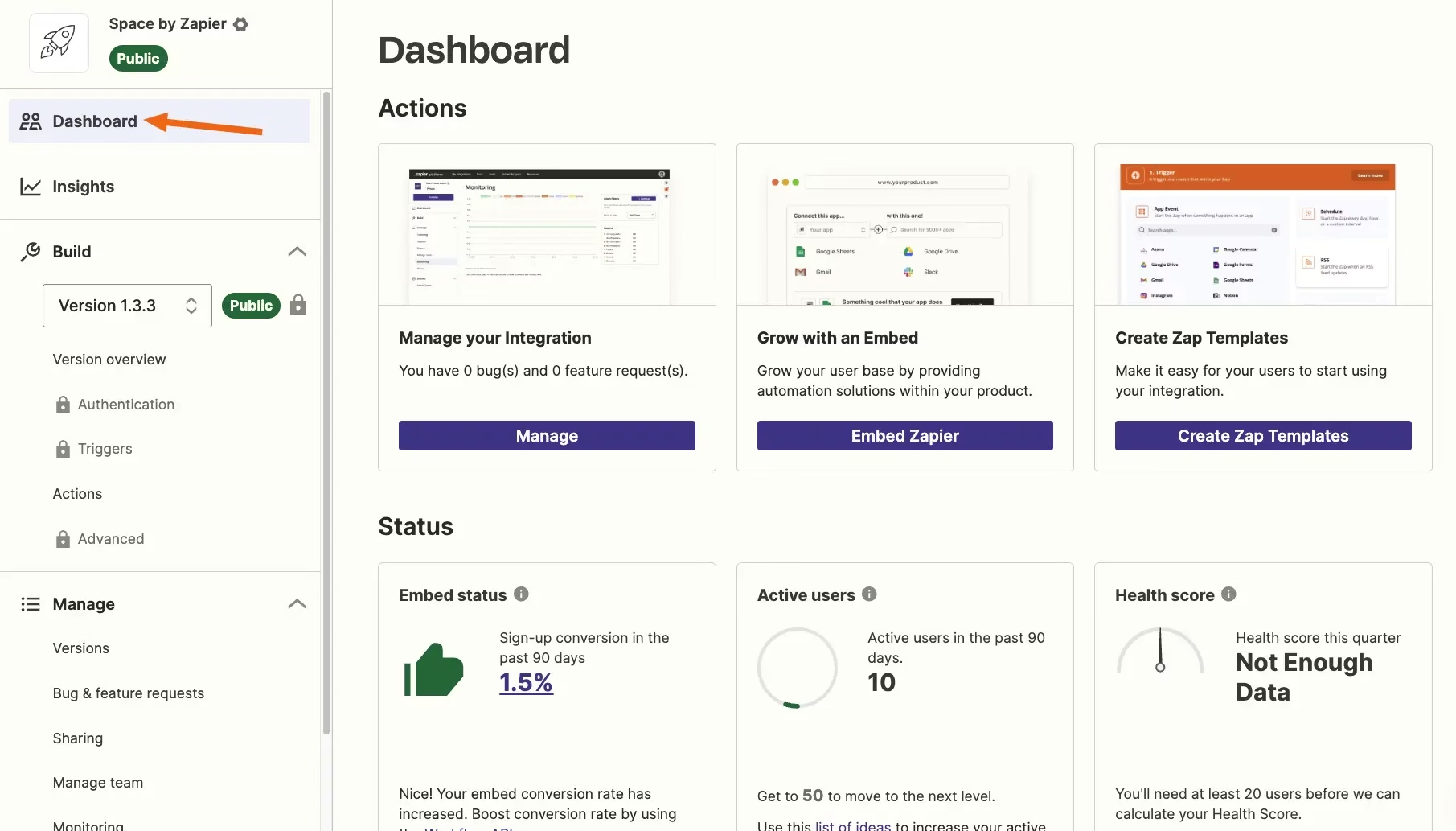
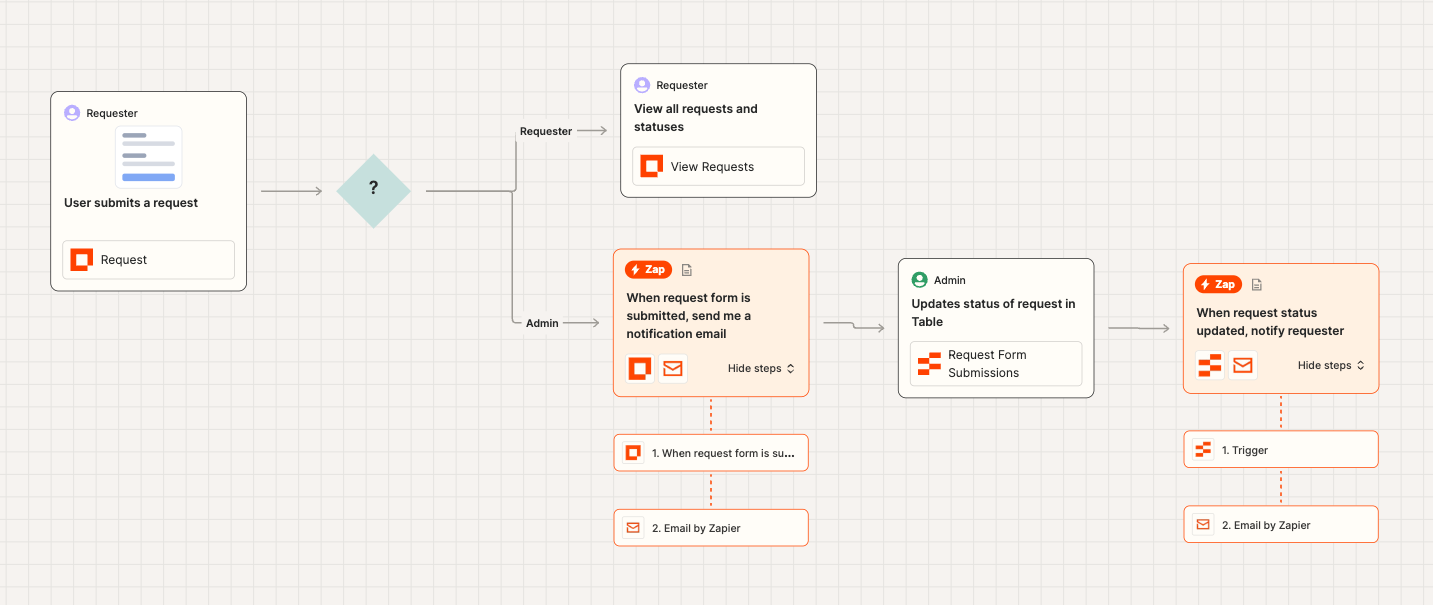
Zapier is a no-code automation platform that connects apps and automates workflows between them. Instead of AI agents thinking autonomously, Zapier executes predefined rules when triggers happen.
It’s logic-driven rather than goal-driven. For people comparing Sintra alternatives, Zapier is about reliability and scale, not intelligence or reasoning. It works quietly in the background once set up.
Key features
- You define rules like “when X happens, do Y.” This makes repetitive tasks run automatically without manual input.
- Supports thousands of tools across CRM, email, marketing, finance, and ops. It’s one of the widest integration platforms available.
- Complex workflows can include branching logic, delays, and conditions. This allows fairly advanced automation without code.
- AI helps suggest workflows, but execution remains rule-based, not autonomous.
Pros
- Once configured, workflows run consistently with minimal errors.
- Works with almost any SaaS tool teams already use.
- Suitable for ops-heavy teams with high automation volume.
- Easy to understand what will happen and why.
Cons
- Zapier doesn’t reason or adapt; it only follows rules.
- Large workflows require careful logic design and maintenance.
- Task-based pricing can scale quickly.
- Not ideal for research, planning, or decision-making tasks.
Pricing
- Free plan available.
- Paid plans start around $20–30/month, scaling by tasks.
Suitable for
- Students, researchers, and thinkers who like linked or Zettelkasten-style notes
- Teams needing lightweight shared notes
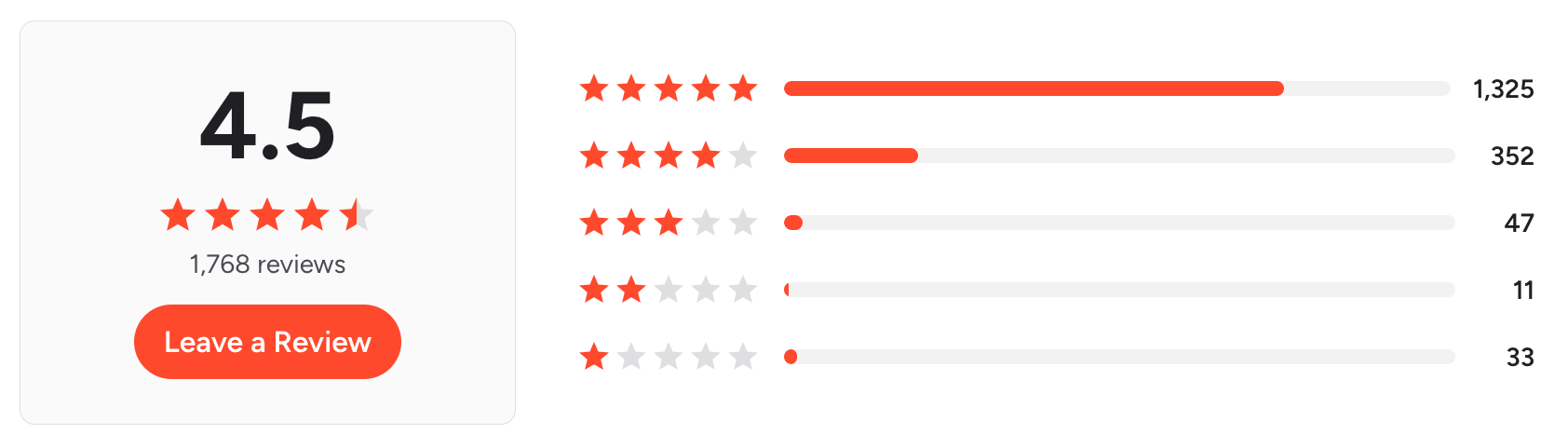
Zapier Reviews (source)
How to get started
- Create a Zapier account
- Choose a trigger app and build your first automation (“Zap”)
8. Taskade
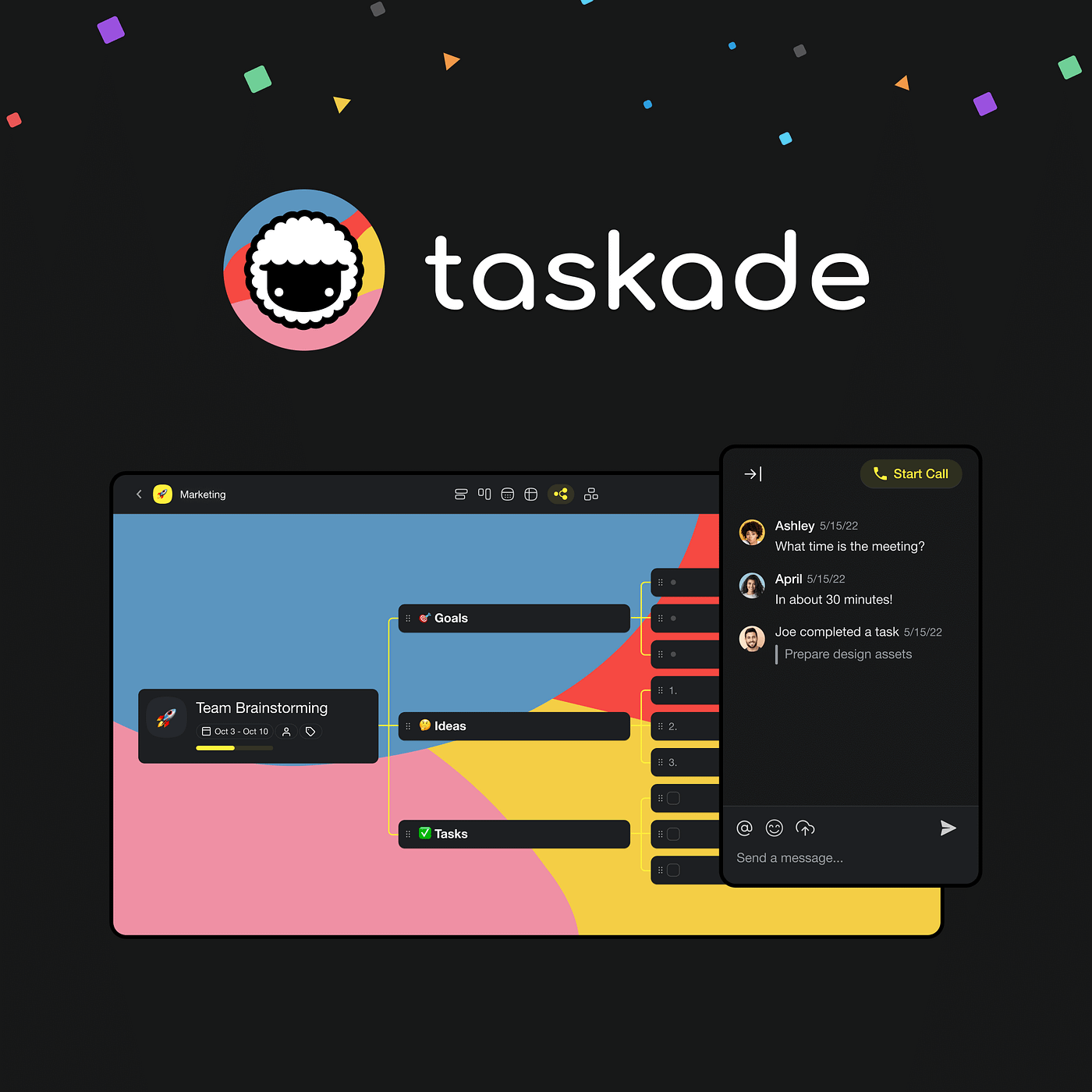
Taskade is a collaborative task management tool that combines tasks, notes, chat, and AI assistants in one workspace. It helps individuals and teams plan work, brainstorm ideas, and track execution together.
AI is embedded to support writing, structuring, and planning, rather than running tasks autonomously. Compared to Sintra alternatives, Taskade focuses more on collaboration and clarity than full automation.
Key features
- You can generate task lists, project plans, and outlines from simple prompts. This helps teams move from idea to structure quickly.
- Tasks can be viewed as lists, boards, mind maps, or calendars. This flexibility supports different thinking and working styles.
- Chat, comments, and real-time editing live alongside tasks. Teams don’t need to switch tools to discuss work.
- AI helps with brainstorming, summarizing, and rewriting content inside projects. It assists rather than autonomously executes workflows.
Pros
- Teams can start using it immediately with minimal setup or configuration.
- Works for planning, documentation, and task tracking without feeling rigid.
- Useful for content creation, meeting notes, and project planning.
- Pricing is competitive compared to heavier productivity platforms.
Cons
- AI does not independently run or manage workflows end-to-end.
- Advanced ops or cross-tool automation may outgrow Taskade.
- Scheduling and calendar enforcement are lighter than dedicated planning tools.
- Vague inputs lead to less useful results.
Best for
- Teams that want AI-assisted task management and collaboration in a simple, shared workspace.
Pricing
- Free plan available; paid plans start around $8–20/month, depending on features and billing cycle.
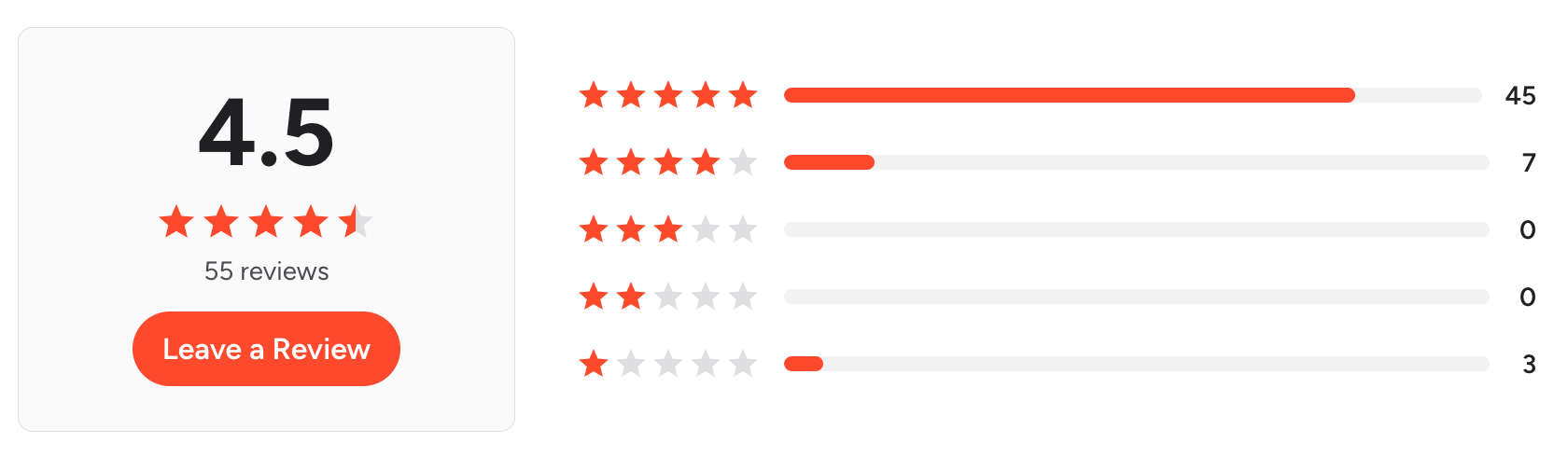
Taskade reviews (source)
How to get started
- Create a Taskade workspace
- Start a project and use AI to generate tasks or outlines
9. Reclaim.ai

Reclaim.ai is an AI scheduling assistant that automatically plans tasks, habits, and focus time around your calendar. It connects to your existing calendar and continuously adjusts schedules when meetings change.
The goal is to protect deep work time without manual planning. Compared to Sintra alternatives, Reclaim.ai focuses strictly on time optimization, not task execution or autonomous agents.
Key features
- Tasks and habits are scheduled directly into your calendar based on priority and availability.
- Reclaim intelligently defends focus blocks and reschedules them if meetings interfere.
- When deadlines shift or meetings move, the AI recalculates your plan automatically.
- It considers working hours, shared calendars, and availability, making it useful in collaborative environments.
Pros
- Helps reclaim time that usually gets eaten by meetings.
- Once connected, it runs mostly in the background.
- Feels more forgiving than hard time-boxing tools.
- Especially useful for teams coordinating across calendars.

Cons
- It schedules tasks but doesn’t help complete or break them down.
- Vague or poorly defined tasks reduce effectiveness.
- Not designed for brainstorming or planning from scratch.
- Less useful if you don’t primarily work from a calendar.
Best for
- Professionals who want AI to automatically protect focus time and optimize busy calendars.
Pricing
- Free plan available; paid plans start around $8–10/user/month, depending on billing cycle.
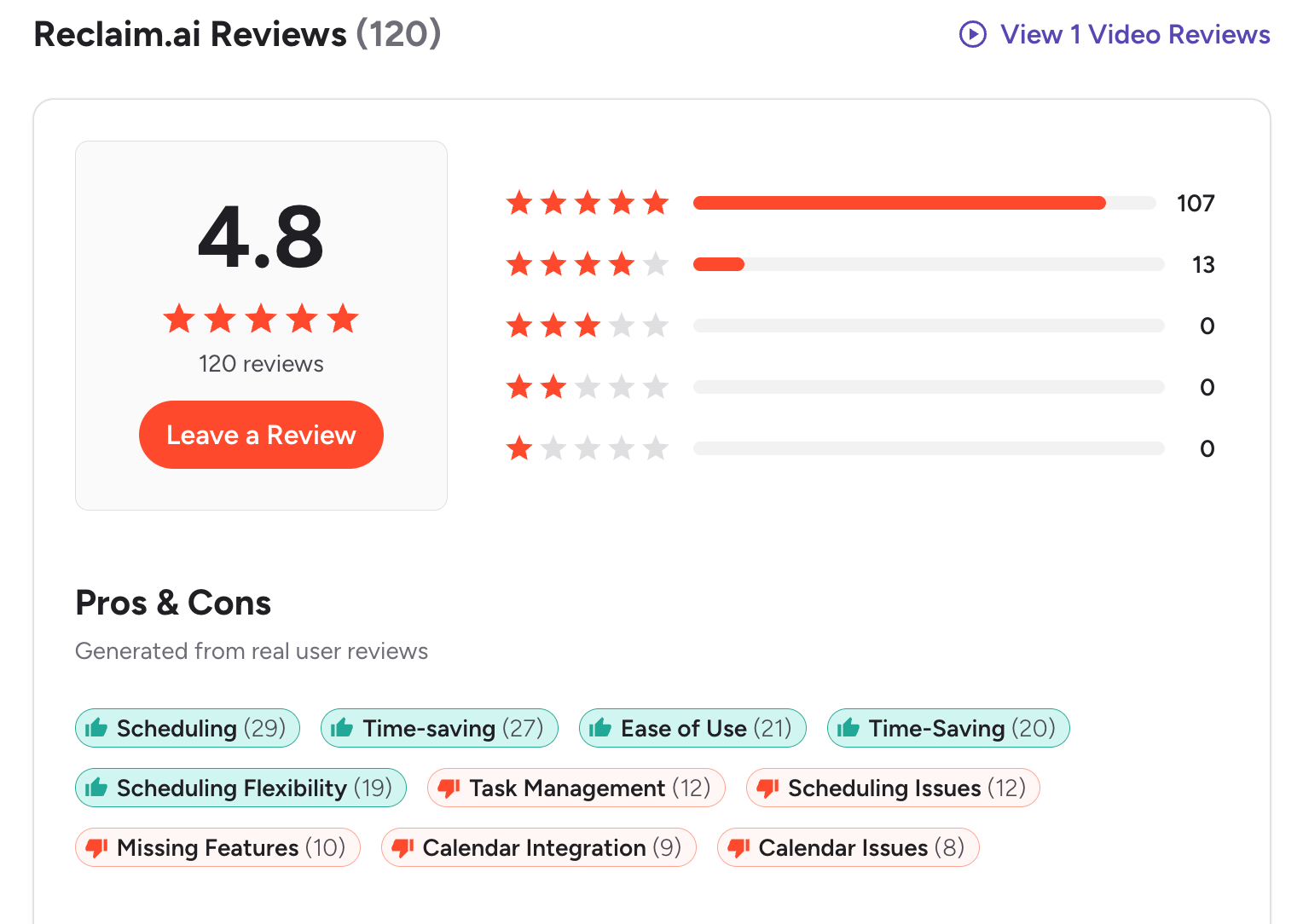
Reclaim.ai reviews (source)
How to get started
- Connect Google Calendar or Outlook
- Add tasks and habits and let Reclaim.ai schedule them automatically
🏁 Conclusion: Which Sintra Alternative Is Best for You?
There’s no single “best” tool among Sintra alternatives - because work styles, energy levels, and mental load look very different from one person to another.
- Some people want an AI that actively plans their day and reduces decision fatigue that’s where Saner.AI clearly stands out.
- Others prefer AI agents that automate workflows behind the scenes, like Manus, Zapier, or reclaim.ai.
- Some teams lean toward structured collaboration tools such as Taskade or Notion, while others explore newer AI-driven platforms like Marblism, Genspark, or time-optimization tools like Motion.
The real question isn’t which Sintra alternative is the most powerful. It’s which one fits your workflow and mental bandwidth.
Our practical recommendation:
- ✨ Test 2–3 Sintra AI alternatives from different categories (personal assistant, AI agent, planning tool)
- 🧪 Use them in real work: planning, emails, meetings, content, and task breakdown
- 🧠 Measure energy saved, not just minutes saved
If a tool helps you feel calmer, more focused, and less scattered. That’s the right choice.
👇 Want a strong starting point?
Begin with Saner.AI if you’re looking for a proactive, context-aware personal assistant that quietly organizes your day and reduces cognitive overload - not another dashboard to manage.
The AI Assistant that organizes your day
FAQ: Best Sintra Alternatives (2026)
1. What are the best Sintra alternatives?
The best Sintra alternatives are tools that help automate workflows, manage tasks, or act as AI assistants without requiring heavy setup. Popular options include Saner.AI, Manus, Marblism, Genspark, Motion, Notion, Zapier, Taskade, and Reclaim.ai.
The “best” choice depends on whether you want AI agents, automation, or a calmer personal productivity system.
2. Why do people look for Sintra alternatives?
Most users search for Sintra alternatives because they want:
- Less setup and configuration
- More personal, day-to-day task support
- Better calendar or task follow-through
- A simpler experience than multi-agent workflows
This is why many compare Sintra with personal AI tools and AI planners, not just automation platforms.
3. Is Sintra more similar to AI agents or productivity tools?
Sintra leans toward AI agents for business workflows.
Many Sintra alternatives, like Saner.AI or Motion, focus instead on personal productivity, daily planning, and task execution rather than managing multiple autonomous agents.
4. What is the best Sintra alternative for individual productivity?
If your goal is managing your own work, not deploying agents, Saner.AI is often considered one of the best Sintra alternatives. It works like a personal GPT that turns messy notes, thoughts, and messages into clear tasks and daily plans - without complex automations.
5. How is Saner.AI different from Sintra?
Sintra focuses on delegating tasks to AI agents.
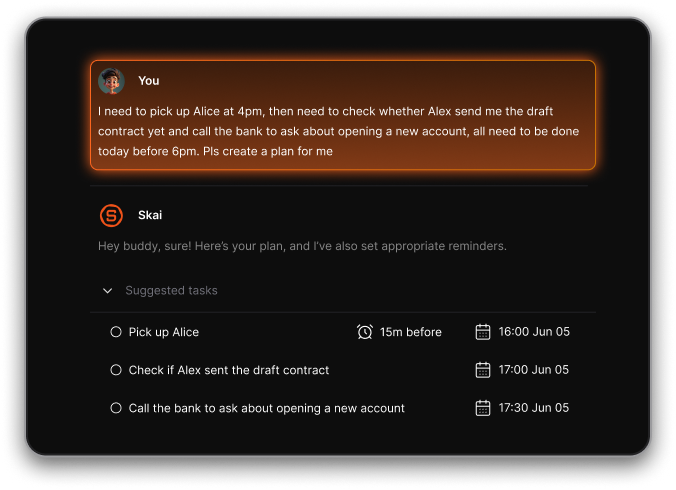
Saner.AI focuses on helping you think, plan, and follow through:
- Brain dump → tasks
- Notes → reminders
- Calendar → realistic daily plans
It’s designed for humans doing the work, not supervising agents.
6. Are there free Sintra alternatives?
Yes. Several Sintra alternatives offer free plans:
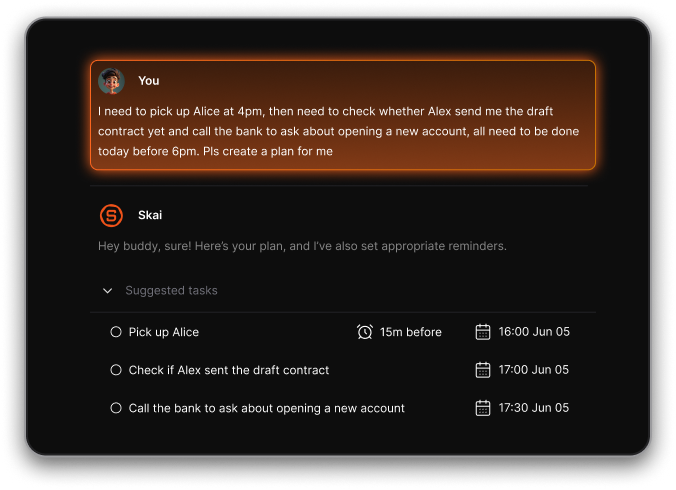
- Saner.AI - Free plan with AI task capture, reminders, and calendar sync
- Taskade - Free tier for teams and individuals
- Notion - Free workspace with limited AI usage
This makes them easier to try before committing.
7. What’s the best Sintra alternative for scheduling?
If scheduling is your priority:
- Saner.AI - Suggests plans based on your real workload and notes
- Motion - Auto-schedules tasks based on urgency
- Reclaim.ai - Dynamically blocks time on your calendar
Saner is often preferred when context matters more than strict time blocking.
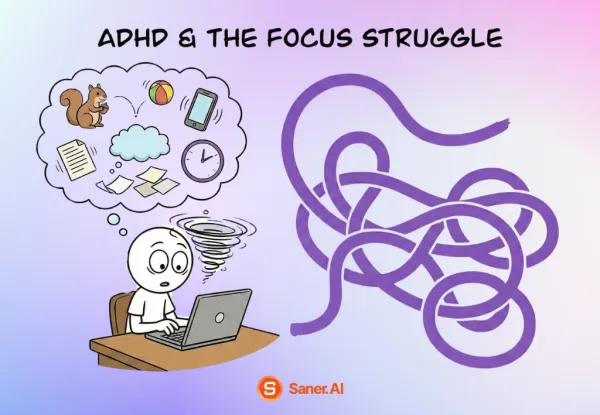
8. Which Sintra alternative is best for ADHD or overwhelmed users?
Many ADHD users prefer Saner.AI because it:
- Reduces context switching
- Doesn’t rely on rigid systems or tags
- Turns unstructured thoughts into actions automatically
This makes it one of the calmer Sintra alternatives for everyday work.
9. What is the best Sintra alternative for founders?
For founders and solo operators:
- Saner.AI helps manage ideas, tasks, and follow-ups in one place
- Motion helps protect focus time
- Zapier helps automate repetitive ops
Saner is often chosen when thinking and execution are the main bottlenecks.
10. Can Sintra alternatives replace multiple productivity apps?
Yes. Some Sintra alternatives aim to reduce tool sprawl:
- Saner.AI combines notes, tasks, reminders, and planning
- Motion replaces manual calendar planning
- Taskade combines tasks and collaboration
This is a key reason people move away from Sintra-style agent stacks.
11. Do Sintra alternatives use Personal GPTs?
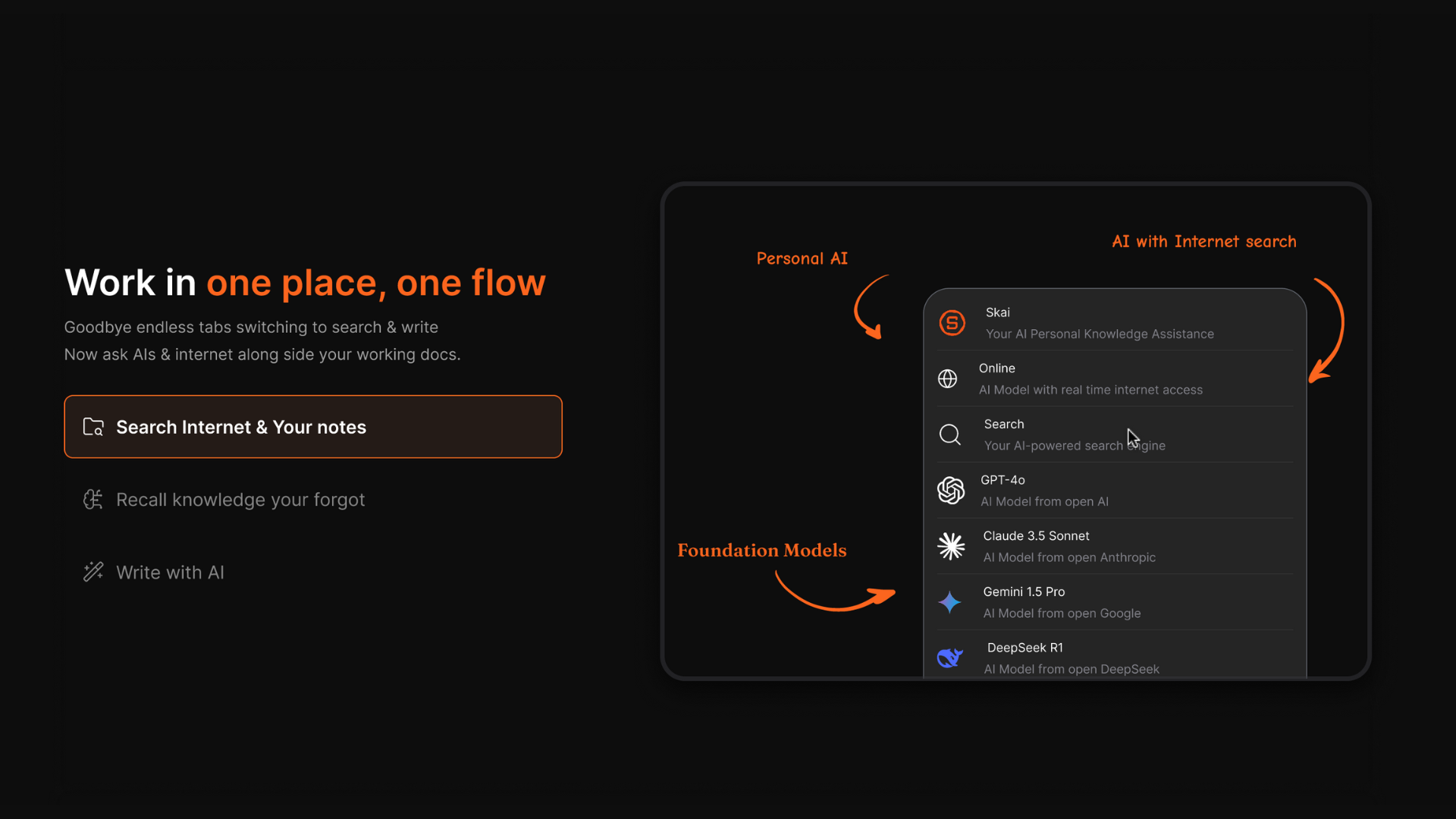
Some do. A Personal GPT is an AI assistant that understands your context—notes, tasks, and schedule-and responds through conversation.
Saner.AI is a strong example of a Personal GPT-style Sintra alternative focused on daily productivity.
12. Are Sintra alternatives better for small teams?
Often, yes. Tools like Taskade, Notion, and Saner.AI are easier for small teams because they:
- Require less setup
- Are easier to onboard
- Focus on execution instead of agent orchestration
Sintra is usually better suited for ops-heavy workflows.
13. Which Sintra alternative should I try first?
If you want:
- Simple, human-friendly productivity → Saner.AI
- AI agents & automation → Manus, Zapier
- Calendar-driven planning → Motion, Reclaim.ai
Trying one tool that matches your real workflow is often better than managing multiple AI agents.
Stay on top of your work and life