Superlist Alternatives: We Tested the Best 6 Apps (Free)


Let’s be real: for an ADHD brain, a shiny new productivity tool is like dopamine candy. We see it, we obsess over it, we set it up perfectly... and then we abandon it three days later because the maintenance feels like a chore.
But here is the hard truth: sometimes, "beautiful" isn't enough. If you have ADHD, you don't just need a list; you need a tool that reduces friction, handles your chaotic thought process, and doesn't punish you for falling behind.
If you find Superlist a bit too rigid or just not "clicking" with your workflow, you aren't alone.
Here are the 6 best Superlist alternatives specifically curated for busy professionals in 2026.
1. What is Superlist?
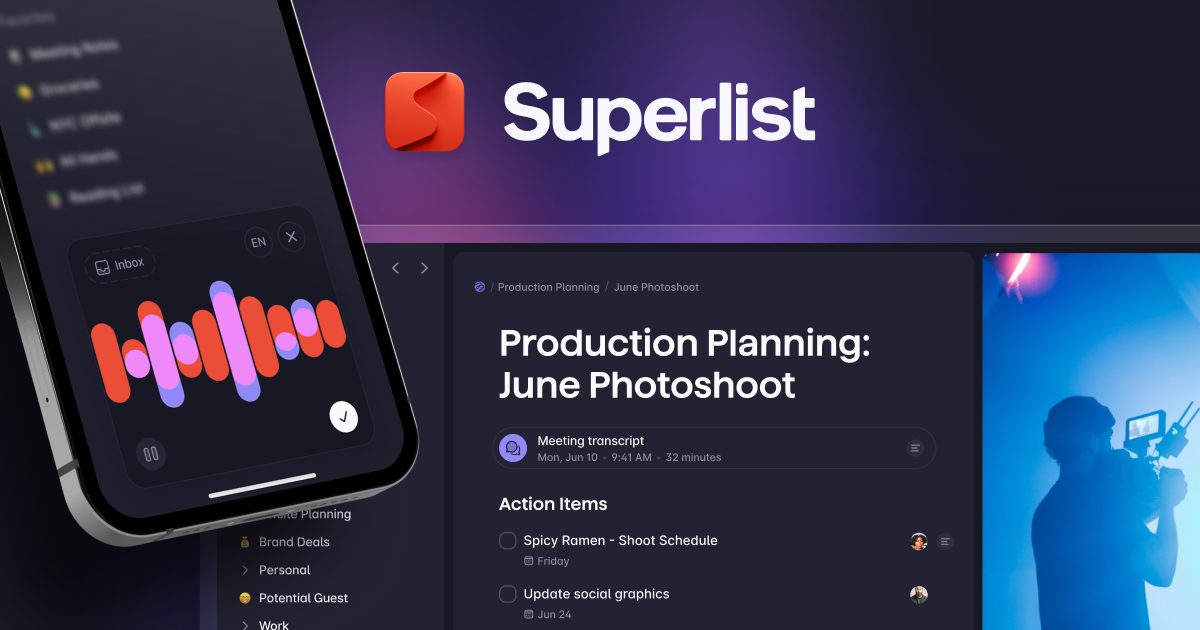
Superlist is a modern task management app designed for teams and individuals who want a fast, collaborative, and visually clean to-do experience. It combines task lists, real-time collaboration, and cross-platform sync, positioning itself as a next-generation alternative to traditional tools.
2. Why are people looking for Superlist Alternatives?
Over time, some users begin looking for Superlist alternatives as their needs grow beyond simple task lists.
- One common reason is limited flexibility. Superlist can feel restrictive for users who want more advanced workflows, recurring planning systems, or deeper customization.
- Some users also outgrow Superlist when they need better calendar, email, or tool integrations. Without strong connections to calendars, notes, or communication tools, tasks can become disconnected from real schedules and daily context.
- Finally, team and scaling limitations push people to look elsewhere.
Now, let's dive in!
What are the Best SuperList Alternatives?
The Best Superlist Alternatives are Saner.AI, Todoist, Notion, Things 3, Microsoft Todo, and TickTick
SuperList Alternatives Comparison Table: Best in 2026
| 📌 App | 🎯 Primary Focus | 🛠️ Core Strengths | 💰 Pricing | 📱 Platforms | 👍 Best For |
|---|---|---|---|---|---|
| Saner.AI | AI-assisted task + life management | AI organizes tasks, notes, calendar, and emails together | Freemium + paid tiers | Web, iOS, Android | Users who want AI to reduce mental overload and prioritize automatically |
| Todoist | Classic to-do list & task manager | Fast task capture, labels, filters, recurring tasks | Free + paid plans | Web, iOS, Android, macOS, Windows | People who want a reliable, simple task manager |
| Notion | All-in-one workspace | Highly flexible pages, databases, and task systems | Free + paid plans | Web, iOS, Android, macOS, Windows | Users who like building custom systems |
| Things 3 | Personal task manager (Apple-only) | Clean design, smooth daily planning, nested tasks | One-time purchase | iOS, iPadOS, macOS | Apple users who value simplicity and polish |
| Microsoft To Do | Simple task lists & daily planning | Tight Outlook integration, “My Day” feature | Free | Web, iOS, Android, Windows | Microsoft ecosystem users who need basic task tracking |
| TickTick | Task manager + productivity tools | Tasks, calendar view, habits, Pomodoro timer | Free + paid plans | Web, iOS, Android, macOS, Windows | Users who want tasks plus light planning features |
1. Saner.AI
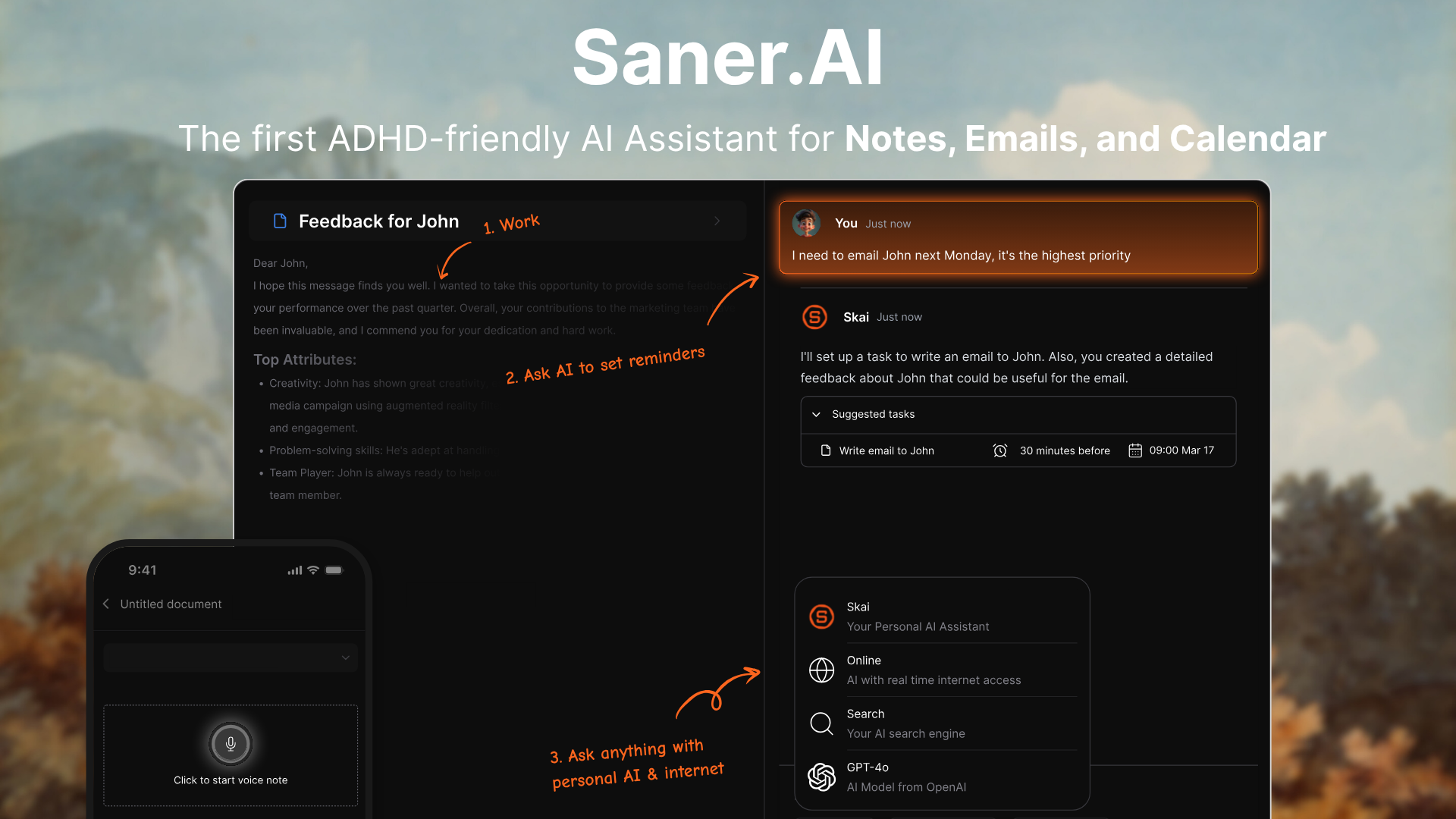
Most productivity tools force you to adapt your workflow to their structure (folders, dates, rigid checkboxes). Saner.AI flips this dynamic.
It is not just a to-do list; it is a Personal Knowledge Management (PKM) system built with a task manager at its core. For those who find Superlist’s separation of "notes" and "tasks" too disconnected, Saner.AI bridges that gap seamlessly.
Key Features
- AI Brain Dump: Dump messy notes, random bullets, even voice memos. Saner.AI instantly turns everything into clean tasks and clear notes. No manual sorting, no wasted brainpower.
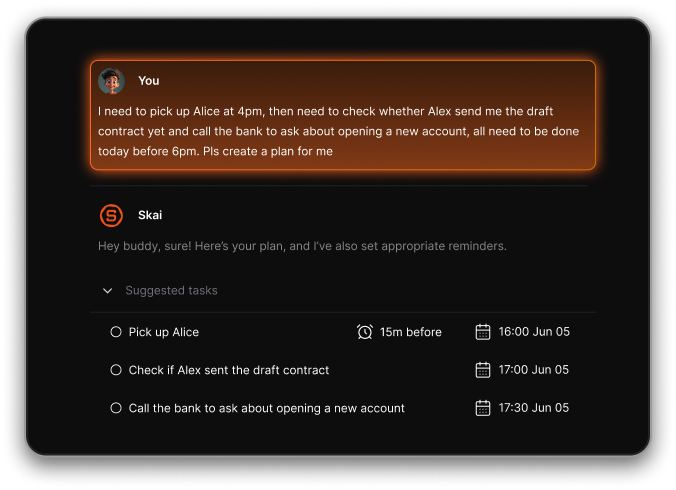
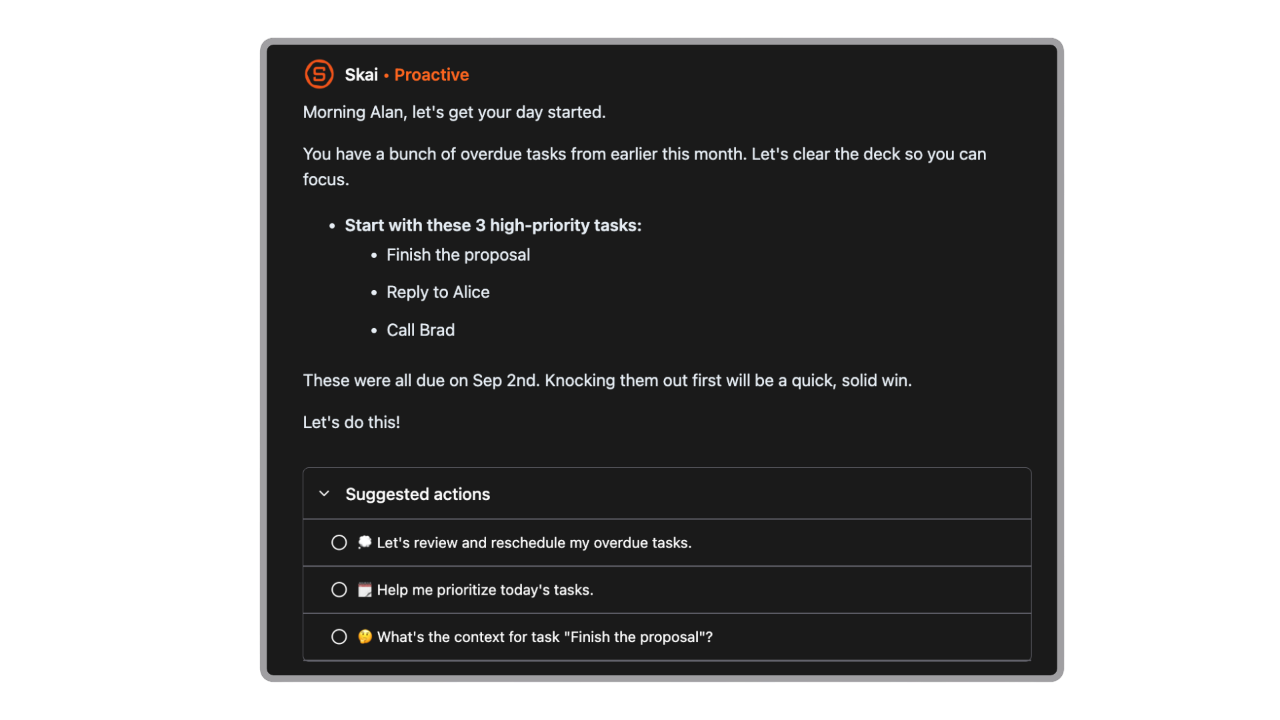
- Plan the day automatically: every day, Skai goes through my information and gives me a daily brief
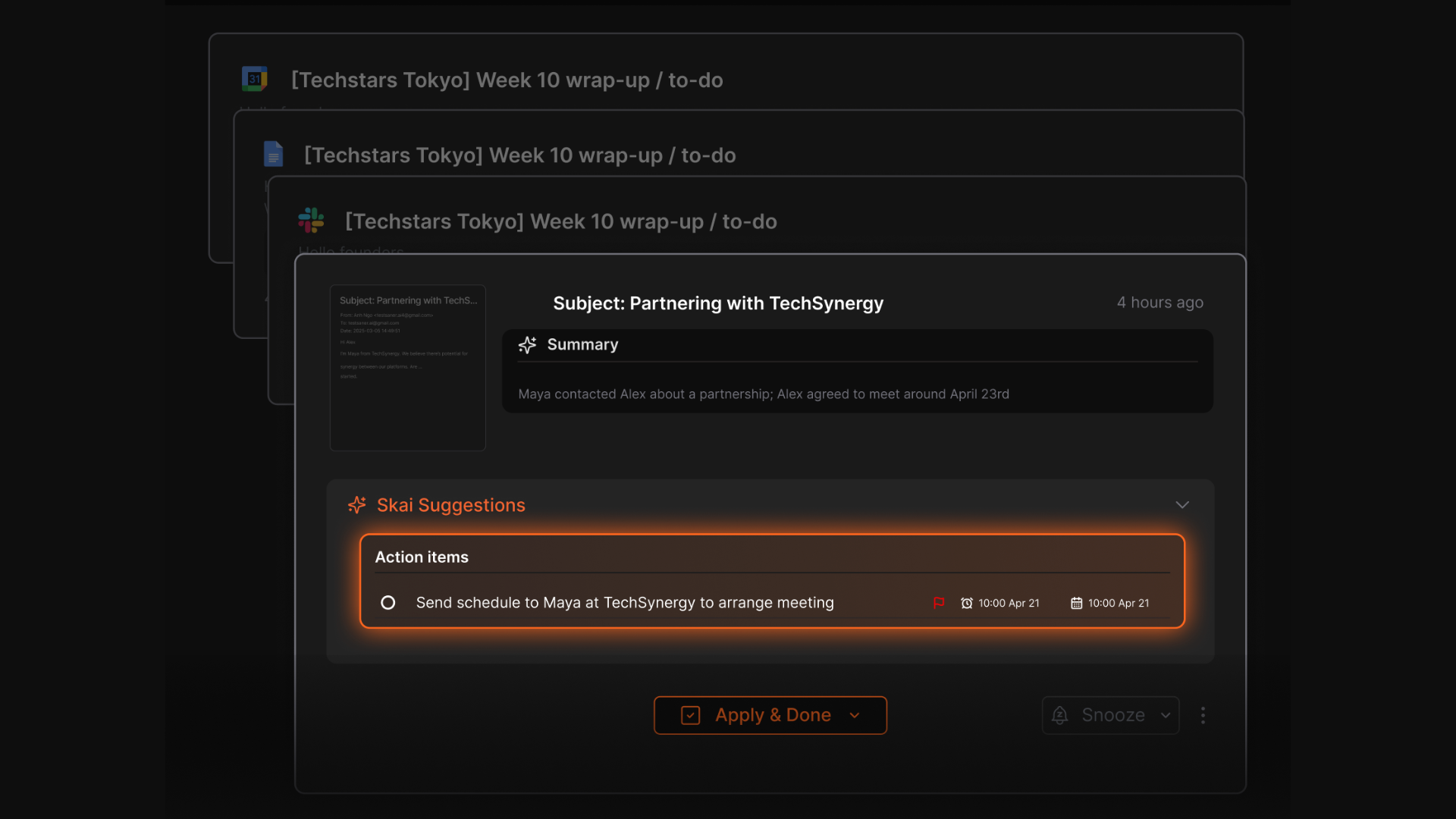
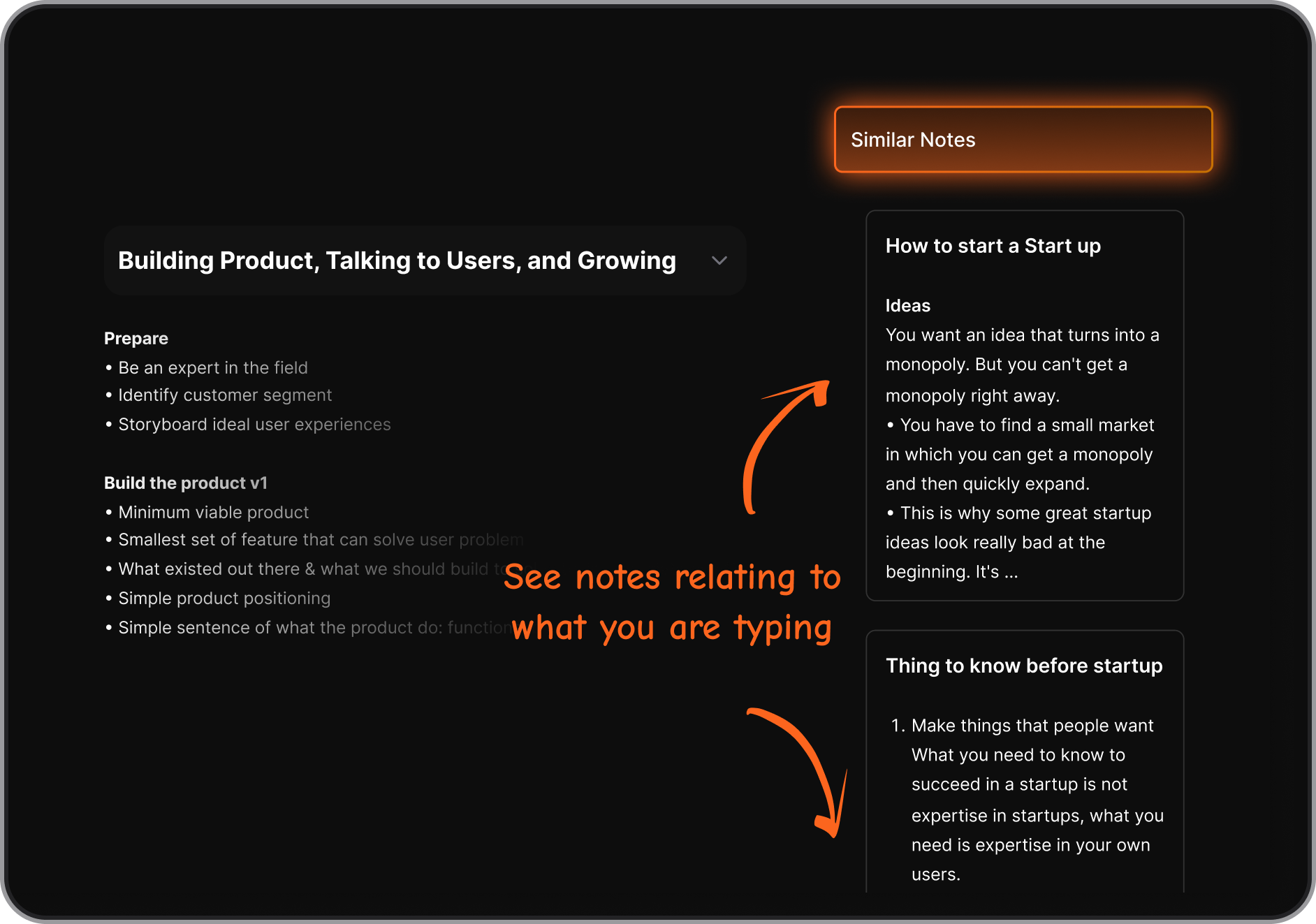
- Built-in Context: Tasks don’t live alone. Saner.AI automatically connects new tasks with relevant past notes. Open a task, and the context is already there
- Less Mental Load: Drop everything into one Capture inbox. Let AI organize it.
Things you may like
- Zero-Friction Capture: The speed from "having a thought" to "capturing it" is incredibly fast.
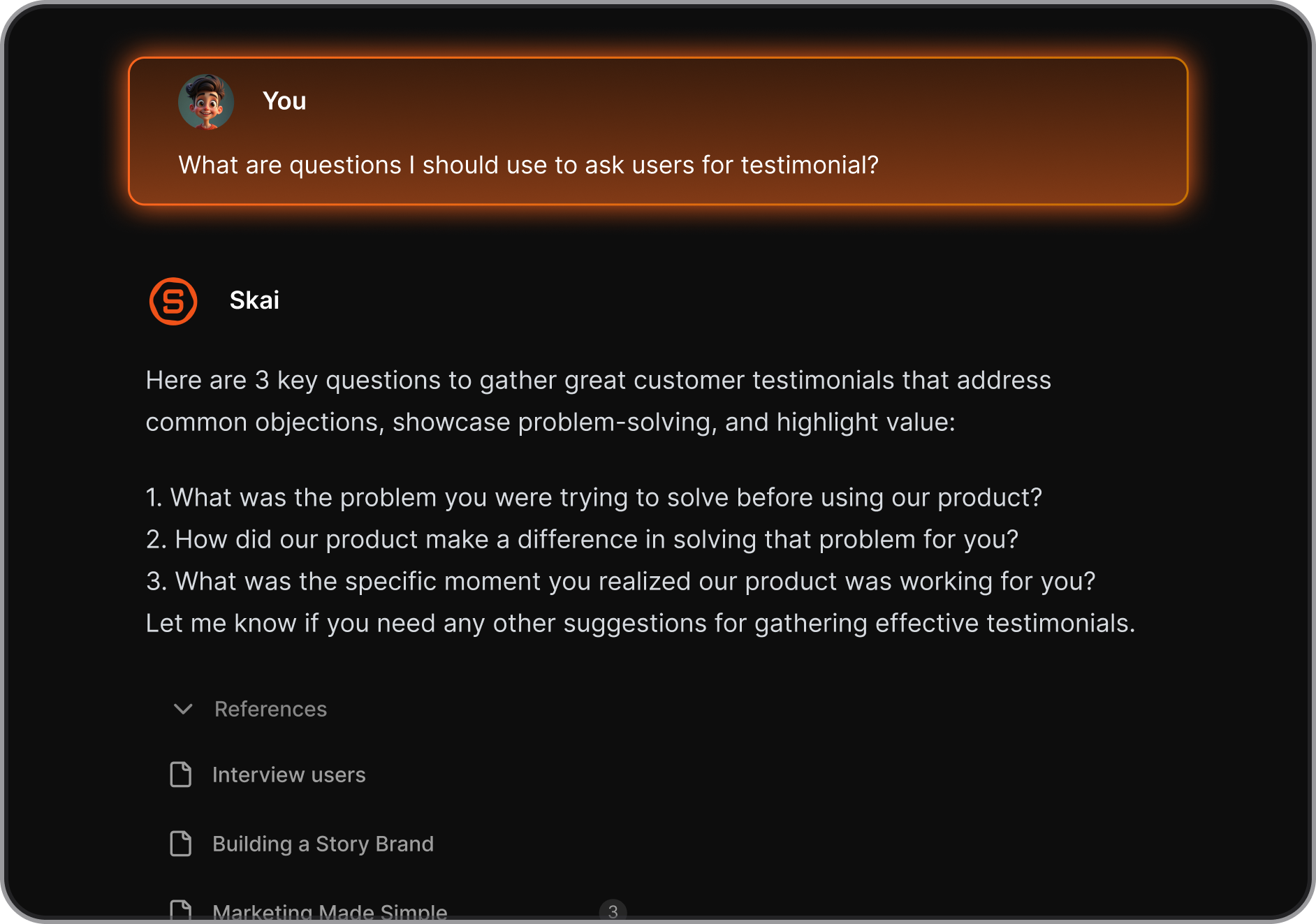
- Unified Workflow: You don’t need to switch between a note-taking app and a task app. They live side-by-side.
- Minimalist UI: A clean, distraction-free environment that doesn't overwhelm you with buttons and red notification badges.
Things you might not like
- Not for Complex Team Projects: It isn't designed to replace enterprise project management tools for large-scale corporate tracking.
Who is it for?
- Professionals, founders, and creative thinkers who juggle multiple contexts and hate the "admin work" of organizing.
- It is especially powerful for those who need to capture ideas quickly without breaking their flow (often favored by neurodivergent minds).
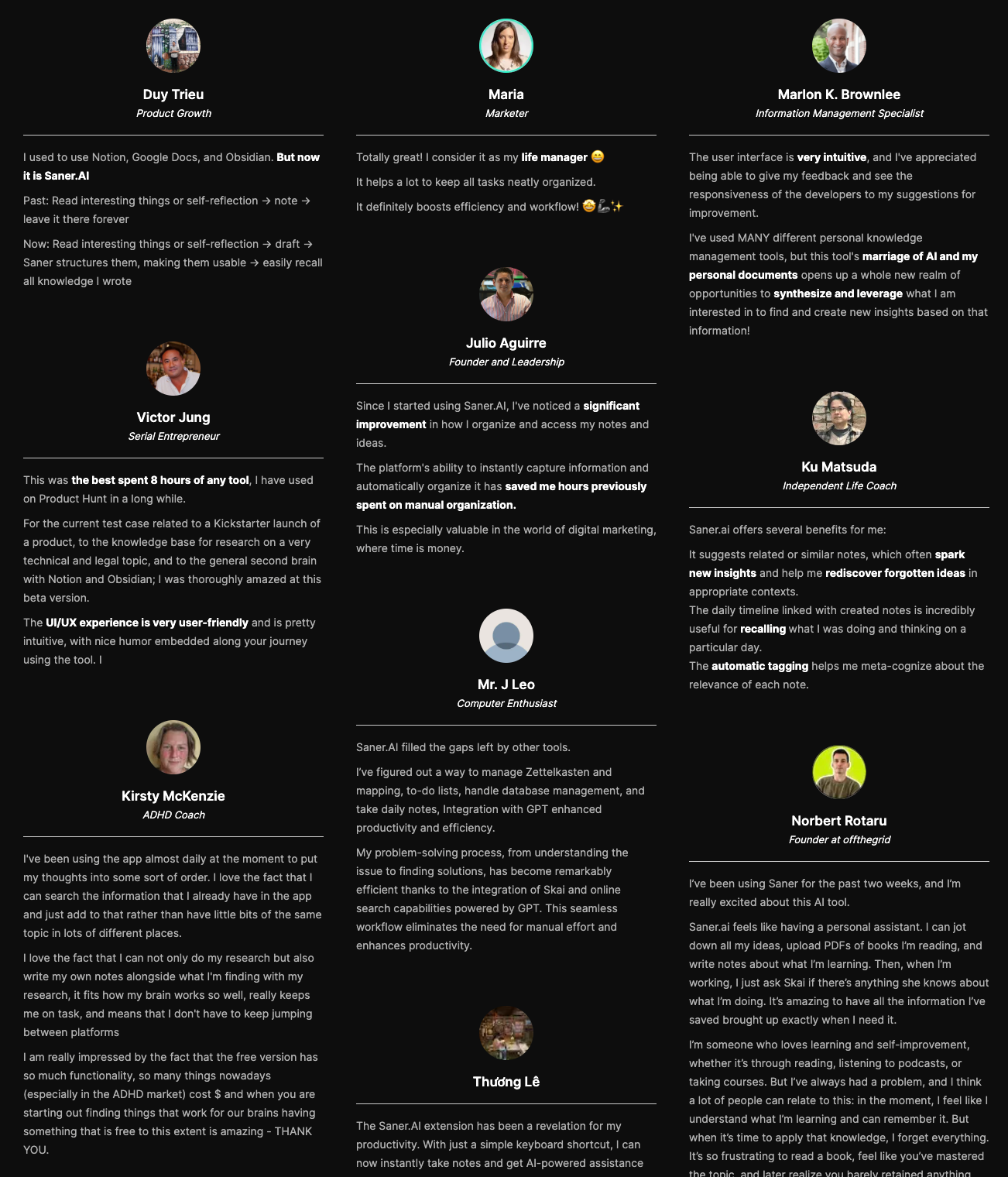
Saner.AI Reviews
How to get started?
- Go to Saner.AI and start "dumping" all your thoughts, tasks, and let it handle it for you. Use it immediately - no login required.

Stay on top of your work and life
2. Todoist
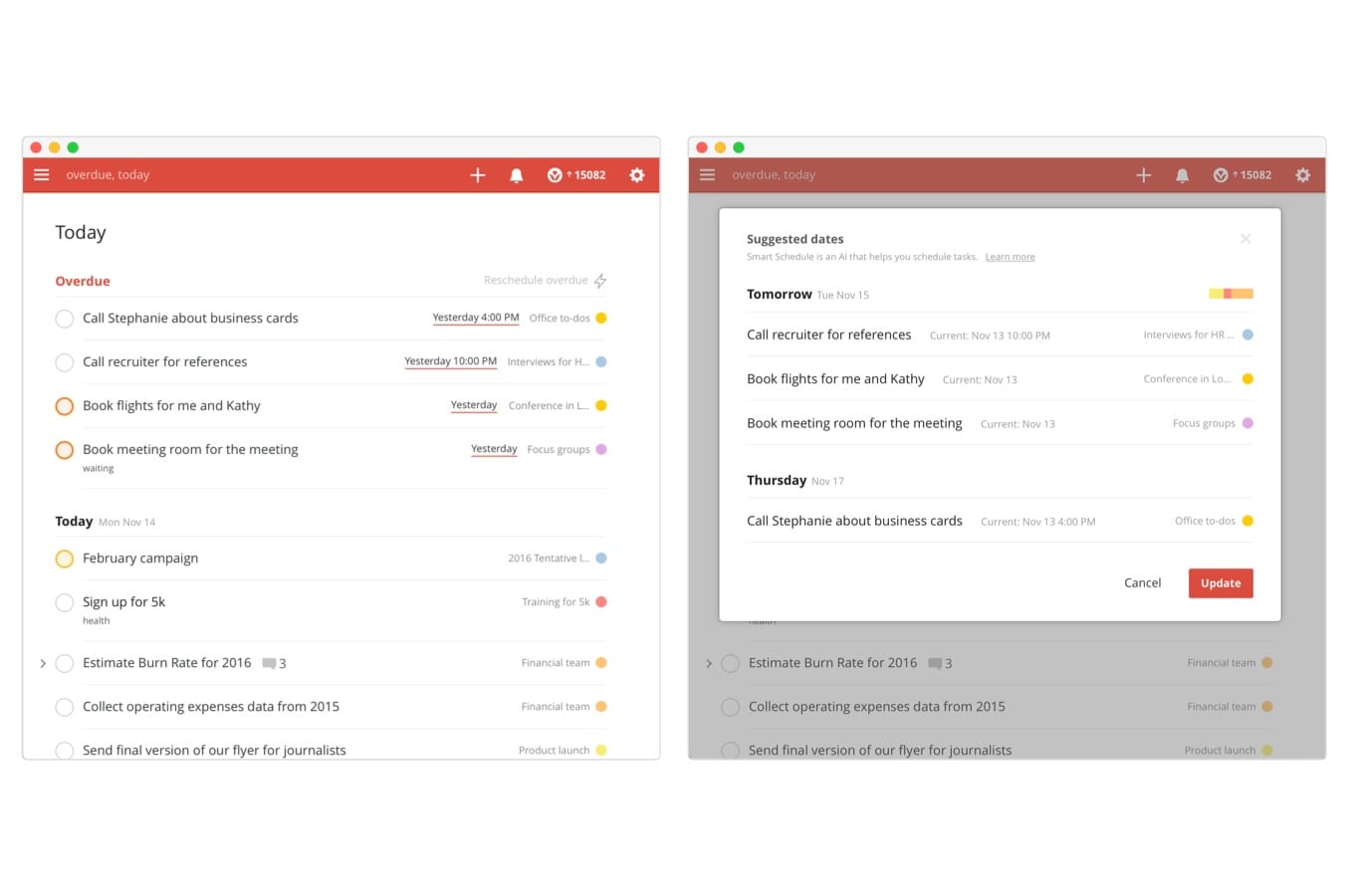
If Superlist feels a bit experimental or buggy to you, Todoist is the antidote. It focuses purely on getting tasks out of your head and into the system with zero resistance.
Key Features
- Karma System: A gamified productivity tracking system that visualizes your streaks.
- Universal Quick Add: A shortcut that works globally on your computer, allowing you to capture a task without even opening the app window.
Things you may like
- Cross-Platform Parity: The experience is identical whether you are on a smartwatch, a phone, or a desktop.
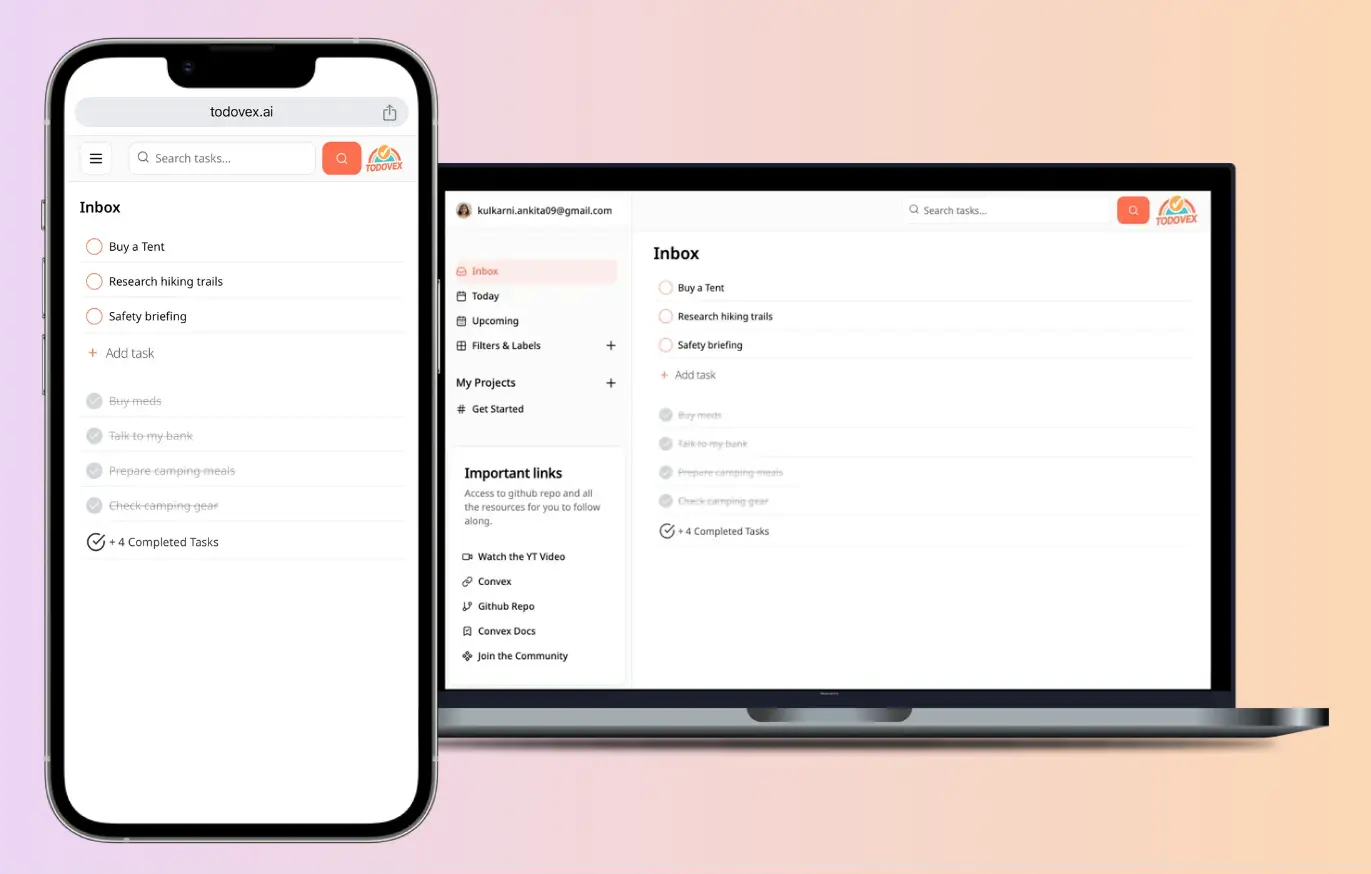
- Integration Ecosystem: It connects with almost everything - Gmail, Slack, Calendar, Zapier - making it a perfect hub for your digital life.
Things you might not like
- Weak Note-Taking: Unlike Superlist, Todoist is strictly for tasks. Task descriptions and comments feel cramped for long-form notes.
- Sub-task UI: The way it handles sub-tasks can feel a bit cluttered compared to the clean nesting of other apps.
- You can't chat with an AI assistant to manage tasks
Who is it for?
- It is ideal for users who work across multiple platforms (Windows, Android, Mac, Web) and need a system that "just works."
How to get started?
- Open the app and instantly set the task, time, and category in one go.
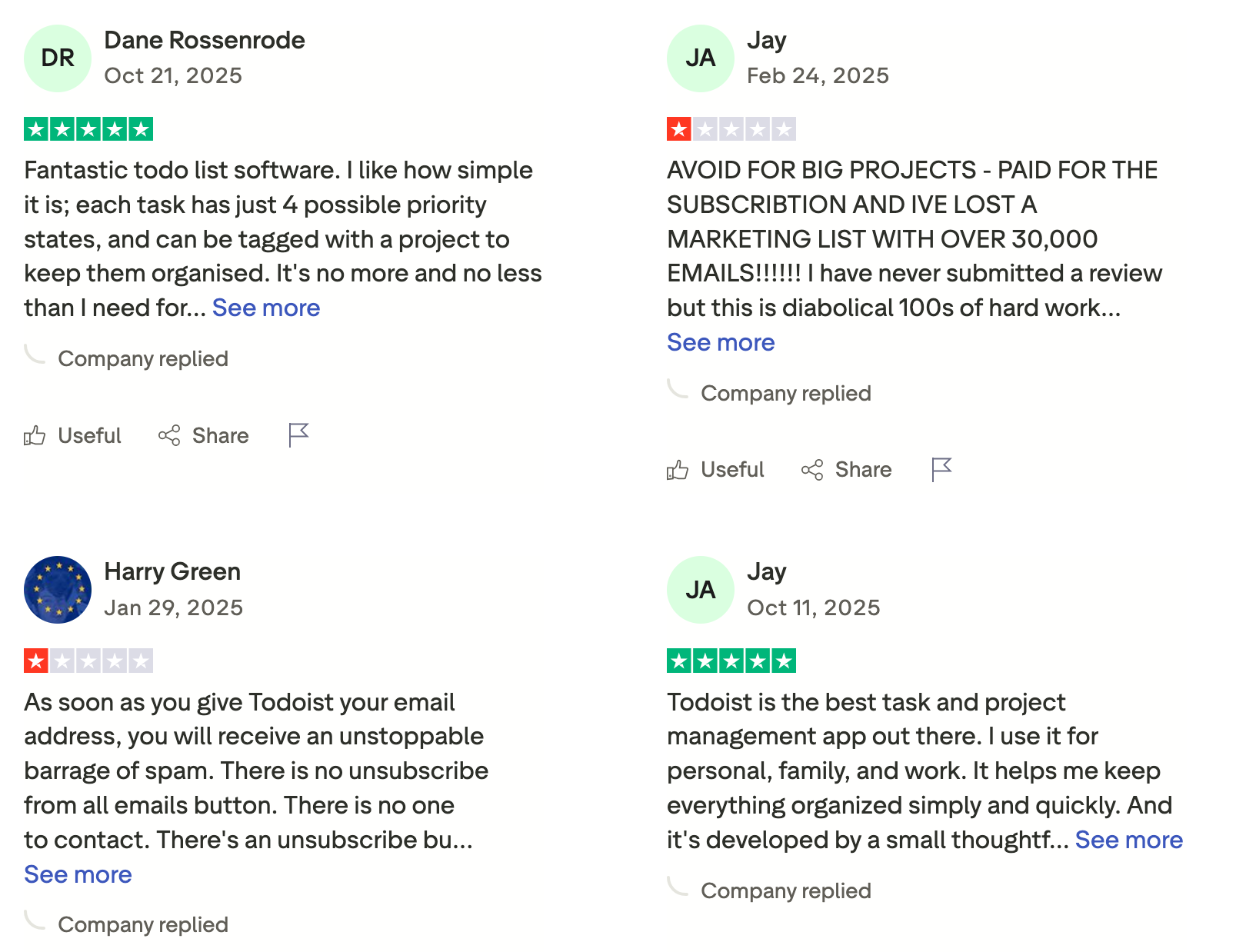
Todoist review (source)
3. Things 3
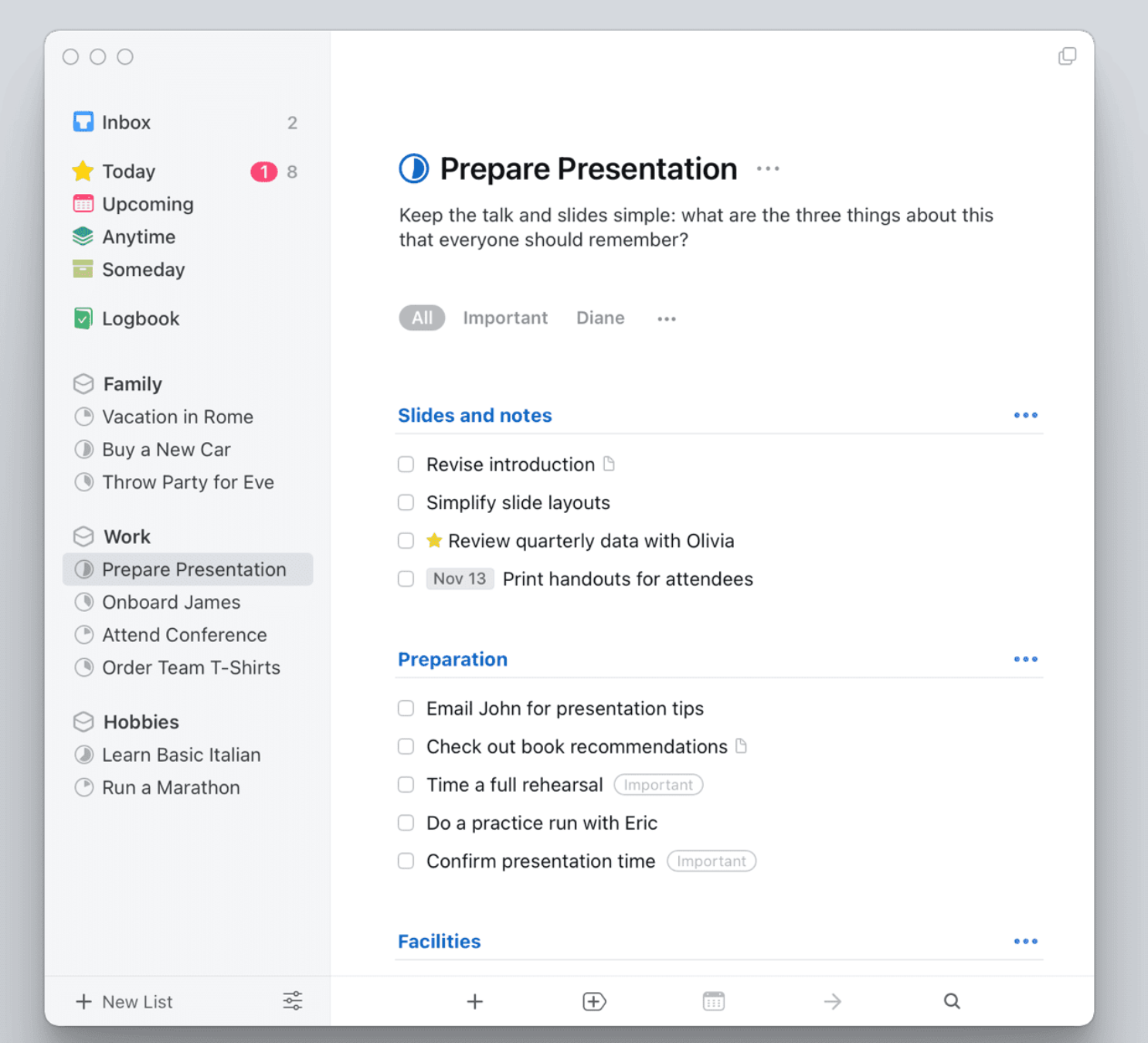
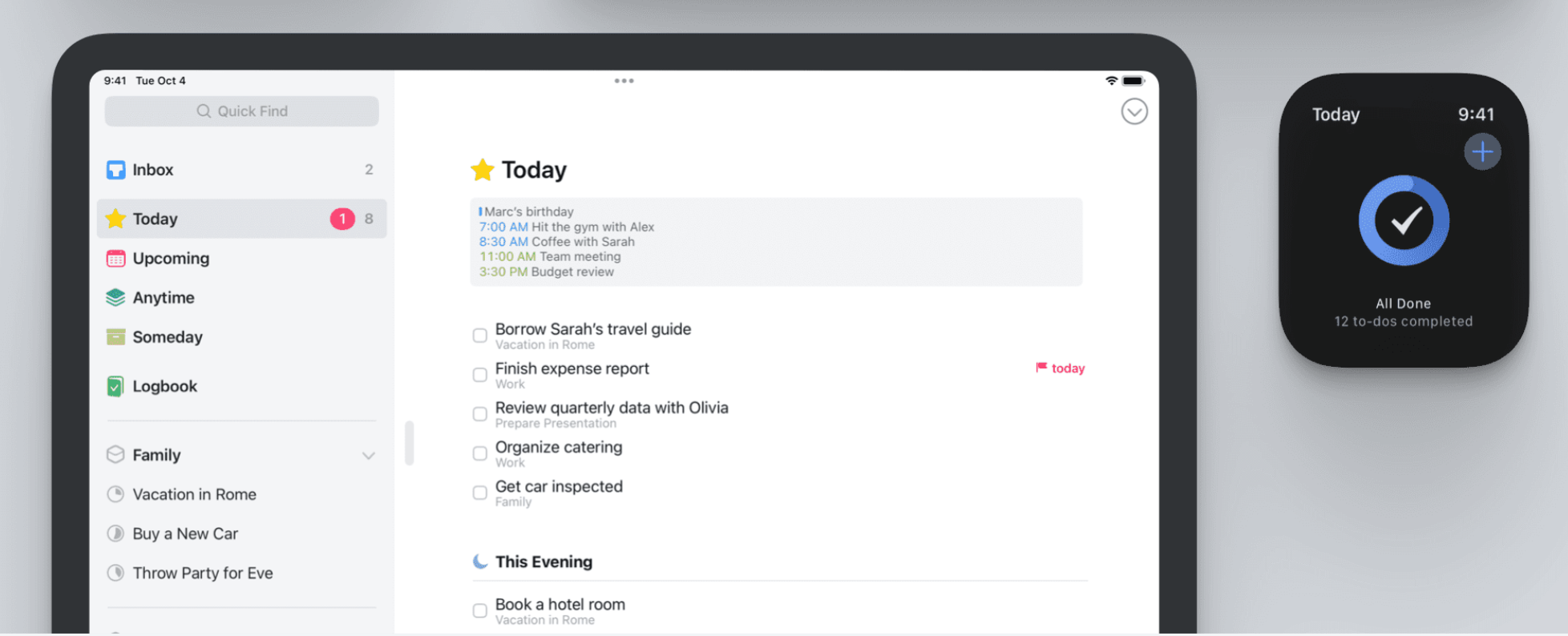
Superlist users often care about aesthetics, but Things 3 remains the unrivaled king of design. It treats task management not as a chore, but as a craft. The app feels "tactile" - lists snap into place, and animations are buttery smooth.
Key Features
- Magic Plus Button: One floating button, many actions. Drag it to instantly create a task, heading, or even a new project.
- Headings: Your project will be divided into small parts.
Things you may like
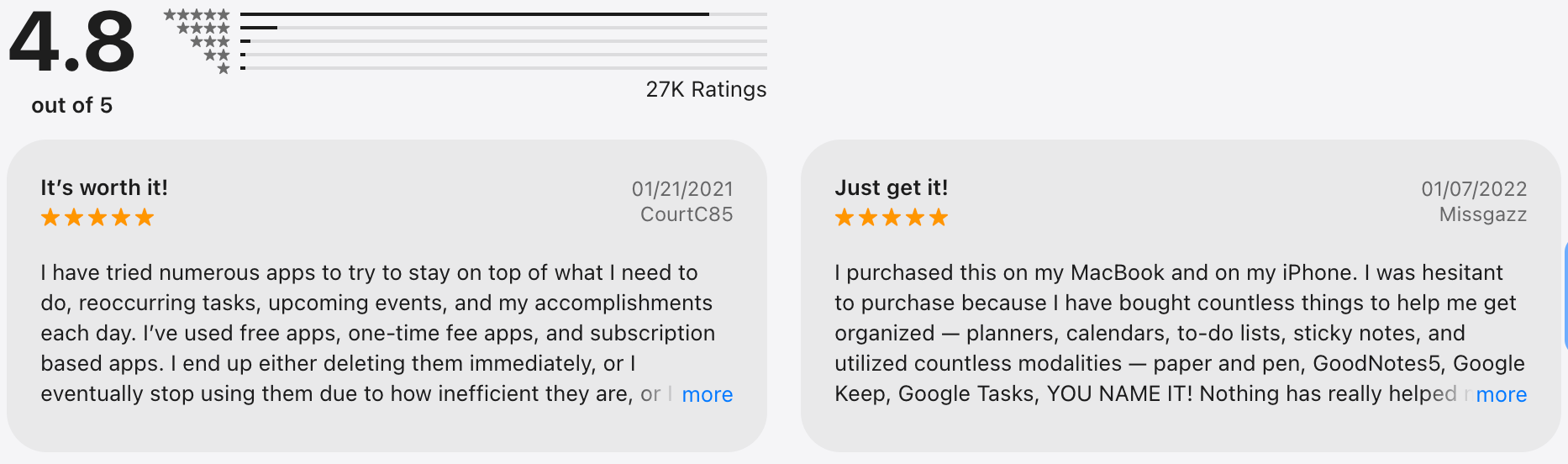
- One-Time Purchase: No monthly subscriptions. You pay once, and you own it forever
- Unmatched Polish: It rarely crashes, rarely lags, and looks stunning in both light and dark modes.
Things you might not like
- The "Walled Garden": No Windows version, no Android version, and practically no web version. If you leave the Apple ecosystem, you lose your system.
- Zero Collaboration: It is strictly a personal tool. You cannot assign tasks to others or share lists.
- There's no AI assistant to manage the tasks with you
Who is it for?
- Apple-exclusive users (Mac, iOS) who are "design purists." If you get overwhelmed by visual clutter and want a calm, beautiful space to plan your life, this is the one.
How to get started
- Download it from the App Store and enjoy the integration.
Things 3 review (source)
4. TickTick
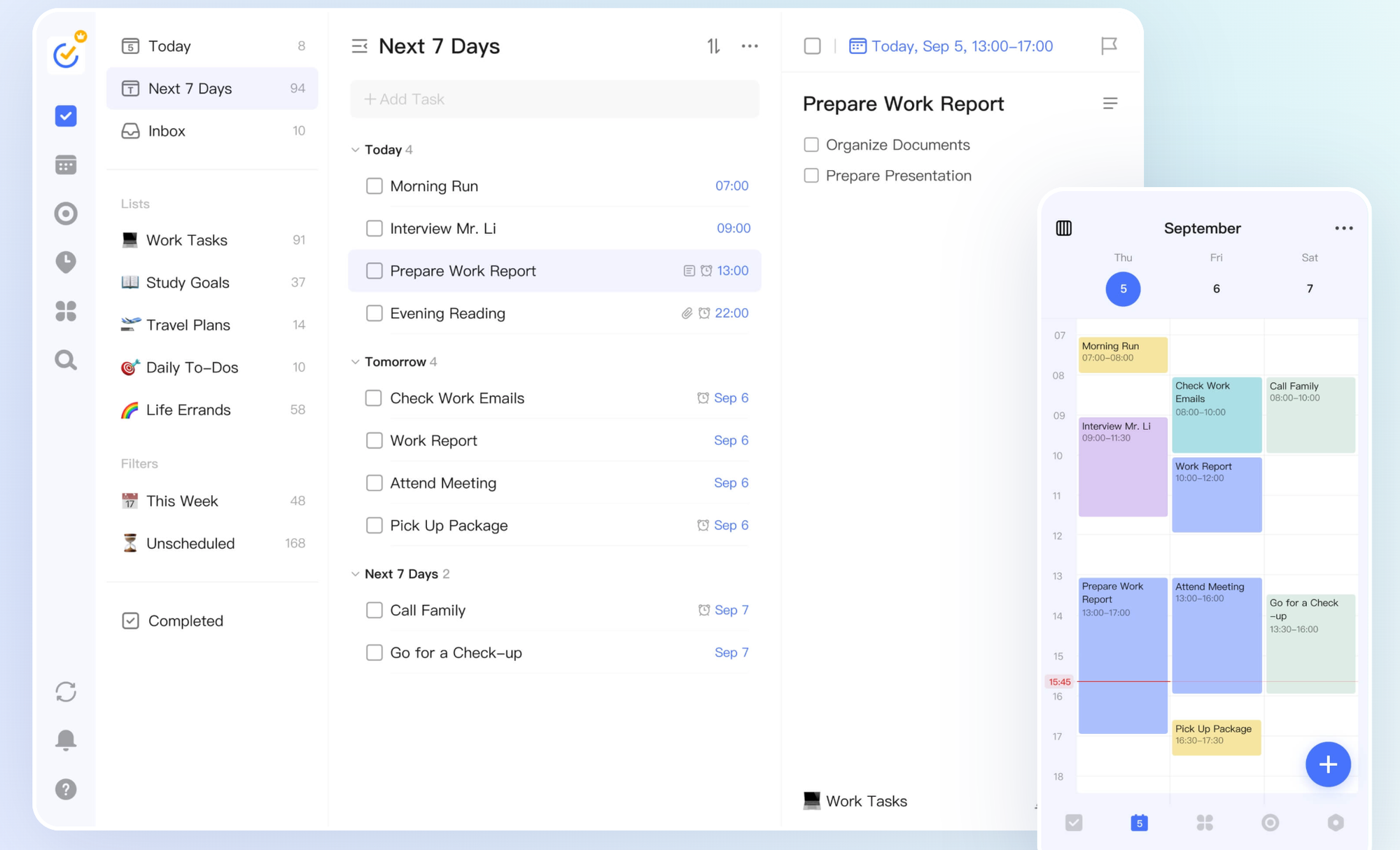
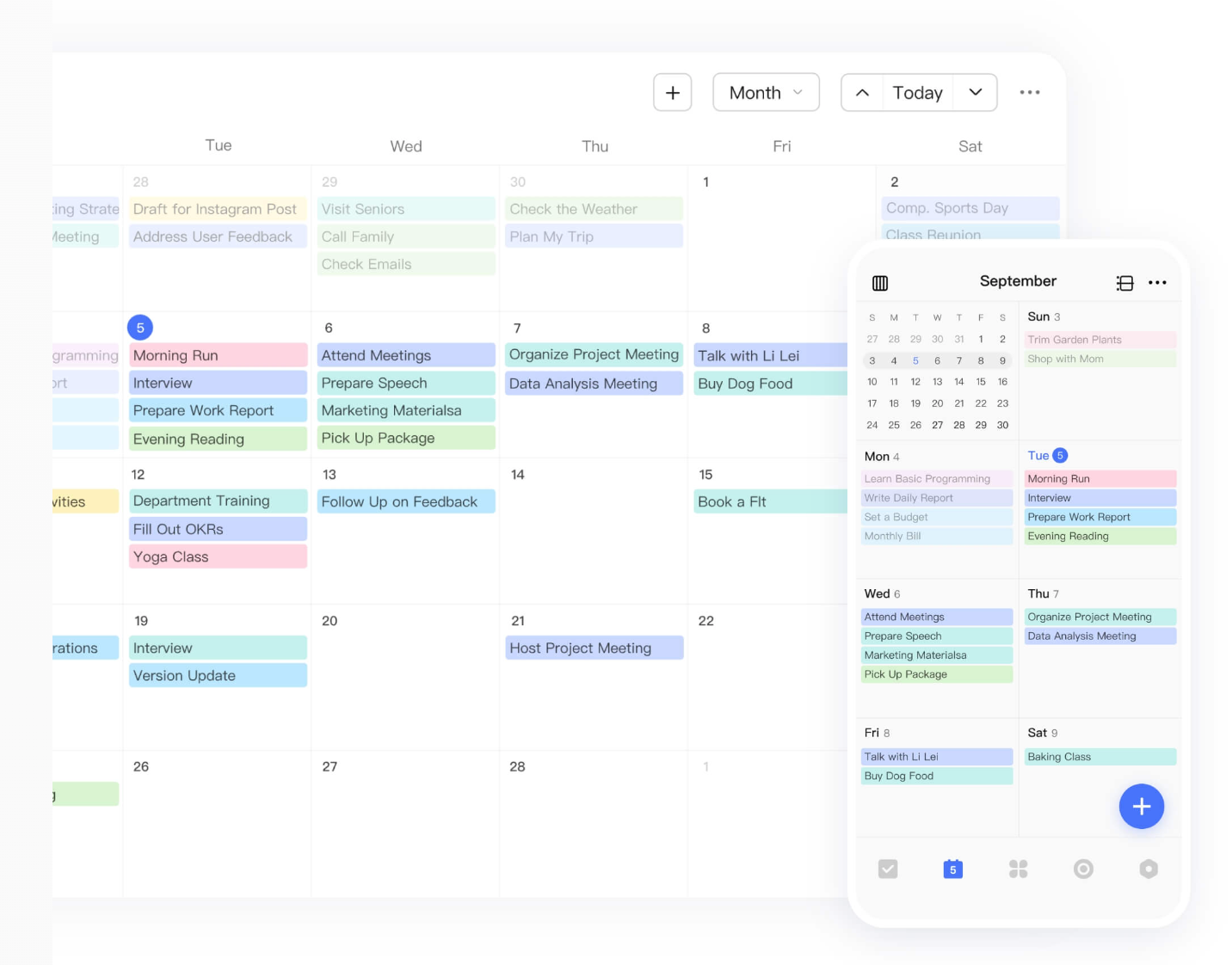
While Superlist tries to blur the line between personal and professional, TickTick blurs the line between everything. It asks: "Why do you need a focus timer app, a habit tracker app, and a calendar app when I can do all three?"
Key Features
- Built-in Pomo Timer: A focus timer integrated directly into your tasks. You can track exactly how many "pomodoros" you spent on a specific project.
- Calendar View: TickTick allows you to drag and drop tasks directly onto a calendar grid to "time block" your day.
- Habit Tracker: A simple but effective way to track daily routines (like "Read 20 mins") right alongside your work tasks.
Things you may like
- Voice Input: Accurate voice capture that parses dates and times automatically.
- Smart Lists: Highly customizable filters to view tasks exactly how you want (e.g., "High Priority tasks due this week").
Things you might not like
- Feature Bloat: Since it does so much, the interface can feel crowded compared to the minimalist designs of Things 3 or Saner.AI.
- Sync Speed: While good, it sometimes feels a split-second slower to sync across devices compared to Todoist.
- There's no AI assistant to manage the tasks with you
Who is it for?
- Power users and students who want to centralize their entire workflow.
How to get started?
- Create an account, dump all tasks into Inbox, then add dates or priorities.
- Use built-in reminders or Pomodoro to execute right away.
TickTick review (source)
5. Notion

Notion is not a to-do list; it is a set of Legos. If Superlist feels too rigid because it forces you to use its system's definition of a task, Notion lets you build your own definition.
Key Features
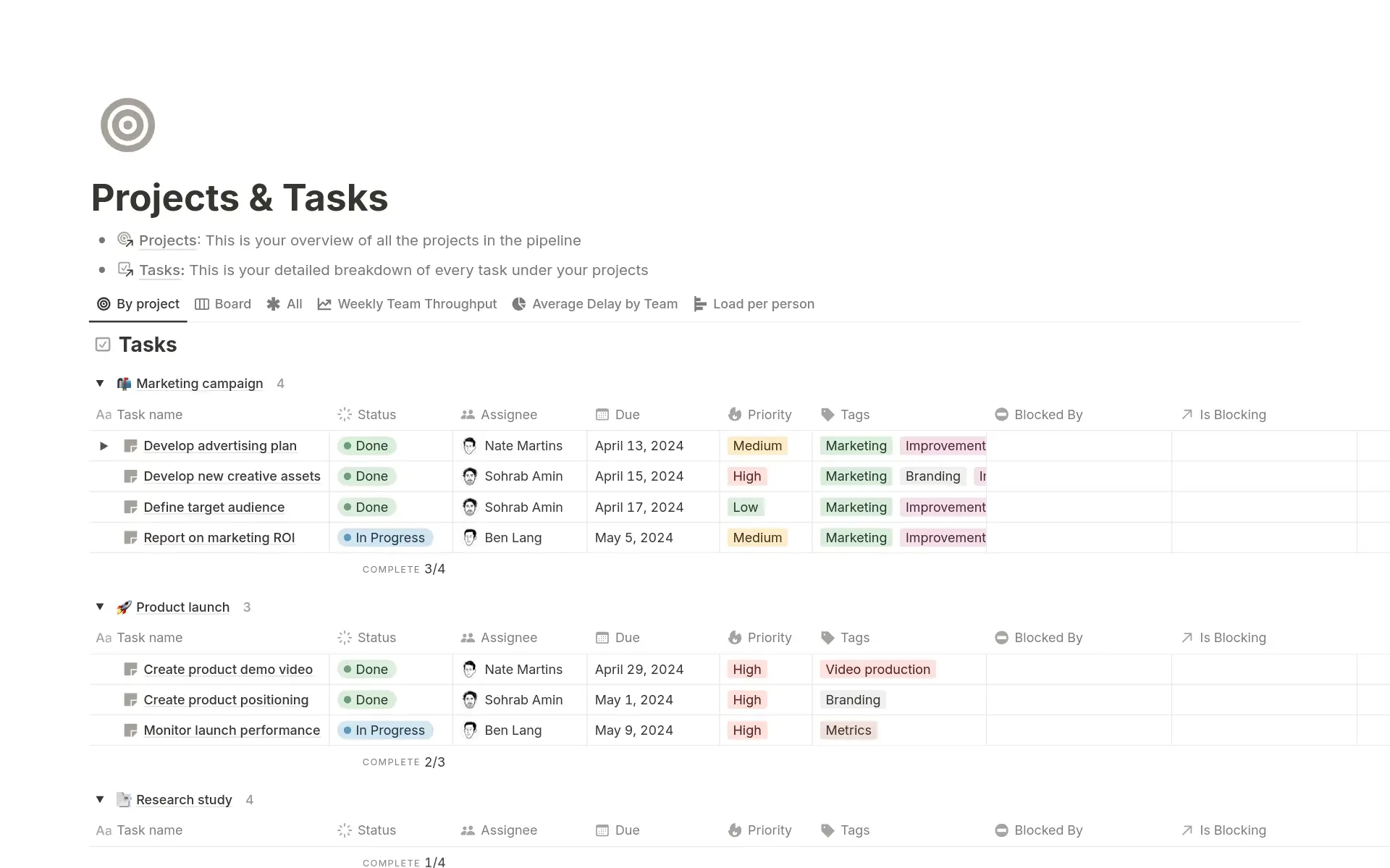
- Database Properties: A task isn't just a line of text. In Notion, it can have a status, a priority tag, a related client, a URL, and a due date
- Multiple Views: You can view the same list of tasks as a Kanban board, a Calendar, a Timeline, or a simple List
Things you may like
- Infinite Flexibility: You can design a dashboard that looks and functions exactly how you want.
- Rich Content: Inside every task is a blank page where you can write essays, embed videos, or add code blocks.
Things you might not like
- The "Setup Trap": You can spend hours building your to-do list system instead of actually doing the work.
- Mobile Sluggishness: The mobile app is significantly slower and heavier than dedicated apps like Todoist or Things.
How to get started
- Pick a simple task or to-do template instead of building from scratch.
- Start listing tasks in one database, and refine the structure only when needed.
Who is it for?
- Systems thinkers and those who want their tasks to live next to their documentation.
Notion review (source)

6. Microsoft ToDo
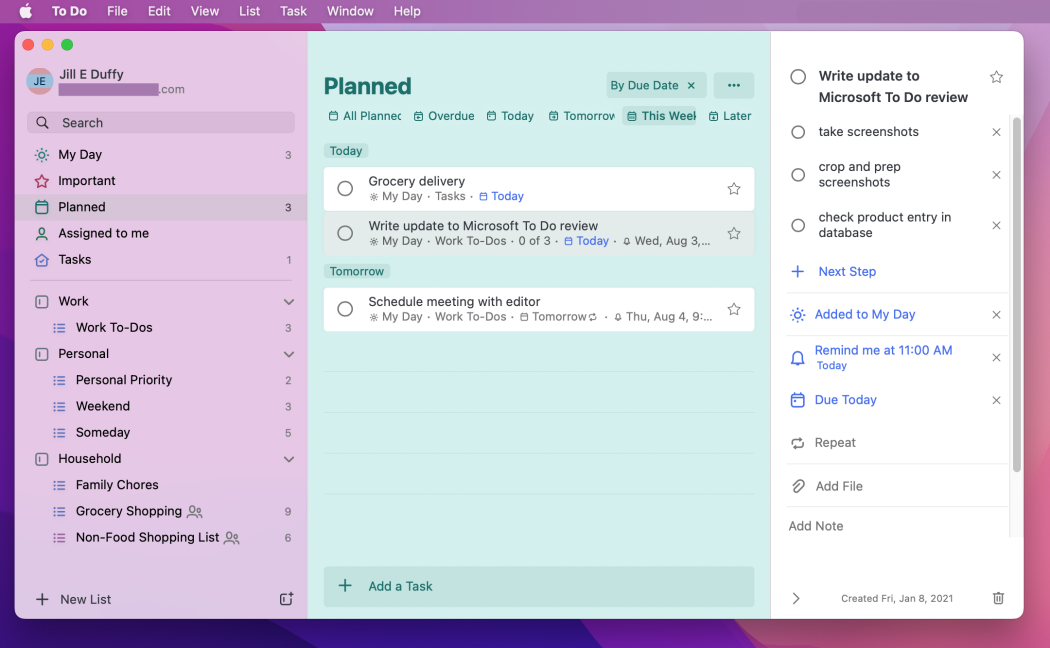
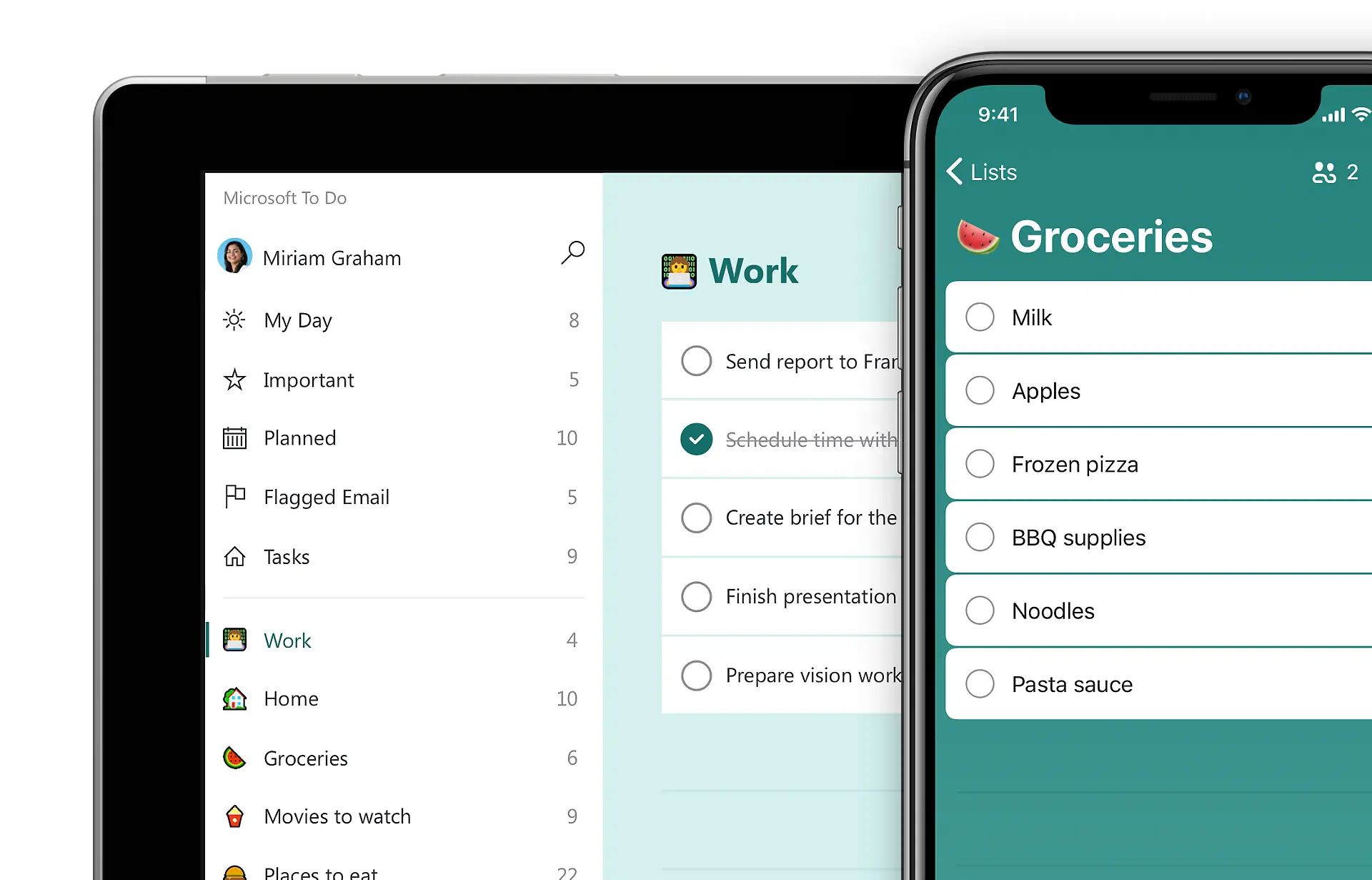
Microsoft ToDo strips away all the complexity, leaving you with a clean, simple, and effective daily planner.
Key Features
- "My Day" View: This is its signature feature. Every night, your "My Day" list wipes clean.
- Outlook Integration: Flagged emails in Outlook automatically appear as tasks in To Do
Things you may like
- Completely Free: No premium tiers, no hidden costs. You get all features for free.
- Shared Lists: Easy to share a grocery list or a simple project list with family or colleagues.
Things you might not like
- Lack of Depth: It lacks tags, natural language processing, and robust project management features. It is strictly for simple lists.
- Corporate Feel: While clean, it lacks the "soul" or indie charm of apps like Saner or Things.
Who is it for?
- Users deeply embedded in the Microsoft ecosystem (Outlook, Teams, Windows).
How to get started
- Log in with your Microsoft account and add tasks directly to My Day.
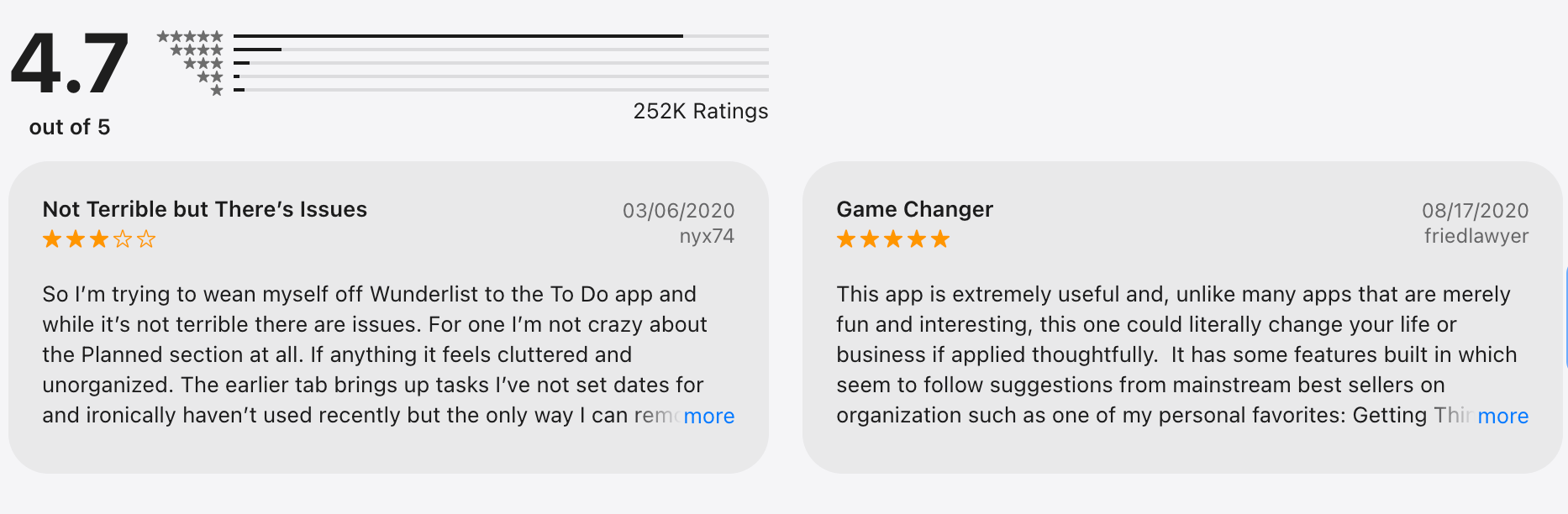
Microsoft To Do review (source)
Conclusion: What Superlist Alternative is suitable for you?
Finding a Superlist Alternative isn't just about swapping one checklist for another; it's about identifying the friction that made you look for a switch in the first place.
If you simply need a rigid system to manage deadlines and dates, Todoist or Things 3 are safe, reliable harbors.
But if your struggle isn't just "checking boxes" but organizing the chaos of your thoughts, standard lists won't save you.
This is where Saner.AI stands apart. Saner.AI isn’t about managing tasks better - it removes the need to manage them at all. That ability to instantly connect brain dumps with real action is something traditional to-do apps just can’t match.
Why settle for a tool that forces you to organize it when you can have an AI task manager that organizes itself?
Stay on top of your life with the Top Superlist Alternatives
Superlist Alternatives FAQ
1. Is Superlist suitable for personal task management?
Yes, Superlist works well for personal to-do lists, but some users prefer tools that offer deeper customization, automation, or note-taking alongside tasks.
2. Which Superlist Alternatives support both tasks and notes?
Apps like Saner.AI combine task management with note-taking, allowing users to capture ideas, documents, and tasks in one place instead of switching tools.
3. Are there Superlist Alternatives better for ADHD or distracted users?
Some alternatives like Saner.AI focus on quick capture, reminders, and reducing cognitive load.
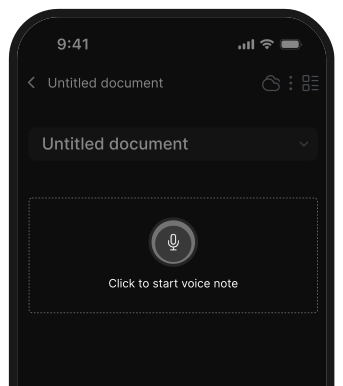
Features like inbox-style task dumping, natural language input, and smart prioritization can be helpful for users who struggle with focus.
4. Which Superlist Alternatives work best on Apple devices?
Things 3 is designed specifically for Apple ecosystems, while others like Saner.AI, TickTick, and Microsoft To Do offer strong cross-platform support, including iOS, macOS, Windows, and web.
5. Do Superlist Alternatives support collaboration and team workflows?
Yes. Tools like Todoist, Notion, and Superlist themselves support shared tasks and collaboration, while others like Saner.AI are more focused on personal productivity.
6. Are there free Superlist Alternatives?
Most alternatives offer free plans with basic features. However, advanced options like reminders, automation, or unlimited projects often require a paid plan.
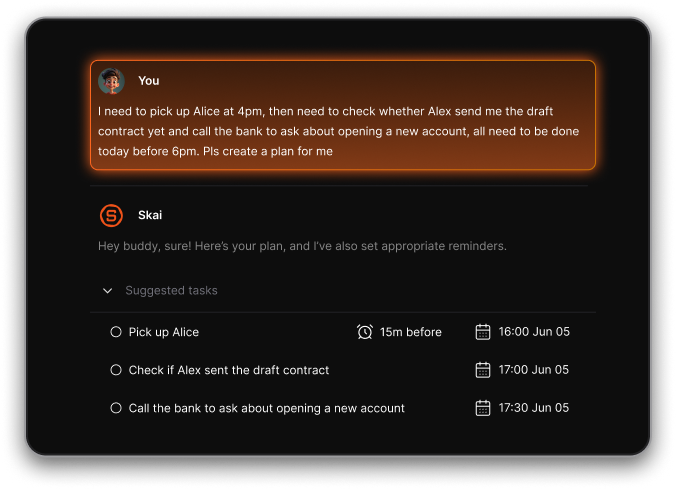
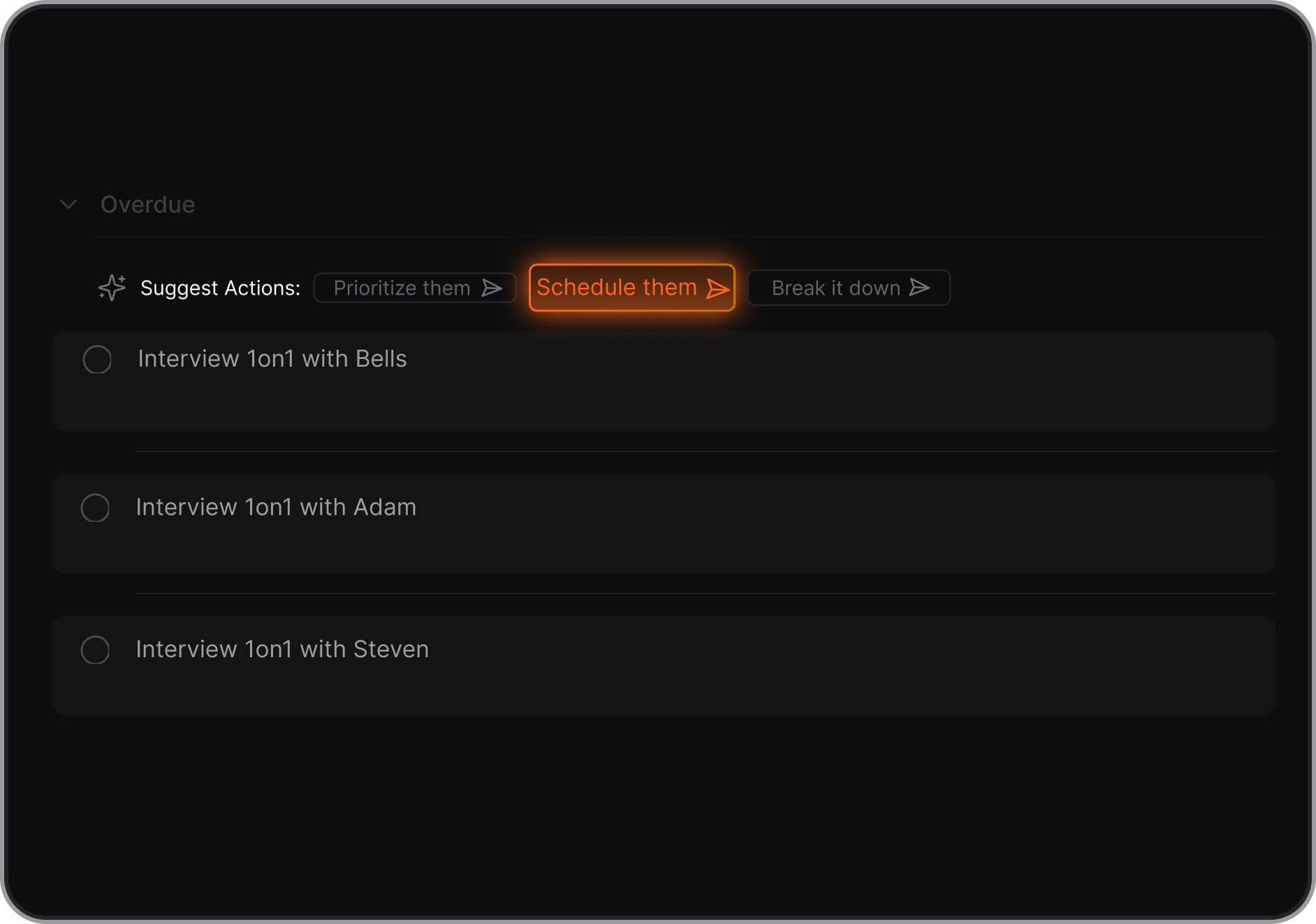
7. How do Superlist alternatives handle task prioritization?
Different apps use different systems: priority levels, due dates, smart filters, tags, or AI-assisted sorting.
Here is how Saner.AI does it:
8. Can I migrate from Superlist to another app easily?
Migration depends on the app. Some tools allow CSV imports or integrations, while others require manual setup. Task complexity and attachments may affect how smooth the transition is.
9. Which Superlist Alternatives support recurring tasks?
Most established task managers like Saner.Ai, TickTick, Things 3, and Microsoft To Do support recurring tasks with flexible scheduling options.
10. Are Superlist Alternatives good for long-term planning?
Yes, especially apps like Saner.AI that support projects, timelines, or linked notes. These features help users plan goals, track progress, and manage tasks over weeks or months.
11. How do Superlist Alternatives differ in UI and learning curve?
Some tools focus on minimalism and ease of use, while others offer powerful but more complex setups.
12. Do Superlist Alternatives work offline?
Offline access varies by app. Desktop and mobile apps often support offline mode, while web-based tools may require an internet connection for full functionality.
13. Which Superlist Alternative is right for me?
There’s no single “best” option. The right choice depends on your workflow, devices, team needs, and how you prefer to manage tasks.
14. Can Superlist alternatives replace multiple productivity tools?
Some Superlist alternatives are designed to handle more than just tasks. Users may manage to-dos, notes, reminders, and even idea capture in one system.
Stay on top of your work and life