8 Powerful Anytype Alternatives For Knowledge Management
The Best Anytype Alternatives are Saner.AI, Notion, Obsidian, Logseq, Joplin, Craft, and Capacities



What Are the Best Anytype Alternatives?
The best Anytype alternatives depend on what you value most: offline-first access, strong privacy, flexible knowledge organization, or smarter workflows with AI support.
In this guide, you’ll discover 8 apps like Anytype - from privacy-focused note-taking apps to powerful personal knowledge management tools. We’ll break down how each option compares, who it’s best for, and where it may fall short, so you can confidently choose the right tool for your second brain.
1. What Is Anytype?
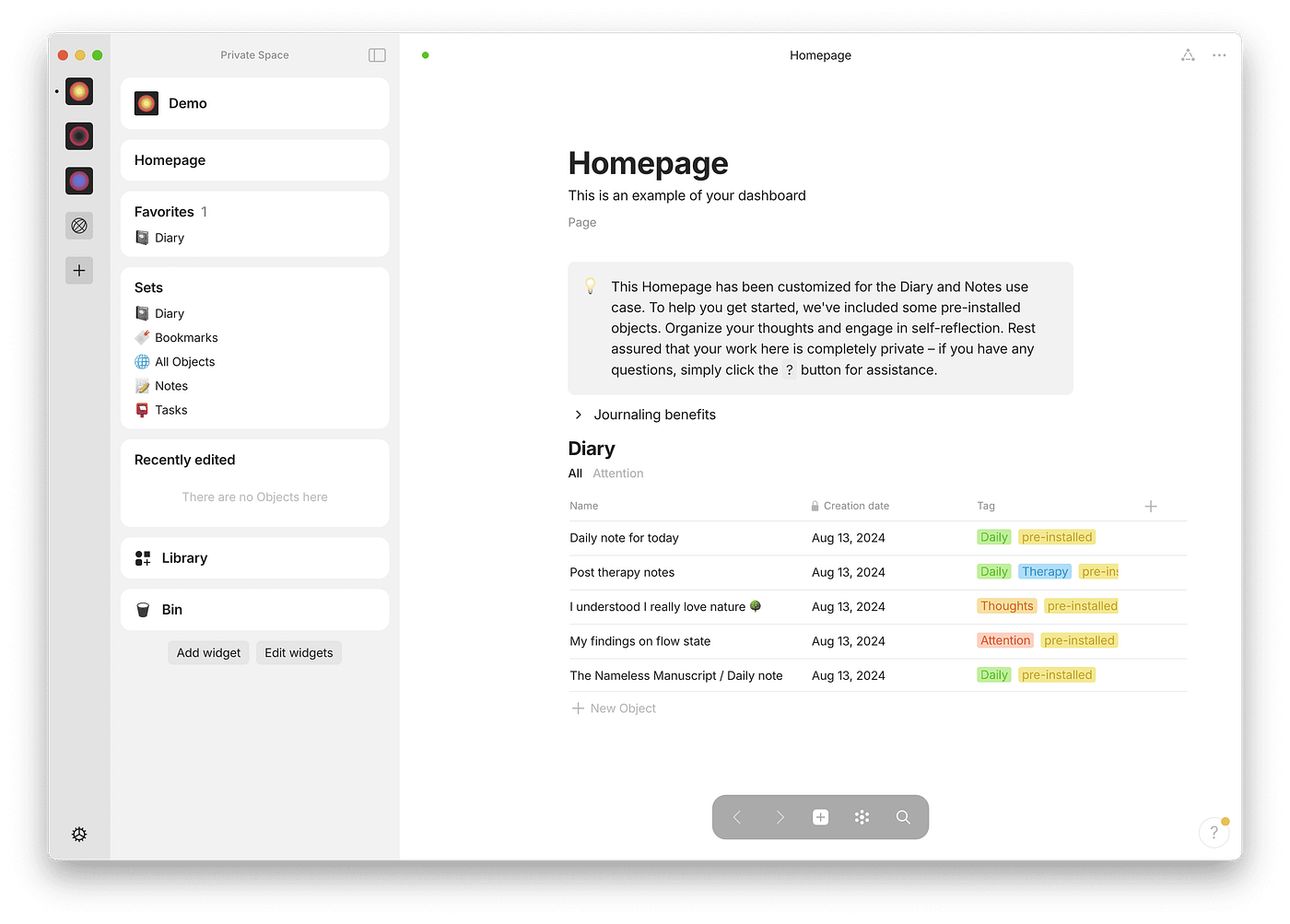
Anytype is a local-first, privacy-oriented knowledge workspace that stores your data on-device and uses zero-knowledge encryption for syncing/backup. It was designed to feel like a personal knowledge base with objects, relations, and multiple views.
2. Why is Anytype no longer enough?
Anytype is often chosen for its local-first philosophy, knowledge graph, and focus on personal data ownership. However, there are a few common reasons driving users away from Anytype.
- Steep learning curve for non-technical users.
- Limited or no native AI assistance.
- Sync and collaboration are still evolving.
- Overkill for users who want simpler note-taking.
- Preference for markdown-native or folder-based systems.
These limitations don’t make Anytype bad, but they do explain why many people explore alternatives. Many users want tools that “just work” without needing to design a system first.
Now, let's dive in!
What are the Best Anytype Alternatives?
The Best Anytype Alternatives are Saner.AI, Notion, Obsidian, Logseq, Joplin, Craft, Capacities, Standard Notes.
A Comparison Table of the 8 Powerful Anytype Alternatives For Note Management
| 💡 Tool | 🏆 Best for | ✨ Key Feature | 💰 Pricing Plan | 📱 Platform |
|---|---|---|---|---|
| Saner.AI | AI-driven task & notes | AI-assisted capture + smart org | Free + Paid tiers | Web, macOS, Win, iOS, Android |
| Notion | All-in-one workspace | Blocks & templates, database | Free + Team/Pro | Web, macOS, Win, iOS, Android |
| Obsidian | Local-first knowledge hub | File-based graph + plugins | Free core (paid Add-ons) | macOS, Win, Linux, iOS, Android |
| Logseq | Outliner + privacy | Bi-directional links, local MD | Free (open source) | macOS, Win, Linux, iOS, Android |
| Joplin | Simple, private notes | Markdown, offline sync | Free + cloud sync options | macOS, Win, Linux, iOS, Android |
| Craft | Beautiful docs & hierarchy | Visual layouts + sharing | Free + Pro | macOS, iOS, Web |
| Capacities | Connected personal org | Smart connections, graph view | Free + Paid | Web, macOS, Win, Linux, iOS, Android |
| Standard Notes | Secure notes | End-to-end encryption | Free + Extended subs | Web, macOS, Win, Linux, iOS, Android |
1. Saner.AI
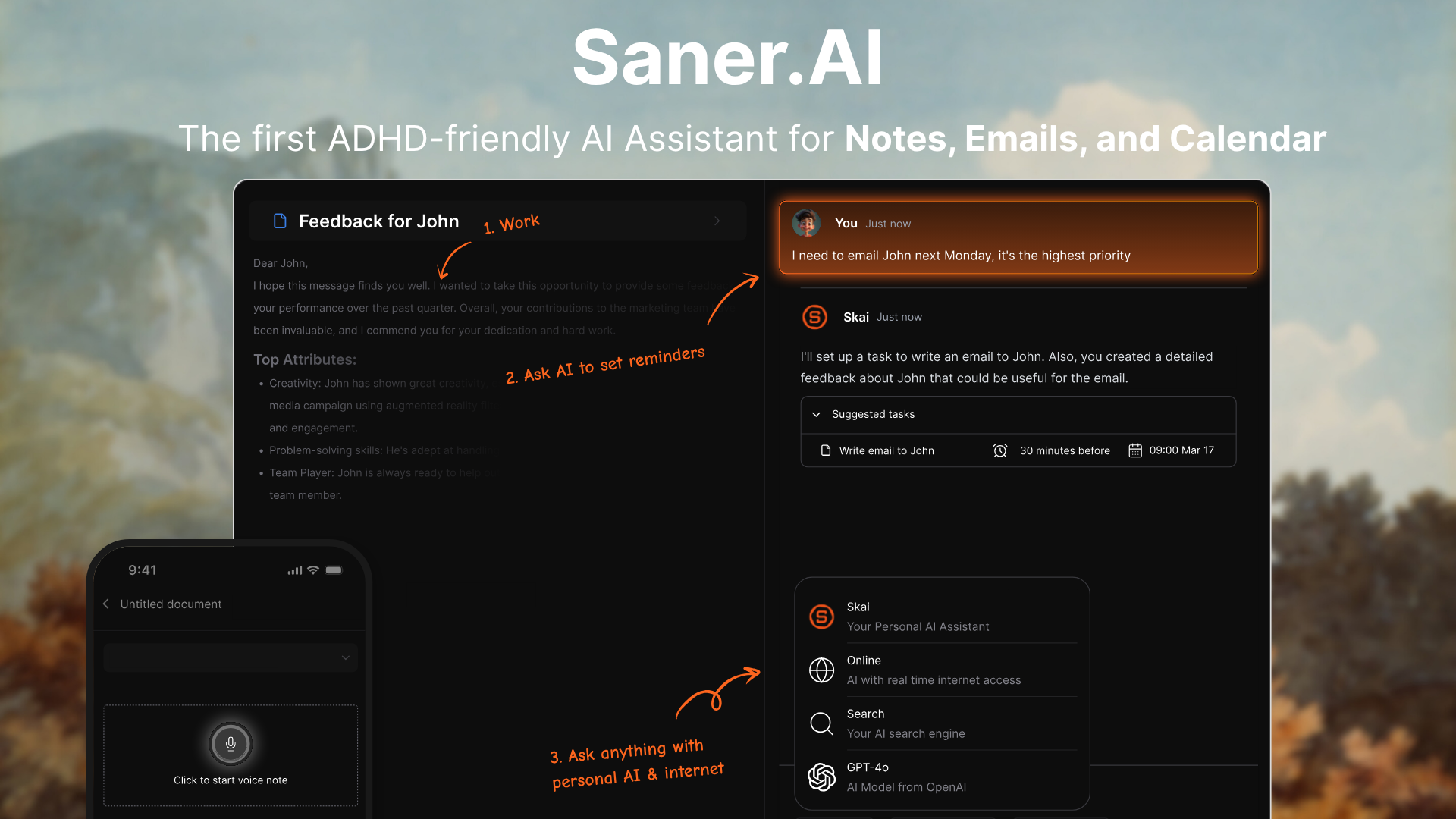
Saner.AI is an AI personal productivity and knowledge assistant that helps you capture, organize, and retrieve information without context-switching.
Unlike Anytype’s local-first, graph-based focus, Saner.AI utilizes AI to automatically organize notes and tasks and surface insights across your data.
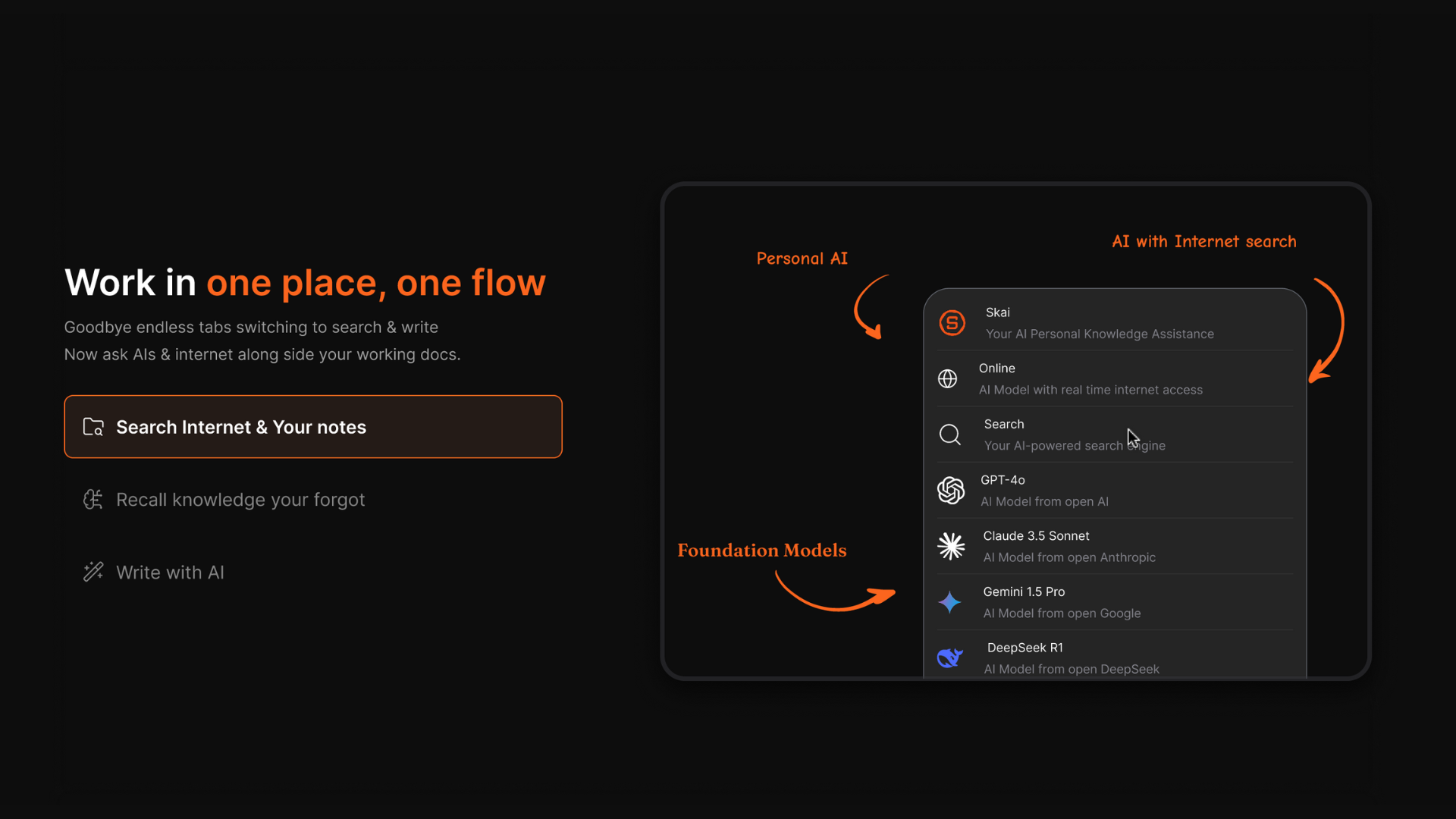
It blends notes, tasks, calendar, and universal search into a single dashboard. Saner.AI excels when you want AI to manage your second brain with real-time suggestions, rather than relying on manual linking.
Key features
- Saner utilizes AI to organize your content. It learns from your inputs, so retrieval feels natural and intuitive over time.
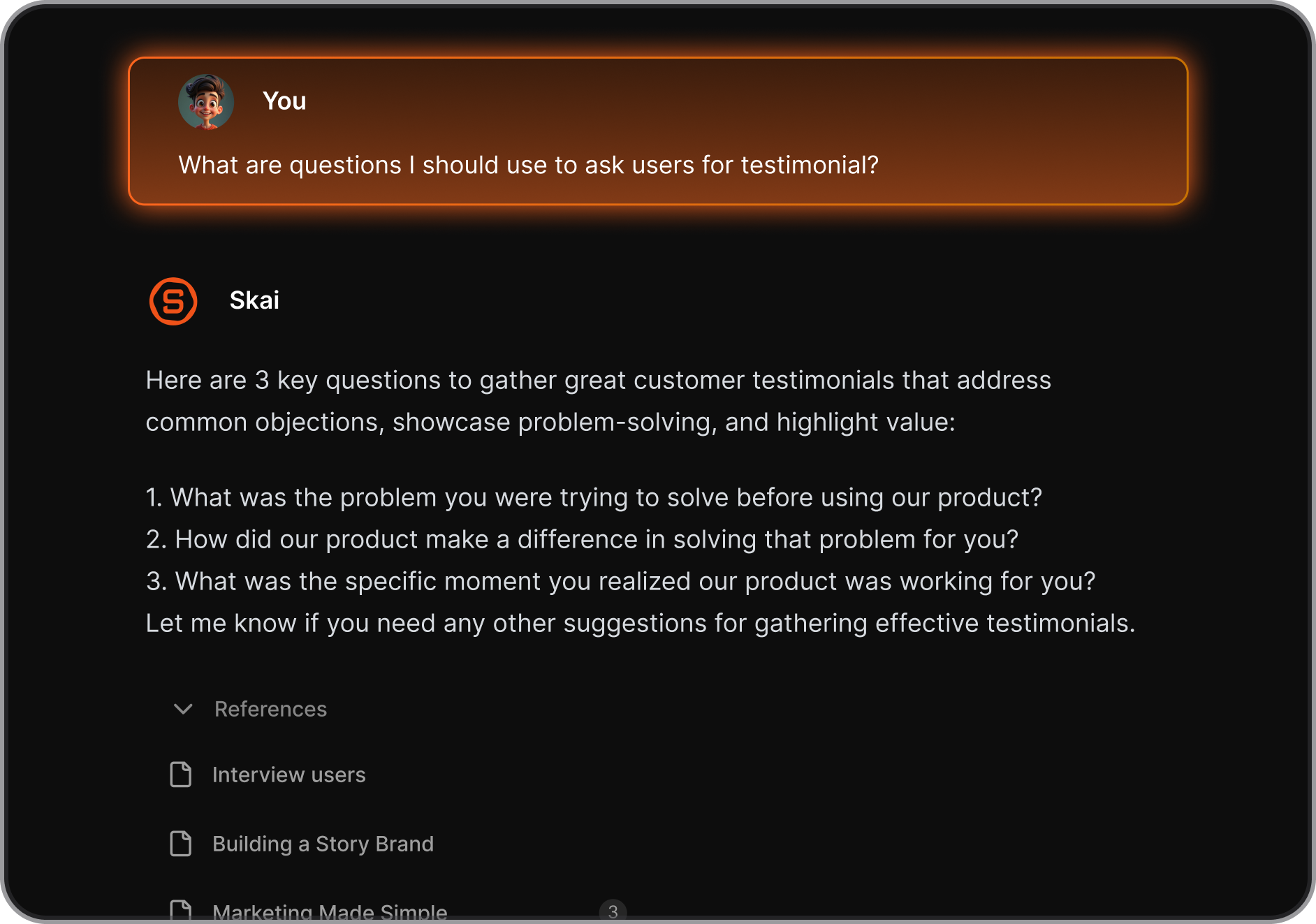
- Capture text, voice, and web clips quickly, then find anything using natural language queries.
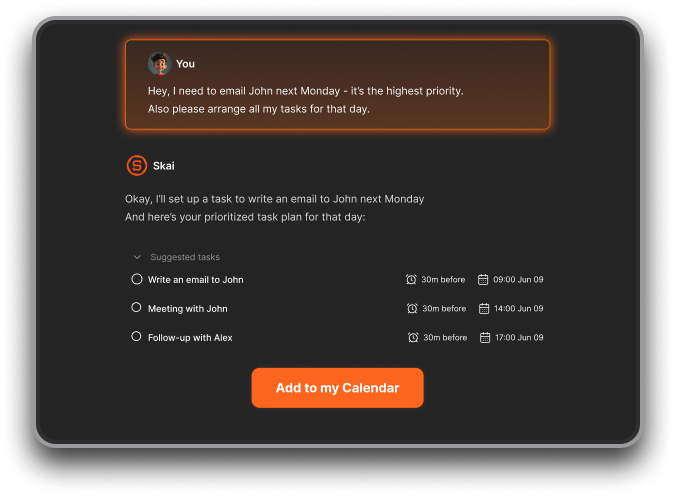
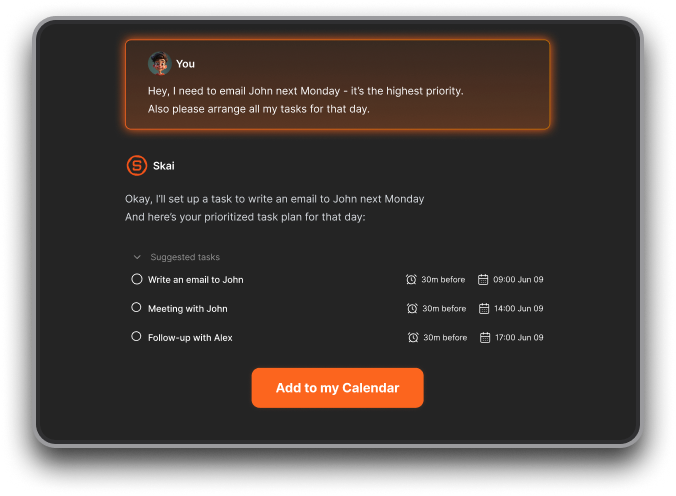
- Tasks sync with your calendar and get smart suggestions for daily planning. AI surfaces priorities and helps keep your daily plan focused and realistic.
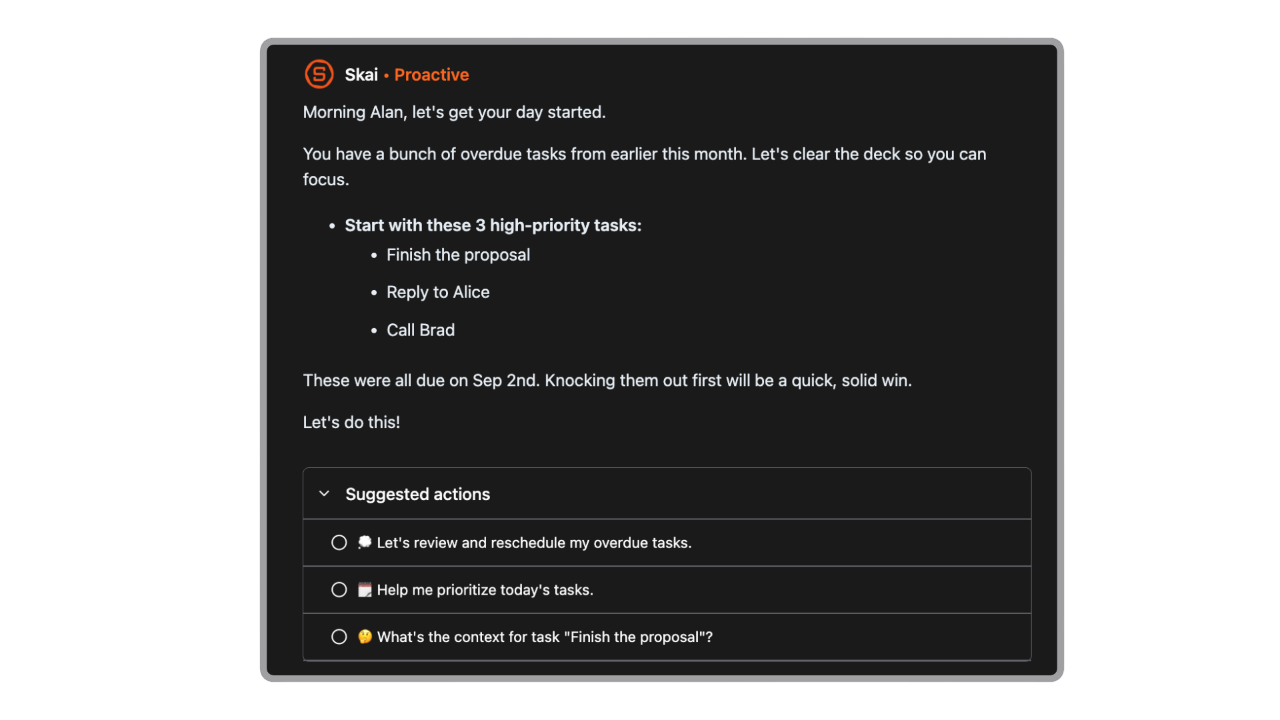
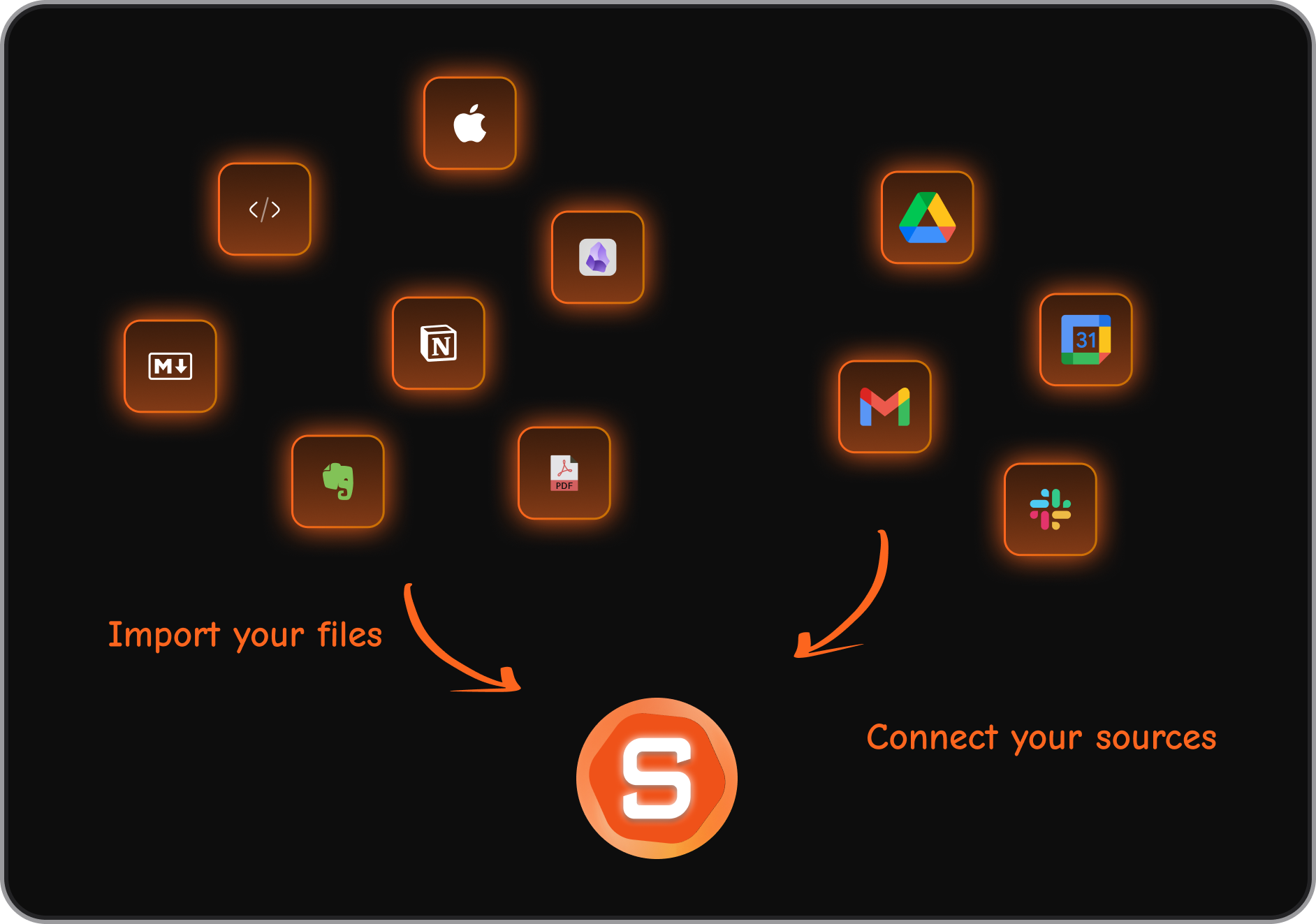
- Connect to email, Slack, Google Drive, and other tools so your information lives in one workflow.
What I liked
- Reduces friction between capturing ideas and acting on them.
- Natural language search feels genuinely helpful for recall.
- Integrations make it easy to bring work from scattered apps into one place.
What I disliked
- Not suitable for cross-team collaboration.
Pricing
- Free
- Starter: ~$8–$12/month to Standard: ~$16/month with higher usage caps
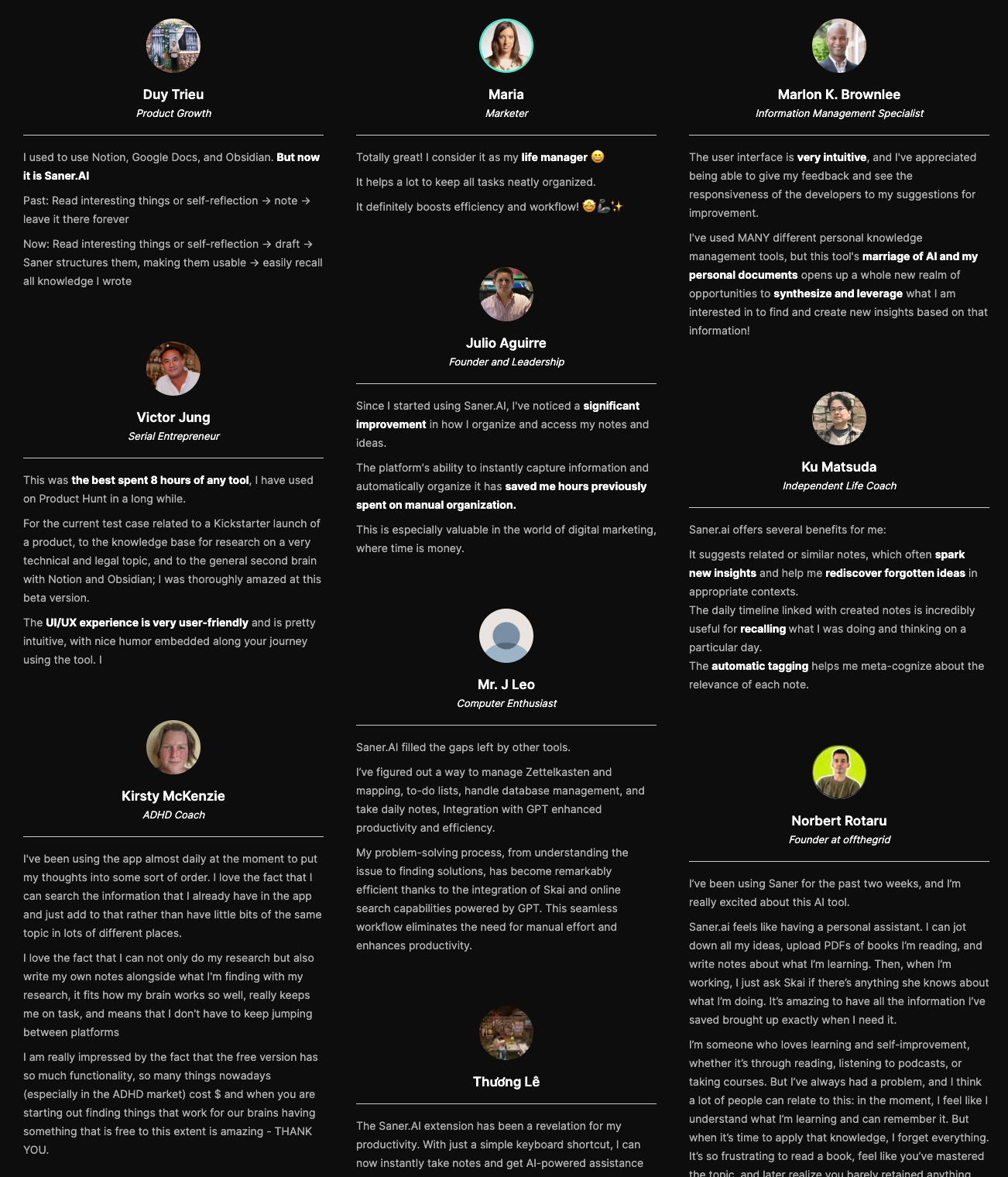
Saner.AI review
Suitable for
- People who want AI to manage notes + tasks without building structures manually.
- Knowledge workers are overwhelmed by multiple apps and fragmented information.
- Anyone interested in a "second brain" system.
- Users who like retrieval by semantics rather than strict organization.
How to start
- Go to Saner.AI and create your free account.
- Install the mobile and/or web extension for quick capture.
- Start adding notes and tasks, and see what AI suggests.

Stay on top of your work with the Top Anytype Alternative
2. Obsidian
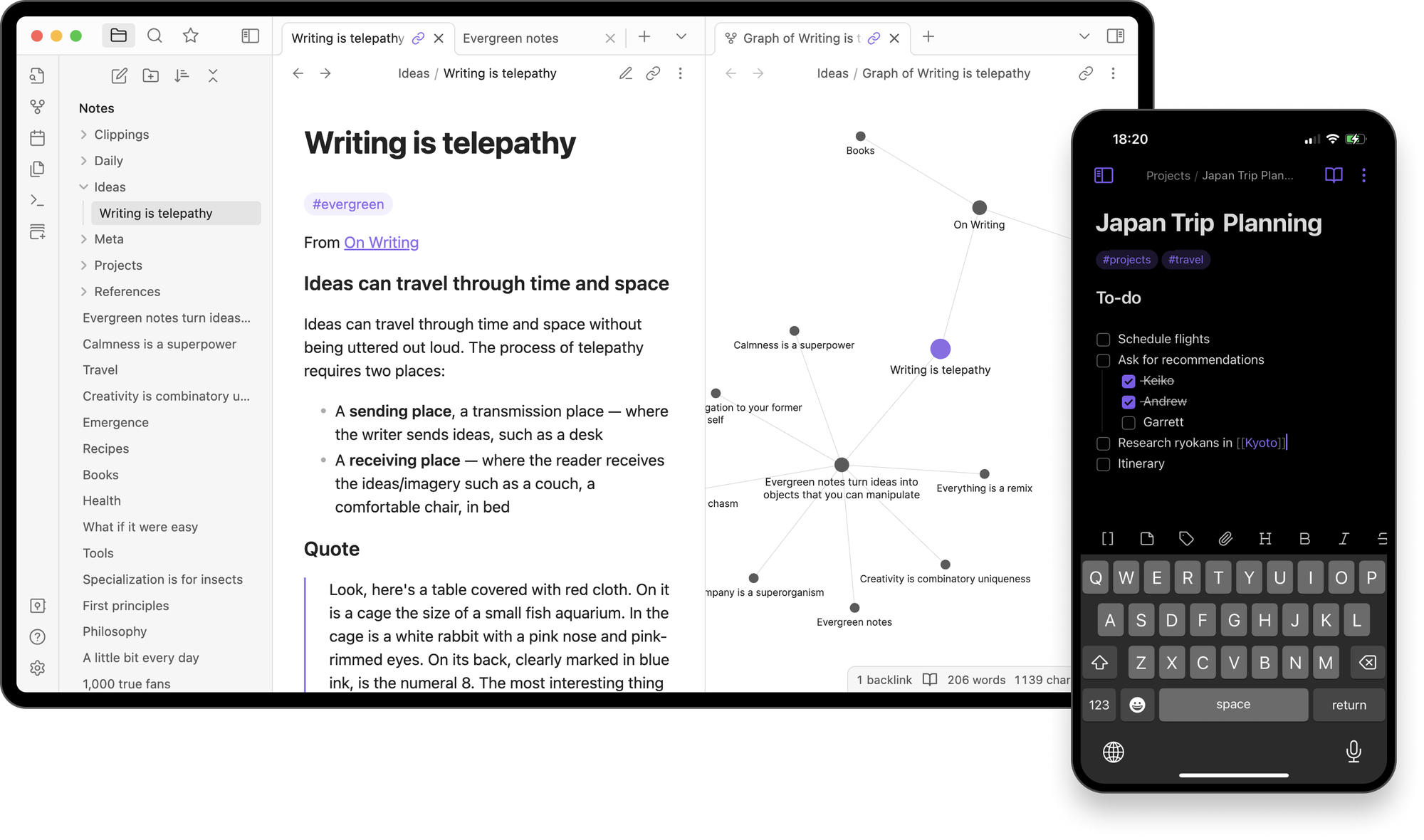
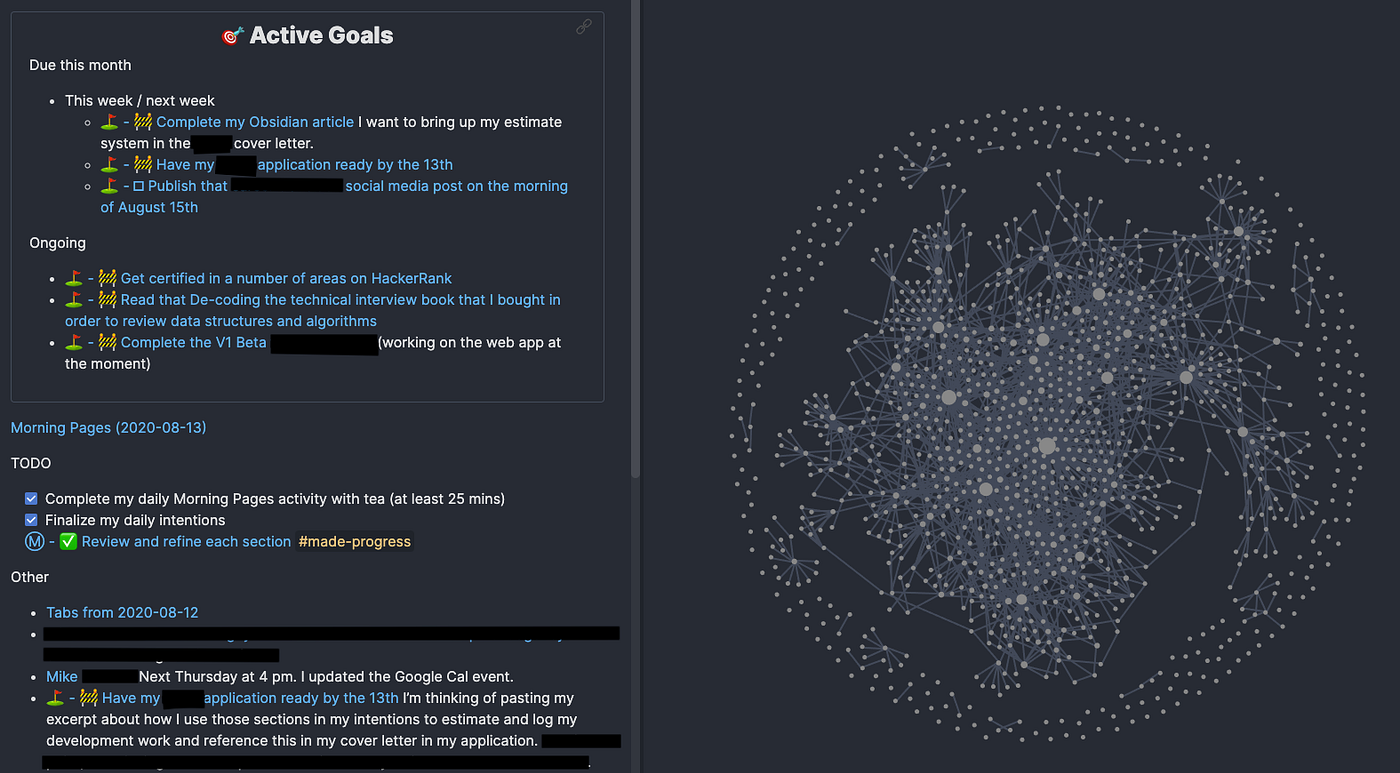
Obsidian is a powerful knowledge base that uses local markdown files plus a graph view to visualize connections between ideas. It’s ideal Anytype Alternative if you like building a personal wiki with deep bi-directional links and custom structures that truly belong to you.
Key features
- Every note connects via links and backlinks, building a visual web of ideas that reveals relationships over time.
- Your data lives locally in markdown, giving you full ownership and export flexibility.
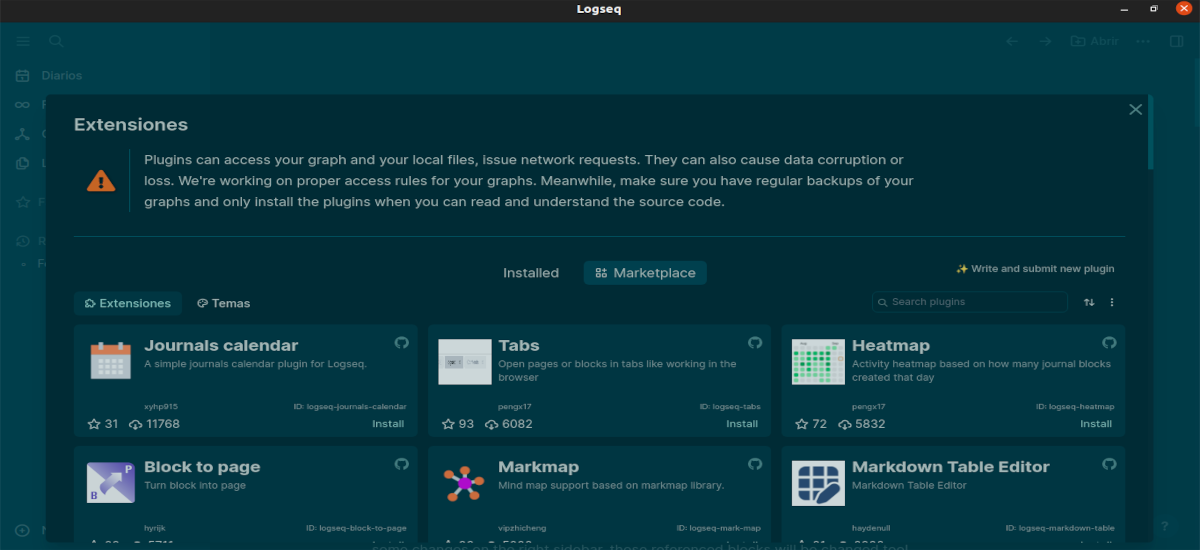
- Kanban boards, calendars, task managers, spaced repetition, and more.
- Configurable layouts and themes let you shape the tool to your workflow.
What I liked
- Ownership and portability of markdown files.
- Graph view makes big knowledge networks feel navigable.
- Plugin power lets you customize deeply.
What I disliked
- Takes time to set up a system that works for you.
- Plugins can sometimes conflict or break with updates.
- Not as beginner-friendly as simpler note apps.
Pricing
- Free for personal use
- Catalyst/Commercial plans for sync and advanced features starting ~$25–$50/year
Suitable for
- Knowledge workers, researchers, and writers building a networked second brain
- Users who value data ownership and markdown
- People who enjoy customizing workflows
How to start
- Download Obsidian and open your first vault.
- Create a few notes and link them to build context.
- Explore plugins to extend as needed.
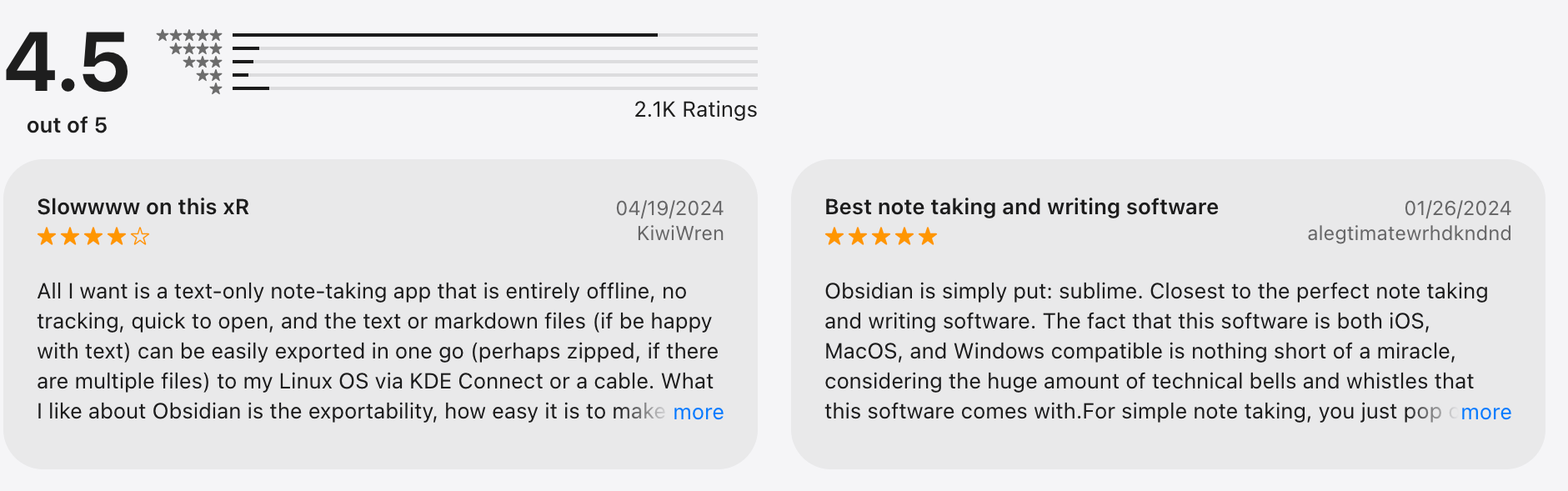
Obsidian review (source)
3. Logseq
Logseq is an open-source, privacy-first knowledge and task manager built around linked bi-directional pages and blocks. It’s similar to Obsidian’s graph concept but emphasizes an outliner plus daily notes approach.
Key features
- Outline combines bi-directional links for a deep, flexible structure.
- Local file storage with markdown or org-mode.
- Daily journal system for capturing quick thoughts and tasks.
- Query blocks to surface dynamic content.
What I liked
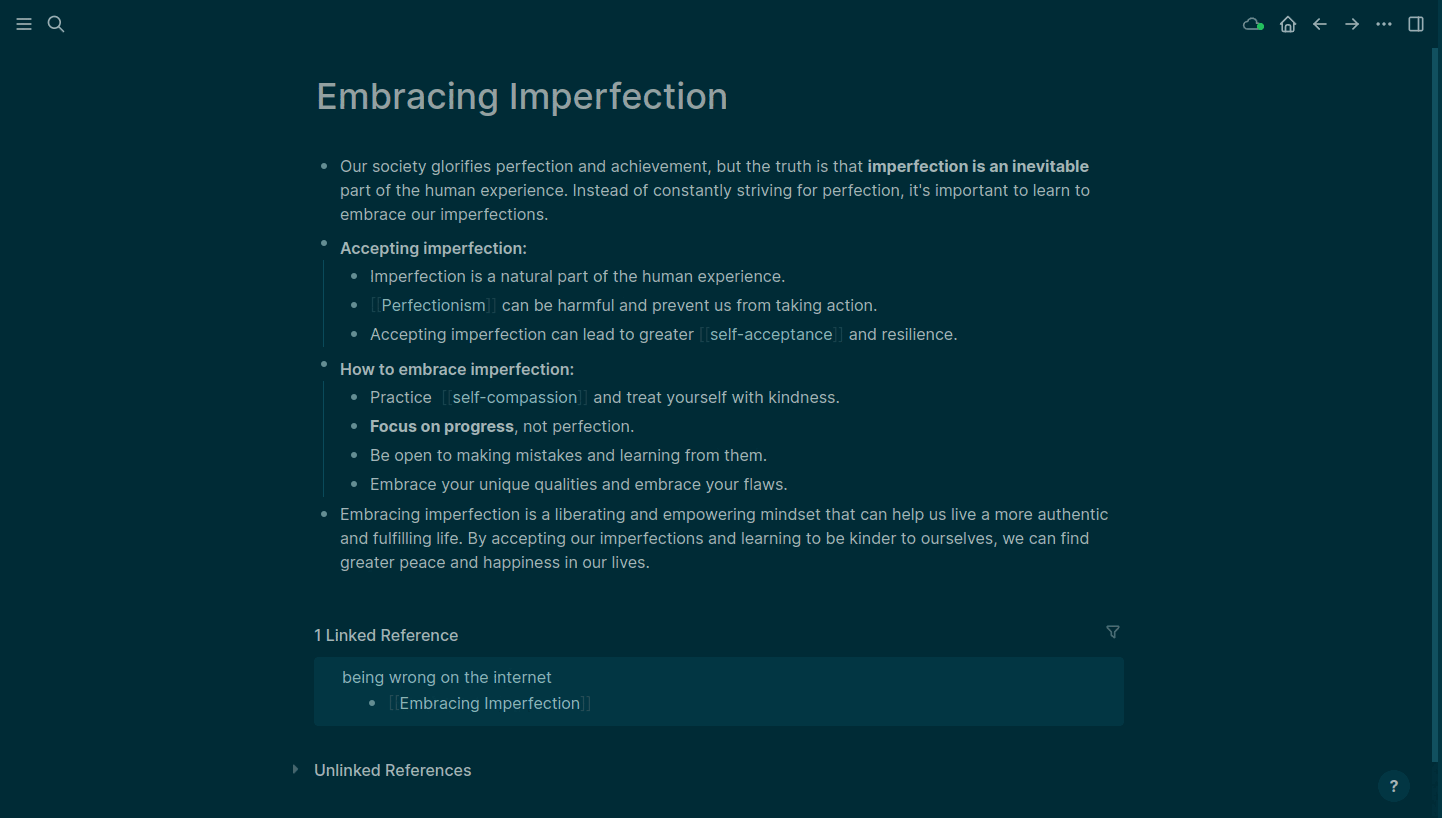
- Natural blend of journaling with structured knowledge.
- Open source and community-driven.
- Works offline and respects data privacy.
What I disliked
- Less polished UI than some alternatives.
- Learning curve for queries and advanced workflows.
- Sync requires third-party tools or services.
Pricing
- Free and open-source.
- Optional sync services cost around $5 USD/month.
Suitable for
- Users who want outline-centric knowledge linking
- People who prefer open-source and local control
- Researchers, students, and long-term thinkers
How to start
- Install Logseq on desktop or web.
- Capture daily notes and link pages.
Logseq review (source)
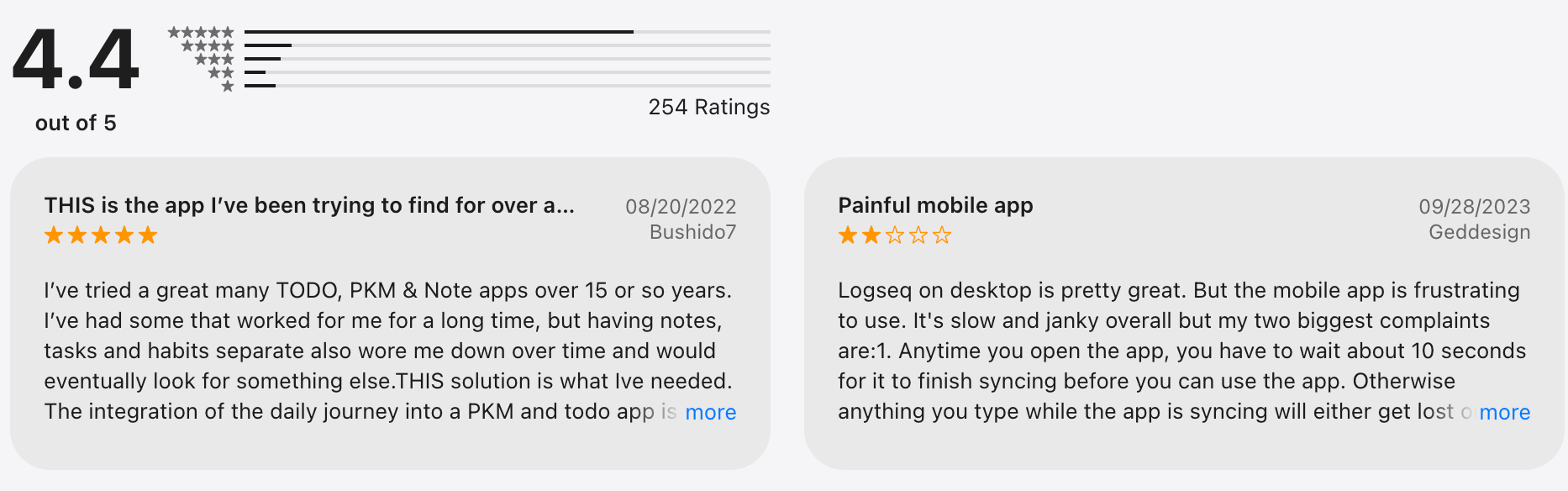
4. Notion
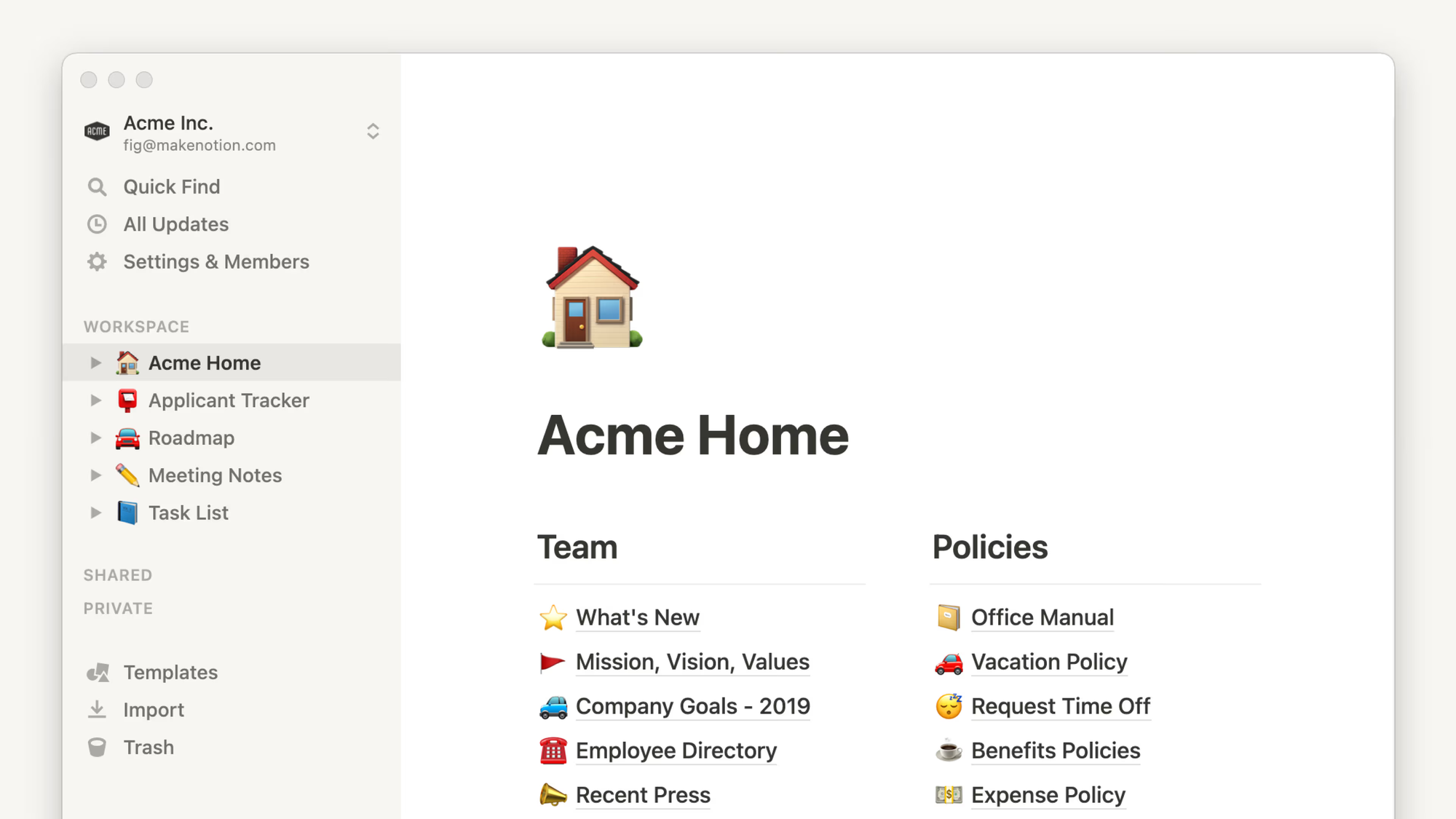
Notion is a versatile workspace where you can mix notes, databases, and docs with rich custom layouts and views. It’s great for people who want flexibility and structure in one place.
Key features
- Pages and databases that can be linked and rolled up.
- Multiple views, like tables, boards, calendars, and lists.
- Collaborative editing and comments.
- Templates for nearly every workflow.
What I liked
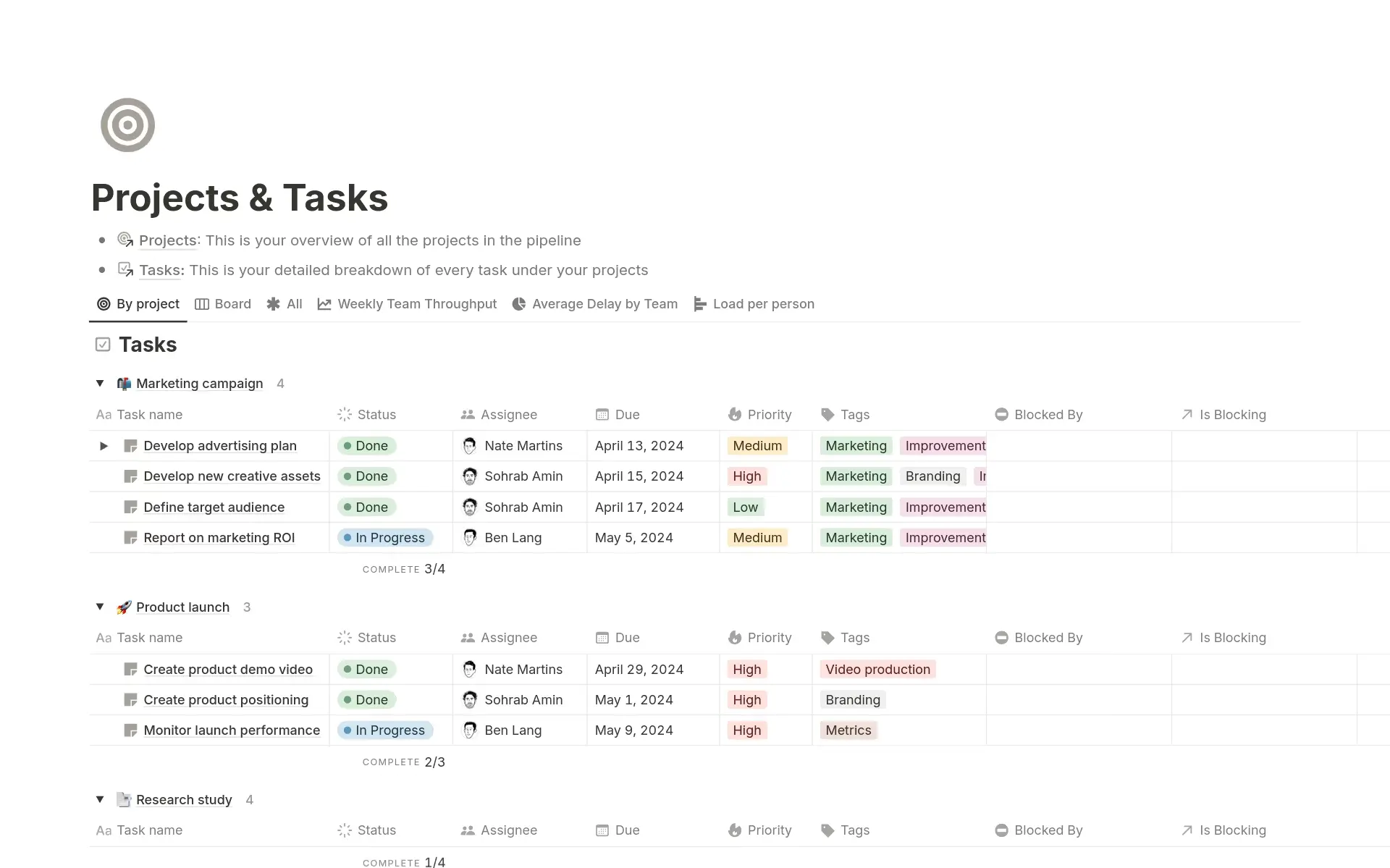
- Combines docs, tasks, knowledge, and projects in one place.
- Intuitive and flexible once you understand blocks.
- Great for teams and personal use alike.
What I disliked
- Setup takes time for complex systems.
- Performance can lag with large databases.
- No native AI (depends on add-ons).
Pricing
- Free personal plan.
- Paid personal pro ~$8–$15/month.
- Team plans ~$15+/month.
Suitable for
- People who want structured data + notes + collaboration.
- Teams managing content, tasks, and docs together.
- Users who like templates and layouts.
How to start
- Go to Notion and sign up.
- Pick a template or make a workspace.
- Add pages, databases, and views you need.
Notion review (source)
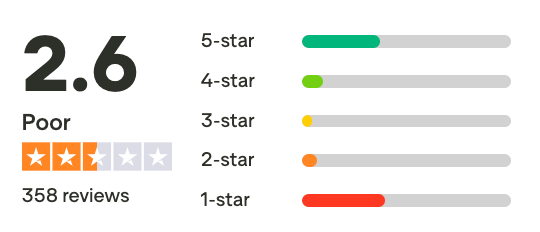
5. Joplin
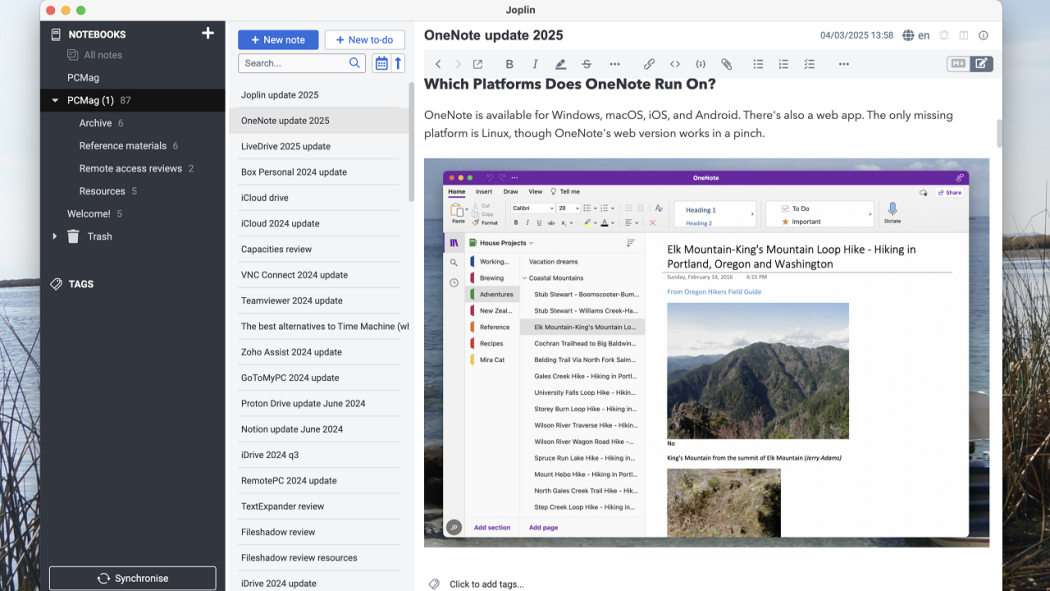
Joplin is a free, open-source note-taking and to-do app with strong encryption and local control. It’s ideal if privacy and independence from big platforms matter most.
Key features
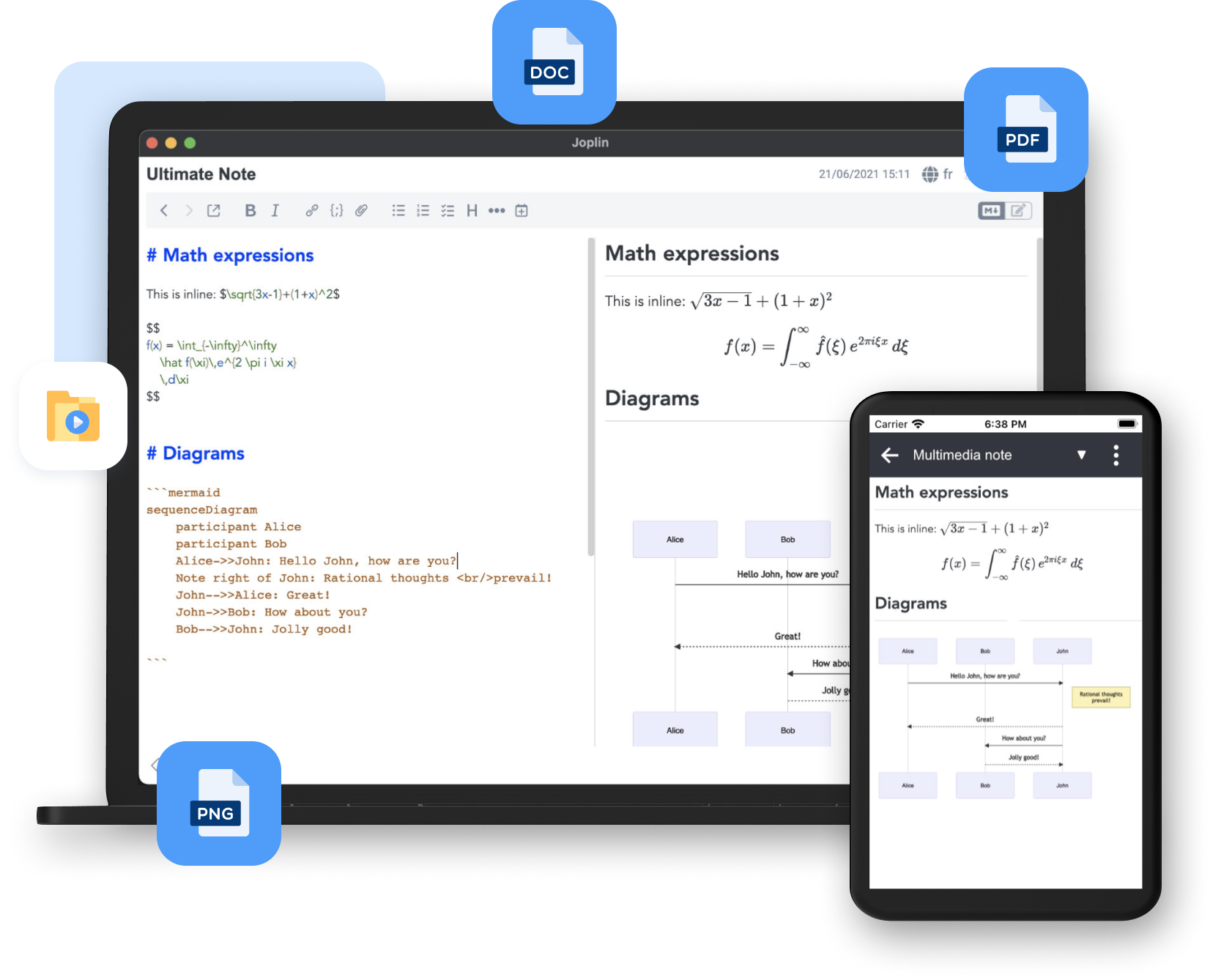
- Notes and to-dos with markdown support.
- Notebooks and tags to organize content.
- End-to-end encryption and local storage options.
- Sync across devices via Dropbox, OneDrive, WebDAV, or local network.
What I liked
- Strong privacy and control.The
- Markdown editor is clean, fast, and great for writing.
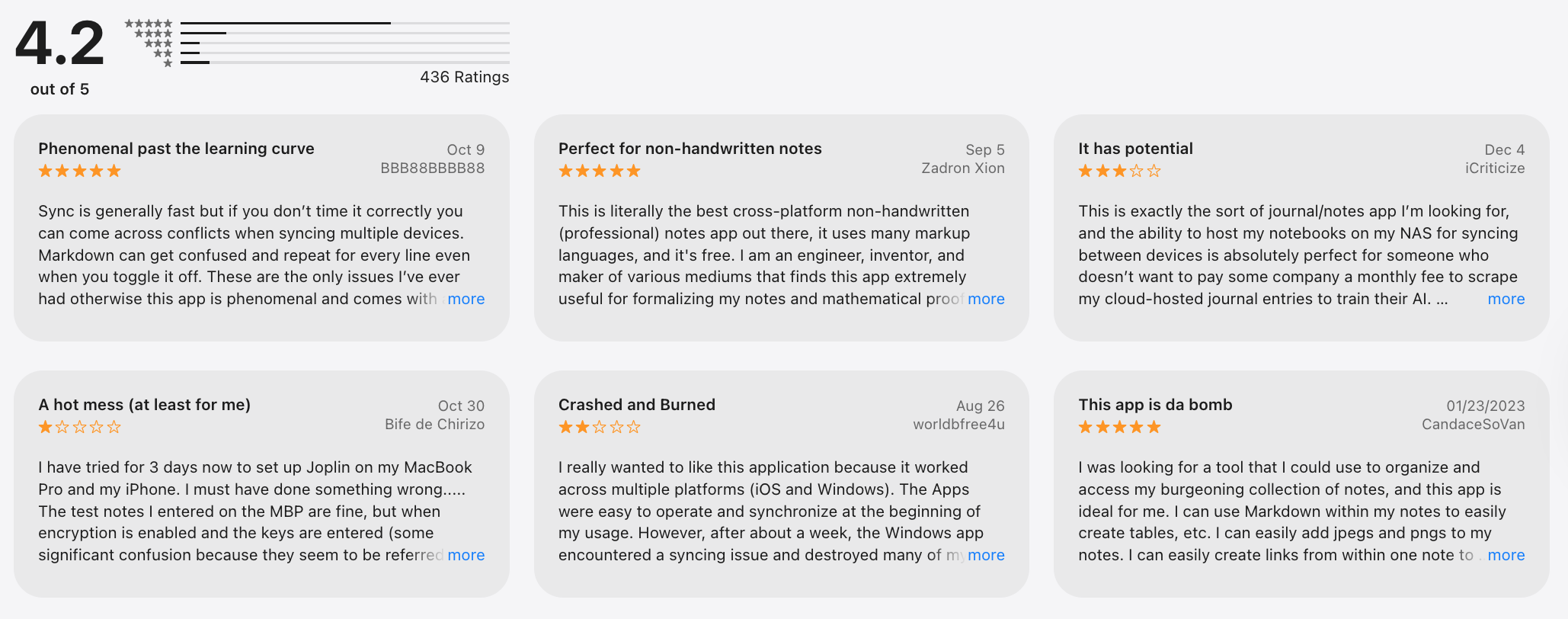
- Strong privacy focus with optional encryption.
What I disliked
- No native calendar or task scheduling - tasks are basic.
- Sync setup is manual compared with cloud tools (Dropbox/WebDAV).
- Lacks built-in collaboration features.
Pricing
- Free
Suitable for
- Users who prioritize privacy and full control.
- People who want notes without vendor lock-in.
- Basic writers and organizers.
How to start
- Install Joplin on your device.
- Create notebooks and notes.
- Sync to your chosen service.
Joplin review (source)
6. Craft
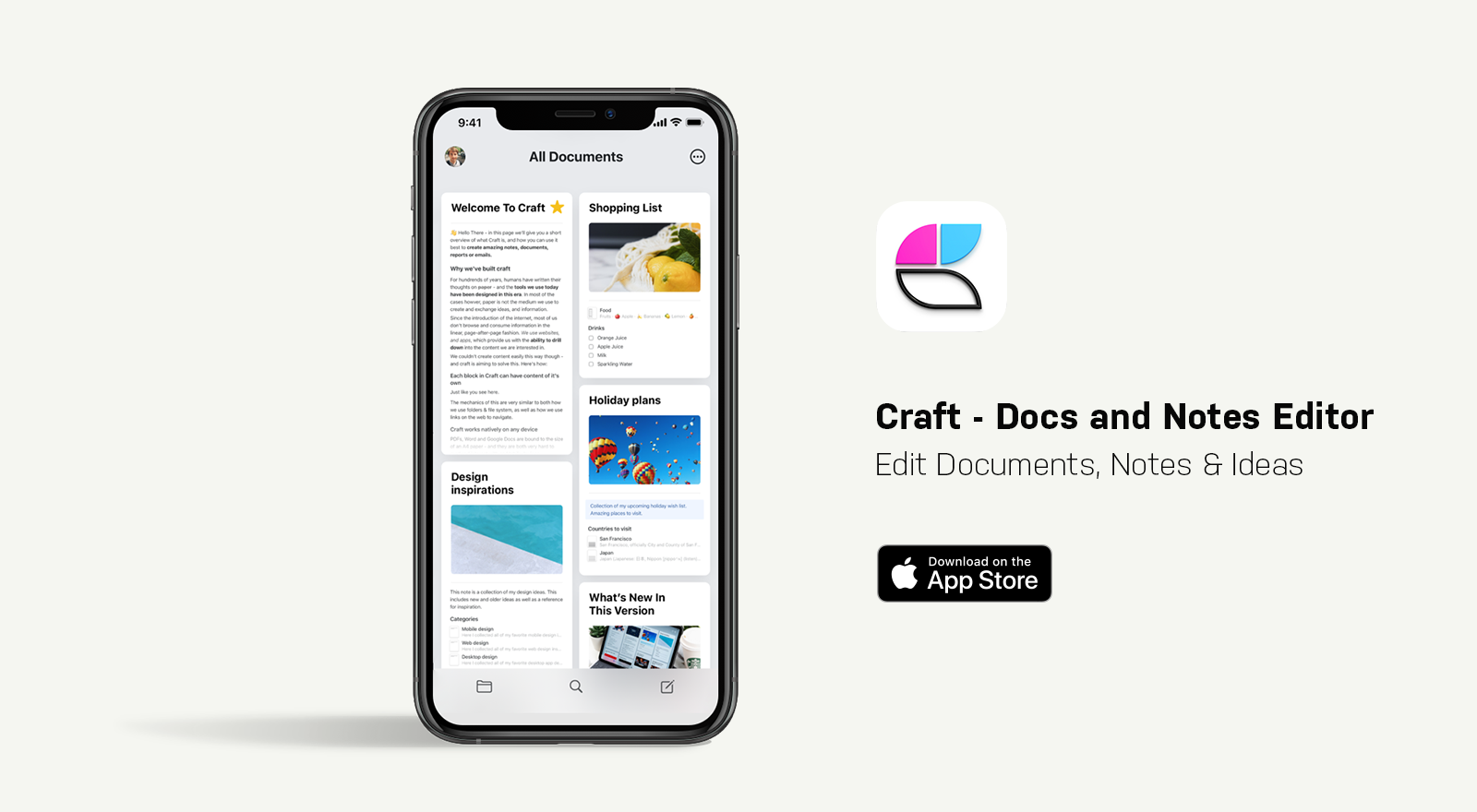
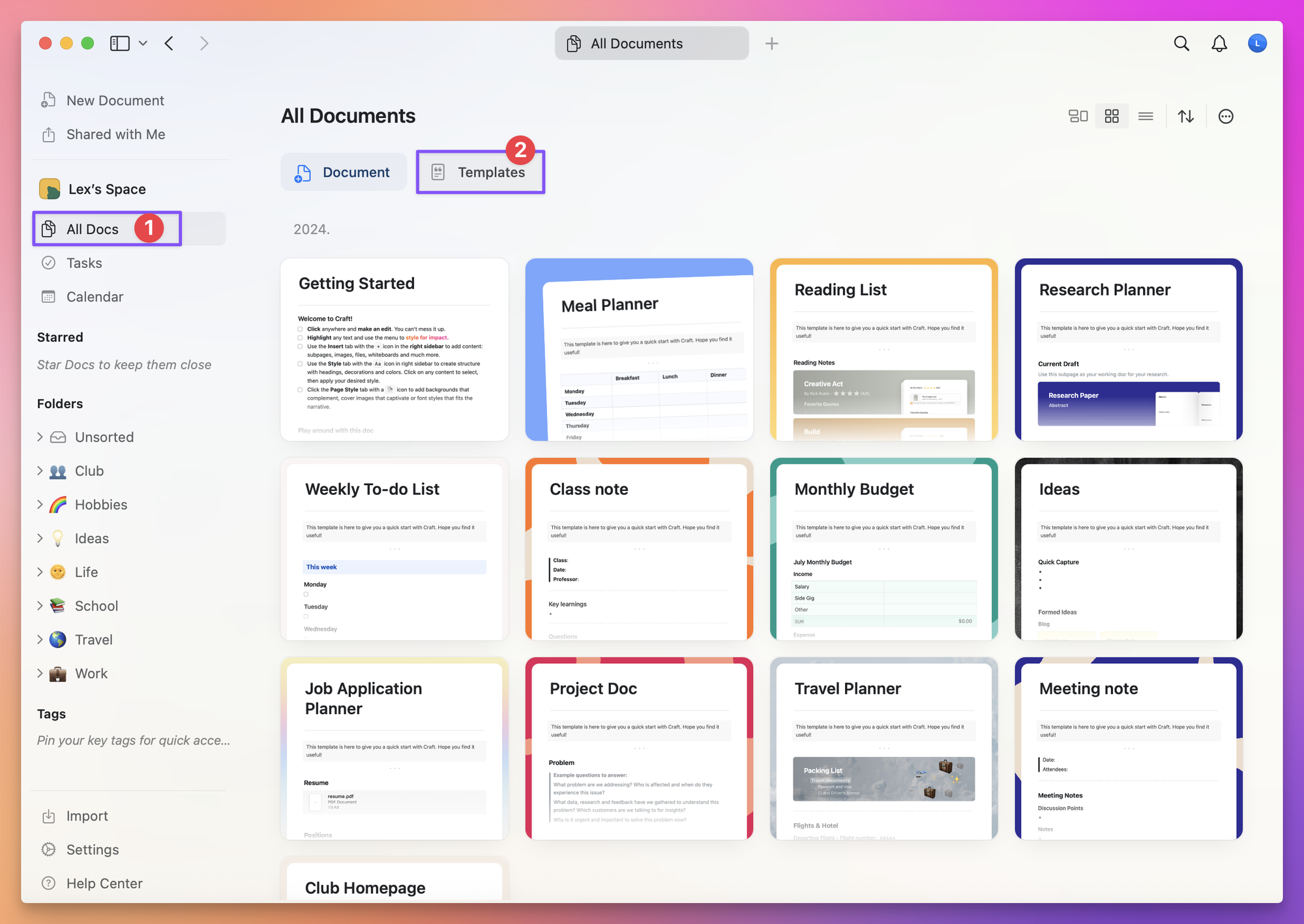
Craft is a note and document app that focuses on visual clarity, good typography, and structure. It’s ideal for people who want notes that look great and are easy to navigate.
Key features
- Block-based editor with clean, polished formatting.
- Pages, subpages, and backlinks for structured notes.
- Rich media embeds (tables, code, images, files).
- Real-time collaboration and sharing.
- Offline-first support with fast sync across devices.
What I liked
- Distraction-free writing experience.
- Documents look polished by default, great for sharing with others.
What I disliked
- Task management is very limited compared to tools like Notion or ClickUp.
- Less flexible for complex databases or workflows.
- Best features shine in docs, not in execution or daily task planning.
Pricing
- Free basic tier.
- Pro plans are around $6–$9/month.
Suitable for
- Writers, content creators, and document builders
- People who want aesthetic note layouts
- Teams that need simple shared notebooks
How to start
- Go to Craft and sign up.
- Create pages and structure them.
- Use links to connect content.
Craft review (source)
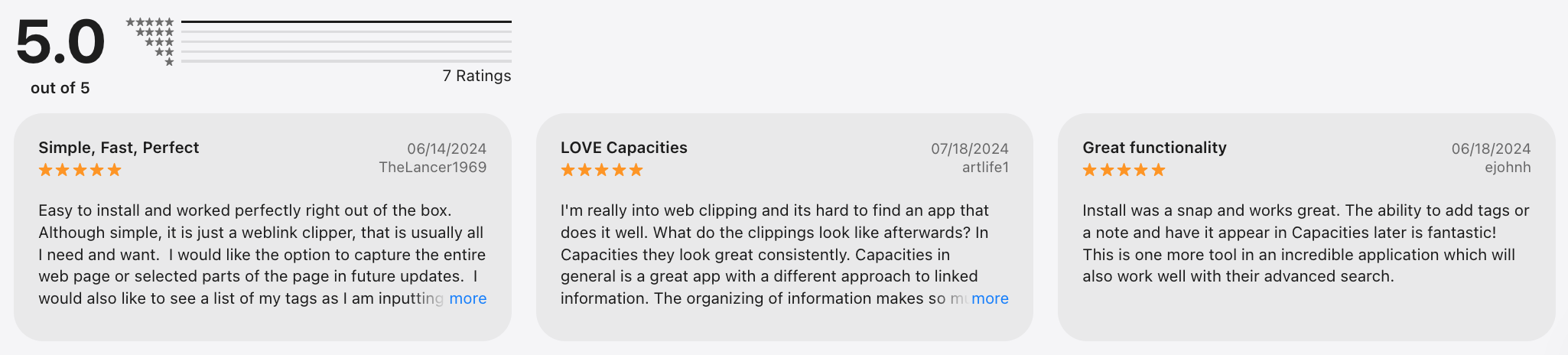
7. Capacities
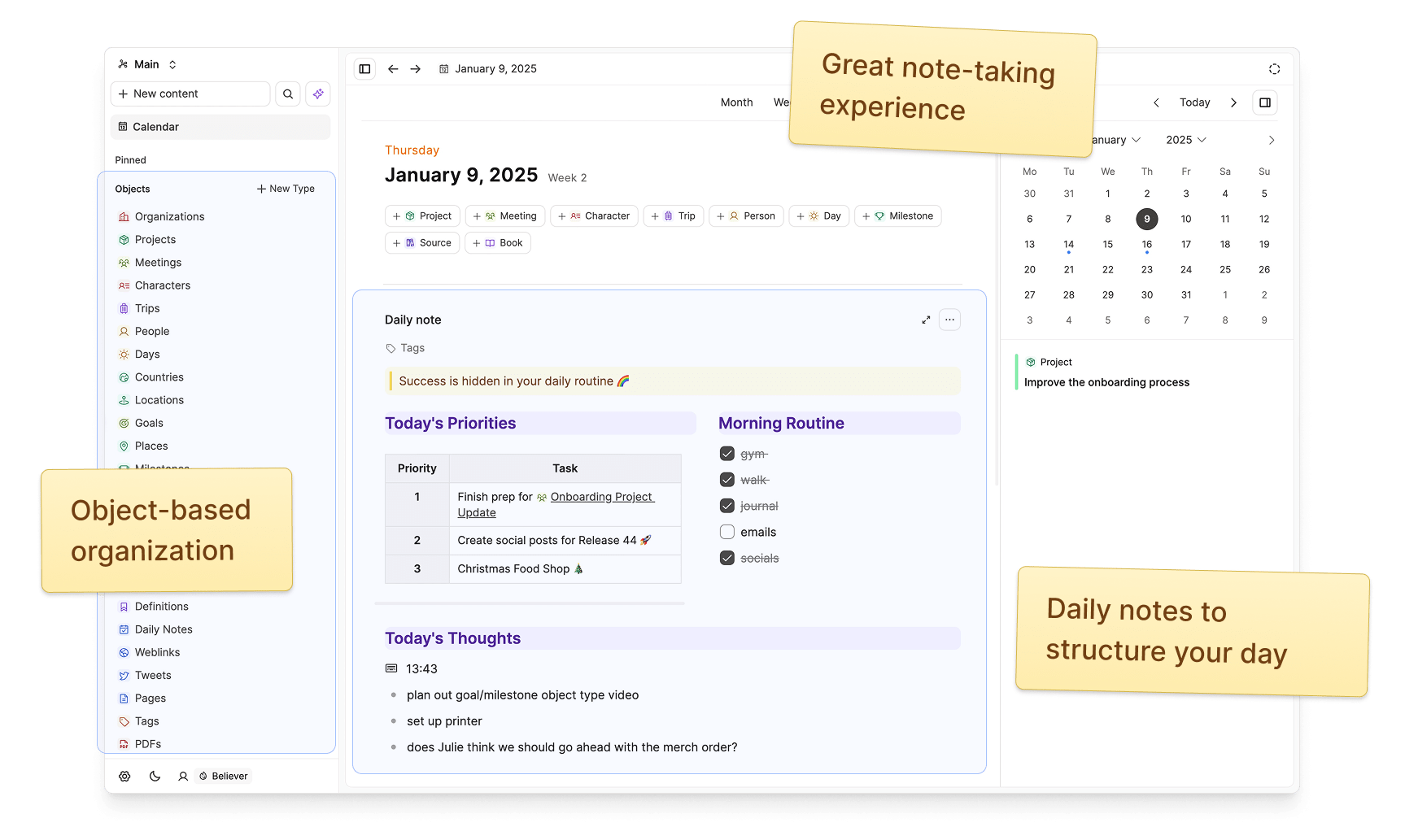
Capacities is an object-based knowledge management app designed to help you think in concepts instead of folders. Instead of organizing notes as pages or files, you store knowledge as objects (people, books, ideas, projects) and let relationships form naturally over time.
Key features
- Object-based notes (people, meetings, concepts, media, etc.).
- Automatic backlinks and contextual relationships between objects.
- Clean, distraction-free writing experience.
- Daily notes and knowledge graph for long-term thinking.
What I liked
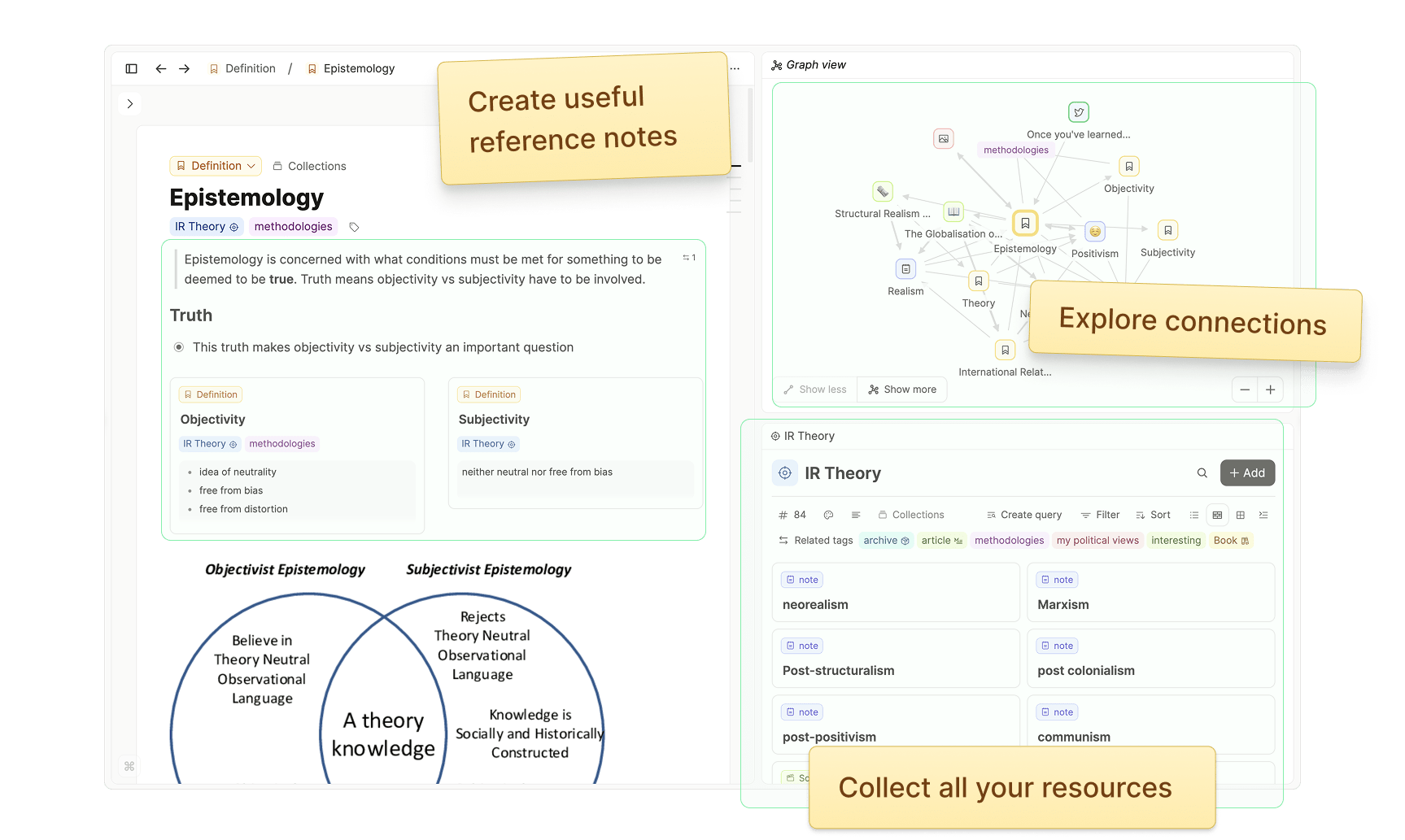
- Thinking in objects feels very natural for knowledge building, not just note storage.
- Relationships emerge automatically without heavy manual linking.
- Calm, minimal UI - great for deep thinking and writing.
What I disliked
- Requires a mindset shift if you’re used to folders or databases.
- Still evolving, so advanced workflows and integrations are limited.
Pricing
- Free plan available.
- Pro plan around $10–$12/month.
Suitable for
- People who think in concepts, not projects or tasks.
- Users who want structure without a heavy setup, like Notion databases.
How to start
- Go to Capacities.
- Create a free account.
- Start by adding objects (people, ideas, books) instead of folders.
Capacities review (source)
8. Standard Notes
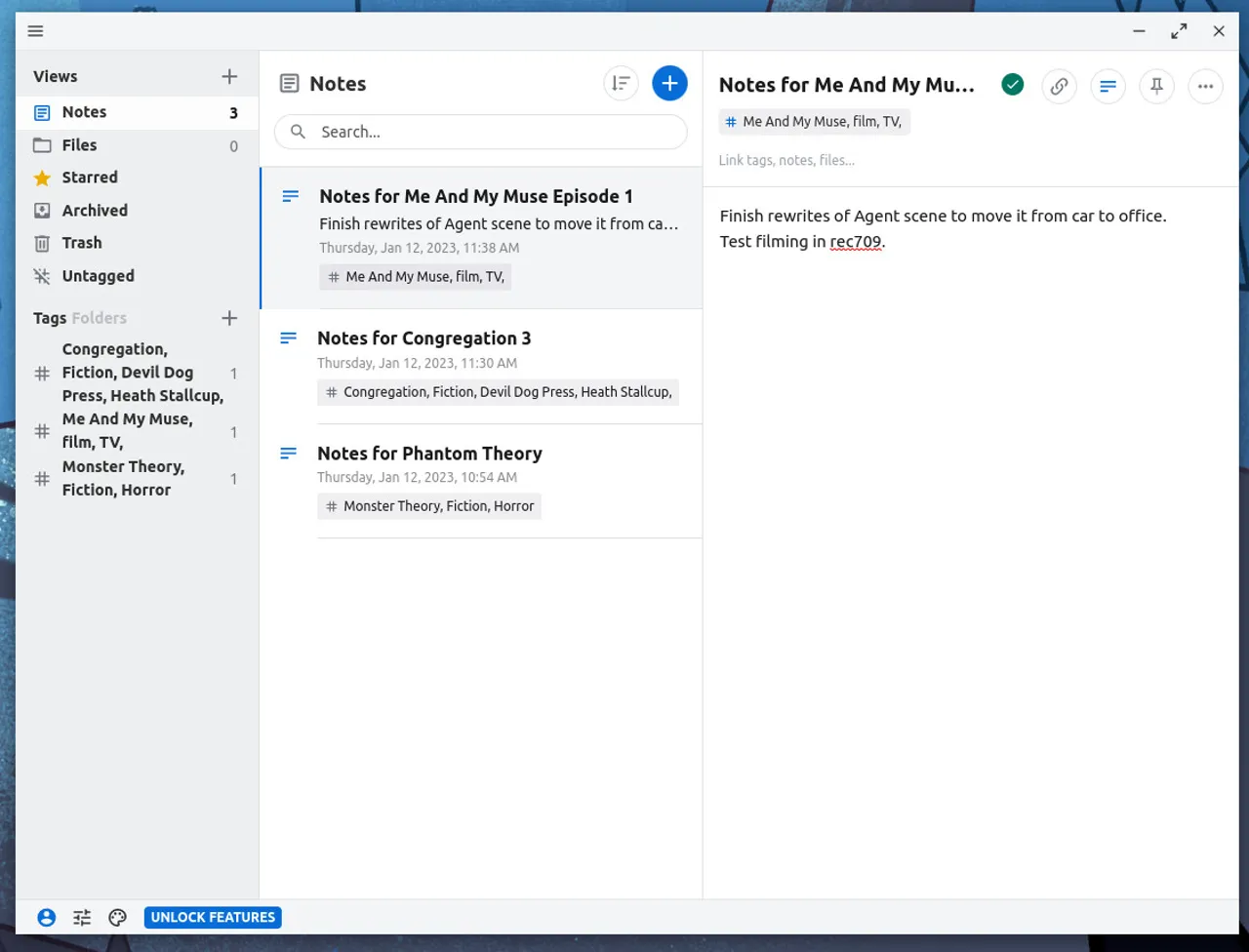
Standard Notes is a privacy-focused note-taking app built around end-to-end encryption. It’s designed for people who want a simple, secure place to write notes, ideas, and sensitive information without worrying about data tracking or ads.
Key features
- End-to-end encryption for all content by default.
- Simple note editor with extensions available.
- Tags and search for organization.
- Sync across devices.
What I liked
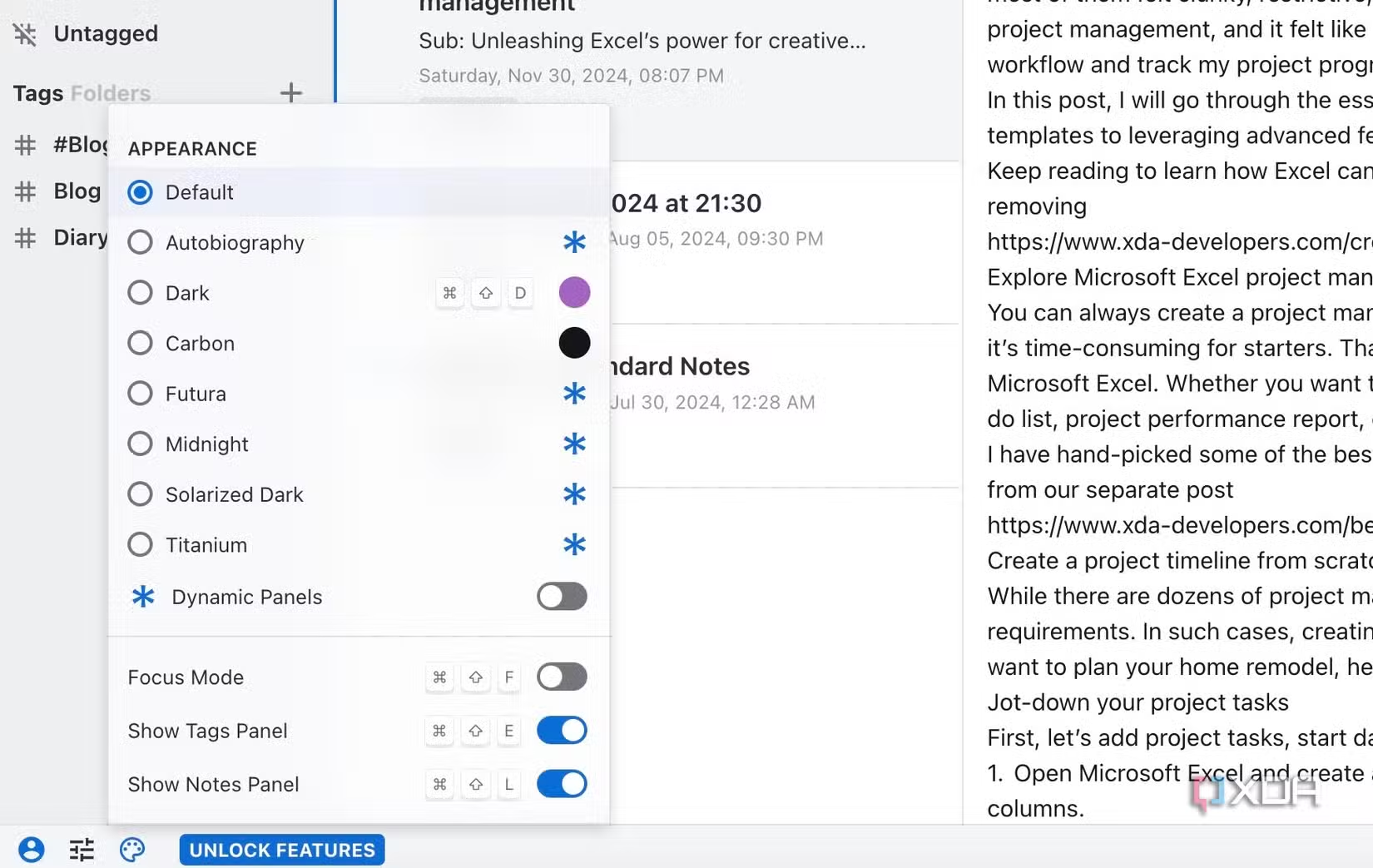
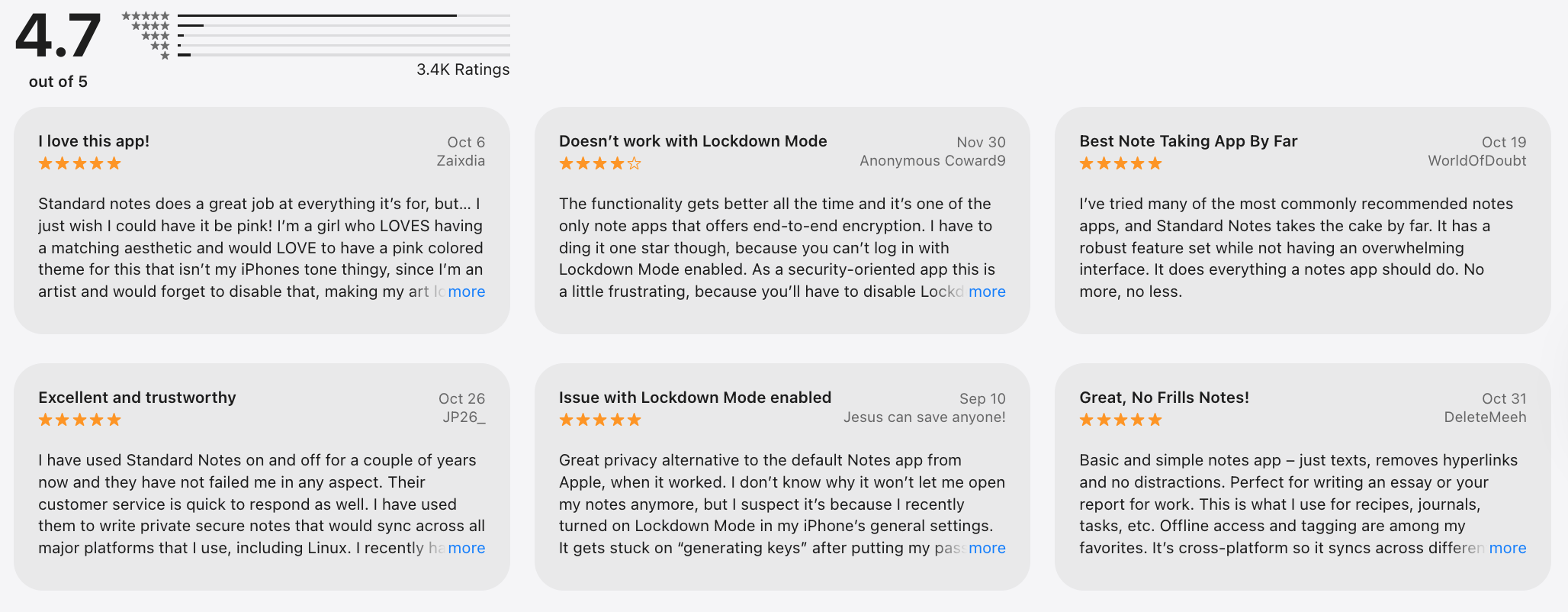
- Extremely secure and private by default.
- Clean, minimal interface.
- Long-term stable platform.
What I disliked
- Very minimal in the free version - advanced editors are locked behind paid plans.
- No built-in task management or project views.
- It can feel too bare if you’re used to feature-rich tools like Notion.
Pricing
- Free plan with core encrypted notes.
- Paid plans are around $10–$15/month.
Suitable for
- Privacy-first users and writers.
- People who want a simple note app.
- Anyone who values encryption by default.
How to start
- Go to Standard Notes.
- Create an account.
- Add notes and tags.
Standard Notes review (source)
Conclusion: Which Anytype Alternatives would be suitable for note management?
When exploring 8 powerful Anytype alternatives for task management, it’s clear that today’s productivity landscape offers a spectrum of tools from simple to-do lists to deep PKM systems.
What sets Saner.AI apart as a standout choice isn’t just that it competes with these apps. It reimagines task management by combining AI organization, inbox-style capture, and intelligent prioritization in one workspace.
Unlike traditional tools that rely on manual structuring, Saner.AI uses a personal AI assistant to automatically pull tasks from emails, notes, docs, and calendars, break them into manageable steps, set reminders, and even suggest solutions to help you complete them, which makes staying on top of work easier and more intuitive.
For users overwhelmed by context switching or seeking a more proactive productivity partner, Saner.AI shines as a modern alternative - especially if you want your task manager to do more than just list to-dos.
Stay on top of your work and life
Best Anytype Alternatives: FAQ
1. What are the best Anytype alternatives right now?
The best Anytype alternatives include tools focused on privacy, local-first storage, and flexible knowledge organization. Popular options range from graph-based notes and markdown tools to newer AI-assisted personal knowledge management tools like Saner.AI.
2. Which Anytype alternative is best for simple note-taking?
If you want low friction and fast capture, these tools stand out:
- Saner.AI: clean, structured writing with beautiful formatting
- Standard Notes: minimal UI with strong privacy
- Joplin: simple markdown notes with local storage
3. What’s the best Anytype alternative for knowledge graphs?
For users who like visual thinking and backlinks:
- Obsidian: full control, local markdown files, strong graph view.
- Logseq: outliner-first approach with bi-directional links.
4. Is Notion a good alternative to Anytype?
Notion is often mentioned as an Anytype alternative, but it serves a different audience.
Notion is better if you want:
- Databases and structured workflows
- Team collaboration
- Templates and dashboards
Anytypee (and many alternatives on this list) are better if you want:
- Personal knowledge management
- Offline access
- Less friction when writing notes
That’s why many users eventually move from Notion to lighter tools.
5. Are there Anytype alternatives work best with AI?
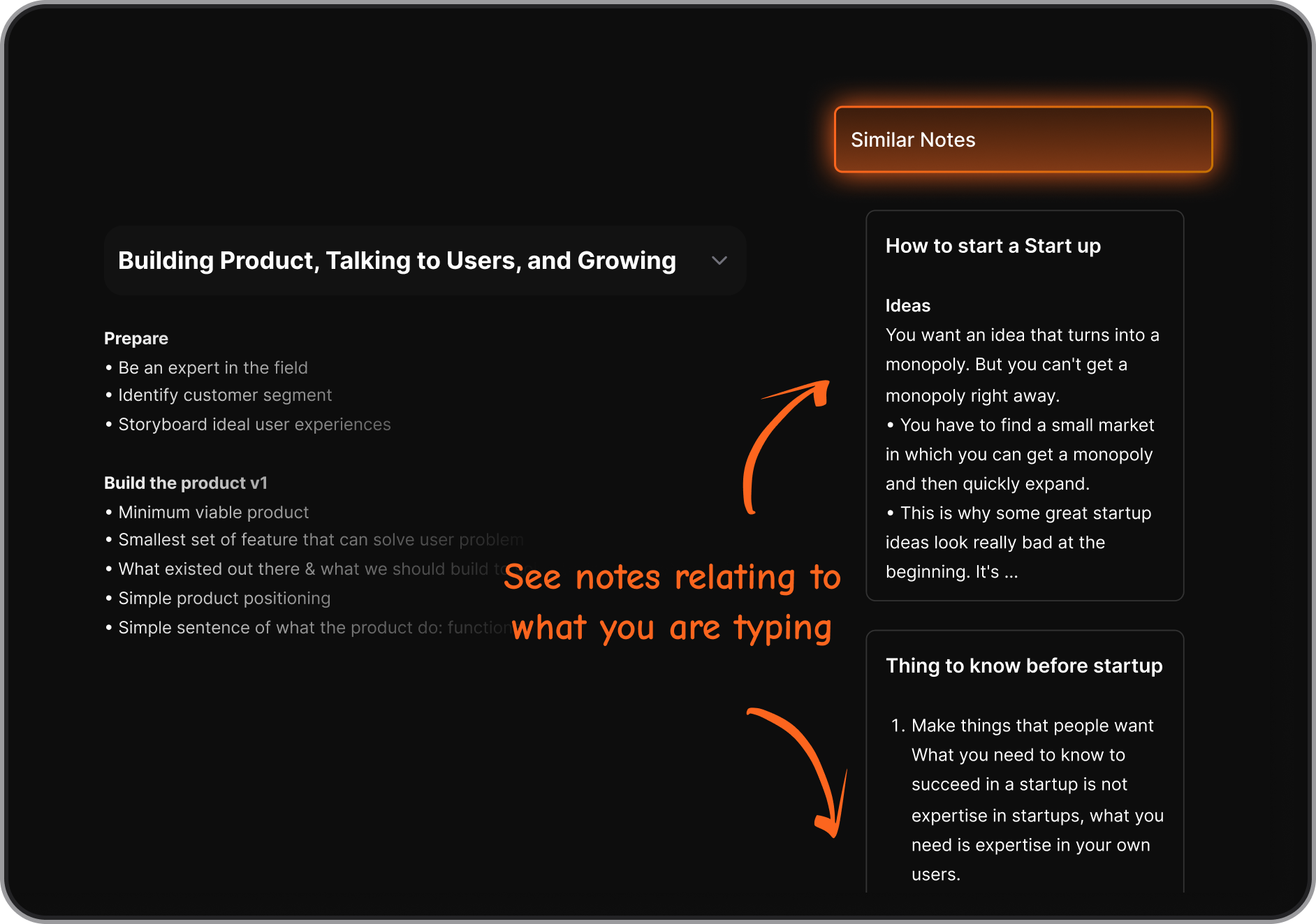
Yes. While Anytype is largely manual, some Anytype alternatives like Saner.AI use AI to auto-organize notes and tasks, making them ideal for users who want a lightweight second brain without heavy configuration.
6. Which Anytype alternative works best for messy thinkers?
If your notes are scattered, incomplete, or inconsistent, look for tools that don’t punish chaos.
Saner.AI stands out here because:
- You can write naturally without structuring first.
- Notes turn into tasks automatically.
- Search works on meaning, not exact keywords.
7. Which Anytype alternative is best for privacy and offline use?
If privacy is the priority, these are frequently compared to Anytype:
- Standard Notes: end-to-end encryption by default
- Joplin: open-source, offline-first, self-hosting options
- Obsidian: fully local files, no forced cloud
8. What is the best Anytype alternative for building a "second brain" system?
For many people searching “Anytype alternatives”, the top choice for personal knowledge management isn’t just about storing notes - it’s about organizing, finding, and using your ideas without friction. Take Saner.AI as an example.
Saner.AI stands out as it blends AI search and task capture with natural note retrieval, so you spend less time organizing and more time using your knowledge. Ideal if you want a system that understands what you write and turns it into actions without a rigid structure.
9. Can Anytype alternatives replace task managers, too?
Some can:
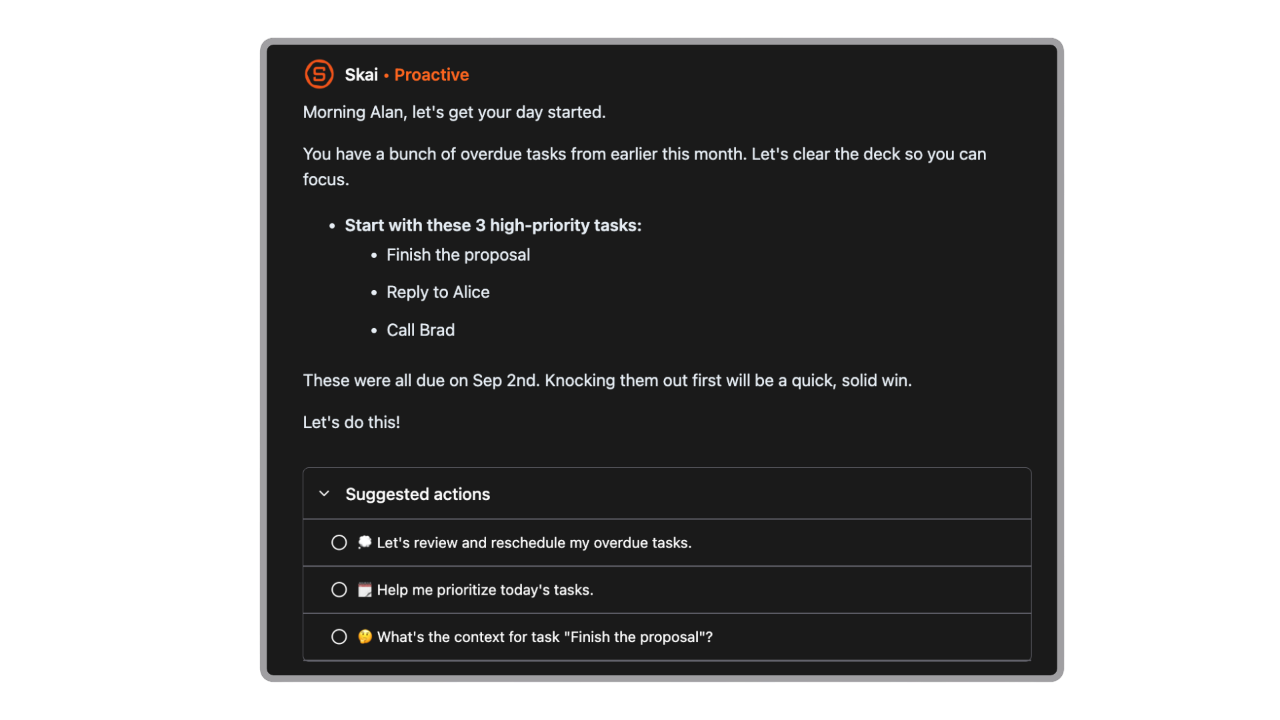
- Saner.AI – notes, tasks, and calendar in one flow
Many can't:
- Notion – can replace tasks, but needs manual setup
- Obsidian / Logseq – task plugins exist, but require maintenance
If you want notes that naturally become next steps, not just stored knowledge, this matters a lot.
10. Which Anytype alternative is best for long-term use?
Long-term users usually value:
- Portability (markdown or export options)
- Low maintenance
- Search that still works years later
Tools like Saner.AI, Obsidian, Joplin, and Standard Notes tend to age better than systems that rely heavily on rigid schemas.
11. Are Anytype alternatives free?
Most offer free plans or one-time pricing:
- Saner.AI – free plan with AI-assisted tasks
- Obsidian – free for personal use
- Logseq – free and open-source
- Joplin – free, open-source
- Standard Notes – free with paid advanced features
Pricing differences often come down to sync, AI, and collaboration.
12. Can I use Anytype alternatives as a personal wiki?
Absolutely. Many Anytype alternatives work well as a personal wiki, letting you link notes, build long-term knowledge, and develop your own “second brain.”
Tools like Obsidian, Logseq, Roam Research, and Anytype itself are built specifically around interconnected pages and backlinks.
Some alternatives, like Saner.AI, take a lighter approach. Instead of focusing purely on wiki-style structure, they emphasize capturing thoughts quickly and surfacing relevant notes when you need them, useful if you want your knowledge system to stay practical, not just well-organized.
The right choice depends on whether you want a classic personal wiki or a knowledge system that actively supports daily work.
13. How do Anytype alternatives compare overall?
A simple way to think about it:
- Saner.AI – thinking + action, without heavy setup
- Anytype – structured objects, offline-first, experimental
- Obsidian / Logseq / Capacities – thinking tools
- Notion / Craft – writing and workspace tools
- Standard Notes / Joplin – privacy-first notes
The “best” Anytype alternative depends less on features and more on how your brain actually works.
14. Do Anytype alternatives support markdown notes?
Yes. Most modern Anytype alternatives support markdown notes, which makes them a strong fit for writers, developers, and anyone who prefers clean, portable text.
Tools like Obsidian, Logseq, Joplin, Roam Research, and Standard Notes are built around markdown or plaintext by default.
15. Which Anytype alternative is right for you?
It depends on what you’re actually trying to solve.
If your main struggle is turning messy notes into action, remembering what matters, or reducing mental load, Saner.AI stands out.
Instead of asking you to design a system, Saner.AI:
- Let's you write naturally
- Uses AI to organize thoughts into tasks and reminders
- Surfaces the right context at the right time
If you care most about:
- Privacy & local files → Obsidian, Logseq, Joplin
- Networked thinking & backlinks → Roam Research, Logseq
- Clean writing & documents → Craft
- Team collaboration & databases → Notion
For many people exploring Anytype alternatives, the real choice isn’t about features - it’s about whether you want to manage a system or have the system manage things for you.
Stay on top of your work and life