
Pi AI Alternative: We Tested The Best 6 Apps (Free & Paid)
The Best Pi AI Alternatives are: Saner.AI, ChatGPT, Gemini, Claude, DeepSeek, Grok

Pi AI is a conversational AI assistant by Inflection AI. Designed to be emotionally intelligent, Pi helps users think through problems, reflect on goals, and manage stress with supportive dialogue. It’s like chatting with a kind friend who also happens to be an AI.
But if you’ve found Pi AI charming but incomplete, you’re not alone. This post is your trusted guide to the best Pi AI alternatives - tools that go beyond chat to help you plan your day, execute tasks, and feel in control again.
I'm on the Saner.ai team, and it's on this list. I've noted where I think other tools have the edge.
Quick answer: What are the best Pi alternatives?
- Saner.AI — best if you want the warmth of a personal AI paired with an assistant that actually organizes your tasks, notes, and email.
- ChatGPT — best all-around replacement with the broadest tool ecosystem, voice mode, and memory across chats.
- Claude — best for long, thoughtful conversations and writing that doesn't feel like it's talking down to you.
- Gemini — best if you're already in Google Workspace and want your AI companion to see your calendar, Gmail, and docs.
- Grok — best for real-time conversation grounded in what's happening right now, since it pulls live from X.
- DeepSeek — best free option if budget is the deciding factor and you don't need a polished companion experience.
How I chose these
Pi was built around one thing: a warm, emotionally intelligent conversation that remembers you. Since Inflection's core team left for Microsoft in 2024, Pi has stayed online but largely stopped evolving, so I tested each alternative specifically on whether it can hold that same kind of conversation, not just answer questions faster. I judged them on:
- Conversational warmth — does it feel like talking to someone who's listening, or does it read like a search engine with a chat window.
- Memory across sessions — does it actually remember what you told it last week, or does every chat start from zero.
- Voice mode quality — how natural the back-and-forth feels when you talk instead of type, since that's most of what made Pi distinct.
- Beyond-conversation utility — can it also help you plan, organize, or act on what you just talked through, or is it conversation only.
- Cost to just talk — what it actually costs to use daily as a companion, not as a coding or work tool.
What Are The Best Pi AI Alternatives?
The Best Pi AI Alternatives are: Saner.AI, ChatGPT, Gemini, Claude, DeepSeek, Grok
Comparison Table – Pi AI Alternatives
| Tool | Best For | Integrations | Pricing | Unique Strength 💡 |
|---|---|---|---|---|
| Saner.AI | Daily planning & ADHD support | Gmail, Calendar | Freemium | Focused, unified workspace |
| ChatGPT | Flexibility & custom GPTs | Plugins, APIs | $20/mo | Memory + ecosystem |
| Claude | Gentle conversation & documents | None | $20/mo | Reflective, long-context chats |
| Gemini | Google tool users | Gmail, Docs, etc. | $19.99/mo | Native Workspace integration |
| DeepSeek | Research & multilingual | API | Free | Chinese-English dual support |
| Grok | Real-time, trending topics | X.com integration | $16/mo | Social-aware AI tone |
1. ChatGPT

ChatGPT is OpenAI’s flagship conversational AI assistant. It supports text, voice, and image input, making it one of the most versatile alternatives to Pi AI. Beyond casual conversation, it can handle research, writing, planning, and even web browsing through its advanced Deep Research mode.
Key features
- Multimodal interaction: accepts text, voice, and image input
- Deep Research: runs autonomous research with citations and web browsing
- Contextual memory: remembers past conversations and adapts to your style
- Voice support: talk to ChatGPT and get natural voice responses
What I liked:
- Extremely flexible - can switch from small talk to complex research without changing tools
- Deep Research is a huge upgrade for fact-based tasks and cited sources
What I disliked:
- Usage limits on Deep Research, especially in non-Pro plans
- Sometimes automation or browsing can misinterpret sites
- Advanced usage (plugins, custom GPTs) has a learning curve
- It won’t manage your calendar or send emails yet, so it’s not a complete replacement for human assistants
Pricing:
- Free tier with GPT-5 access and limited usage
- Plus plan at around $20/month for faster responses and priority access
- Pro plan at around $200/month
Suitable for:
- Professionals, students, researchers, and teams who want a versatile AI assistant that balances everyday productivity with deep research capabilities
How to start:
- Head to chatgpt.com, sign up for free, and explore plugins or Deep Research to get the most out of it
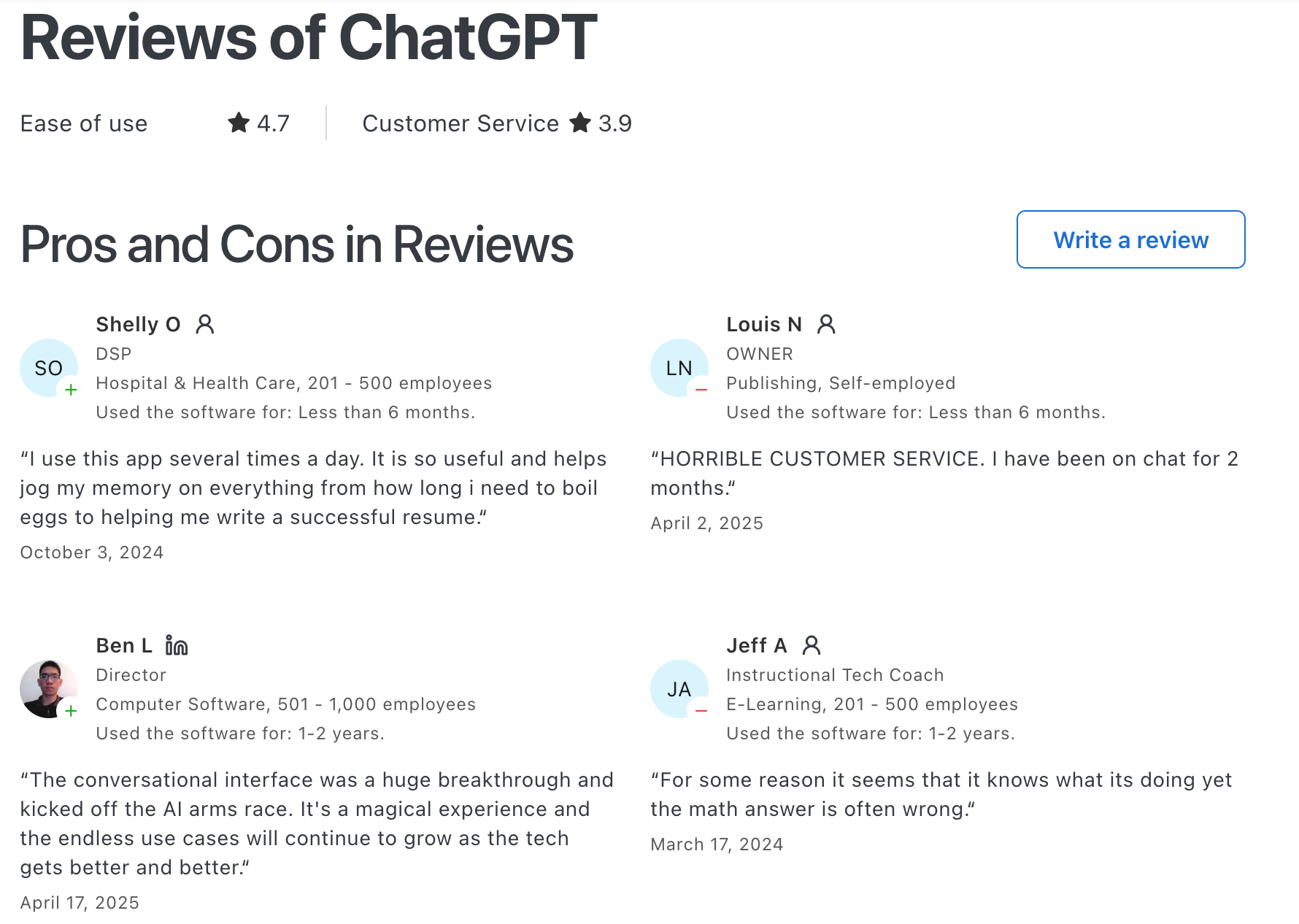
ChatGPT Reviews (source)
2. Claude
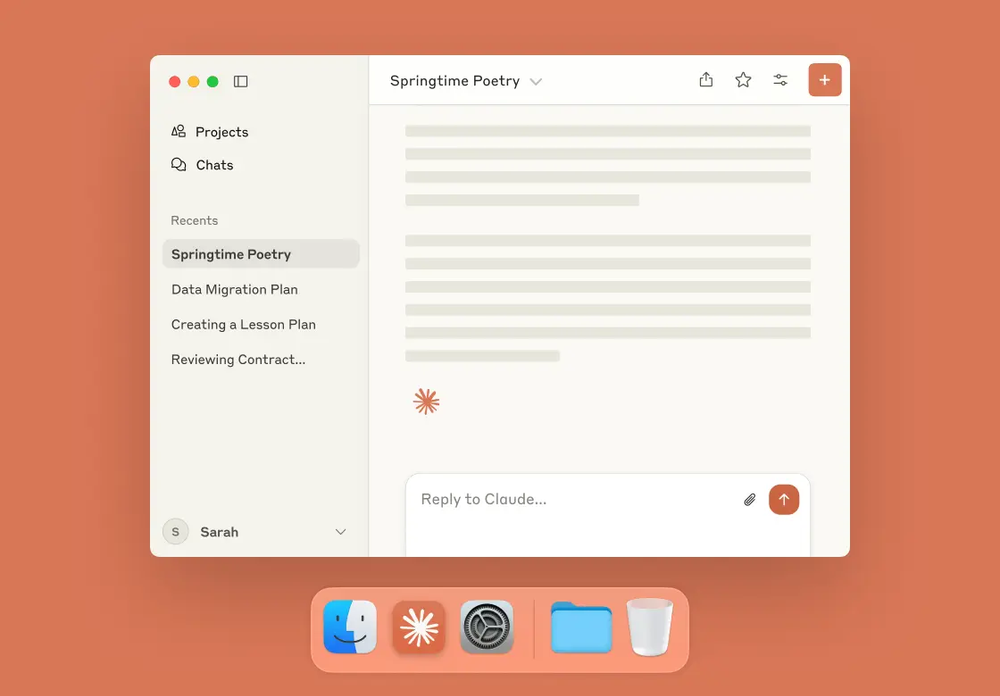
Claude is a conversational AI assistant created by Anthropic. It’s designed to help with writing, research, coding, and analysis, with a strong emphasis on safety and reliability. It also supports long-context inputs, making it useful for handling large documents or complex projects
Key features
- Handles very large context windows for long documents and conversations
- Can create and edit files like spreadsheets, documents, and slides directly in chat
- Supports code execution for data analysis and technical workflows
- Offers memory and tool integration for more agent-like behavior
What I liked
- I like how Claude feels more balanced and less error-prone compared to many other chatbots, thanks to its safety design
- The ability to generate usable files inside the conversation is a huge time saver
- It’s moving beyond simple Q&A
What I disliked
- Some of the most useful features like web search and agent capabilities are locked to higher-tier plans
- If you’re expecting deep technical expertise, it still struggles in certain niche domains
Pricing
- Free plan available
- Claude Pro is $20/month
- Team and enterprise pricing available upon request
Suitable for:
- Professionals, researchers, and developers who need an AI that can handle long documents and provide safer, more reliable outputs
How to start:
- Sign up at claude.ai and try the free plan, then upgrade if you need more power or advanced features
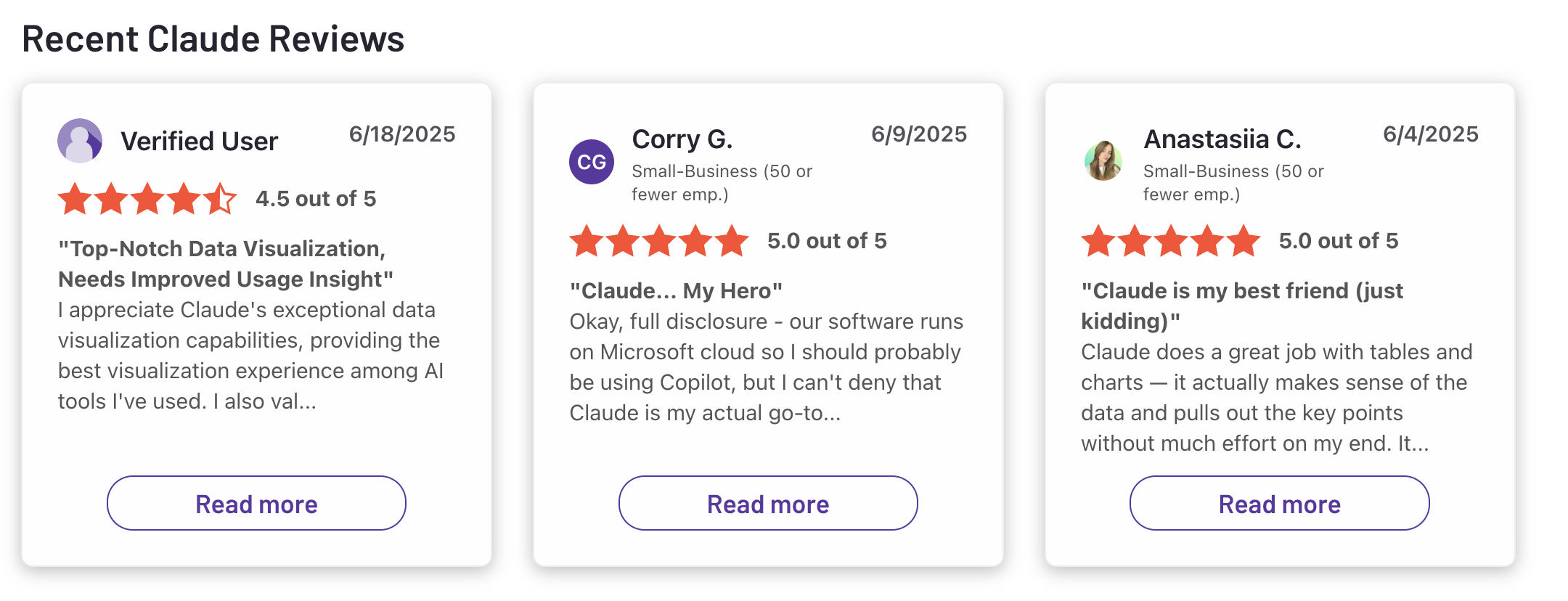
Claude reviews (source)
3. Gemini
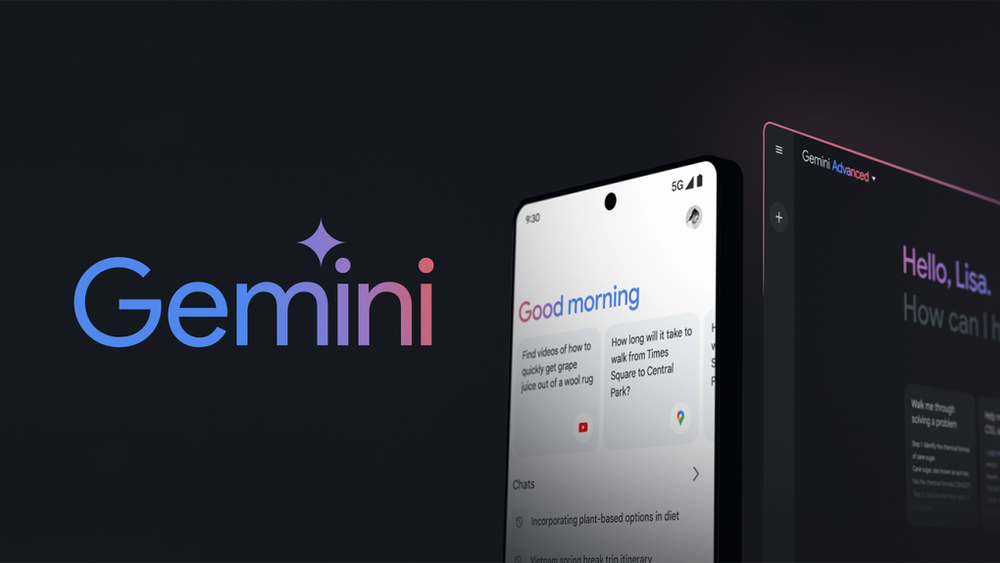
Gemini is Google’s flagship AI assistant powered by multimodal large language models. It’s built to help with writing, planning, brainstorming, and content generation, and integrates tightly with Google apps. For many people, it’s a strong alternative to Pi AI because of its deep ties to Google’s ecosystem and real-time search capabilities.
Key features
- Multimodal input: understands text, images, and audio in one conversation
- Google ecosystem integration: works with Gmail, Docs, Maps, and more
- Grounded in Google Search: provides fresher, more accurate information
- Video generation: turns photos into short clips with optional audio
What I liked
- I like how seamlessly it connects with Gmail and Docs, so I can summarize emails or draft content without switching tools
- The multimodal support is impressive - I can upload an image and ask questions about it, or generate creative outputs
What I didn’t like
- Many advanced features are locked behind paid tiers, so the free plan feels limited
- On complex reasoning tasks, it sometimes drops context or gives shallow answers
- The mobile app is still less capable than the desktop version
Pricing
- Free plan with limited features
- Advanced plan around $20/month with faster models and higher limits
- Ultra tiers reported at $250/month
Suitable for:
- Professionals, creatives, and anyone already using Google’s ecosystem who want an AI assistant for both productivity and creativity
How to start:
- Head to gemini.google.com, sign in with your Google account
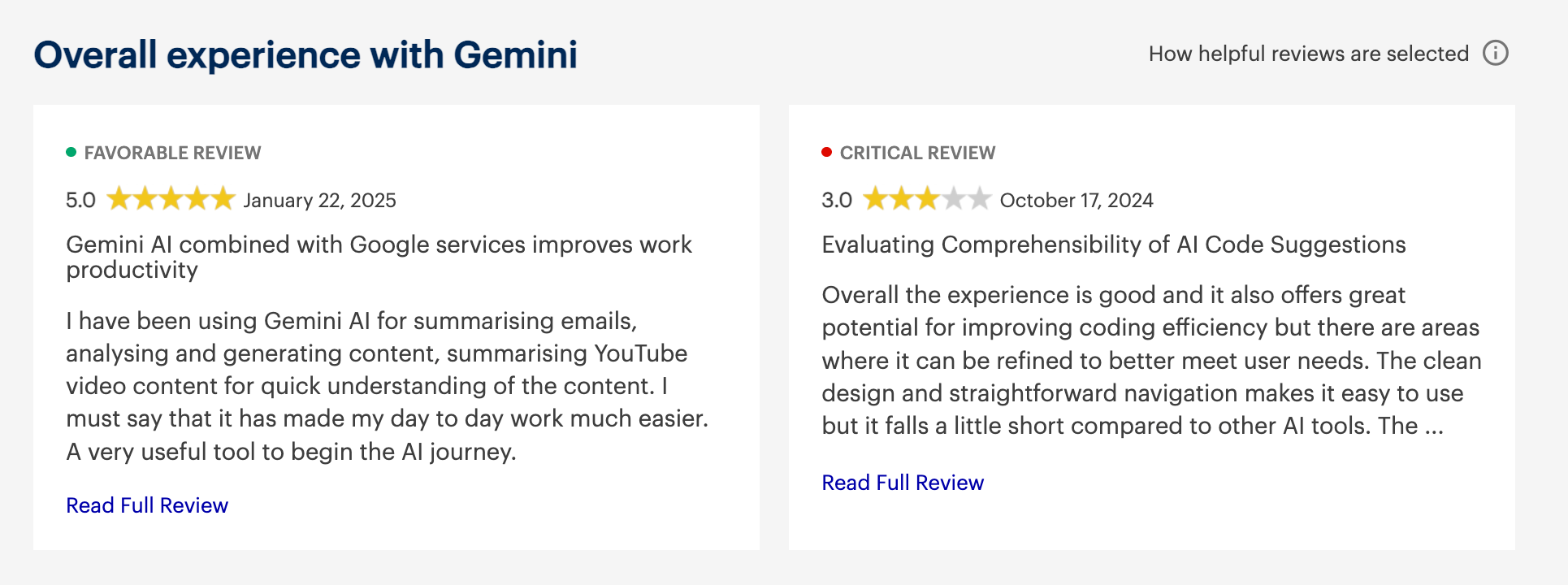
Google Gemini reviews (source)
4. DeepSeek
DeepSeek focuses on building powerful, large language models at lower costs. Unlike Pi AI, which emphasizes emotional support and conversation, DeepSeek is about raw performance, reasoning efficiency, and transparency. It’s known for releasing open-weight models, making it easier for developers and organizations to experiment or self-host.
Key features:
- Open-weight models you can use under license
- Sparse Attention for handling long documents more efficiently
- Hybrid “thinking / non-thinking” modes for flexible responses
- Reasoner model for step-by-step logic and problem-solving
What I liked:
- Much more transparent than most closed models, since weights are released
- Impressive cost efficiency compared to similar reasoning models
What I disliked:
- Data privacy concerns, with some countries restricting or removing the app
- As a Chinese company, it has alignment and censorship limits on sensitive topics
- Not yet a full productivity assistant like Saner.ai — more of a model than an integrated tool
Pricing:
- Free basic use with limits
- API pricing based on tokens, from around $0.14 to $0.55 per million input tokens depending on cache hits
Suitable for:
- Developers, researchers, and teams who want open access to powerful models at lower cost
- Organizations that care more about reasoning and transparency than having a polished “assistant app”
How to start
- Visit DeepSeek’s website or download the mobile app to access the chatbot for free.
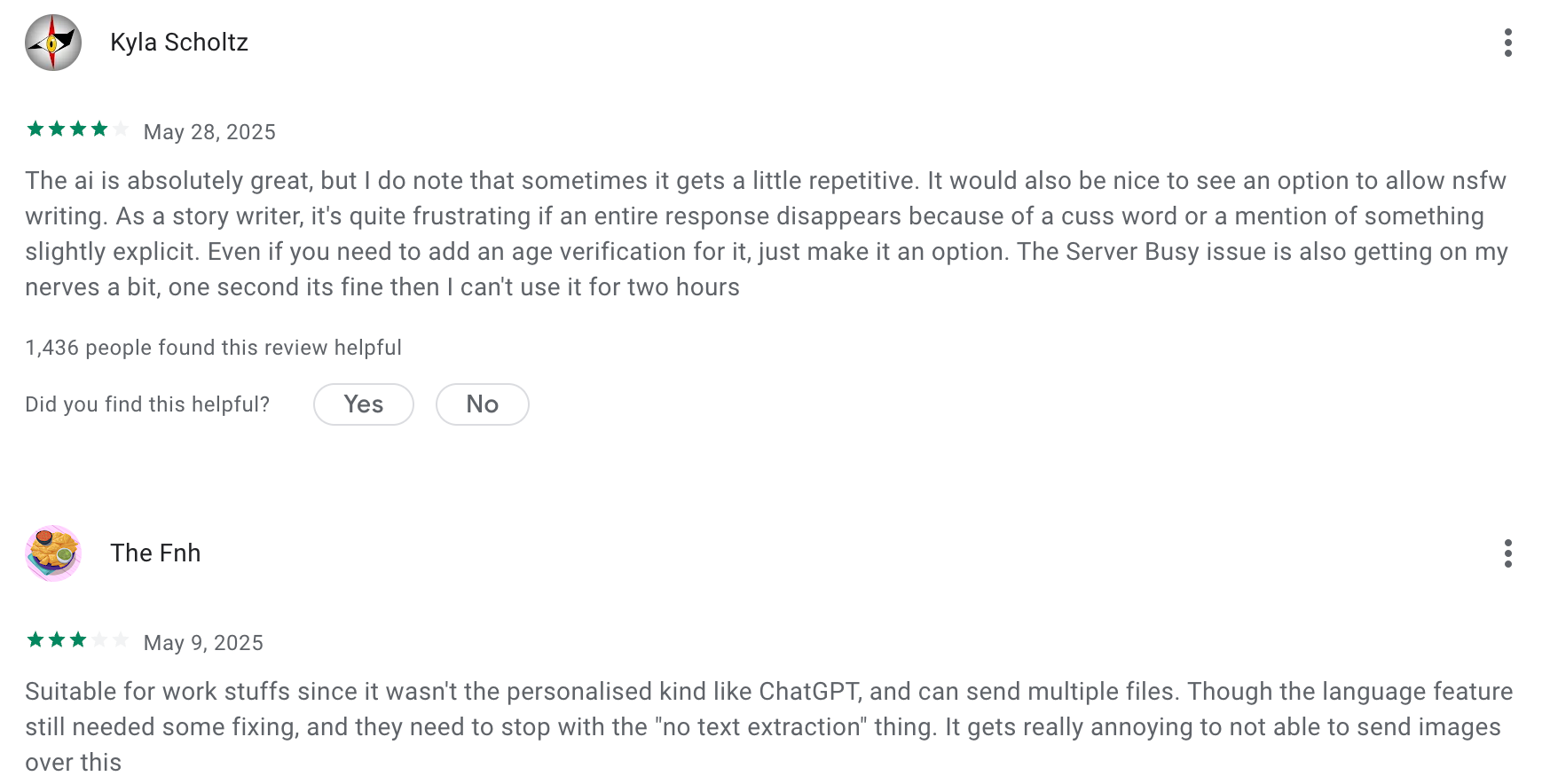
Deepseek reviews (source)
5. Grok
Grok (by xAI) is a conversational AI assistant built by Elon Musk’s xAI. Unlike many assistants, Grok is designed with a rebellious personality and direct access to real-time web and social data, making it more dynamic than purely static AI models. It’s an interesting Pi AI alternative if you want an assistant that feels more lively and plugged into current events.
Key features:
- Real-time web and social feed access for up-to-date answers
- Multi-modal support with text, image, and voice interaction
- Multiple model versions, including Grok 3 and Grok 4, with “Heavy” modes for deeper reasoning
- Option to switch between neutral and playful “fun” tones
What I liked:
- The live data access is a real differentiator - you can actually get answers about trending topics and news.
- I like that you can switch the personality tone depending on your mood or need.
- The multi-agent “Heavy” mode is powerful for complex reasoning tasks.
What I disliked:
- Pricing can get steep, especially for Heavy modes.
- Sometimes the bold personality comes across as edgy or offbeat, which might not fit professional settings.
- It doesn’t always handle long or nuanced conversations as smoothly as other mature models.
- If you don’t need real-time data, its main advantage becomes less useful.
Pricing:
- Free tier available with limited access
- SuperGrok at around $30/month or $300/year
- Heavy mode subscription at $300/month
- API pricing starts from a few dollars per million tokens
Suitable for:
- Professionals and researchers who want real-time information and prefer an assistant with personality
How to start:
- Go to grok.com or download the Grok app, create a free account, and upgrade if you need SuperGrok or Heavy mode
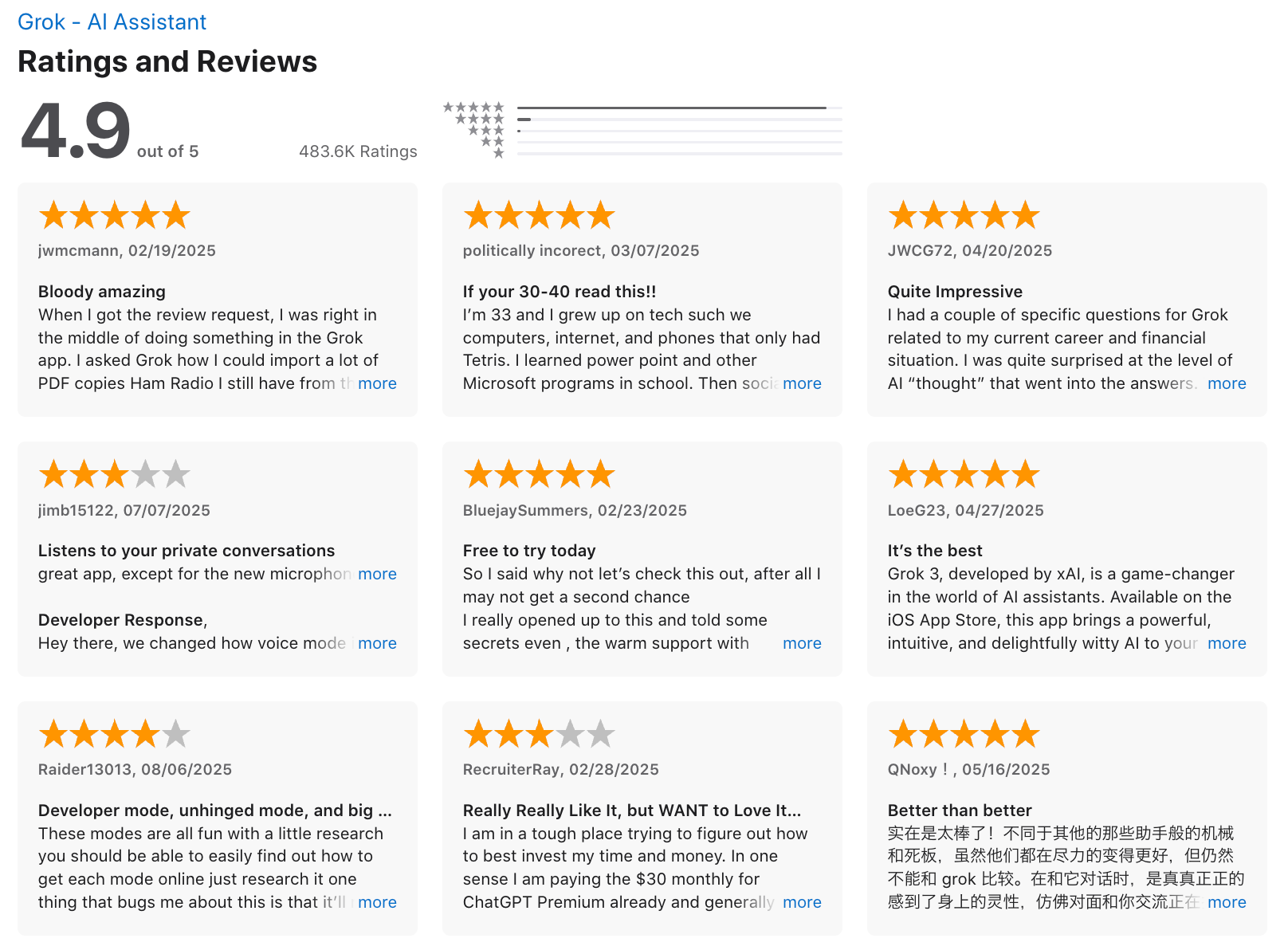
Grok review (source)
6. Saner.AI - The Proactive Assistant
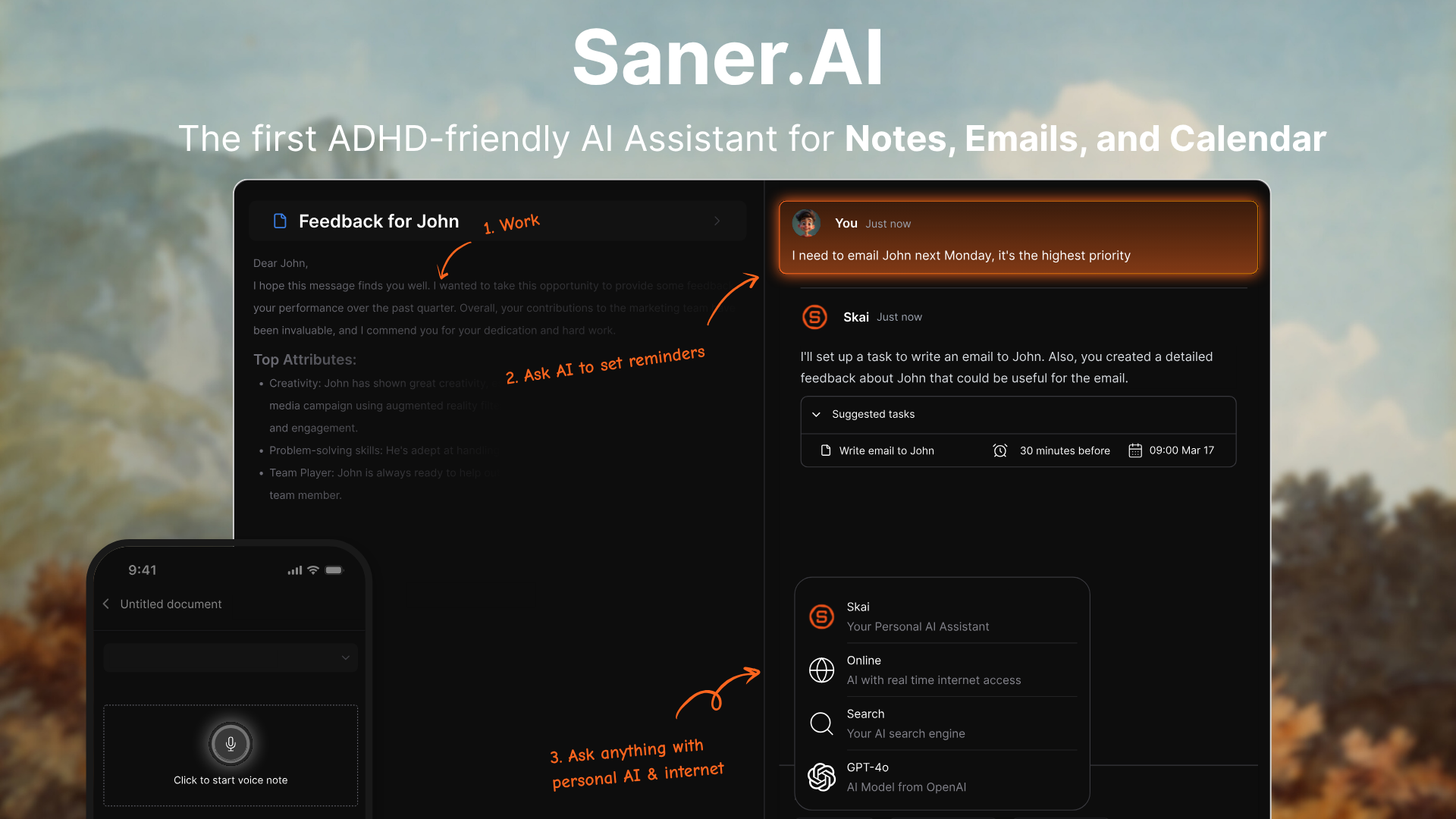
Saner.ai is an AI assistant designed to reduce context switching by bringing your notes, tasks, emails, and calendar into one workspace. Built with neurodivergent and ADHD users in mind, it helps you capture messy thoughts quickly, organizes them with AI
Key features
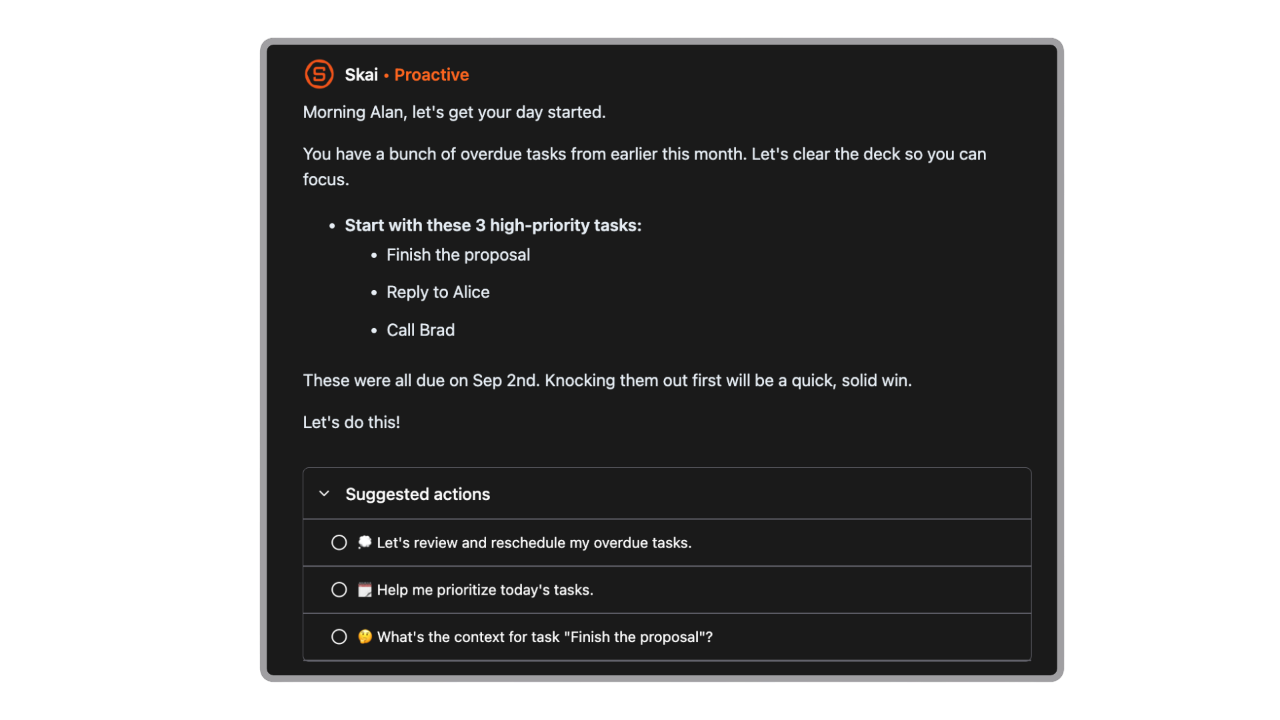
- Active Planning: Every morning, it scans through your inbox, calendars, tasks, and gives you a well-planned schedule for the day
- Universal Inbox: Capture emails, notes, tasks, and files in one place
- Natural-language search: Find notes by meaning, not just keywords
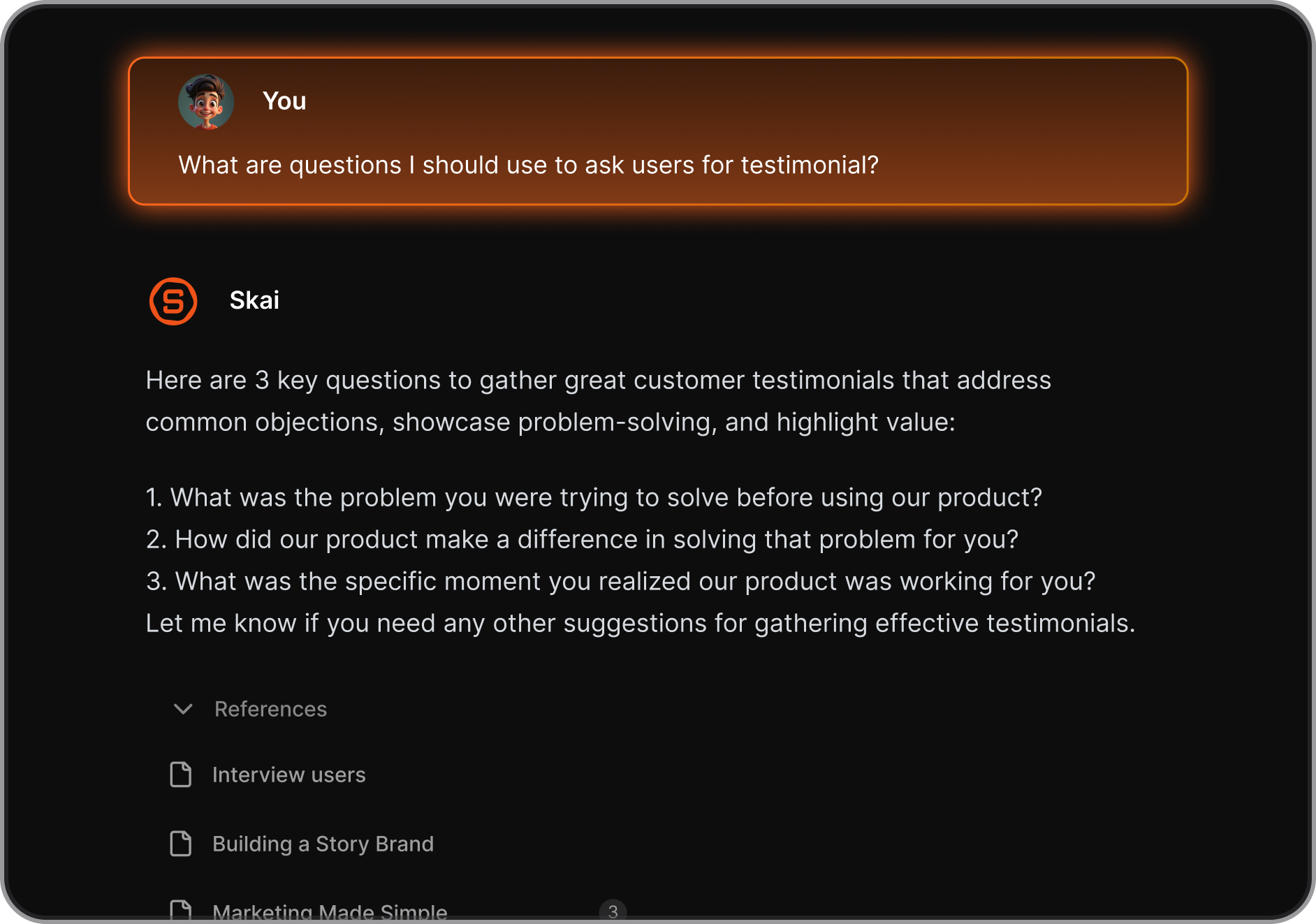
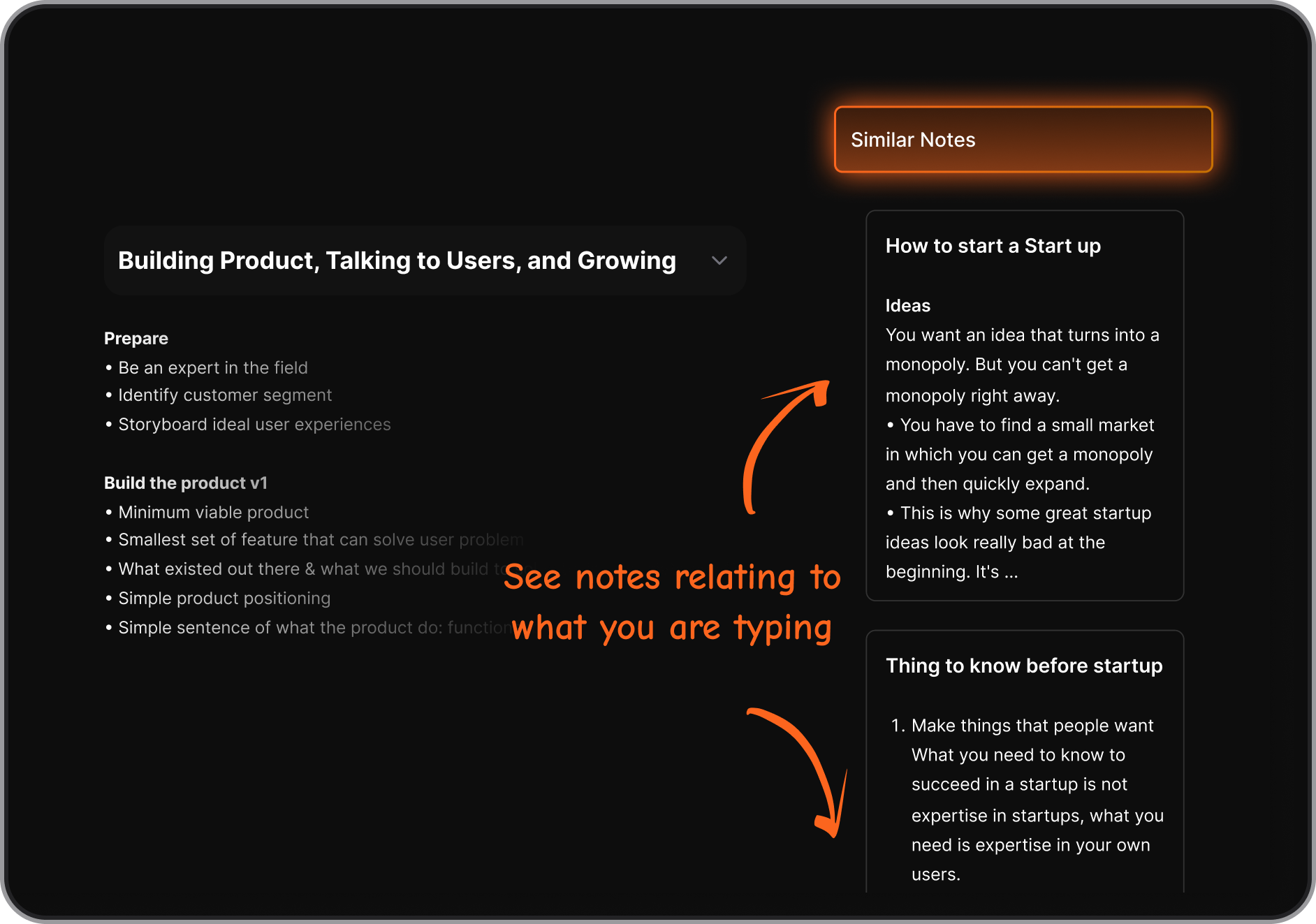
- Context surfacing: Surfaces related notes and forgotten ideas automatically
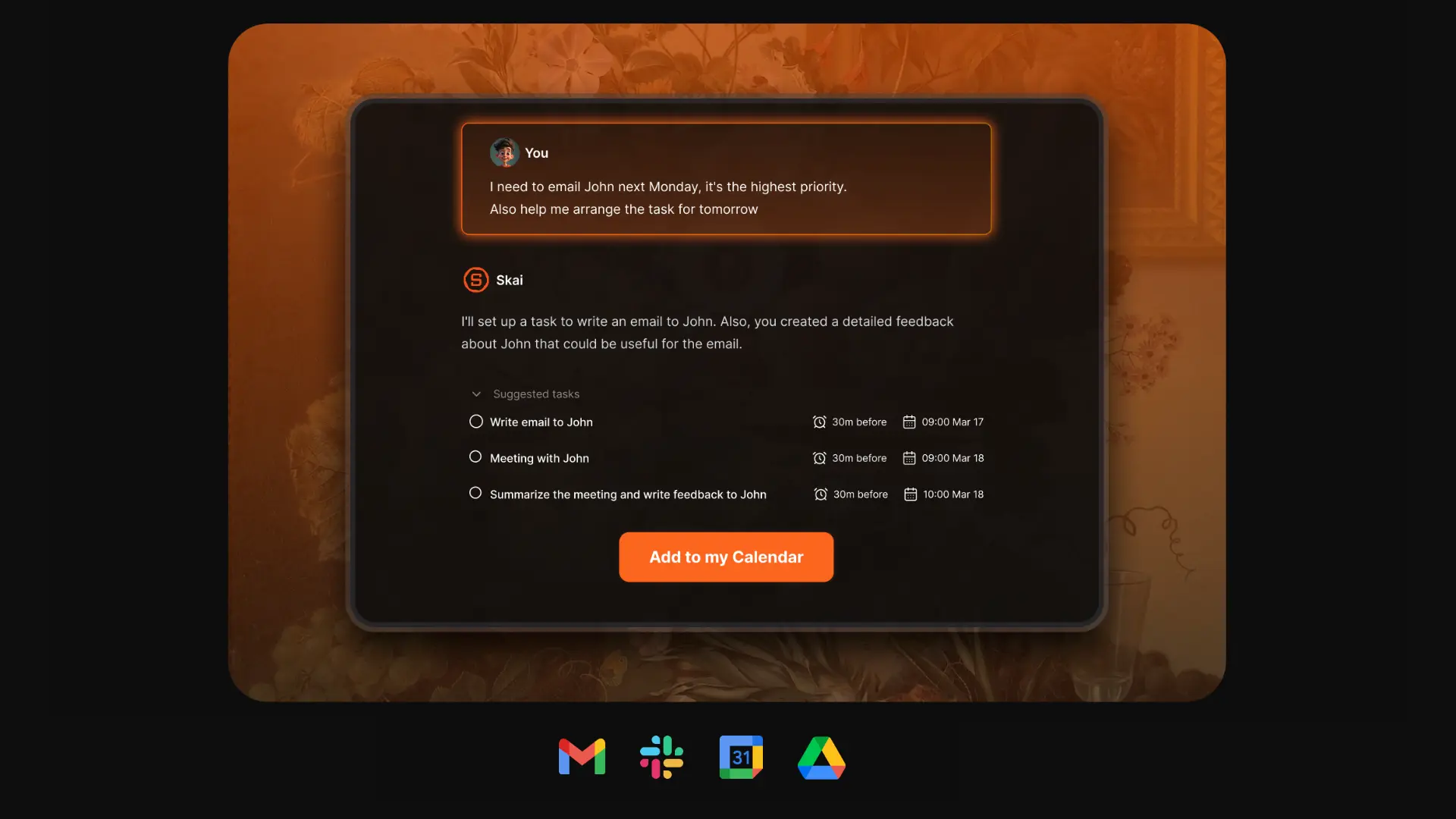
- Task and calendar integration: Turn notes into to-dos, sync with your schedule
- Mobile and web apps: Accessible across devices
What I liked
- I like how you can dump messy notes and Saner organizes them later, it lowers the barrier to capturing ideas
- The semantic search is strong, even when I don’t remember exact wording
Cons
- Requires internet access for full functionality
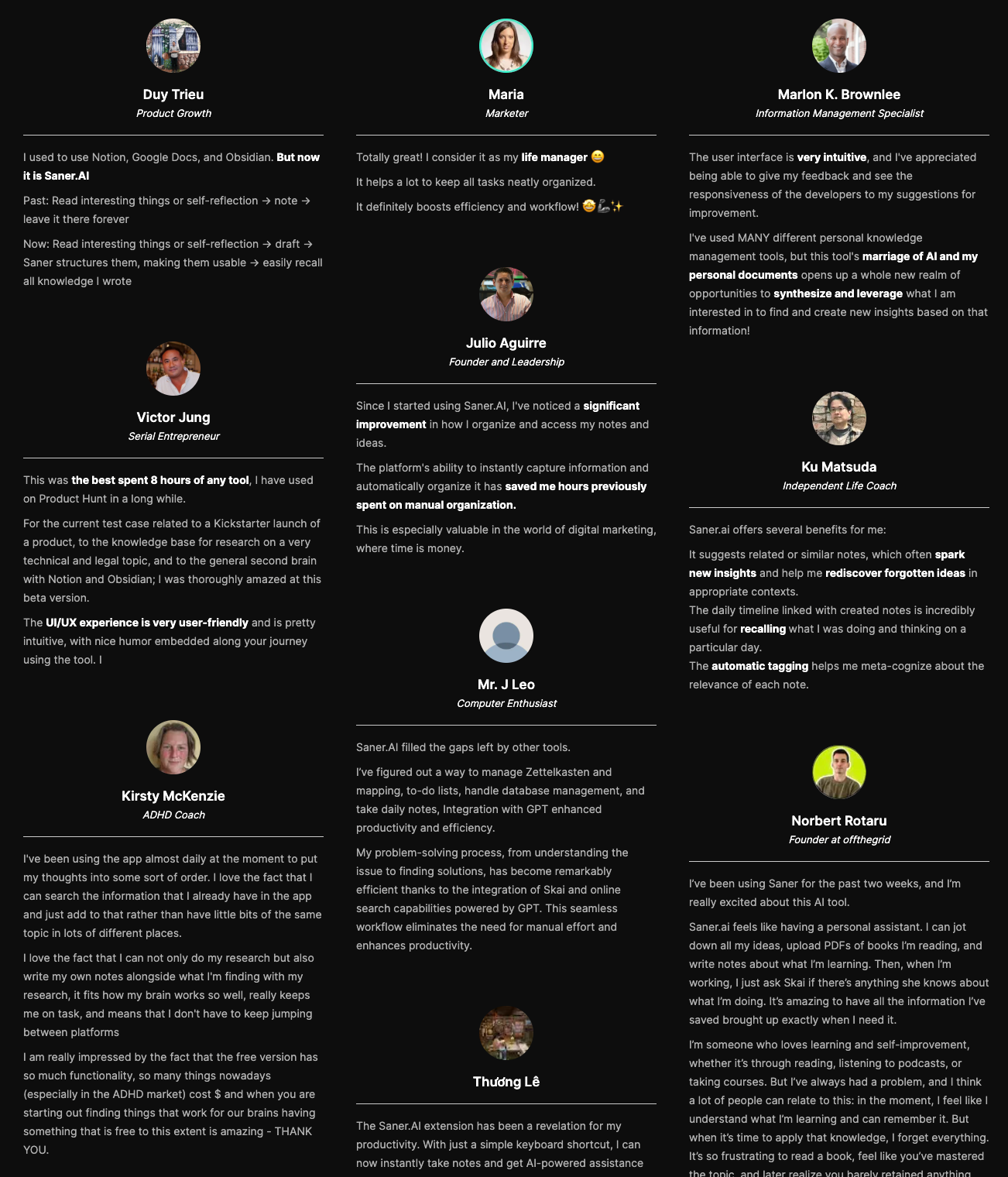
Saner.AI Reviews
Pricing
- Free
- Starter: Monthly at $8/month, Annually at $6/month (with early user discount)
- Standard: Monthly at $16/month, Annually at $12/month (with early user discount)
Who is it suitable for?
- Professionals, creators, and ADHD-prone users who struggle with information overload and want one AI-powered place to capture, organize, and recall ideas
How to start using it?
- Go to saner.ai, create a free account, and start capturing notes or tasks with the web or mobile app

Work more efficient with a Pi AI alternative
🧭 Wrapping Up: Find the Pi AI Alternative That Fits You

Pi AI opened the door for emotionally intelligent conversations with artificial assistants - but when it comes to actually getting things done, many users are looking for something more.
Whether you’re a student trying to stay on top of assignments, an entrepreneur juggling 20 tabs, or someone with ADHD just trying to make it through the day with less overwhelm - there’s a Pi AI alternative built for you.
Here’s a quick recap:
- 🧠 Saner.AI: Best Pi AI alternative for productivity, focus, and ADHD brains
- 🛠️ ChatGPT Pro: Most customizable with advanced memory and GPTs
- 🧘 Claude: Best for calm, emotionally intelligent conversations
- 📅 Gemini: Top choice for Google Workspace users
- 📚 DeepSeek: Ideal for multilingual research and technical topics
- 🔥 Grok: Best for real-time, social-aware chat and trend watchers
There’s no perfect AI assistant - only the one that fits your workflow, your mind, and your priorities.
Stay on top of your work and life
FAQ: Best Pi AI Alternatives
1. What is Pi AI and why look for alternatives?
Pi AI is a conversational assistant known for its supportive, human-like style. Many people use it for companionship, reflection, and simple productivity help.
But Pi AI has limits: it doesn’t integrate deeply with calendars, notes, or tasks, and it lacks automation features.
That’s why users often search for alternatives like Saner.AI, ChatGPT, Gemini, Claude, DeepSeek, and Grok - tools that combine emotional intelligence with stronger productivity features.
2. What should I look for in the best Pi AI alternatives?
When evaluating Pi AI competitors, focus on:
- Productivity depth – Can it manage tasks, notes, and schedules?
- Integrations – Does it connect with Gmail, Google Calendar, Slack, Notion, etc.?
- Emotional support – Is it conversational, empathetic, and easy to talk to?
- Price – Free vs. premium tiers.
- Privacy & trust – How is your data stored and used?
- Specialization – Some are better for work, others for ADHD support, creativity, or research.
3. Which Pi AI alternatives are the most popular?
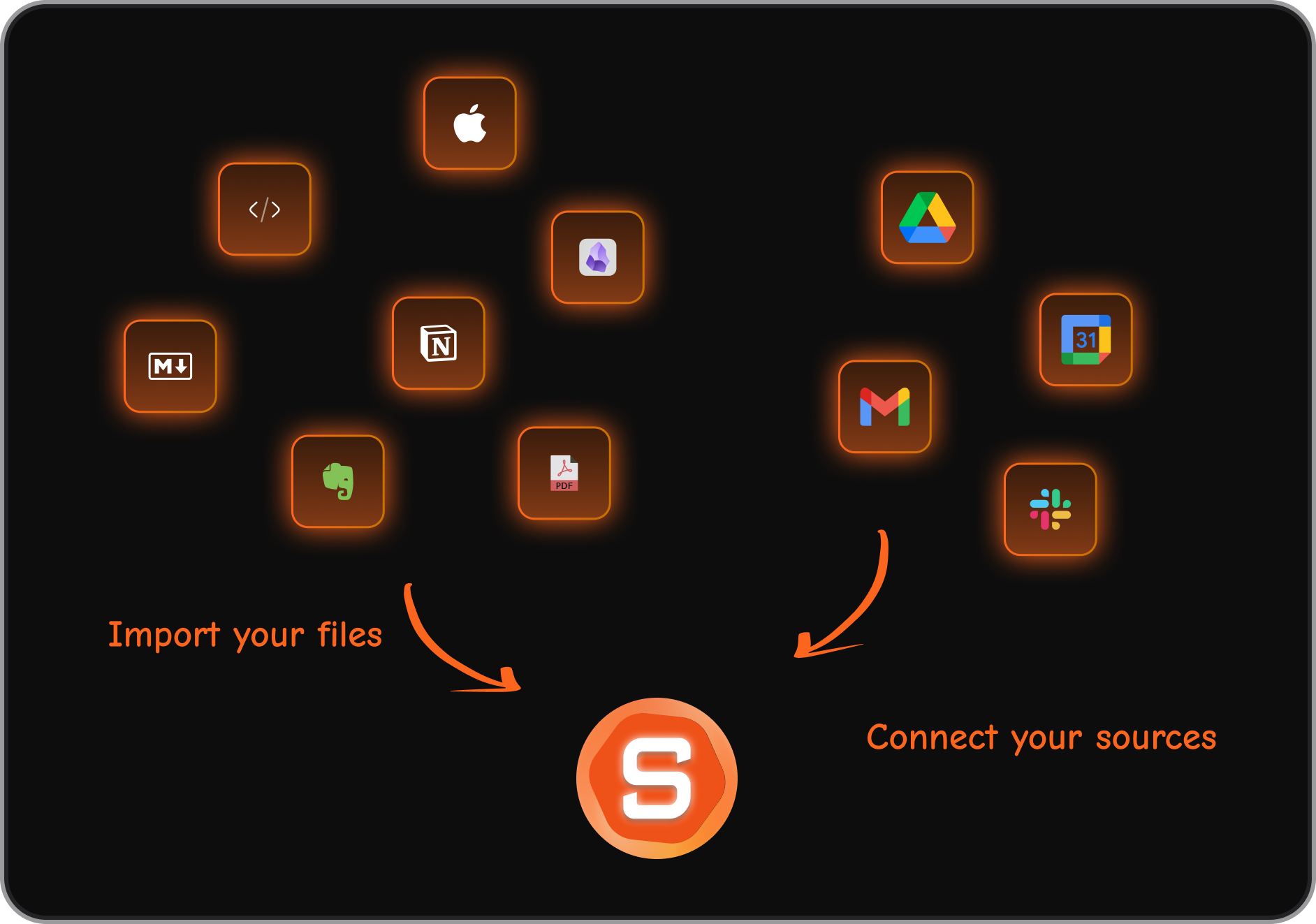
- Saner.AI – Combines tasks, calendar, notes, and email into one “calm workspace.”
- ChatGPT – Best for flexible, creative problem-solving and writing.
- Gemini (Google) – Strong search and Workspace integration.
- Claude (Anthropic) – Known for long-form context and safe reasoning.
- DeepSeek – Emerging AI with a research-first approach.
- Grok (xAI) – Edgy, conversational style integrated with X (Twitter).
4. Which is the best Pi AI alternative for productivity?
- Saner.AI – Designed for busy professionals who need fewer tabs and less context switching.
- ChatGPT – Great for drafting and brainstorming, but less action-oriented unless paired with plugins.
5. Which Pi AI alternative is best for ADHD users?
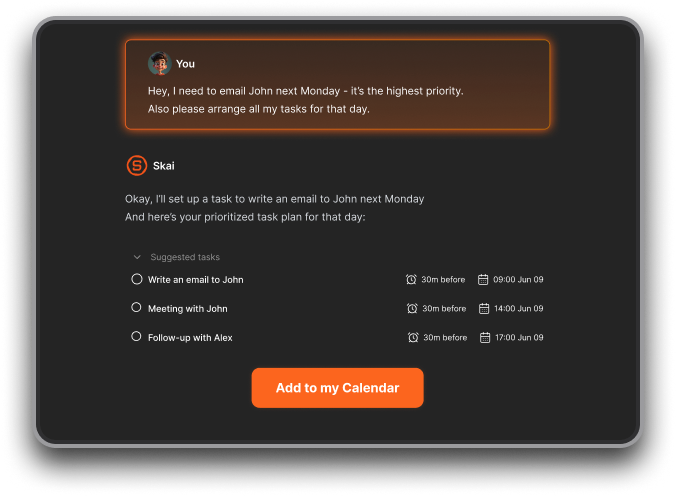
- Saner.AI – Built by ADHDers, it helps reduce overwhelm by turning messy notes into tasks, surfacing the right priorities, and showing a daily plan without complex setup.
- ChatGPT – Can help brainstorm or break tasks into steps, but requires manual organization.
6. What’s the best Pi AI alternative for work or business?
- Saner.AI – All-in-one: tasks, notes, calendar, and follow-ups.
- Claude – Great for digesting long documents and contracts.
- Gemini – Strong for Google Workspace-heavy teams.
7. Which Pi AI alternatives are free?
- Saner.AI – Free plan with task reminders, note search, and calendar sync.
- ChatGPT – Free limited access
- Gemini – Free with Google account.
- Claude – Free tier with limits.
- DeepSeek – Free to try in many regions.
- Grok – Free for X Premium+ users.
8. Can Pi AI alternatives handle voice input?
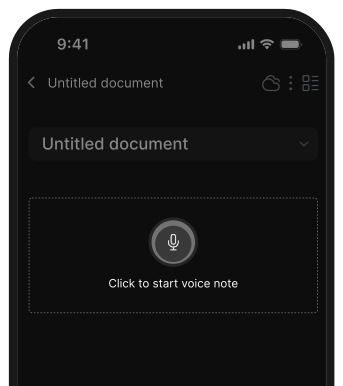
- Saner.AI – Yes, supports turning voice into tasks.
- ChatGPT & Gemini – Voice input via mobile apps.
- Grok – Conversational, but mostly text-first.
9. Which Pi AI alternative is best for executives and managers?
- Saner.AI – Acts like a command center: meeting prep, reminders, and follow-through.
- Claude – Handles long strategy docs and summaries.
- Gemini – Integrates neatly with Google Calendar and Docs.
10. Can Pi AI alternatives help with meeting prep?
Yes. For example:
- Saner.AI – Pulls up last meeting’s notes and pending tasks.
- Claude – Summarizes long reports before the call.
- ChatGPT – Helps draft questions or agendas.
11. Which Pi AI alternative is best for entrepreneurs?
- Saner.AI – Turns brain dumps into organized tasks, keeps investor notes handy, and shows a clear plan each morning.
- ChatGPT – Useful for pitch decks and creative brainstorming.
- Claude – Helps with market research and document-heavy workflows.
12. Do Pi AI alternatives really improve productivity?
Yes. They save time and reduce decision fatigue by:
- Converting ideas into tasks automatically (Saner.AI).
- Breaking down big projects into manageable steps (ChatGPT, Claude).
13. How are Pi AI alternatives different from traditional productivity apps?
Traditional apps = manual organization.
Pi AI alternatives = conversational assistants that organize for you.
For example:
- With Saner.AI, you just type or say a note. It tags, organizes, and reminds you automatically.
- With ChatGPT or Claude, you can ask one question instead of searching five apps.
14. Which Pi AI alternative is best for creativity and writing?
- ChatGPT – Still the leader in creative ideation and writing help.
- Claude – Strong for long-form content and nuanced analysis.
- Saner.AI – Good for structuring ideas and keeping drafts organized.
15. Which Pi AI alternative is best for research?
- DeepSeek – Emerging AI tuned for deep research.
- Claude – Handles large context windows for reports.
- ChatGPT + Browsing – Great for quick, reliable overviews.
Stay on top of your life with a Pi Alternative