Best Tools for Founders: I Personally Tested +30 Apps
The Best Tools for Founders are Saner.AI, Grammarly, ChatGPT, Tella, Slack, Google Sheets, Perplexity, and Canva

I personally tested and found 11 Best Tools for Founders from Marketing to Operations
As a business founder, things get overwhelming quickly, especially if you’re the only one handling the business side (just like me lol)
Everything lands on my plate, from research to marketing to responding to user emails
How am I still standing? Well, apart from my concerning lack of sleep, I've got a secret weapon: 11 simple & easy-to-use tools I rely on to keep me sane, meet deadlines, and stay productive.
How I Tested the Best Tools for Founders
I didn’t test tools in a perfect setup. I tested them inside a real founder situation.
That means juggling emails, notesGIFs, meetings, half-finished ideas, and constant context switching. If a tool only worked when I was calm and organized, it failed immediately.
I focused on mental friction, not feature count:
- Did it reduce thinking or add more decisions?
- Did it require constant setup and maintenance?
- Did it make me feel clearer - or guilty for falling behind?
Only tools that handled real inputs stayed: messy notes, long email threads, and calendar chaos. If I had to rewrite or “process” everything manually, it was out.
At the end of each day, I asked one question:
“Did this make today easier?”
If yes, it stayed. If not, it was gone.
Now, let's dive in!
What are the Best Tools for Founders?
The Best Tools for Founders are Saner.AI, Grammarly, ChatGPT, Tella, Slack, Google Sheets, Perplexity, and Canva
1. Perplexity
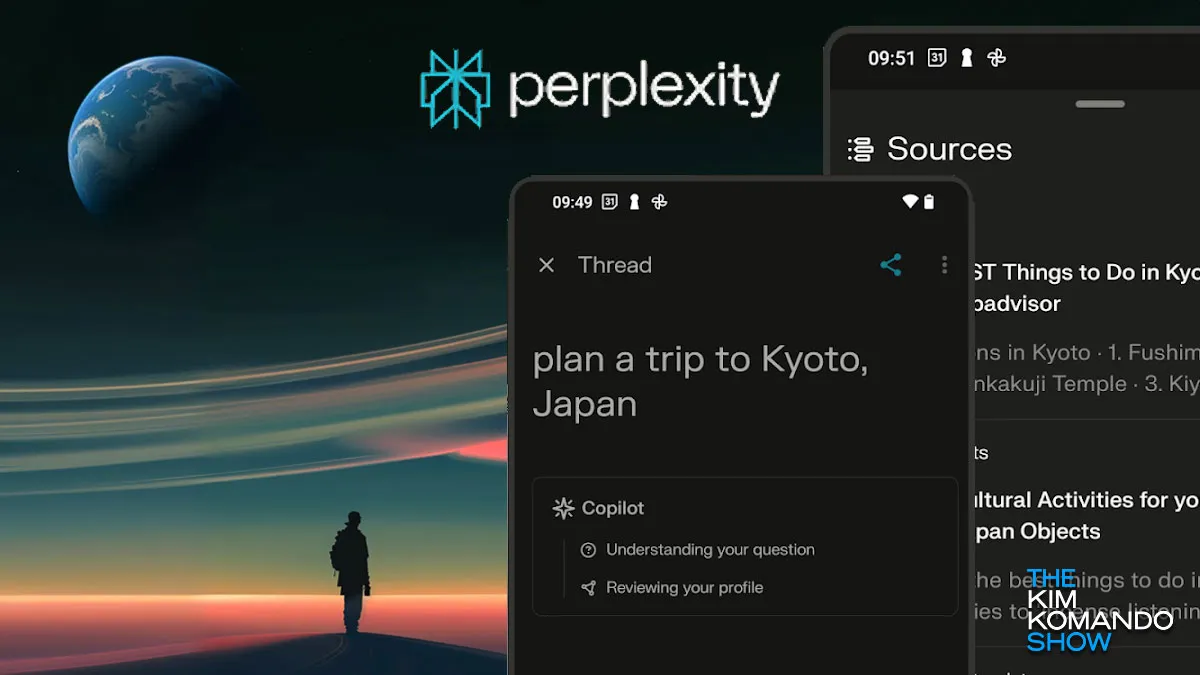
I use Perplexity to Research Anything to Build a Business.
When you need to research anything from tax laws to "why isn't my website loading," this is your best friend.
It is a lifesaver when it comes to quick research. It provides a clear overview of any topic you’re looking into and lets you double-check facts without much hassle. For example, I recently searched about copyright with GIFs, and it gave me a solid foundation in just a few seconds.
- Pros: Great for fast, diverse information on
- Cons: While it gives a good overview, you’ll still need to dig deeper for complex research.
- Pricing: Free for basic use.
👉 Similar tools to Perplexity? Read here
2. Saner.AI
I use Saner.AI as an AI personal assistant for my life and business.
Man, information is everywhere. If you are a founder, potentially, almost 100%, this info is scattered 🙂 From that brilliant idea you had in the shower three weeks ago? Or that crucial client email from... sometime last month? It’s hard to keep track of everything with random notes saved in random places. So I made and use Saner.AI
With it, I can sync data from various sources and retrieve it instantly when I need it. The best part? I don’t have to organize anything (because, well, I don’t have time for that).
What made Saner.AI different for me is that it works with messy reality. I can dump thoughts, emails, meeting notes, and half-baked ideas without organizing them first, and Saner helps turn that chaos into clear next steps.
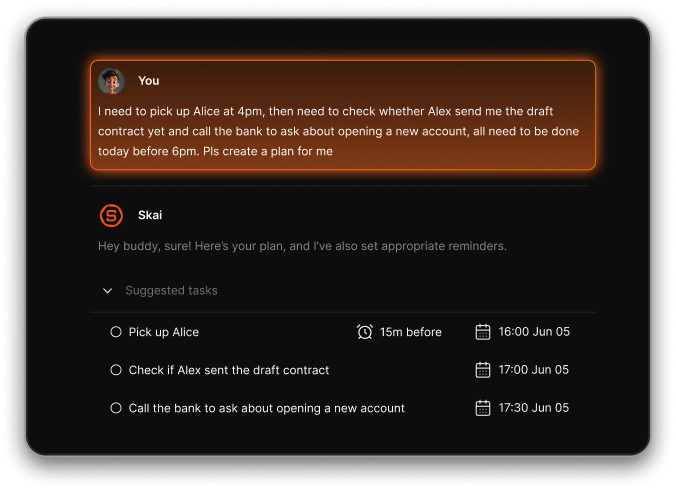
The proactive daily plan is the biggest win. I don’t start my day asking “what should I work on?”- Saner already knows, based on my tasks, calendar, notes, and emails. That alone saves me a surprising amount of mental energy.
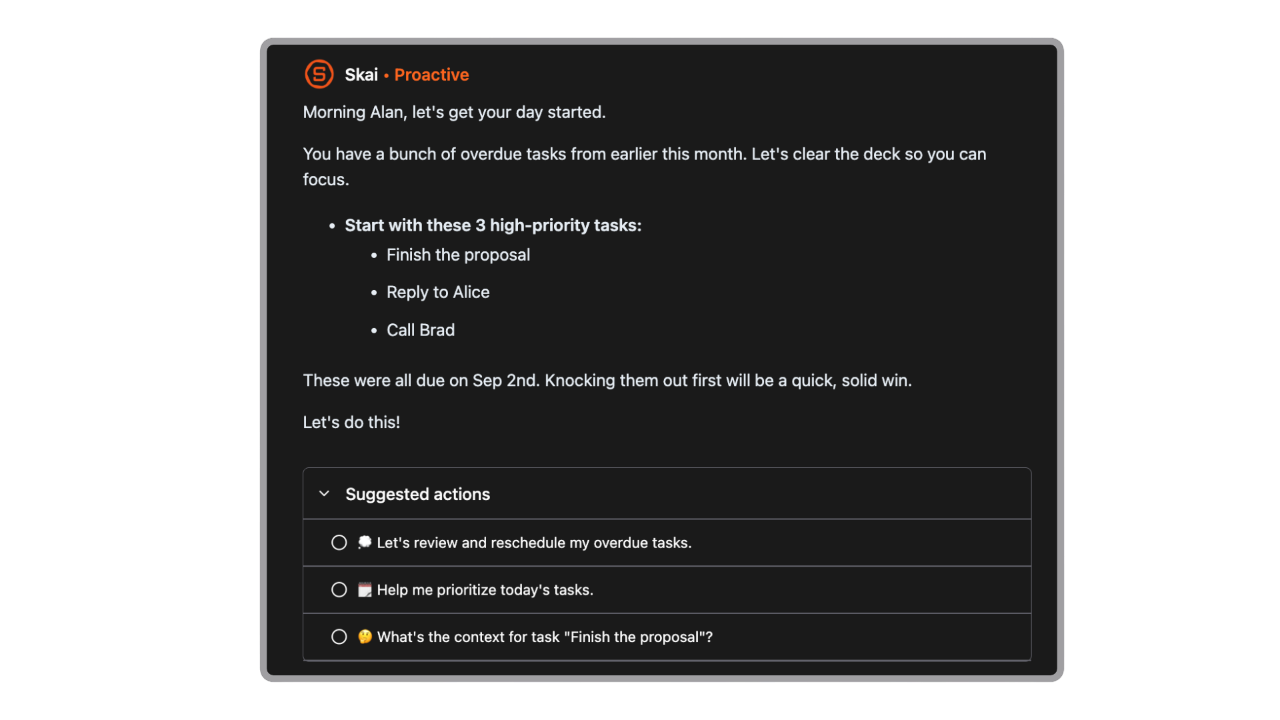
It also removes the fear of forgetting things. Emails become tasks, follow-ups don’t slip, and my calendar stays in sync without manual effort.
In summary:
- Pros: Keeps everything searchable and actionable without needing to organize it.
- Cons: Not a complex project management tool like Jira
- Pricing: Free with paid plans for more features.
Saner.AI review
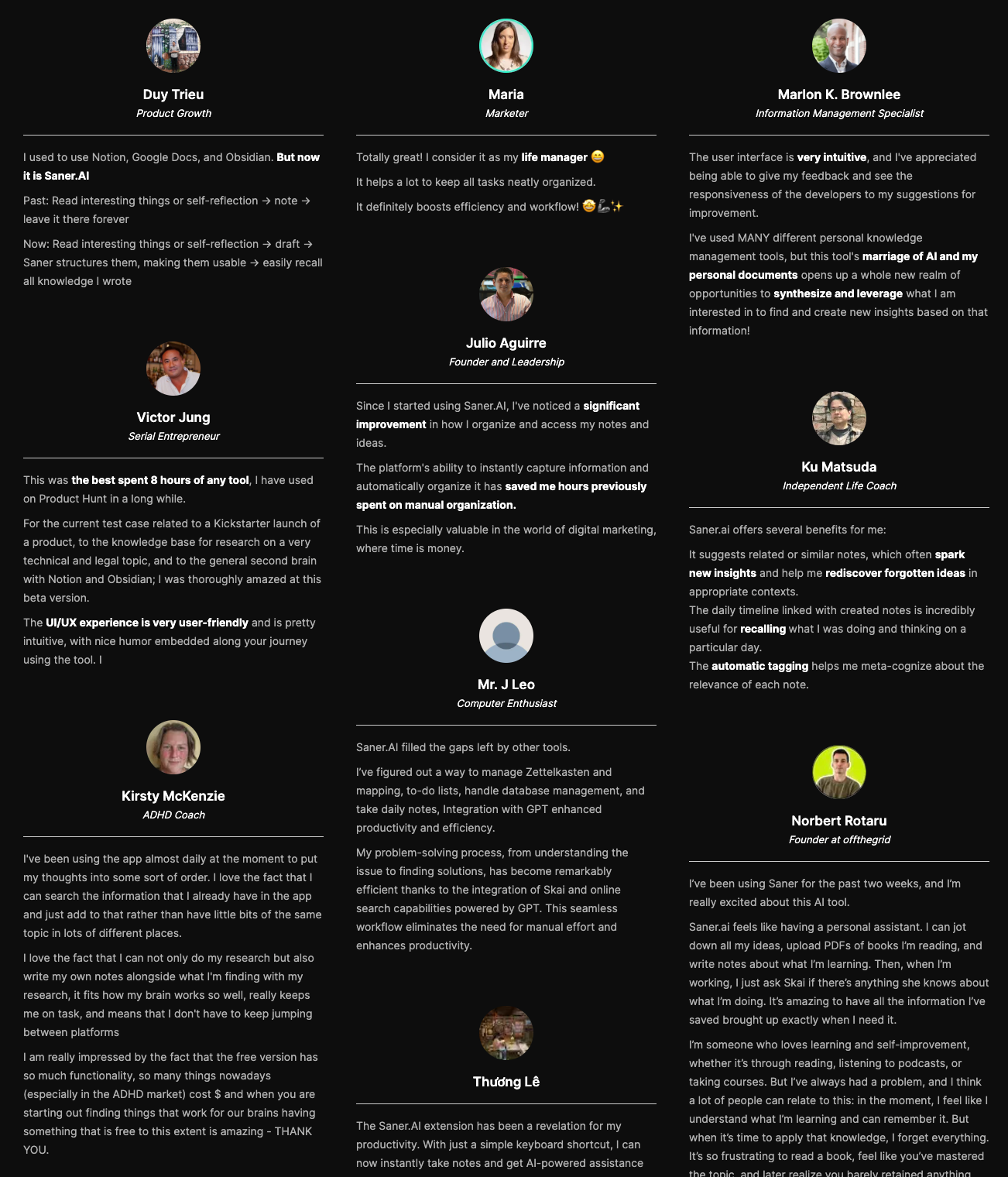

Stay on top of your work and life
3. Grammarly & Quillbot
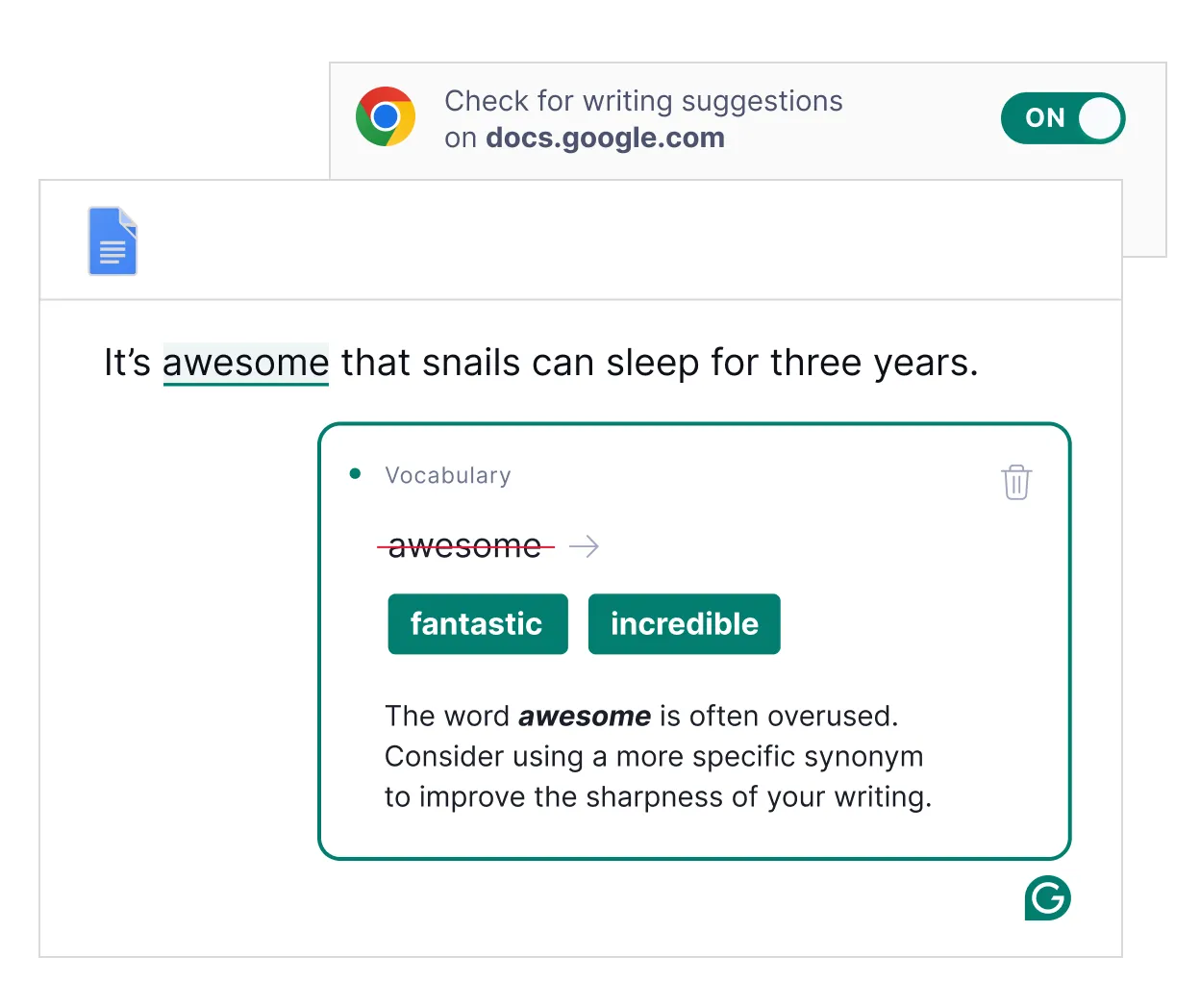
Fix Writing Communication (Like Emails to Customer Support to Investors)
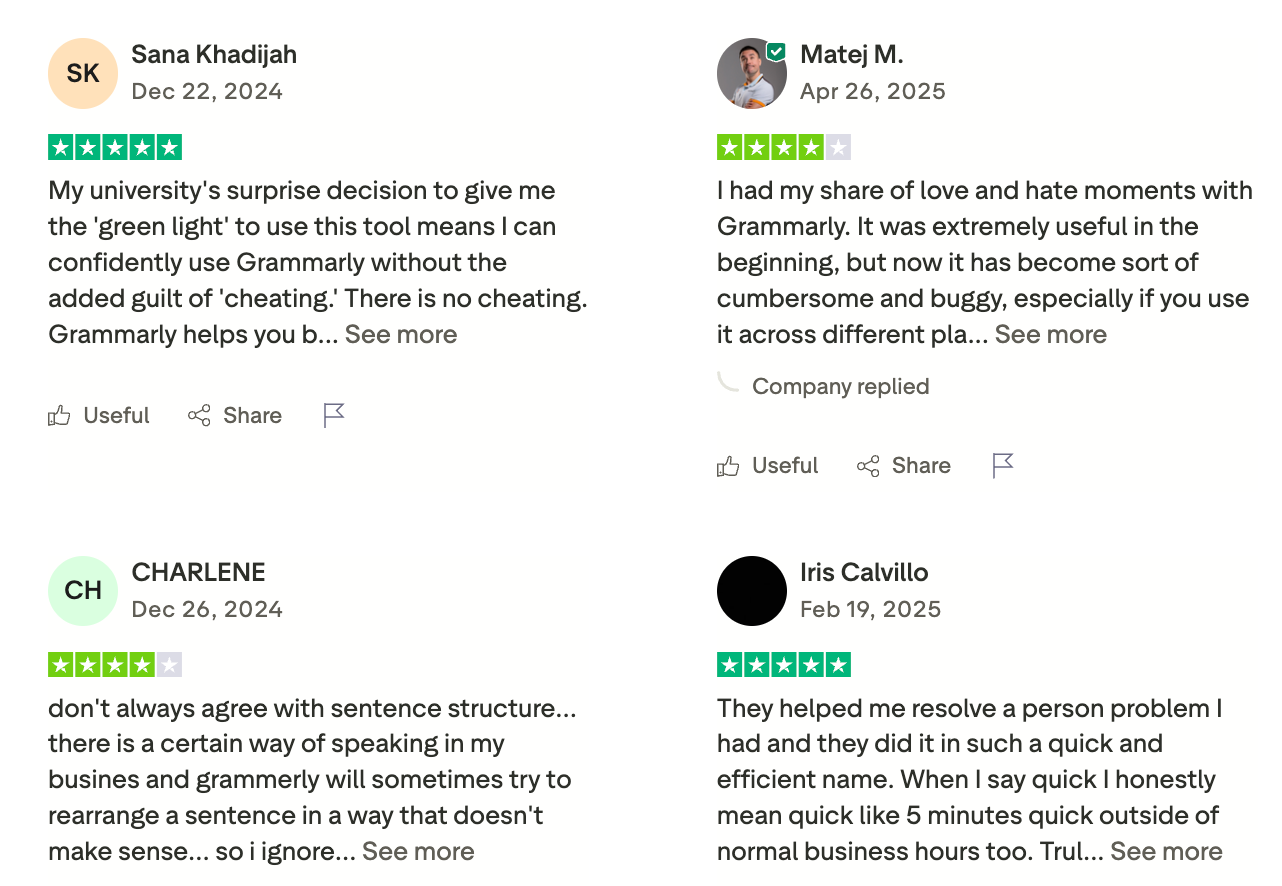
I write constantly - emails, docs, pitches, investor updates, product copy. I don’t need “perfect writing.” I need clear writing, fast.
English isn’t my first language, so these tools ensure my communication is spot-on and professional. Plus, Grammarly is free, so why not, right?
It catches small mistakes before they turn into unnecessary back-and-forth, helps tighten sentences when my brain is moving faster than my fingers, and lets me ship messages without second-guessing myself. I use it less to sound “polished” and more to reduce mental load.
For founders, clarity is leverage. Grammarly provides that
- Pros: Free, easy to use, and ensures polished communication.
- Cons: Need to pay for advanced features
- Pricing: Both offer free plans with premium upgrades.
Grammarly review (source)
4. ChatGPT
I use ChatGPT for. Marketing Content Enhancement. If you’re not using ChatGPT, you’re missing out. I don’t fully replace my writing with it, but I use it to improve and “beautify” my content.
For instance, I started this post and had it enhanced based on my top-performing posts.
- Pros: Enhances and refines content effortlessly.
- Cons: Still needs your human touch (no, it can't replace your personality)
- Pricing: Free with paid plans for more features.
5. Canva
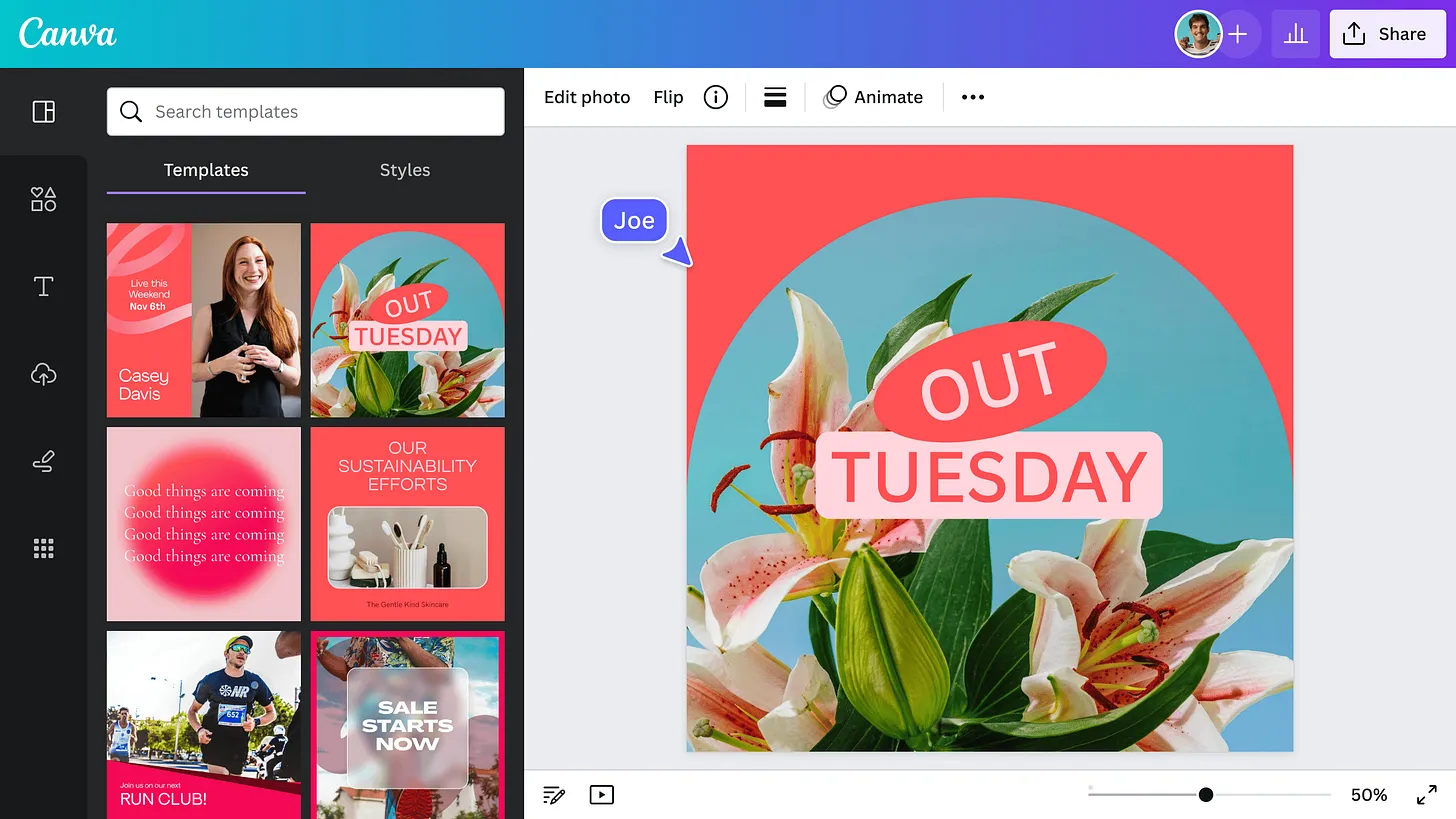
I use Canva for Marketing Design. I’m not great at Photoshop, so Canva is my no-brainer choice. Why spend time learning complex software when you can create solid designs for free? 😂
As a founder, I don’t want to open five tools, hire a designer for every small asset, or overthink visuals. I just want things to look good enough, fast.
Canva lets me:
- Turn rough ideas into usable visuals in minutes
- Create decks, landing visuals, social posts, and docs without context switching
- Ship consistently without waiting on anyone
In summary:
- Pros: Easy, intuitive, and free.
- Cons: Limited compared to professional design software, but perfect for early needs.
- Pricing: Free with premium templates and elements available.
6. Tella
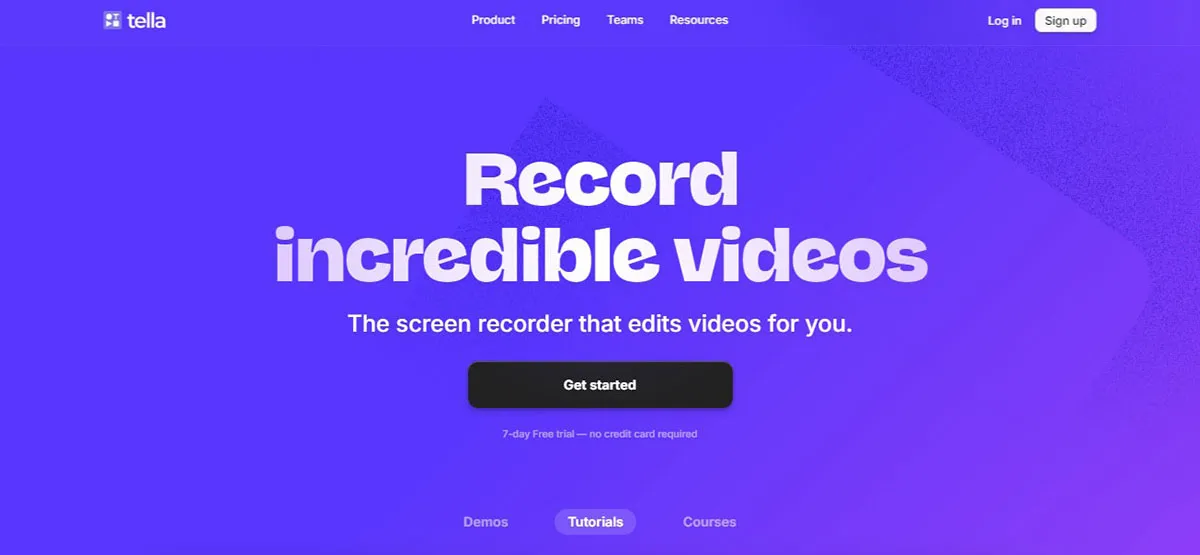
I use Tella for Product Demo Recordings. It is my hidden gem! The zoom-in and zoom-out effects can be done easily without requiring a PhD in Capcut or Premiere. This seriously saves me HOURS
- Pros: Makes your demos look professional without the professional effort
- Cons: No, I think?
- Pricing: Free trial for basic features, with premium options.
7. Slack
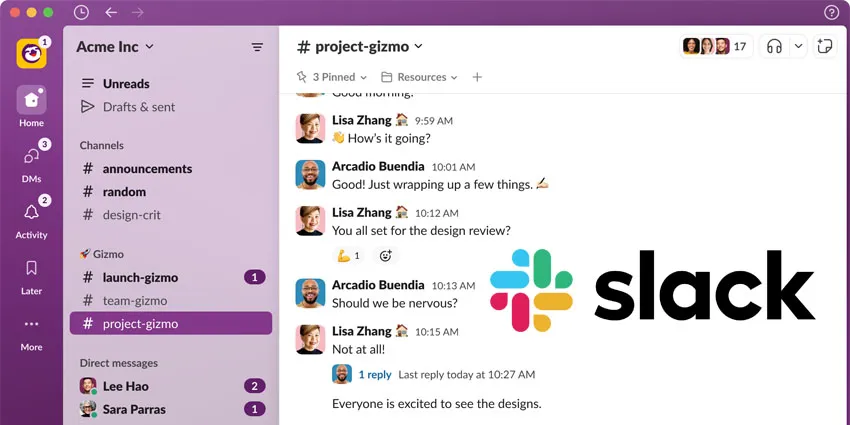
I use Slack for Team Communication because it’s free, simple, and lets us tag and respond to messages quickly.
Slack works because it:
- Centralizes fast decisions that don’t belong in email
- Keeps context attached to conversations instead of buried in inboxes
- Makes async collaboration feel human, not rigid
One downside? On the free version, messages are only stored for 90 days.
Summary
- Pros: Free, with great integrations and ease of use.
- Cons: Limited message history on the free plan.
- Pricing: Free with paid options for extended features.
8. Tally
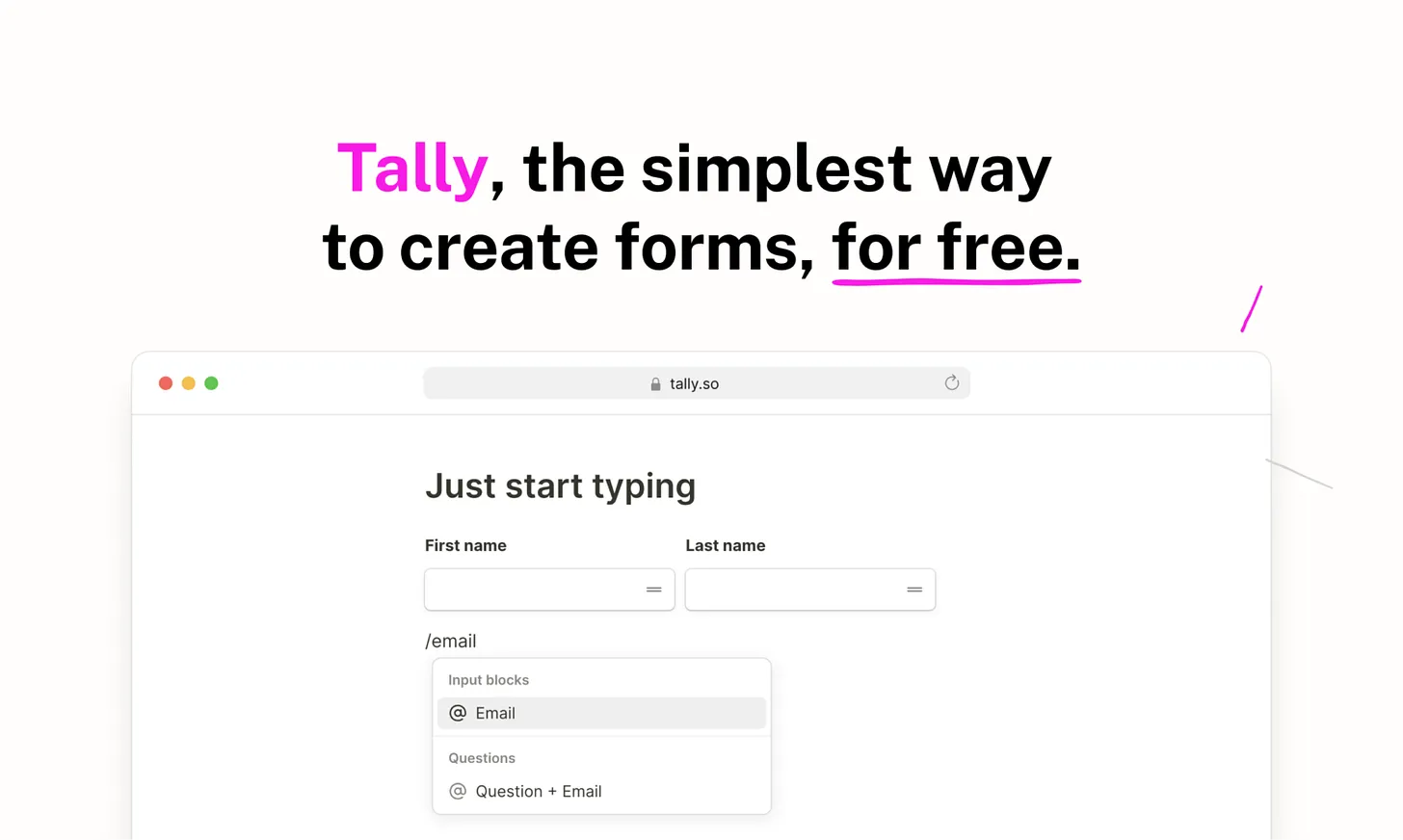
I use Tally as my Survey tool. As a founder, I constantly need forms - for user feedback, onboarding, waitlists, quick experiments, and internal ops. With most tools, that turns into overthinking layouts, logic, and styling.
It feels more like writing a document than building a form. No friction, no learning curve, no “setup mode.” I can spin up something useful in minutes, share it, and move on.
What I really appreciate is that Tally scales with me:
- Simple when I just need a quick form
- Powerful enough when I need logic, hidden fields, or integrations
- Clean and neutral, so it doesn’t distract users
The downside is there’s a limit of about 100 notifications.
Summary
- Pros: Free and integrates well with Slack.
- Cons: Notification limit, which can be restrictive.
- Pricing: Free with paid upgrades.
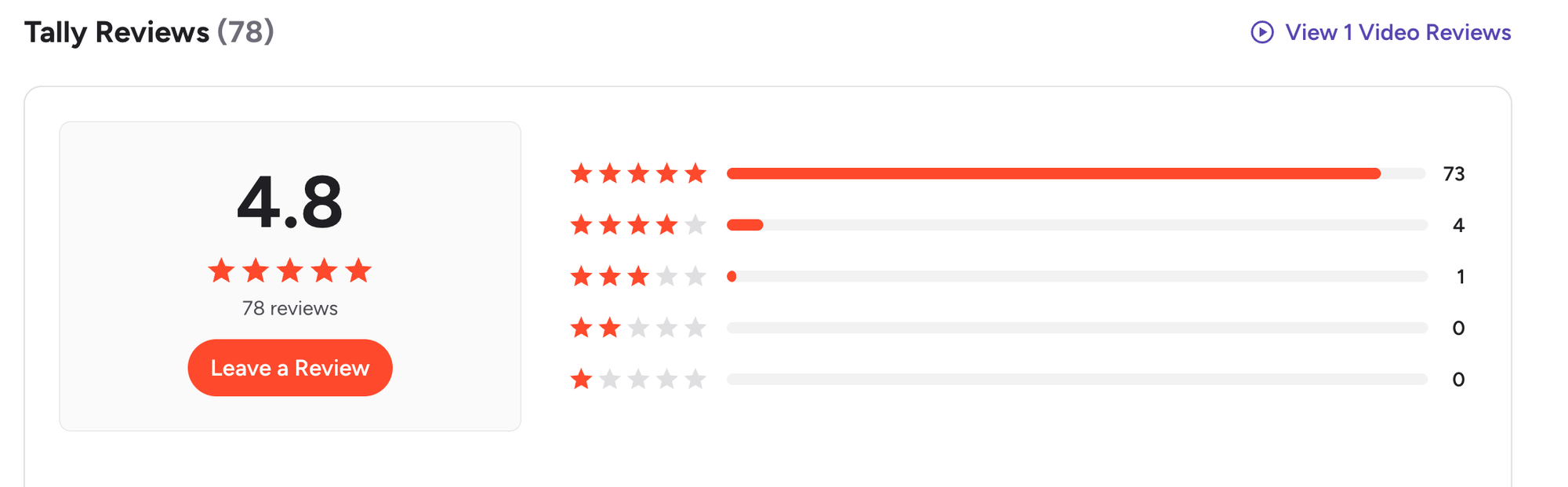
Tally reviews (source)
9. Google Sheets
Complex Timelines, Databases, CRM 🙂 No CRM has monetized me yet lol. Google Sheets still does the job for my CRM and database needs.
I use it to:
- Track experiments before they deserve a “real” tool
- Model cash flow, hiring, and pricing without overthinking
- Compare options when the answer isn’t obvious yet
What I love most is the low friction. I can open a blank sheet and start typing in seconds. No setup. No rules. No pressure to organize perfectly. It grows with my thinking instead of forcing structure too early.
- Pros: Familiar, flexible, and free.
- Cons: Not as user-friendly for CRM as dedicated tools.
- Pricing: Free.
10. Lemlist
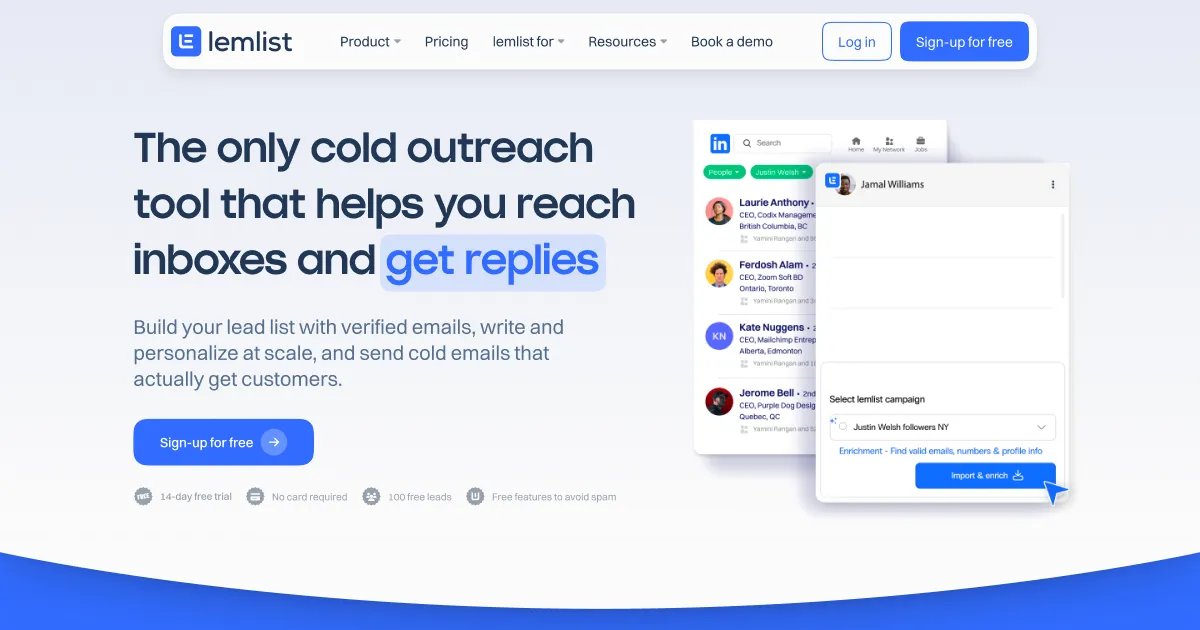
I use it for Cold outreach. I like Lemlist because it’s quick, easy, and has a clean interface. The only con? The price is a bit steep for a tool that integrates both LinkedIn and email outreach.
- Pros: Fast, user-friendly UI.
- Cons: Pricey if you’re just starting out.
- Pricing: Free trial for basic features, with premium options.
11. Brevo
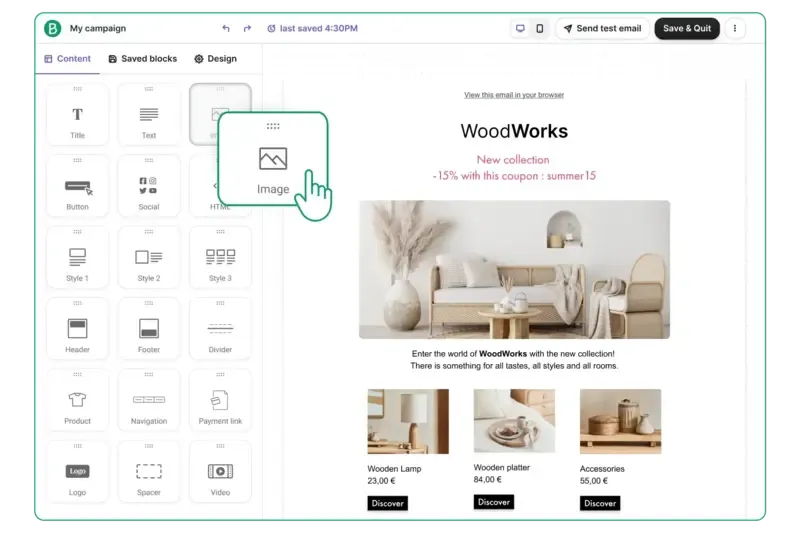
I use Brevo to Email to users. As a founder, I needed one place to handle emails, basic automation, and transactional messages without turning email into another full-time job. Brevo fit into my workflow instead of asking me to redesign it.
What stood out quickly was:
- I could start simple and grow into it
- I didn’t need perfect lists or complex funnels
- It worked even when my setup was messy or incomplete
I used it for real things founders care about: sending product updates, onboarding emails, and staying in touch with users without sounding robotic or overproduced.
They are decent. I say one of the biggest pros for me is the fast customer support
- Pros: Great customer support.
- Cons: Features are solid but nothing groundbreaking.
- Pricing: Free with 300 emails/day
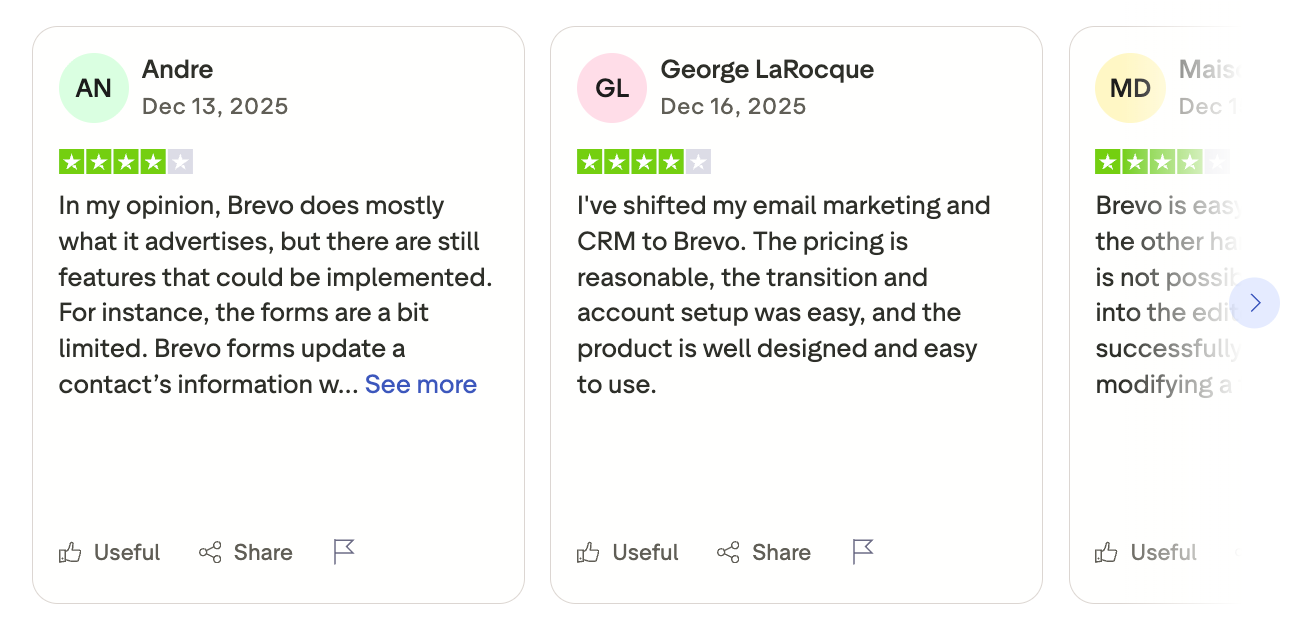
Brevo reviews (source)
Final Thoughts: The Best Tools for Founders Aren’t the Loudest - They’re the Calmest
After testing dozens of tools in real founder conditions, one thing became clear: the best tools for founders don’t try to impress you - they try to get out of your way.
The tools in this list earned their place because they reduce friction at different moments of a founder’s day:
- Saner.AI helps you stay oriented when everything feels scattered - turning messy inputs into clear next steps.
- ChatGPT and Perplexity speed up thinking, research, and decision-making when you’re stuck or short on time.
- Grammarly quietly removes communication friction you don’t need to think about.
- Slack keeps teams aligned when used intentionally, not reactively.
- Google Sheets remains one of the fastest ways to think clearly with numbers and structure.
- Tella and Canva help founders communicate ideas without waiting on designers or long cycles.
You don’t need more tools. You need fewer tools that actually hold up under pressure.
If a tool makes your day feel lighter, clearer, and easier to recover when things go sideways - it’s doing its job. Everything else is just noise.
Stay on top of your work and life
FAQ: Best Tools for Founders (Real-World Use, Not Theory)
1. What are the best tools for founders today?
The best tools for founders help with thinking, communicating, and executing, not just tracking tasks.
Most founders rely on a small, flexible stack rather than one all-in-one tool:
- Saner.AI – turns messy thoughts, notes, and messages into clear tasks and reminders
- ChatGPT – thinking partner for drafting, problem-solving, and ideation
- Perplexity – fast, source-based research and decision support
- Slack – async team communication
- Google Sheets – lightweight planning, metrics, and modeling
- Grammarly – clarity and tone for founder writing
- Canva – quick visuals without a design team
- Tella – fast product demos and founder updates
Together, these cover thinking → deciding → communicating → following through.
2. What problems should the best tools for founders solve?
Founders don’t lack tools. They lack mental bandwidth.
Good founder tools help you:
- Capture ideas before they disappear
- Reduce context switching between apps
- Remember follow-ups automatically
- Turn conversations into action
- Move decisions forward without more meetings
If a tool only stores information but doesn’t help you act, it usually adds friction.
3. What’s the best productivity tool for founders with too many ideas?
Founders generate ideas constantly - during meetings, walks, Slack messages, or late at night.
An AI personal assistantit like Saner.AI is useful here because it:
- Capture ideas in natural language
- Turn thoughts into actionable tasks
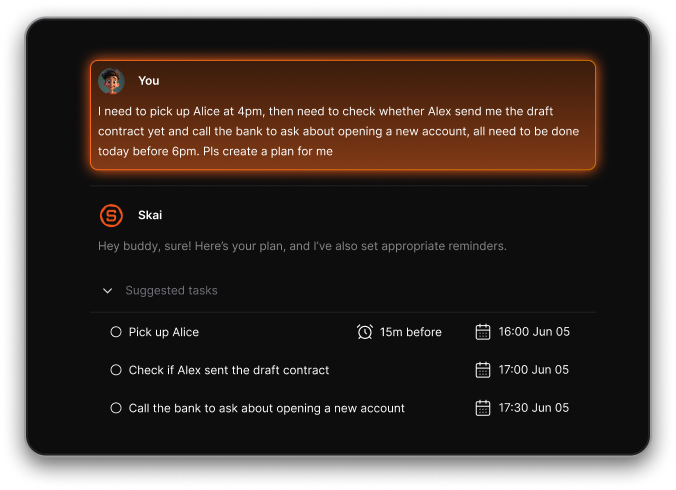
- Surface the right reminder at the right time
This is especially helpful when your brain works faster than your system.
4. What are the best AI tools for founders?
Founders use AI differently from most people. It’s less about novelty, more about leverage.
Common AI use cases:
- Drafting emails, docs, and pitches → ChatGPT, Grammarly
- Researching competitors or markets → Perplexity
- Turning unstructured thoughts into plans → Saner.AI
The best AI tools reduce thinking time without removing judgment.
5. Are free tools enough for early-stage founders?
Yes - up to a point. Many founders start with:
- Free tiers of AI assistants
- Google Sheets for planning
- Canva for visuals
The bottleneck usually isn’t cost. It’s cognitive overload.
As your workload grows, tools that reduce mental effort matter more than feature depth.
6. What’s the best tool for founders to stay organized without complex systems?
Founders rarely maintain perfect systems. That’s normal.
Tools work best when they:
- Don’t require strict tagging or setup
- Accept messy input
- Help you find things later without effort
Saner.AI works well here because they organize for you, instead of asking you to organize first.
7. How do founders use ChatGPT effectively without wasting time?
Productive founders don’t “chat randomly” with AI. They use it intentionally:
- Clarify thinking before decisions
- Draft, then refine with judgment
- Explore trade-offs quickly
ChatGPT works best when paired with a system that remembers outcomes and next steps - otherwise, insights disappear.
8. What tools help founders with research and decision-making?
Founders often need fast, credible answers, not endless tabs.
Perplexity is useful because it:
- Answers with sources
- Summarizes complex topics
- Helps compare options quickly
It’s commonly used alongside ChatGPT: one for thinking, one for verification.
9. What’s the best tool for founder communication and alignment?
For teams:
- Slack handles ongoing communication
- Tella helps explain ideas asynchronously (especially product or roadmap updates)
For yourself:
- You still need a place where decisions and follow-ups don’t get lost after the conversation ends.
That’s where personal organization tools matter.
10. How do founders keep track of tasks without micromanaging themselves?
Founders don’t forget because they’re careless. They forget because they’re overloaded.
Helpful tools:
- Capture tasks automatically from notes or messages
- Remind you based on context, not just deadlines
- Don’t require constant manual updating
The goal isn’t more discipline - it’s less mental juggling.
11. What’s the best tool stack for solo founders?
A simple, realistic stack:
- Thinking & drafting → ChatGPT
- Research → Perplexity
- Execution & follow-through → Saner.AI
- Metrics & planning → Google Sheets
- Visuals → Canva
Each tool has a clear job. Overlap is minimal.
12. What tools help founders communicate clearly as they scale?
As your company grows, clarity matters more than speed.
Founders use:
- Grammarly to clean up tone and clarity
- Canva for internal and external visuals
- Tella for async explanations that reduce meetings
Clear communication reduces back-and-forth—and decision fatigue.
13. Do founders really need AI tools, or is this hype?
AI doesn’t replace judgment. It reduces friction.
Where founders feel the difference:
- Less time rewriting
- Fewer forgotten follow-ups
- Faster synthesis of messy information
Used well, AI tools quietly remove mental load instead of adding noise.
14. What’s the biggest mistake founders make when choosing tools?
Choosing tools based on features instead of behavior.
Questions that matter more:
- Does this tool work when I’m tired?
- Does it help me remember, or just store things?
- Does it reduce decisions - or create more?
The best tools for founders adapt to how you already think.
15. How should founders choose the best tools for their workflow?
Start small. Add tools only when there’s clear friction.
A good rule:
- One tool for thinking and execution -> Saner.AI
- One for research -> Perplexity or ChatGPT
- One for communication -> Slack
If a tool makes you feel calmer and clearer after a week, it’s probably doing its job.
Stay on top of your work and life