Best Workflowy Alternatives in 2026: We Compared 11 Apps
Best Workflowy Alternatives in 2026 are Saner.AI, Notion, Dynalist, Clickup, Obsidian, Logseq, Tana, and Evernote



Workflowy is still loved for its nested lists and distraction-free design. But in 2026, productivity expectations have changed.
Most people now want:
- AI helps to organize messy thoughts automatically
- Better task management, not just outlining
- Strong team collaboration
- More structure without manual effort
1. What is Workflowy?

Workflowy is a minimalist outliner app that lets users create infinitely nested bullet points. It’s widely used for: Ideas note-taking, Writing outlines, Personal planning
2. Why Workflowy Feels Limited in 2026
Workflowy’s minimalist outlining is still solid - but in 2026, user expectations have evolved.
Workflowy doesn’t automatically sort, prioritize, or restructure your content. In a world where AI can suggest task categories, deadlines, and relationships between ideas, Workflowy feels manual and static.
You must manually create, schedule, and track tasks. There are no built-in smart reminders, recurring automation, or AI suggestions based on your habits - features that newer tools increasingly offer.
Tags, links, and outlines have to be added by hand. Modern alternatives use AI or structured schemas to autotag, link related ideas, and generate views that reduce friction.
That’s where modern Workflowy Alternatives come in. Now, let's dive in!
11 Best Workflowy Alternatives in 2026 are
Saner.AI, Notion, Dynalist, Clickup, Obsidian, Logseq, Roam Research, Tana, Evernote, Todoist, Microsoft One Note.
Best Workflowy Alternatives in 2026: Comparison Table
| 🧰 Tool | 💡 Core Strength | 🎯 Best For | 🚀 Where It Beats Workflowy | ⚠️ Main Trade-Off |
|---|---|---|---|---|
| Saner.AI | AI planning & synthesis | Knowledge workers, ADHD users, founders | Turns notes + tasks into plans automatically, AI understands context | Newer product, still evolving |
| Notion | All-in-one workspace | Teams, docs, databases | Databases, collaboration, flexibility | Can feel heavy and slow |
| Dynalist | Fast structured outlining | Workflowy power users | More formatting and structure options | Still mostly manual |
| ClickUp | Full project management | Teams, operations | Tasks, timelines, automation | Overkill for simple outlining |
| Obsidian | Local knowledge graph | Researchers, writers | Backlinks, plugins, offline-first | Steep learning curve |
| Logseq | Daily notes + graph | PKM enthusiasts | Block-based notes + backlinks | UI not beginner-friendly |
| Roam Research | Bi-directional linking | Deep thinkers, researchers | Powerful graph thinking | Expensive, complex |
| Tana | Structured notes + nodes | Advanced PKM users | Super powerful data structure | High learning curve |
| Evernote | Simple note capture | General note storage | Mature, reliable, cross-platform | Limited modern workflows |
| Todoist | Task-first productivity | Personal task tracking | Strong task features & reminders | Weak for notes & thinking |
| Microsoft OneNote | Free-form notes | Office users, students | Flexible canvas, free | Weak structure & search |
1. Saner.AI
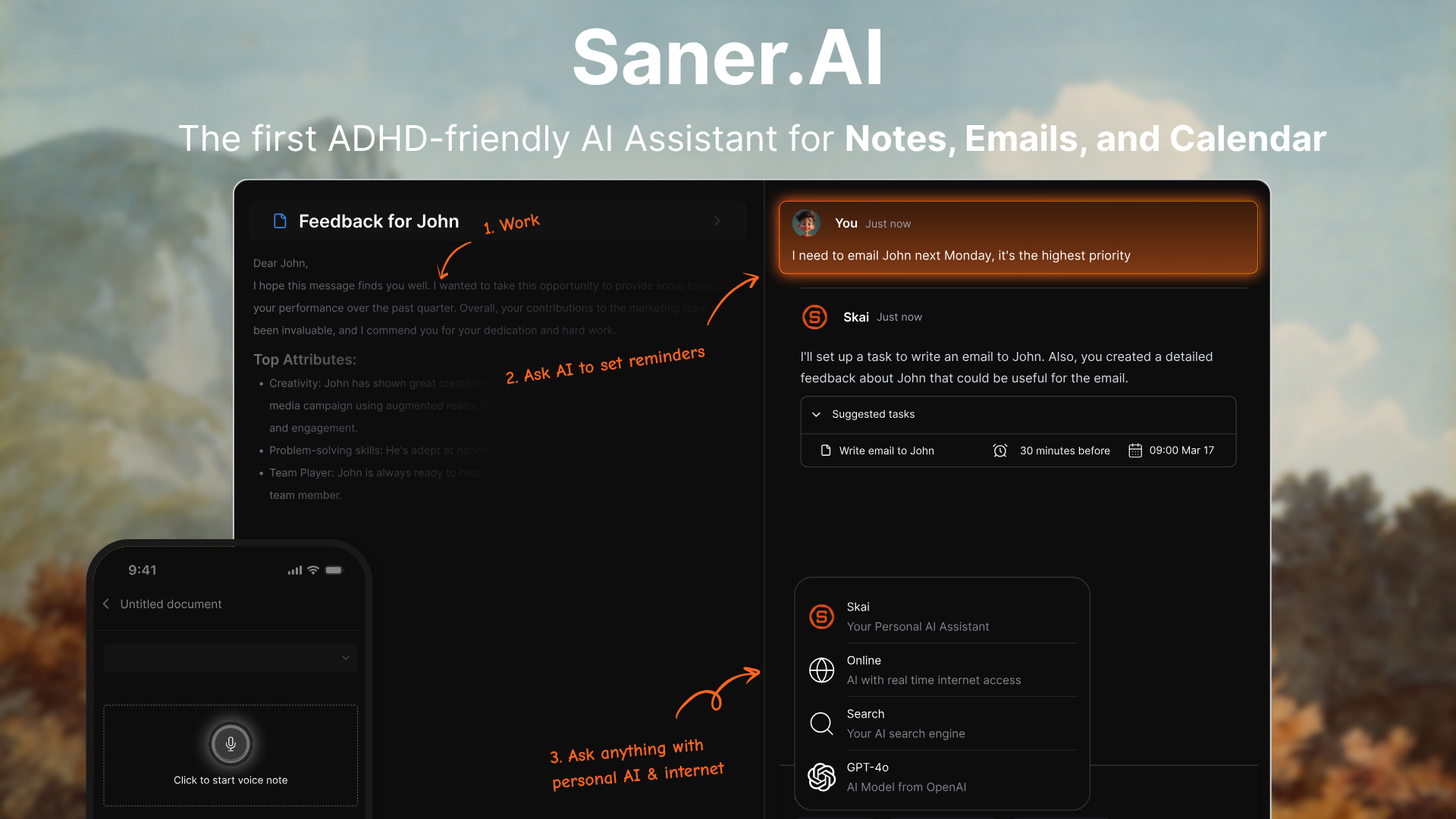
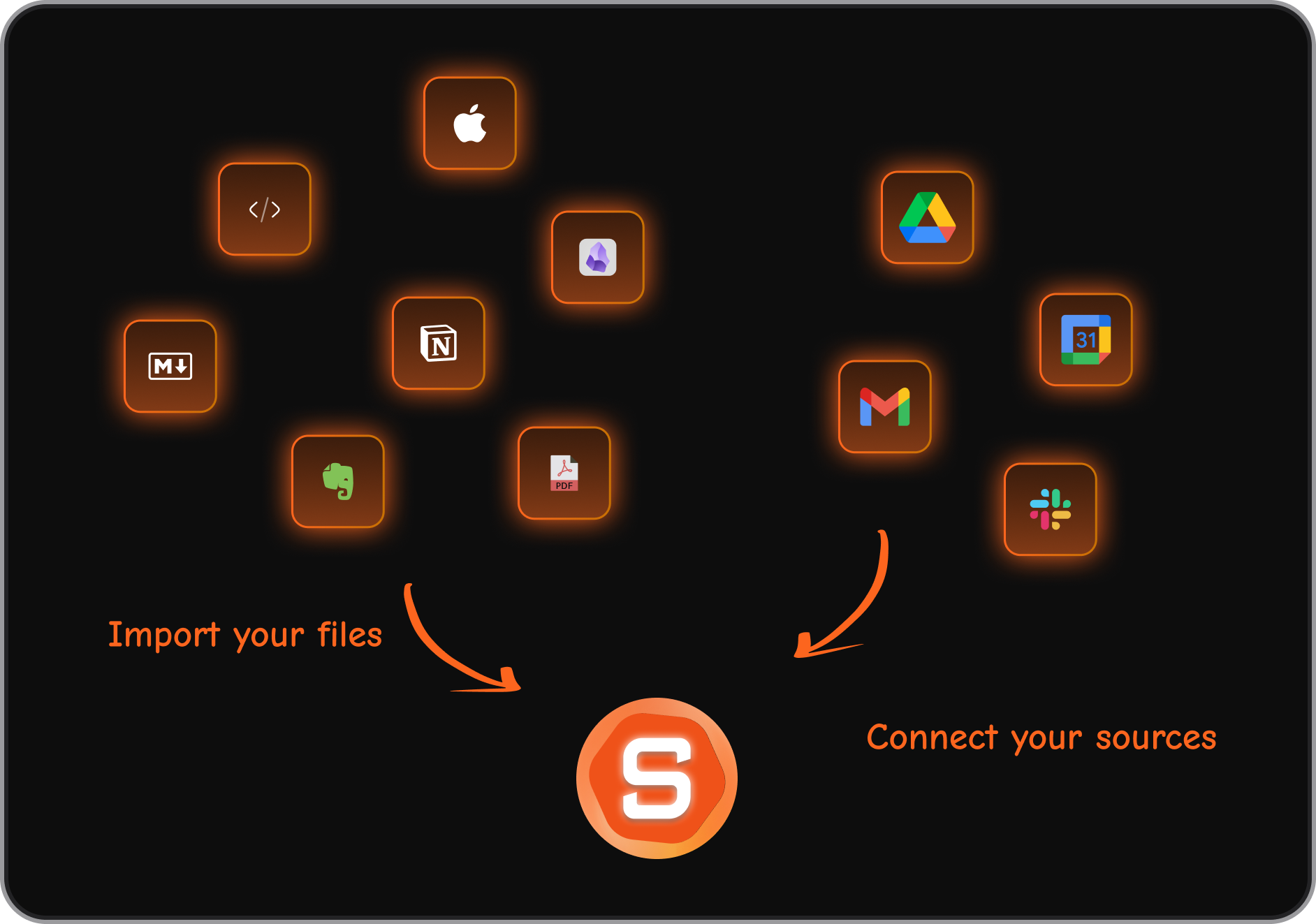
Saner.AI is an AI productivity assistant that brings notes, tasks, email, and calendar into one workspace. Instead of manually organizing everything, you can ask the AI to find information, surface tasks, and help plan your day.
Key features
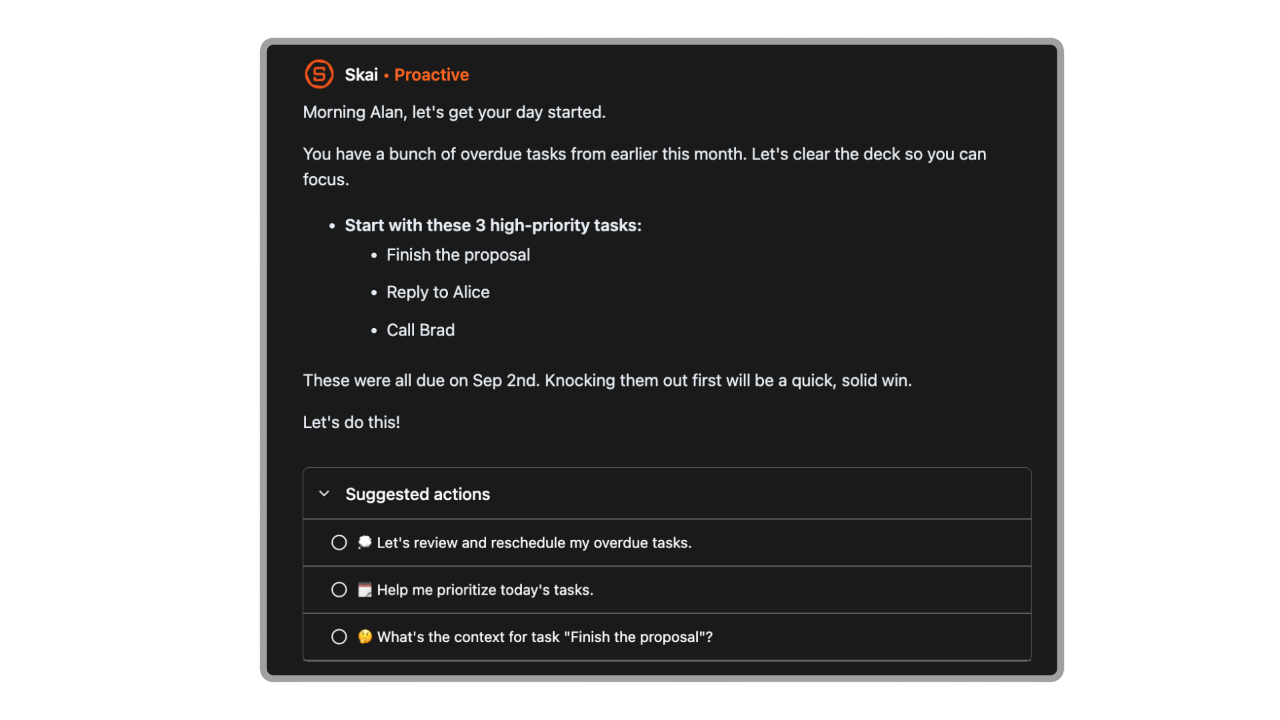
- Skai - an AI assistant that understands your notes and supports natural-language search
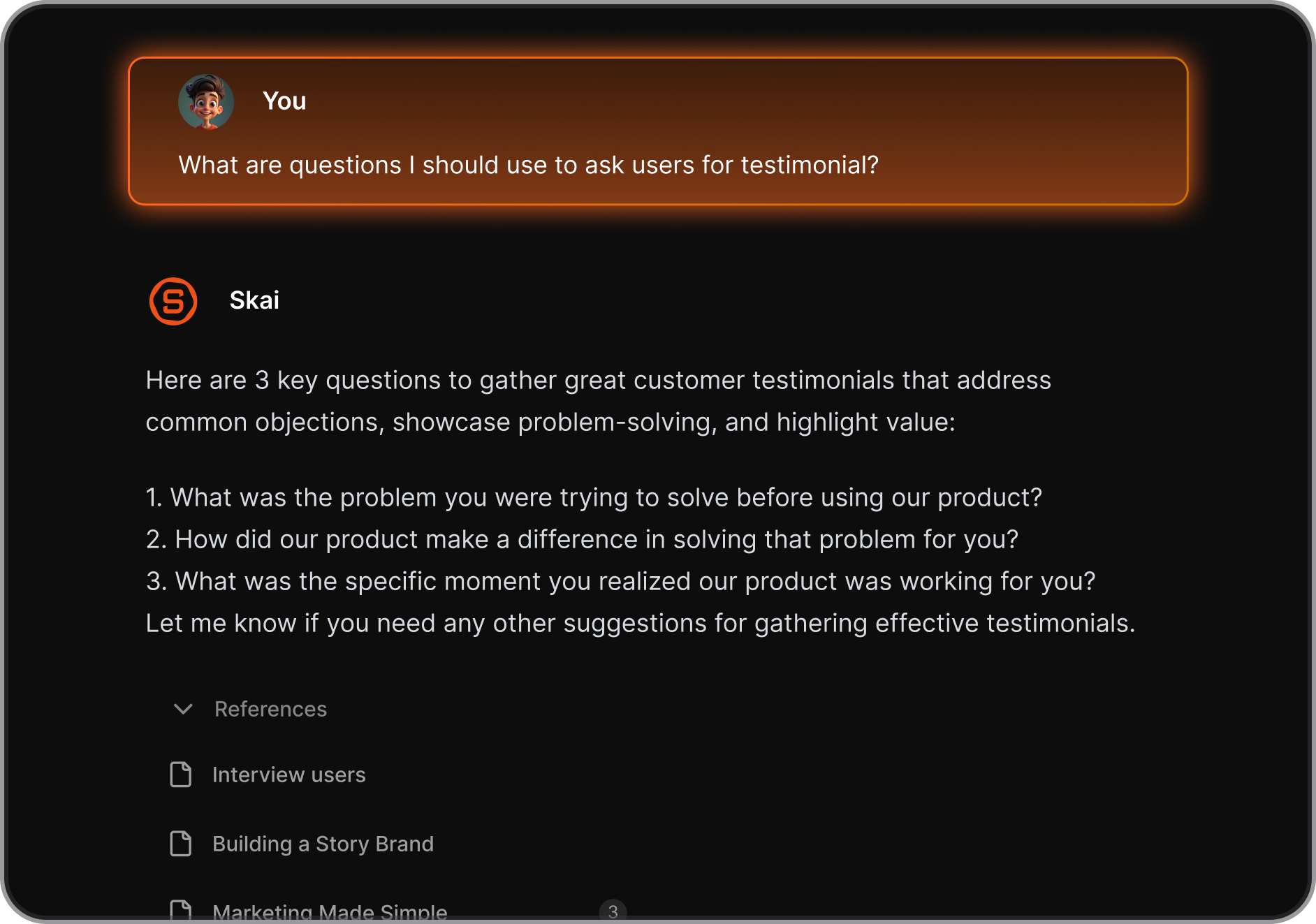
- Unified workspace for notes, tasks, reminders, calendar, and email integrations
- Automatic task extraction from text and emails
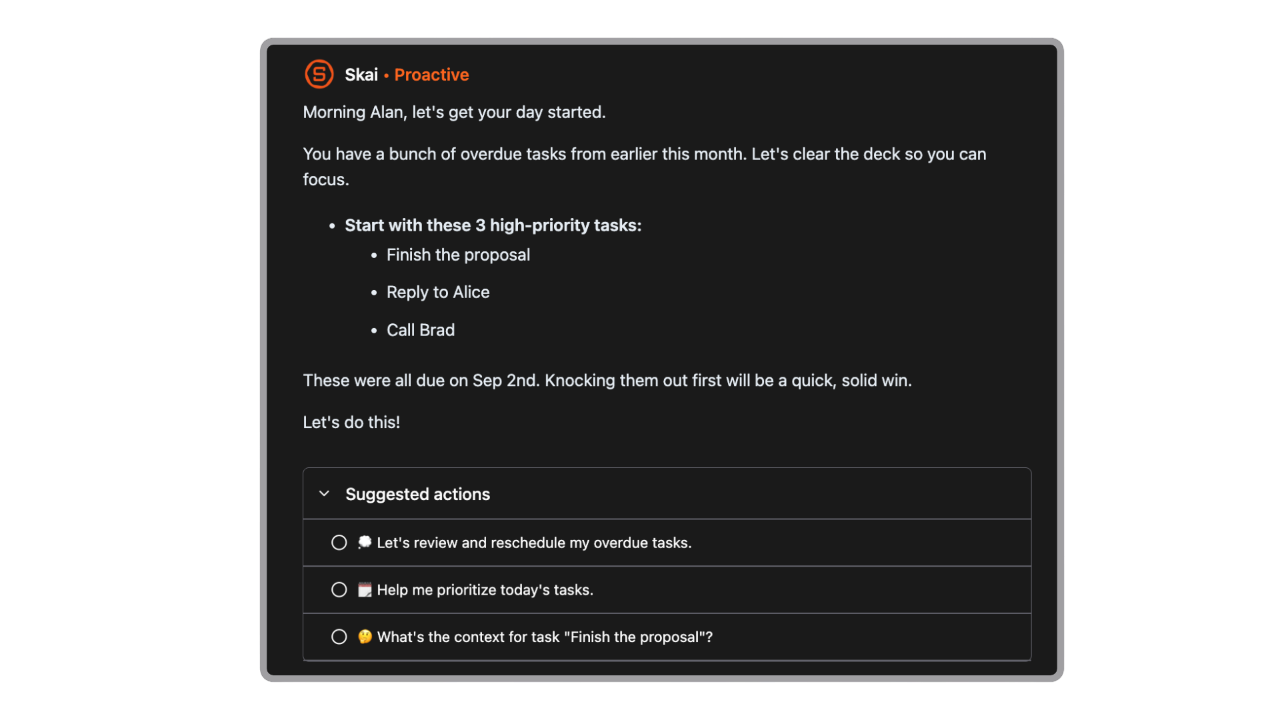
- Smart daily planning blogs with AI recommendations (Skai) for prioritizing tasks, which can optimize users' schedules by focusing on the most important activities each day.
What I liked
- You don’t need to over-organize. Dump ideas first, let AI handle structure later.
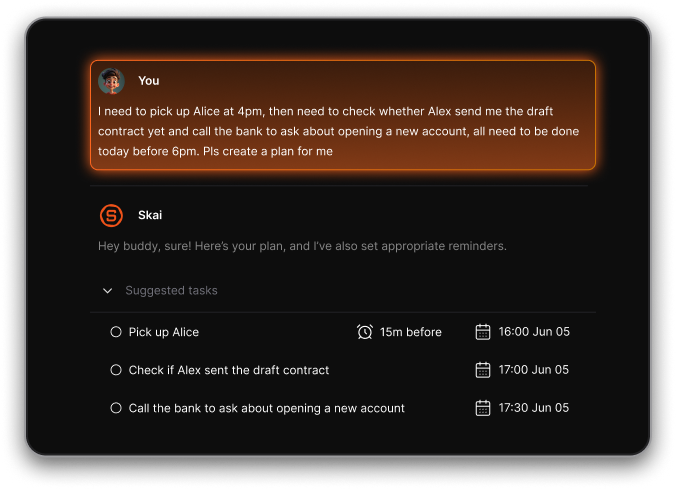
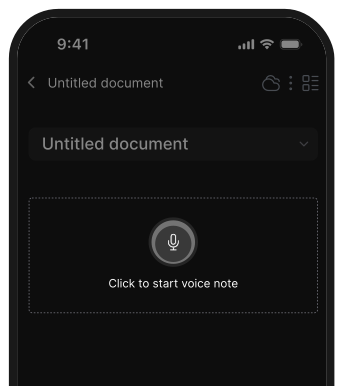
- Easy capture across web, mobile, and extensions.
What I disliked
- Not suitable for teams.
Pricing
- Free plan with limited AI usage
- Paid plans start at around $1, with higher tiers unlocking more AI features.
Suitable for
- Professionals juggling notes, tasks, and meetings.
- People who want AI-first productivity, not folders and rules
- Users are tired of switching between multiple tools
How to start
- Go to Saner.AI.
- Create a free account and start dumping tasks, notes, and ideas immediately.
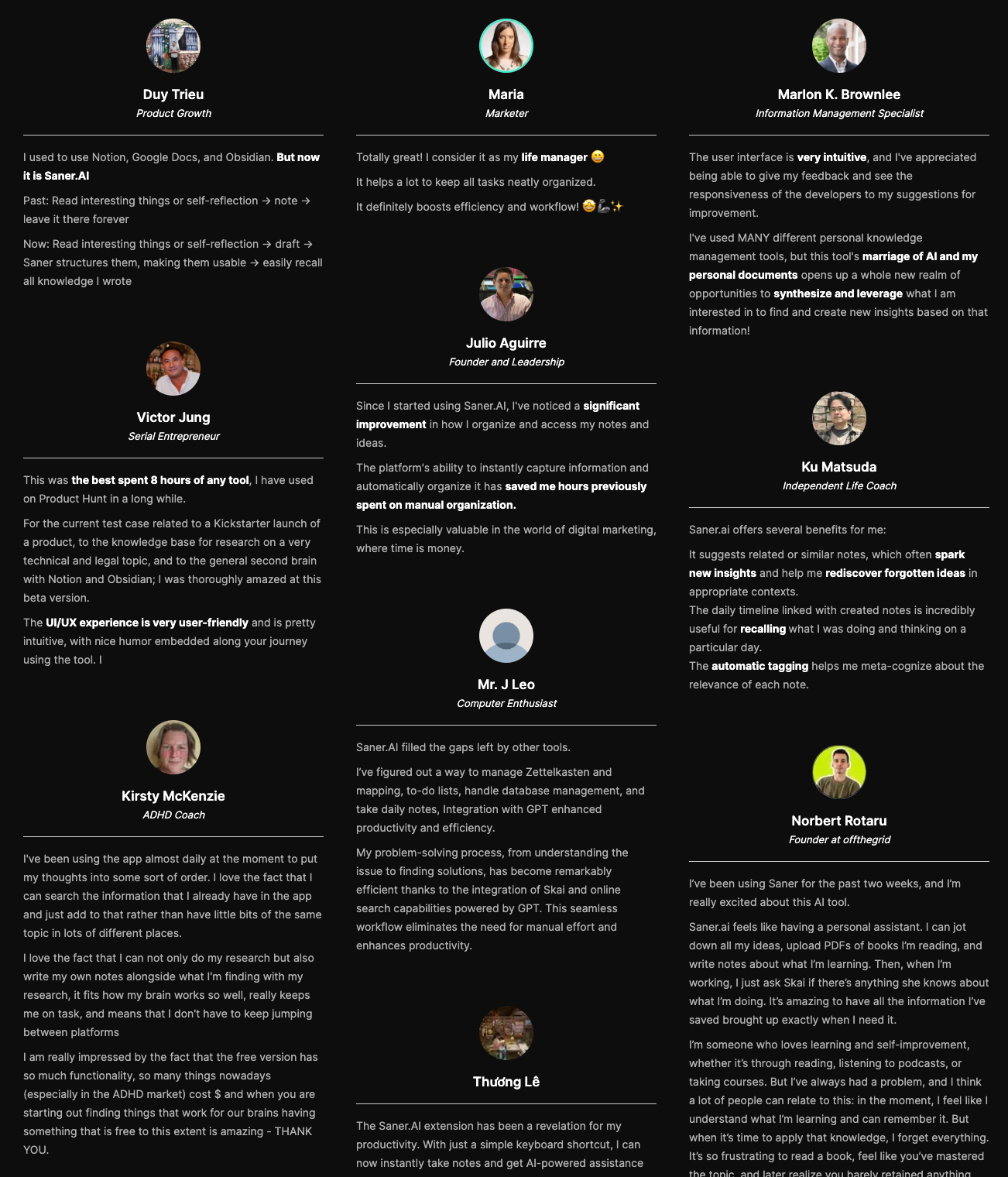
Saner.AI review

Stay on top of your work and life
2. Dynalist
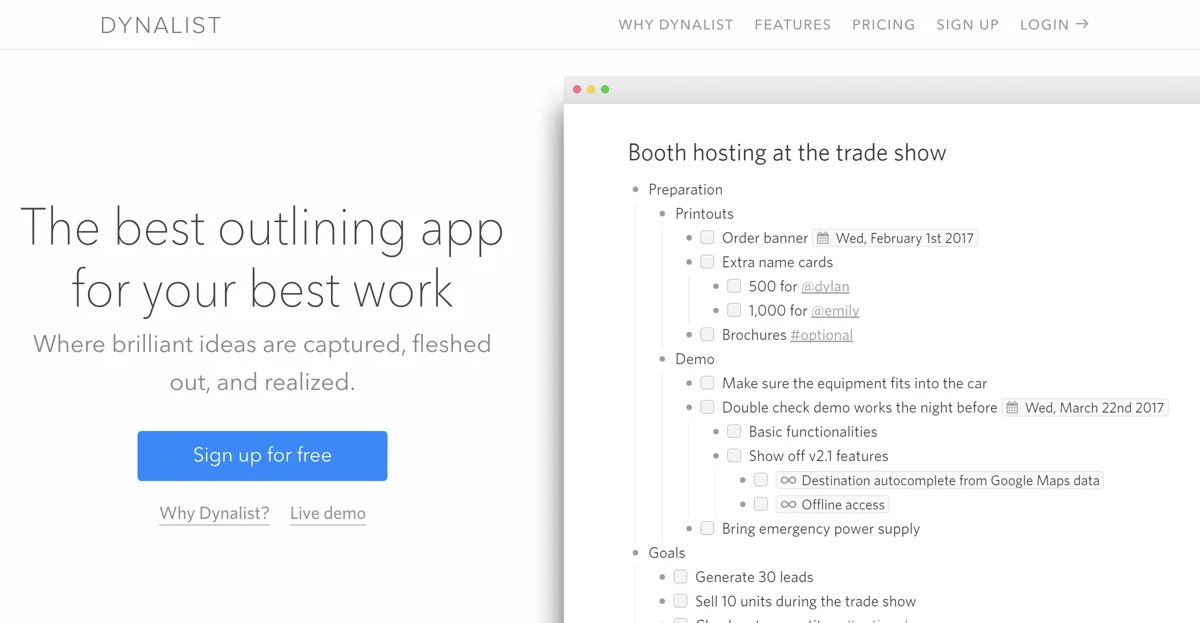
Dynalist is a fast, minimalist outliner built for people who think in lists and hierarchies. It’s often used for planning, task breakdowns, note structuring, and long-term knowledge outlines.
Key features:
- Tags, dates, recurring tasks, and basic task management.
- Search, filters, and reference links between items.
- Markdown support and offline access (desktop & mobile).
What I liked:
- Lightweight and fast.
What I disliked:
- Very limited beyond outlining.
- No built-in task or AI features.
Pricing:
- Free; Pro ~ $9/month.
Suitable for
- Outline lovers, planners, writers
How to start:
- Sign up → start creating nested lists.
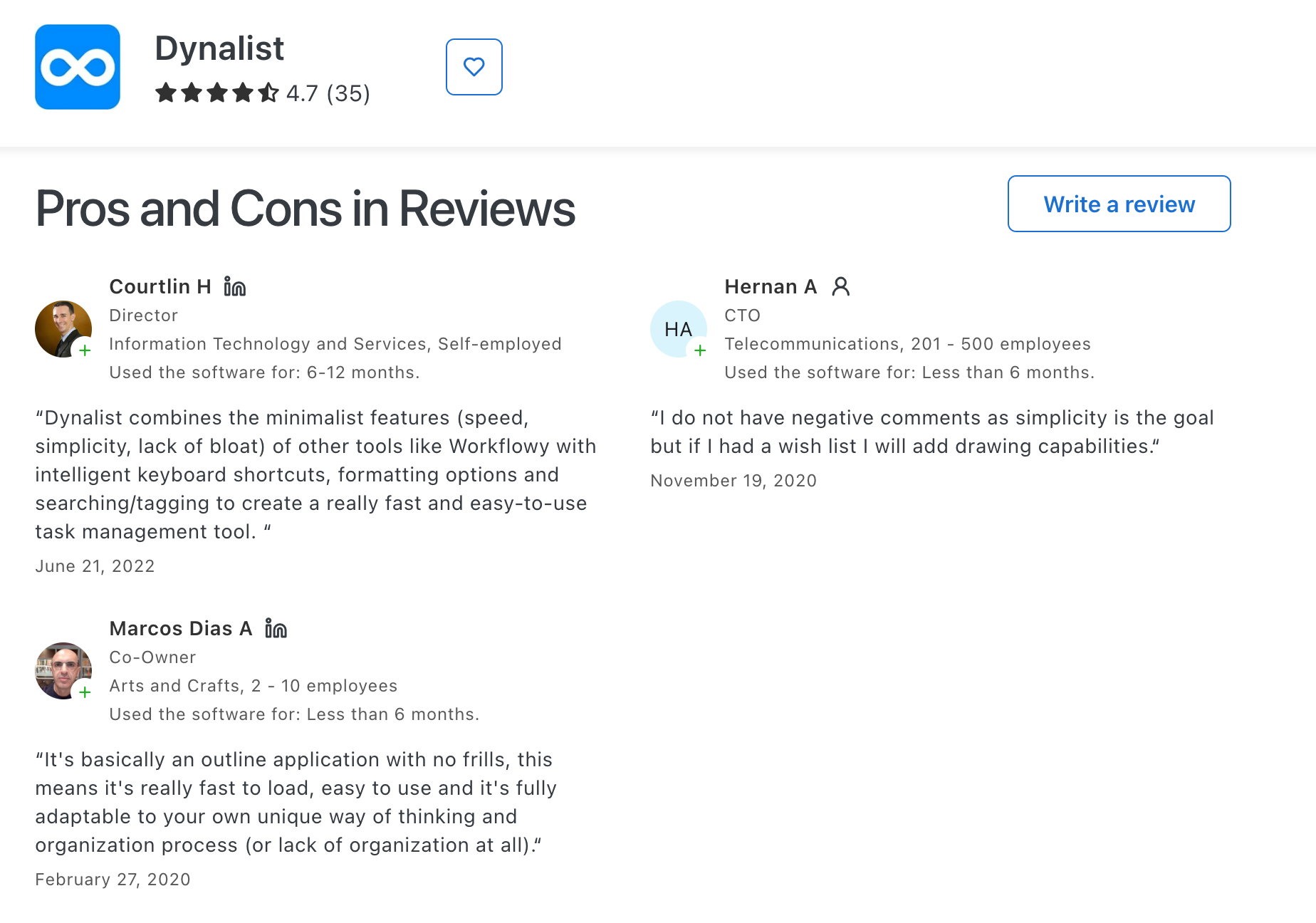
Dynalist review (source)
3. Notion
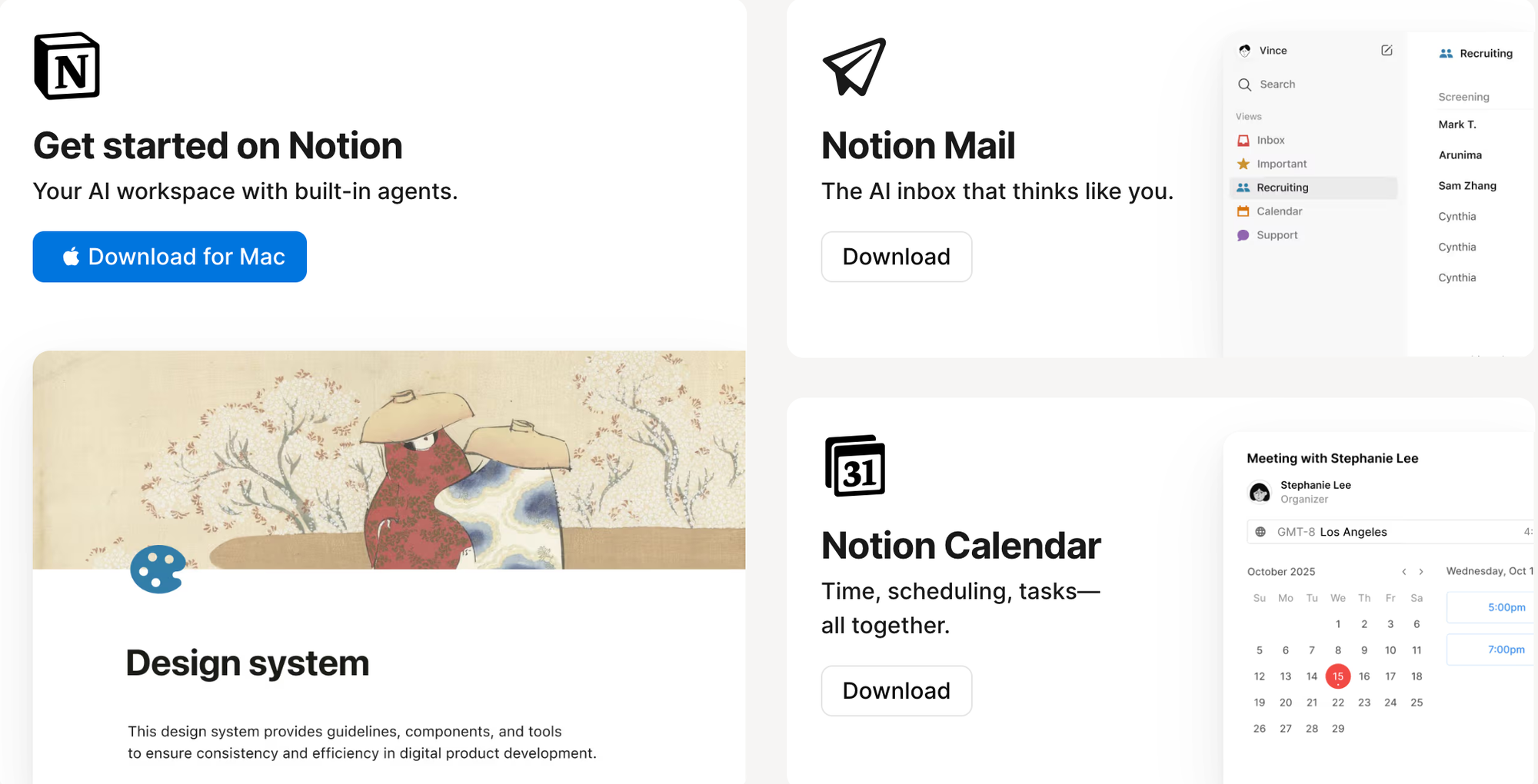
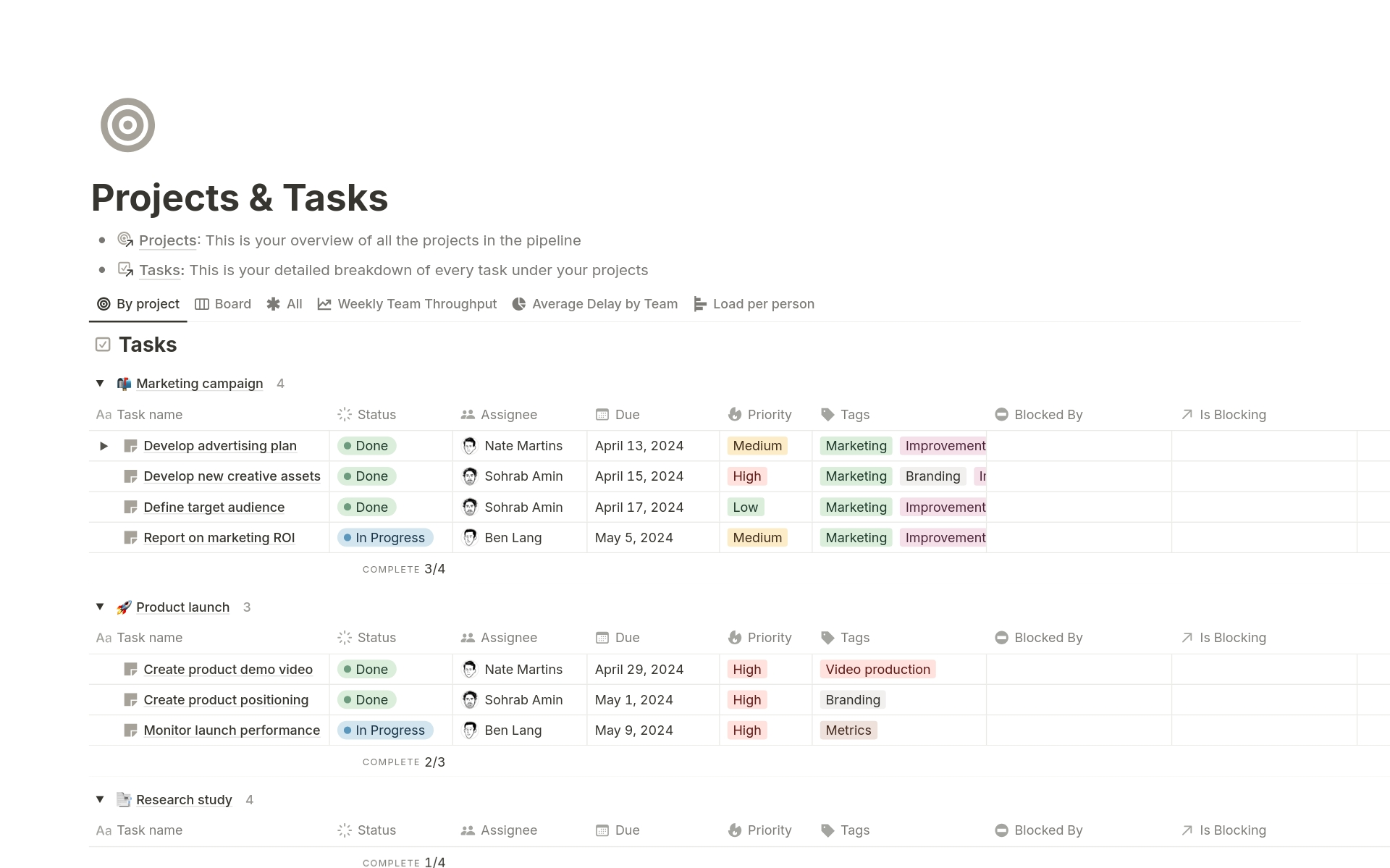
Notion focuses more on structured data and flexibility. It is an all-in-one workspace that combines notes, databases, tasks, docs, and collaboration.
Key features
- Block-based editor for notes, docs, and pages.
What I liked
- Flexible - you can shape it to fit almost any workflow.
- An ecosystem of templates and community resources.
What I disliked
- Setup can be time-consuming; easy to over-engineer systems.
- Performance can slow down with large databases or heavy pages.
Pricing
- Free plan for personal use.
- Business plans are available for teams.
Suitable for
- Teams managing projects, docs, and internal knowledge.
- Solo users who enjoy building custom systems.
How to start
- Go to Notion
- Create a free account and start from a template or blank page.
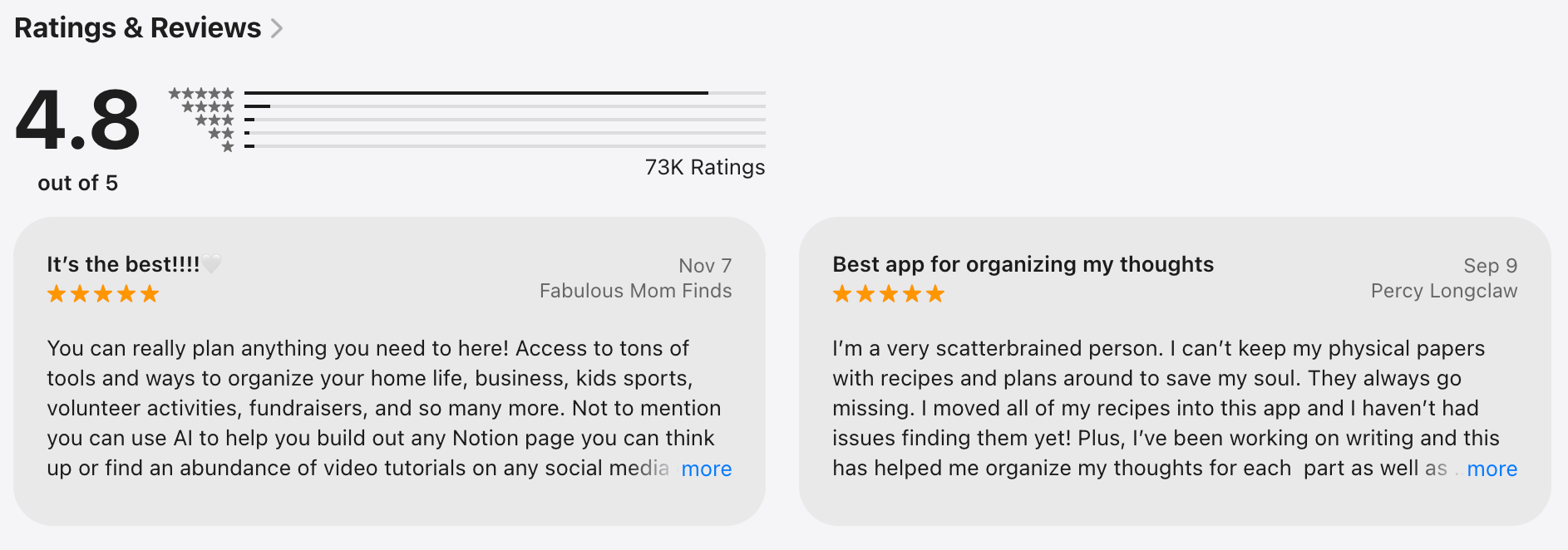
Notion review (source)
4. Obsidian

Obsidian is a local-first note-taking and knowledge management app built on plain Markdown files. Instead of folders or databases, Obsidian emphasizes links, graphs, and long-term knowledge building.
Key features
- Markdown-based notes stored locally on your device.
- Bidirectional linking and visual graph view.
- Large plugin ecosystem for tasks, calendars, AI, and workflows.
- Works offline by default.
What I liked
- You own your data - no lock-in, just files on your machine.
- Extremely customizable via community plugins.
What I disliked
- Learning curve is real, especially with plugins and workflows.
- No built-in collaboration in the free version.
- It can become complex if you over-customize.
Pricing
- Free for personal use
- Optional paid add-ons: Sync and Publish (separate pricing)
Suitable for
- Knowledge workers who care about data ownership
- Writers, researchers, and developers
- Power users who enjoy customizing their tools
How to start
- Go to Obsidian
- Download the app and start writing Markdown notes locally
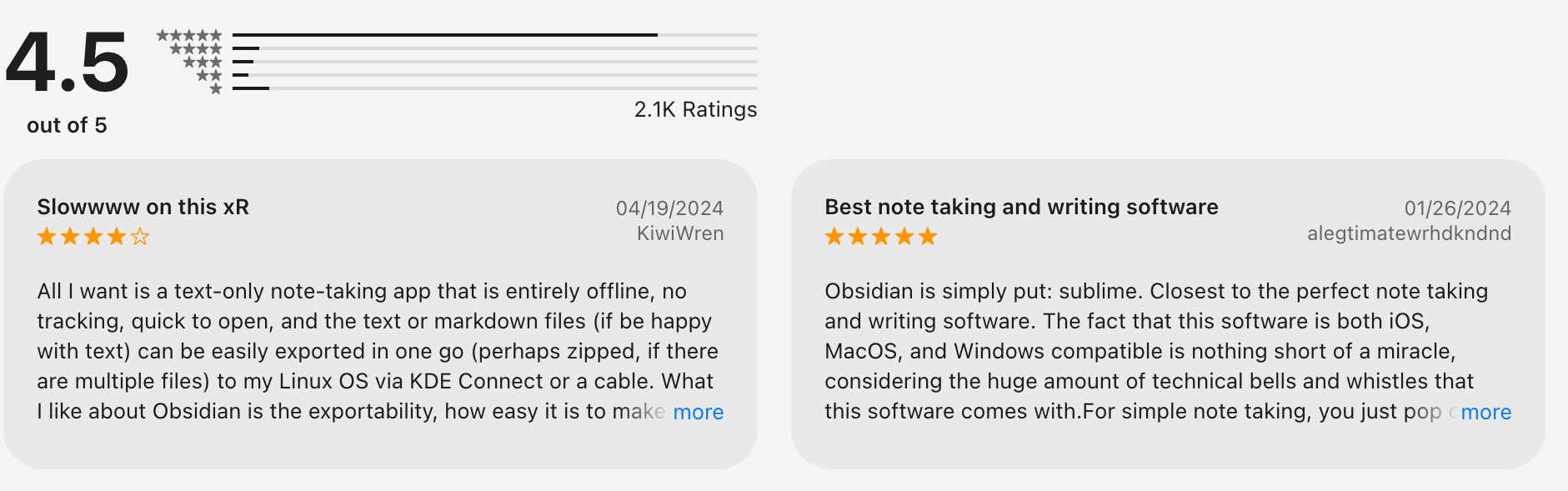
Obsidian review (source)
5. Logseq
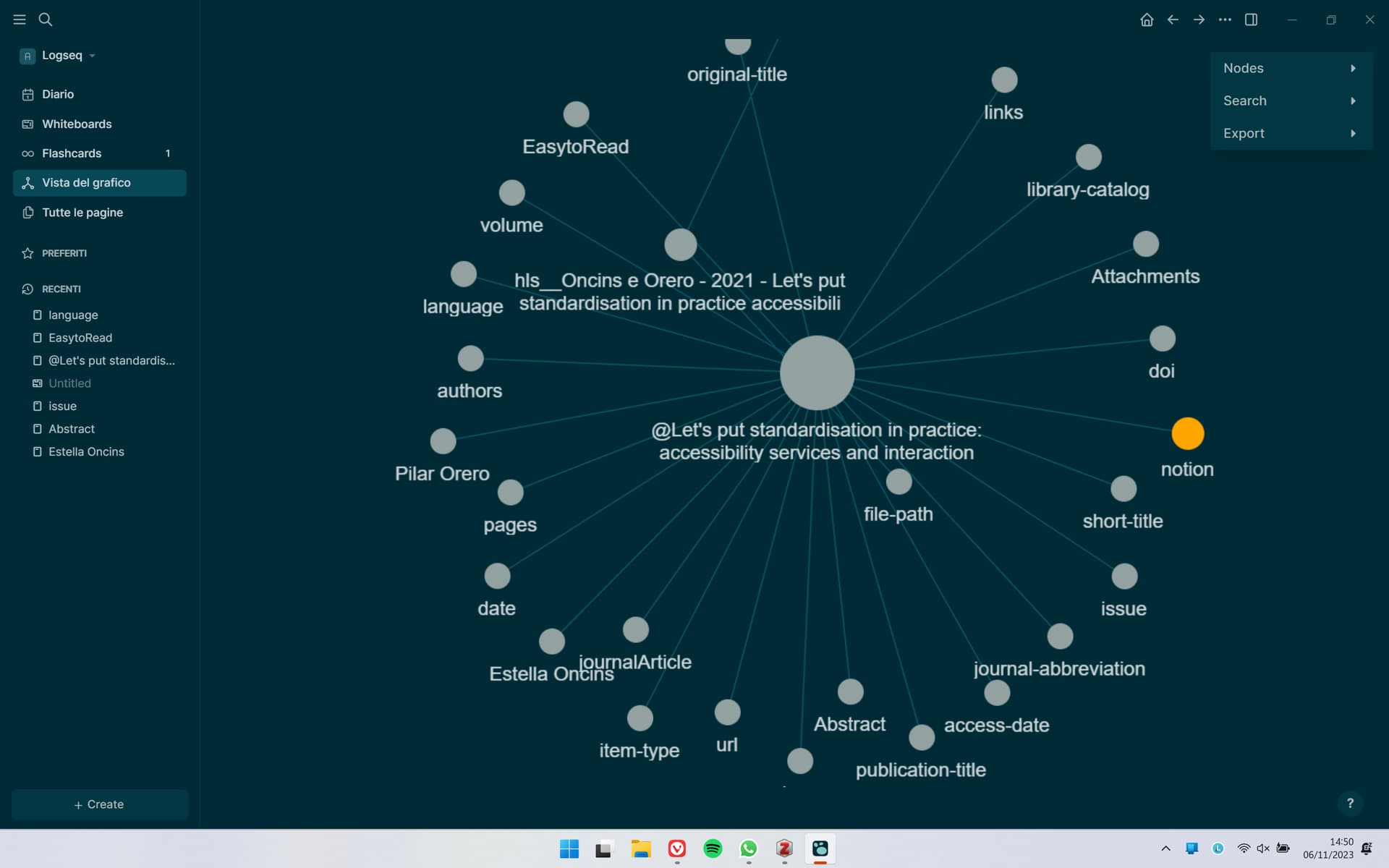
Logseq is an outline-based knowledge management tool focused on daily notes. Instead of pages first, Logseq encourages you to think in blocks and timelines.
Key features
- Daily journal with nested bullets.
- Bidirectional links, block references, and backlinks.
- Plugin system for tasks, queries, and workflows.
What I liked
- Daily notes make it easy to capture thoughts without deciding where they go.
- Local-first approach gives you full control over your data.
What I disliked
- Performance can be inconsistent with large graphs.
- The query language can be challenging for non-technical users to learn.
- No AI assistant to manage the app with you
Pricing
- Free and open-source.
- Optional paid sync service.
Suitable for
- Users of daily journaling and outline-based thinking.
- Roam users are looking for a local-first alternative.
- Knowledge workers who want structure without rigid folders.
How to start
- Go to Logseq.
- Download the app and start writing.
Logseq review (source)
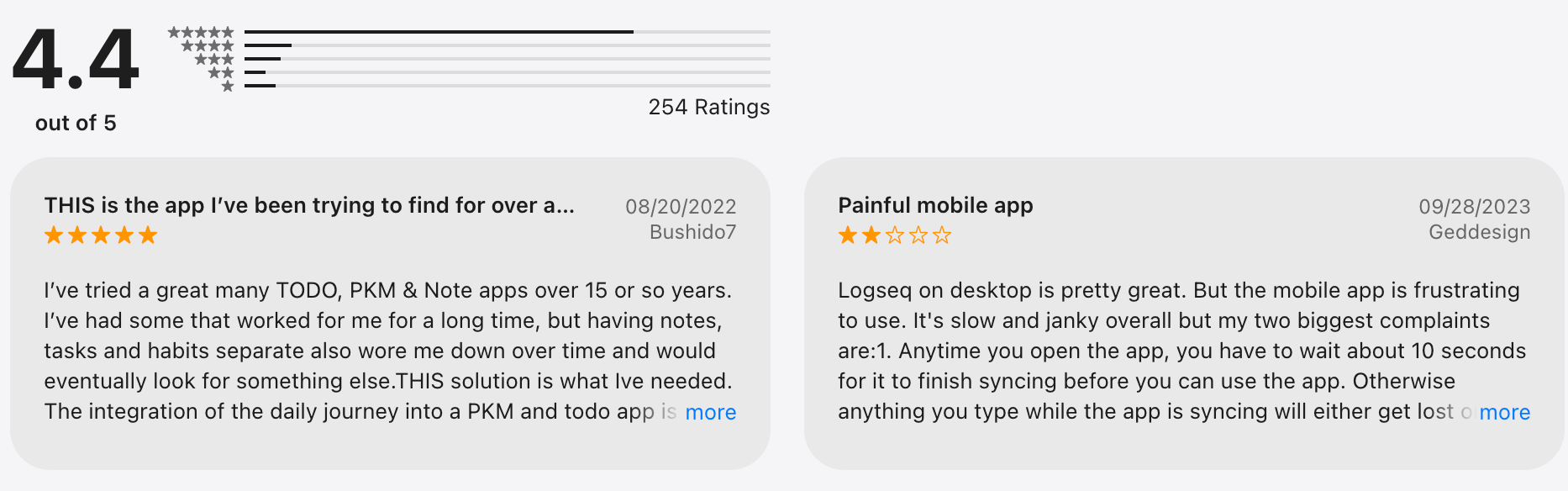
6. Roam Research
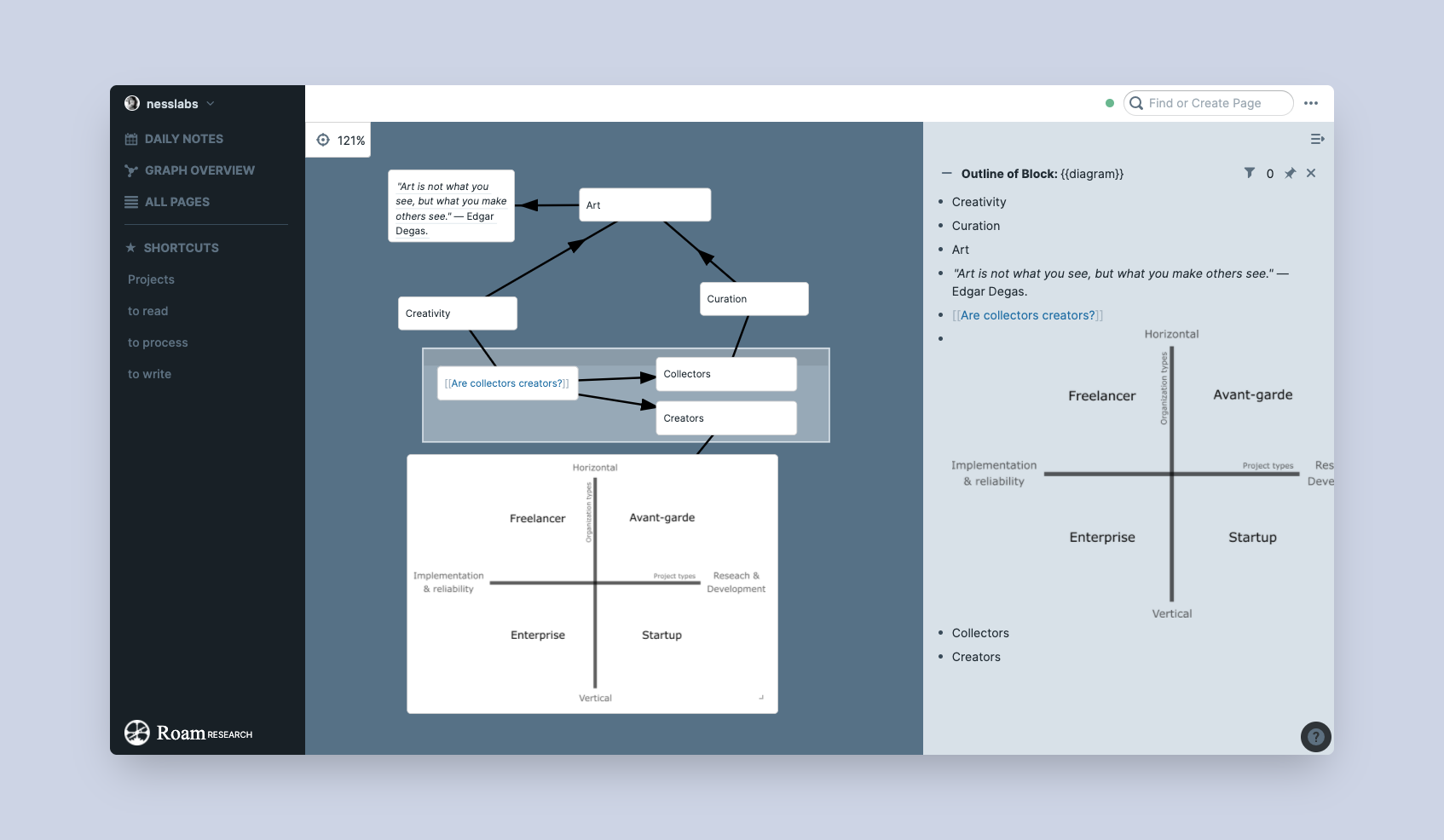
Roam Research is a networked note-taking tool built around bidirectional links and block references. It popularized the idea of “thinking in graphs”, and notes are written as outlines, making it easy to connect ideas over time.
Key features
- Daily notes with block-based outlining.
- Block references to reuse and remix ideas.
- Graph view to visualize knowledge connections.
What I liked
- Good for exploratory thinking and idea discovery.
- Block references are useful for research-heavy workflows.
- Daily notes reduce friction when capturing thoughts.
What I disliked
- Expensive compared to newer alternatives.
- No local-first or offline mode.
- Need time to learn for new users.
- No AI assistant where you can talk to
Pricing
- No free plan (trial only)
- Pro plan around $15/month
Suitable for
- Researchers, writers, and thinkers working with complex ideas.
- Users who value connected thinking over task management.
- People with outline-based writing.
How to start
- Download Roam Research.
- Create an account and begin writing in Daily Notes.
Roam Research review (source)
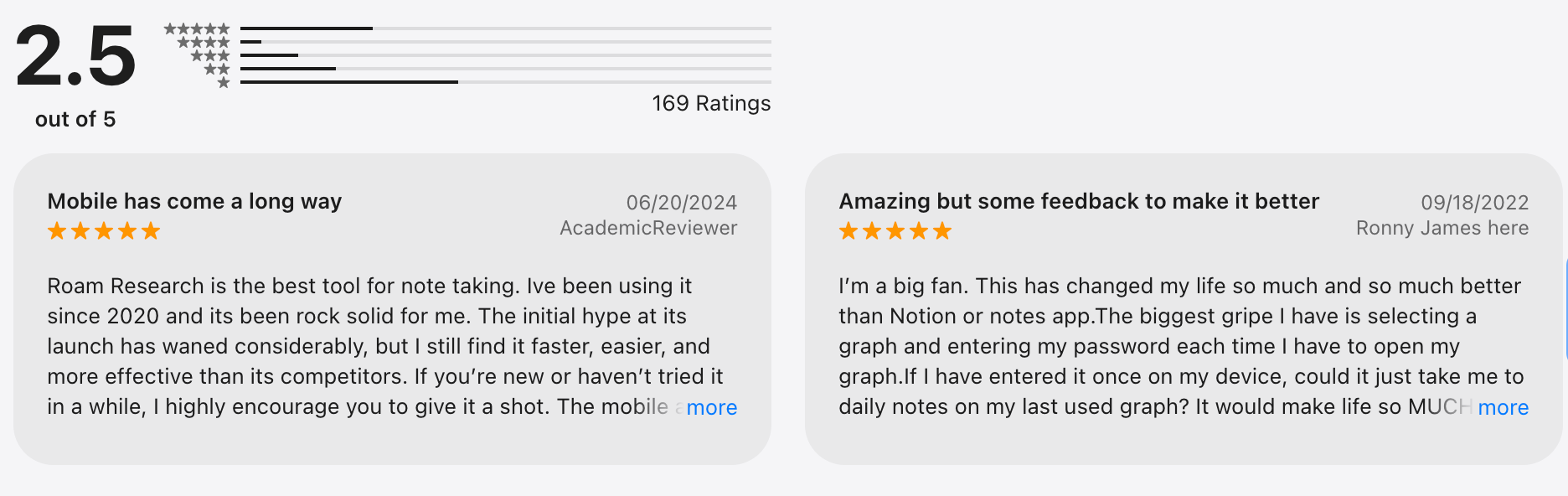
7. Tana
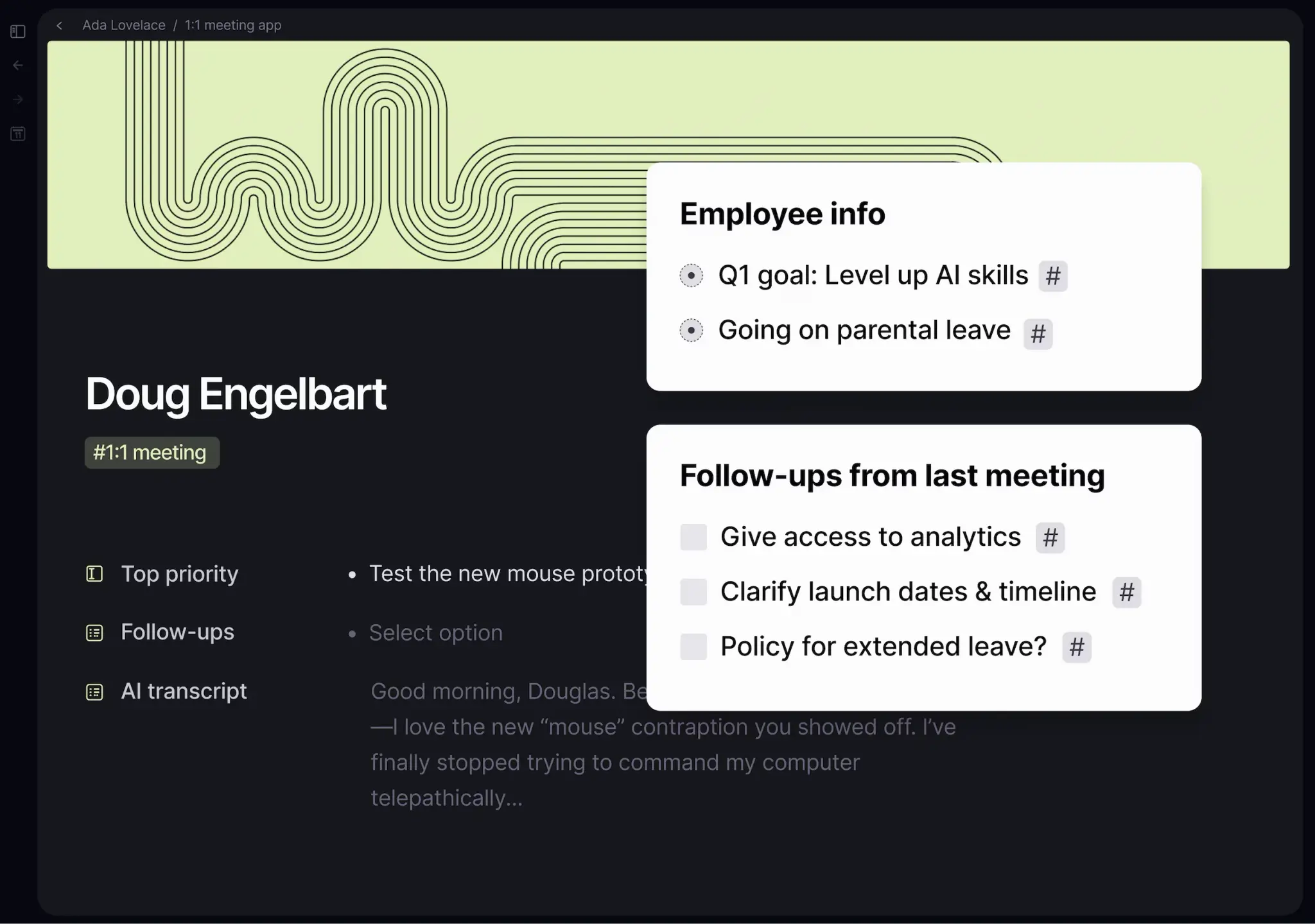
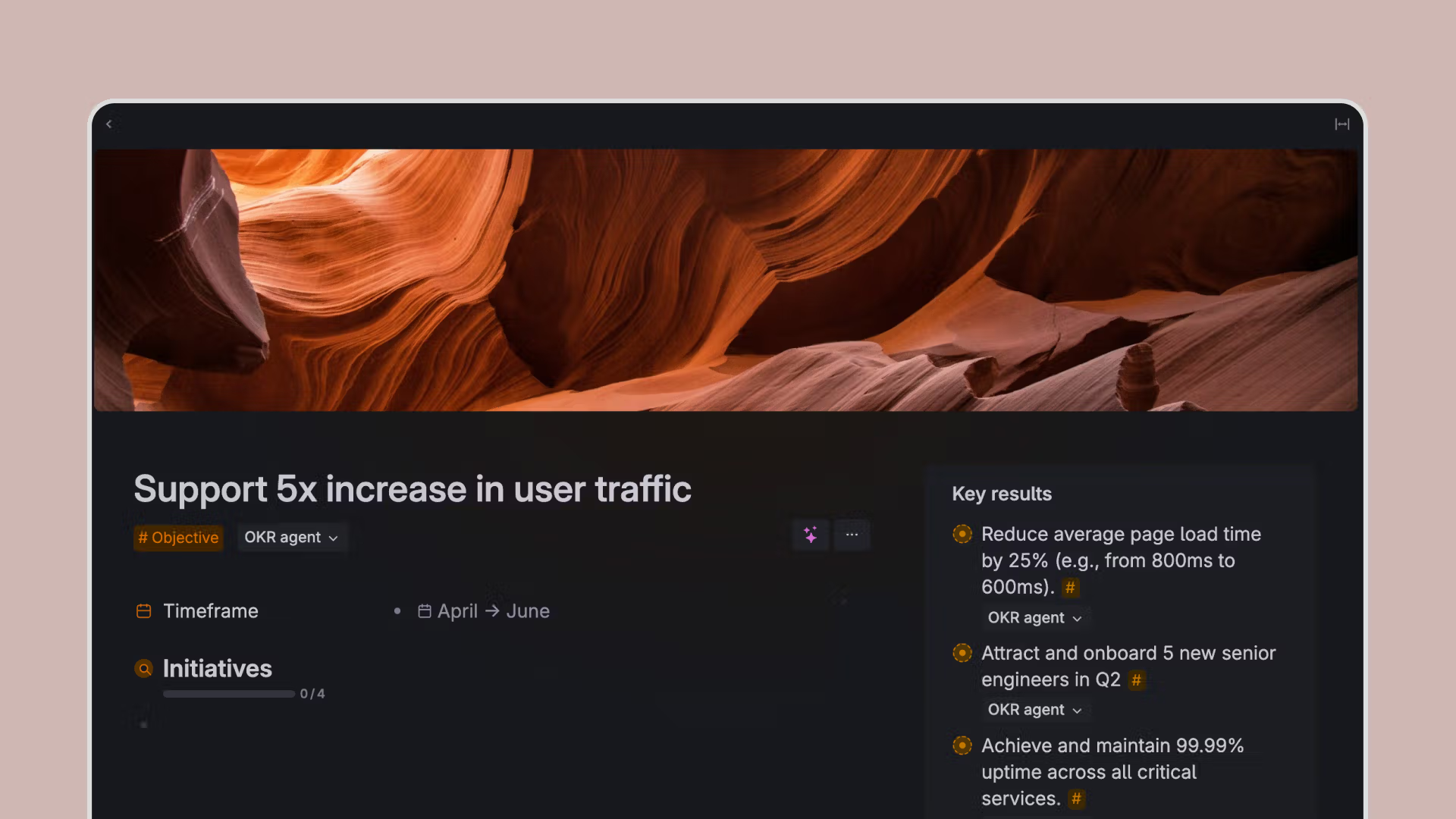
Tana is a structured note-taking and knowledge management tool that mixes outlines, databases, and AI. It’s built around the idea of “supertags” to turn notes into structured data.
Key features
- Outliner-based notes with supertags (custom schemas).
- AI-assisted commands for writing, summarizing, and structuring.
What I liked
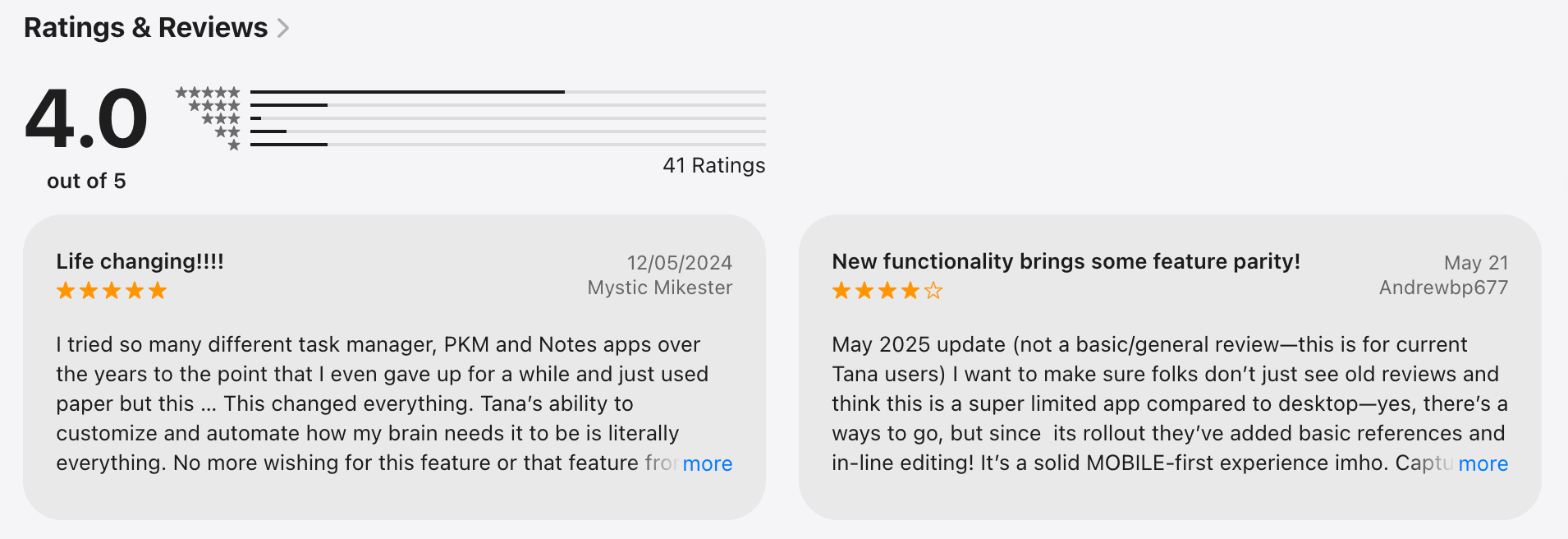
- Extremely powerful once you understand supertags.
- Great balance between free thinking and structure.
- AI features feel more integrated than bolted on.
What I disliked
- Some features feel experimental.
- Not ideal for simple note-taking needs.
Pricing
- Free plan available
- Paid plans start around $10–15/month
Suitable for
- Users who love structure and systems
- Roam/Notion users wanting more flexibility
- Knowledge workers managing complex information
How to start
- Go to Tana
- Sign up and start with Daily Notes + basic supertags
Tana review (source)
8. ClickUp
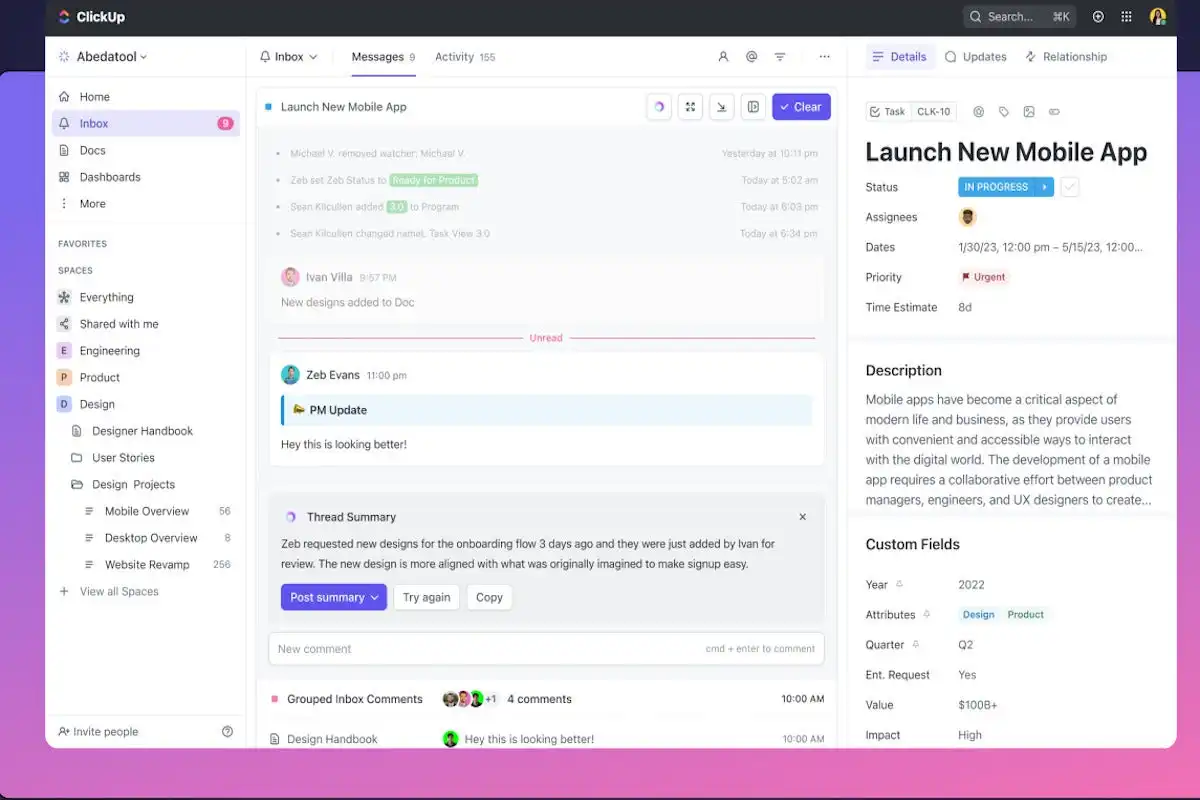
ClickUp is an all-in-one work management platform for tasks, projects, docs, and teams. It’s designed to replace multiple tools with one centralized system.
Key features
- Tasks with statuses, priorities, and dependencies.
- Multiple views: list, board, calendar, Gantt.
- Docs, comments, automation, and integrations.
- Team collaboration and permissions.
What I liked
- Feature-rich for project management.
- Flexible views fit many team workflows.
- Good value for teams compared to competitors.
What I disliked
- It can feel overwhelming due to feature overload.
- Setting up takes time to get right.
- Performance issues are reported in large workspaces.
Pricing
- Free plan with limited features.
- Paid plans start around $10/month per user.
Suitable for
- Teams managing complex projects.
- Operations, product, and agency workflows.
- Users who want tasks first, notes second.
How to start
- Go to ClickUp.
- Create a workspace and start from a template.
ClickUp review (source)
9. Microsoft OneNote
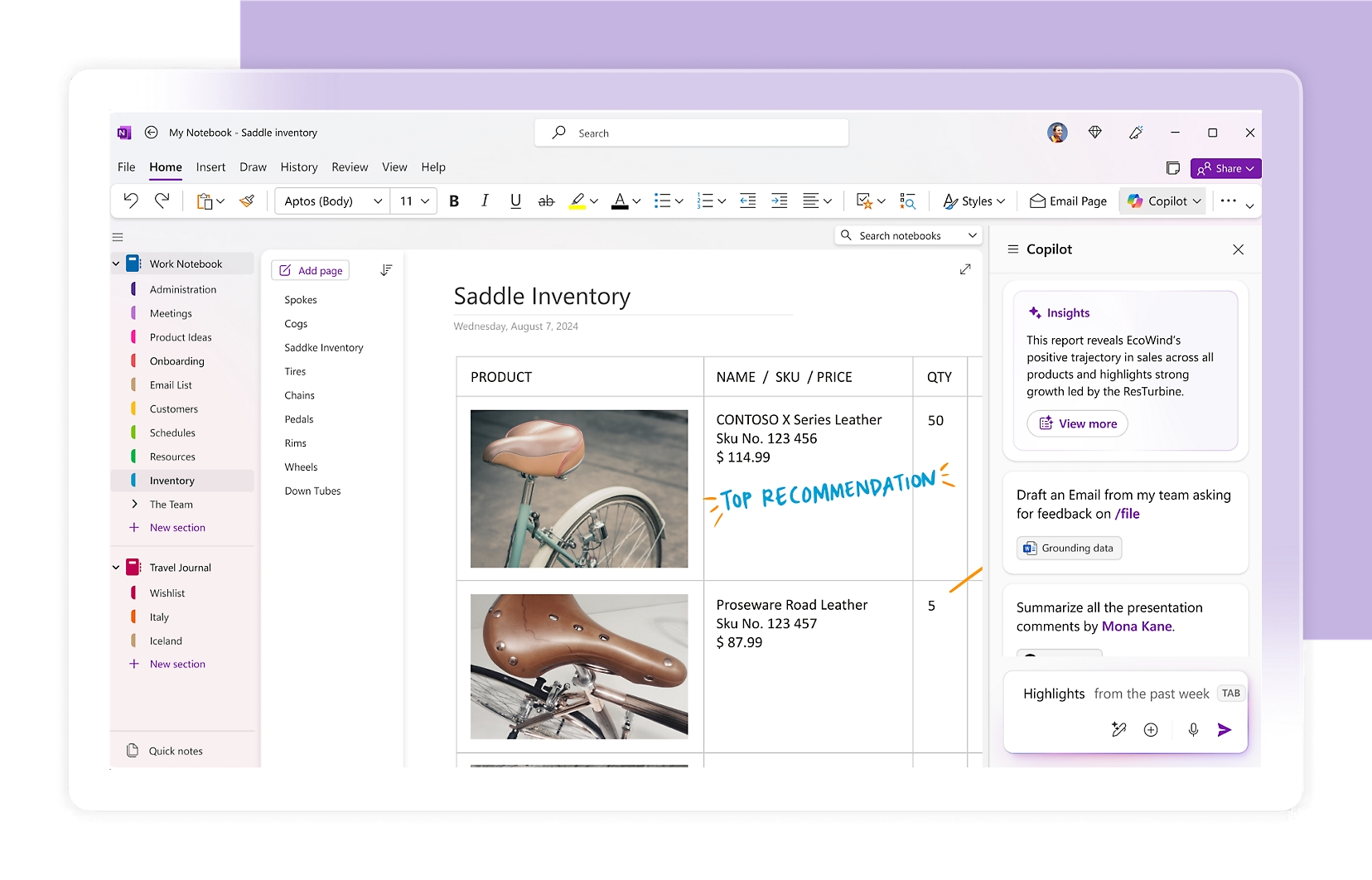
OneNote is a free-form digital notebook from Microsoft. It mimics physical notebooks with sections and pages. Often used for meeting notes, classes, and personal notes.
Key features
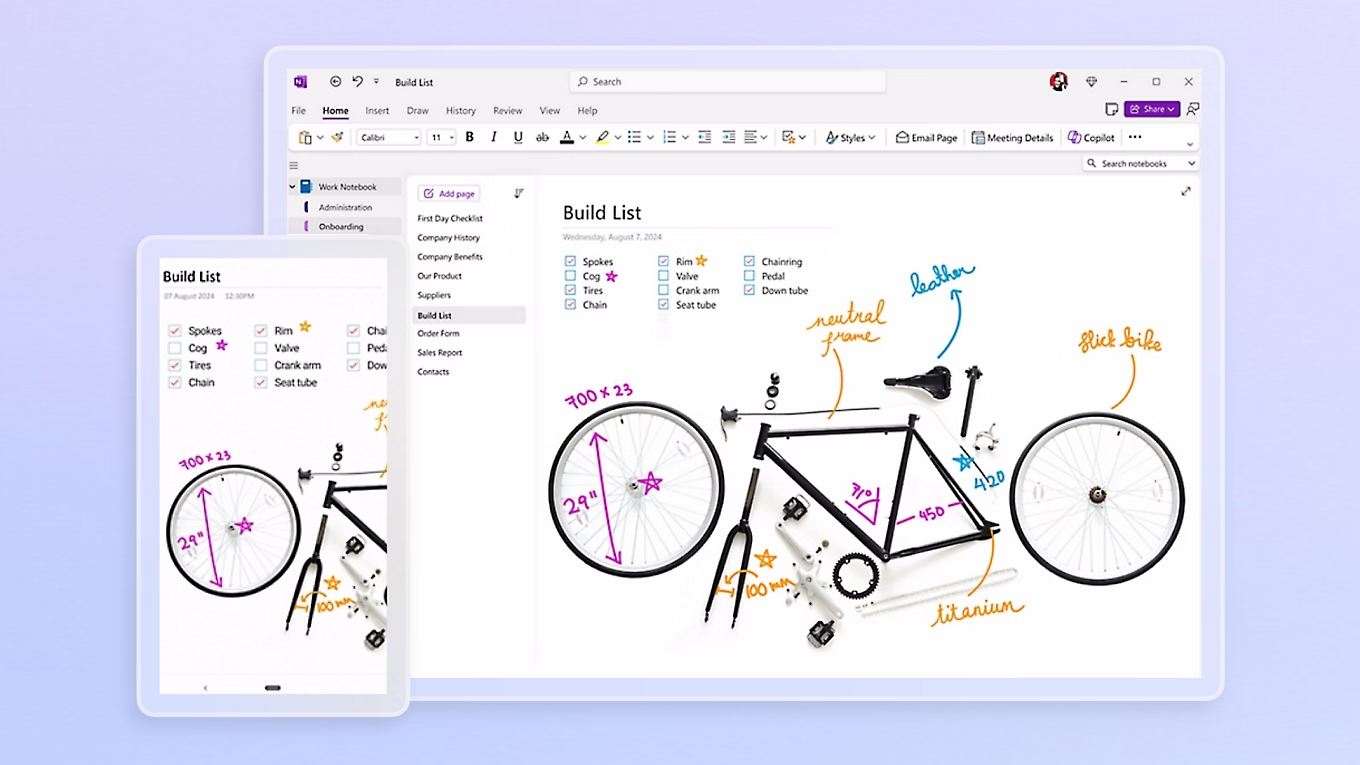
- Free-form canvas (text, images, handwriting).
- Notebook → section → page structure.
- Sync across devices with a Microsoft account.
- Integrates with Microsoft 365.
What I liked
- Flexible layout - no rigid formatting.
- Great for handwritten notes and stylus users.
- Free and widely available.
What I disliked
- Search and organization can get messy at scale.
- Not built for advanced management.
- Limited automation and AI capabilities.
Pricing
- Free.
- Included with Microsoft 365 subscriptions.
Suitable for
- Students and meeting-heavy professionals.
- Microsoft ecosystem users.
- People who prefer visual note-taking.
How to start
- Go to Microsoft OneNote.
- Sign in and create your first notebook.
Microsoft One Note review (source)
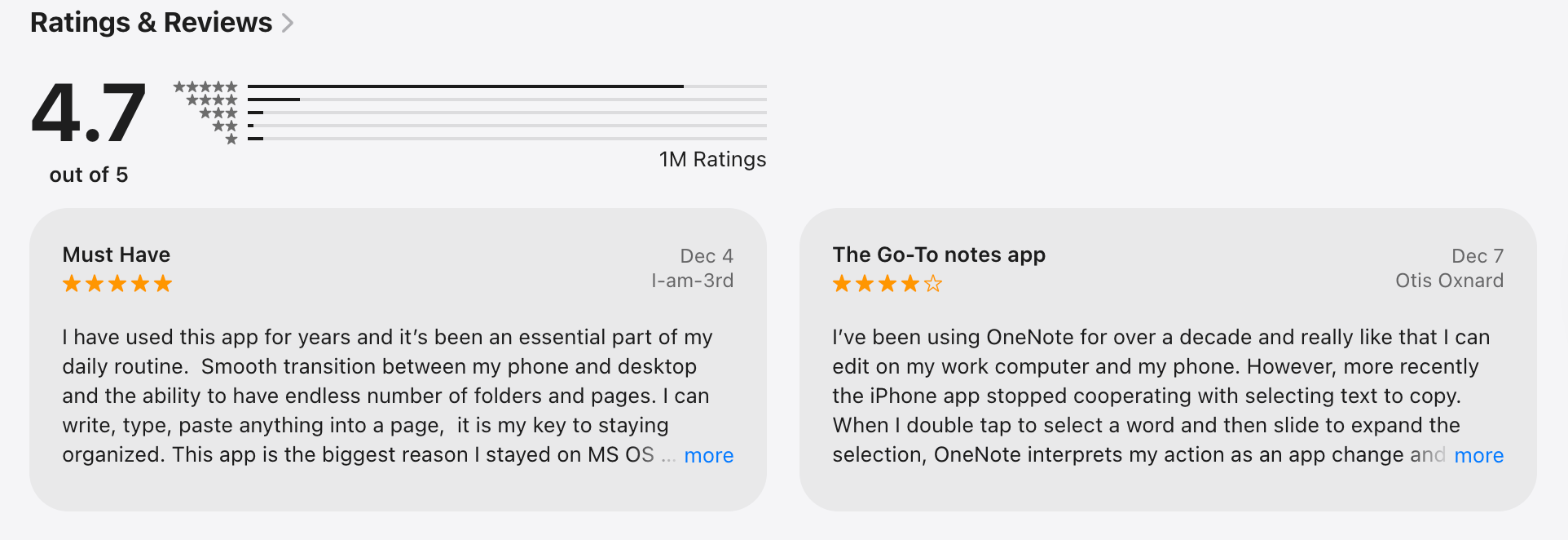
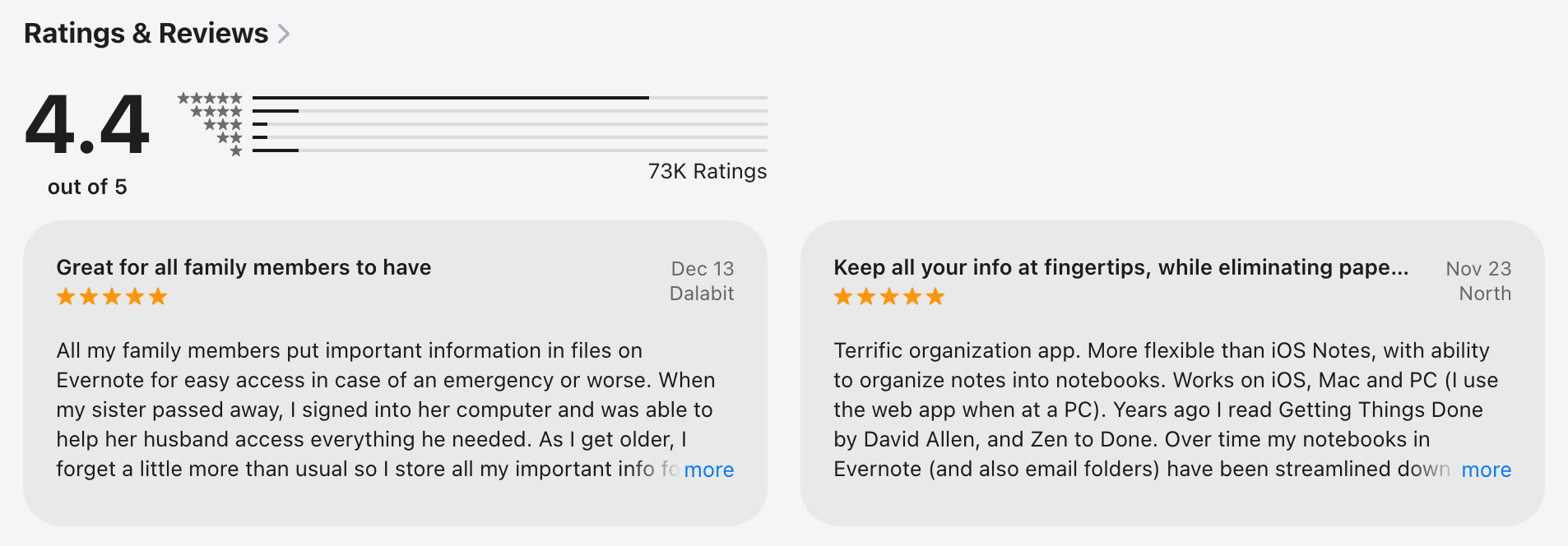
10. Evernote
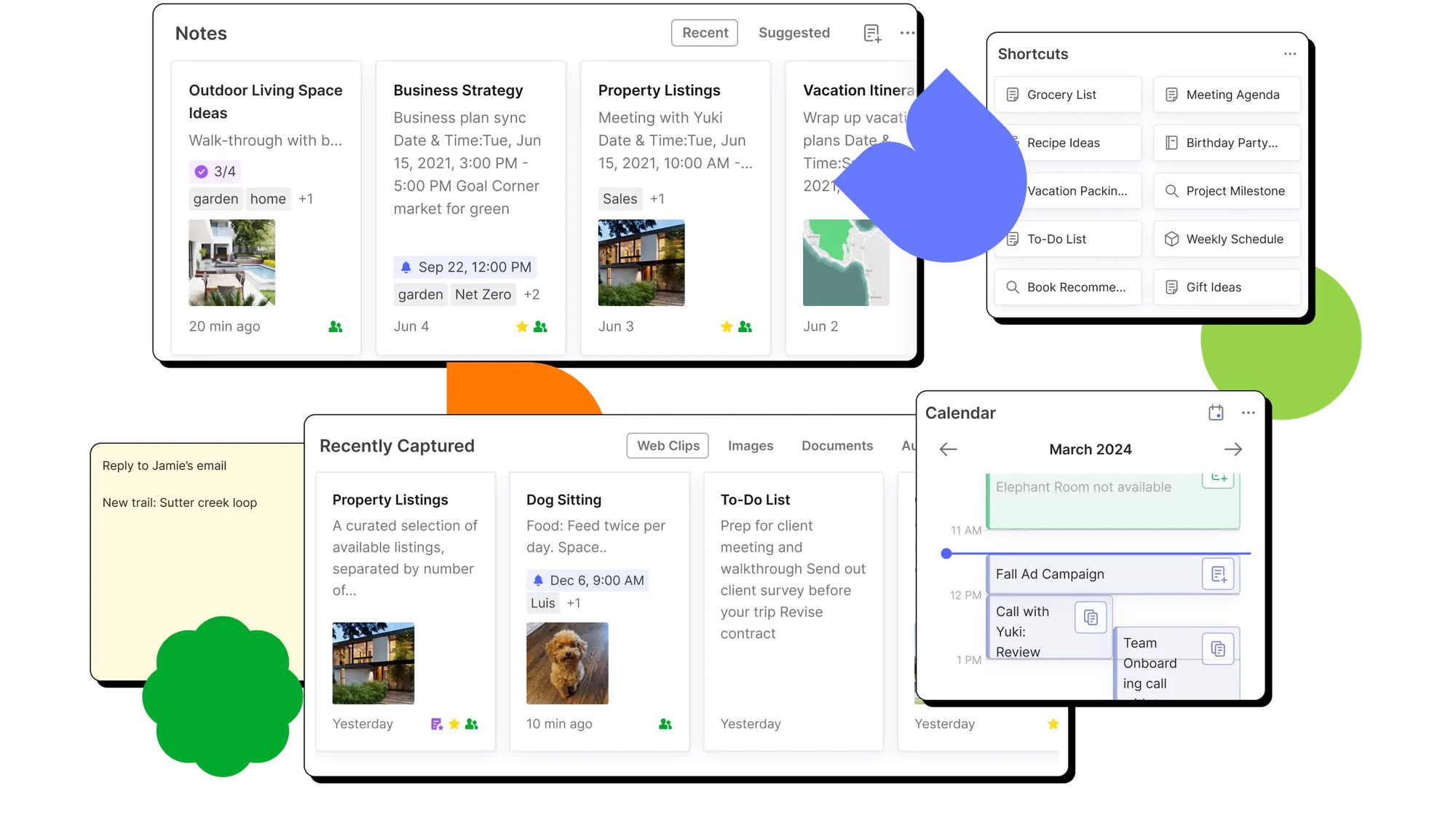
Evernote is a classic note-taking app focused on capturing and organizing information. It’s known for web clipping and document storage.
Key features
- Notes with tags, attachments, and checklists.
- Web clipper for saving articles and pages.
- Document scanning and OCR.
- Cross-device sync.
What I liked
- Strong web clipping and document capture.
- Simple, familiar note-taking experience.
- Good search inside PDFs and images.
What I disliked
- The free plan is limited.
- Feels less innovative compared to newer tools.
Pricing
- Free plan (very restricted)
- Paid plans start around $15/month
Suitable for
- Users who archive lots of articles and documents.
- People who want simple notes + clipping.
How to start
- Go to Evernote.
- Create an account and install the web clipper.
Evernote review (source)
11. Todoist
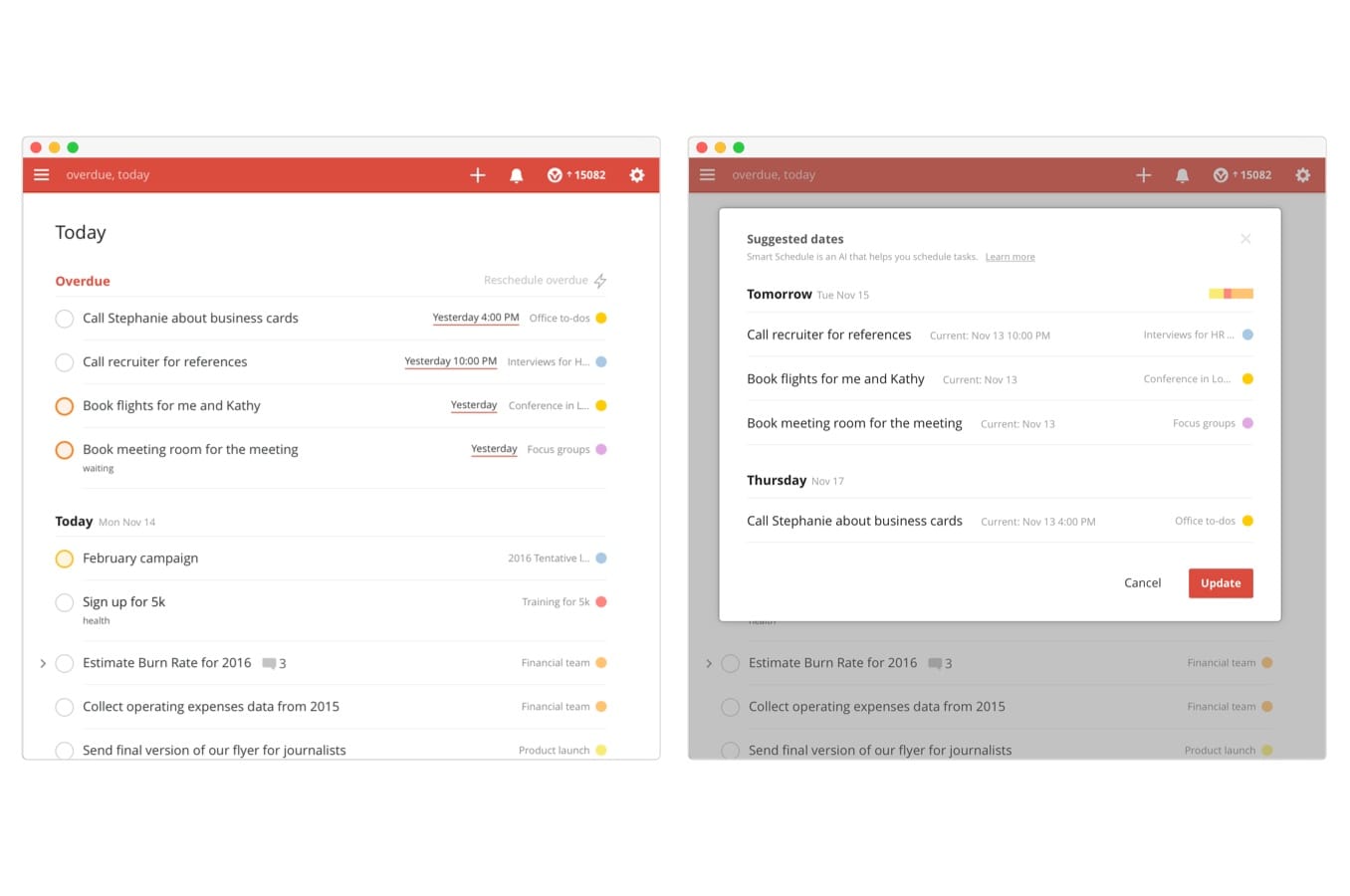
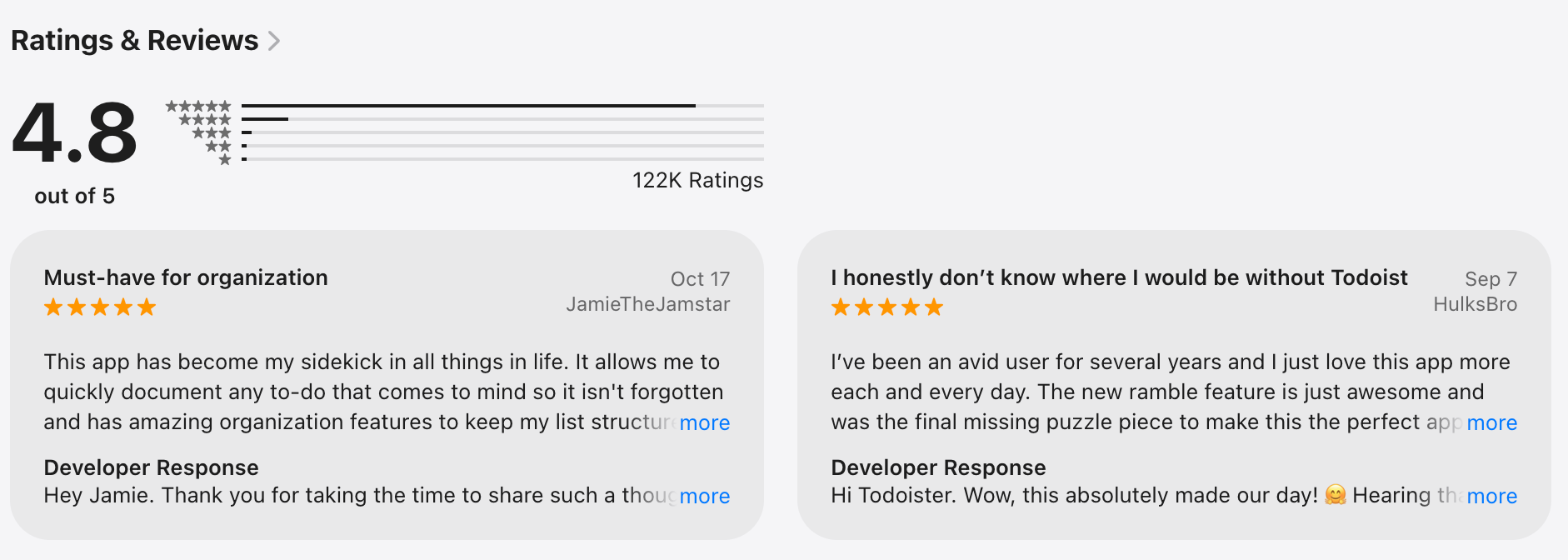
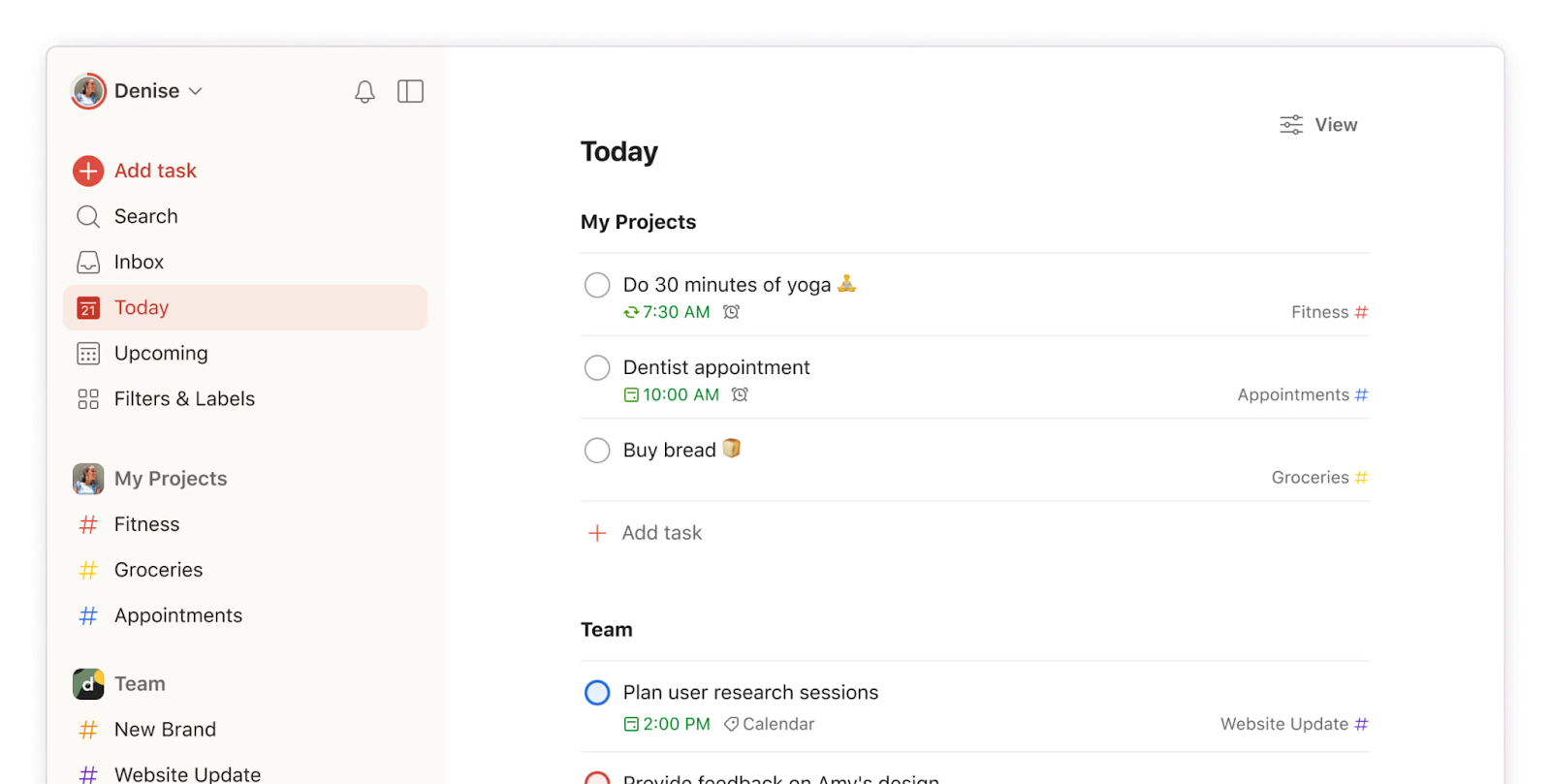
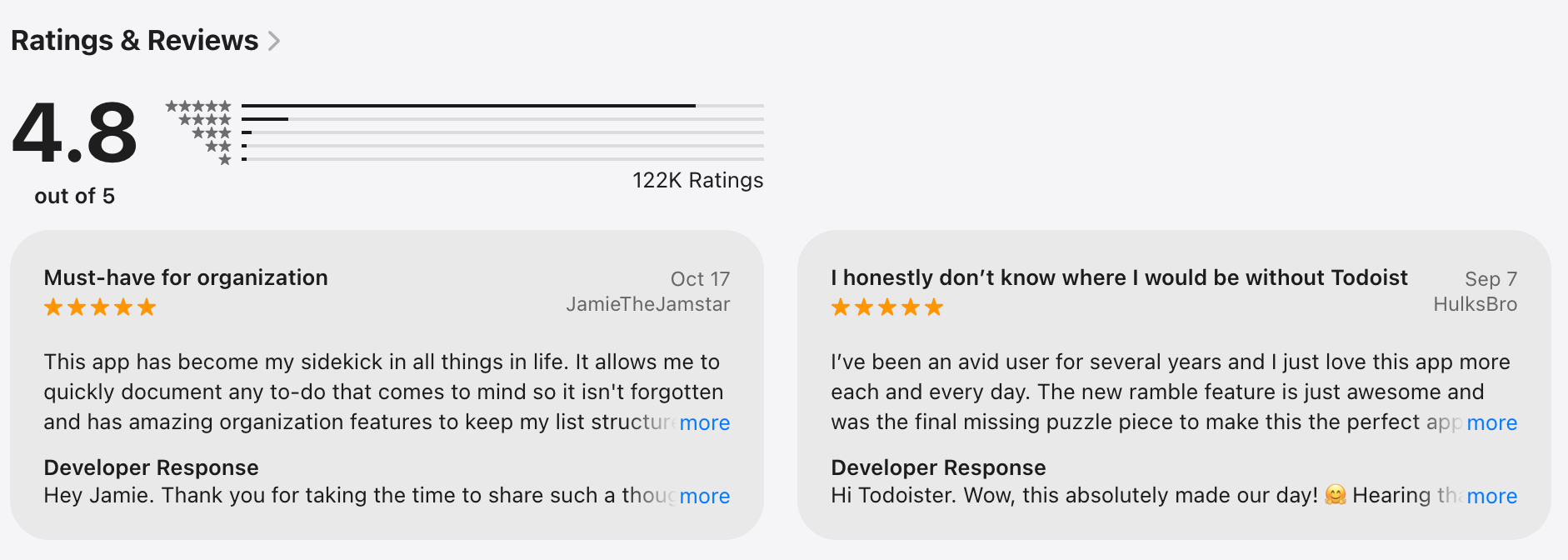
Todoist is a task-focused to-do list app built for clarity and speed. It emphasizes getting things done, not note-taking.
Key features
- Task lists with projects, labels, and priorities
- Recurring tasks and reminders
- Integrations with calendars and apps
What I liked
- Fast and easy to use.
- Good option for personal task management.
What I disliked
- Not suitable for deep notes or knowledge management.
- Limited customization compared to all-in-one tools.
- No AI assistant where you can talk to manage your life
Pricing
- Free plan available.
- Pro plan is around $5/month.
Suitable for
- Individually managing daily tasks.
- People who want tasks only, no clutter.
How to start
- Go to Todoist.
- Create a free account and add your first task.
Todoist review (source)
Conclusion: Choosing the Best Workflowy Alternative in 2026
In 2026, the landscape of outlining and organizational tools has expanded far beyond Workflowy.
Standout tools like Saner.AI are especially worth highlighting for users looking to supercharge their productivity with AI-assisted organization. Instead of forcing you to organize everything upfront like traditional outliners, Saner.AI focuses on smart daily planning- letting you do quick brain dumps, then turning those raw thoughts into actionable tasks with AI.
This approach is especially helpful for busy professionals, creatives, and ADHD brains who just want to “get things out of their head” first and organize later.
Stay on top of your work and life
Workflowy Alternatives in 2026: FAQ
- How are Workflowy Alternatives different from traditional note-taking apps?
Unlike traditional note-taking apps that focus on static documents or folders, Workflowy Alternatives are often built around dynamic structures such as outlines, linked ideas, or task-based flows. This makes them more suitable for users who think in lists, evolving thoughts, and continuous refinement rather than fixed pages.
- What should I look for in a Workflowy Alternative?
- Outline vs graph vs task-based structure.
- AI features (auto-organization, summaries, smart tasks).
- Collaboration & sharing.
- Pricing flexibility.
The “best” choice depends entirely on how you think and work, not feature count.
- Are Workflowy Alternatives better for task management?
Some alternatives are outline-first, others are task-first, and some combine both. If you need due dates, priorities, and recurring tasks, a hybrid or task-focused tool may feel more natural than pure outlining.
Here is how Saner.AI does it:
- Which Workflowy alternatives support AI features in 2026?
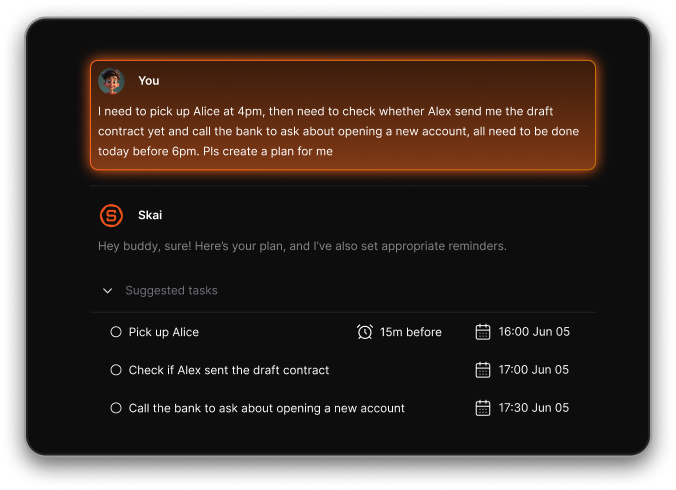
In 2026, several tools will integrate AI for:
- Auto-structuring notes.
- Dump brain thoughts into tasks.
- Summarization and context retrieval.
Saner.AI is especially helpful for users who prefer to brain-dump first and organize later.
- Are there Workflowy Alternatives designed for ADHD users?
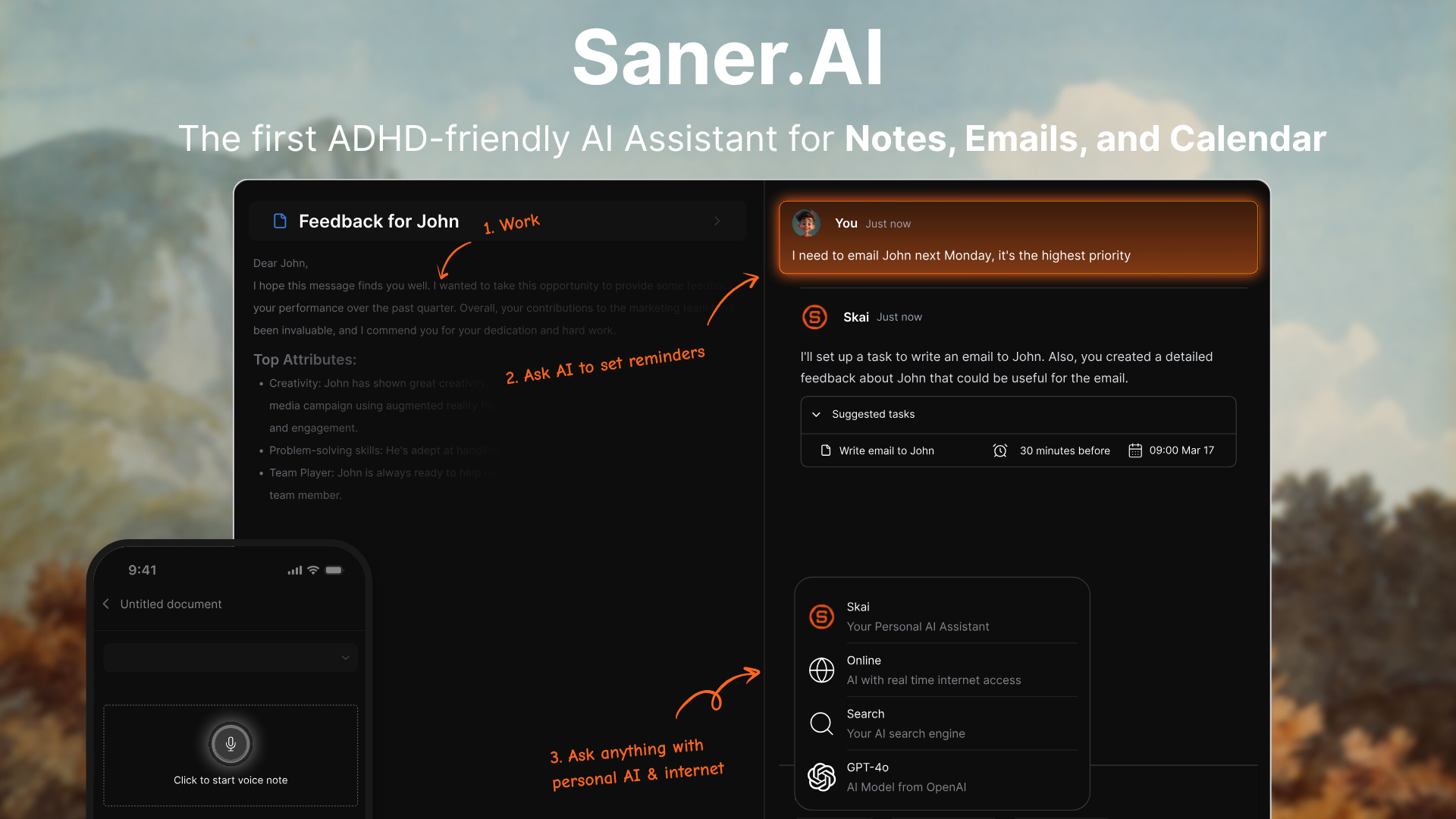
Yes. Some tools like Saner.AI focus on:
- Reducing cognitive load
- Fast capture without forced structure
- Can Workflowy Alternatives replace Notion or Obsidian?
It depends. Many users choose alternatives because:
- Notion feels too heavy or template-driven.
- Obsidian requires manual linking and setup
Workflowy Alternatives like Saner.AI often sit in between, being lighter than Notion and less technical than Obsidian.
- Are Workflowy Alternatives good for long-form writing?
Some tools like Saner.AI are great for:
- Drafting articles.
- Structuring blog posts.
- Research outlines.
- Do Workflowy Alternatives support backlinks and bi-directional linking?
Yes, many modern alternatives include backlinks to help users:
- See ideas in context
- Build knowledge graphs
- Connect notes naturally
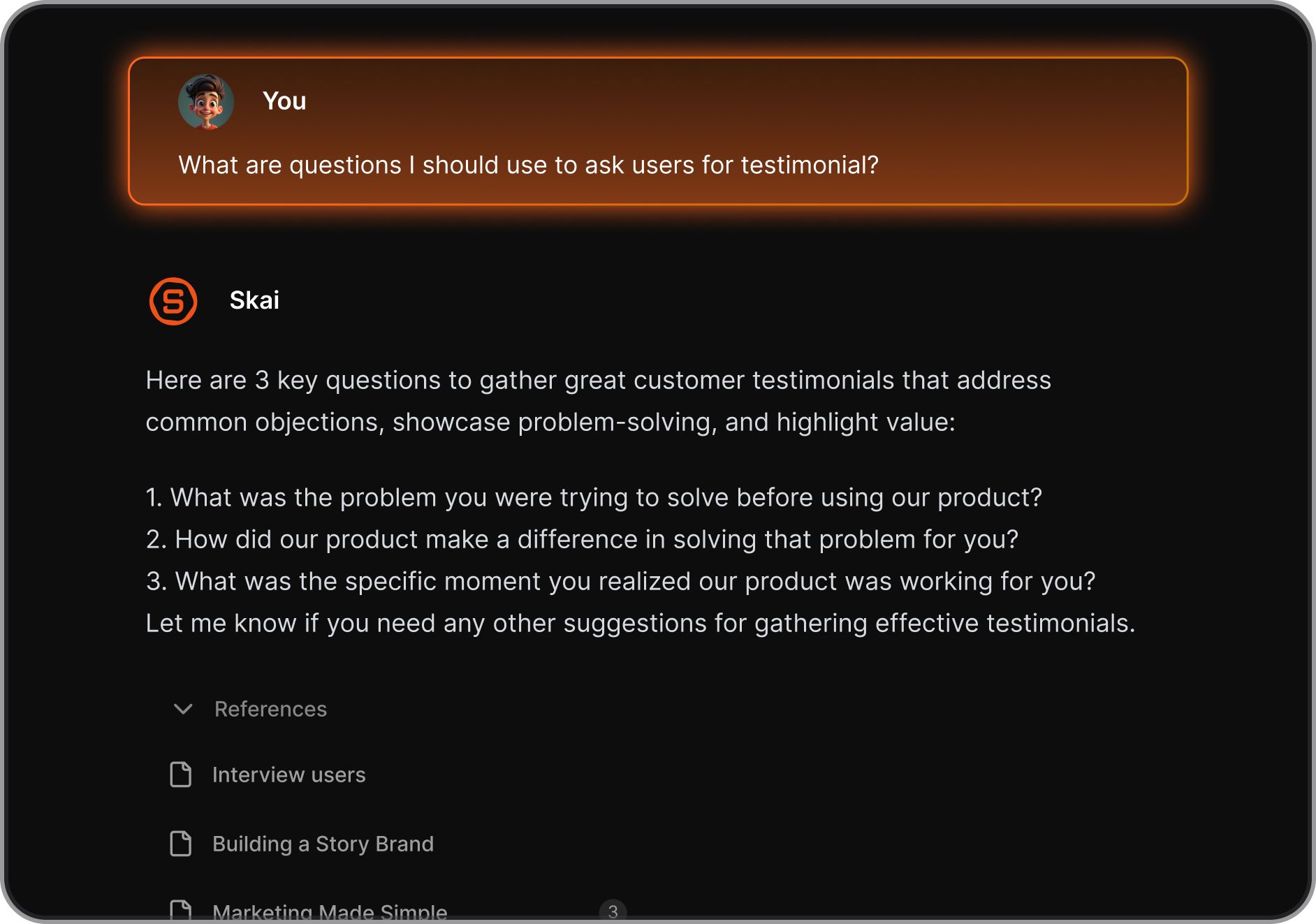
- Can I use Workflowy alternatives as a second brain?
Absolutely. Many tools like Saner.AI are designed for:
- Knowledge capture
- Idea connections
- Long-term memory
Here is how Skai from Saner.AI can help you:
- Can I migrate my data from Workflowy to other tools?
Most alternatives allow import via OPML, Markdown, or plain text. However, formatting and hierarchy may not transfer perfectly, so light cleanup is usually needed.
- Are Workflowy Alternatives good for long-term knowledge management?
Yes. Many are designed for personal knowledge management (PKM), supporting backlinks, graphs, or daily notes to help ideas compound over time.
- Which Workflowy Alternatives are best for teams?
Some tools add:
- Real-time collaboration
- Shared workspaces
- Permissions and comments
Others are intentionally built for solo thinking.
- Are Workflowy Alternatives hard to learn?
Learning curves vary:
- Minimalist tools are usable in minutes
- Advanced PKM tools may require system-building
The key is choosing a tool that matches your mental model, not just feature count.
- How secure are Workflowy Alternatives?
Security varies by tool. Common features include:
- End-to-end encryption
- Local data storage
- Cloud backups
Always check privacy policies if data sensitivity is a concern.
- Which Workflowy Alternative is best for me?
There is no universal “best.” The right choice depends on:
- Whether you think in lists, tasks, or ideas
- How much structure you want upfront
- Whether you prefer AI to organize things for you
Testing a few tools with your real workflow is always the best approach.
Stay on top of your work and life