Daily Planning: How to Plan Your Day Effectively (Without Overwhelm)

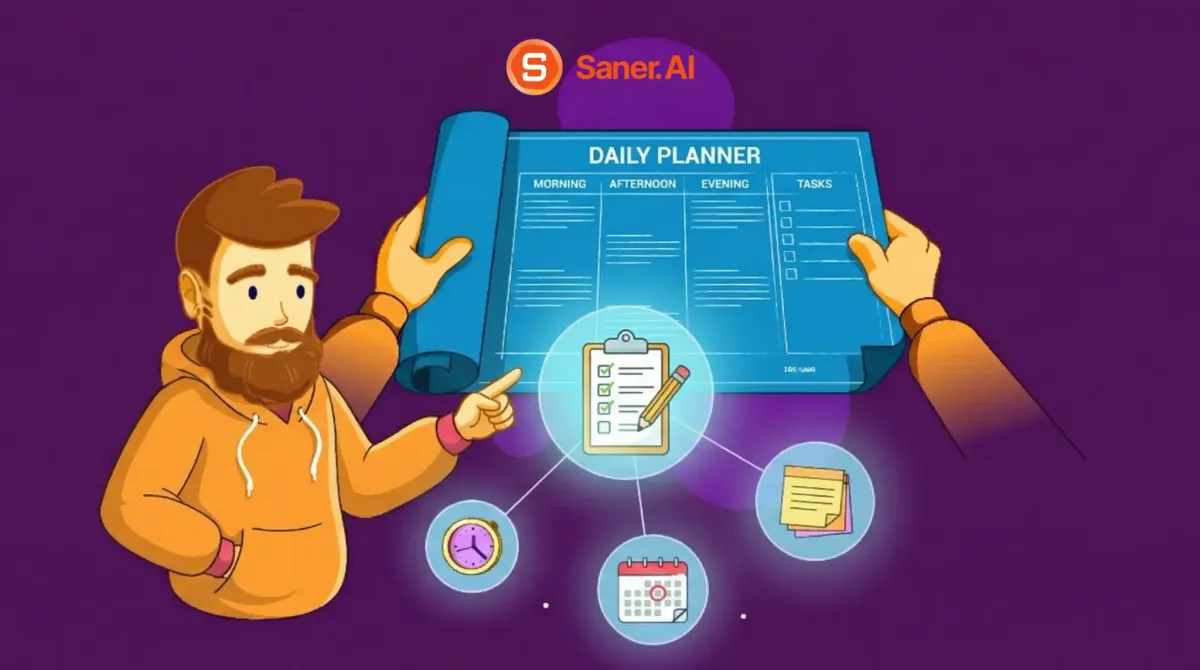
Most of us don’t start the day intending to waste time. Yet without daily planning, that’s exactly what often happens. We open our laptop, check messages, respond to whatever feels urgent, and suddenly half the day is gone - without making real progress on what actually matters.
Modern work throws too many inputs at us at once: tasks, notifications, ideas, and expectations. Without a clear plan, our attention gets pulled in every direction, leading to overpacked to-do lists, constant switching, and decision fatigue before noon.
A simple daily planning routine turns reactive days into intentional ones.
This guide shows how to plan your day effectively without overwhelm, and using practical, research-backed strategies that take just 10–15 minutes but compound into a more productive workflow over time.
1. What Is Daily Planning?
Daily planning is the practice of deciding in advance what you will work on today and what you won’t. It’s about making intentional choices so the day doesn’t make them for you.
At its core, a daily planning system answers three simple questions:
- What actually matters today?
- What is realistic given my time and energy?
- What can wait without causing problems?
2. Why Daily Planning Fails for Most People
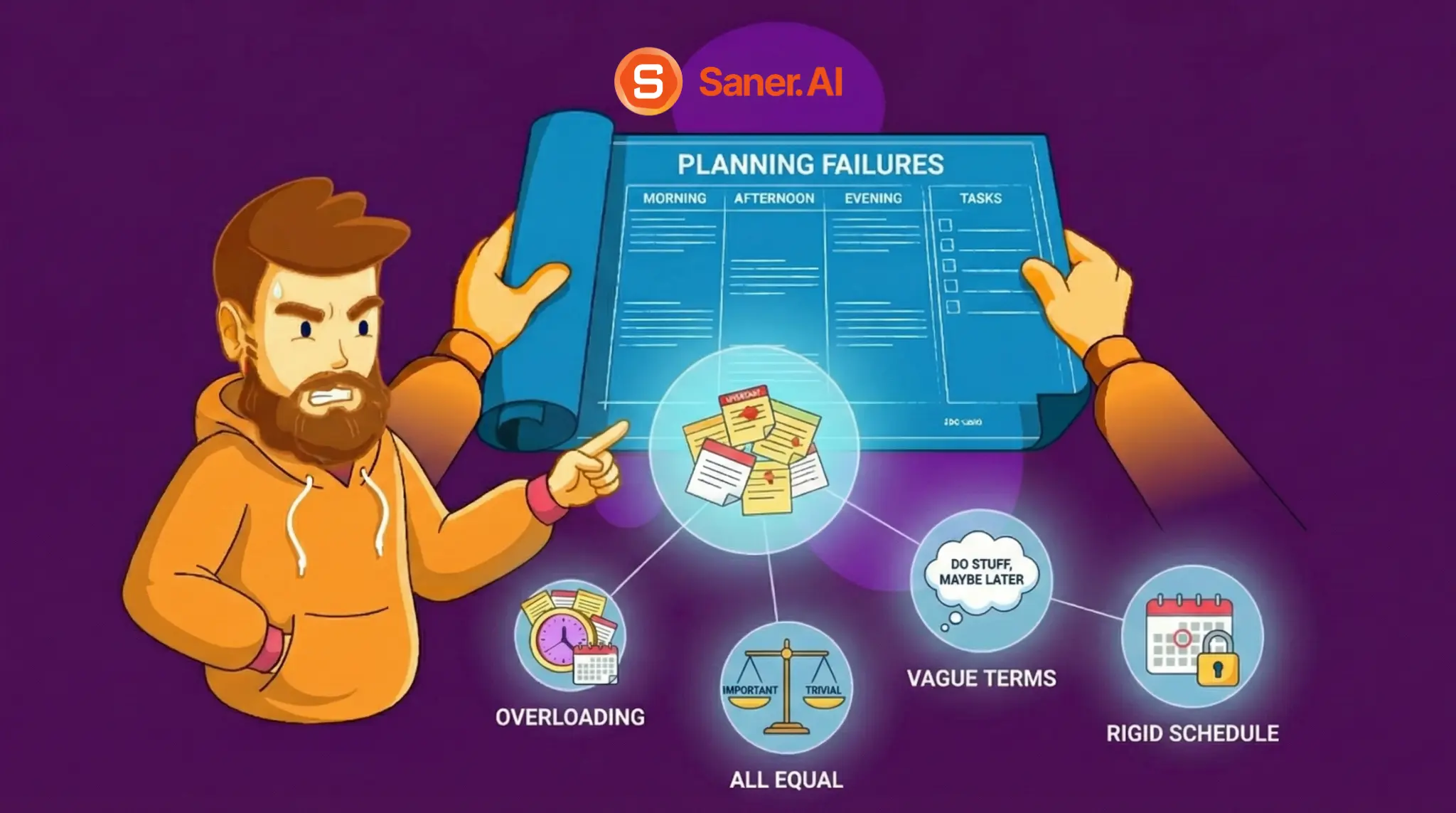
Daily planning doesn’t fail because people don’t care about productivity. It fails because most planning methods don’t match how real days actually unfold.
1. Overloading the day
- Many people plan as if time is unlimited. A daily to-do list with 15–20 tasks assumes ideal focus, zero interruptions, and high energy all day. Real life rarely works that way. When the list is impossible from the start, motivation drops, and planning feels pointless.
2. Treating all tasks as equal
- Without clear priorities, everything feels urgent. The easiest tasks get done first, not the most important ones. By the end of the day, you’re busy, but progress is minimal.
3. Planning in vague terms
- Tasks like “work on presentation” or “prepare report” sound clear, but they don’t tell your brain what to do next. When it’s time to start, friction appears. The task gets postponed, broken into pieces on the fly, or avoided altogether.
4. Rigid scheduling
- Some plans fail because they’re too strict. When every hour is scheduled, and one thing runs late, the rest of the day collapses. Instead of adjusting, people abandon the plan entirely and revert to reacting.
Now, let's dive in!
A Simple Daily Planning Framework (Step-by-Step)
A good daily planning system doesn’t try to control the day. It helps you make a few clear decisions before work begins, so you’re not constantly deciding while already tired or distracted.
The framework below is intentionally simple. You just need a repeatable structure that works with how real days actually feel.
Step 1: Capture Everything (Brain Dump)
What to do
At the start of your planning session, write down everything that’s on your mind - tasks, reminders, worries, ideas, follow-ups. No organizing yet. Just get it out.
Why this works
Your brain is not designed to store unfinished tasks. When things stay in your head, they keep resurfacing, pulling attention away from whatever you’re trying to focus on. Capturing tasks externally reduces mental load and makes it easier to think clearly.
How to apply it in real life
- Spend 3–5 minutes only
- Use one place (paper, notes app, or planning tool)
- Don’t judge, sort, or prioritize yet
- If it’s in your head, it goes on the list
This step alone often creates a noticeable sense of relief.
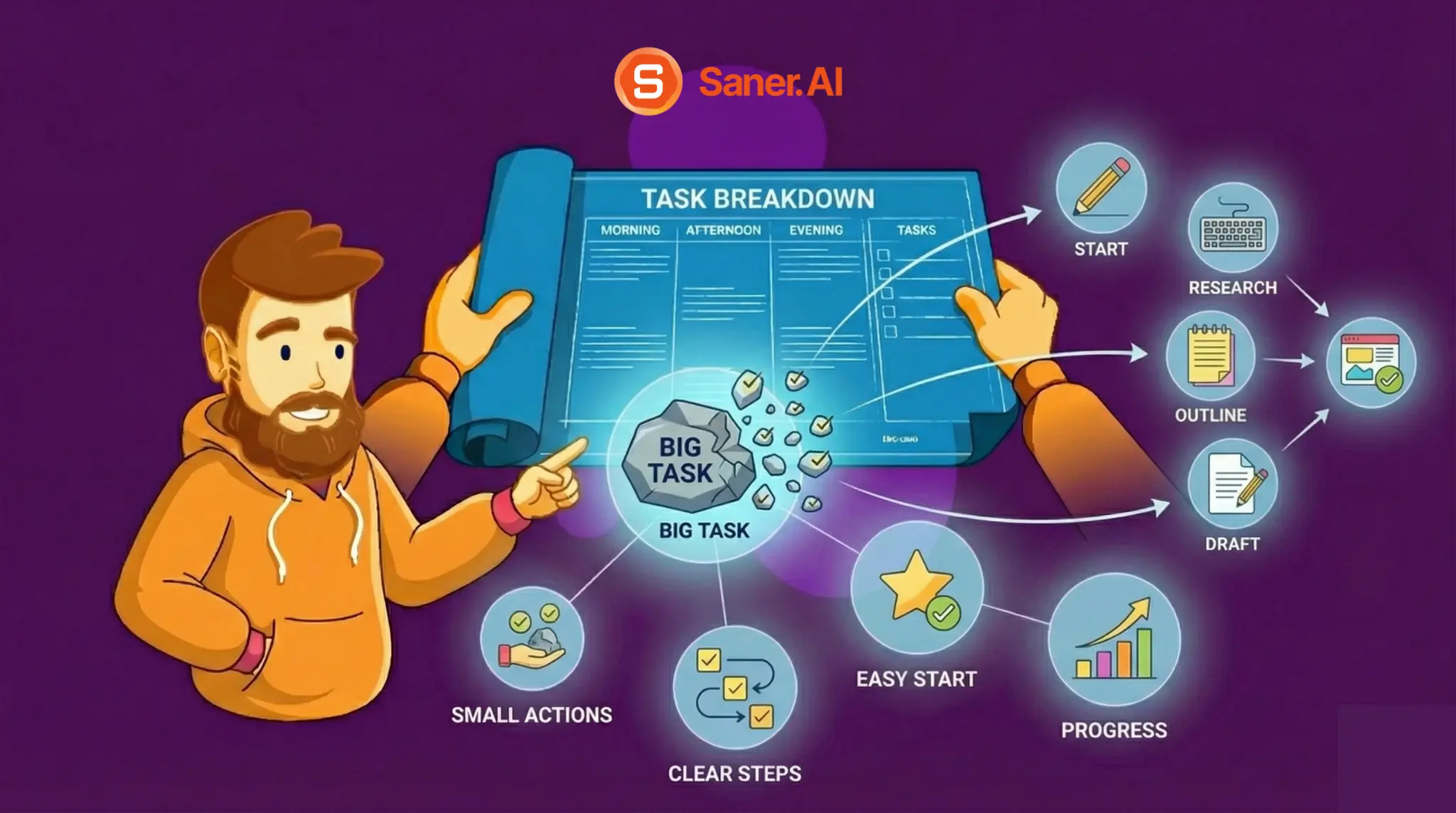
Step 2: Doing the Task Breakdown Into Small, Startable Actions
What to do
Look at your list and identify tasks that are vague or heavy. Break them down until each task answers the question: “What is the very first physical or mental action?”
Why this works
Your brain resists ambiguity. Tasks like “work on strategy” or “prepare presentation” require too many decisions at once, which creates friction and procrastination. Smaller, clearly defined actions reduce that friction and make starting easier.
How to apply it in real life
- Aim for actions that take 5–30 minutes
- Use verbs: draft, review, outline, reply, list
- If you can’t imagine yourself doing it, it’s not broken down enough
Example:
- ❌ “Prepare client proposal.”
- ✅ “Outline proposal sections.”
- ✅ “Draft pricing slide.”
- ✅ “Review proposal for gaps.”
You’re not increasing work - you’re reducing resistance.
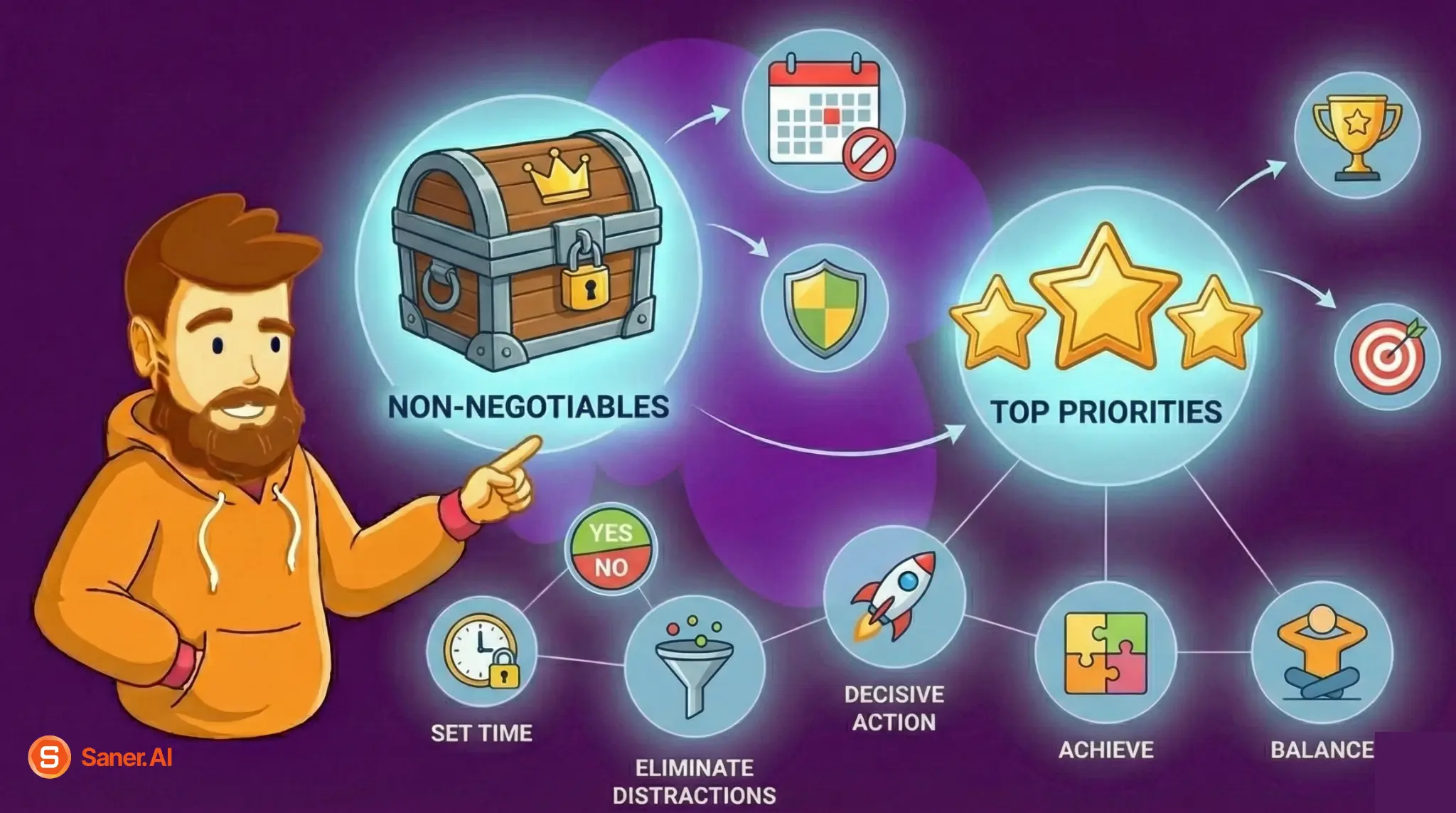
Step 3: Identify Non-Negotiables and Choose Top Priorities
What to do
Once everything is captured and broken down, the next step is deciding what actually deserves your time today. This is where most daily planning systems fail, not because people don’t know what’s important, but because they don’t force clear trade-offs.
A practical way to do this is the Eisenhower Matrix, which categorizes tasks by importance and urgency.
The Eisenhower Matrix (Daily Version)
- Important + Urgent → Do first
Deadlines, critical issues, time-sensitive work. - Important + Not Urgent → Schedule deliberately
Strategic work, deep thinking, long-term progress. - Urgent + Not Important → Limit or delegate
Interruptions, reactive messages, low-impact requests. - Not Important + Not Urgent → Remove
Tasks that add noise without value.
Why this works
When priorities are defined in advance, the brain doesn’t need to keep reassessing what to do next, preserving mental energy for execution instead of deliberation.
How to apply it in real life
- Apply the matrix only to today’s tasks, not your entire backlog
- Select 1–3 tasks from the Important categories as daily priorities
- Treat “Important but Not Urgent” as protected focus time, not optional work
- Accept that choosing priorities means intentionally not doing other things today
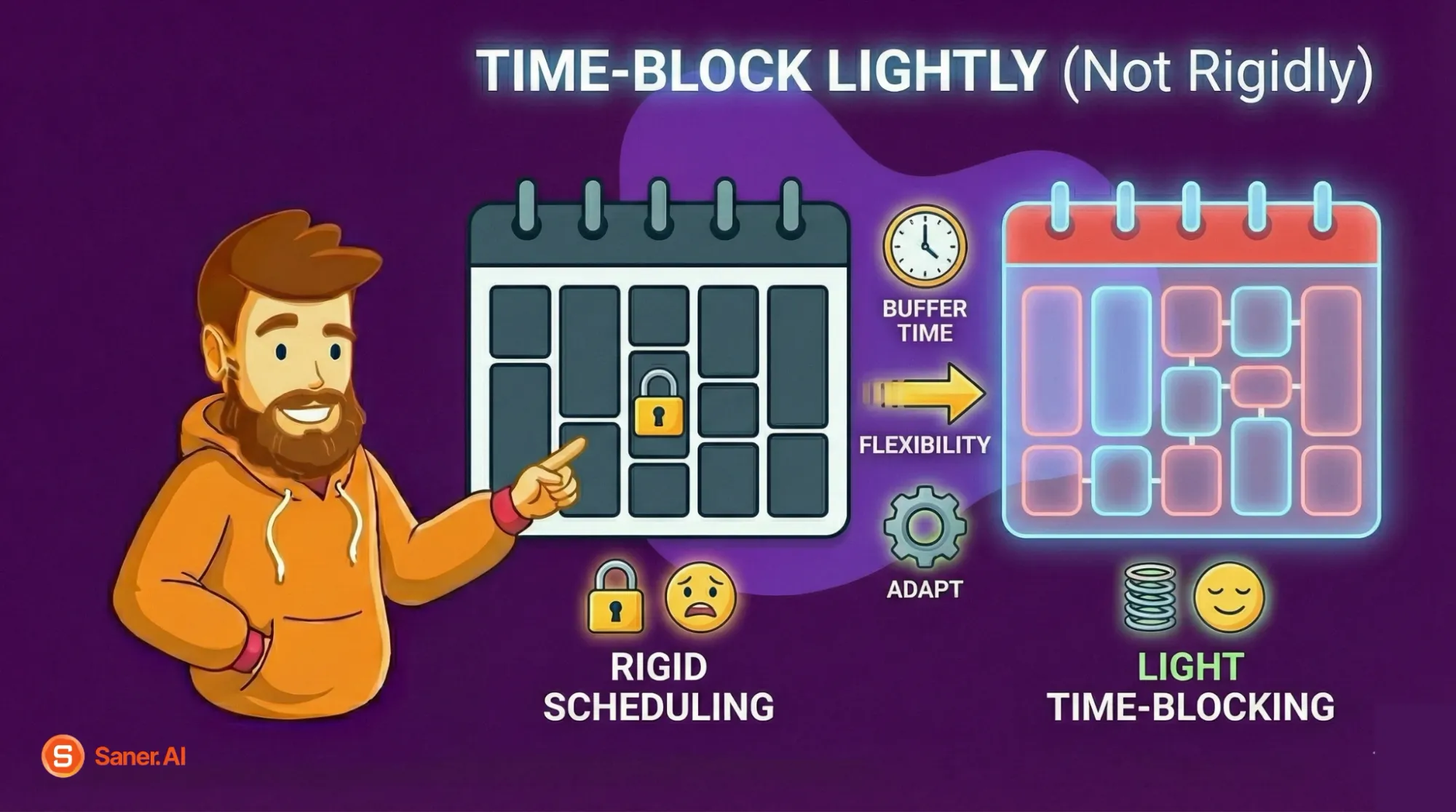
Step 4: Time-Block Lightly (Not Rigidly)
What to do
Assign rough time windows to your priority tasks instead of exact schedules. Think in blocks, not minutes.
Why this works
Time-blocking helps protect focus, but overly rigid schedules break the moment something unexpected happens. Light time-blocking provides structure without fragility.
How to apply it in real life
- Block 60-90 minutes for deep work
- Match difficult tasks with high-energy times
- Leave open space between blocks when possible
Instead of: “Write a report from 9:00–10:00.”
Try: “Morning focus block: work on report.”
This keeps the plan adaptable rather than brittle.
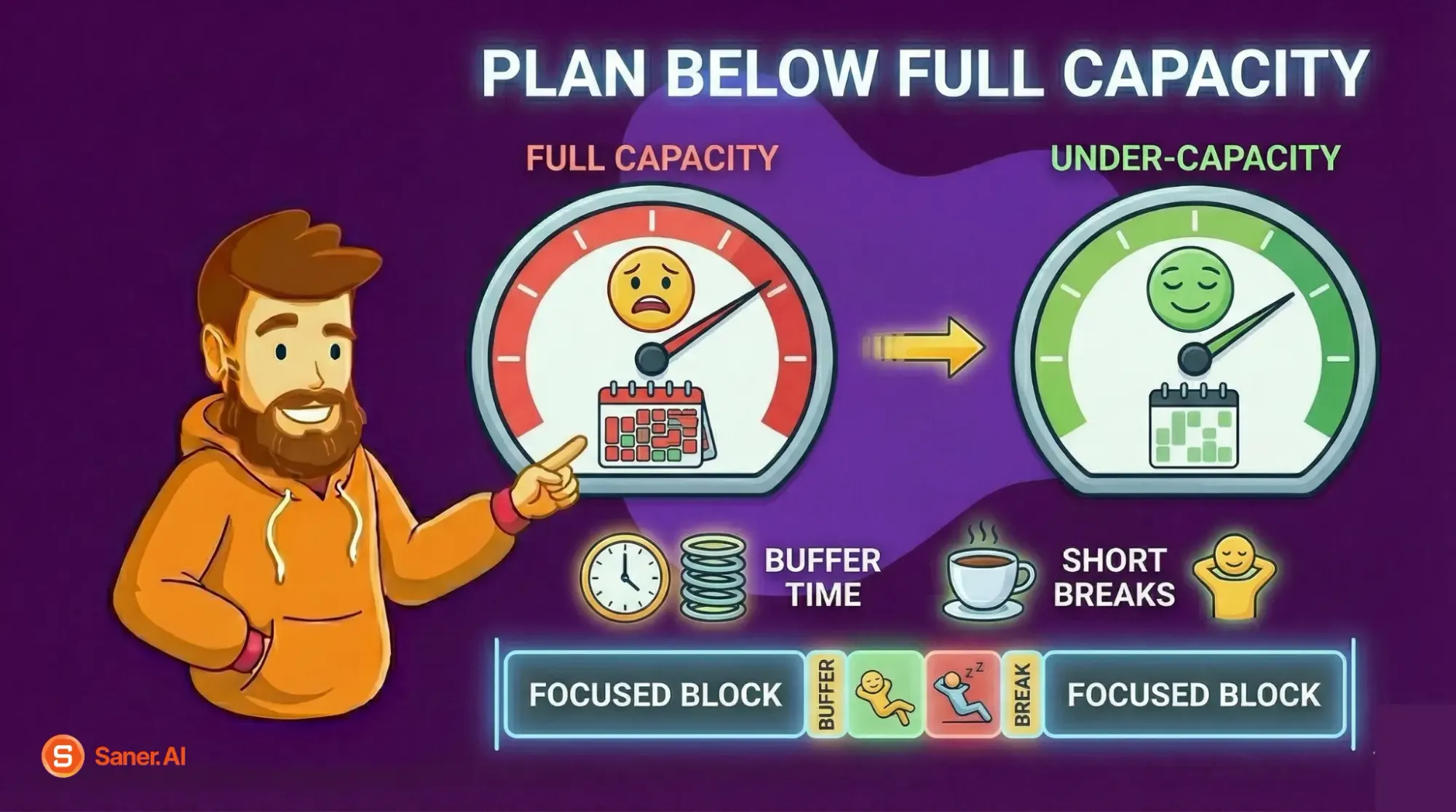
Step 5: Add Buffers and Breaks
What to do
Intentionally plan for less than your full capacity. Add buffer time and short breaks between focused blocks.
Why this works
Most people plan as if nothing will interrupt them. In reality, interruptions are guaranteed. Buffers prevent one delay from derailing the entire day and reduce stress when plans shift.
How to apply it in real life
- Assume tasks will take 20-30% longer than expected
- Schedule short breaks before you feel exhausted
- Treat unfinished tasks as inputs for tomorrow, not failures
A plan that survives reality is better than a perfect plan that collapses at noon.
Daily Planning Methods (Quick Comparison)
Below is a practical comparison of the most common daily planning methods, based on how they perform in real, messy workdays.
| 🧠 Method | ⚙️ How it works | ✅ Strengths | ⚠️ Limitations | 🎯 Best for |
|---|---|---|---|---|
| To-do list | Write down tasks for the day | Fast, simple, low friction | Encourages overload, no prioritization | Light workload, simple days |
| Calendar-based planning | Schedule tasks into time slots | Clear structure, visible time limits | Rigid, breaks easily when plans change | Predictable schedules |
| Priority-based planning | Choose top tasks first, rest is flexible | Focused, realistic, reduces overwhelm | Requires decision-making upfront | Knowledge work, deep work |
| AI-assisted planning | Use tools to capture, organize, and suggest priorities | Reduces cognitive load, adapts to change | Requires trust in the system | High workload, mental fatigue |
To-Do Lists: Familiar, but Often Misleading
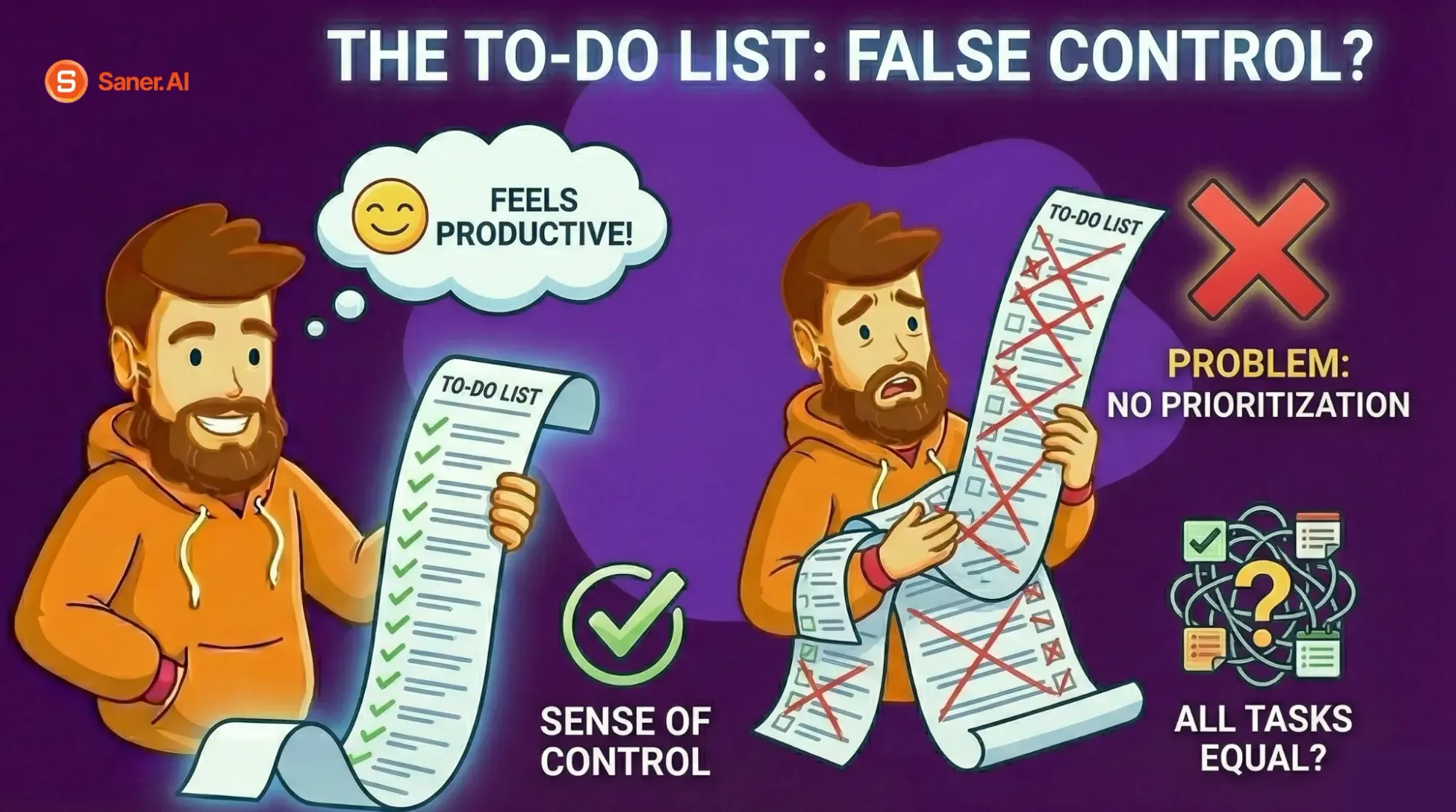
To-do lists are the most common form of daily planning. They feel productive because writing tasks down gives a sense of control.
The problem is that to-do lists don’t force prioritization. Everything ends up on the same level. Easy tasks get done first, important ones get postponed, and unfinished items roll over day after day.
To-do lists work best when:
- The number of tasks is small
- Tasks are similar in size
- You already know what matters most
Once complexity increases, lists alone stop being helpful.
Calendar-Based Planning: Clear, but Fragile
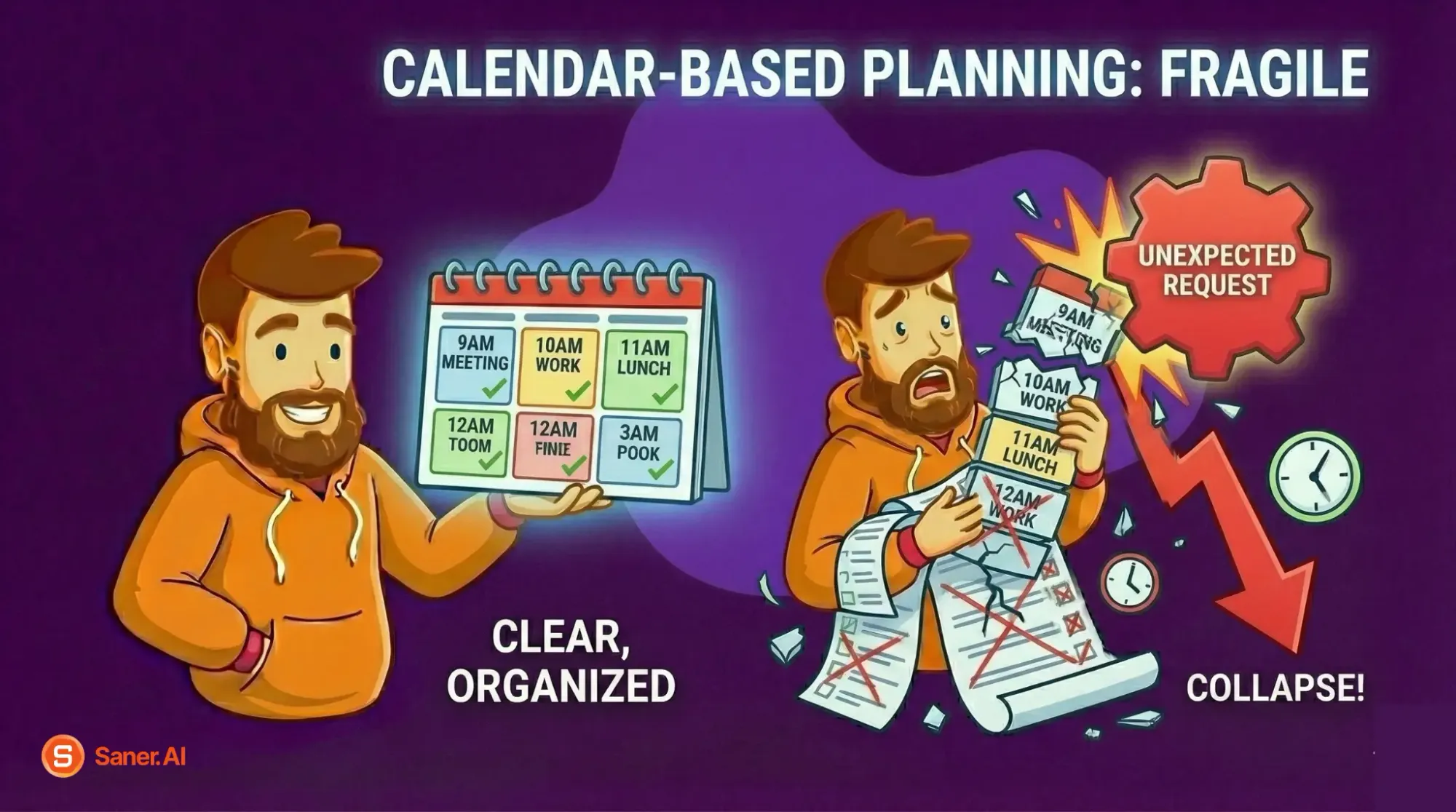
Scheduling tasks into a calendar adds realism by showing time constraints. You can immediately see when the day is full.
However, this method assumes the day will unfold as planned. One delayed meeting or unexpected request can cause the entire schedule to collapse. When that happens, people often abandon the plan entirely.
Calendar planning works best when:
- Your days are predictable
- Interruptions are minimal
- You’re comfortable adjusting plans on the fly
For many modern roles, this level of predictability is rare.
Priority-Based Planning: Fewer Tasks, Better Outcomes
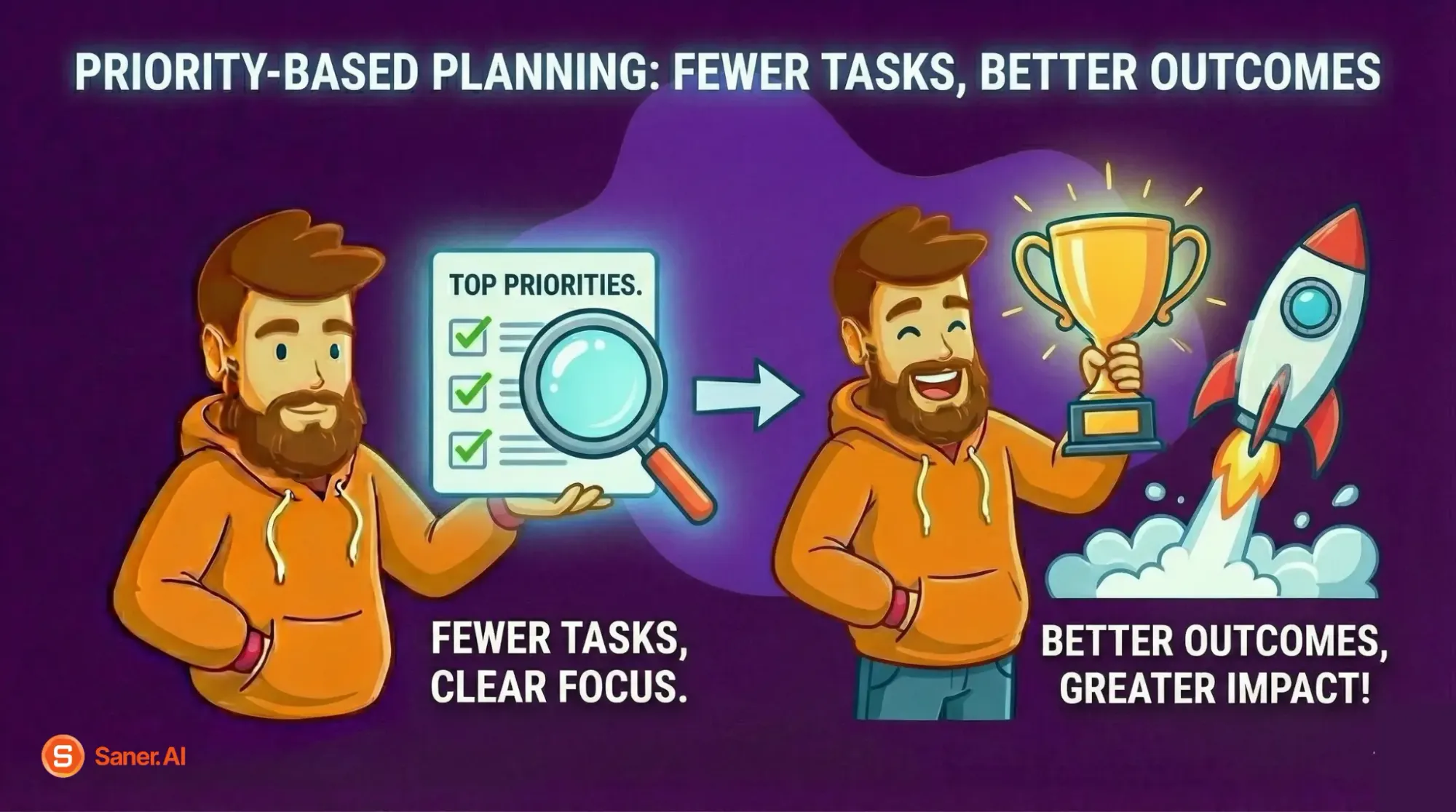
Priority-based planning starts with a different question:
“What must get done today for this day to be successful?”
Instead of trying to do everything, you intentionally choose a small number of important tasks and design the day around them. Supporting tasks are secondary and flexible.
This method aligns better with how attention and energy actually work. It reduces decision fatigue and makes progress more visible.
Priority-based planning is especially effective when:
- Your work requires thinking, creativity, or judgment
- Tasks vary in effort and importance
- You want progress, not just activity
AI-Assisted Planning: Reducing Cognitive Load
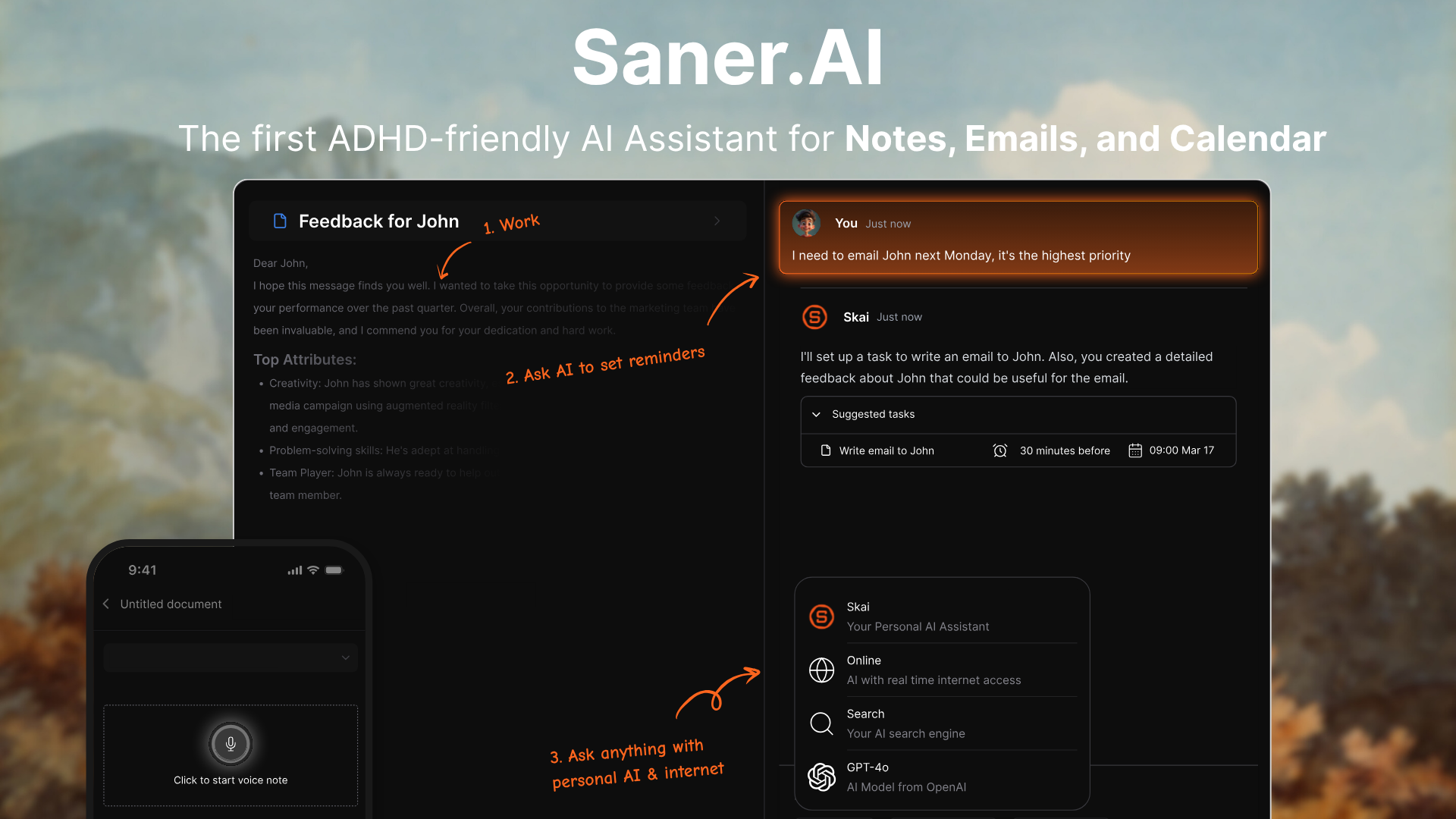
AI-assisted planning builds on priority-based planning but removes some of the mental overhead. Instead of manually organizing, breaking down, and reprioritizing tasks, the system helps do that work for you.
This is particularly useful when:
- You’re managing many tasks at once
- Priorities change frequently
- You feel mentally drained by planning itself
The strength of this approach is not automation for its own sake, but reducing the number of decisions you have to make repeatedly.

Stay on top of your work and life
Tools That Help With Daily Planning
A good daily planning tool doesn’t make you “more productive” by adding features. It helps by reducing friction - fewer decisions, less mental clutter, and a clearer sense of what to do next.
Before looking at specific tools, it helps to understand what actually makes a tool useful for daily planning.
What Makes a Tool Good for Daily Planning?
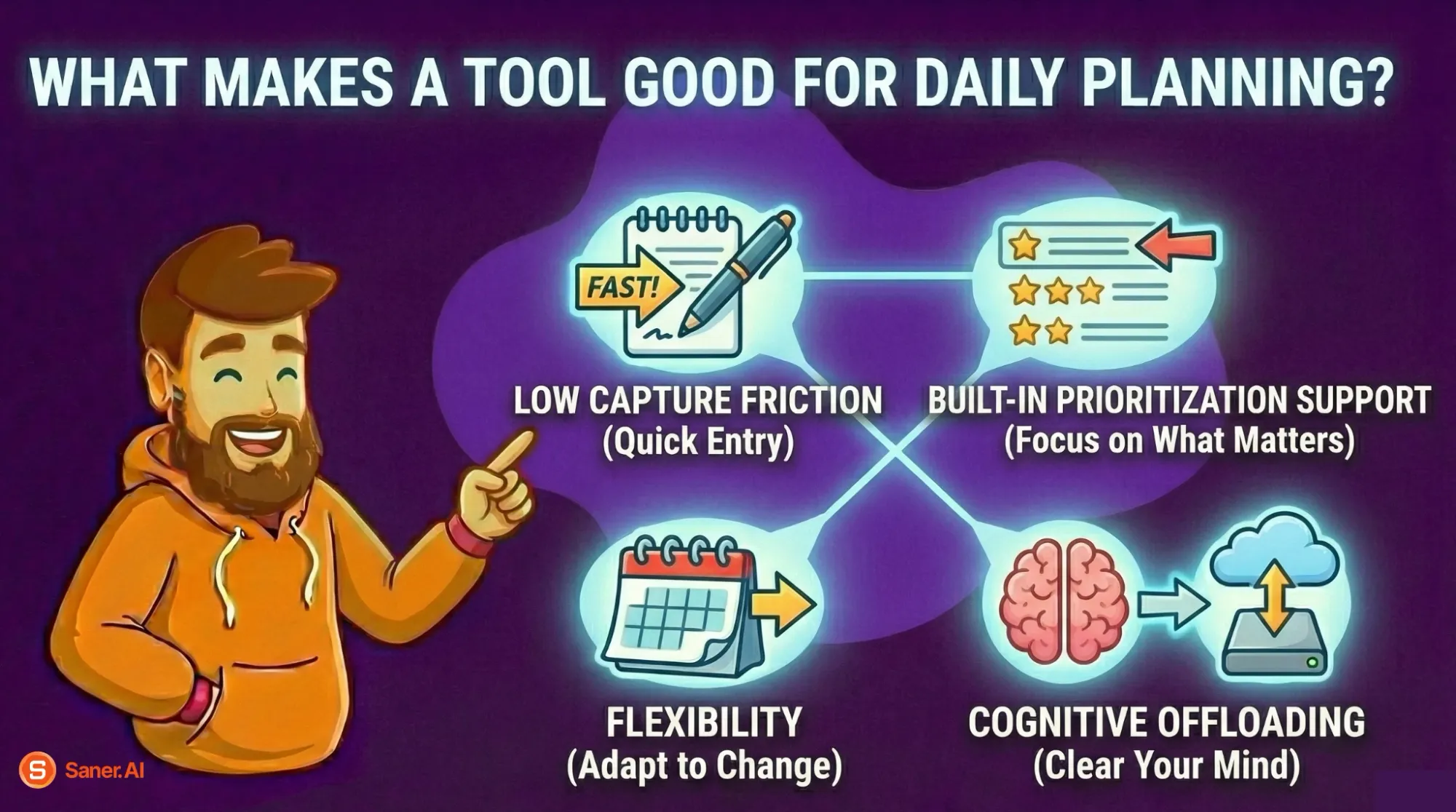
Regardless of format, effective daily planning tools share a few traits:
- Low capture friction
You can quickly get tasks out of your head without organizing them first. - Built-in prioritization support
The tool helps you focus on what matters today, not just store tasks. - Flexibility
Plans can adapt when the day changes instead of breaking. - Cognitive offloading
The tool holds structure, so your brain doesn’t have to.
With that in mind, daily planning tools usually fall into three categories.
Digital Tools: AI-Assisted Daily Planning
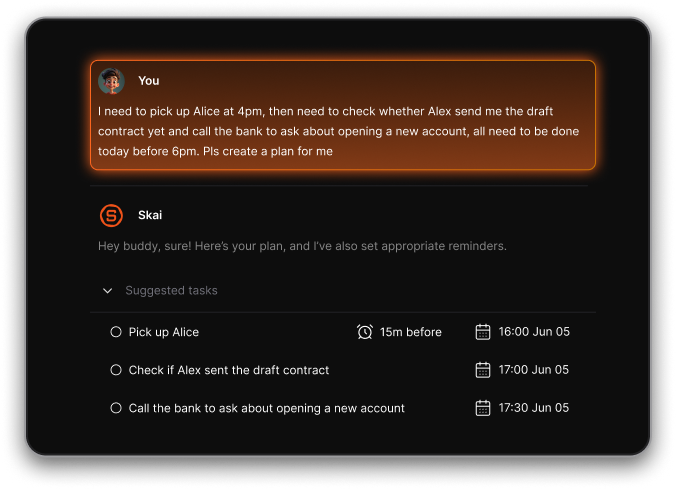
Most digital planning tools fail for the same reason manual planning does: they expect users to think clearly before getting everything out of their heads. In real life, tasks arrive scattered - through messages, meetings, and half-formed ideas. Requiring structure too early increases friction and avoidance.
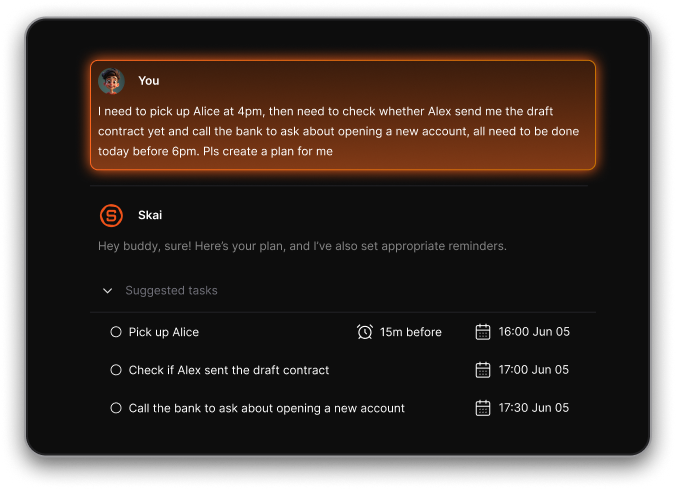
An AI-assisted tool like Saner.AI fits daily planning better because it is designed around the idea of “just write it down.” Instead of forcing you to plan perfectly upfront, it helps organize and prioritize after capture.
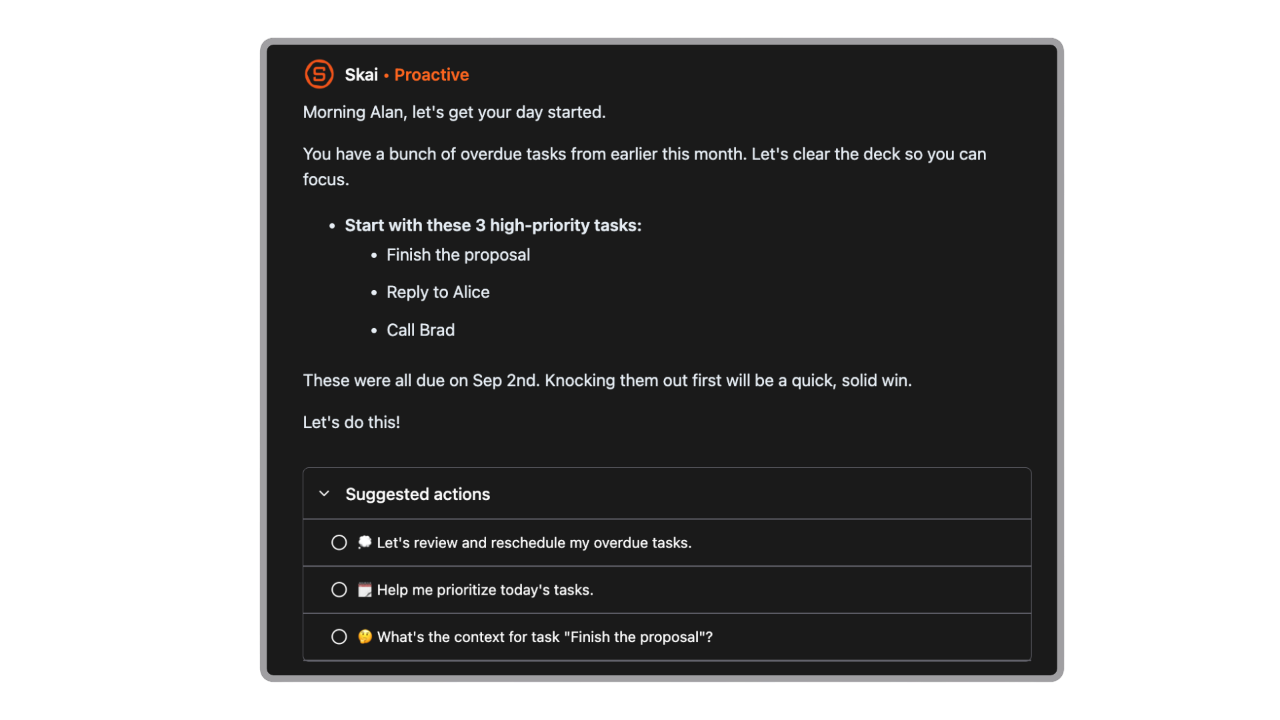
Why does it work for daily planning
Saner.AI focuses on handling the parts of daily planning that typically cause friction: task breakdown, prioritization, and deciding what to focus on today.
Key daily planning capabilities
- Brain dump capture without structure
- AI-assisted task breakdown into small, actionable steps
- Daily focus suggestions based on priority and context
- Flexible planning that adapts when tasks shift
Who it’s best for
- People managing many tasks at once
- Knowledge workers with shifting priorities
- Anyone who finds planning itself mentally exhausting
- Users who want support without rigid scheduling
This kind of tool is most helpful when cognitive load - not lack of effort - is the main bottleneck.
Stay on top of your work and life
Paper-Based Planning Tools
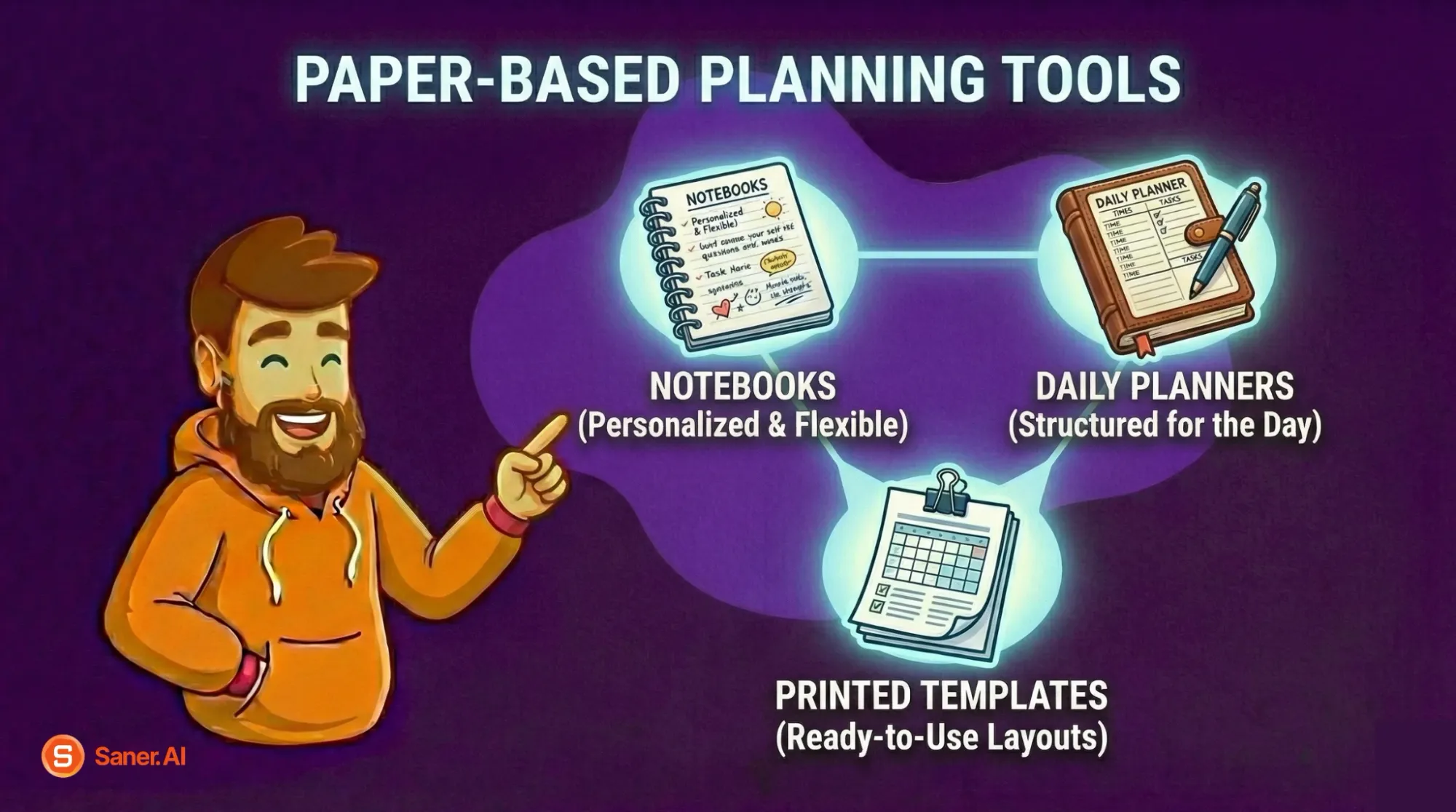
What they are
Notebooks, daily planners, or printed templates are used to plan the day by hand.
Why they work
- WritingThe paper by hand slows thinking and increases intention
- No notifications or digital distractions
- Simple and tactile
Limitations
- Hard to reprioritize once written
- No automatic task carryover or reminders
- Doesn’t scale well with complex workloads
Best for
- Simple days with limited tasks
- Reflection-heavy routines
- People who think better on paper
Paper planning works best when the workload is light and stable.
Hybrid Tools: Digital + Paper
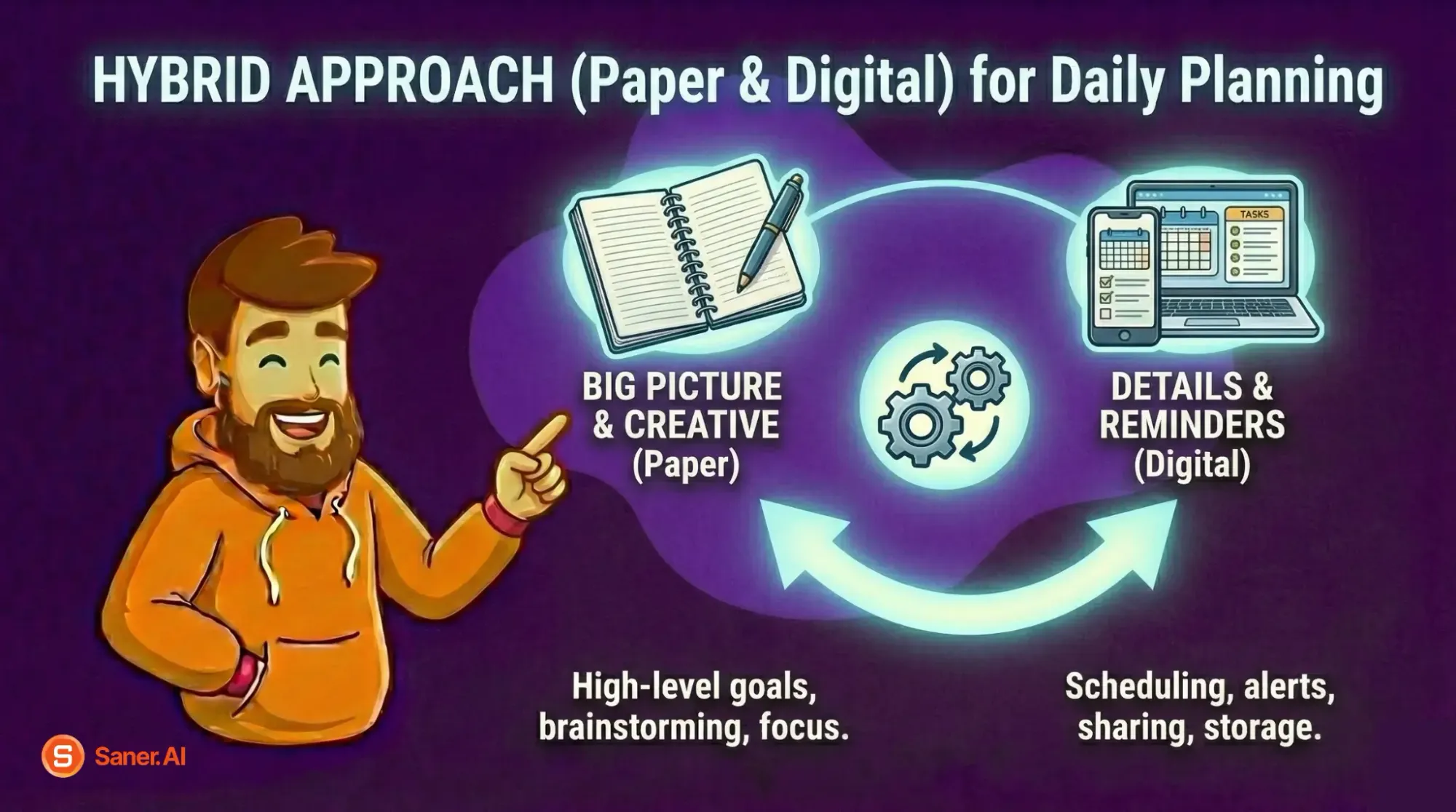
What they are
A combination approach: digital tools for capture and organization, paper for focus during the day.
Why they work
- Digital systems handle storage, prioritization, and flexibility
- The paper provides clarity and presence during execution
Common hybrid setup
- Capture and prioritize digitally
- Write 1–3 daily priorities on paper
- Work from the paper list, not the full system
Best for
- Deep work days
- People who feel overwhelmed by full digital task lists
- Those who want structure without constant screen switching
Choosing the Right Tool (or Combination)
There’s no universally “best” daily planning tool. The right choice depends on where friction shows up for you:
- If you forget tasks → prioritize capture
- If you feel overwhelmed → prioritize filtering and focus
- If plans break easily → prioritize flexibility
- If planning drains energy → reduce decision-making with support
The tool should disappear into the background and make the next action obvious. If it adds pressure or complexity, it’s working against you.
Conclusion: Daily Planning Is About Clarity, Not Control
Effective daily planning isn’t about squeezing more work into your day. It’s about creating clarity before the day begins, so your attention isn’t constantly pulled in competing directions.
The framework is simple:
- Capture everything to clear mental space
- Break tasks into small, startable actions
- Choose priorities deliberately (not reactively)
- Plan time lightly, with room for reality
- Accept that unfinished work is input for tomorrow - not failure
When daily planning works, the day feels calmer even when it’s busy. You know what matters, what can wait, and what success looks like for today.
Saner.AI stands out as the most practical choice for daily planning. Instead of asking you to think harder about structure, it helps you offload that effort: capturing tasks quickly, breaking them down, and surfacing priorities as your day evolves. The result is fewer decisions and clearer focus.
If there’s one action to take from this guide, it’s this: decide what matters today before the day decides for you.
Stay on top of your work and life
Common Daily Planning Questions (FAQ)
1. How long should daily planning take?
Daily planning should take 5–15 minutes. Anything longer usually turns into overthinking instead of decision-making.
2. Is it better to plan your day the night before or in the morning?
Planning the night before reduces decision fatigue in the morning. A quick review in the morning helps adjust for energy and unexpected changes.
3. Can daily planning be too detailed?
Yes. Overly detailed plans are prone to breaking and increase stress. Daily planning works best when it provides direction, not control.
4. How many tasks should I plan for one day?
Focus on 1–3 priority tasks. Additional tasks are optional, not commitments.
5. What if I don’t finish everything I planned?
That’s normal. Unfinished tasks become input for tomorrow, not evidence of failure.
6. Should I plan every hour of the day?
No. Light time blocks work better than rigid schedules, especially when interruptions are common.
7. Is a to-do list enough for daily planning?
Not by itself. To-do lists capture tasks, but daily planning requires prioritization and realistic limits.
8. How do I decide what matters most today?
Use a priority filter such as the Eisenhower Matrix to distinguish important work from urgent noise.
9. What if my priorities change during the day?
Re-plan briefly. Daily planning is flexible by design - it’s a guide, not a contract.
10. Does daily planning actually improve productivity?
Yes, because it reduces decision fatigue and context switching, allowing more energy for execution.
11. Is daily planning helpful for people with ADHD?
Yes. Clear priorities and small, startable tasks reduce overwhelm and procrastination.
12. Should daily planning include breaks?
Absolutely. Breaks are part of sustained focus, not rewards for finishing work.
13. Can digital tools replace daily planning?
No tool replaces planning, but the right tool can reduce the mental effort required to plan.
14. What makes a digital tool good for daily planning?
Low-friction capture, flexible prioritization, and support for changing plans during the day.
15. Why use an AI tool like Saner.AI for daily planning?
Because it handles task capture, breakdown, and prioritization after the fact - reducing decision fatigue and making it easier to focus on what matters today
Stay on top of your work and life